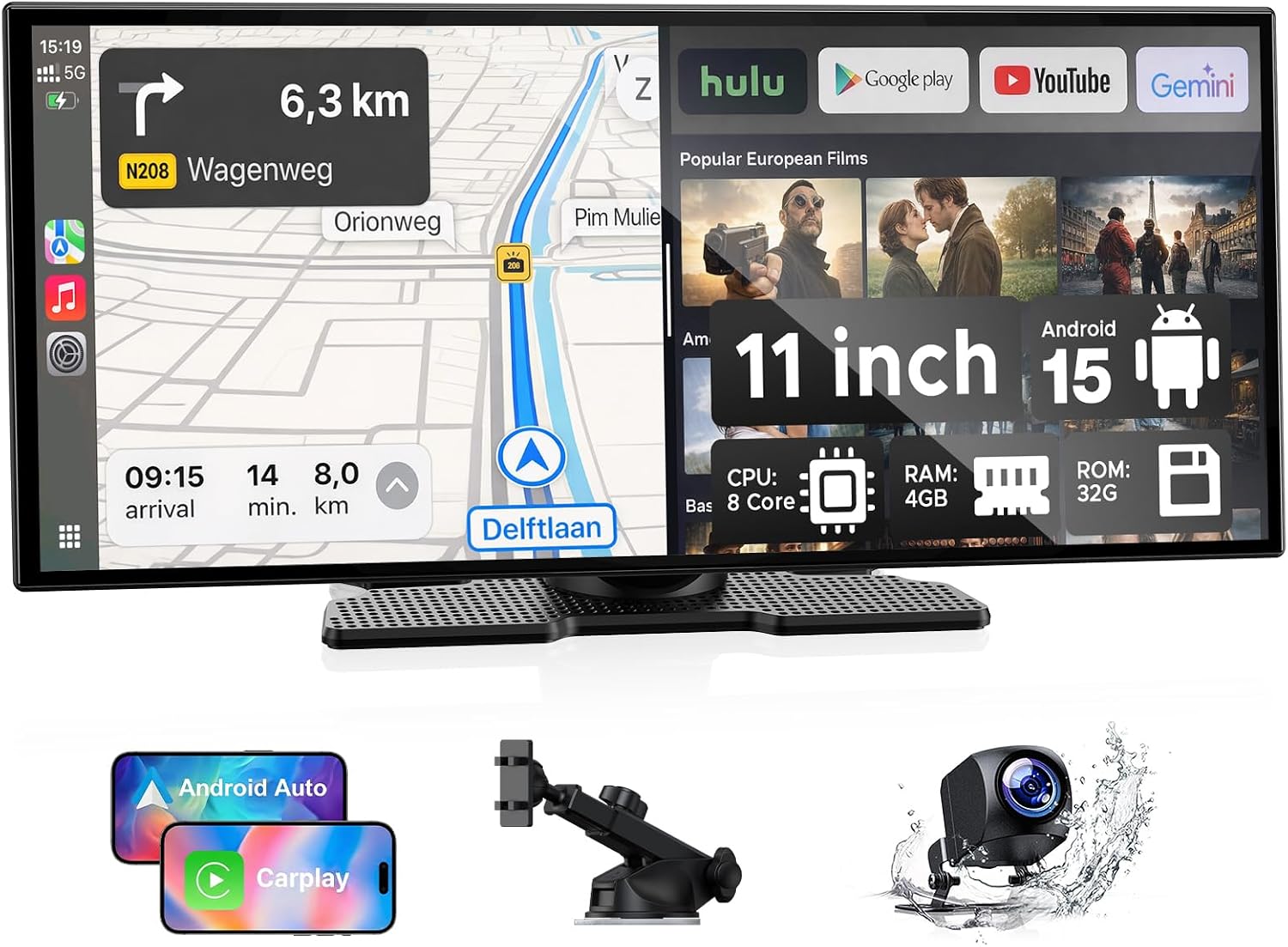
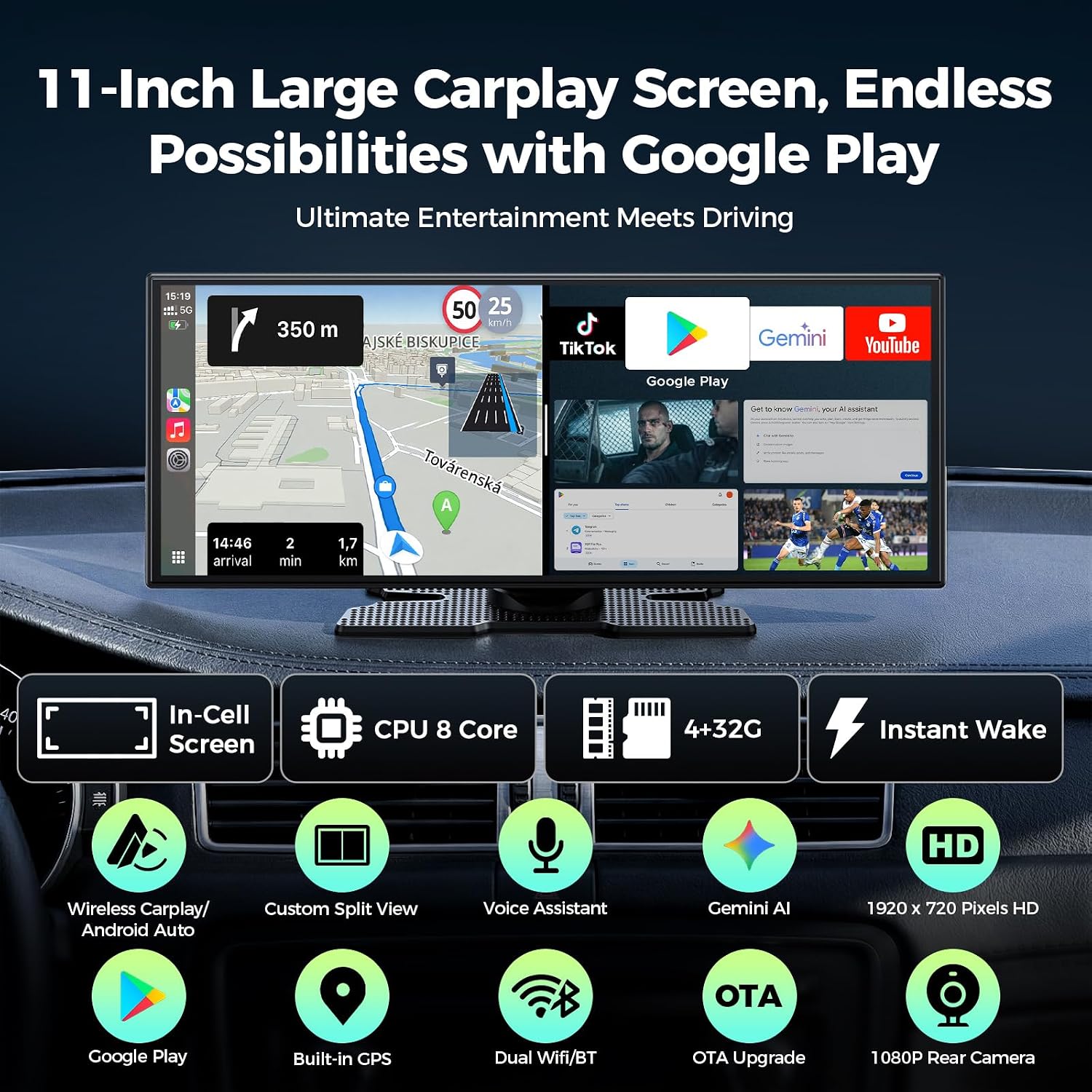
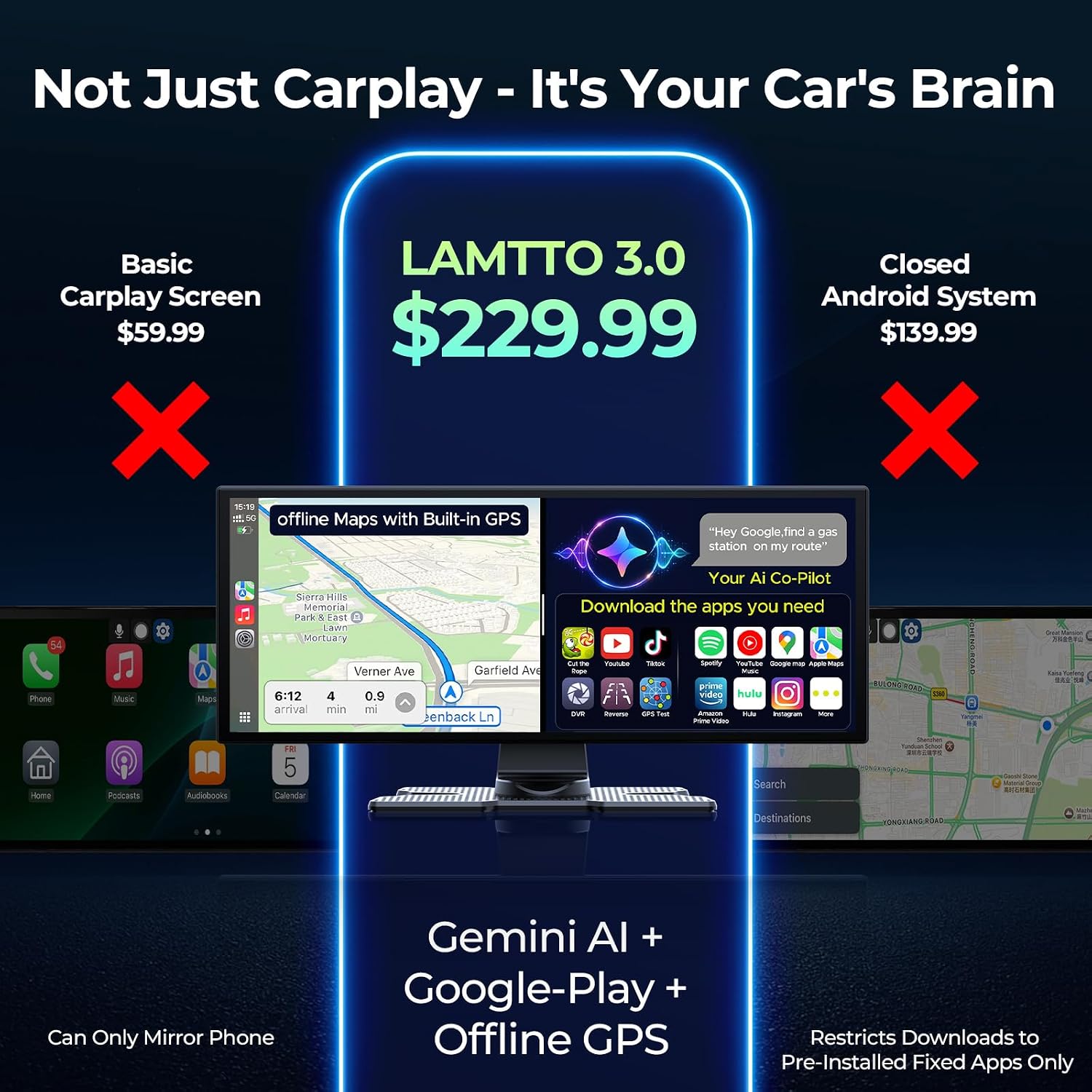
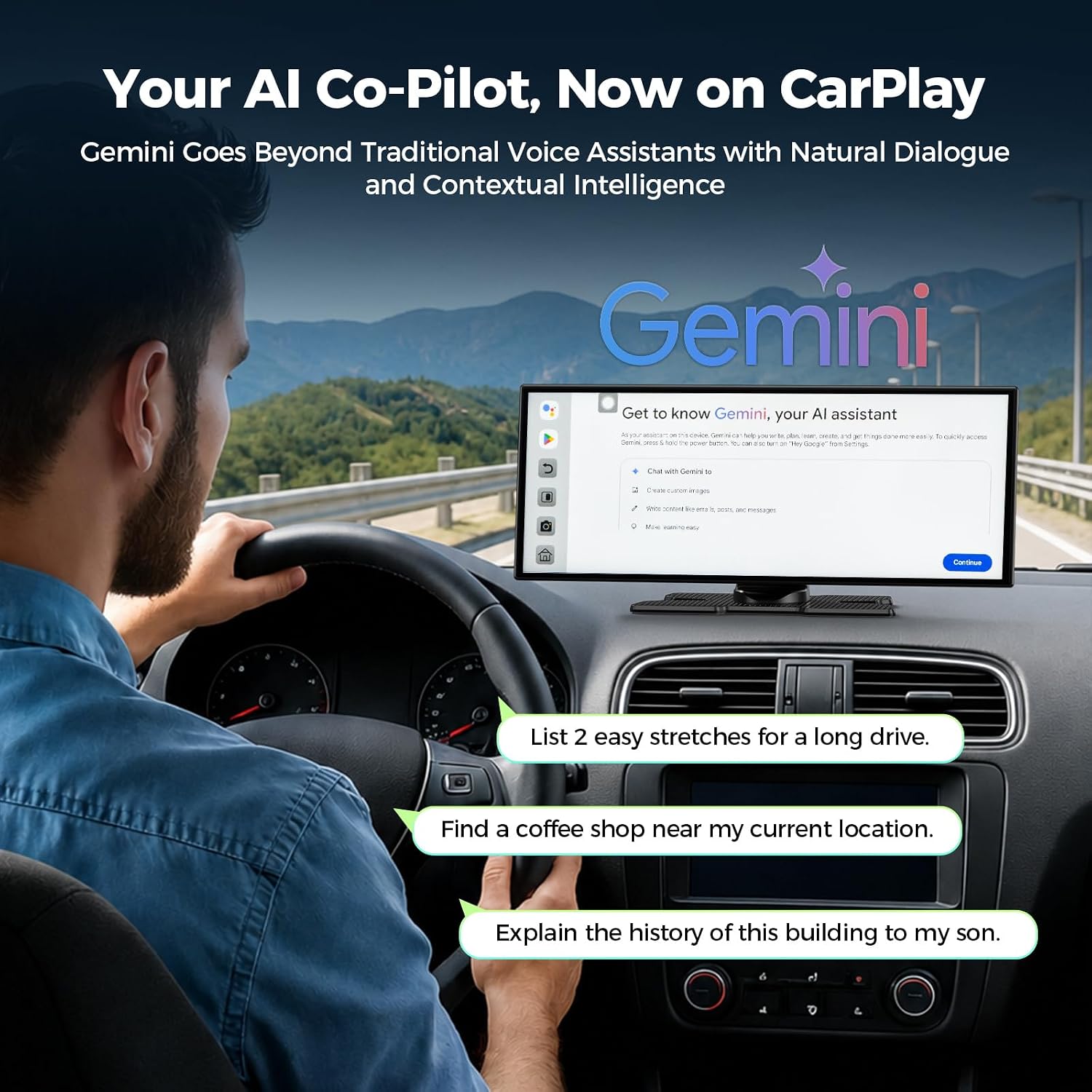
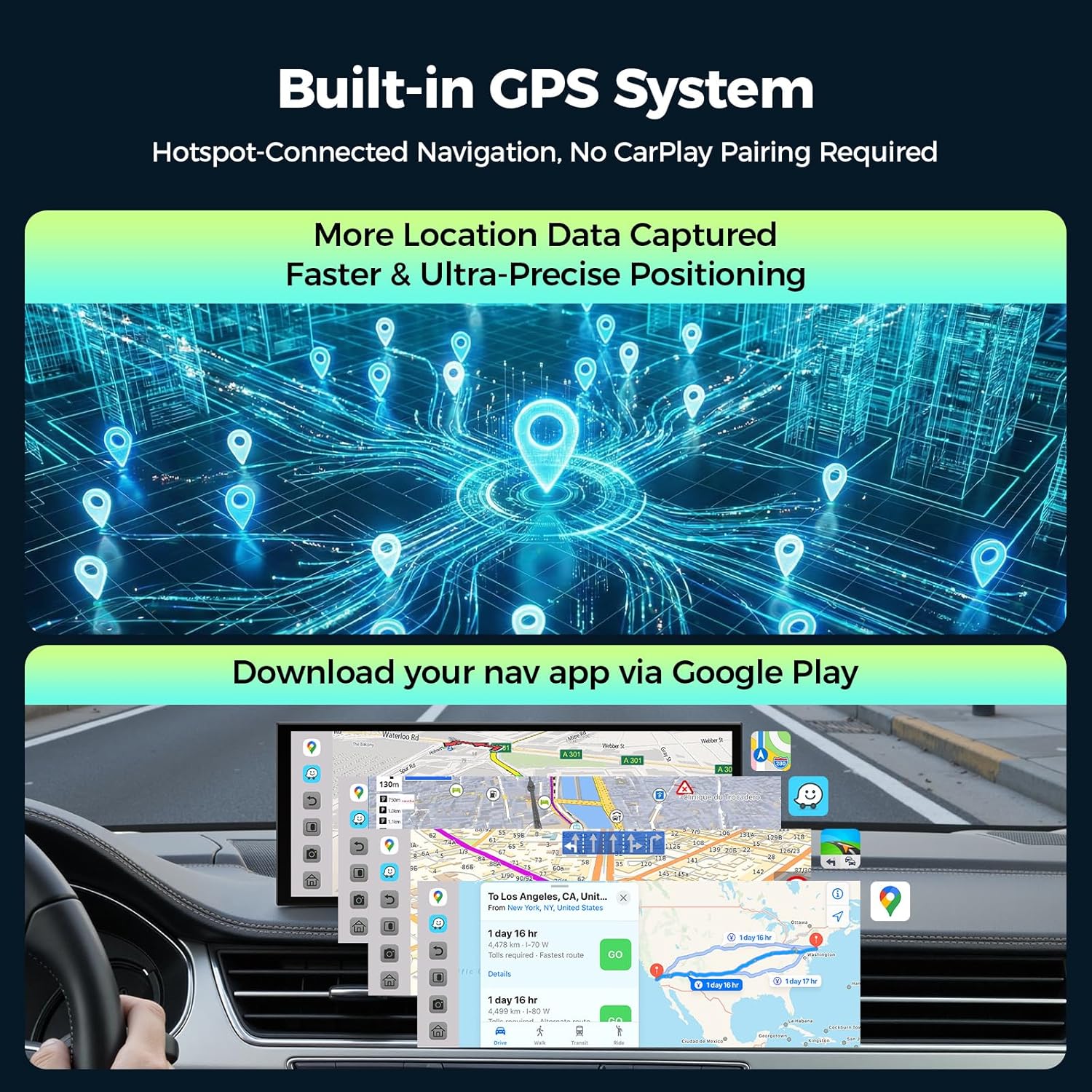
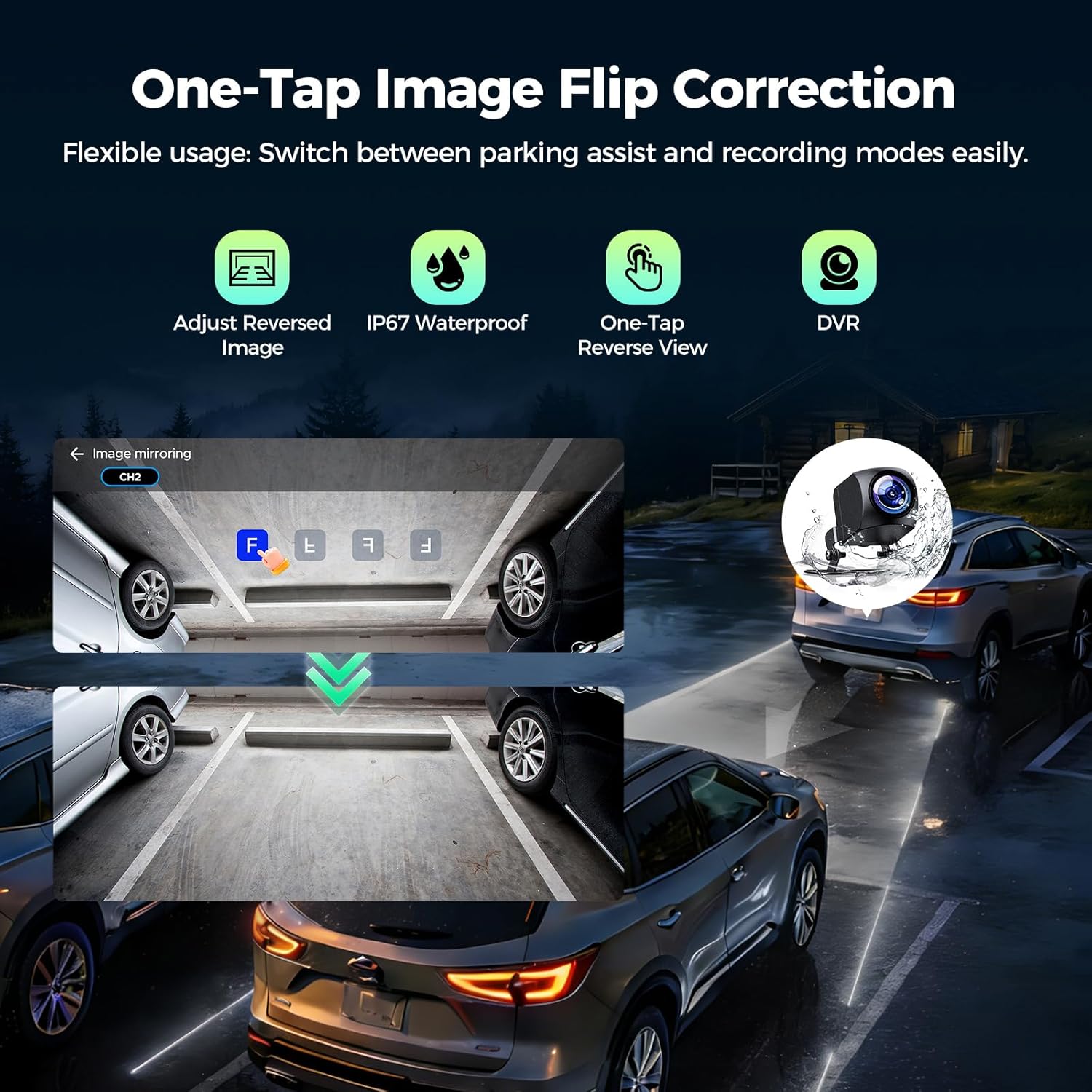
What it is and what it aims to solve\nLAMTTO’s 11-inch AI CarPlay display packs Gemini-powered conversations, Google Play access, and powerful hardware into a single center console experience. It’s designed for older vehicles to feel modern again by offering an app-powered infotainment hub, hands-free-style AI interactions, and safer navigation without handing over private phone data. If your goal is a more connected, flexible road trip setup that can entertain passengers and keep travel information at your fingertips, this device aims to deliver that in a relatively compact, install-first package.\n\n## Why Gemini AI matters on the road\nGemini AI is pitched as a smarter co-pilot that interprets user intent through natural dialogue. The promise is proactive travel intelligence, local discovery, and immersive entertainment for everyone on board. On long drives or busy days, you might wonder whether it’s truly responsive enough in real-world conditions. On paper, the concept sounds compelling, but the practical experience can depend on network stability and how you use the assistant during transit.\n\n## App access and entertainment potential\nWith Google Play Store access, you can bring in popular apps such as YouTube, Hulu, and TikTok. The practical upside is simple: more ways to pass time on road trips, keep kids engaged, or catch live events during charging stops. The caveat is that you’ll want to manage background cache to keep performance fluid, and not every app will be perfectly optimized for in-car use.\n\n## How it handles navigation\nBuilt-in GPS allows navigation without tying to a private phone, which helps preserve privacy. Real-time maps via hotspot-connected services or offline maps provide options for dead zones. Practically speaking, you get a navigation setup that can work when cellular service is spotty, but you’ll still depend on a reliable hotspot for the strongest traffic and location intelligence.\n\n## The display and performance outlook\nThe 11-inch in-cell screen with 1920x720 resolution and 60fps refresh is intentionally aimed at reducing motion blur and jagged scrolling during multitasking. The hardware—an 8-core processor with 4GB RAM and 64GB storage—positions it toward the higher end of typical car head units in terms of responsiveness. In everyday use, you should notice snappier app switching and smoother transitions between navigation and apps, though it’s not a desktop-grade experience.\n\n## Backup camera and safety features\nThe 1080P backup camera doubles as a multi-view safety tool with one-touch reversing and on-screen direction adjustments. Loop recording offers a simple, built-in way to capture trips for reference or evidence. If you regularly shuttle kids or cargo, this all-in-one approach can reduce the need for separate devices. Still, ensure proper mounting and wiring for reliable camera performance.\n\n## Wireless CarPlay and Android Auto, with a caveat\nThis unit supports wireless CarPlay and Android Auto with a split-screen approach, enabling the left side for navigation or calls and the right side for apps. It uses dual Bluetooth and dual Wi-Fi for stable connections, which is helpful in busy car environments. However, it’s important to note: the device does not include built-in CarPlay or Android Auto software—so you’re relying on the system’s existing interfaces and the available apps from Google Play. This setup can be a strong fit if you want flexible multitasking, but it may not satisfy users who expect a plug-and-play, turnkey CarPlay/Android Auto experience.\n\n## Quick installation and wake time\nThe design emphasizes a straightforward install that aims to get you up and running in minutes, without professional tools. If you’re comfortable with mounting hardware and wiring, this can shorten the path from purchase to daily use. On the flip side, a less confident setup may benefit from a bit more patience or help to ensure a clean, secure installation.\n\n## Who this is best for\nIf you regularly run multiple apps on the road, value an app-powered infotainment approach, and want to keep navigation private from your phone, this unit targets mid-to-upper tier car tech upgrades. It can appeal to families on road trips, tech enthusiasts who enjoy a richer multimedia experience, and drivers who want a modern screen without replacing the entire dashboard. It’s less ideal for buyers who expect a plug-and-play CarPlay/Android Auto experience out of the box or those who require flawless compatibility with every app at all times.\n\n## Things to check before buying\n- Ensure your vehicle can accommodate an 11-inch display size and the mounting setup.\n- Be aware that you’ll need a hotspot for Gemini features and for real-time Google Maps/Waze usage.\n- Plan for regular background cache management to maintain smooth app performance.\n- Verify that the included backup camera wiring aligns with your vehicle’s rear setup and safety needs.\n\n## Practical use case you can picture\nOn a cross-country trip, you could have navigation on the left with live traffic updates while streaming a movie or a show on the right for the kids during charging stops. At the same time, the backup camera helps during parking maneuvers at hotel entrances or rest areas, providing extra situational awareness without juggling multiple devices.\n\n## Final decision and who it’s for\n## Final verdict\nIf you prioritize an expansive app ecosystem, AI-assisted travel ideas, and a modern display that can operate with or without your phone, this device makes sense to explore. It isn’t a flawless turnkey upgrade, mainly because some features hinge on your how you use it (hotspot reliability, app optimization, and the absence of built-in CarPlay/Android Auto software). It’s a reasonable middle-to-upper option for upgrading an older vehicle into a more connected, multimedia-friendly cockpit.\n\n## FAQ\n- Does it require a separate subscription? Not specified in the available data.\n- Can I use all apps from Google Play offline? Not guaranteed, offline capabilities depend on each app.\n- Is the device compatible with all vehicles’ power and mounting options? Compatibility depends on vehicle setup and installation.\n