

KAIGERR Light Gaming Laptop (2026) with AMD Ryzen 5 7430U, 16GB RAM, 512GB NVMe, 15.6-inch IPS, WiFi 6
Product description
The essentials
If you want one laptop that can handle work tasks and still be decent for PC gaming on the side, the KAIGERR Light Gaming Laptop is built around a practical recipe: an AMD Ryzen 5 7430U processor, 16GB of DDR4 RAM, and a 512GB NVMe SSD. The pitch here is straightforward—faster day-to-day responsiveness for apps and games, without going full heavy workstation.
It’s not perfect, though. “Light gaming” depends a lot on the games you play and the settings you expect. On paper, this machine is more in the mainstream/midrange lane than the “max settings everywhere” lane, especially when you’re relying on integrated graphics rather than a dedicated GPU.
Key points
What really stands out is the combo of a modern-enough CPU, 16GB of RAM, and an NVMe SSD, which together aim to reduce waiting and improve responsiveness. For everyday use, that typically means quicker app launches, smoother multitasking, and less stutter when you bounce between tabs, documents, and media.
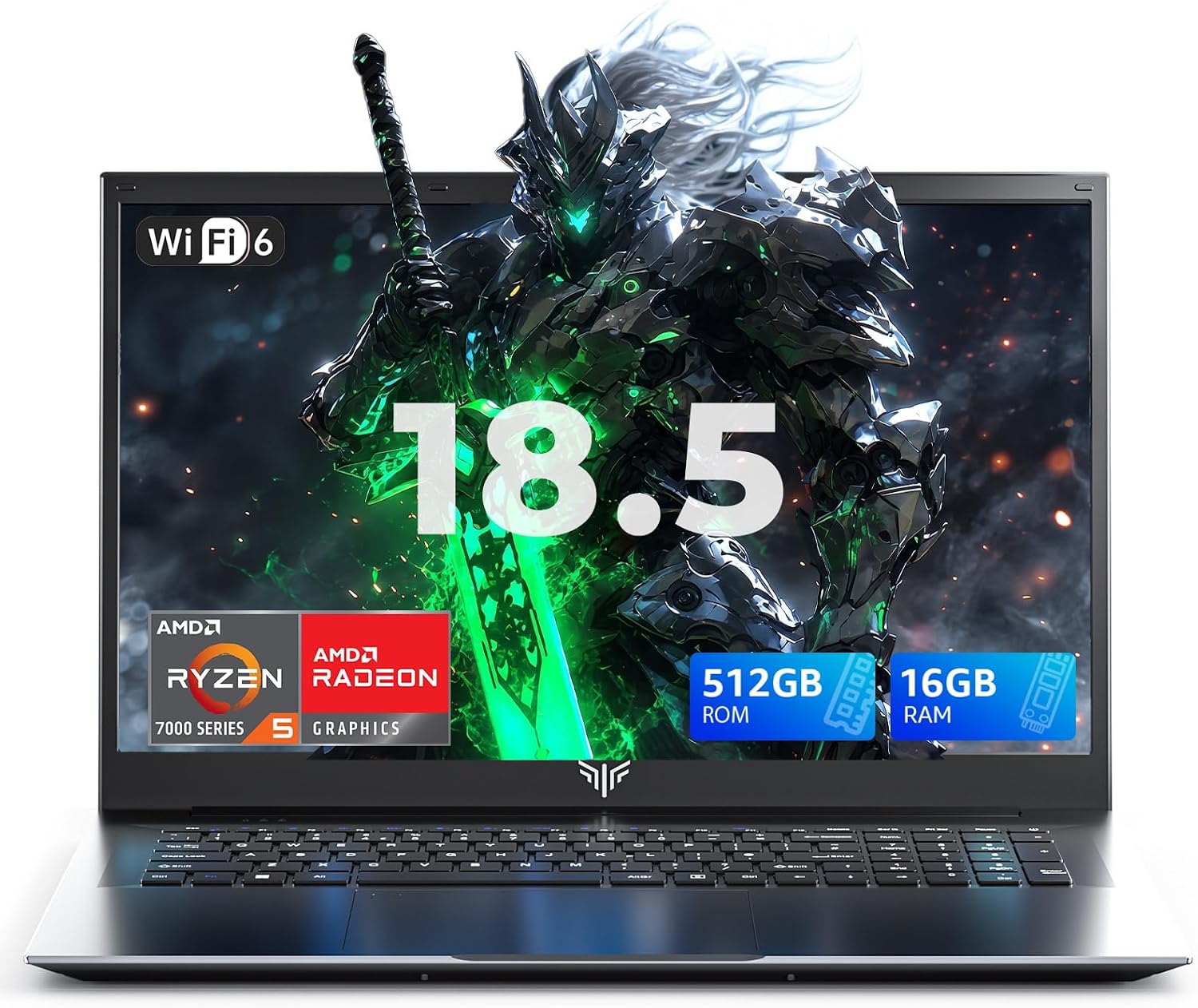
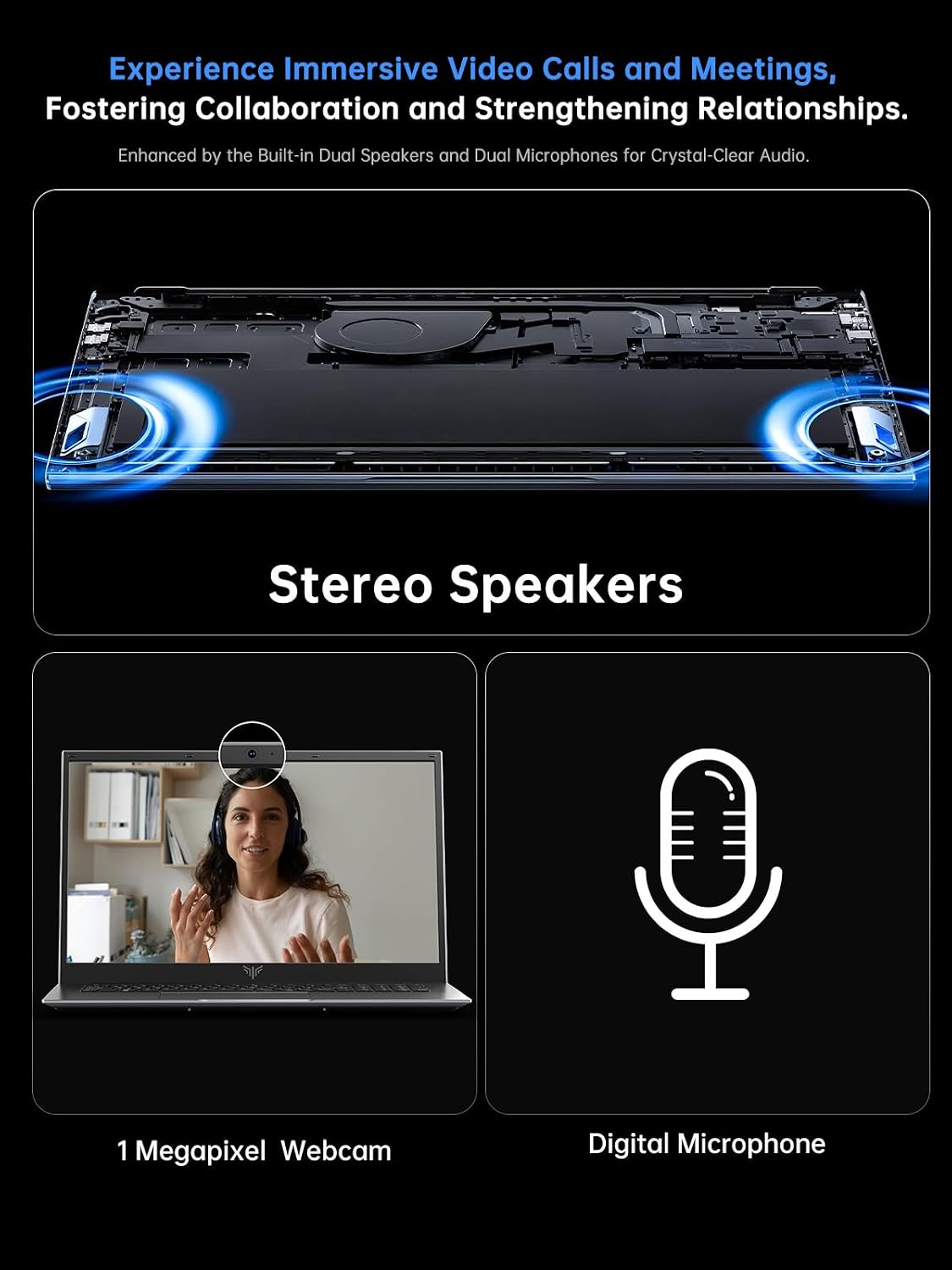
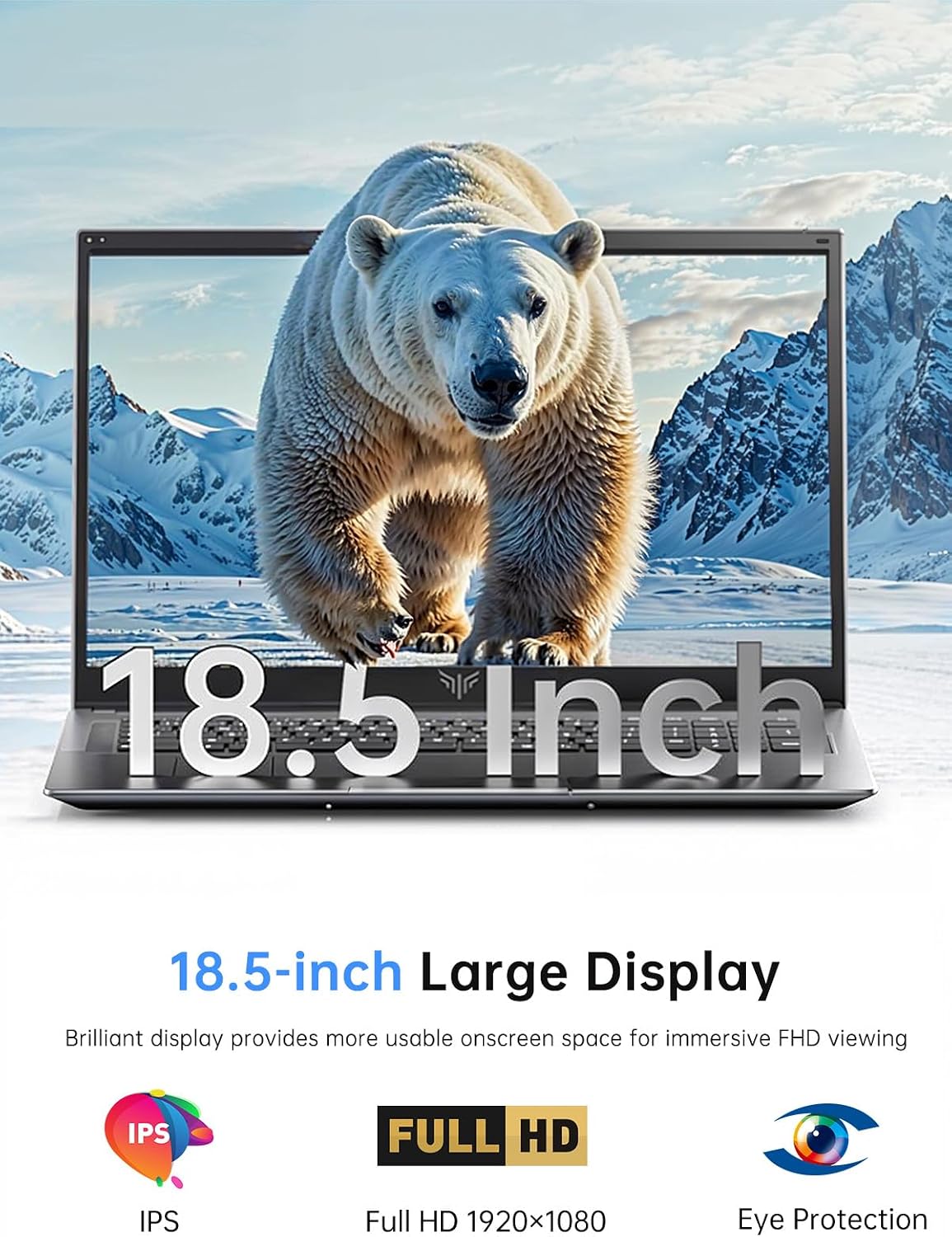
On the display side, the 15.6-inch IPS panel with a thin-bezel design is meant to give you more usable screen space for FHD viewing. And for connectivity, the laptop includes both HDMI and Type-C, plus a 3.5mm TRRS jack, a memory card slot, and USB 3.2 ports. Wireless is covered with WiFi 6 and Bluetooth 5.2, which is useful if you rely on stable home internet or need a consistent connection for accessories.
Tech specs
- Name: KAIGERR Light Gaming Laptop (2026 Laptop)
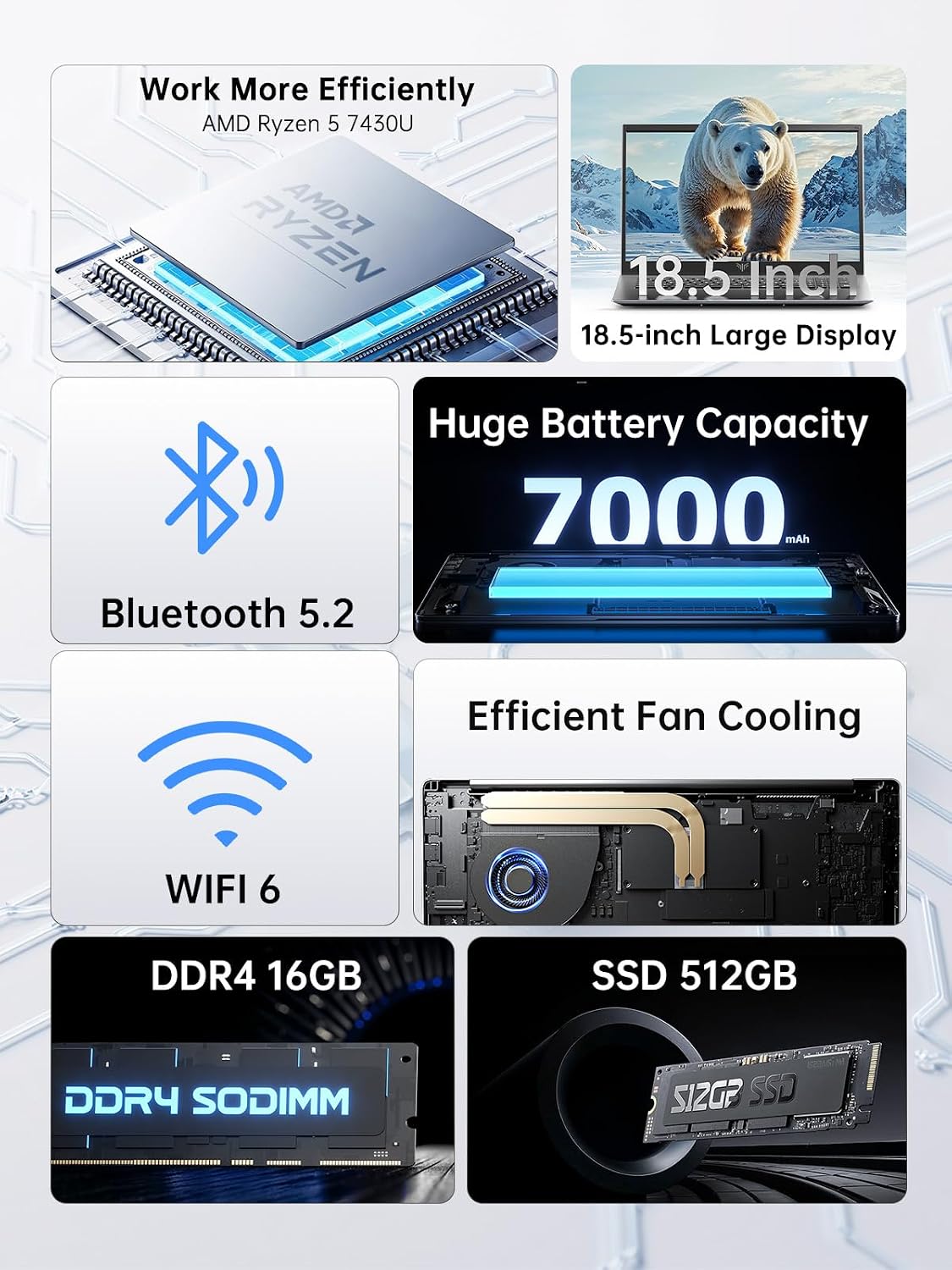
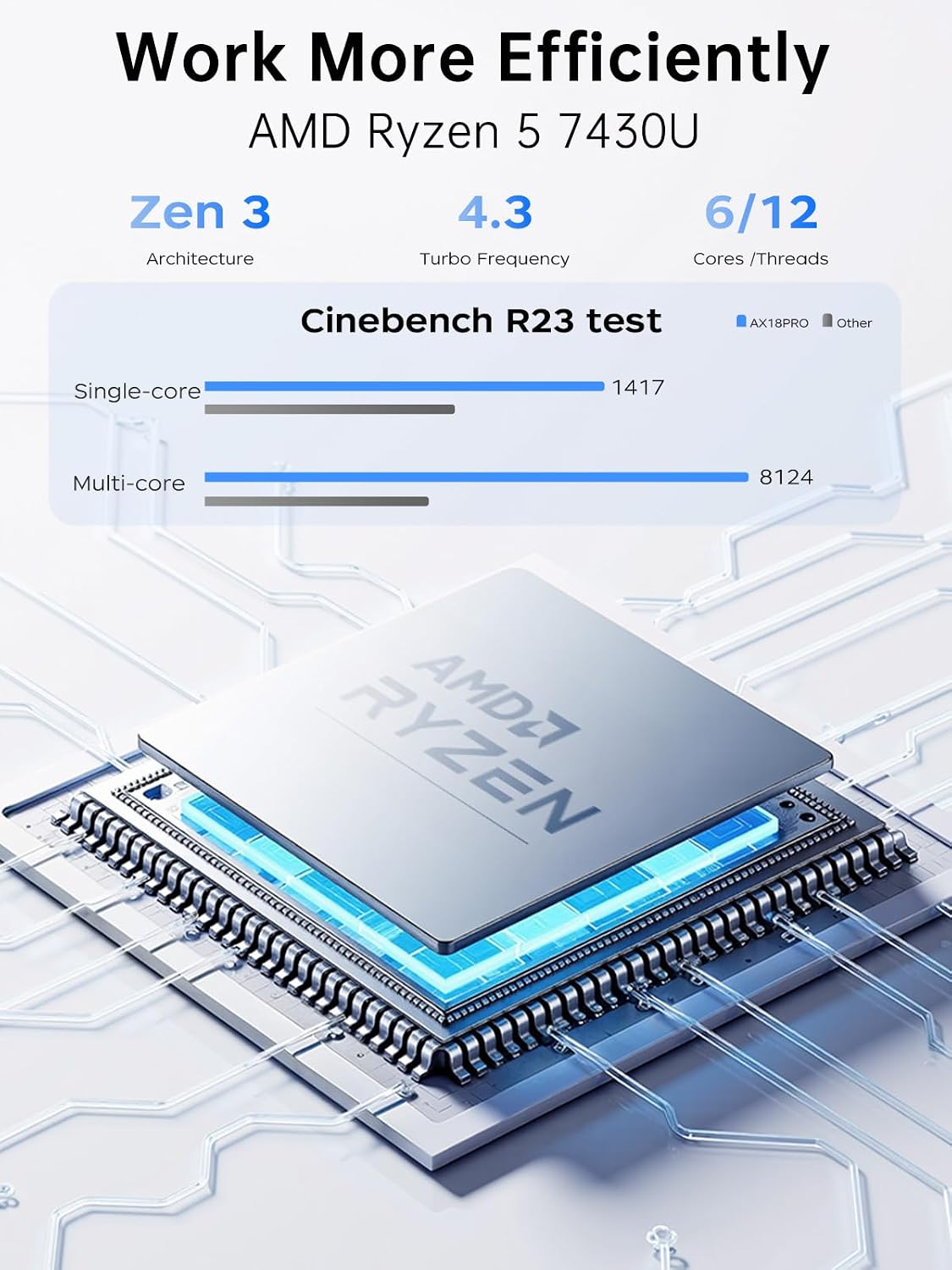
- Processor: AMD Ryzen 5 7430U (Zen 3 architecture)
- Cores/Threads: 6 cores / 12 threads
- Turbo speed: up to 4.3GHz
- L3 cache: 16MB
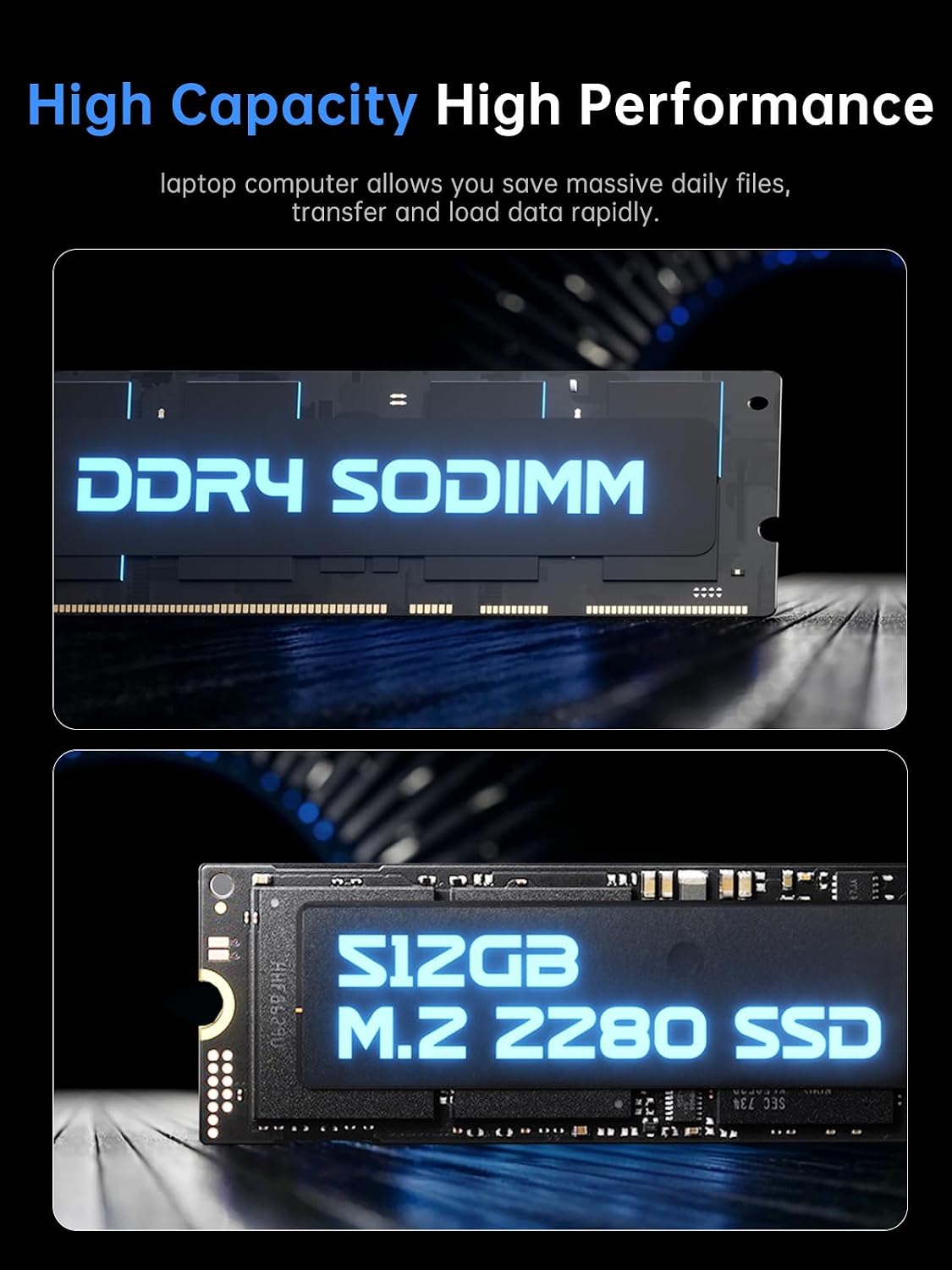
- RAM: 16GB DDR4 (SODIMM)
- Storage: 512GB M.2 2280 NVMe SSD
- Display: 15.6-inch IPS, FHD viewing
- Graphics: AMD Radeon integrated graphics
- Wireless: WiFi 6, Bluetooth 5.2
- Ports: HDMI, Type-C, 3.5mm TRRS jack, memory card slot, USB 3.2
- Input: Numeric keypad
What you’ll notice day to day
The “light gaming” angle makes the most sense if you treat this as a balanced daily laptop first. Imagine opening a browser with multiple tabs, a spreadsheet, a chat app, and then launching a game afterward—this kind of workload is where 16GB RAM and an NVMe SSD tend to help. Instead of your laptop feeling like it’s constantly swapping data, it can stay more responsive.
For school or office use, the included numeric keypad is a small but genuinely practical detail. It can save time if you frequently enter numbers, working with invoices, budgeting, or data-heavy tasks.
If you’re editing pictures, the integrated Radeon graphics are positioned as “strong enough” for that kind of work. Still, keep expectations realistic: image editing and gaming are different stories—so if you want consistently high performance in demanding titles, you may find this setup stays more comfortable at lower settings.
Where it shines (and where it may not)
This is a reasonable pick if you want one laptop that can cover office workloads and occasional gaming without getting bulky or complicated. It’s also a good fit if you care about fast startup and app loading, since the NVMe SSD is part of the core configuration.
It might not suit you if you’re chasing a dedicated-gpu experience for newer, graphics-heavy games, or if you need the kind of sustained performance that comes from higher-end gaming hardware. Also, since it’s focused on an ultra-portable-style build (“light” and compact design), the cooling headroom for long, intense sessions may not be its main strength—so it’s worth thinking about how hard you’ll push it.
Getting the most from it
Before buying, check what matters to your specific use: which games (and what settings) you plan to run, how many apps you typically keep open at once, and whether you’ll connect external monitors. The presence of HDMI and Type-C is a plus if you want a bigger display for work, but your ideal setup depends on your monitor inputs.
A simple test mindset helps too. If your current laptop feels slow mainly because apps take time to load or multitasking is messy, the 512GB NVMe SSD and 16GB RAM alignment should address that. If your main issue is performance in high-demand gaming, you may need to temper expectations with integrated graphics.
In the box / support
The details provided don’t list accessories or a full “in the box” set, but the manufacturer support note says that if you encounter problems, you can contact them and they will help solve issues within 12 hours. That’s not a substitute for checking return policies, but it’s something to keep in mind.
Final verdict
Worth considering if you’re shopping for an everyday laptop that’s also designed to dabble in PC games—16GB RAM and a 512GB NVMe SSD are the backbone of that promise. It makes sense if you want a 15.6-inch IPS FHD experience, WiFi 6 + Bluetooth 5.2 for modern connectivity, and a practical port selection (HDMI and Type-C included).
Skip it (or at least pause and double-check your expectations) if your priority is top-end gaming performance. With integrated Radeon graphics and a focus on portability, this is more about smoothness in general computing and lighter gaming than it is about pushing demanding titles at maximum settings.
Quick FAQ
FAQ
Will it be good for office work and school?
Based on the 16GB RAM and the NVMe SSD, it’s positioned to handle PC work smoothly, especially if you multitask with common office apps.
Can it run PC games?
It’s designed for “light gaming,” and the integrated AMD Radeon graphics suggest it can handle games to a point. Just keep expectations realistic and focus on playable settings.
Does it support modern wireless connections?
Yes—WiFi 6 and Bluetooth 5.2 are included, which should help with faster, more reliable connections.
What ports can I use for monitors and accessories?
The laptop lists HDMI and Type-C, plus USB 3.2 ports, a 3.5mm TRRS jack, and a memory card slot.
Is 512GB enough storage?
512GB NVMe SSD is a solid starter capacity for apps and documents, but if you plan to store lots of large files or a big game library, you may want extra planning for storage space.