

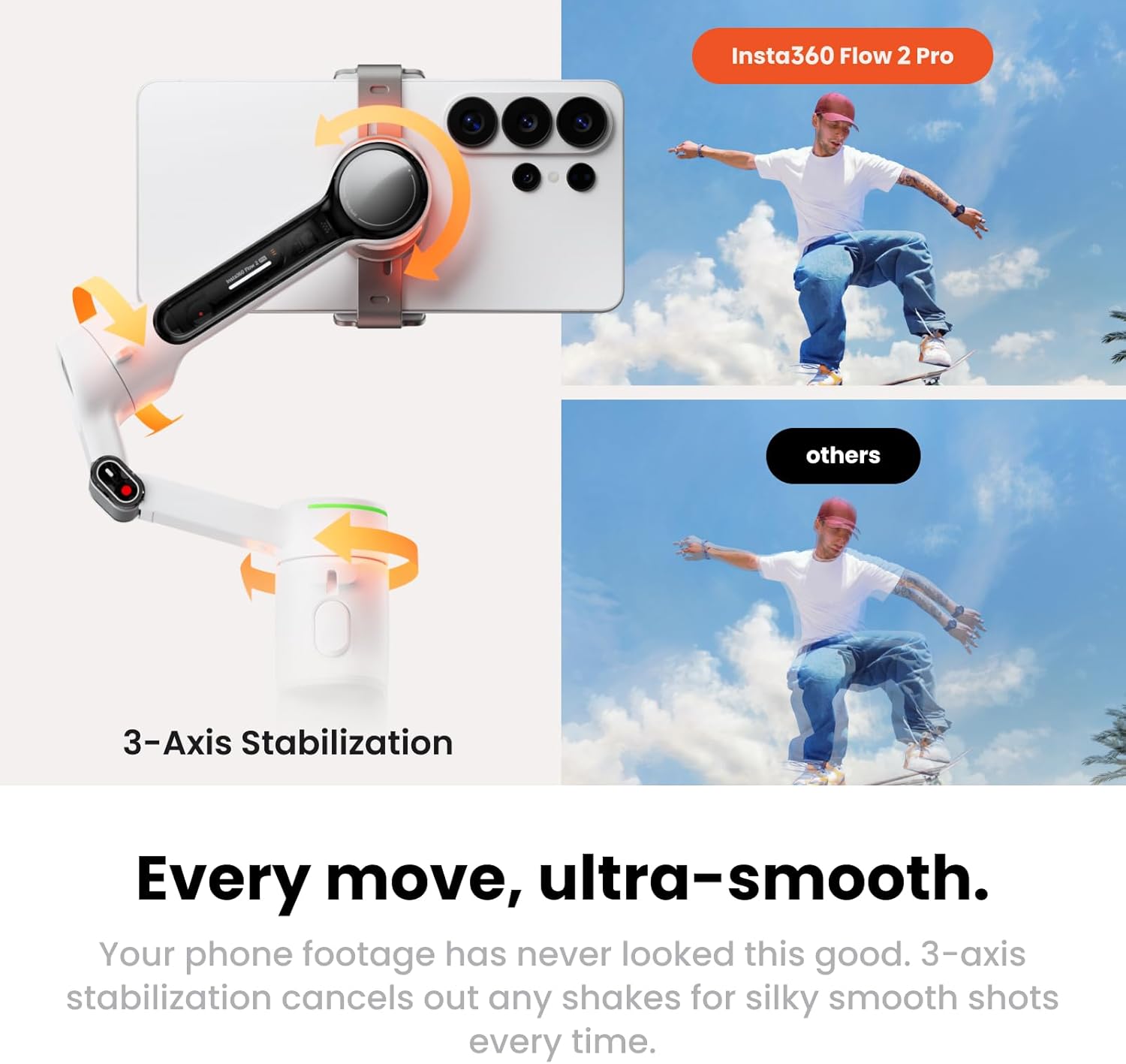
Insta360 Phone Gimbal Flow 2 Pro
Product description
Key specifications
Some phone gimbals focus mainly on smoothing handheld video, the Insta360 Flow 2 Pro adds tracking and filming tools for people who want to stay in frame while moving. Its 3-axis stabilization is designed to steady footage, while 360-degree pan tracking can follow movement continuously. On the spec sheet, the feature that most affects who should buy it is its app and phone-specific tracking support.
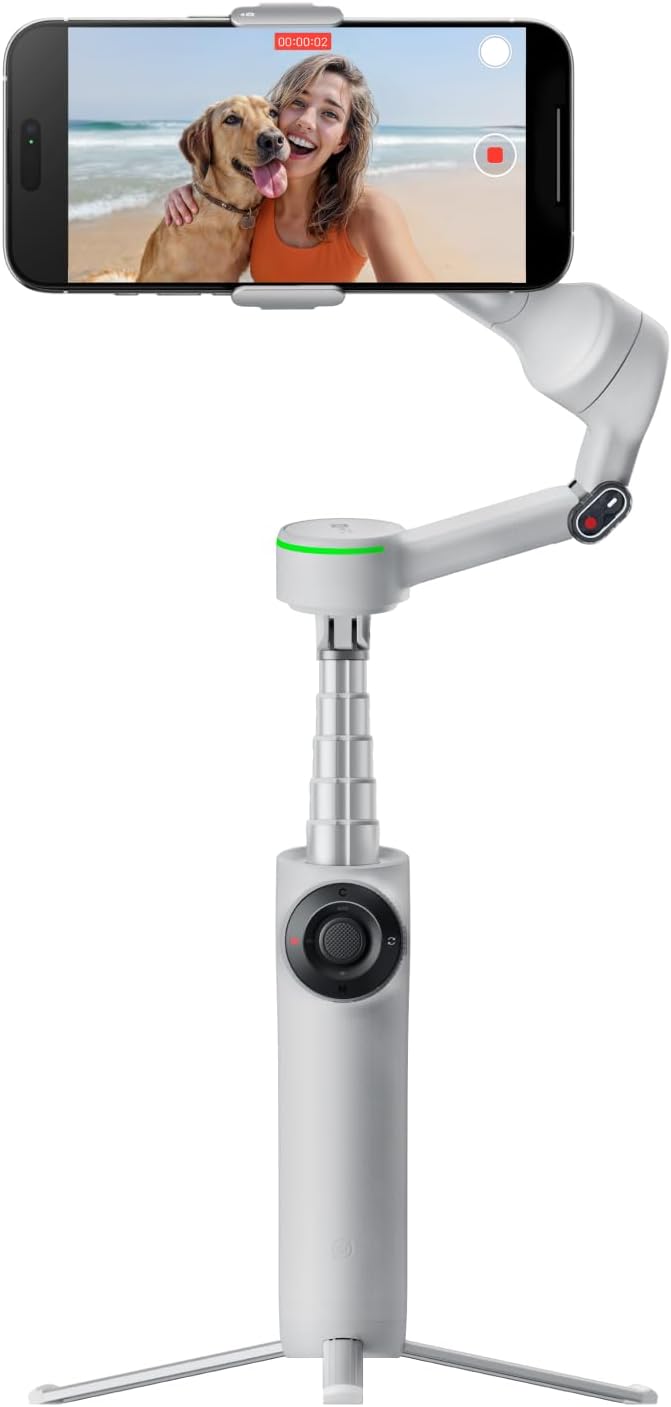
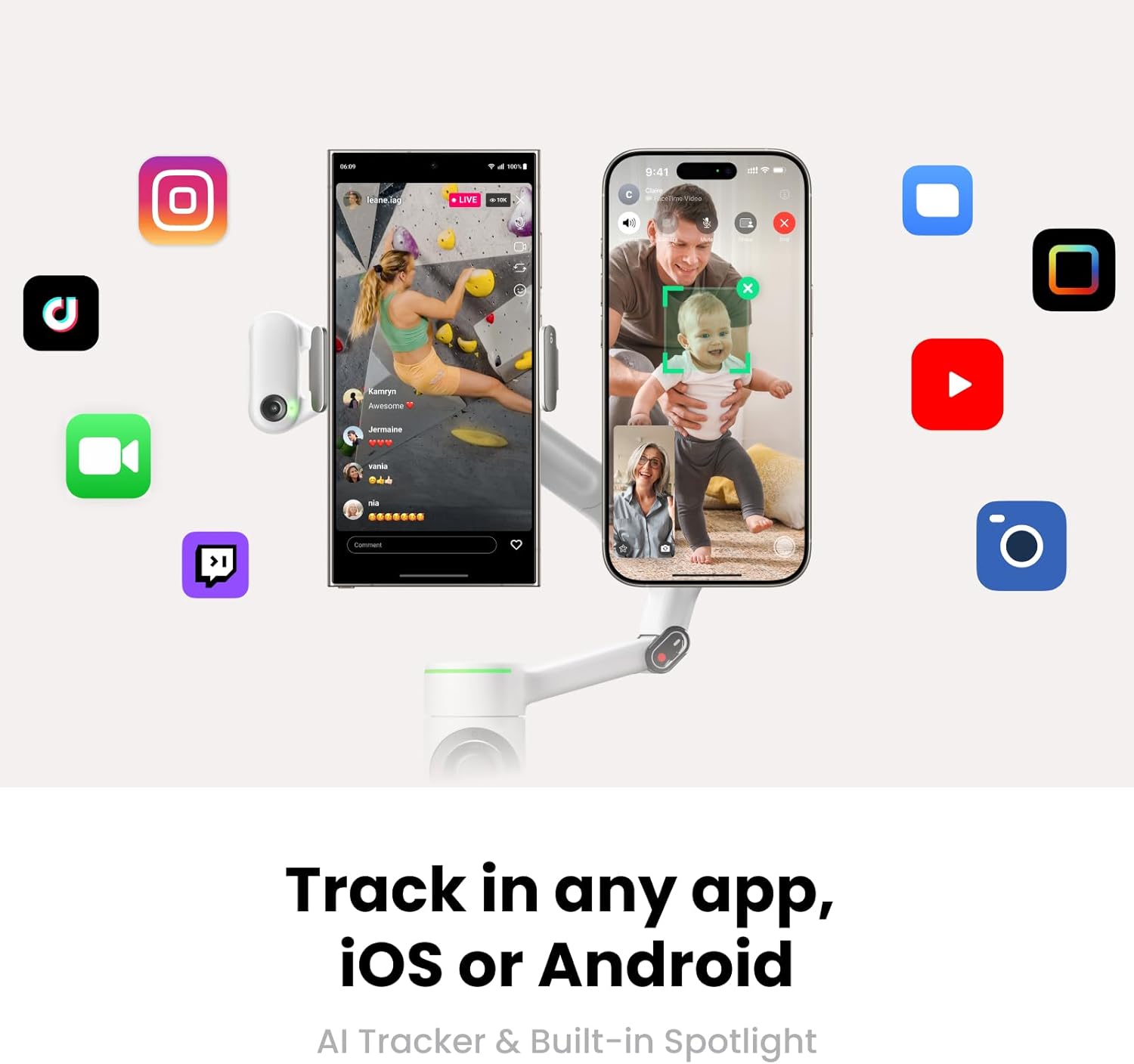
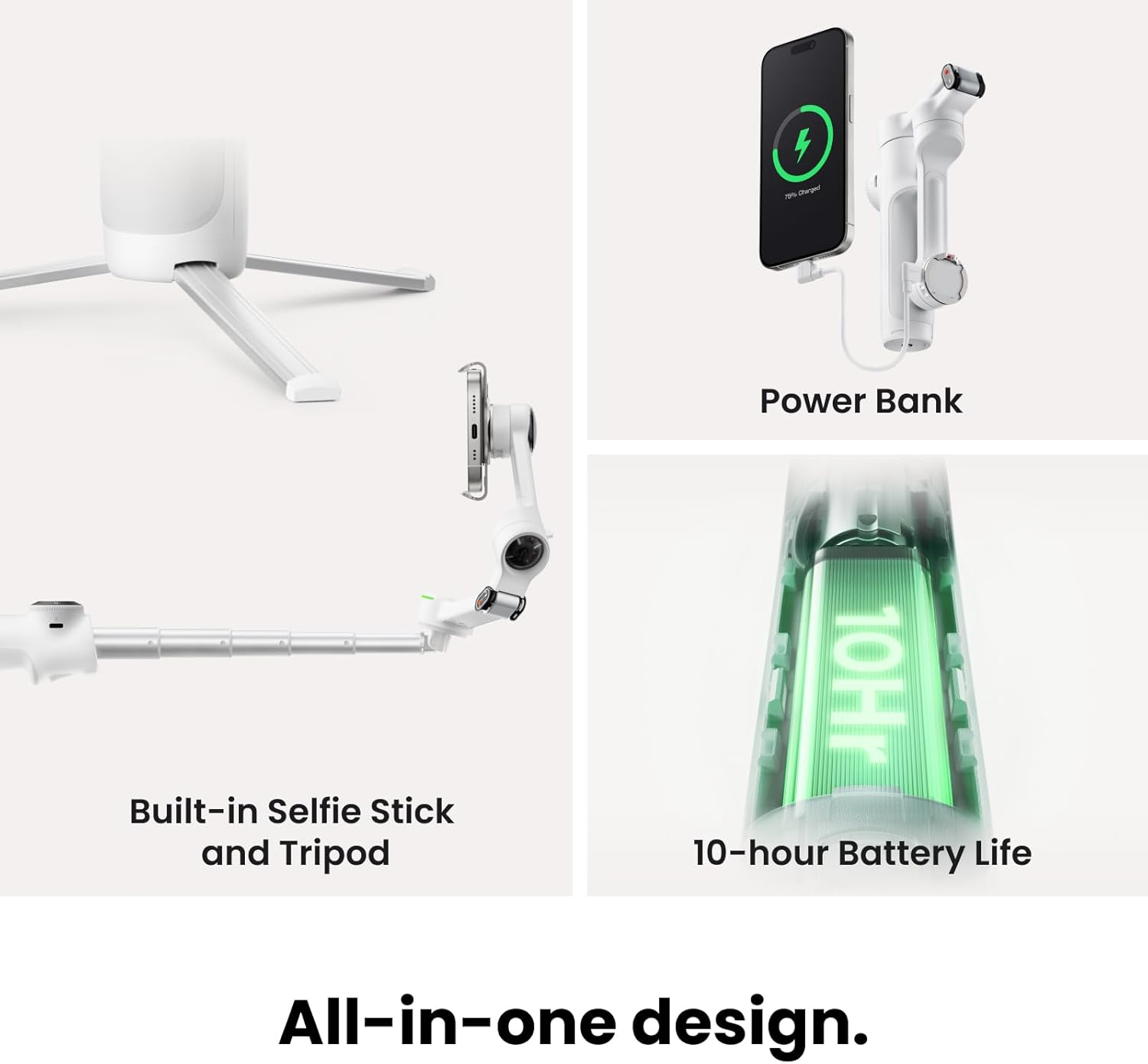
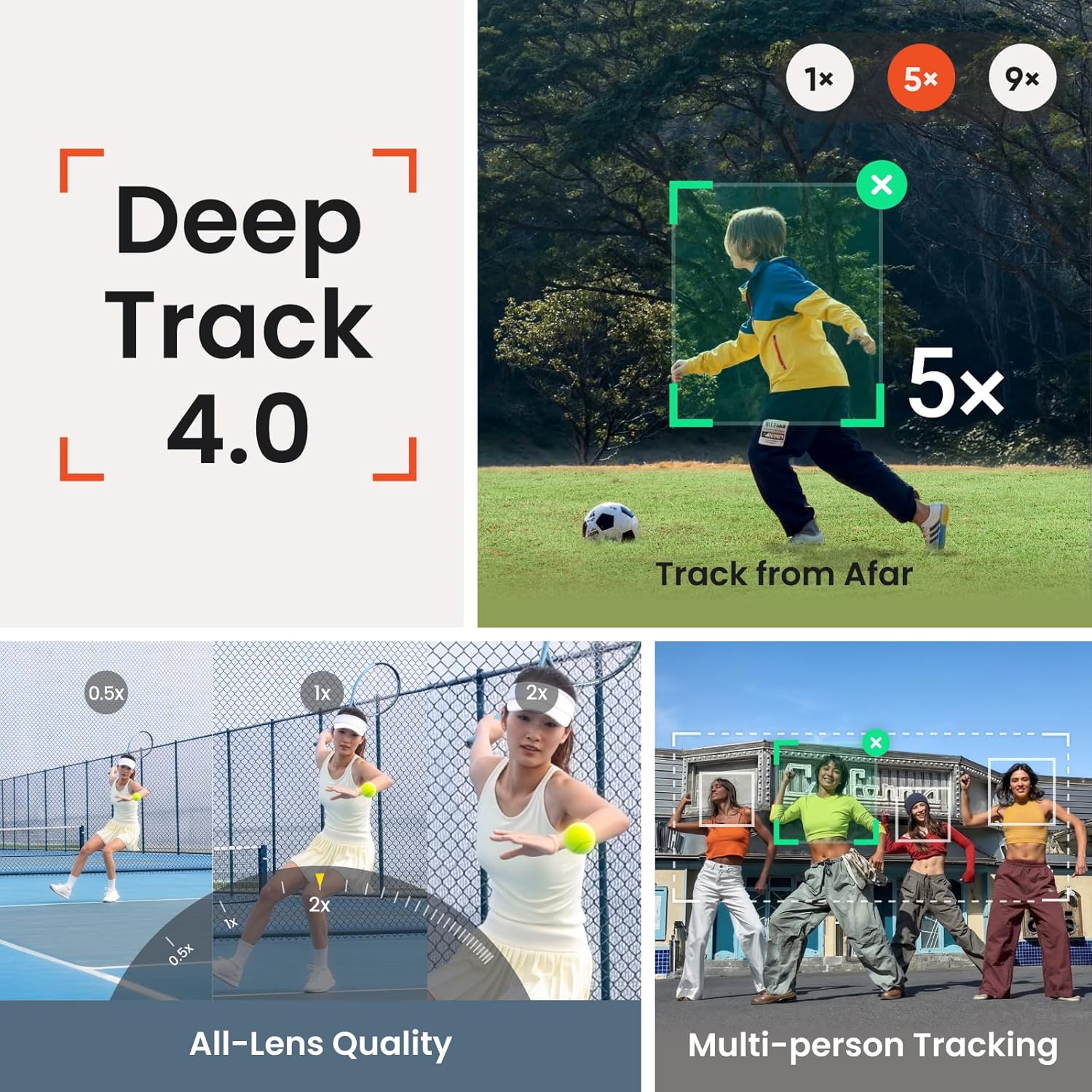
The gimbal works with more than 200 compatible iOS apps through Apple DockKit. It also supports multi-person tracking, and Active Zoom Tracking can track movement at up to 15x zoom on Pro and Pro Max models of iPhone 12–16. The listing describes the product as compatible with iPhone and Android, but the 200-plus-app claim is specifically for iOS. Other built-in tools include a tripod, selfie stick, selfie mirror, teleprompter, and power bank. The stated battery life is 10 hours.
Who it’s for
It suits you if you make videos, livestreams, or video calls with a phone and want framing to follow you instead of staying fixed. For example, set the built-in tripod on a table, start a compatible tracking session, and move around a room while presenting, multi-person tracking can also help keep a group in frame at a gathering. The selfie stick and tilt mode add options for changing viewpoint without relying on a separate stand.
You may want to skip it if you only need a basic grip or steadying aid and have no use for tracking or the built-in filming tools. Active Zoom Tracking also has a narrower compatibility note than the overall product: it is listed for Pro and Pro Max versions of iPhone 12–16, so don’t assume that feature works with every phone named in the listing.
Everyday use
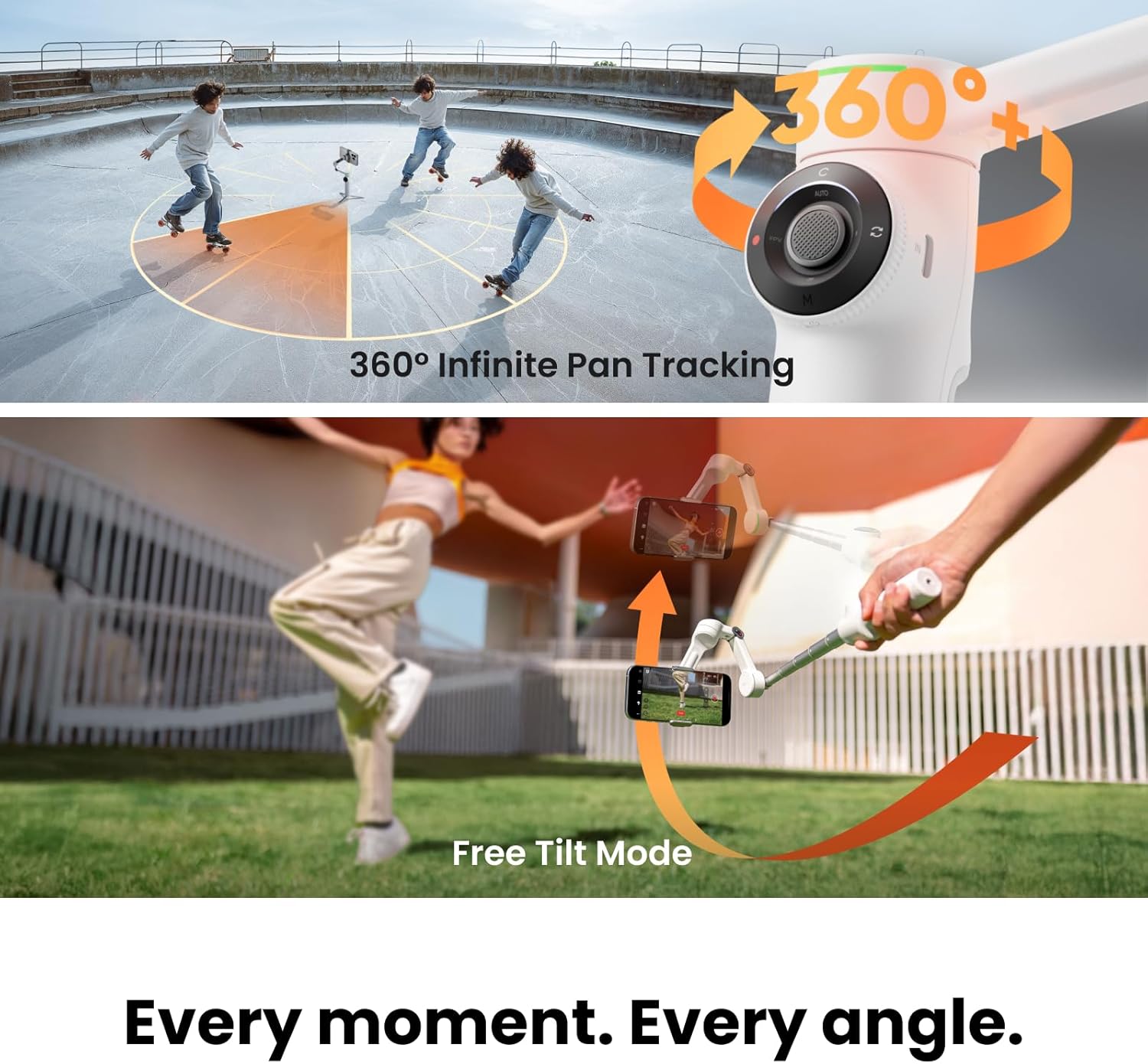
Setup is described as mounting the phone and unfolding the gimbal, with stabilization and tracking intended to reduce the need to keep adjusting the frame by hand. The continuous pan rotation is useful when a recording involves turning or walking through a scene, while free tilt mode is meant to preserve the phone’s angle as it moves up or down. These features make the Flow 2 Pro a more involved choice than a simple phone stand, especially for solo creators who need the camera to follow them.
The combination of a tripod, selfie stick, and teleprompter can reduce how much separate gear you need to bring. Still, the listing does not specify the exact Android tracking experience or the contents of the retail package, so those details shouldn’t be assumed from the built-in-tool descriptions alone.
Practical doubts
Does tracking work in every phone app? The listing says more than 200 compatible iOS apps use Apple DockKit, it does not claim that every app is supported.
Can it track a group? Yes. Multi-person tracking is listed as a feature for keeping a group framed.
Does 15x Active Zoom Tracking work with any iPhone? No. The stated support is for Pro and Pro Max models of iPhone 12–16.
When it makes sense
Choose the Flow 2 Pro if you’ll make regular use of moving subject or group tracking, want 3-axis stabilization, and value having filming tools built into one foldable phone gimbal. Its appeal is less compelling if your recordings are mostly static or you need a specific tracking feature to work on Android, since the available app and model details are more explicit for iOS. Match the feature you care about to your phone before choosing, the general iPhone/Android compatibility claim does not establish identical support across both platforms.