

InnoGear Mic Boom Arm Microphone Stand with Cable Management Channels
Product description
What it is and why people buy it
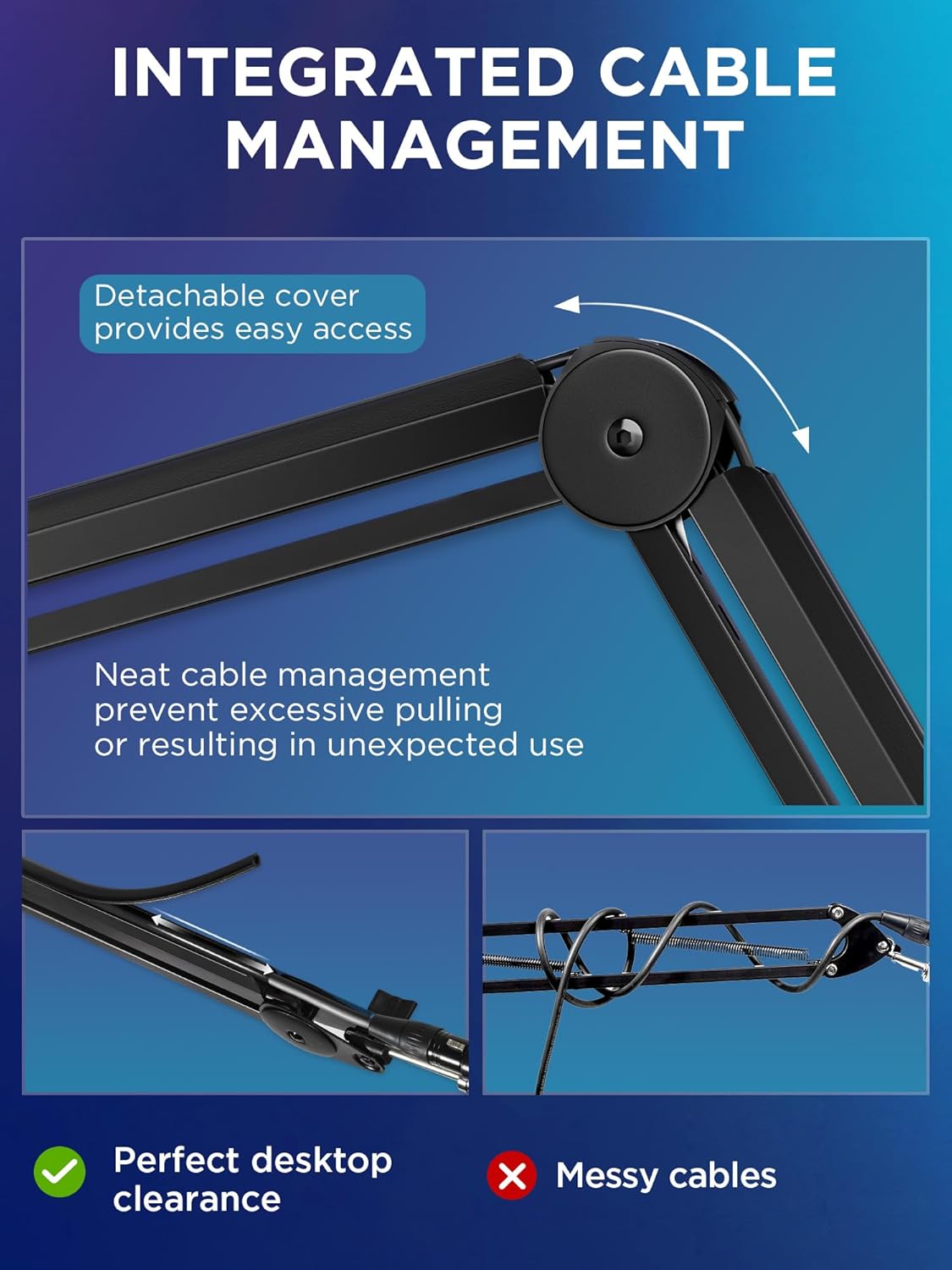
This InnoGear mic boom arm is built for desk setups where you want your microphone to sit at a comfortable angle without turning your workspace into a cable nest. Over time, a lot of streaming and podcast rigs start to look messy fast—power, USB, and audio cables end up pulling against each other, and the arm movement can make tangles worse. On paper, this arm tackles that with built-in cable management channels, so your cables can run along the arm instead of getting pinched or dragged.
It’s also designed to be flexible. You can adjust the boom’s reach and positioning so the mic can sit where you need it for speaking distance and mic angle. The base rotates too, which helps when you’re trying to fine-tune your setup for different chair positions or desk layouts.
Where the cable management makes a real difference
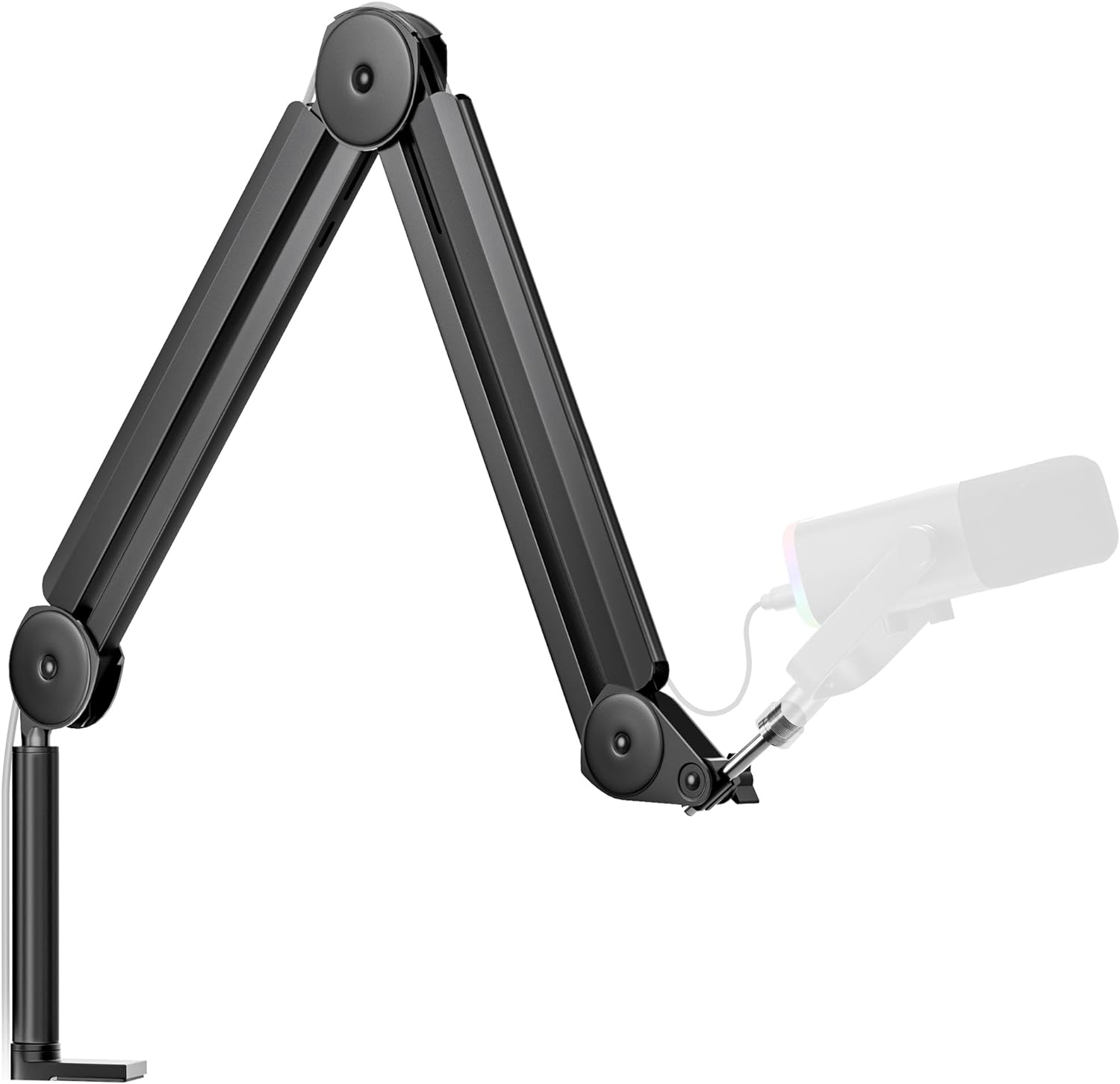
The main “extra” here is the cable management channel concept. The idea is simple: you remove the rubber cable covers, route your cables through the built-in channels, and end up with a cleaner, more controlled look while recording or live streaming. For daily use, that matters more than it sounds—less cable drag means fewer accidental pulls when you move the boom, and it’s easier to keep things tidy between sessions.
That said, it’s still a boom arm. If your cable routing is already unusually complicated (for example, you use lots of adapters or heavy inline accessories), you may find you have to spend a little time dialing in the path so everything stays routed cleanly.
Adjustability, movement, and desk fit
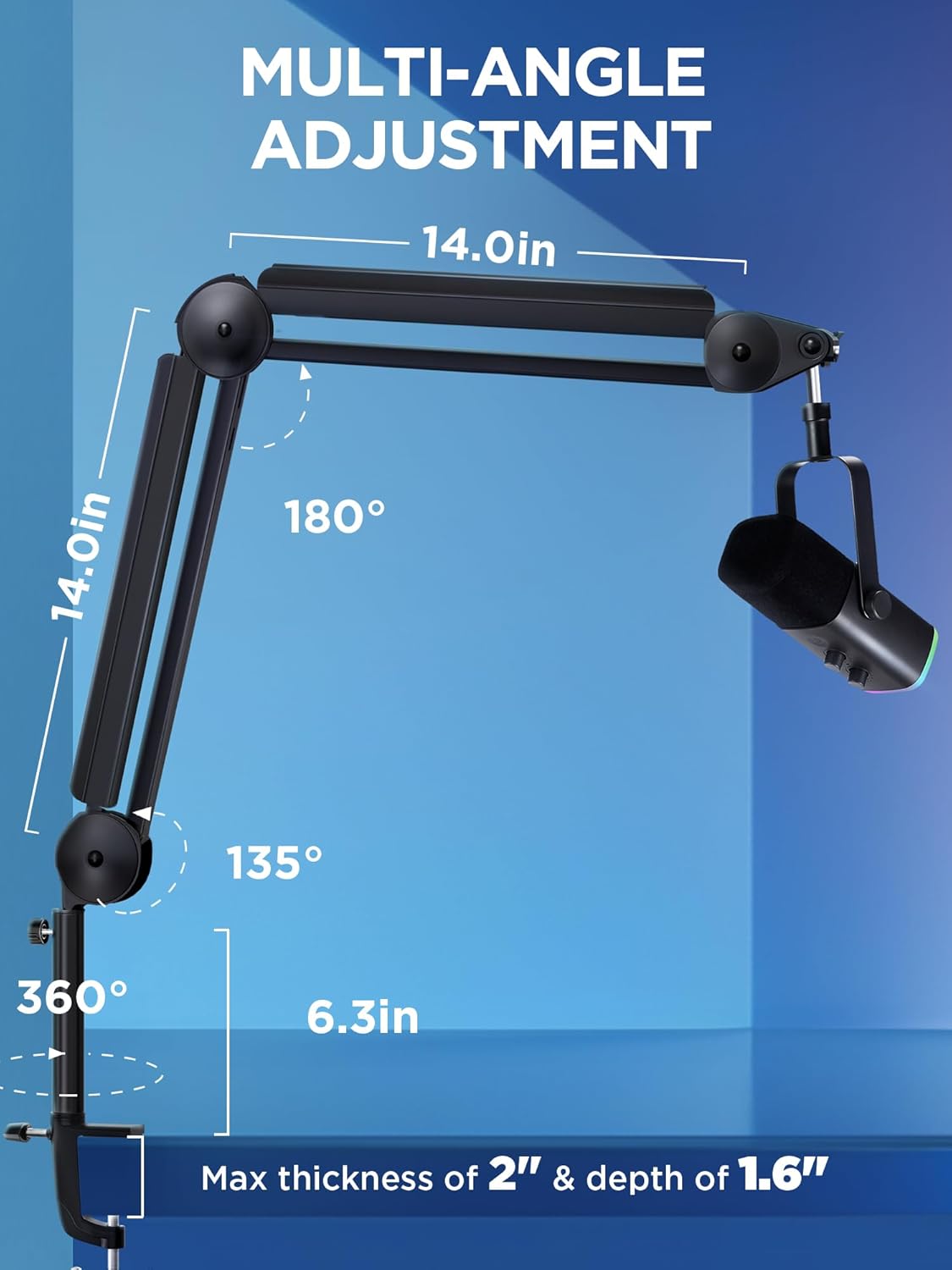
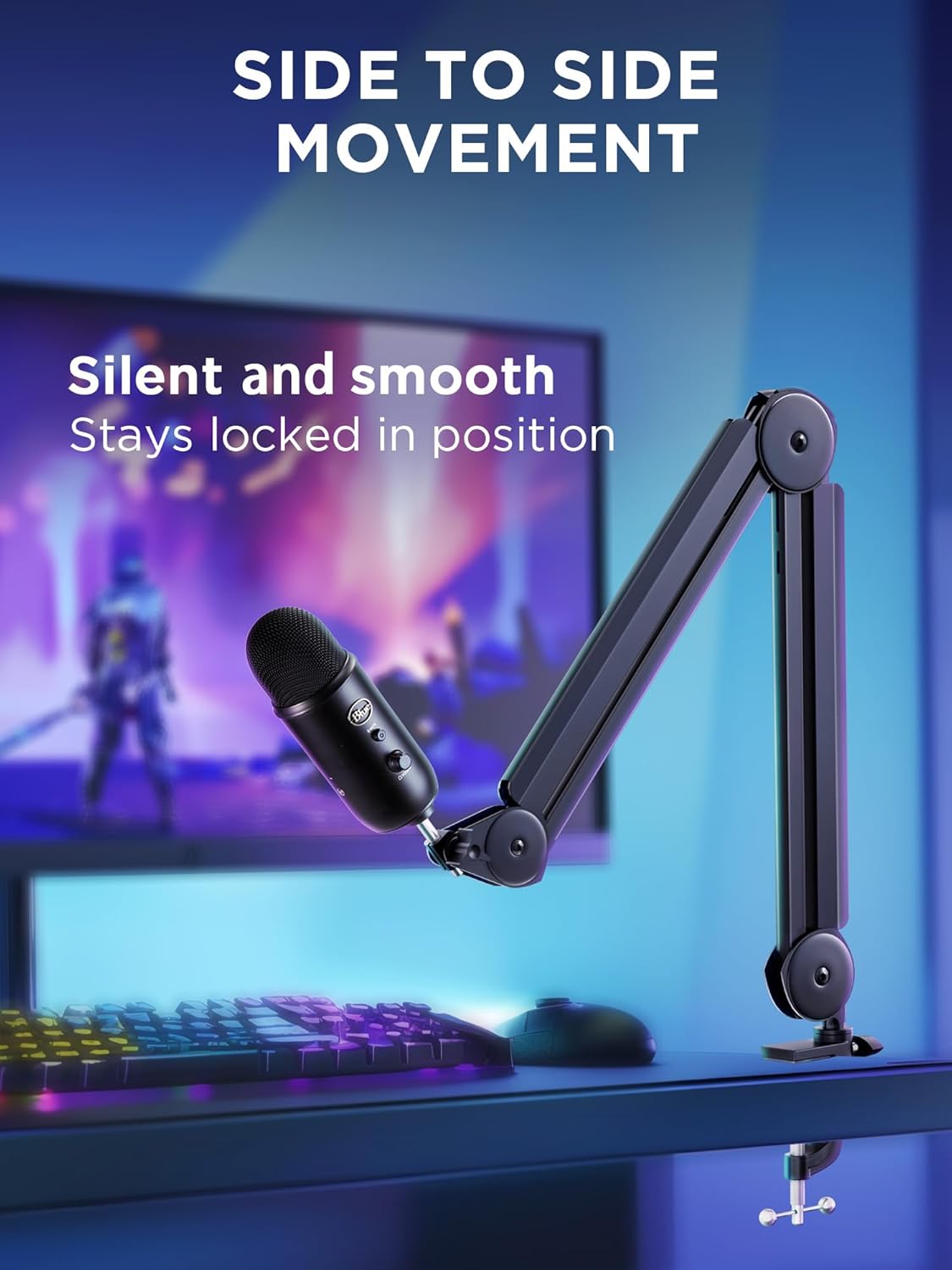
This stand is described as fully adjustable with: - 135° back and forth - 180° up and down - 360° rotatable base
The movement is described as smooth and designed for silent adjustment. In normal use, that translates to being able to nudge the mic angle during a session (or between takes) without the whole rig feeling unstable.
For desk mounting, the clamp can attach to desks up to 2 inches thick. If your desk is thicker than that, you’d need another mounting approach—this model may simply not clamp reliably.
Reach and height: helps for bigger monitor setups
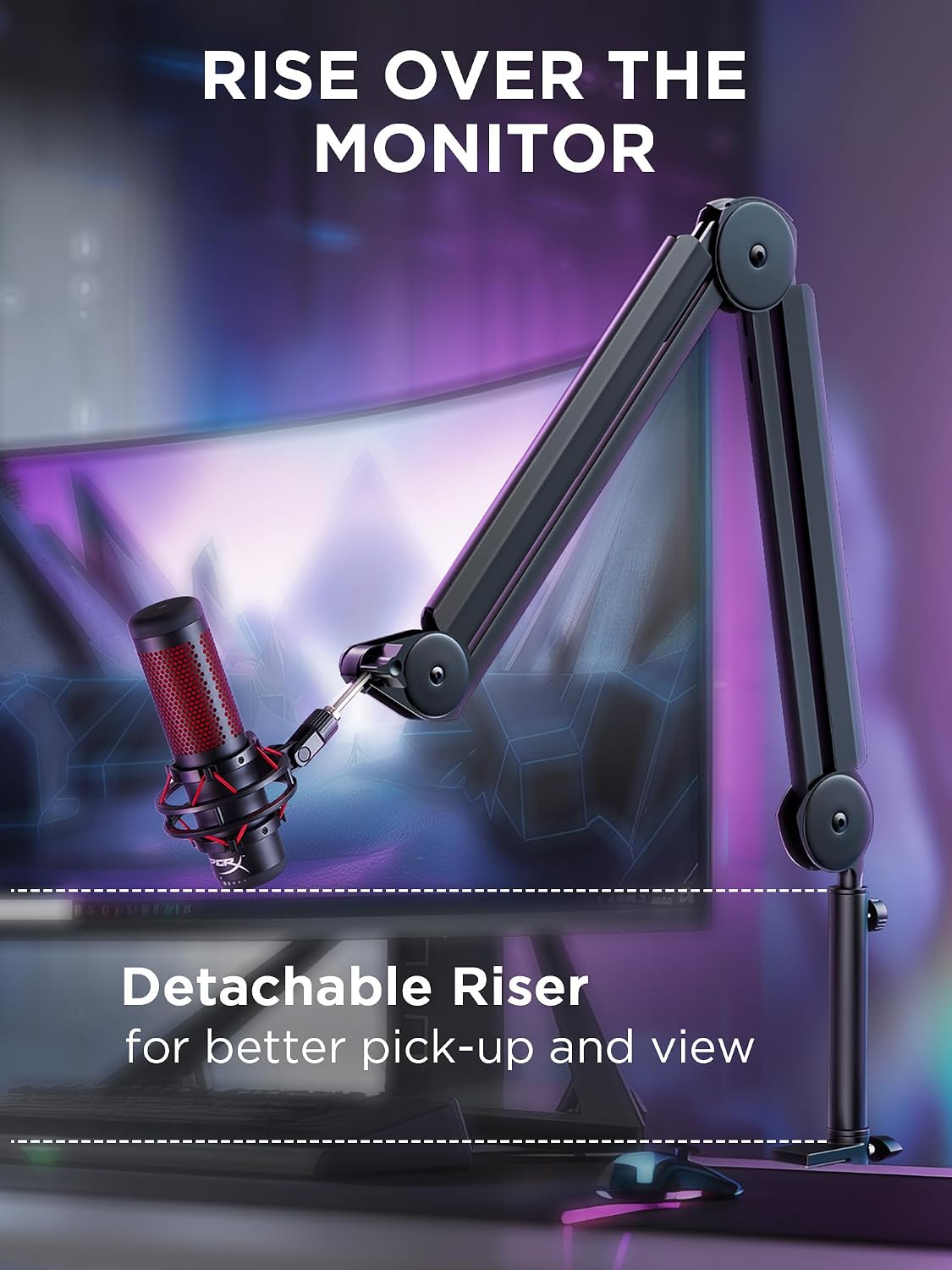
InnoGear specifies an increased arm length to 14 inches, plus a 6.3 inches extension riser for extra height. The max reach is listed as 32.3 inches horizontally and 37.4 inches vertically, aiming to let the arm extend over most monitors.
This is one of those specs that’s hard to judge until you visualize your current desk space. If you’re currently fighting for microphone placement—too low, too close to the monitor, or too far from your mouth—this kind of reach and riser can make the positioning problem disappear. If your desk is already low-clearance (or your monitor setup is minimal), you might not need the extra height as much.
Compatibility: built around a 5/8" connector
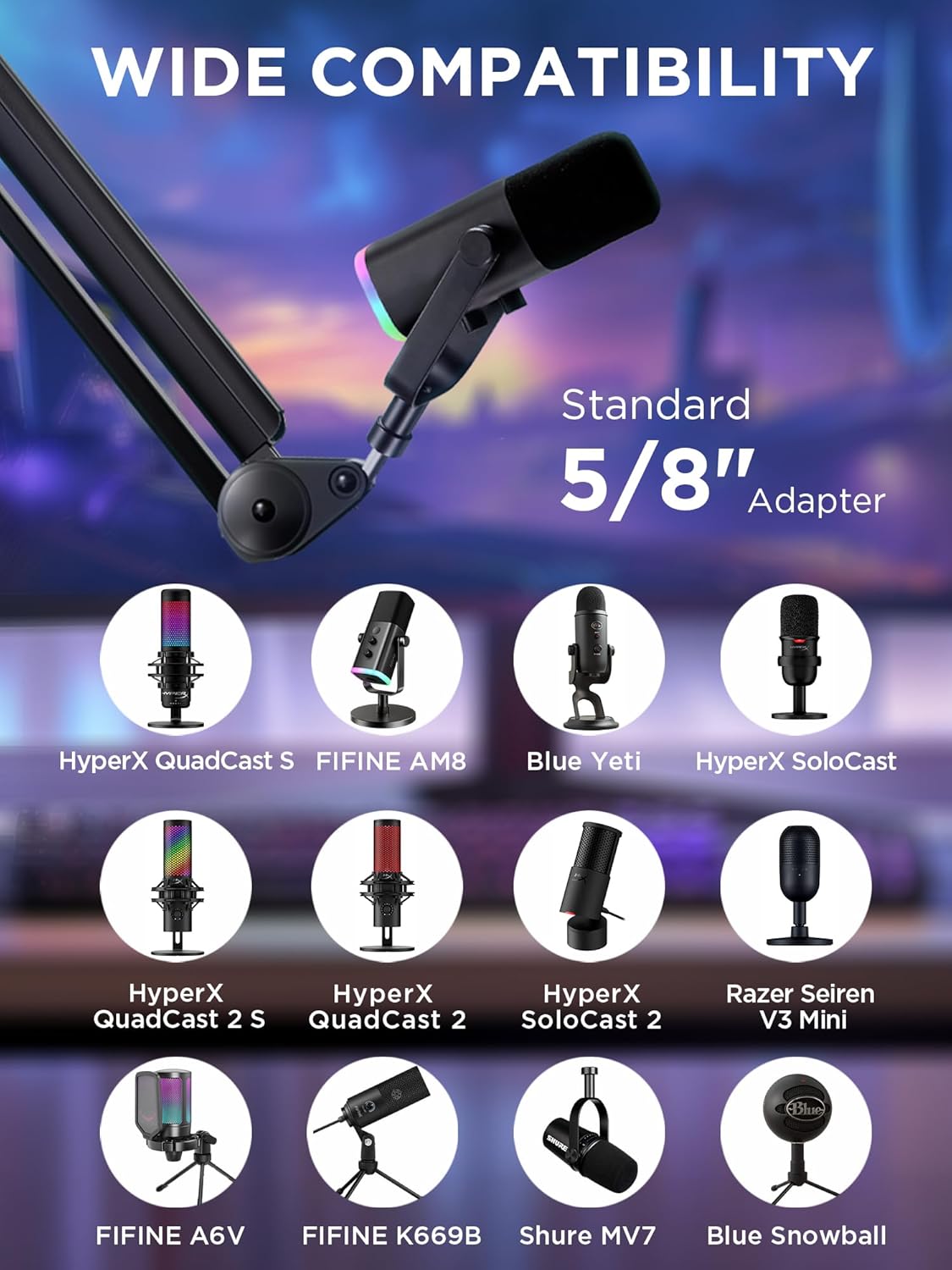
The stand uses a 5/8" metal connector and is described as compatible with a range of popular mics. The list in the description includes Blue Yeti, HyperX QuadCast, SoloCast, Blue Snowball, Shure SM7B, Shure MV7, AT2020, AT2020USB+, AT2035, ATR2500-USB, ATR2100-USB, plus Fifine models like K669B and AM8.
A quick limitation to note: the description mentions “Shock mount not included.” So if your microphone setup depends on a shock mount for proper isolation and fit, you’ll want to make sure you already have one or plan to add it.
Build and stability: springs + a stated max load
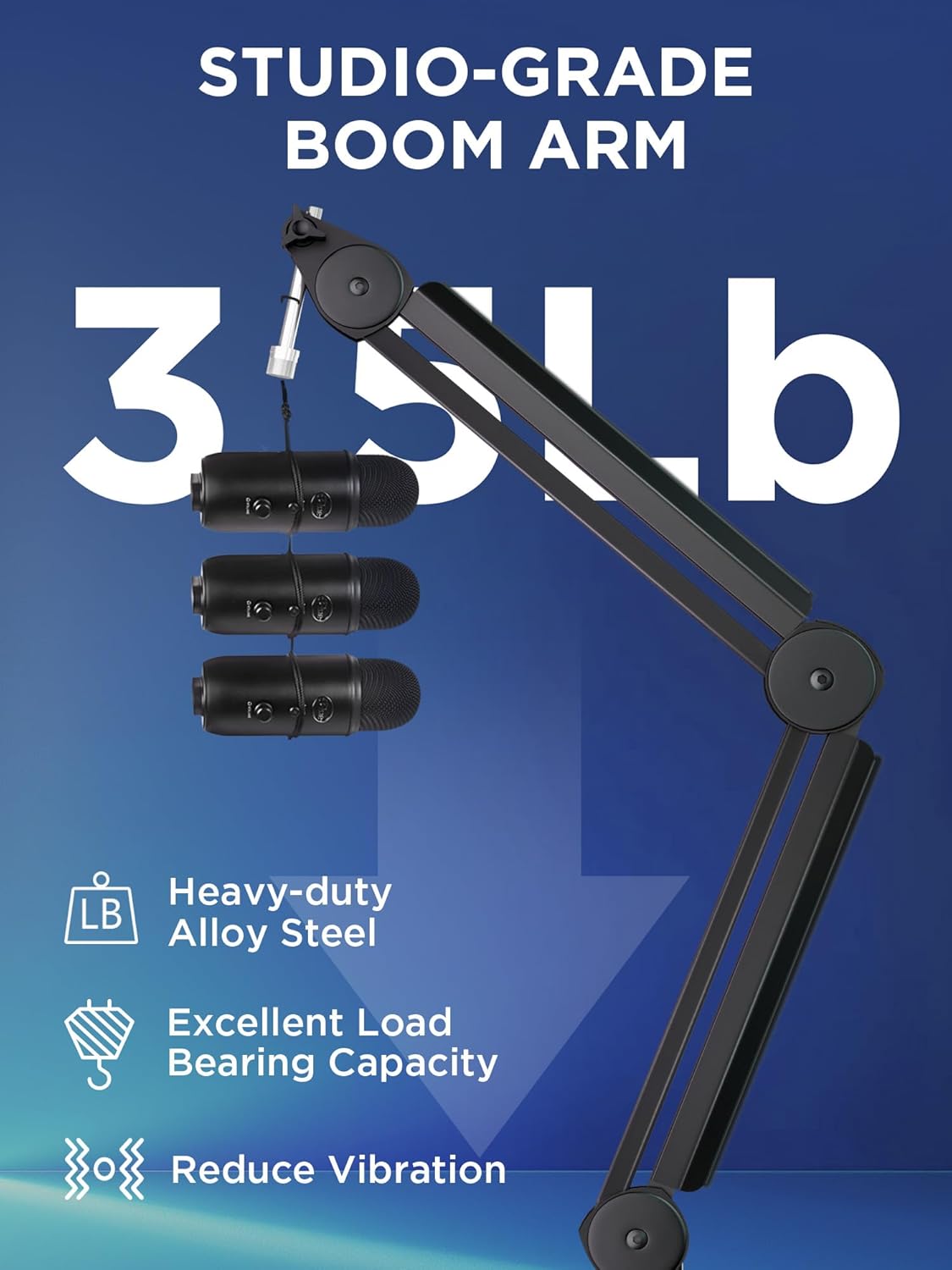
The boom arm is described as thickened steel with built-in internal springs, with a stated max load-bearing capacity of 3.5 pounds. The goal is to keep the arm stable where you position it, even with heavier microphones.
In the real world, this is the kind of spec you appreciate once you’ve used a flimsy arm that droops after you adjust. That said, load capacity is one factor, arm balance also depends on your mic weight and how the cable routing affects leverage. It’s worth planning the cable path so you’re not adding extra pull to the arm.
Quick comparison mindset (what to consider before you buy)
Cable-management boom arms are not all the same. If your priority is clean routing and easier day-to-day tidiness, built-in channels like these tend to be the most noticeable upgrade.
On the other hand, if you already have a tidy cable strategy (or you don’t mind spending time routing cables yourself), you might prefer a simpler boom arm. This one is aimed at reducing mess, improving movement control, and giving you flexible reach.
Mini FAQ
Is this mic boom arm only for certain microphones?
It’s described as using a 5/8" metal connector, and the listing calls out compatibility with multiple popular microphones. If your mic uses a different connector type, you’ll want to double-check fit before committing.
Does it include a shock mount?
No. The description explicitly notes that a shock mount is not included.
Will it work on any desk?
The desk clamp can clip to desks up to 2 inches thick. If your desk is thicker, you may need a different setup.
Can I adjust the mic angle during recording?
The movement is described as adjustable and designed for smooth, silent repositioning. That’s typically helpful for fine-tuning mic angle during takes, not just setting it once.
How much height does it add?
The listing includes a 14 inches arm length and a 6.3 inches extension riser, with max vertical reach stated at 37.4 inches.
When it makes sense
This InnoGear boom arm is a strong fit if you want a desk mic setup that looks cleaner and feels more controlled, especially for podcasting, streaming, and recording sessions where you frequently adjust your mic position. The built-in cable management channels, flexible movement (including base rotation), and listed reach/extension are particularly relevant if your monitor setup or desk geometry makes positioning tricky.
It may not be the best match if your desk is thicker than the clamp supports, if you rely on a specific shock mount solution you don’t already have, or if your microphone/cable arrangement is so unusual that cable routing won’t stay neat through the channels.
Is it worth it?
Worth considering if you’re trying to upgrade from a basic stand that can’t keep cables organized or can’t reach comfortably over your monitor. The combination of cable management channels, broad angle adjustability, and a stated load capacity points to a practical, desk-friendly upgrade. It’s not perfect for every desk or every mic setup, but for the common home studio and streaming layout, it checks a lot of the boxes that usually matter day to day—placement, movement, and keeping the cable mess under control.