

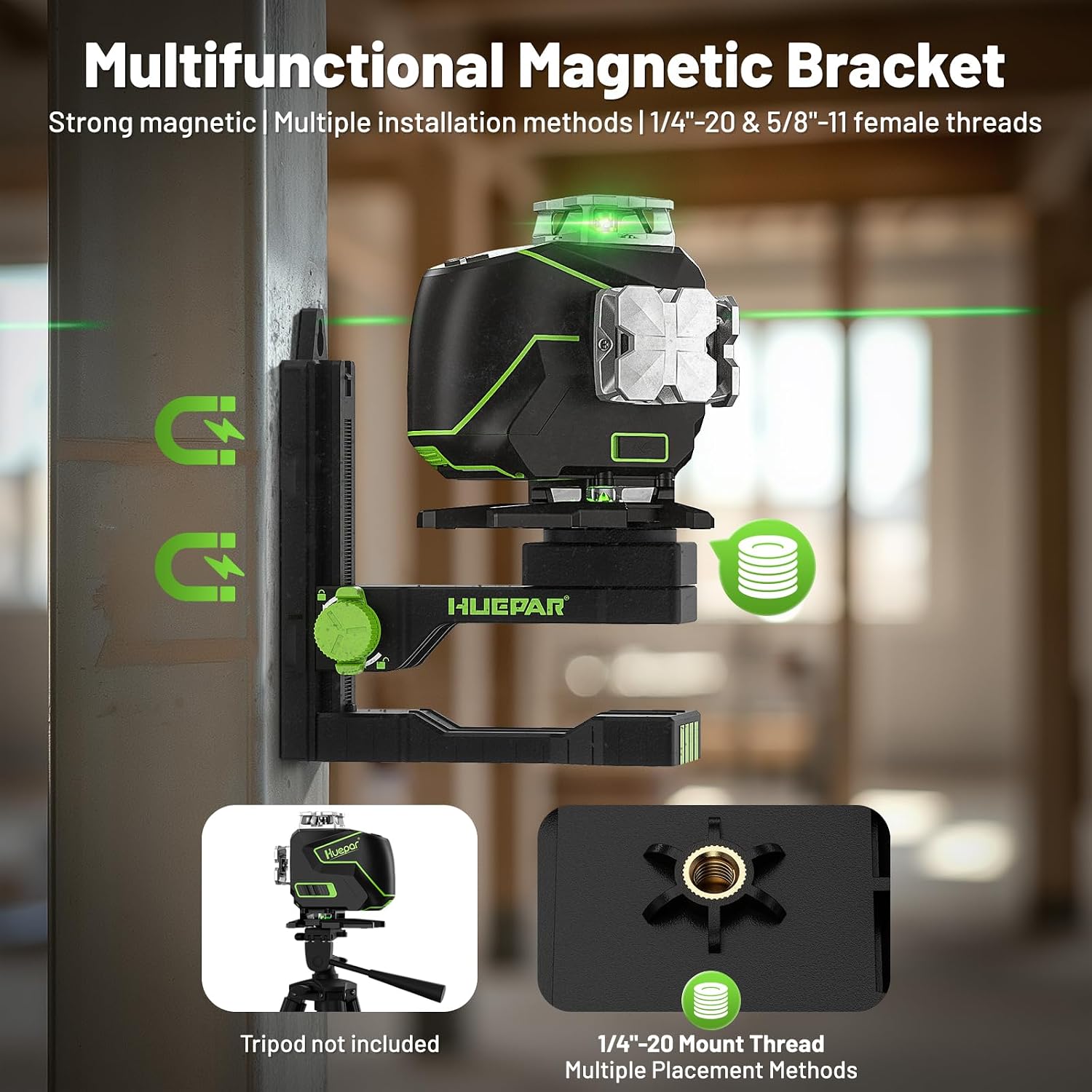
Huepar 360° Laser Level S04CG
Product description
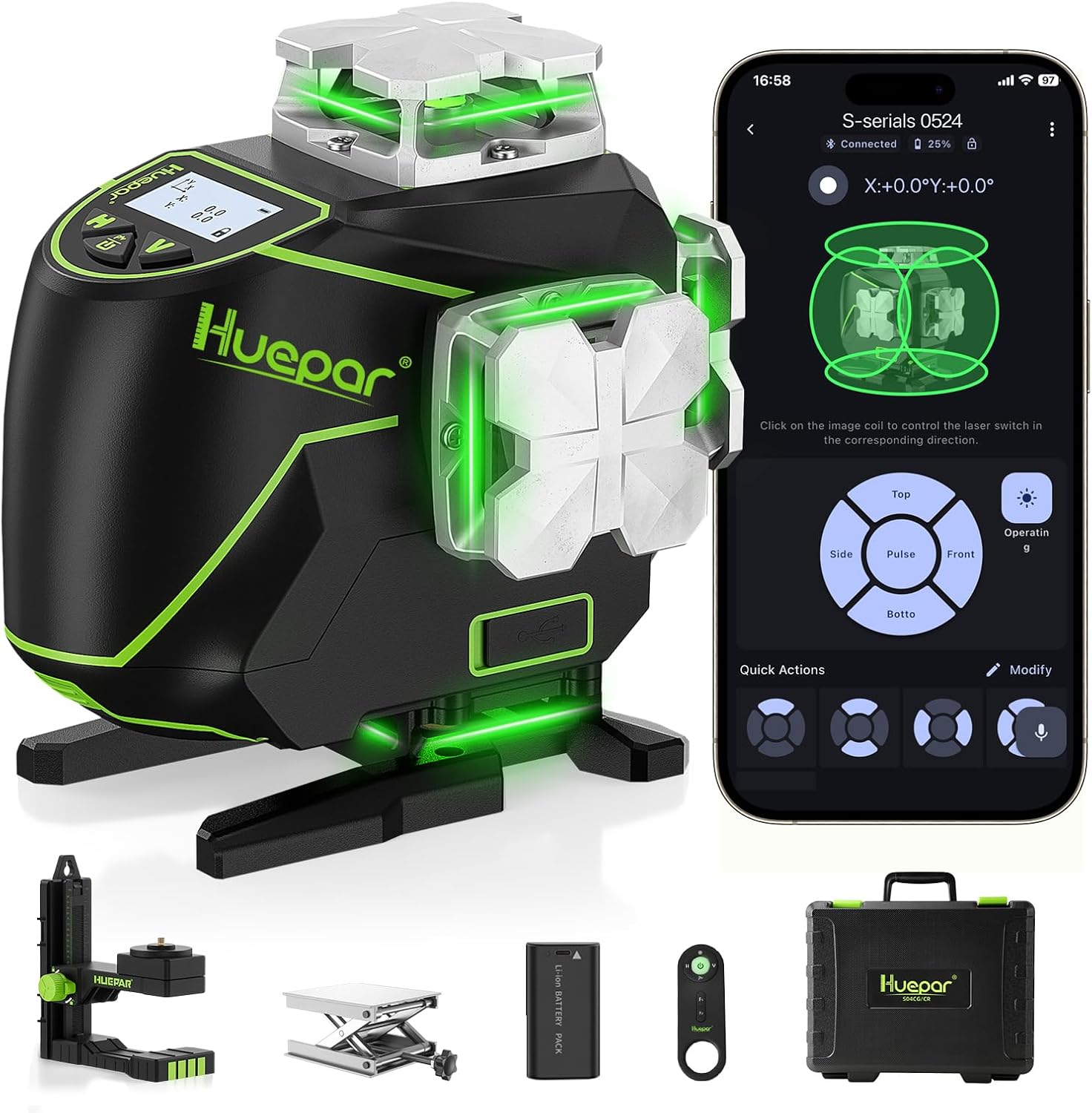
For laying out a room without repeatedly moving a laser, the Huepar S04CG projects two 360° horizontal lines and two 360° vertical lines. That coverage can help keep floor, wall, and ceiling references in view at the same time.
It’s a 4D, 16-line laser level with self-leveling, manual, and pulse modes, plus an LCD screen and remote control.
The main buying question is whether you’ll use that room-wide coverage. For a small, occasional alignment task, a simpler cross-line level may be enough.
What matters most
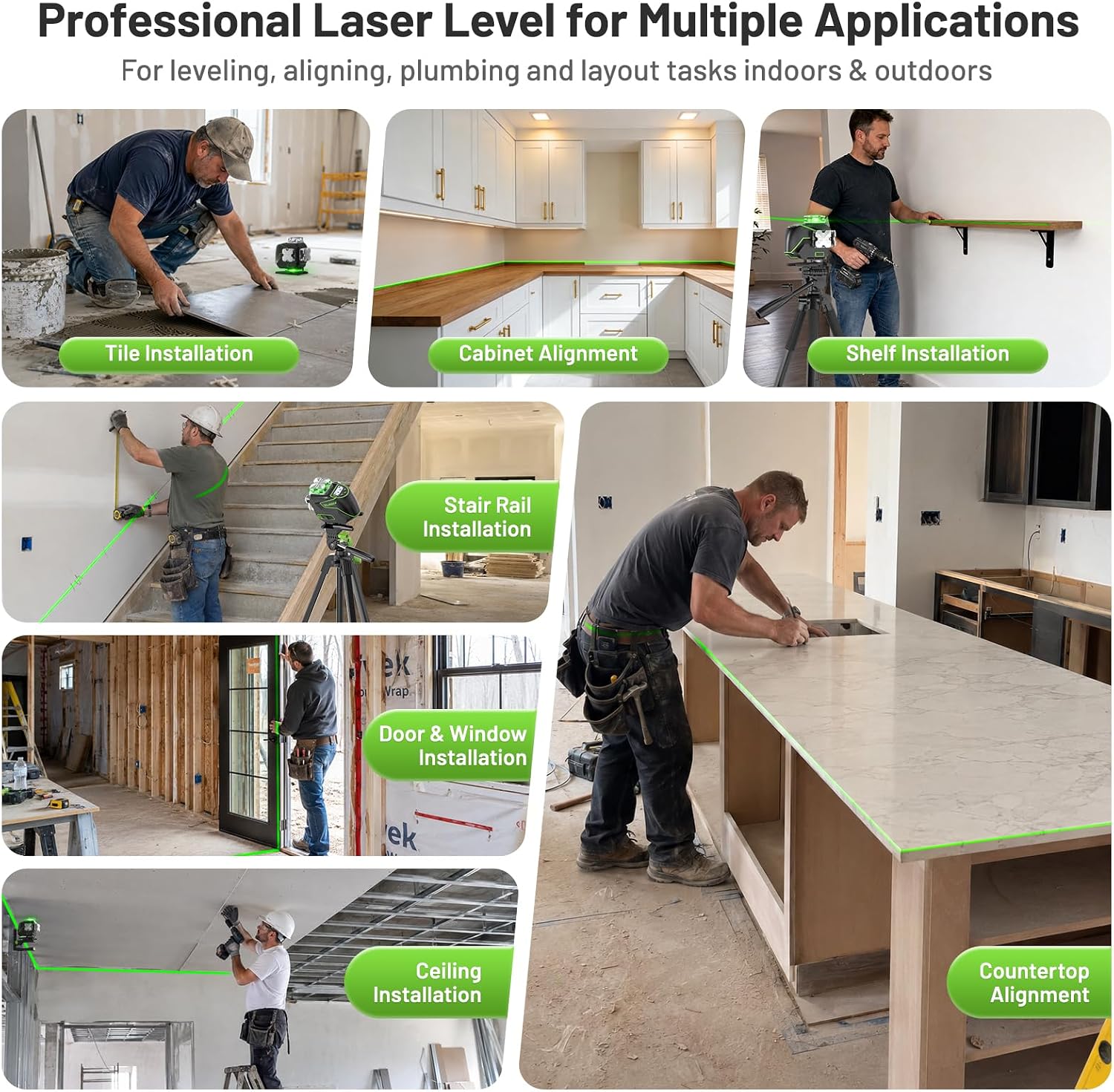
The four 360° planes are the key difference from a basic cross-line laser: instead of seeing only a pair of lines at once, you can work with horizontal and vertical references around the room. That’s useful for setting tile lines, checking cabinet positions, laying out flooring, or keeping wall framing aligned. For example, while marking a kitchen wall, you can keep a level reference visible across the work area rather than shifting the tool after each section.
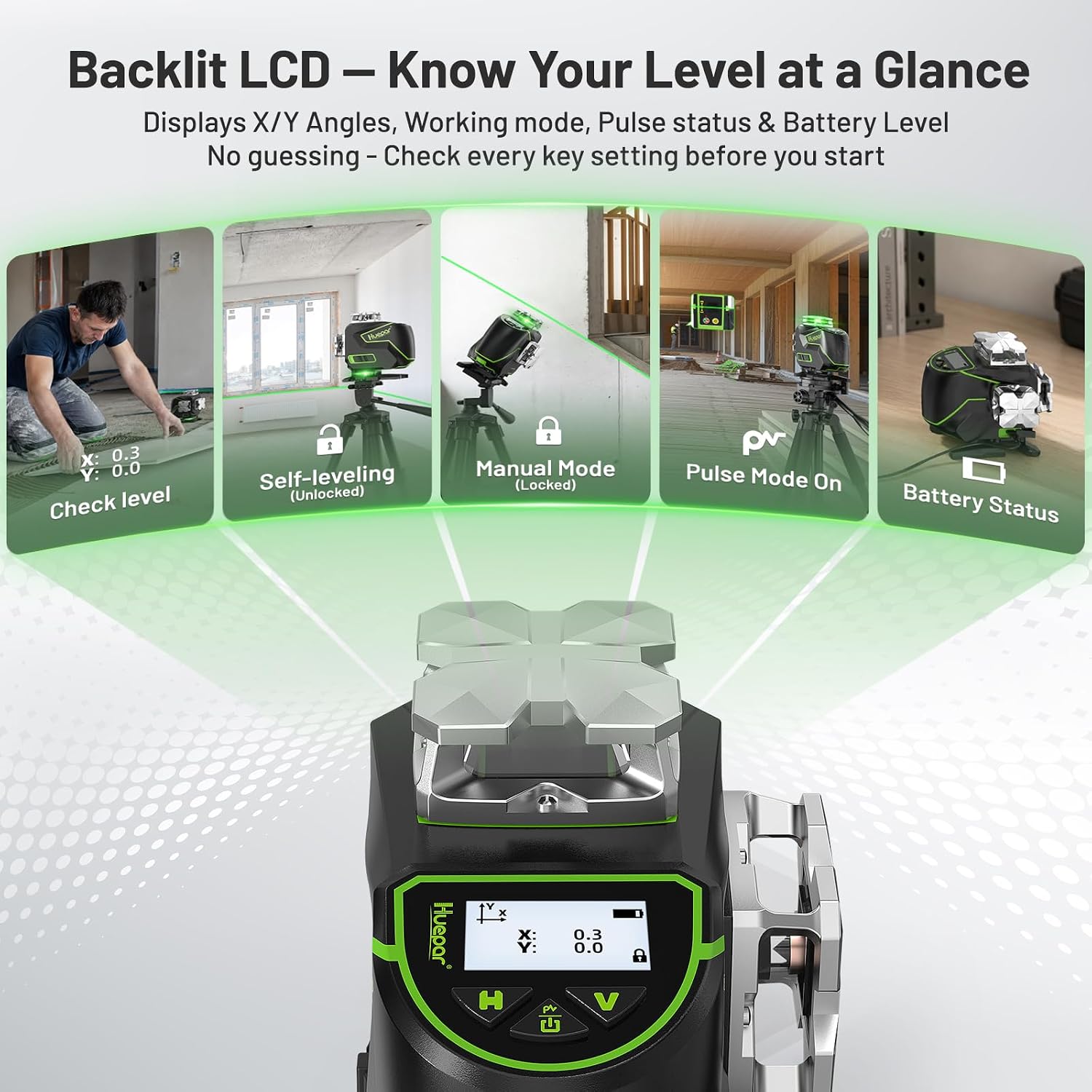
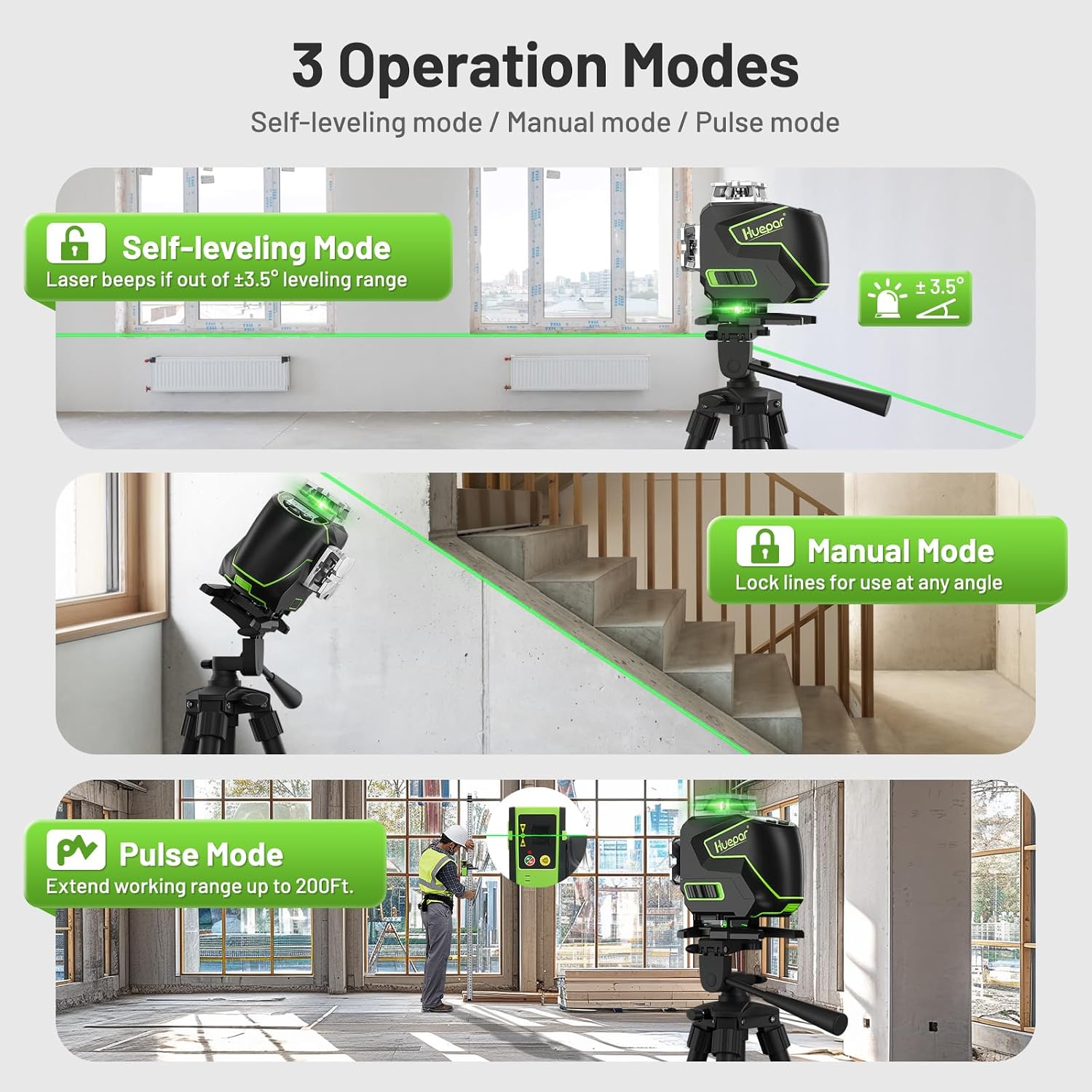
The LCD shows the X- and Y-axis angles, leveling status, pulse-mode status, and battery level. Self-leveling works within ±3.5° and alerts you when the tool is outside that range. Manual mode lets you lock the lines at an angle for sloped layouts. From the way it is set up, this is a tool for flexible layout work, not just a quick single-line reference.
How to use it
Set the laser on a suitable mount or attach its magnetic bracket to a metal surface, then choose self-leveling for a level reference or manual mode when you need angled lines. The 1/4"-20 thread fits most tripods and pole mounts, according to the product information. Use the LCD to check the leveling and battery status before marking your layout.
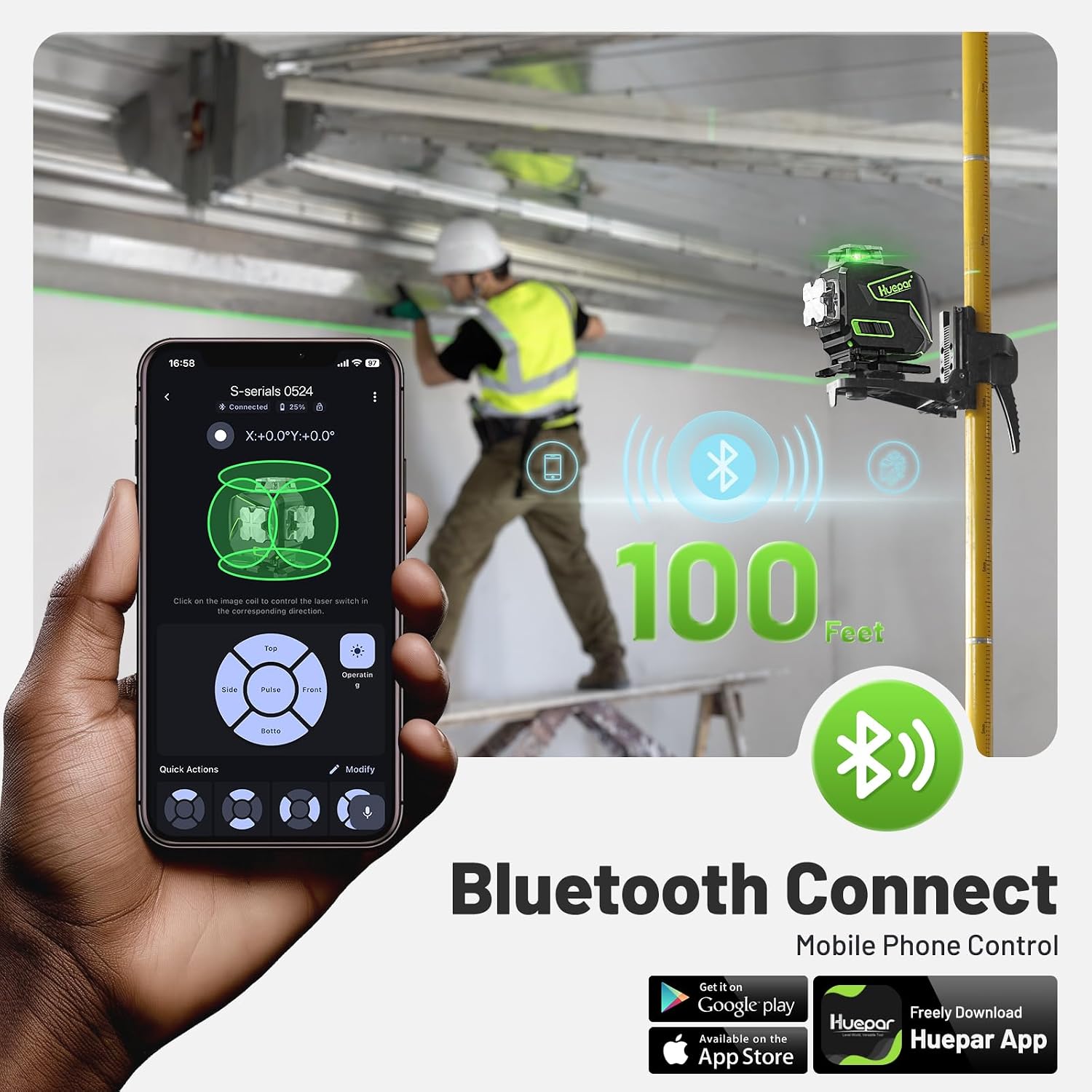
Bluetooth control through the Huepar app or included remote lets you switch lines and manage pulse mode without returning to the tool, the stated control range is up to 98 ft. Keep in mind that the advertised outdoor pulse range of up to 200 ft requires a compatible Huepar receiver, sold or supplied separately depending on the kit. The description does not establish that range without one.
Practical tips
For a flooring or tile layout, use the horizontal plane as a reference while the vertical lines help carry alignment onto walls. For ceiling grids or cabinet installation, the ability to see multiple planes can reduce repositioning. In bright outdoor conditions, pulse mode is intended for use with a compatible receiver, it isn’t a substitute for checking the receiver requirement before planning the job.
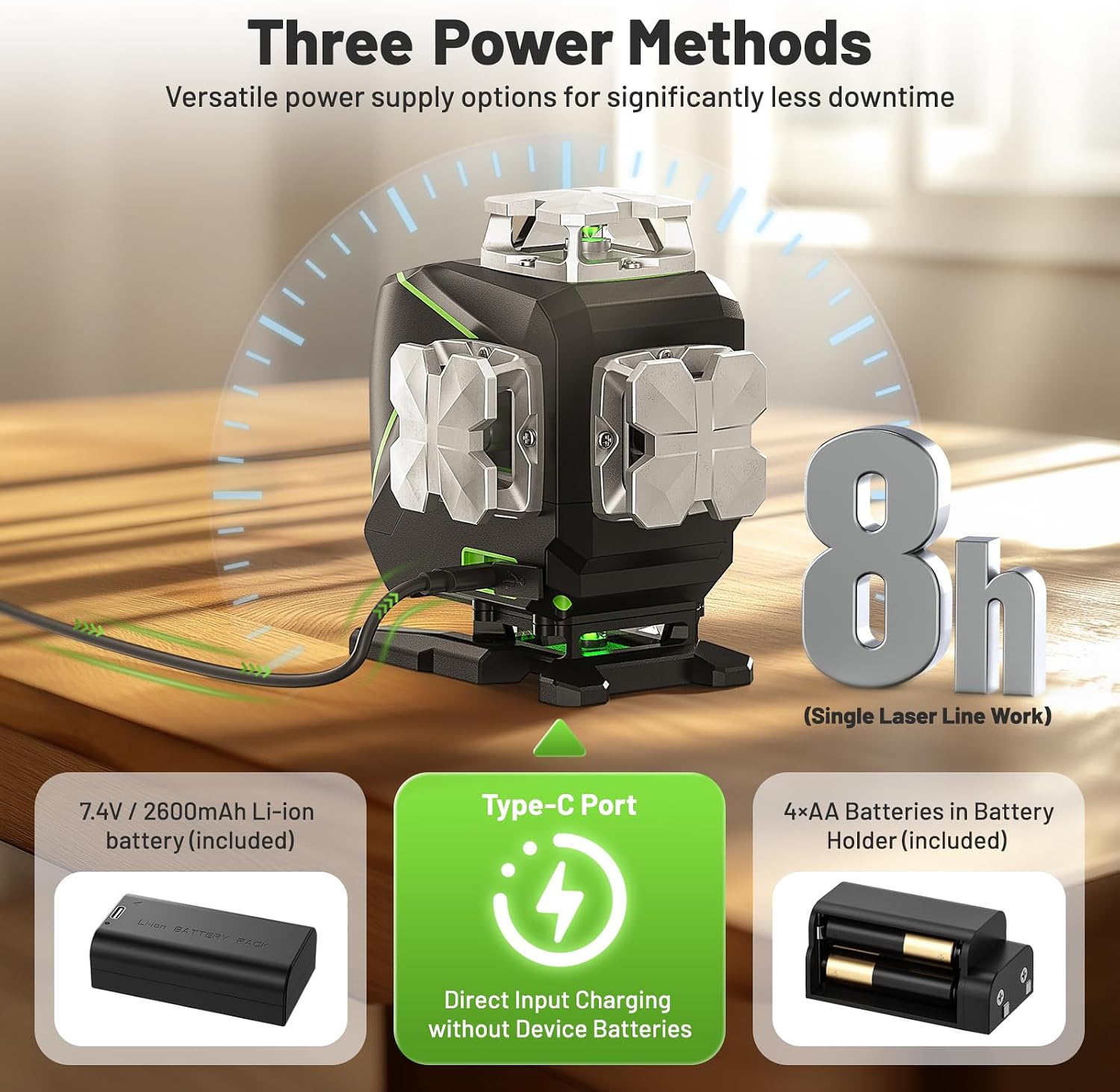
Power options include the rechargeable battery, four AA batteries as backup, or direct power while plugged in. The stated runtime is up to eight hours with a single laser line on, so don’t assume that figure applies to every line combination. The laser window is IP54-rated for dust and water resistance, and the over-molded metal window can be replaced with a screwdriver.
Practical doubts
Does it level itself? Yes. It self-levels within ±3.5° and indicates when it is outside that range. Manual mode is available when you need to lock the lines at an angle.
Can I use it outdoors? Pulse mode is designed to extend the working range in bright light or outdoors, up to 200 ft when paired with a compatible Huepar receiver.
How can I control the lines? Use the tool’s controls, the Huepar app, or the included Bluetooth remote. The product description gives a remote control range of up to 98 ft.
When it makes sense
It makes sense if you regularly lay out floors, tile, framing, cabinets, or ceiling work and can put the four 360° planes to use. The display, remote, and flexible power options also suit jobs where walking back to the tool or stopping to recharge would interrupt the layout.
Not the best choice if you only need a basic reference line now and then, or if you expect outdoor pulse mode to work at its stated extended range without a compatible receiver. Its extra coverage is most useful when the job actually calls for several aligned surfaces.