

Phomemo 241BT 4x6 Bluetooth Label Printer
Reviews
Price
Product description
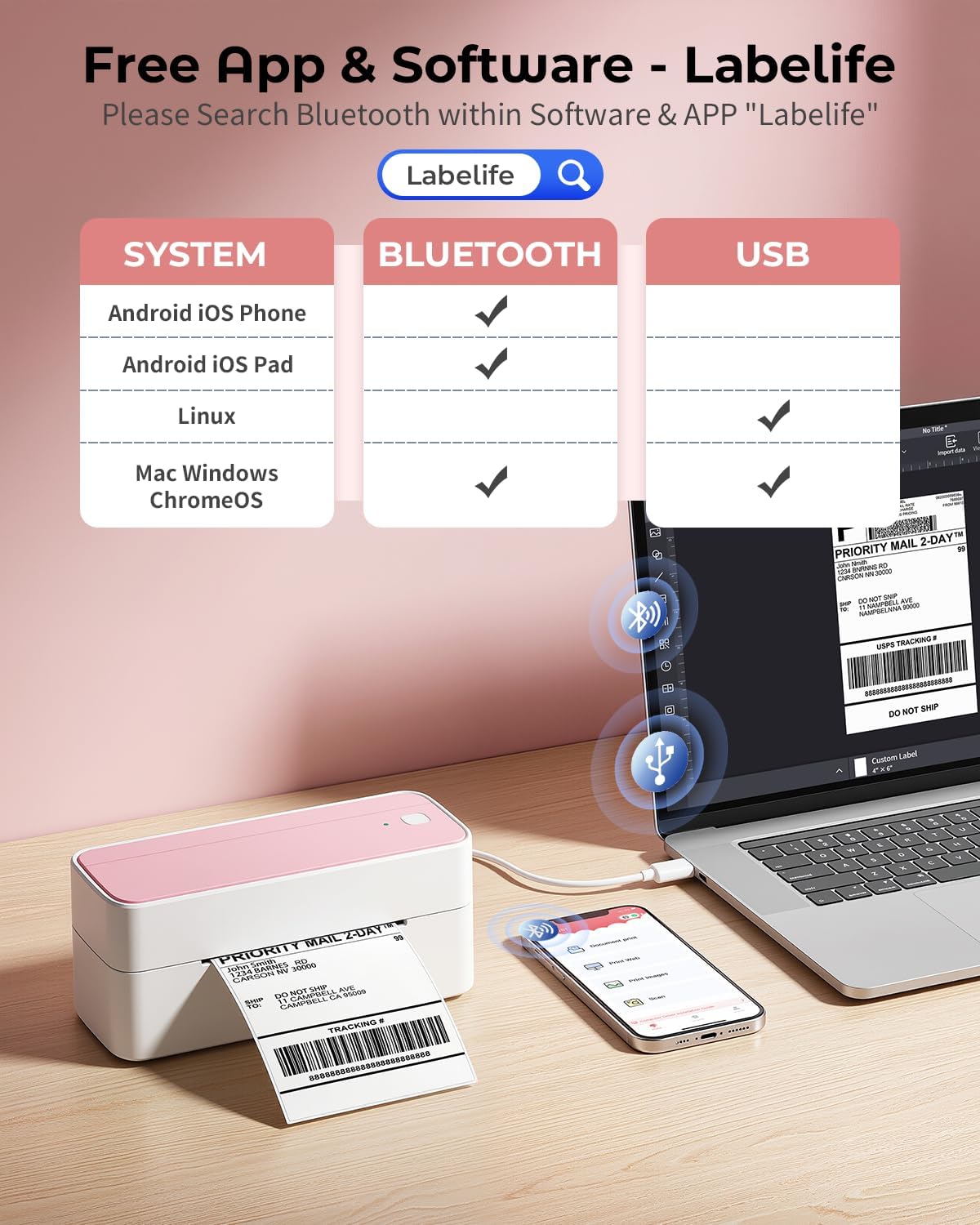
This compact thermal label printer from Phomemo makes printing 4x6 shipping labels and smaller stickers quick and cordless when you need a simple workstation for packing and shipping. It connects via Bluetooth to iPhone and Android using the Labelife app and also works over USB with Windows, Mac, Chrome OS and Linux, offering flexibility for sellers managing orders on platforms like Shopify or amazon.
Key Points
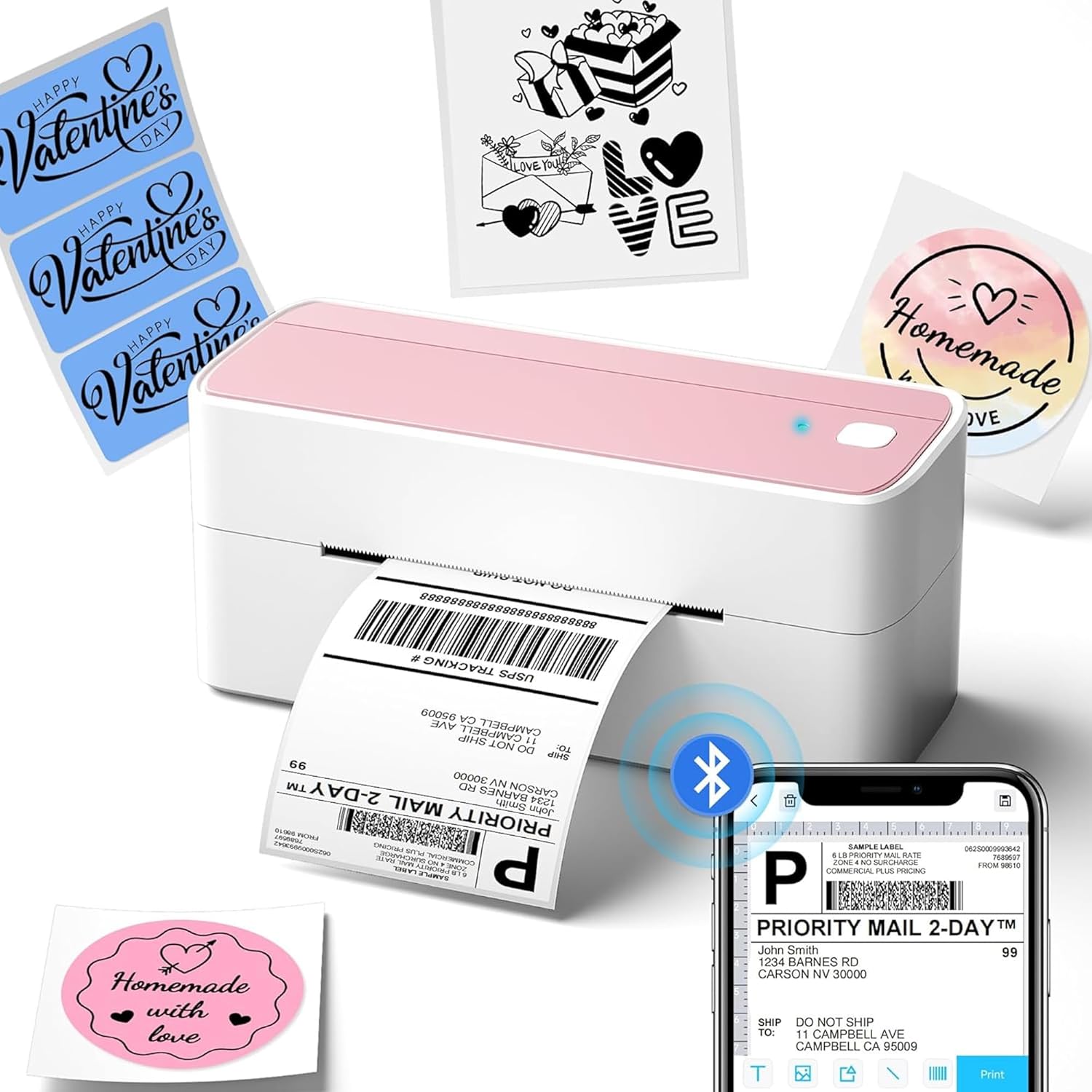
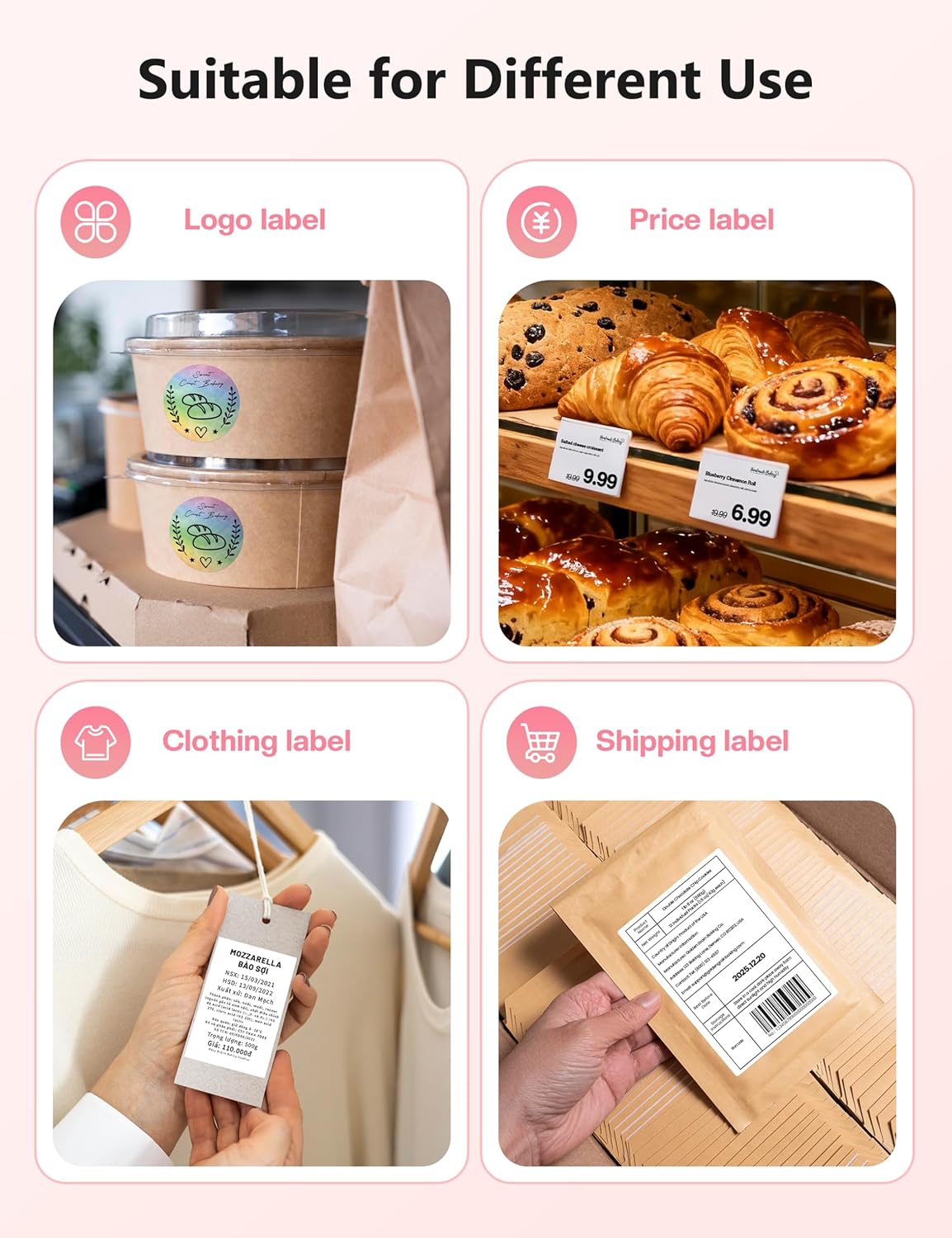
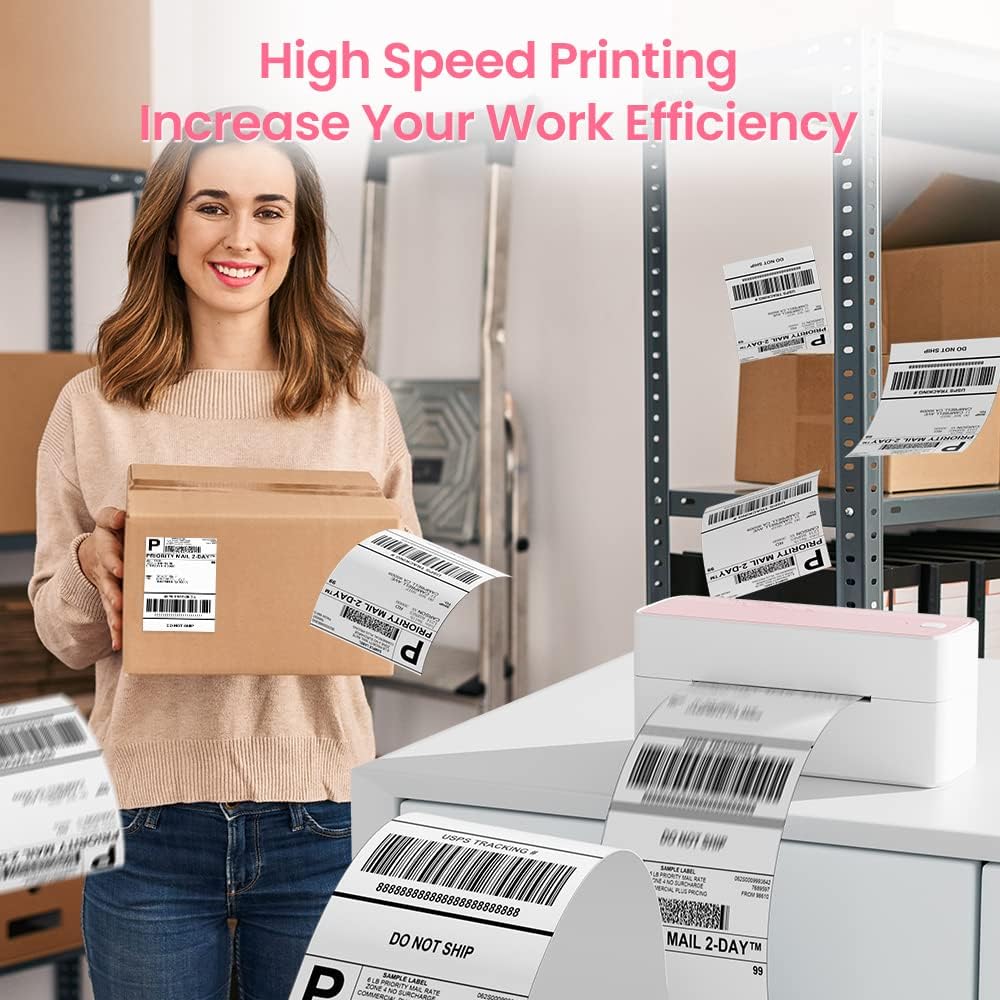
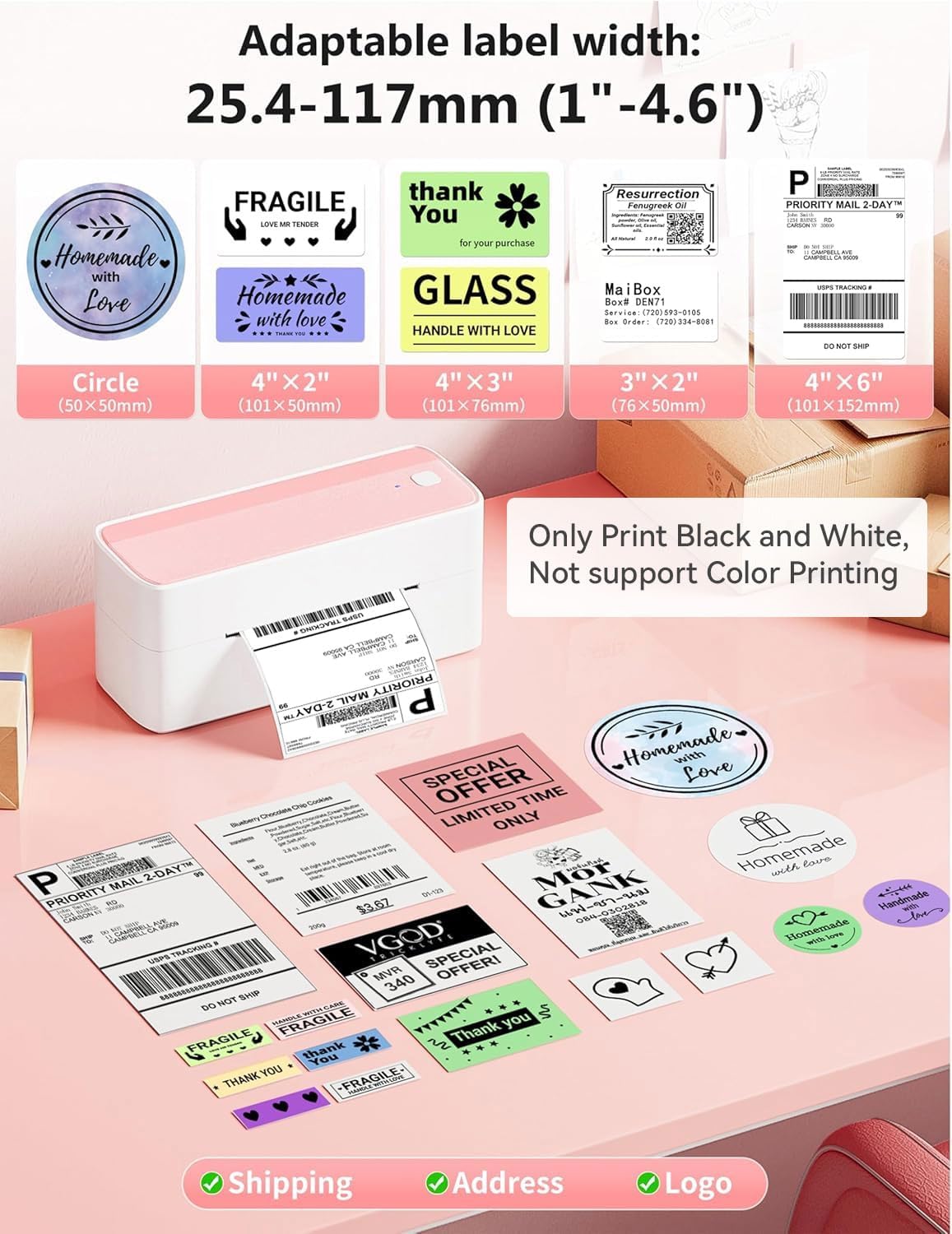
The printer uses direct thermal technology, so there is no need for ink or toner, which helps keep running costs down. According to the manufacturer, maximum print speed reaches 150 mm/s and the print resolution is 203 DPI, giving legible barcodes and shipping addresses for common carriers. The device supports label widths from 1.0 to 4.6 inches, covering typical 4x6 shipping labels and narrower formats for product tags or returns labels. Setup is straightforward for mobile printing via Bluetooth, and a USB connection is available for desktop systems that require driver installation.
Technical Specifications
- Name: Phomemo 241BT
- Brand: Phomemo
- Print speed: 150 mm/s (manufacturer stated)
- Resolution: 203 DPI
- Supported label width: 1.0–4.6 inches
- Connectivity: Bluetooth and USB
- Compatible systems: iOS, Android, Windows, Mac OS, Chrome OS, Linux
Benefits
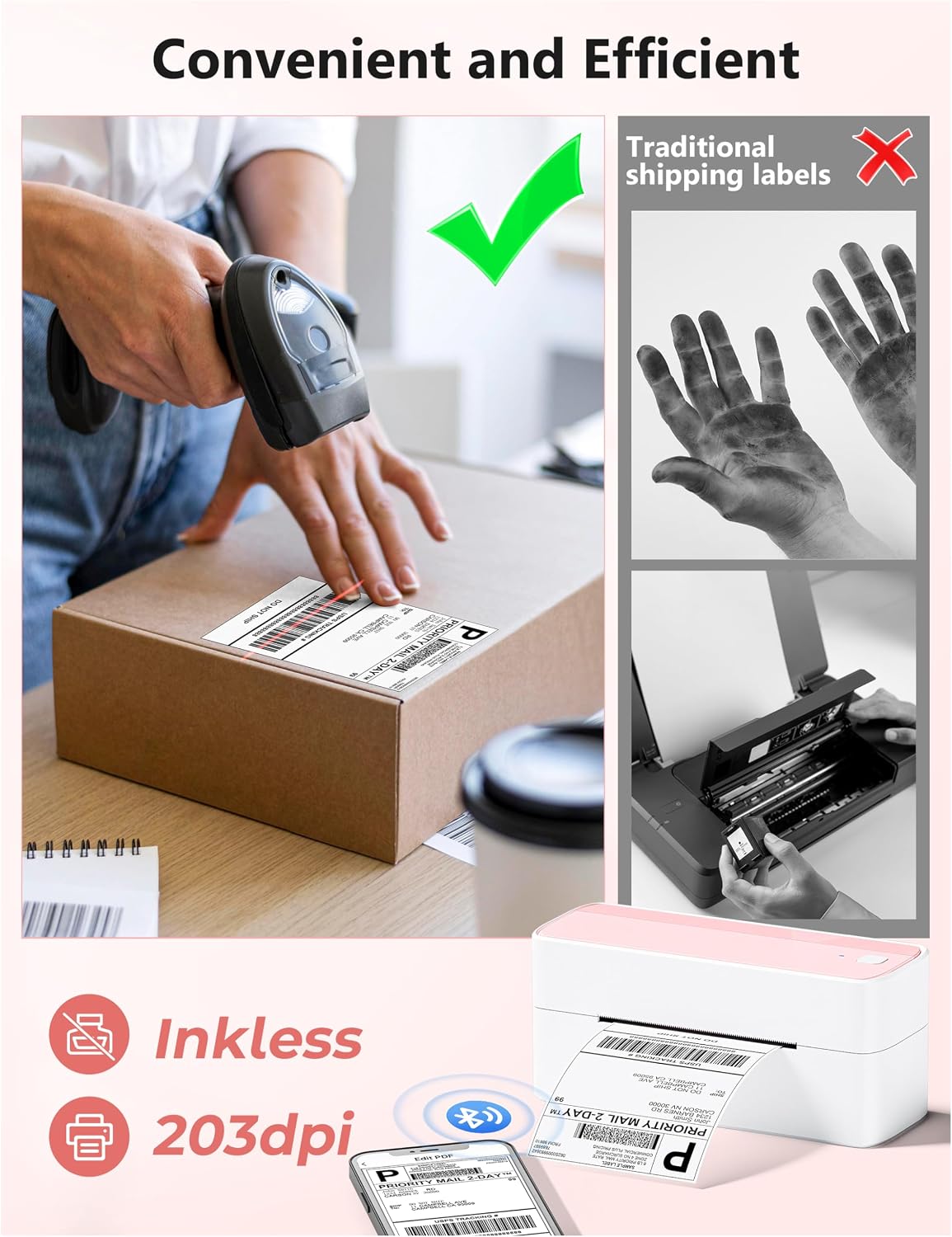
Using this printer reduces the time spent cutting and taping handwritten labels because it outputs standardized shipping labels directly from order platforms. The lack of ink cartridges simplifies maintenance and lowers consumable expenses. Since it supports common e-commerce services and carriers, the workflow from order to label can be shorter when printing directly from a phone or tablet. The pink finish provides a distinctive look for a small office or boutique counter, adding a bit of personality where a standard grey device might look anonymous.
Usage Recommendations
For mobile printing, download the Labelife app on iOS or Android and pair the printer over Bluetooth. For desktop use, install the driver available from the manufacturer and add the Chrome extension for Chrome OS if needed. When using thermal labels, store rolls away from direct heat and sunlight to preserve print quality. Keep in mind that thermal prints are not heatproof or long-term archival, so consider thermal transfer labels if you need durability beyond short-term shipping and handling.
Note a practical limitation: the 203 DPI resolution is standard for shipping barcodes and text but may not capture very fine graphics with the same fidelity as higher-resolution devices. Also, printing on very glossy or non-thermal papers will require compatible thermal labels for reliable results.