


HP OmniBook 3 16-inch touchscreen laptop
Product description
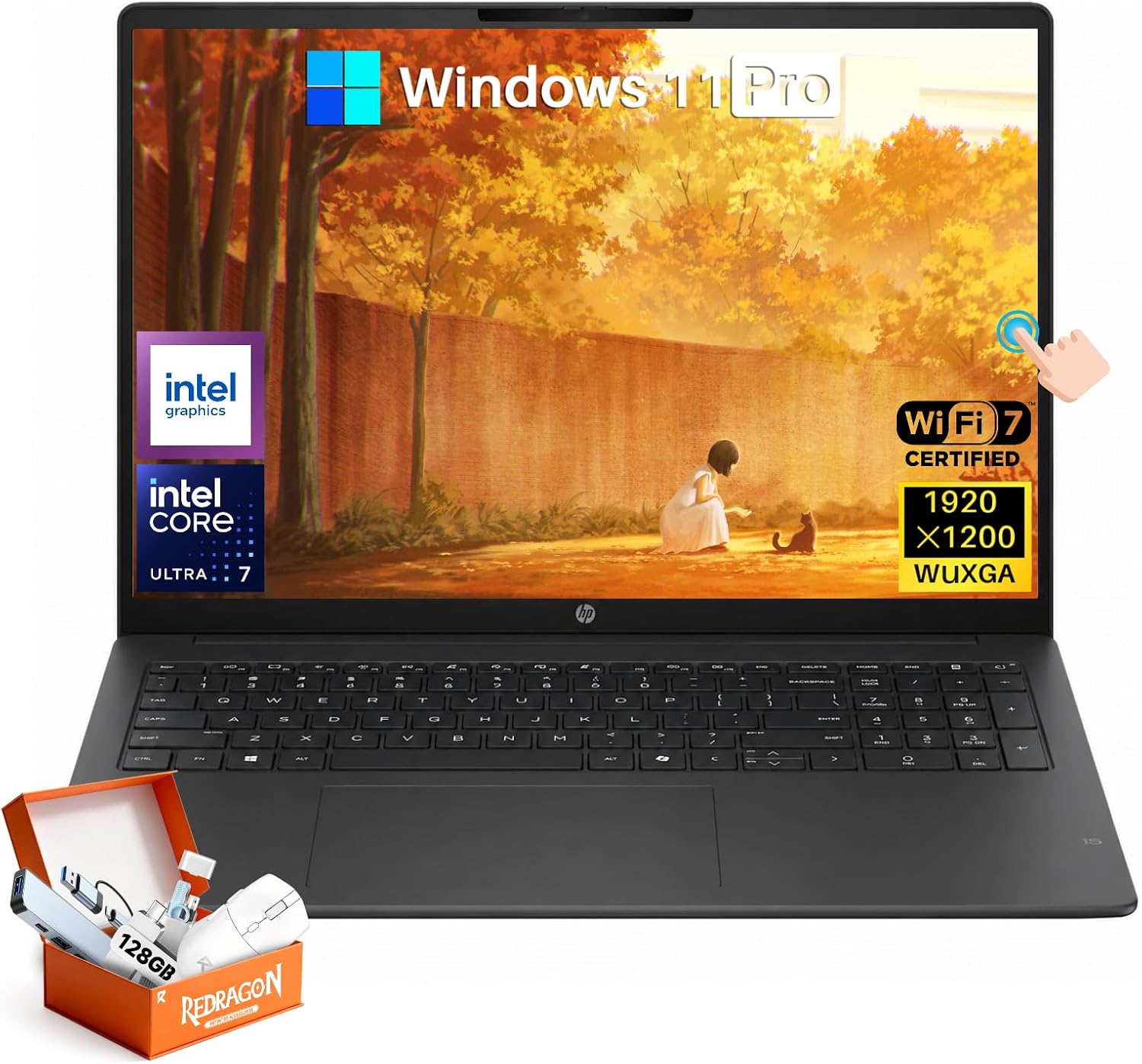
The 16-inch WUXGA touchscreen gives the HP OmniBook 3 room for documents, browser tabs, and video calls, while touch adds another way to navigate beyond the keyboard and trackpad. Its Intel Core Ultra 7 255U processor, 16 GB of DDR5 memory, and 512 GB SSD are aimed at everyday work, study, and multitasking rather than a specialized setup.
Windows 11 Pro and Wi-Fi 7 round out a configuration intended for business and student use. The finish is listed as Mica Silver.
Technical details
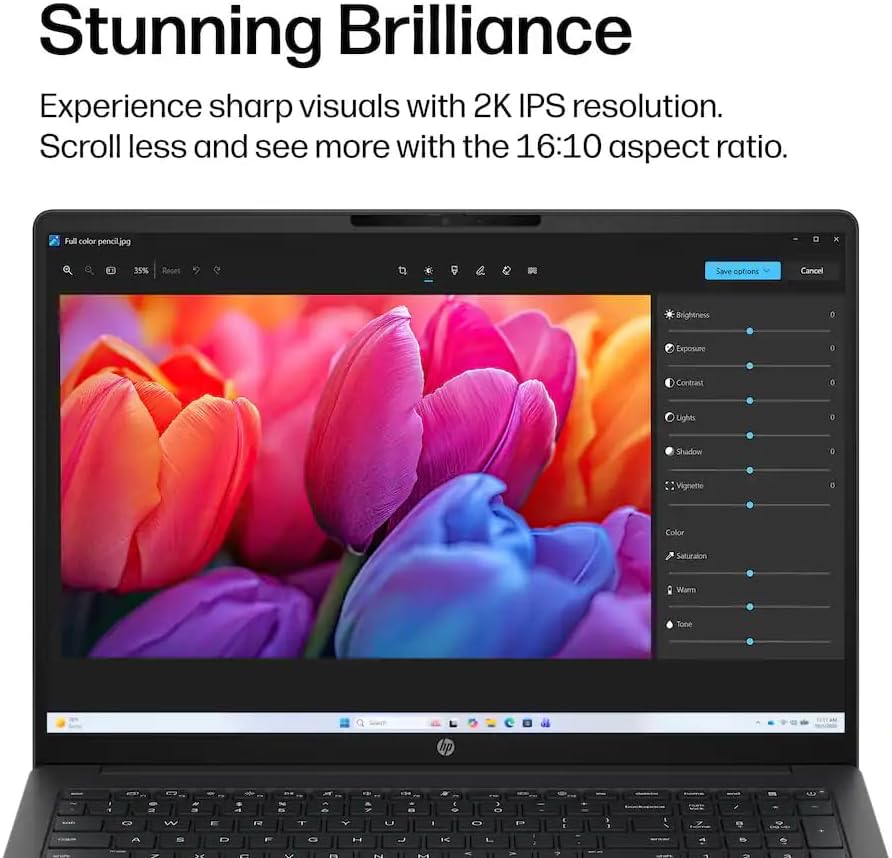
The display measures 16 inches and has a 1920 x 1200 WUXGA resolution. That extra vertical space compared with a standard 16:9 screen can make a document or webpage easier to view without as much scrolling. Touch input is useful when you want to tap through a page or make a quick selection, though it does not replace the keyboard for longer writing sessions.
The Intel Core Ultra 7 255U processor and 16 GB DDR5 RAM are specified for everyday office tasks, browsing, video conferencing, and running multiple apps. A 512 GB SSD provides space for frequently used software and personal files. The laptop comes with Windows 11 Pro, Wi-Fi 7 is also listed. Accessories are mentioned in the product name, but their contents are not specified, so they should not be a deciding factor without more detail.
Getting the most from it
This configuration makes sense for a student moving between class materials, a document, and a browser, or for someone handling office work and video calls from a desk. For example, the wide display can keep a reference page visible beside a draft, while the touchscreen offers a quick way to scroll through notes. It suits you if you want one laptop for routine work and study with a larger screen than a compact everyday model.
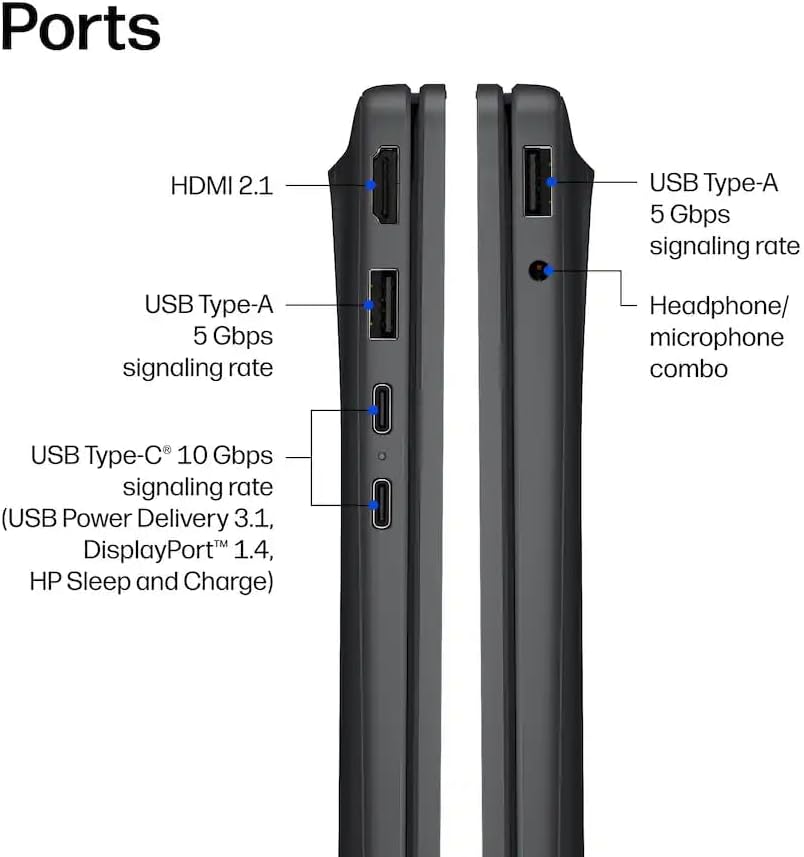
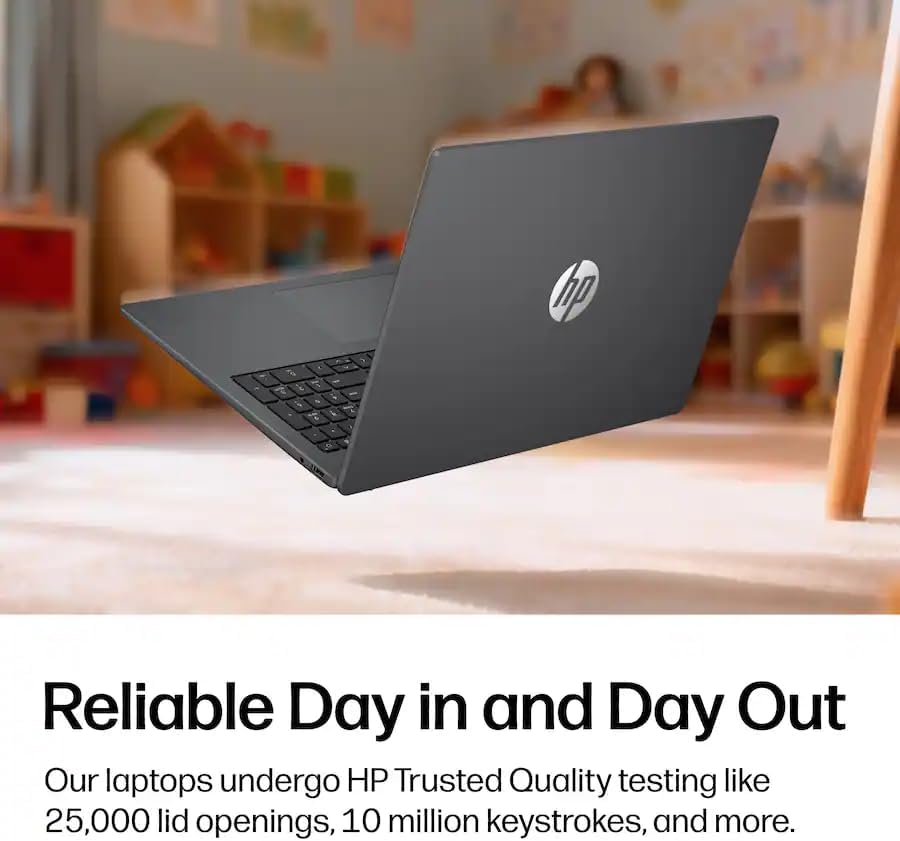
Compared with a more basic laptop chosen mainly for browsing and occasional documents, the 16 GB of memory and Core Ultra 7 processor are intended to give more room for everyday multitasking. The stated screen resolution is WUXGA, not a higher-resolution format, so buyers who prioritize finer display detail may prefer to focus on laptops with a different panel specification. There is no information here about battery life, ports, or graphics performance, which limits how confidently it can be matched to travel-heavy use or demanding creative workloads.
Usage tips
For a practical study or office setup, place a document on one side of the screen and a browser or reference page on the other, then use touch for quick navigation and the keyboard for extended typing. Windows 11 Pro provides the operating system environment, but the listing does not describe specific software or business features beyond that. If you need a particular port, accessory, or performance level for a specialist app, confirm those requirements against the full configuration before choosing.
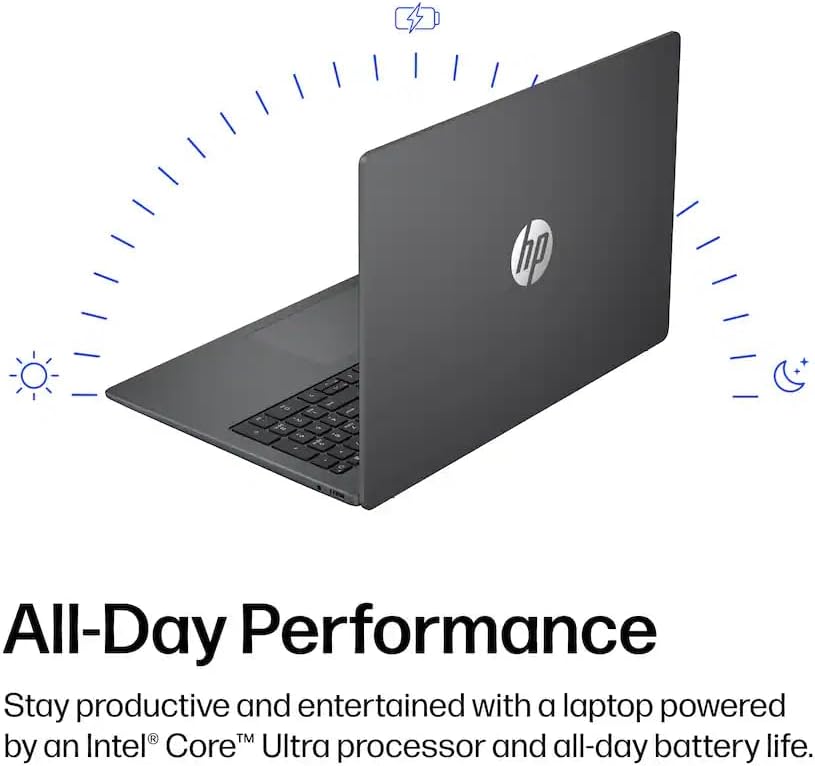
It might not be a great match if your main priority is a high-resolution display or if you need confirmed details about battery life, graphics, or included accessories. Those needs are not answered by the available specifications.
Questions before you buy
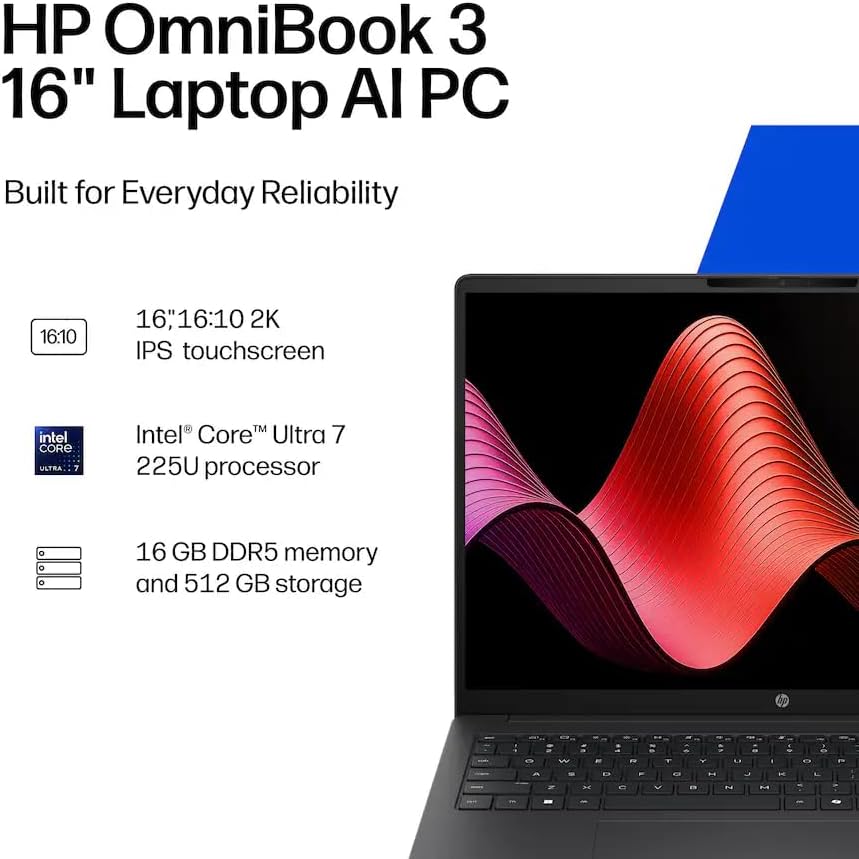
Is the screen touch-enabled? Yes. The product is listed with a 16-inch 1920 x 1200 WUXGA touchscreen.
Which operating system does it include? Windows 11 Pro is listed.
How much memory and storage are specified? It has 16 GB of DDR5 RAM and a 512 GB SSD.
Final verdict
The OmniBook 3 is worth considering if your day centers on schoolwork, office documents, web browsing, and video calls, and you value a large touchscreen with a stated 16 GB of memory. Its WUXGA resolution and the missing details on battery life, ports, graphics, and accessories are meaningful limits for buyers with more specific needs. without having tried it, the clearest reason to choose this configuration is its combination of a 16-inch touch display, Windows 11 Pro, and everyday-focused core hardware—not an assurance that it suits demanding or highly specialized workloads.