


HP 218A Compatible Toner 4-Pack, High Yield 🖨
Product description
This compatible 4-pack of toner cartridges replaces HP 218A and 218X cartridges to keep color LaserJet Pro printers running with consistent results. It includes black, cyan, yellow and magenta units with built-in chips to simplify installation and maintain page counting, making it useful for small offices and home businesses that need frequent color printing. 🖨️
Key Points
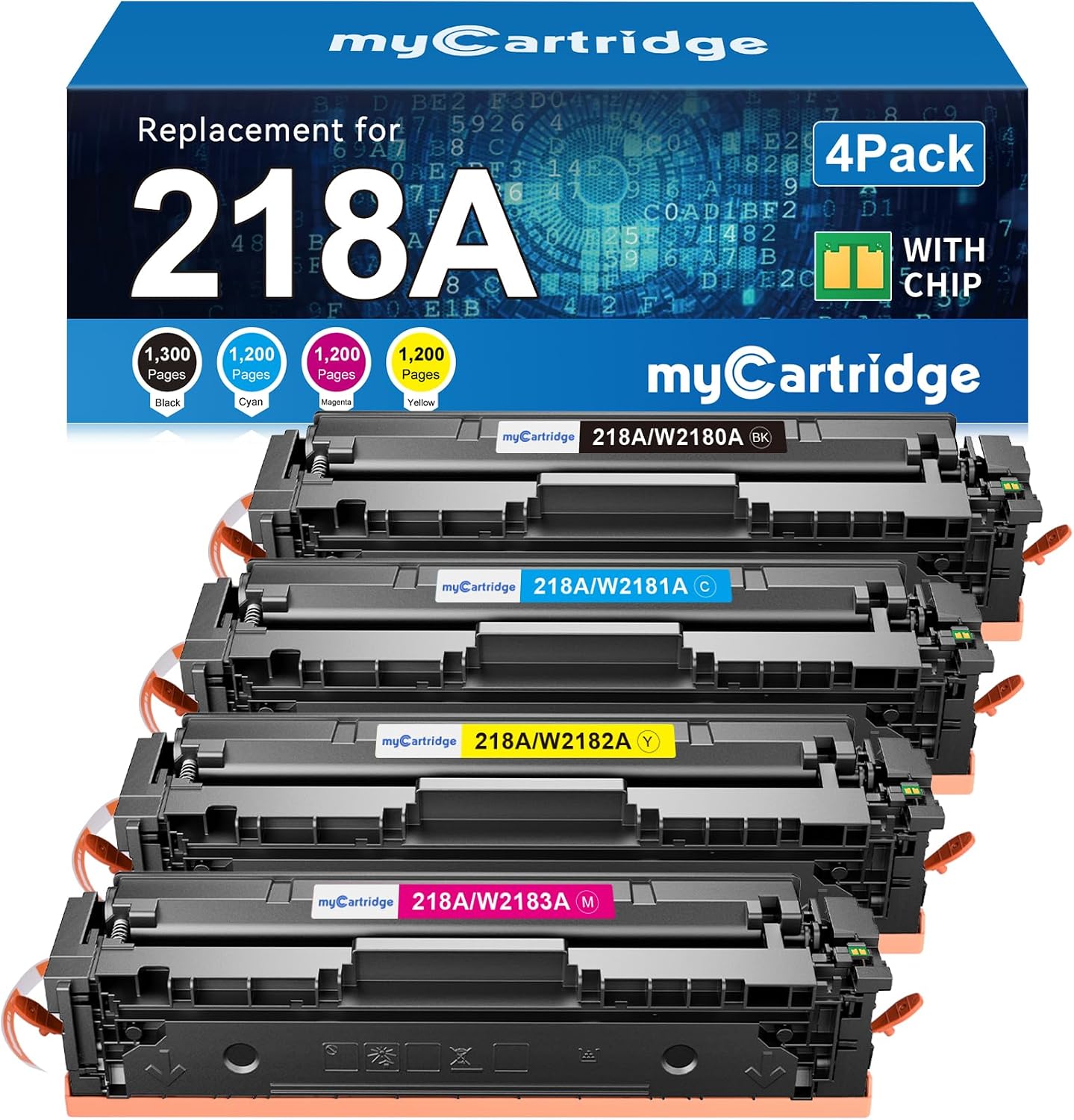
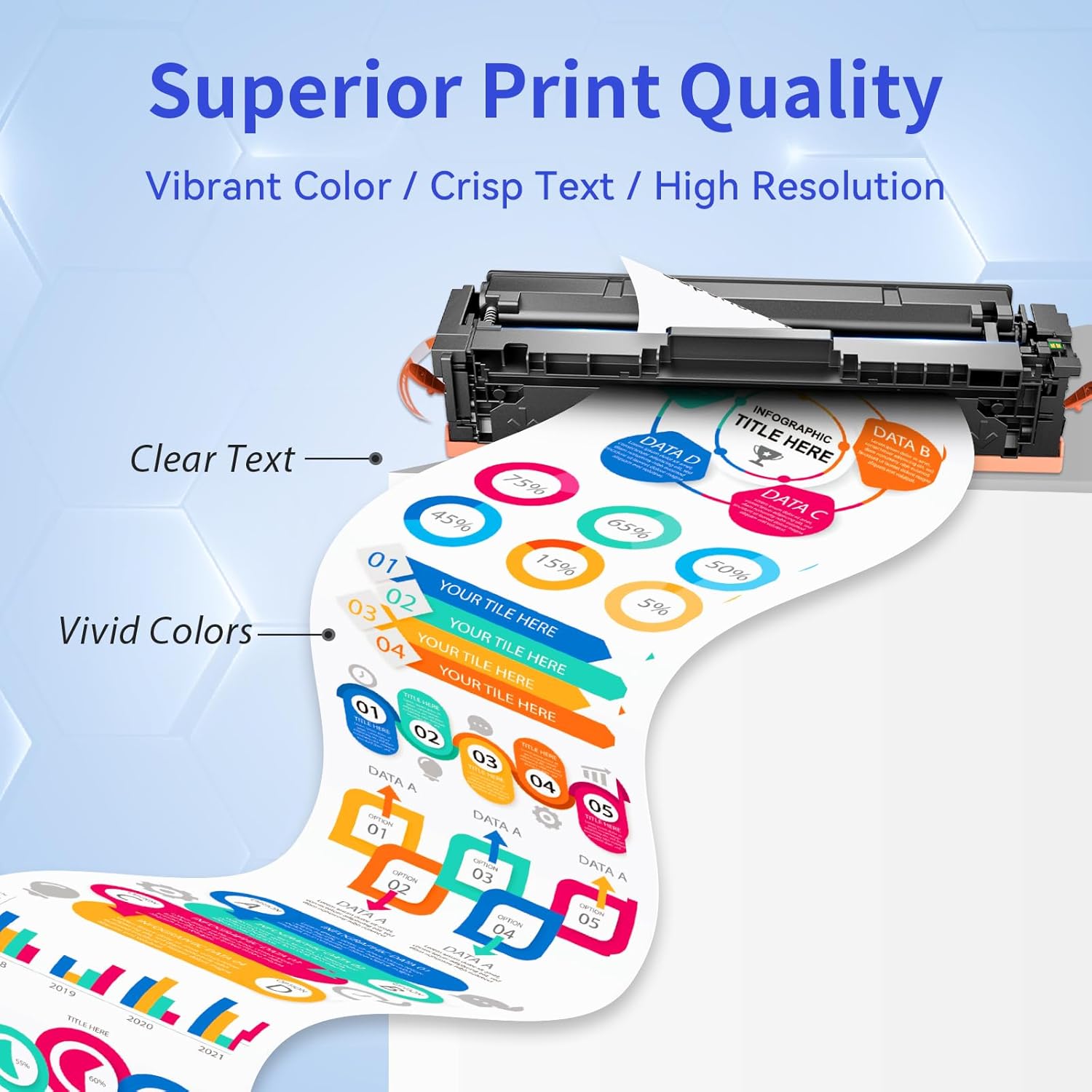
The set comes as four high yield cartridges that aim to deliver a steady workflow for color documents and reports. Because each cartridge has a chip installed, you do not need to move chips from old cartridges, which speeds up replacement and reduces fuss. Expect sharp text and saturated graphics for internal documents and client presentations, according to the manufacturer.
Advantages
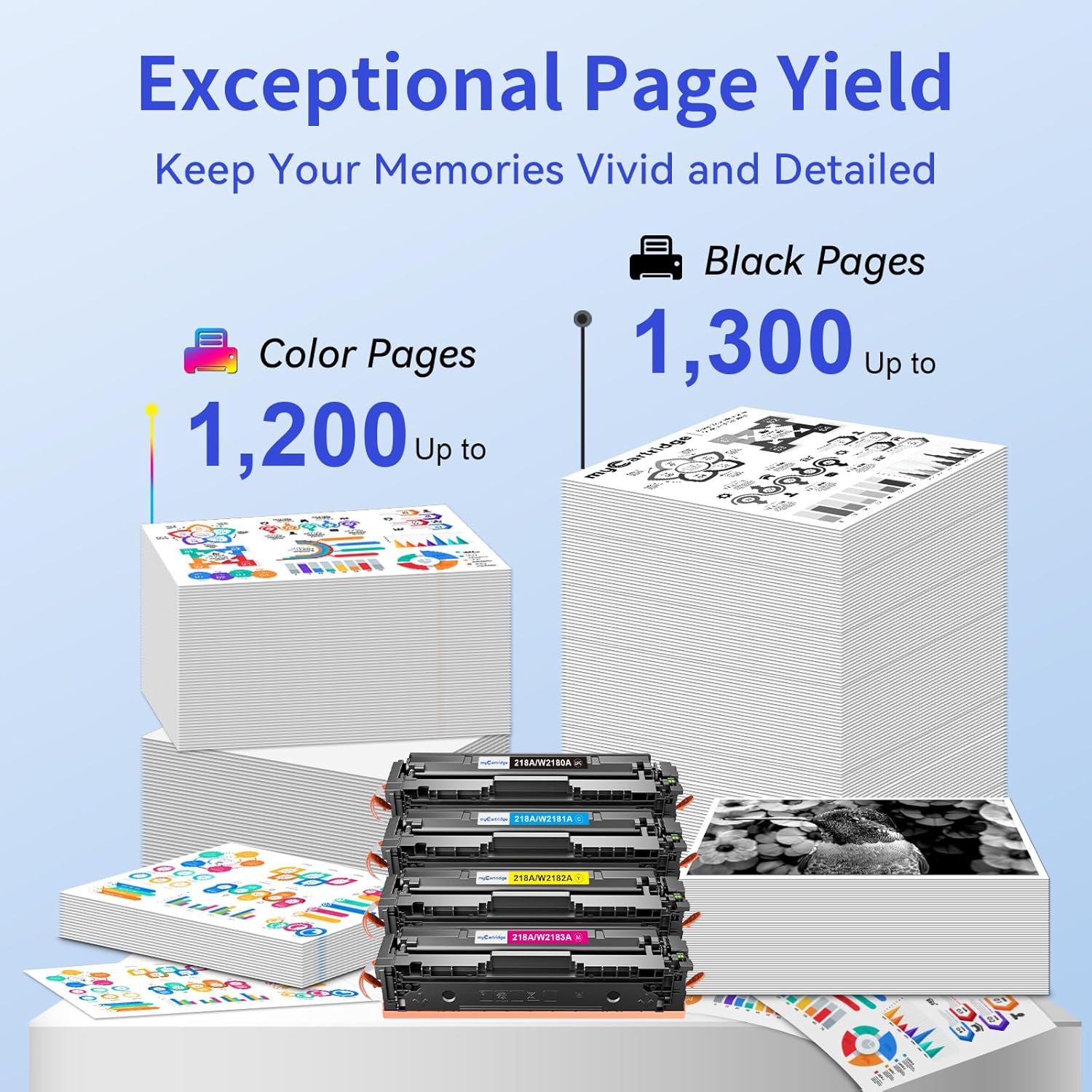
This 4-pack helps reduce interruptions during busy print runs by offering higher page yields than standard cartridges. The black cartridge is rated for up to 1,300 pages and each color cartridge up to 1,200 pages at 5% coverage, figures provided by the manufacturer. For teams that print mixed documents frequently, these cartridges can lower the number of cartridge swaps and the time spent on maintenance. Note that actual yields depend on printing conditions, coverage and device settings, so your mileage may vary. 📄
Technical Specifications
- Name: 218A Toner Cartridges 4 Pack (with Chip)
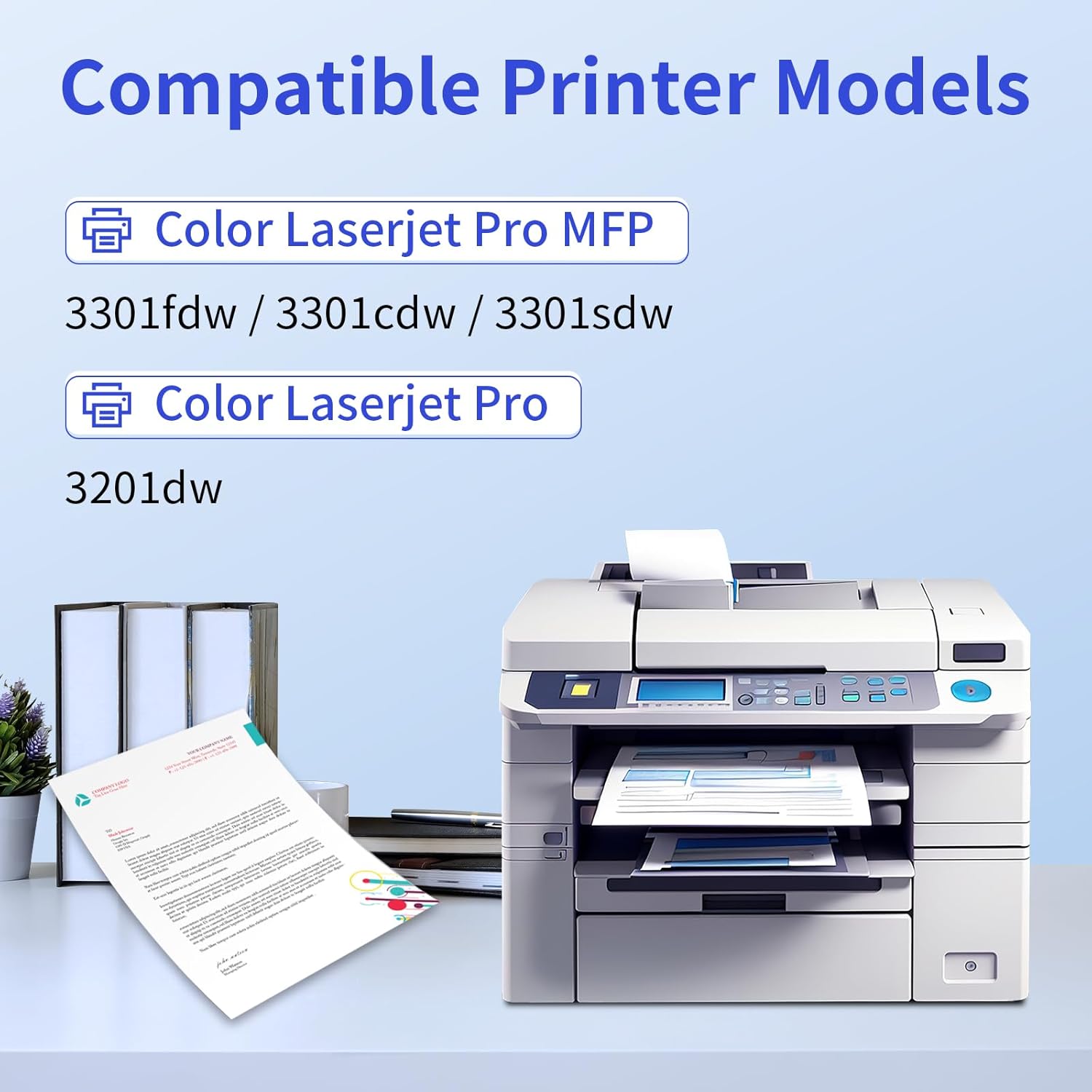
- Compatible printers: Color LaserJet Pro MFP 3201dw, 3301fdw, 3301cdw, 3301sdw
- Pack contents: 1x black (W2180A), 1x cyan (W2181A), 1x yellow (W2182A), 1x magenta (W2183A)
- Page yield: up to 1,300 pages (black), up to 1,200 pages (each color) at 5% coverage
- Cartridge type: High yield, with built-in chip
Usage Recommendations
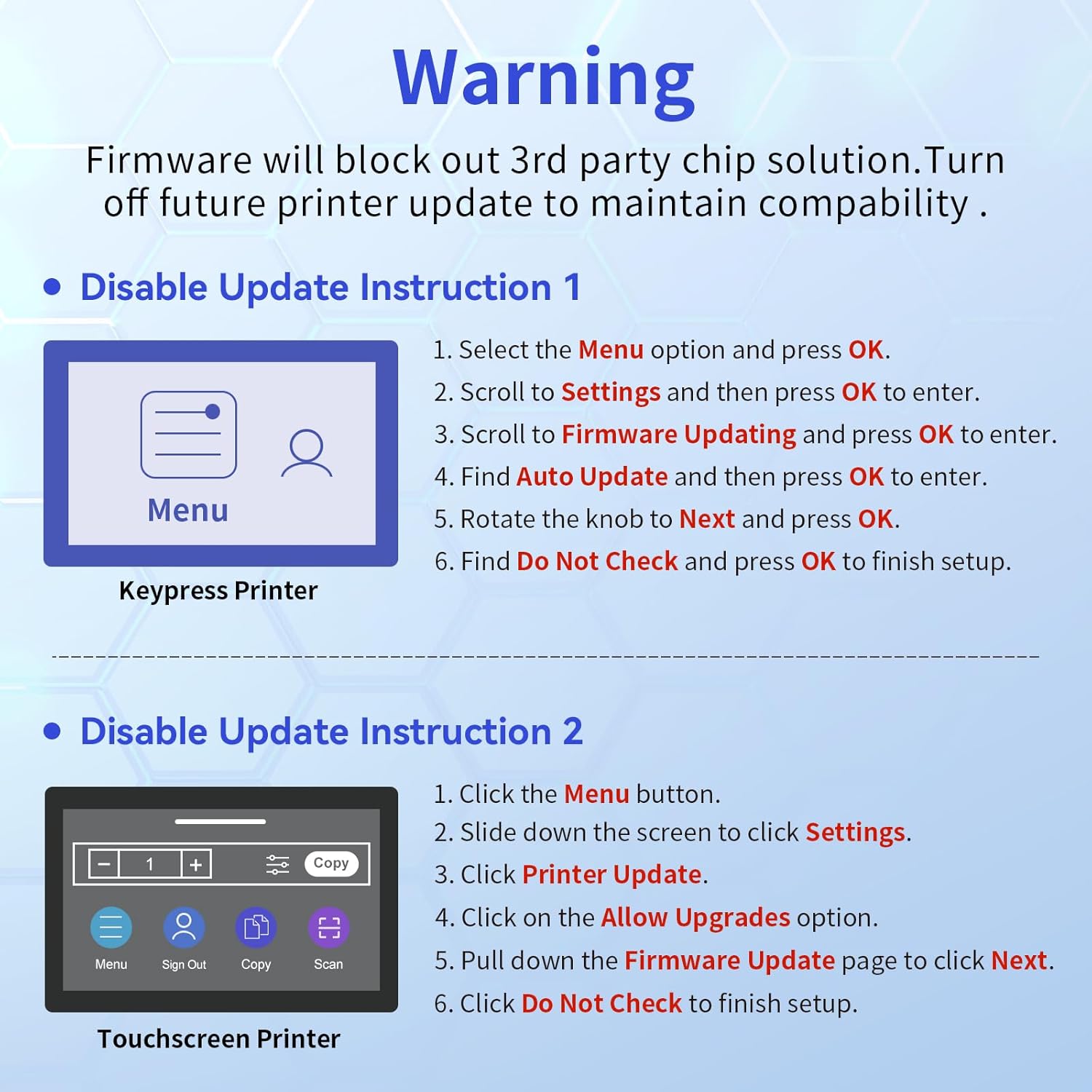
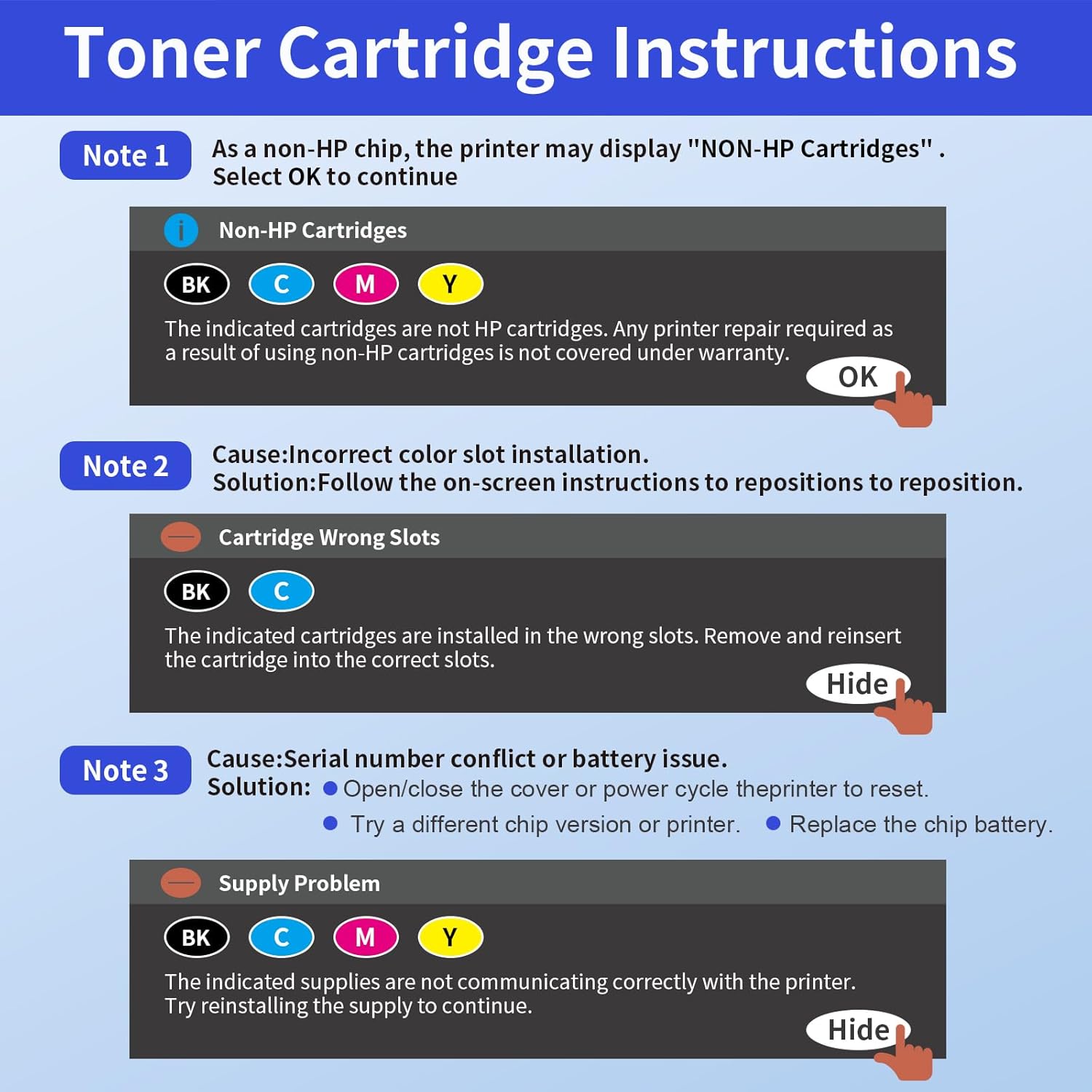
Install each cartridge following the printer’s panel prompts to ensure the chip is recognized and the device reports correct toner levels. For best results, store unused cartridges in a cool, dry place and avoid exposing them to direct sunlight or extreme temperatures. If print quality appears faded or streaked, run a printer cleaning cycle and check that cartridges are seated properly before replacing them.