

Hori Split Pad Pro (Ditto) Ergonomic Controller for Nintendo Switch handheld mode (officially licensed)
Reviews
Price
Product description
What you’re getting in handheld mode
If you like the Nintendo Switch but wish the handheld controls felt more “full-size,” the Hori Split Pad Pro (Ditto) is built for that exact itch. It aims to bring a more comfortable, grippy controller feel to playing away from the TV—without asking you to switch your whole setup.
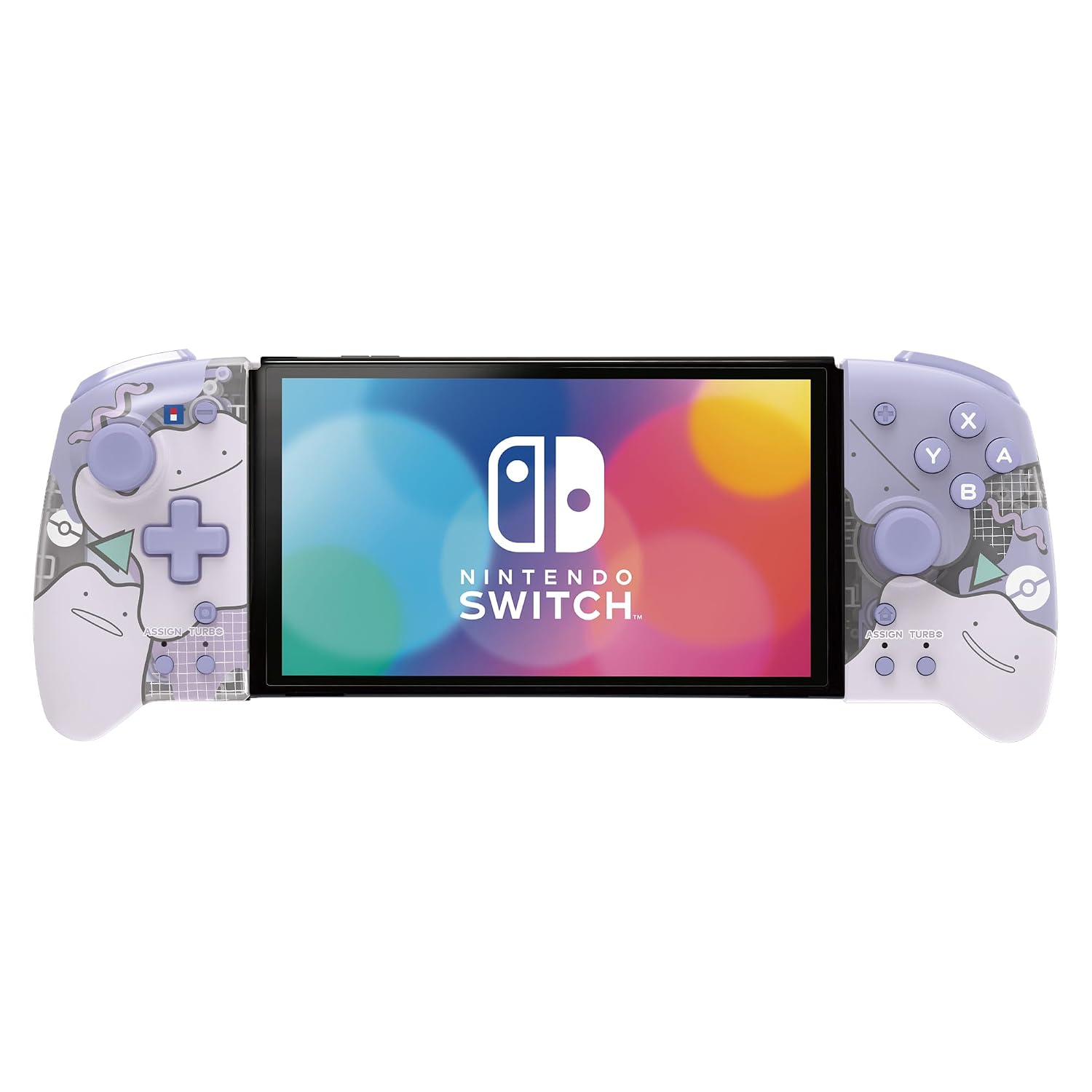
On paper, it’s all about bigger surfaces where it counts: larger grips, buttons, triggers, analog sticks, and the D-pad. That matters in longer sessions, where smaller stock controls can start to feel cramped. And because it’s themed (Ditto), it’s also a fun aesthetic choice if you’re into Pokémon-style accessories.
Key features that affect actual gameplay
What stands out is the move from “just a grip” to a more controller-like layout. You get a full-size handheld experience feel, including: - Larger analog sticks and D-pad than the standard handheld controllers - More substantial triggers for better control while you’re firing, aiming, or moving constantly - Programmable rear buttons, plus turbo and assignable buttons
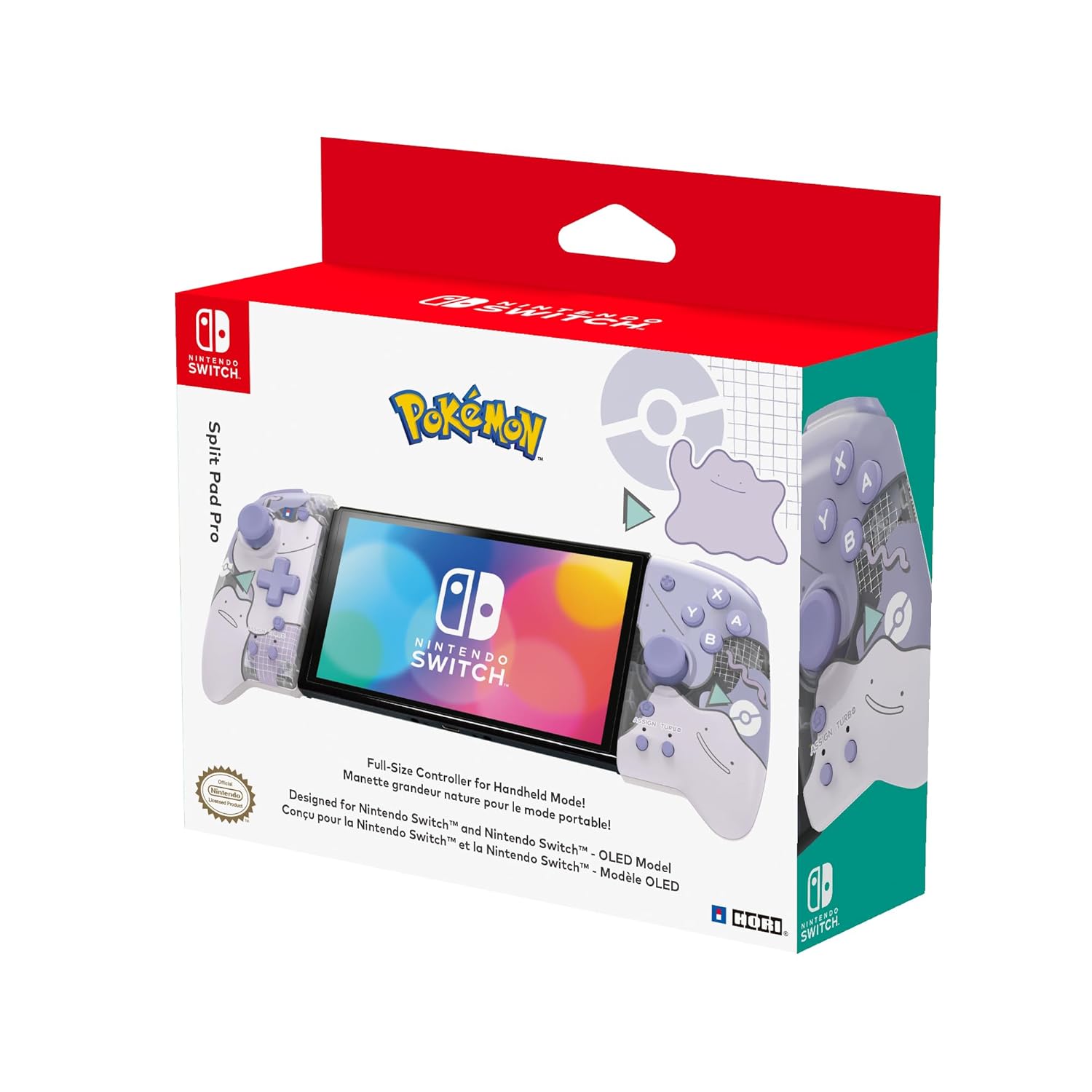
Those programmable rear buttons are the kind of feature you’ll either love immediately or only appreciate after you tweak your settings. They’re especially useful in games where you want quick access to actions you don’t want to take your thumb off the sticks for.
There’s also a turbo feature and assignable buttons, which can be handy depending on the genres you play. Still, keep expectations realistic: this kind of control accessory can make some games feel smoother, but it won’t magically turn every title into a different experience.
What it’s for (and the kind of player it matches)
It makes sense if you primarily play in handheld mode and you want a more ergonomic, “proper controller” feel. You’ll probably notice the improvement most if you: - Play action games, shooters, platformers, or anything with frequent button inputs - Do long sessions and get fatigue from smaller handheld controls - Want programmable rear buttons to reduce thumb travel and speed up certain actions
It also fits well for people who like accessories that match their interests. The Ditto design is official, so it’s not just a random theme slapped on.
Limitations to keep in mind
This is an officially licensed accessory, which is reassuring—but it’s still an add-on designed specifically for handheld mode. If your main playstyle is docked on a TV, you may not get as much value from this compared to focusing on a standard controller setup.
Also, the programmable features (rear buttons, turbo, assignable buttons) depend on your comfort with remapping. If you prefer not to adjust control layouts, you might not use the extra flexibility much.
Everyday use tips for better results
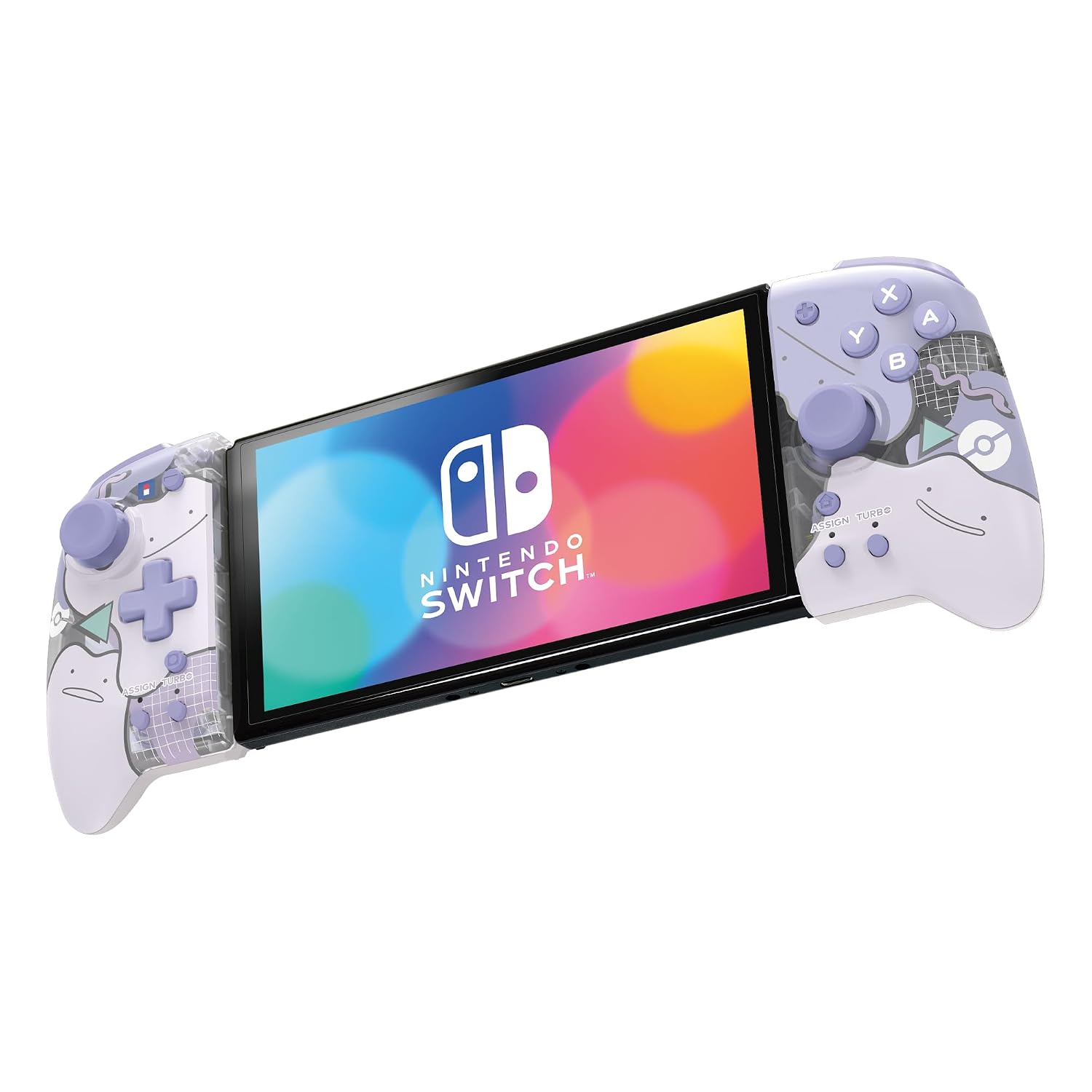
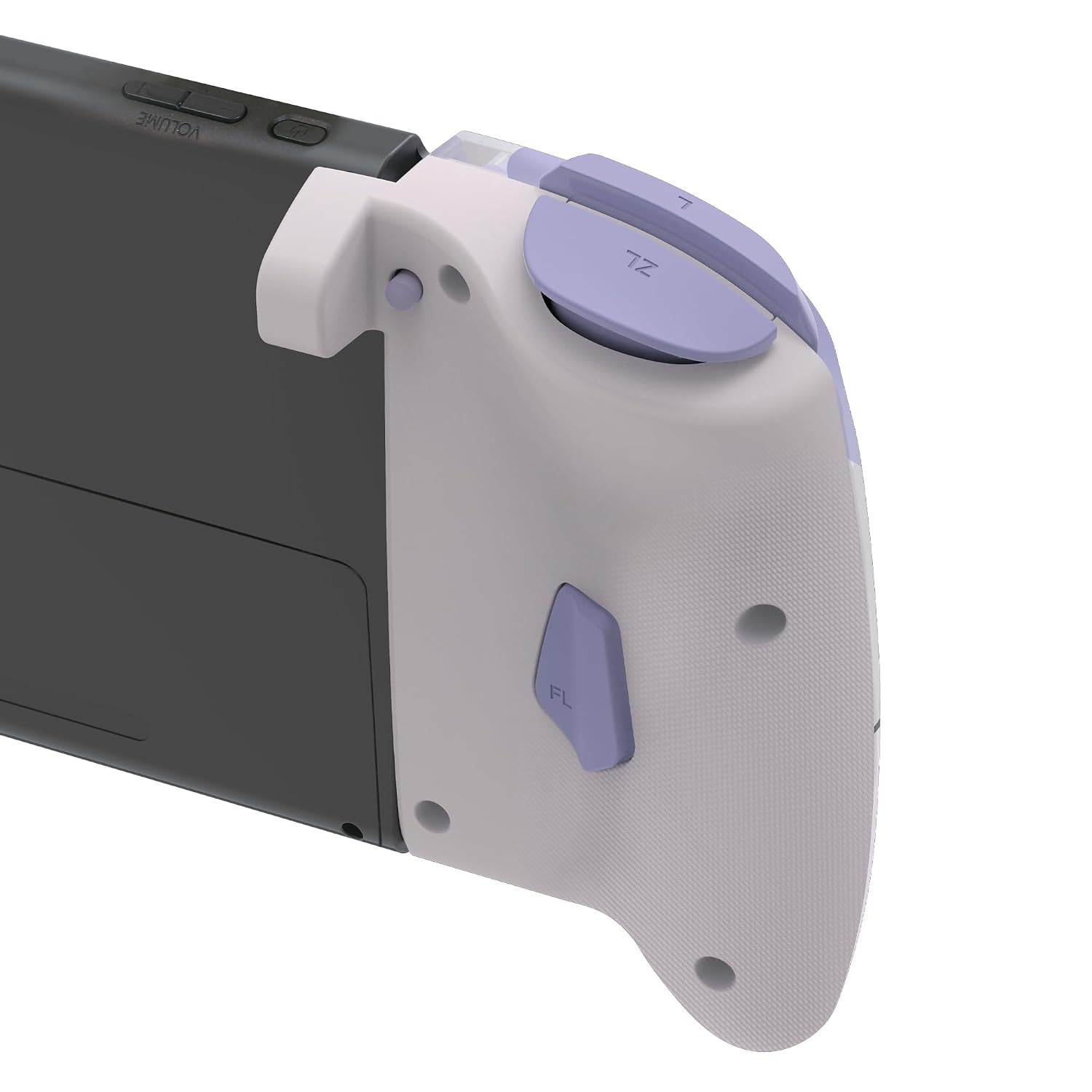
A good first step is spending a few minutes before your next play session setting up the rear buttons for actions you repeat a lot. For example, if you play a game where you constantly jump and interact, you could map an action that’s awkward to press with your left thumb—so you keep movement steady.
Then, test sensitivity and stick comfort by doing short routines: move in short bursts, check aim or camera control, and make sure the new grip feels natural. It won’t be perfect instantly for everyone, but a quick setup pass can turn the experience from “different” to “actually easier.”
The essentials (tech snapshot)
This controller is positioned as a handheld-mode upgrade with a more ergonomic, full-size controller feel. The input focus is clearly on grips, buttons, triggers, analog sticks, D-pad, plus programmable rear buttons and turbo/assignable controls.
Mini FAQ
Frequently asked questions
Does it provide a full-size feel in handheld mode?
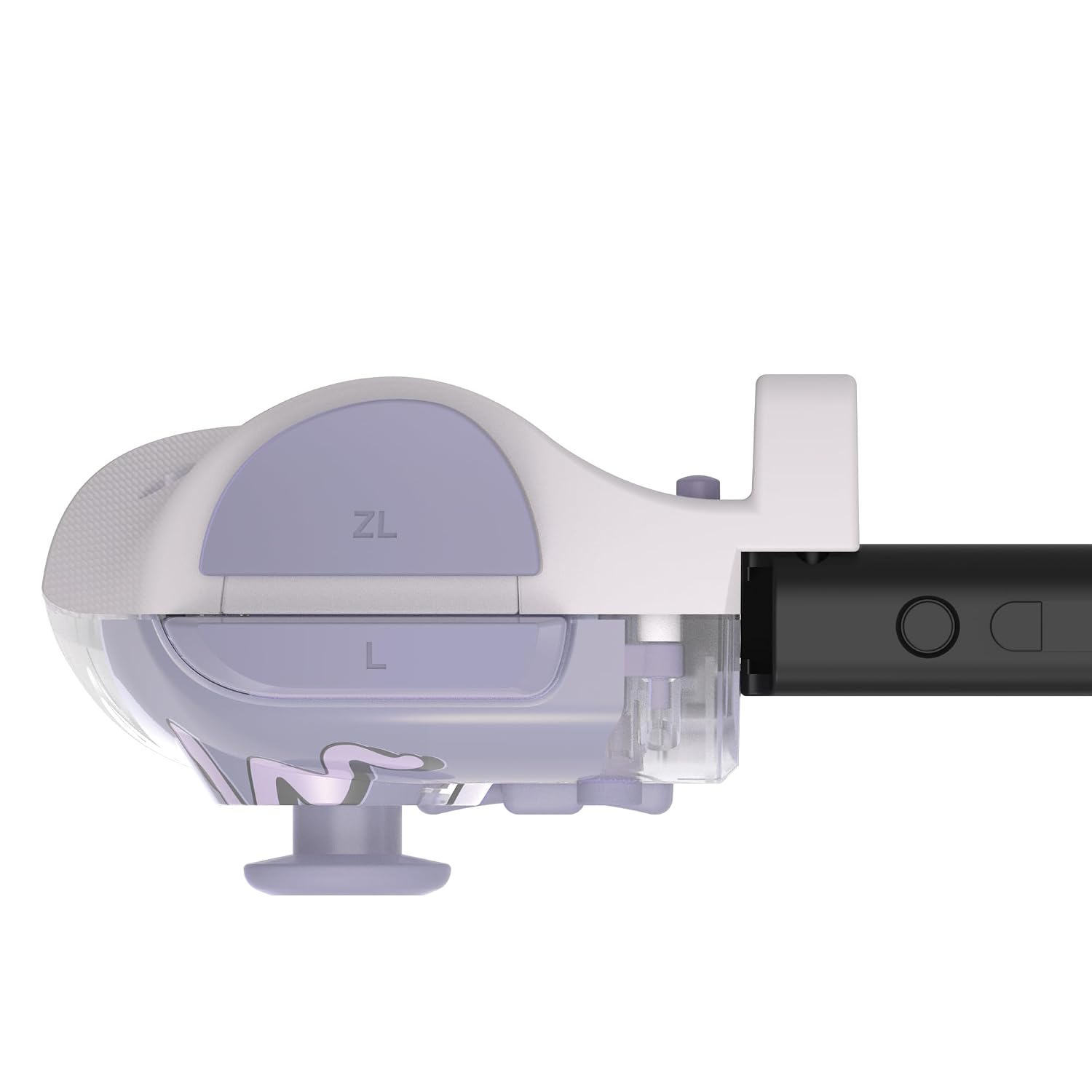
Yes, the product’s goal is a full-size controller experience specifically while playing on Nintendo Switch handheld.
Are the rear buttons programmable?
Yes. It includes programmable rear buttons, along with turbo and assignable buttons.
Is it officially licensed?
It’s described as officially licensed by Nintendo and The Pokémon Company International.
Who should consider it most?
People who play mostly in handheld mode and want larger, more ergonomic controls (especially for longer sessions) are the best match.
Is it worth it?
Buy it if you want a more comfortable, controller-like handheld setup—especially if you’re interested in programmable rear buttons and want quick access to actions without moving your thumbs as much.
Skip it if you mostly play docked on a TV, or if you strongly prefer stock controls and don’t plan to remap or use the extra programmable/turbo options. In that case, the added complexity may not pay off for you.