

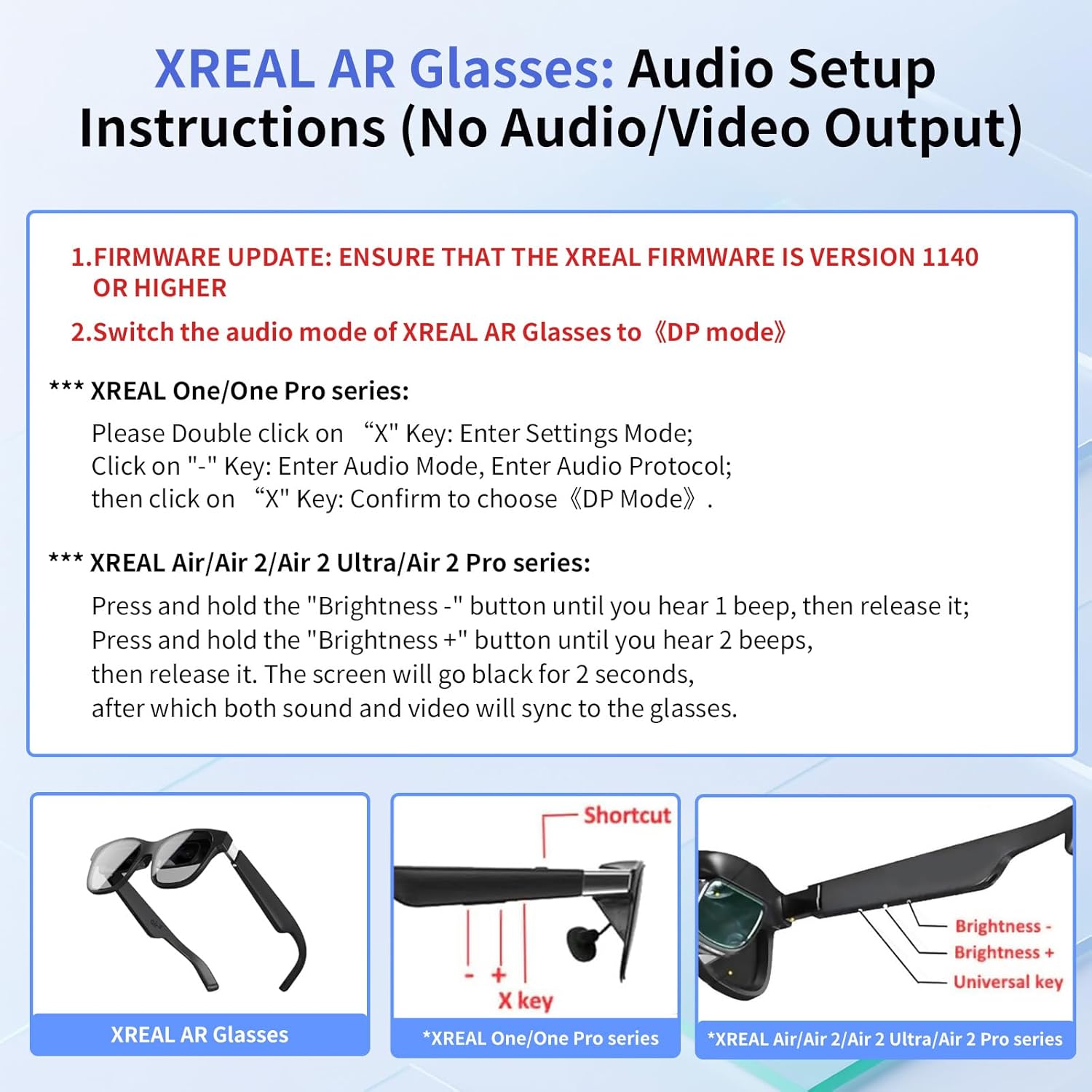
Guermok HDMI to USB-C Video Display Adapter (4K@60Hz) for AR Glasses and Portable USB-C Monitors
Product description
What it does (and why people buy it)
If you have an HDMI source—like a game console, streaming box, or media player—and you want to display that image on a USB-C display (including compatible AR/XR glasses), this Guermok HDMI to USB-C adapter is the bridge. The value is pretty straightforward: it’s meant to turn an HDMI output into a USB-C video input path so you can watch, mirror, and play without rebuilding your whole setup.
On paper, the selling point here is 4K at 60Hz for smoother motion, plus a full-function USB-C cable included to help you connect faster. It’s also designed to be portable—small enough to toss in a bag for mobile gaming or travel setups. Still, it’s not a universal “fix everything” adapter, so compatibility details matter.
Key points to know before you buy
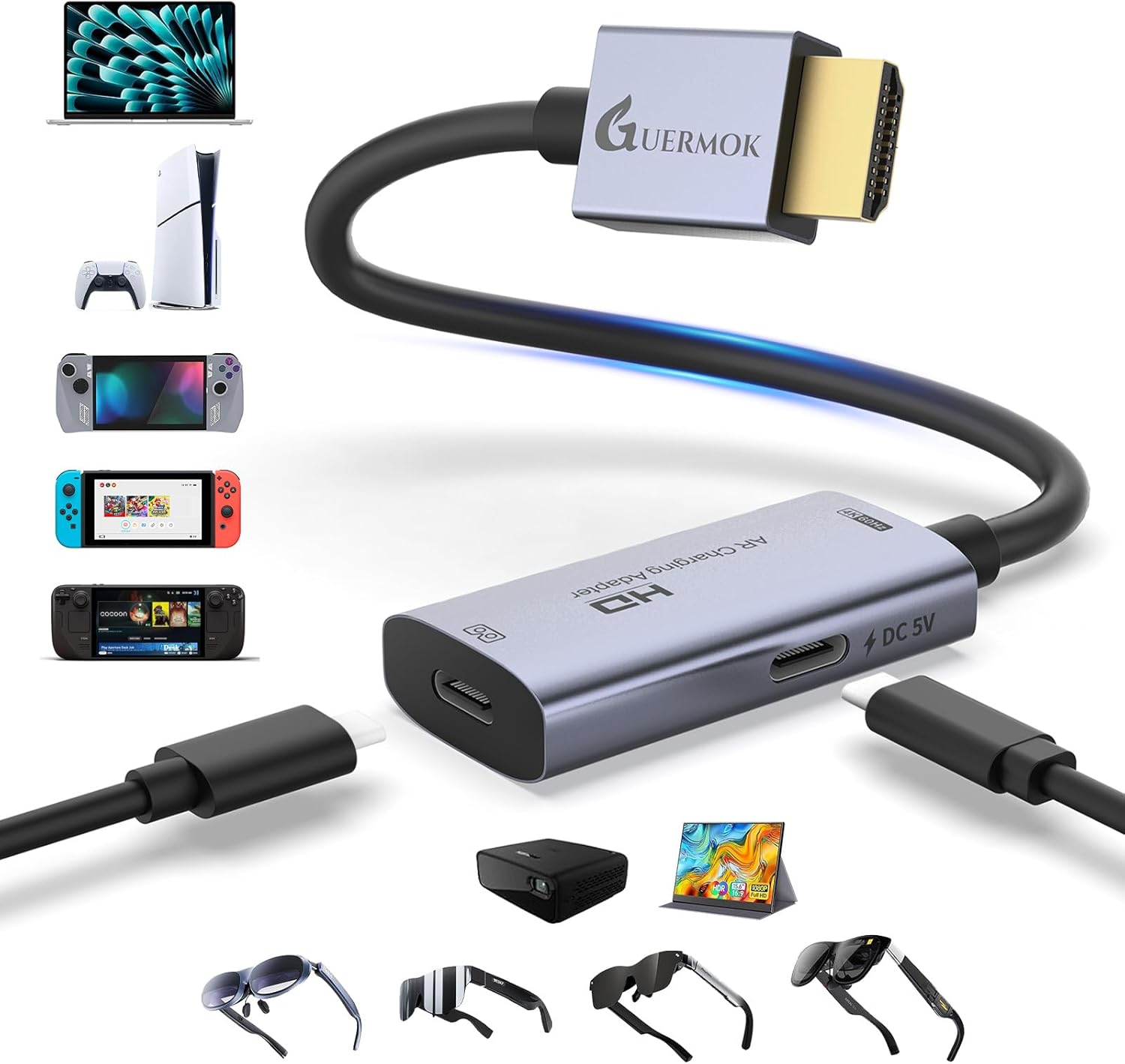
This adapter is focused on one-way video transfer: HDMI (source) to USB-C (screen) only. It does not support bidirectional use, so don’t expect it to work as a two-way capture/switcher.
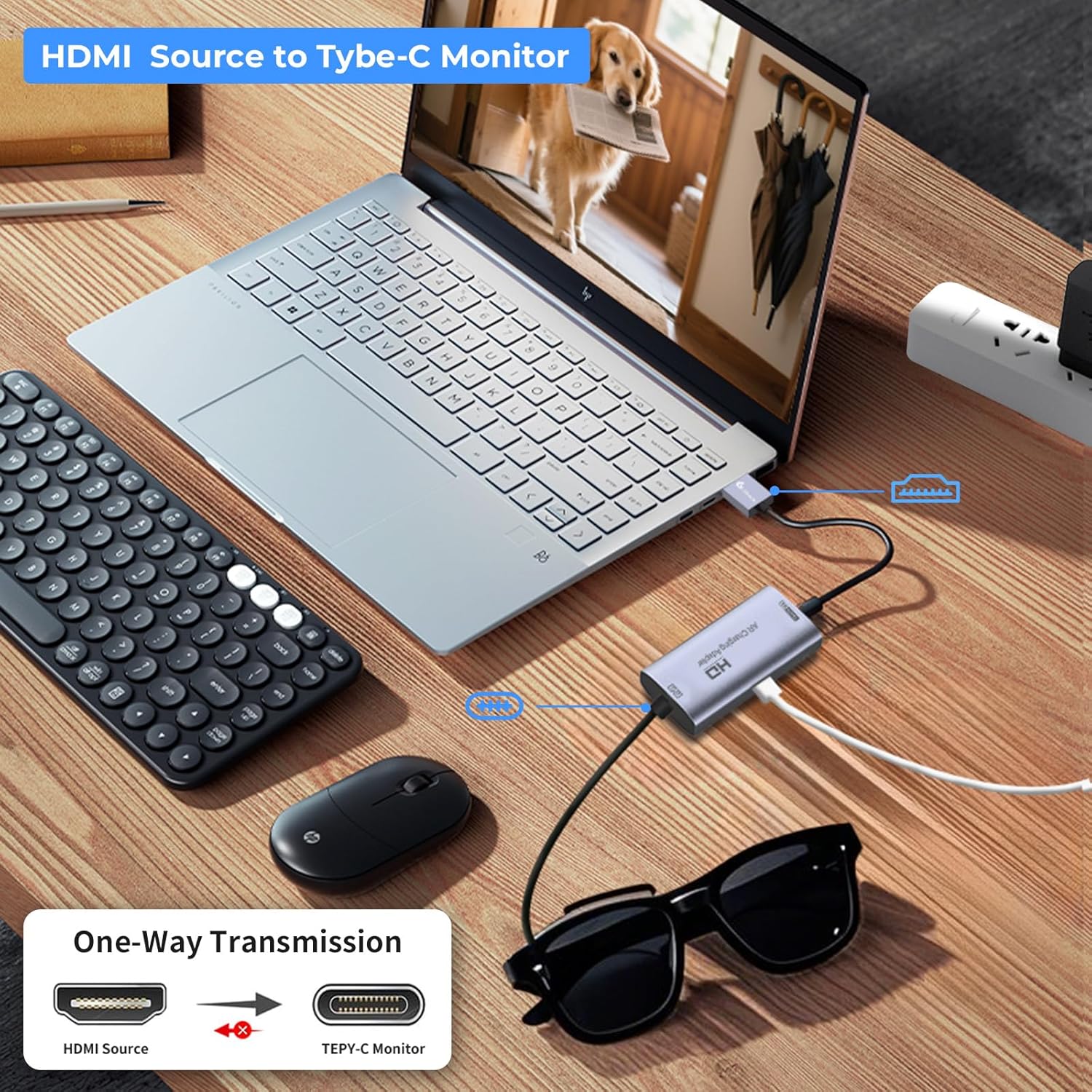
There are also a few limitations worth taking seriously: - Audio behavior can be tricky. If you don’t hear audio, the instructions say to check your device’s audio output settings and configure it in DisplayPort (DP). If audio is still not working for your scenario, the note also mentions using an external audio device. - It’s not compatible with some setups involving audio accessories like Studio Display, and VR headsets require a capture card instead (per the compatibility notes). - It’s not for headphones or docking stations.
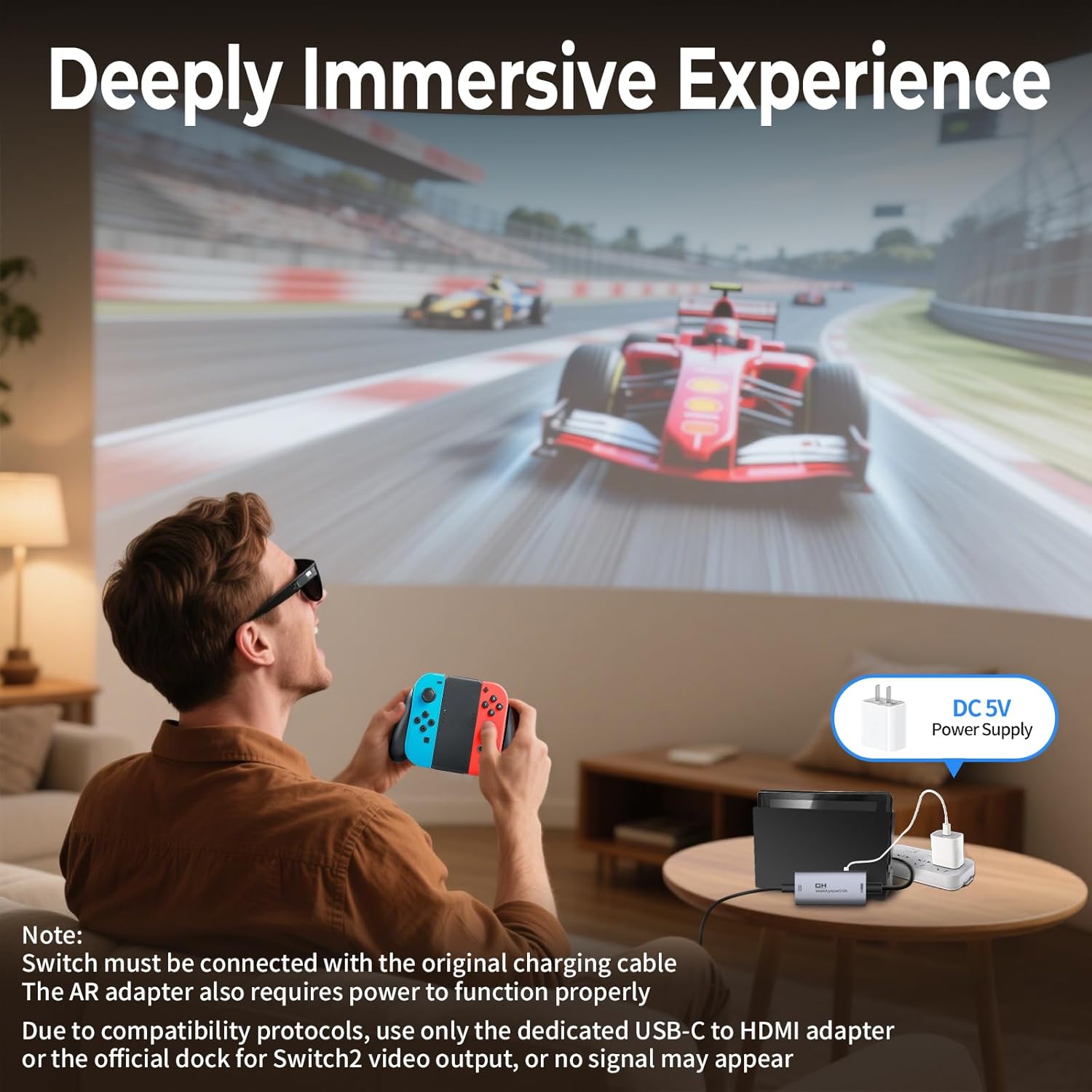
And there’s another practical detail: the adapter requires a power connection through its 5V USB-C power port. It won’t magically operate indefinitely without power, and devices that need more than what this 5V (1-1.5A) port provides may not work as intended.
What you’ll likely appreciate is the “plug and use” concept for supported glasses and USB-C displays. What you may question is how often your specific device combination matches the “USB-C video input (Alt DP)” expectation—because if it doesn’t, no amount of setup changes will help.
What you get and what to use it with
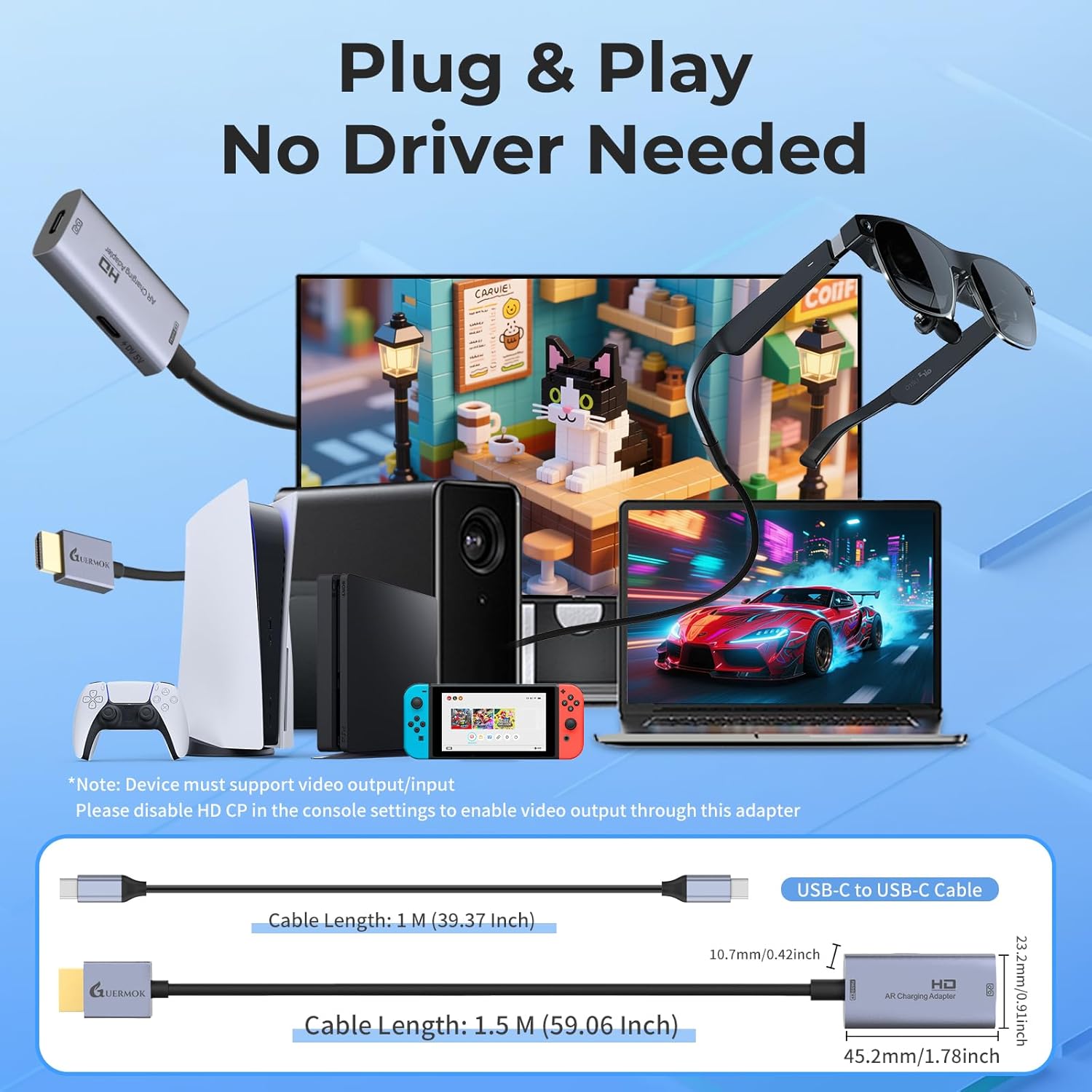
The package includes the HDMI to USB-C adapter, a user manual (Spanish not guaranteed), and a full-function USB-C to USB-C cable. In other words, you’re not only buying the dongle—you’re getting the cable needed for the connection style described.
Compatibility is described as intended for AR glasses or USB-C displays that accept USB-C video input (Alt DP). The HDMI side is meant for HDMI output devices such as gaming consoles in TV mode (examples listed include Switch 2/1, Xbox1, PS4/5), along with media players and HDMI streaming devices.
There’s also mention of portable USB-C monitors and USB-C projectors for “immersive” viewing, gaming, and work-like use cases. A realistic example: you’re at home, start a console game on HDMI output, connect the adapter to your AR glasses’ compatible USB-C input, then power the adapter through its USB-C 5V port—suddenly your glasses become the display for that console feed.
Performance expectations (4K@60Hz and low-latency intent)
The adapter is positioned for smooth playback with 4K Ultra HD up to 60Hz, which is the kind of spec that matters most for gaming and fast-moving video. It’s also described as Plug & Play with low latency—language that suggests the goal is a quick, responsive viewing experience.
That said, real-world results can depend heavily on whether your glasses/display and the HDMI source negotiate the expected signal modes. In particular, the requirement that your USB-C display supports video input (Alt DP) is the kind of detail that can be the difference between “works instantly” and “you’re stuck troubleshooting.”
Power and audio: the two areas to double-check
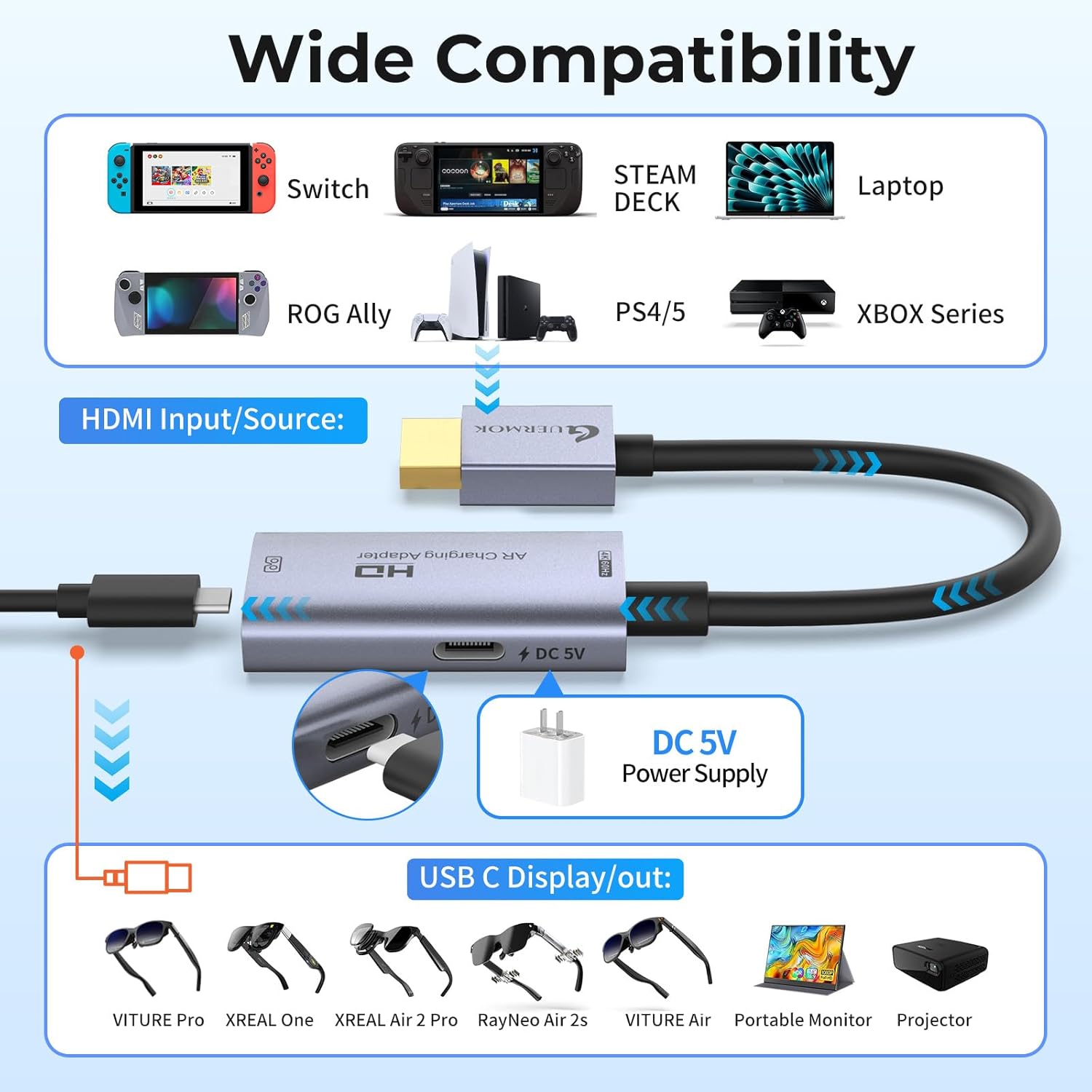
This adapter includes a USB-C power input (5V, 1-1.5A) intended to supply power directly to the connected USB-C screen or AR glasses for stable operation. The instructions are explicit that the adapter needs a compatible power source to function.
If your setup doesn’t include a way to provide that 5V power, you may run into instability or non-working behavior. And if audio is part of your plan, pay attention to the notes: audio may require adjusting your device’s audio output setting to DisplayPort (DP), and in some scenarios you may need external audio rather than expecting sound through the adapter.
Also, the input pathway described is unidirectional video only—so if you were hoping to use it for capturing or doing something two-way, you may end up disappointed.
Is it worth it?
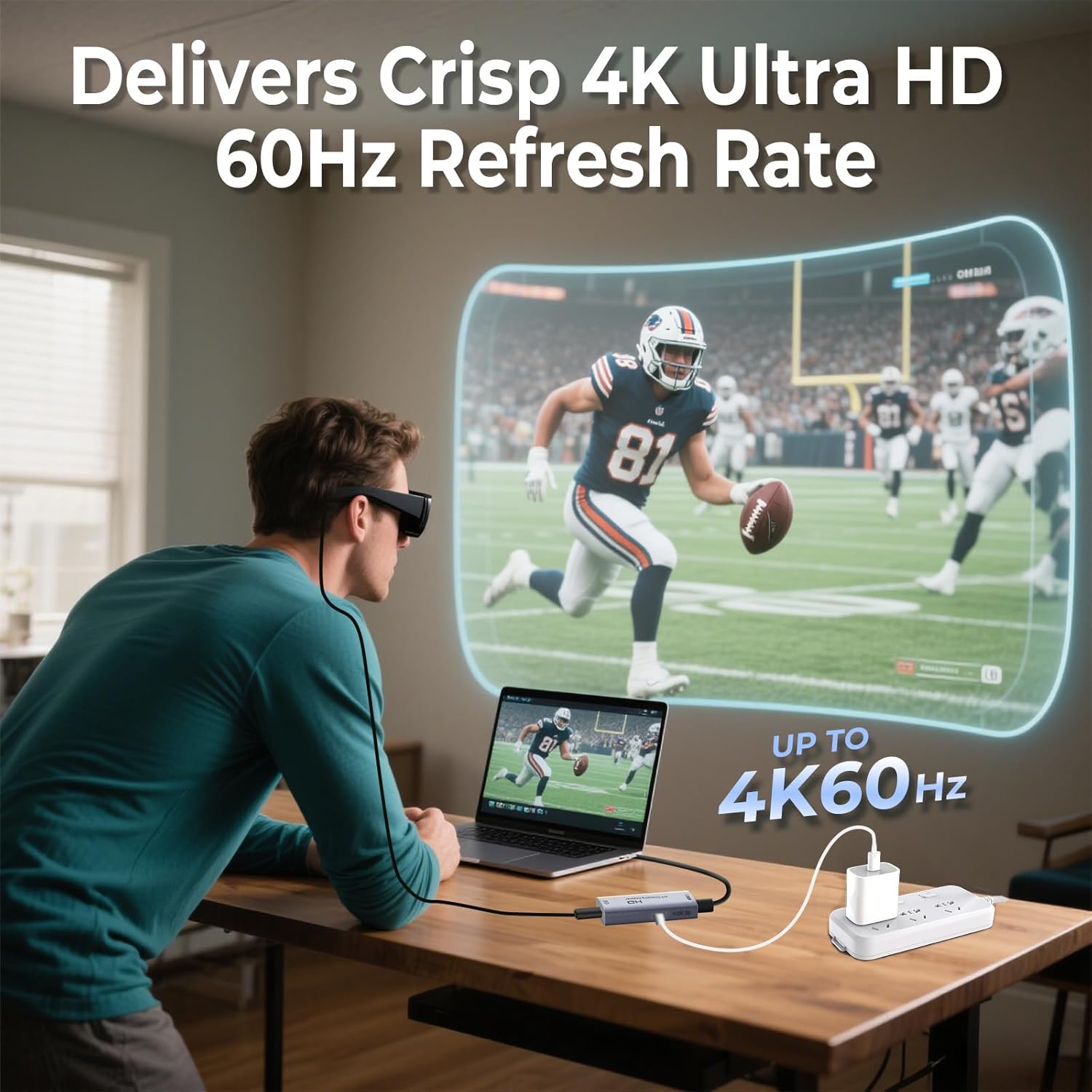
Worth considering if you have an HDMI source and a compatible AR/XR glasses model or USB-C display that supports USB-C video input (Alt DP), and you want a portable way to run 4K video up to 60Hz for gaming or media.
It may not be the best choice if you need bidirectional functionality, audio guarantees across every display scenario, or support for devices like VR headsets that require a capture card. You should also think twice if you can’t provide the adapter’s required 5V USB-C power, since the unit is meant to be powered to operate.
Frequently asked questions
FAQ
Does this adapter support two-way video?
No. It’s described for one-way transmission from HDMI (source) to USB-C (screen) only.
Will it automatically provide audio through the USB-C glasses/display?
Not necessarily. If you don’t hear audio, the instructions say to check your audio output settings and configure it in DisplayPort (DP). Some scenarios may require external audio.
What HDMI devices is it meant to work with?
The description lists HDMI output devices like Nintendo Switch 2/1, Xbox1, PS4/5 (in TV mode), plus HDMI media players and streaming devices.
Do I need to power the adapter?
Yes. The instructions state the adapter must be connected to a compatible power source via its USB-C 5V (1-1.5A) port.
Is it compatible with Studio Display and headphones?
The provided compatibility notes indicate limitations: audio isn’t supported when connected to Studio Display, and it’s not compatible with headphones or docking stations.