

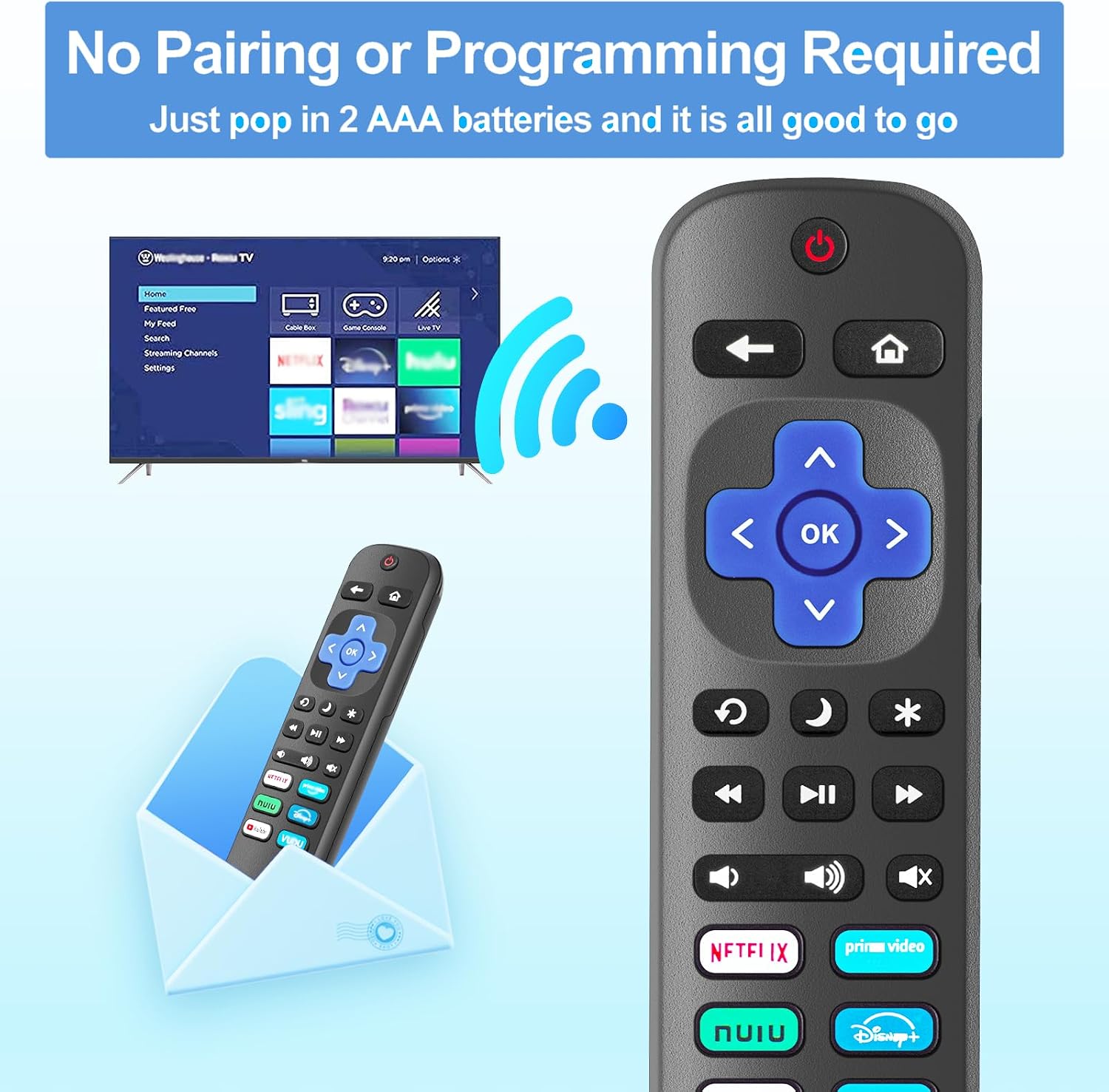
Gotellx Roku TV remote controls 4-pack
Product description
Technical details
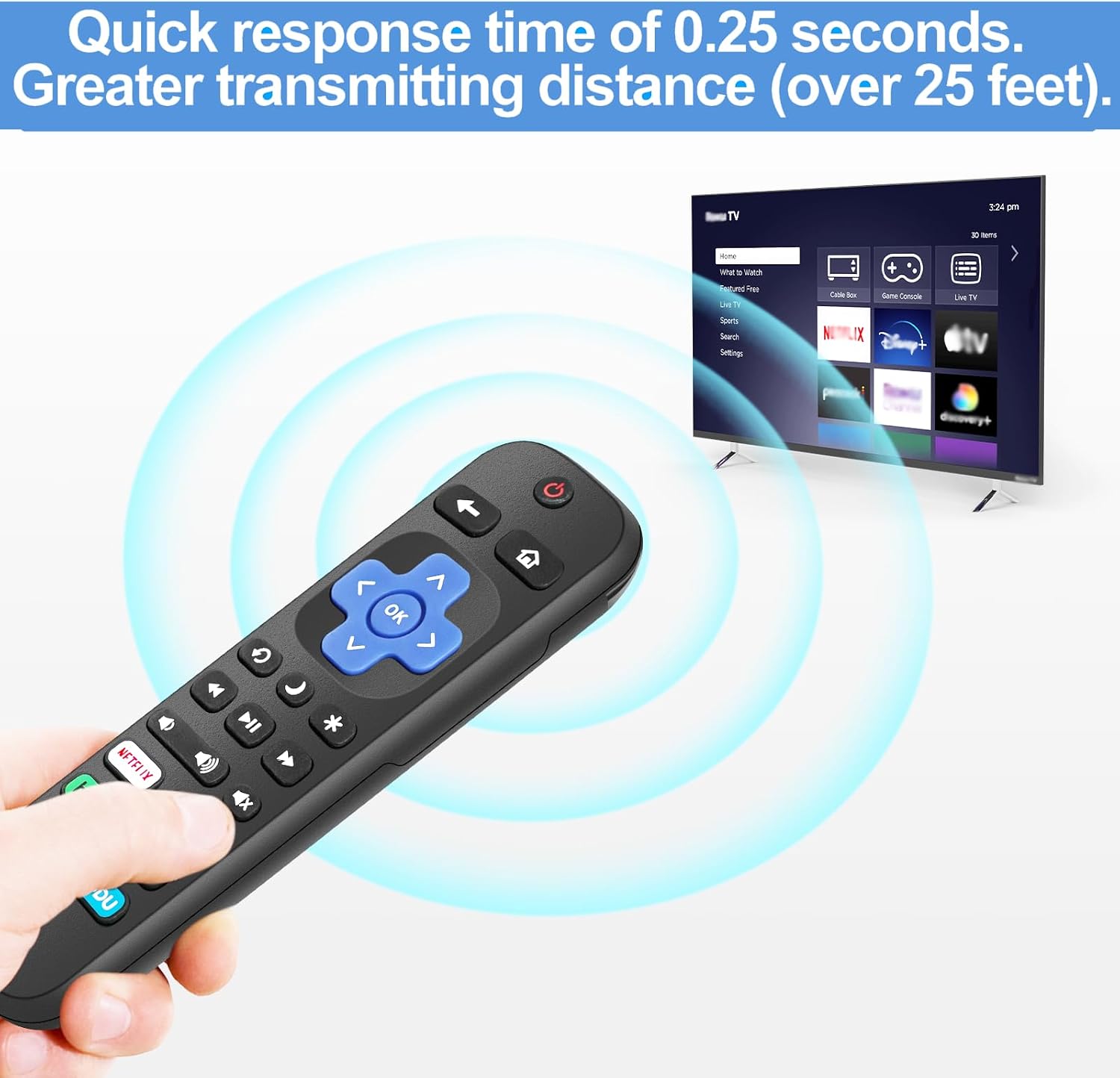
If you need a straightforward replacement for a Roku TV, this four-pack focuses on basic infrared control rather than voice features or streaming-device compatibility. The remotes require no programming, which keeps setup simple when you just want to get a television working with a spare remote.
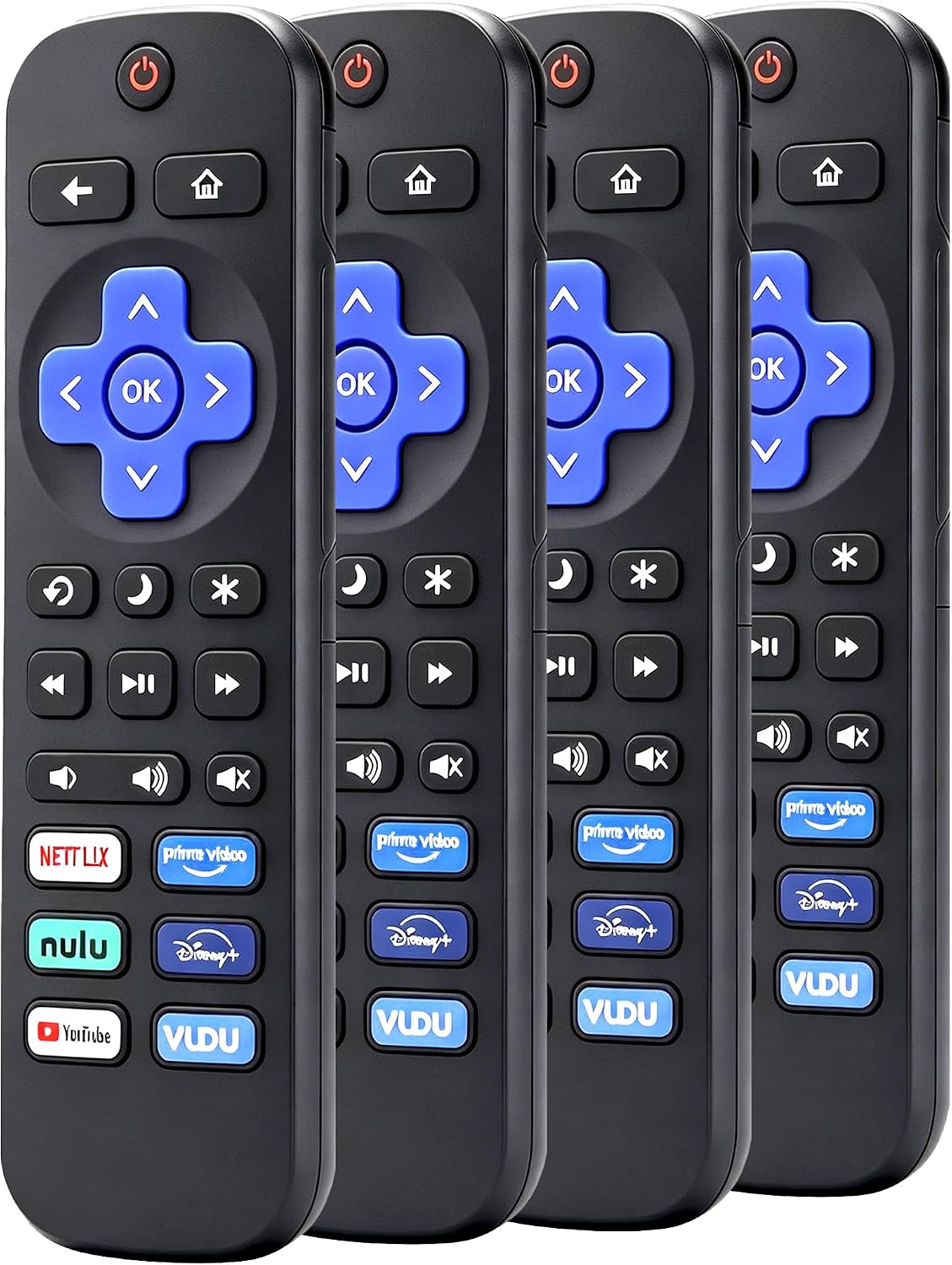
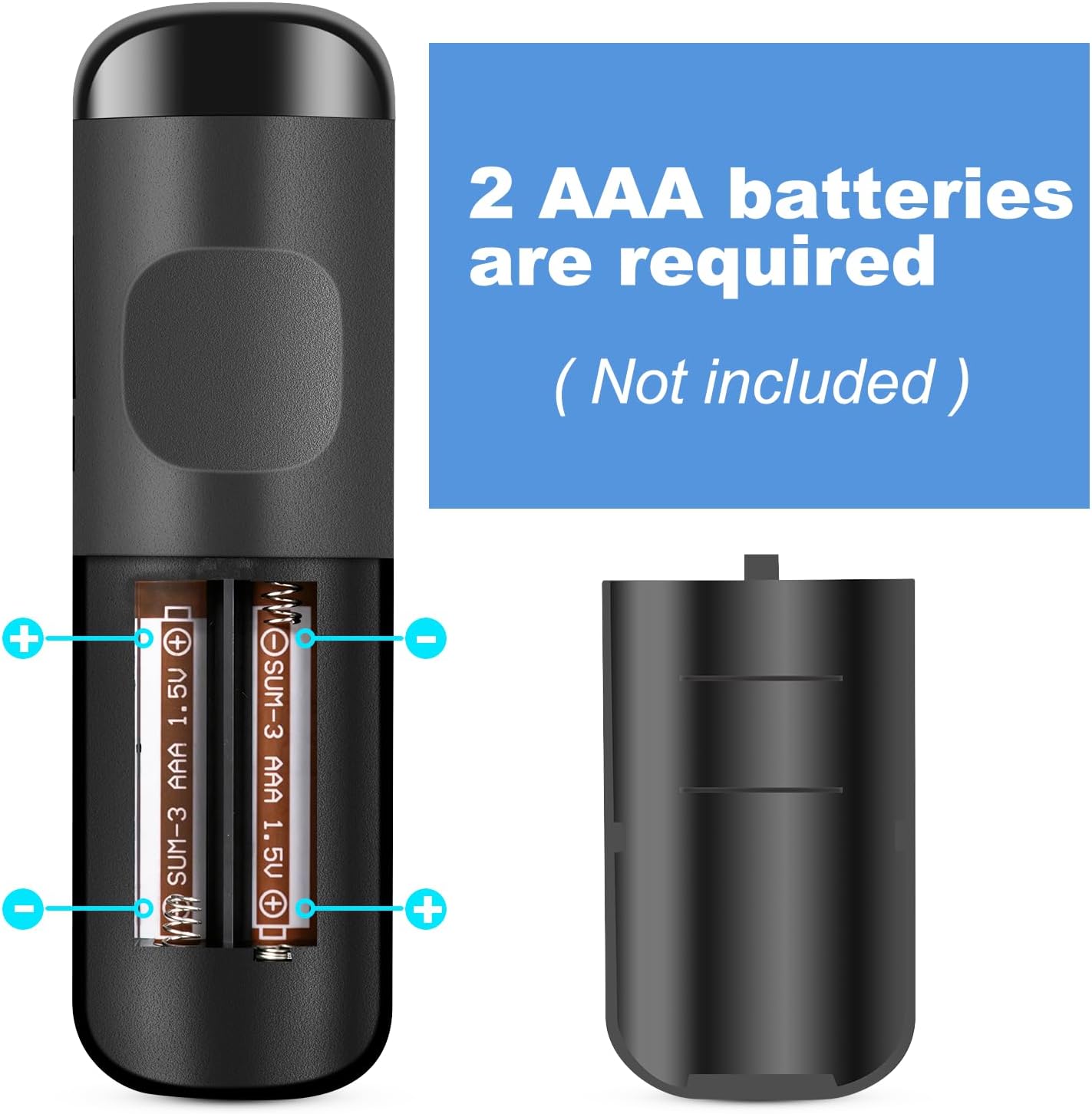
There is a clear tradeoff: you get several basic remotes, not a voice remote or a universal solution for every Roku product. Each remote takes two AAA batteries, and batteries are not included.
What it works with
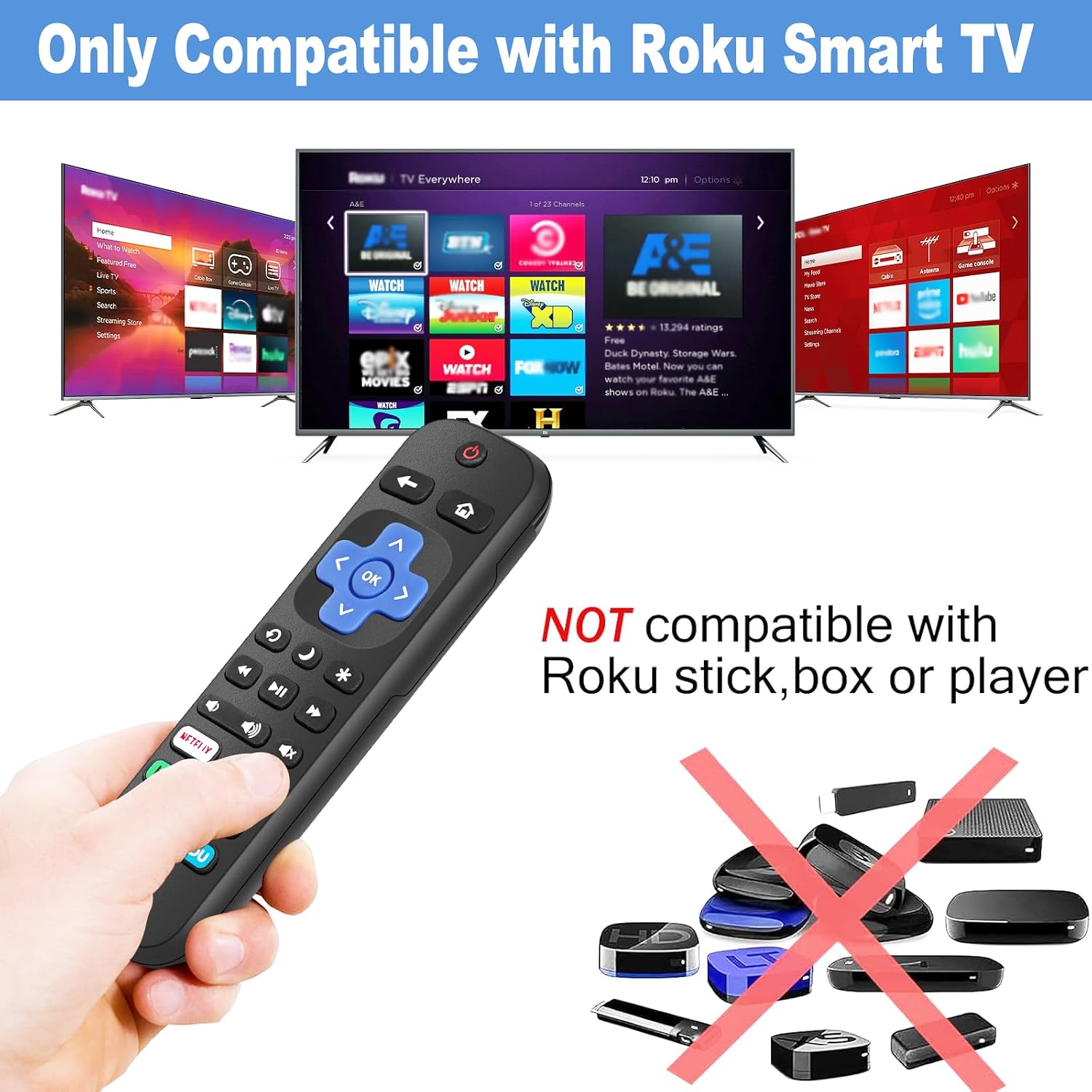
These remotes are intended for Roku smart TVs from TCL, Hisense, Onn, Sharp, Element, Westinghouse, Philips, Insignia, JVC, RCA, Hitachi, and Sanyo. Compatibility is limited to Roku TVs, the brand name alone does not make them suitable for other Roku devices.
They do not work with Roku streaming sticks, boxes, speakers, or the listed Roku Express, Express 4K+, Ultra, and Streaming Stick 4K products. They also are not replacements for Wi-Fi, Bluetooth, or voice remotes. From the way it is set up, this is a better fit for someone who wants basic TV controls than for someone expecting voice commands or a headphone jack.
Usage tips
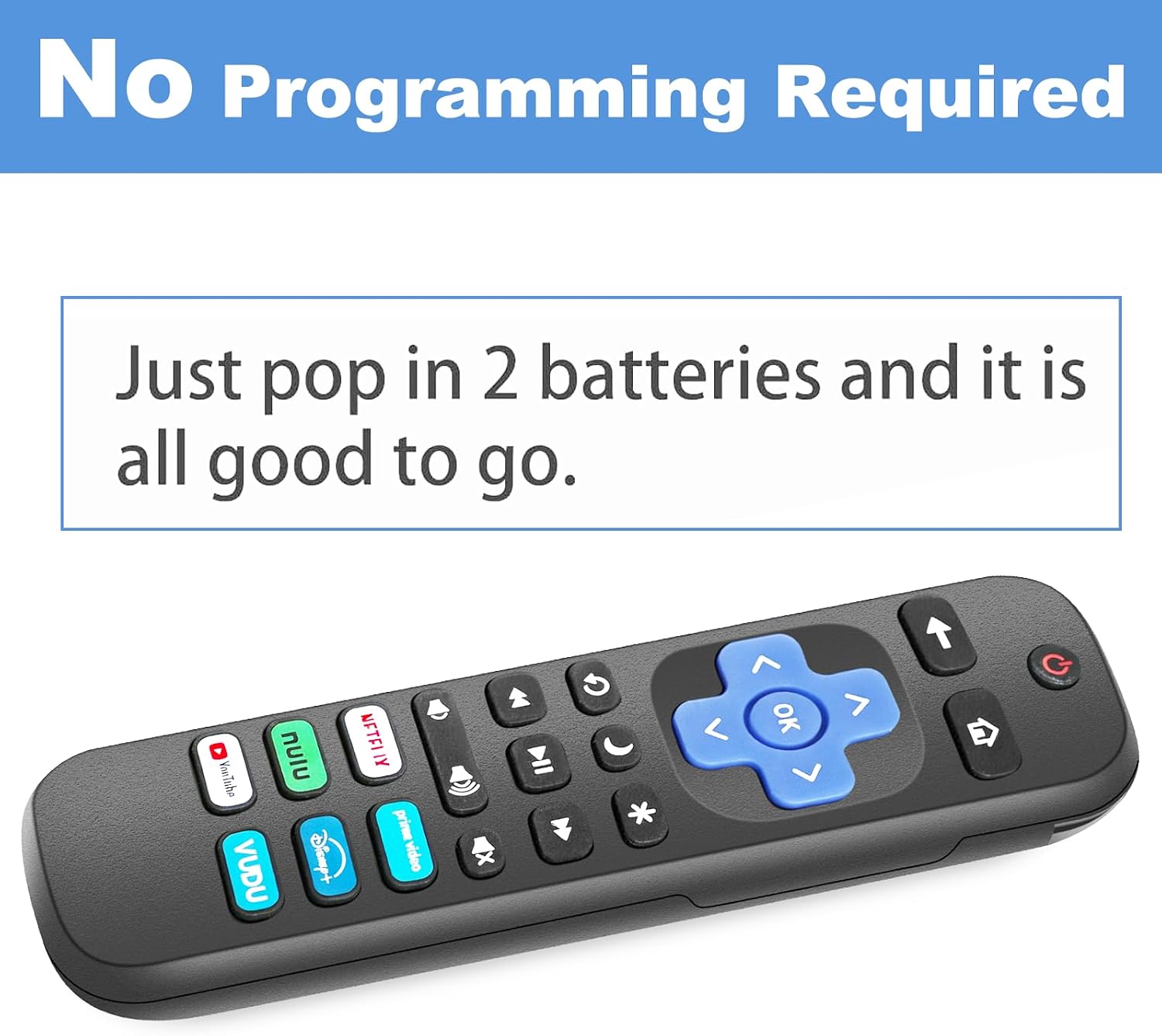
Add two AAA batteries to a remote, then point it at the Roku TV. No setup or programming is required. For example, keeping one remote by the living-room couch and another in a bedroom can make it easier to control more than one compatible TV without carrying a single remote back and forth. The extra remotes can also serve as backups if one goes missing.
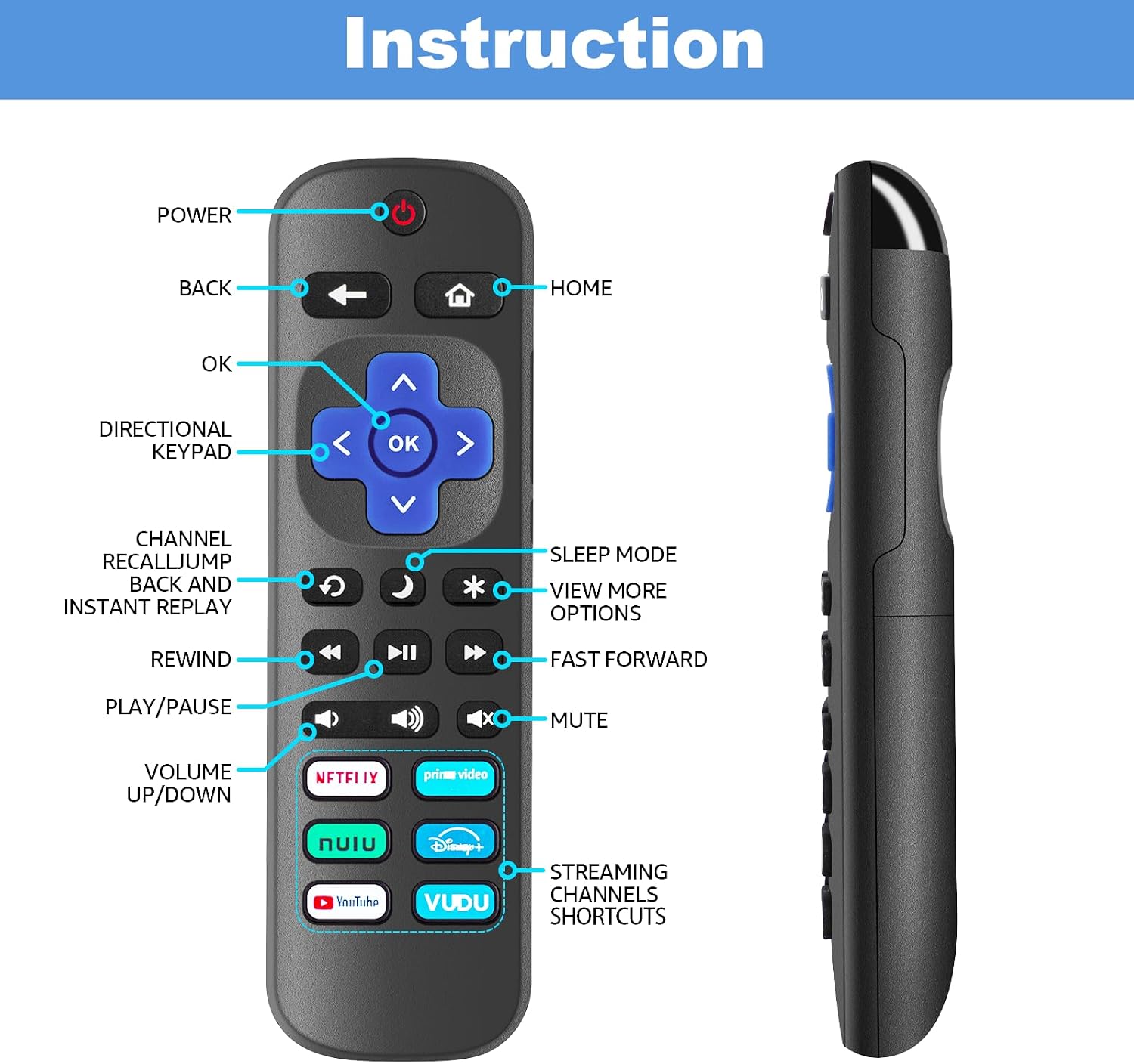
Before choosing this pack, match the television itself to the compatibility list and check that it is a Roku smart TV. If you rely on voice search, private listening through a headphone jack, or a remote that connects to a streaming stick, these infrared remotes leave out those functions. A single-feature replacement may be a better match for one-TV households that do not need spares.
Practical doubts
Do the remotes need to be programmed? No. The listing says they require no programming, insert the batteries and use a remote with a compatible Roku TV.
Are batteries included? No. Each remote requires two AAA batteries, which you will need to provide separately.
Can I use one with a Roku streaming stick or box? No. These are for compatible Roku smart TVs, not Roku sticks, boxes, or speakers.
When it makes sense
It makes sense if you have compatible Roku TVs and want several basic infrared remotes on hand, whether as spares or for different rooms. The four-pack prioritizes having replacements available over advanced controls. You may want to skip it if your Roku setup uses a streaming device rather than a Roku TV, or if voice control and headphone listening are important to your routine. The key buying check is the television’s platform and brand, not simply whether it has Roku somewhere in the setup.