

FIFINE AmpliGame AM8 USB/XLR Dynamic Microphone for Gaming Streaming
Reviews
Price
Product description
What it is and who it’s for
The FIFINE AmpliGame AM8 is a dynamic cardioid microphone designed for gaming streams, podcasts, and casual voice work. It offers both USB and XLR connections, giving you flexible paths from plug-and-play simplicity to professional-grade audio routing. If you’re a game streamer who wants clean vocal capture without overprocessing, or a creator exploring different recording setups, AM8 positions itself as a convenient, mid-range option that can scale with your setup.
How it sounds on paper
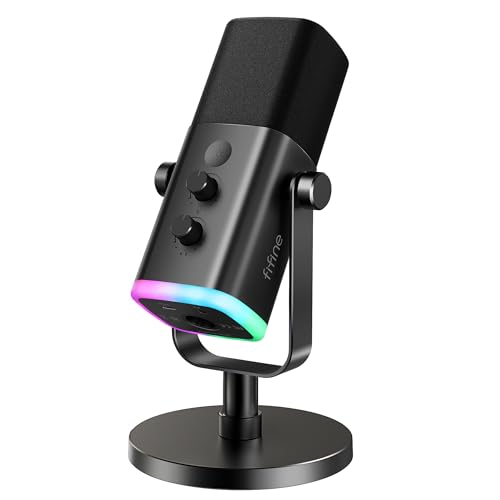
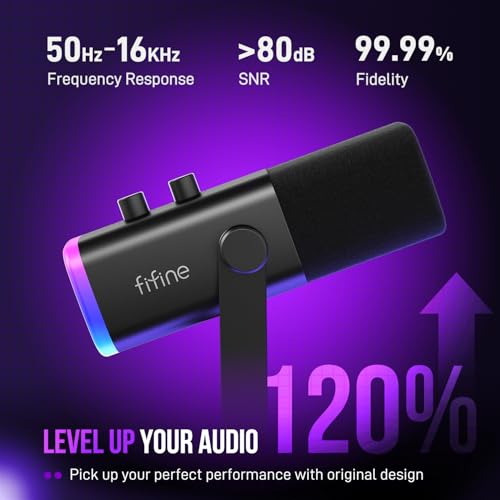
With a frequency response of 50Hz–16kHz, the AM8 aims to deliver balanced vocal presence across typical spoken-word ranges. The cardioid pickup focuses on sound from the front while rejecting much of the room noise, which helps if you’re streaming in a busy environment. The dynamic element tends to perform better with close-mic technique and can be forgiving of imperfect room acoustics, though results still hinge on mic placement and room conditions.
Connectivity and modes: USB vs. XLR
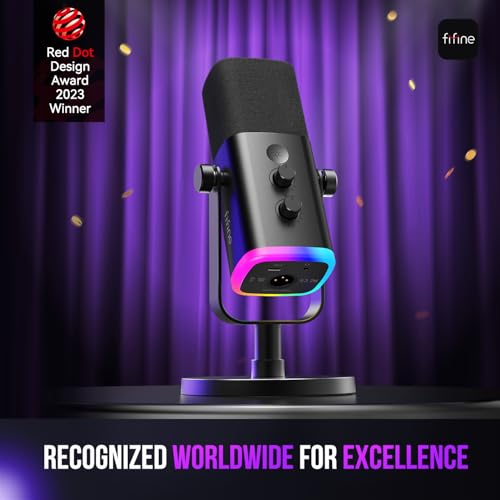
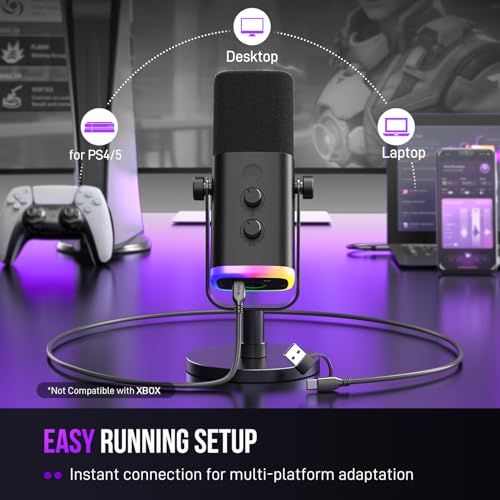
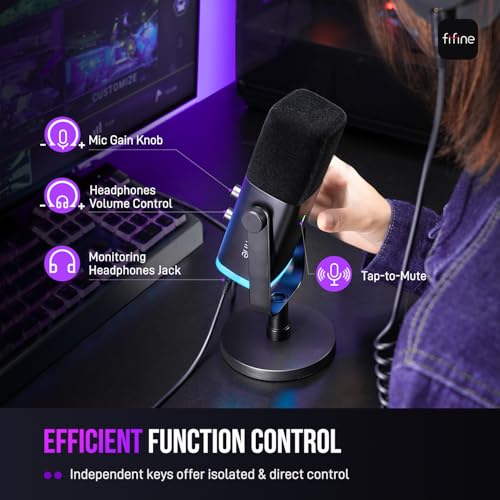
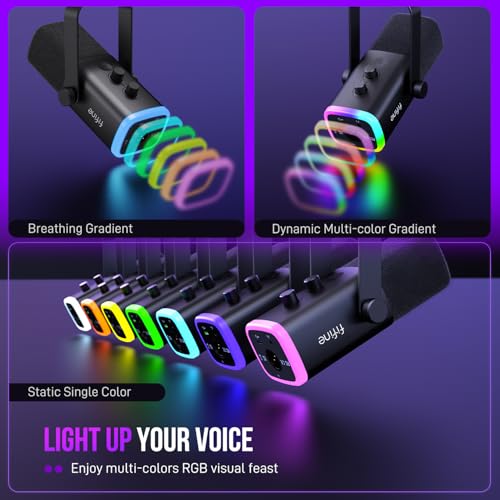
The AM8 shines in its dual-mode design. USB mode is straightforward: plug in, enable the mic, and you’ll get a ready-to-use streaming mic with a tap-to-mute feature and an LED mute indicator. It also includes a monitored gain control and an onboard RGB ring to coordinate with your PC setup, which can simplify on-the-fly tweaks during live streams. In this USB workflow, the RGB lighting and extra function keys are usable, and the memory function helps preserve your preferred color scheme when you power the system back up.
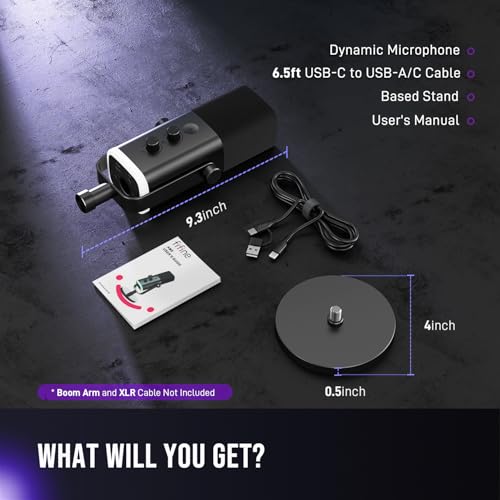
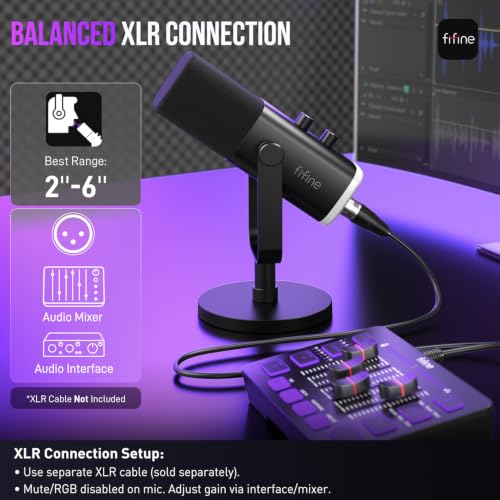
If you’re aiming for a more flexible, high-fidelity route, you can switch to XLR. In XLR mode, you connect the AM8 to an audio interface or mixer via a standard XLR cable (not included). This path can unlock broader dynamics in your sound pipeline, potentially reducing noise from the interface and giving you more control over gain staging, processing, and routing. A note: RGB lighting and the USB-specific keys won’t be active when you’re using XLR.
What stands out day to day
- Versatile two-way connectivity lets you evolve from beginner-friendly USB to more advanced XLR setups without buying a new mic.
- Real-time monitoring and a physical gain knob offer tactile control during playback and live talk.
- Built-in windscreen helps reduce nearby electrical hums and plosives, which can be a real win if your space isn’t perfectly treated.
- The mic comes with compatible thread sizes (3/8” and 5/8”) for common stands, meaning you can mount it on standard boom arms or desktop stands without extra adapters.
Practical limits to keep in mind
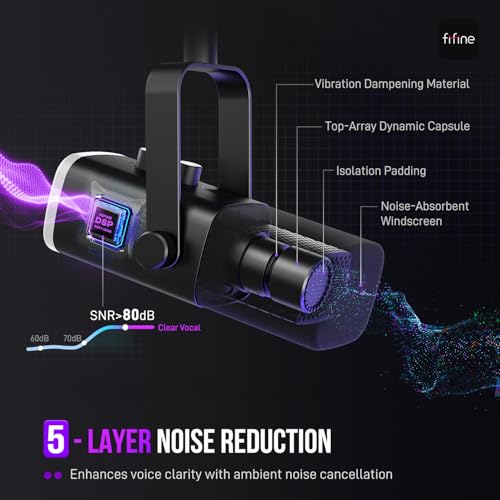
While the AM8 provides both USB and XLR, the experience isn’t identical across modes. In USB,RGB features and extra keys add convenience, but in XLR you’ll rely more on your audio interface to shape the tone. If you prioritize ultra-low noise floors or studio-grade compression, you’ll still want a capable interface and room treatment beyond what the mic alone offers. Also, the XLR path requires you to own or acquire an interface or mixer and an XLR cable (not included).
How to use it effectively
Position the mic with the top aimed toward your voice source, within a typical recording range of about 2–6 inches. Keep the top-end toward your mouth to maximize clarity and minimize off-axis noise. In USB mode, you can enable mute quickly on live streams, which helps maintain privacy during go-live moments. In XLR mode, set your input level on the interface carefully to avoid clipping while maintaining intelligibility.
Who it’s for and who should think twice
This mic suits streamers who want a simple USB setup that can later expand into a more complex audio chain, podcasters who value a compact desktop solution, and gamers who appreciate a tactile gain control and a visual RGB cue. It may not be the best choice if you’re seeking the absolute quietest capture in a treated studio, or if you plan to rely exclusively on luxury vocal processing in post. If your priority is a plug-and-play device with quick mute and a bit of flair, AM8 is a compelling option in the mid-range segment.
Quick comparison mindset
If you’re weighing this against a purely USB-only mic, the AmpliGame AM8 adds XLR flexibility, which can be worthwhile as your setup grows and you want to integrate at higher fidelity with an audio interface. If you’re set on a full studio-grade workflow from day one, you might compare it with dedicated broadcast mics and a larger, more rigid interface setup. For on-the-go gaming or quick podcasting, the USB path remains a strong, approachable choice.
Decision and real-world takeaway
Is it worth it? It depends on your path. If you value a single device that grows with you—from USB convenience to XLR expandability—and you enjoy tactile controls with a bit of RGB flair, this mic can pay off in the mid-to-lower budget bracket. If your priority is absolute studio-grade isolation and you already own an expensive interface, you might want to explore options that emphasize ultra-low noise floors and more aggressive processing. In short, AM8 works best for entry-to-mid level users who want a straightforward upgrade path and the flexibility to experiment with different recording routes.
FAQ (practical use-focused)
- Can I use AM8 with my PS5 via USB? Yes, the USB path is designed for straightforward use, and it is suggested to connect to the PS5 USB port when using USB.
- Do I need extra gear for XLR mode? Yes, you’ll need an audio interface or mixer and an XLR cable (not included).
- Is the RGB lighting useful in all modes? RGB lighting is available in USB mode, it’s not active in XLR mode.
- Does the mic come with any accessories? The base description mentions windscreen and thread compatibility, but no specific accessories are listed beyond the included items typical for this kind of mic.
- How close should I place the mic for best results? A common practice is to keep the mic about 2–6 inches from your mouth for clear voice with minimal proximity effect and plosives.