

Cricut Maker 4 Smart Cutting Machine (Seashell) Digital Content Bundle with Design Space Images
Reviews
Product description
What it is and why people buy it
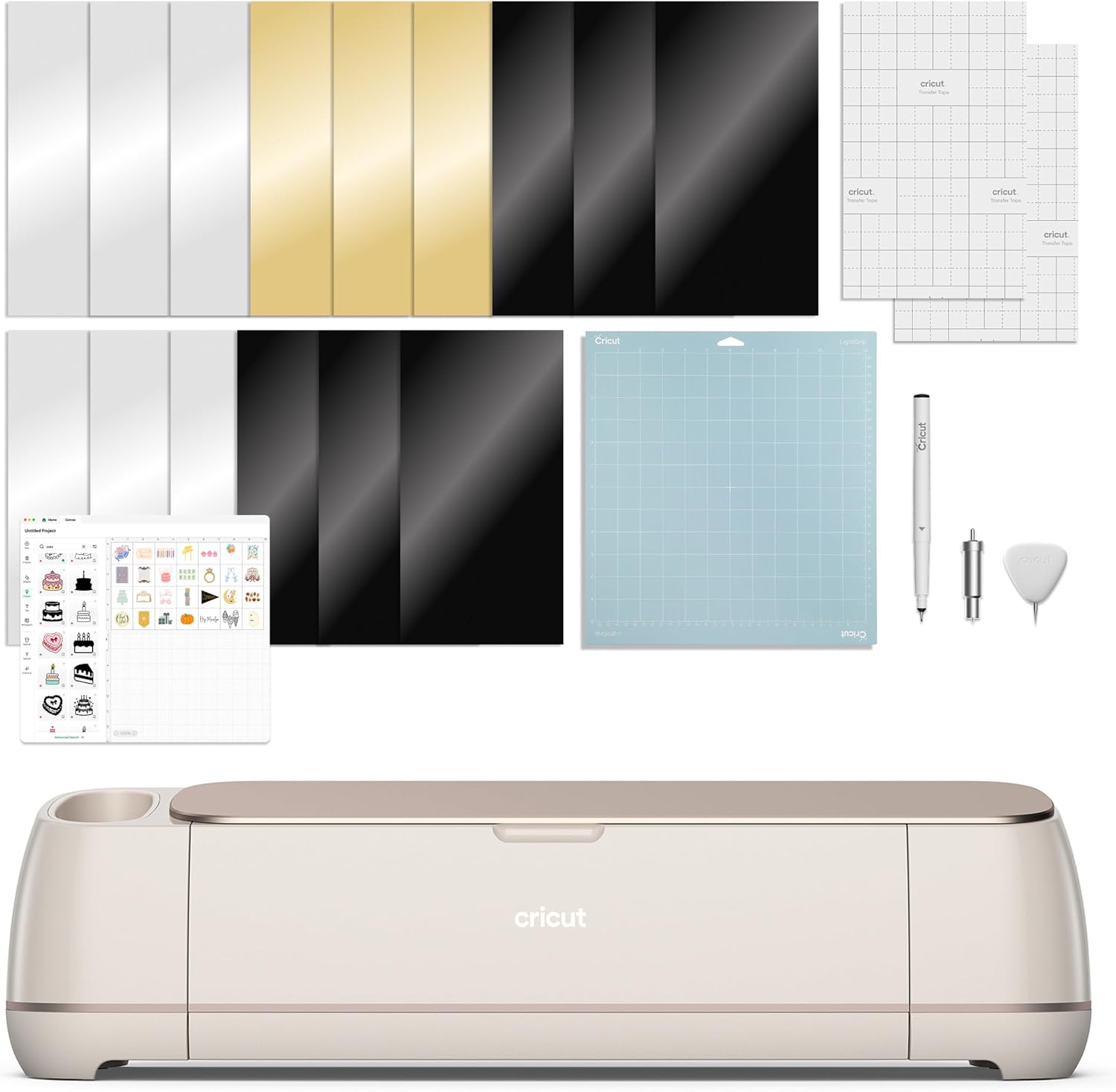
The Cricut Maker 4 is a smart cutting machine made for people who want more than “just cutting.” In this bundle, you’re also getting a Fine-Point Blade, a Fine Point Pen, a Light Grip Mat, a weeder, transfer tape, and a materials sampler—plus 30 bonus images added in the Design Space app. On paper, that combination is meant to help you start projects faster and experiment with different material types without immediately buying everything separately.
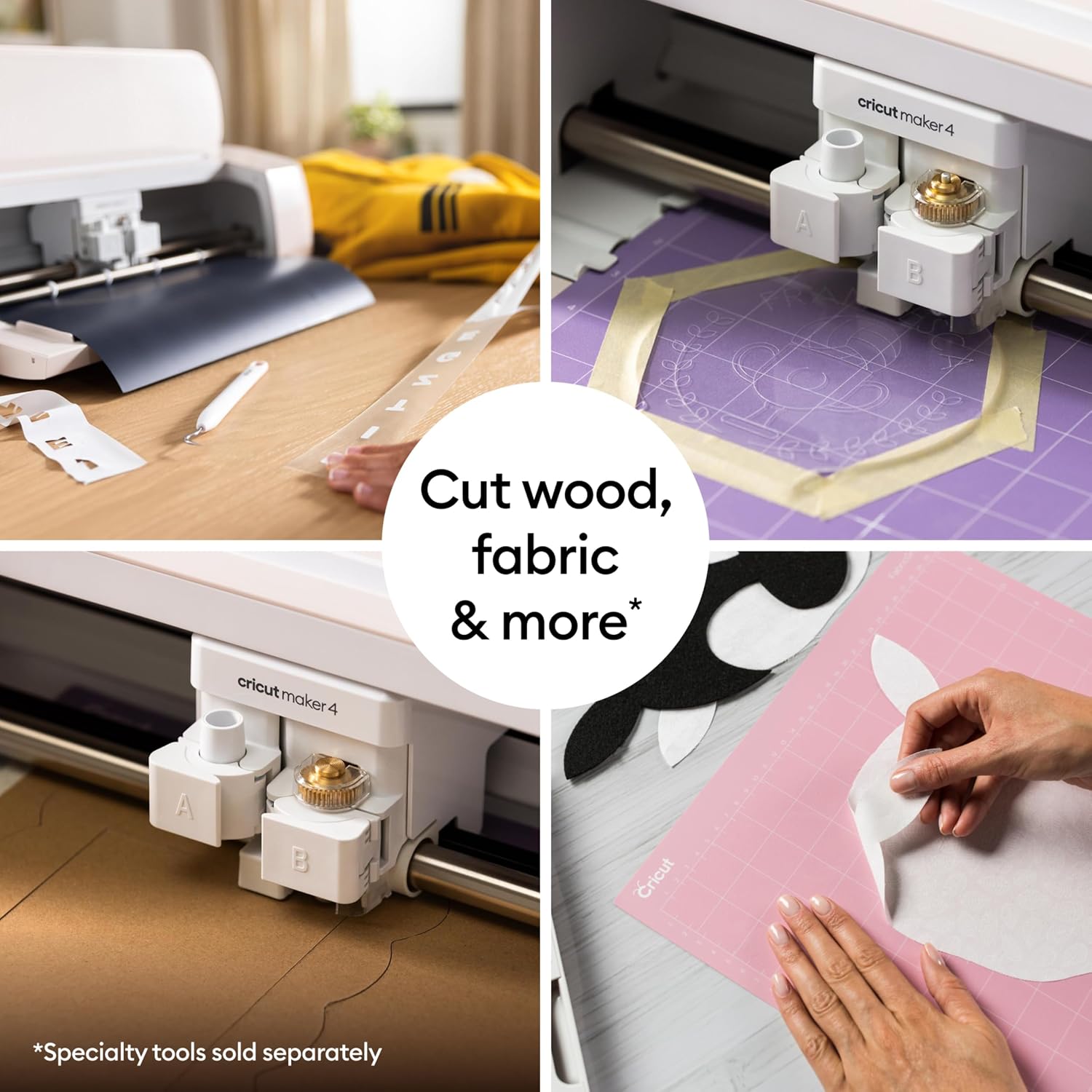
It’s also a machine that goes beyond basic shapes. The included info highlights that it can cut and also draw, foil, score, engrave, deboss, perforate, and more. That breadth matters if you’re the kind of maker who gets bored doing only one thing—stickers one day, paper crafts the next.
The essentials you’ll actually use
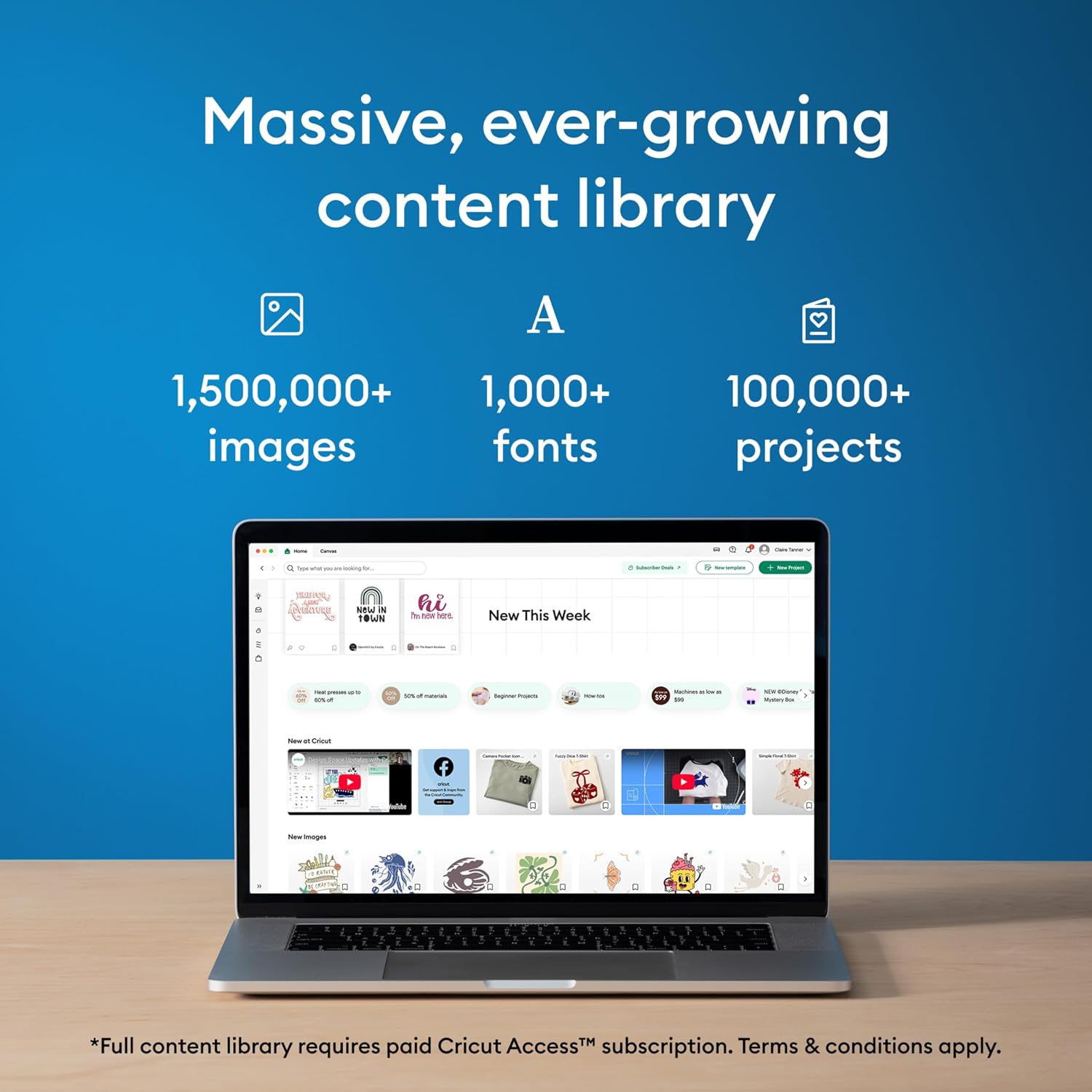
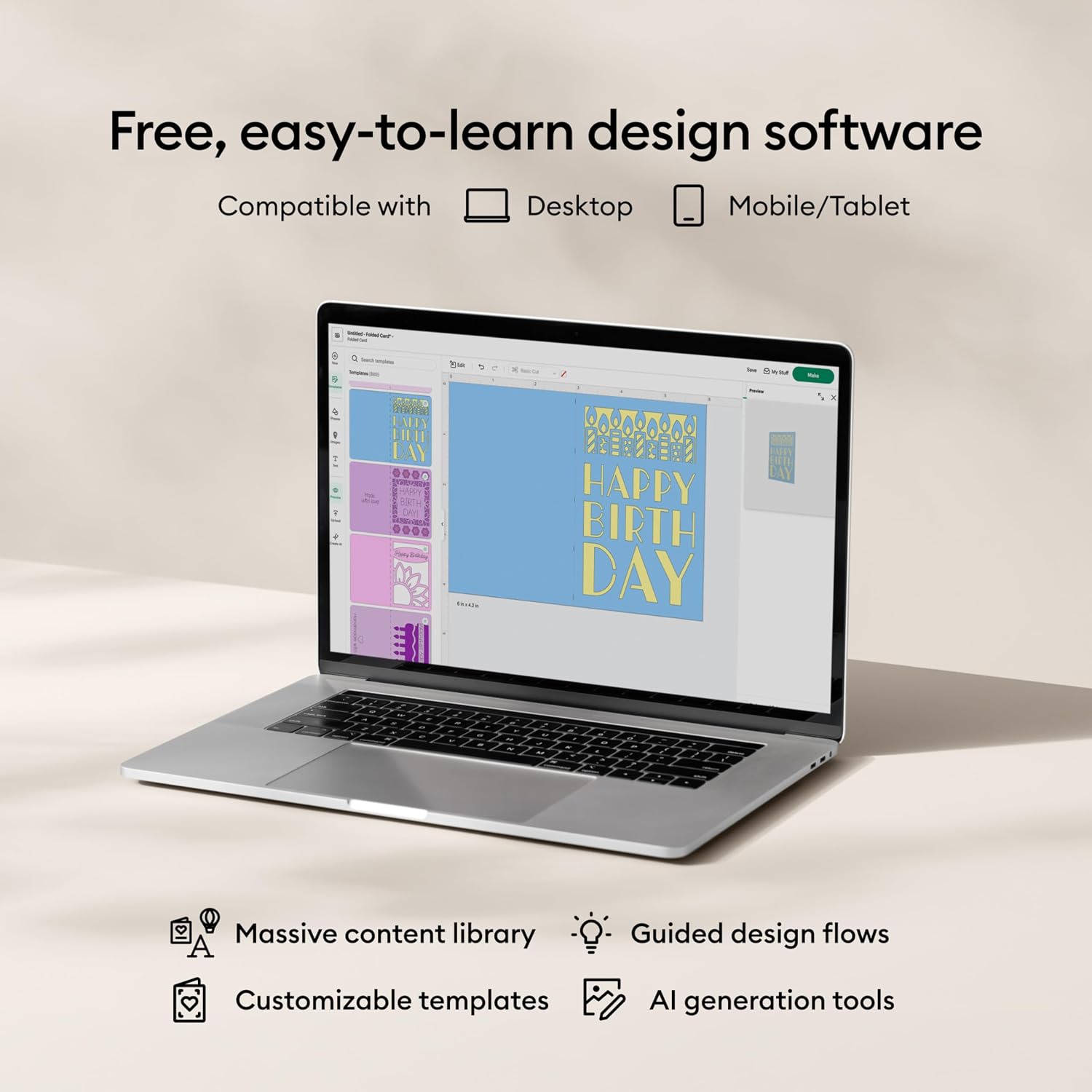
Design Space is the software focus here. The bundle notes that you don’t need design experience because Design Space is positioned as easy to learn, with a large library: 3,000+ images and 100+ fonts included, and optional Cricut Access for more unlocks. If your main goal is getting to finished projects quickly, this “guided content” approach is often the deciding factor.
For color projects, there’s a Print-Then-Cut workflow mentioned for full-color designs using an inkjet printer. That’s especially relevant for things like sticker sheets or labels where your artwork benefits from printing in color first, then having the machine handle the contour.
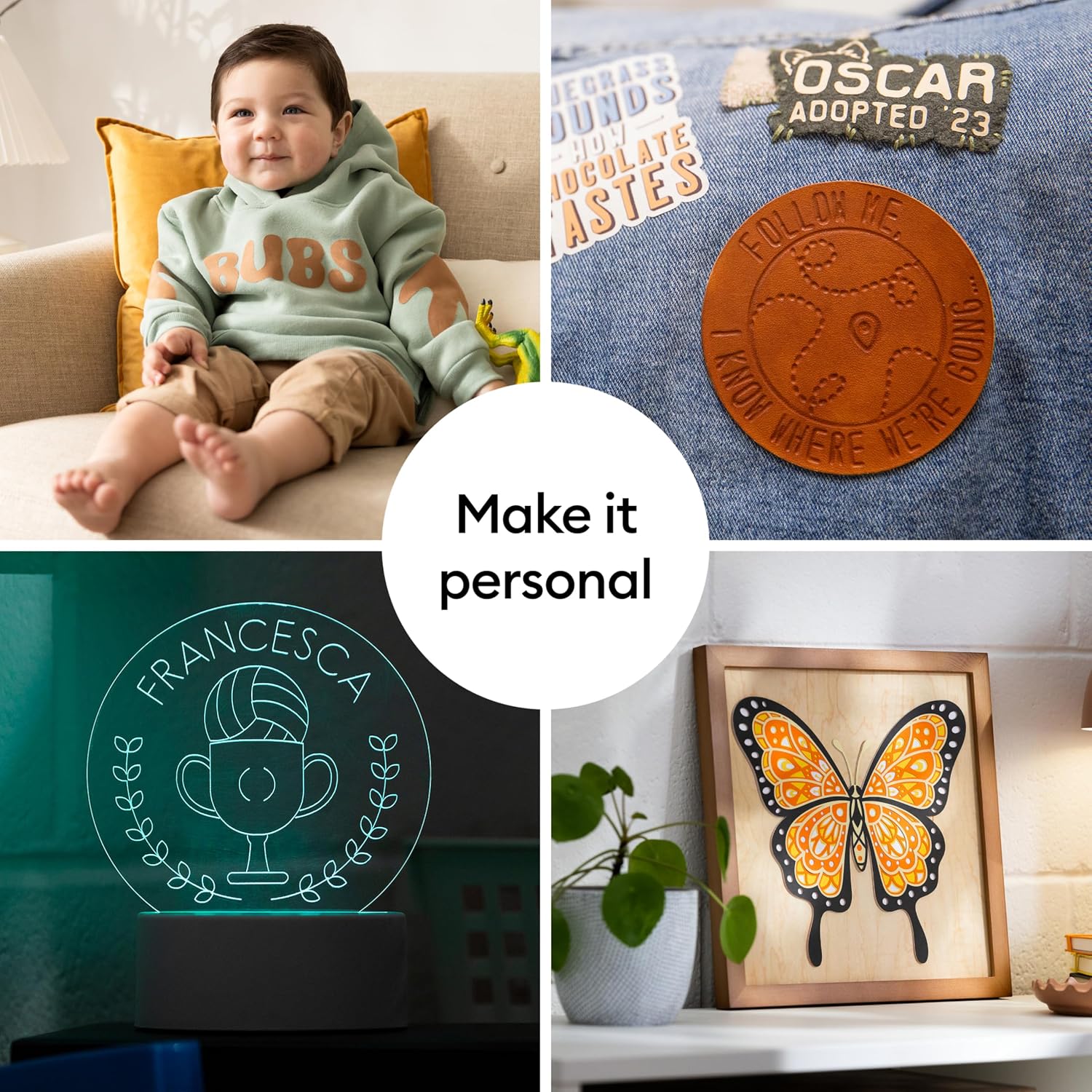
One more practical angle: the bundle mentions compatibility with 300+ materials, including leather, wood, vinyl, iron-on HTV, cardstock, stickers, and more. That doesn’t mean every material will be equally easy for every beginner, but it does suggest the machine is designed for variety, not just one hobby lane.
What stands out in this specific bundle
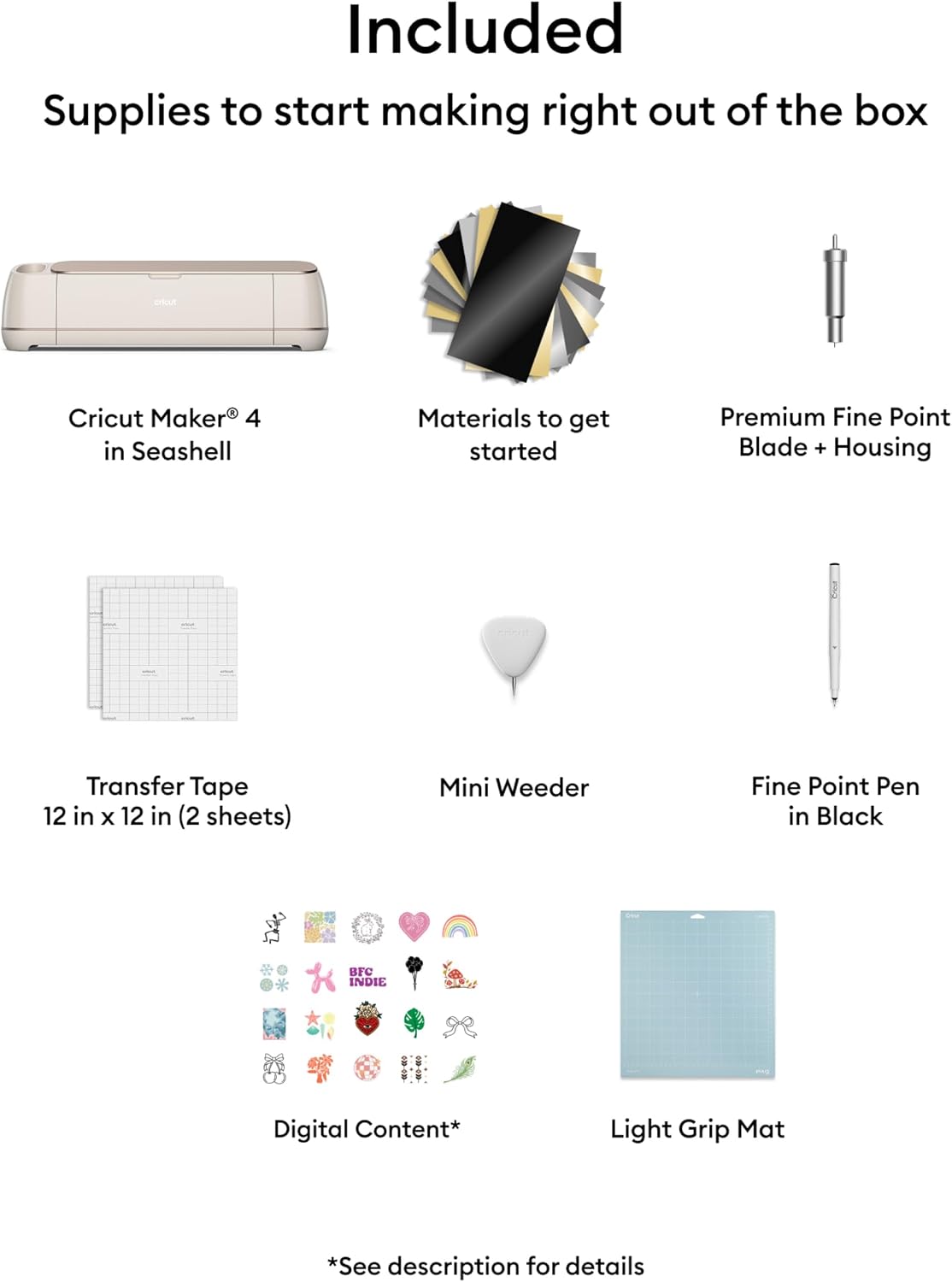
What you get here goes beyond the base machine approach. Alongside the Cricut Maker 4, the sampler includes Smart Vinyl and matless vinyl, Smart Iron-On and matless heat transfer vinyl, cardstock, and transfer tape. The bundle also includes a Fine-Point Blade and a Fine Point Pen, plus the Light Grip Mat.
That’s a lot of small pieces with a clear purpose: it helps you test how different materials behave before committing to a bigger supply haul. It’s not perfect—samplers can never cover every edge case—but for early-stage experimenting they’re usually more useful than you’d expect.
There are also 30 bonus images included in the Design Space app. If you’re trying to avoid starting from a blank canvas, having ready-to-go digital assets can save real time during setup and first projects.
Key takeaways for making good purchase choices
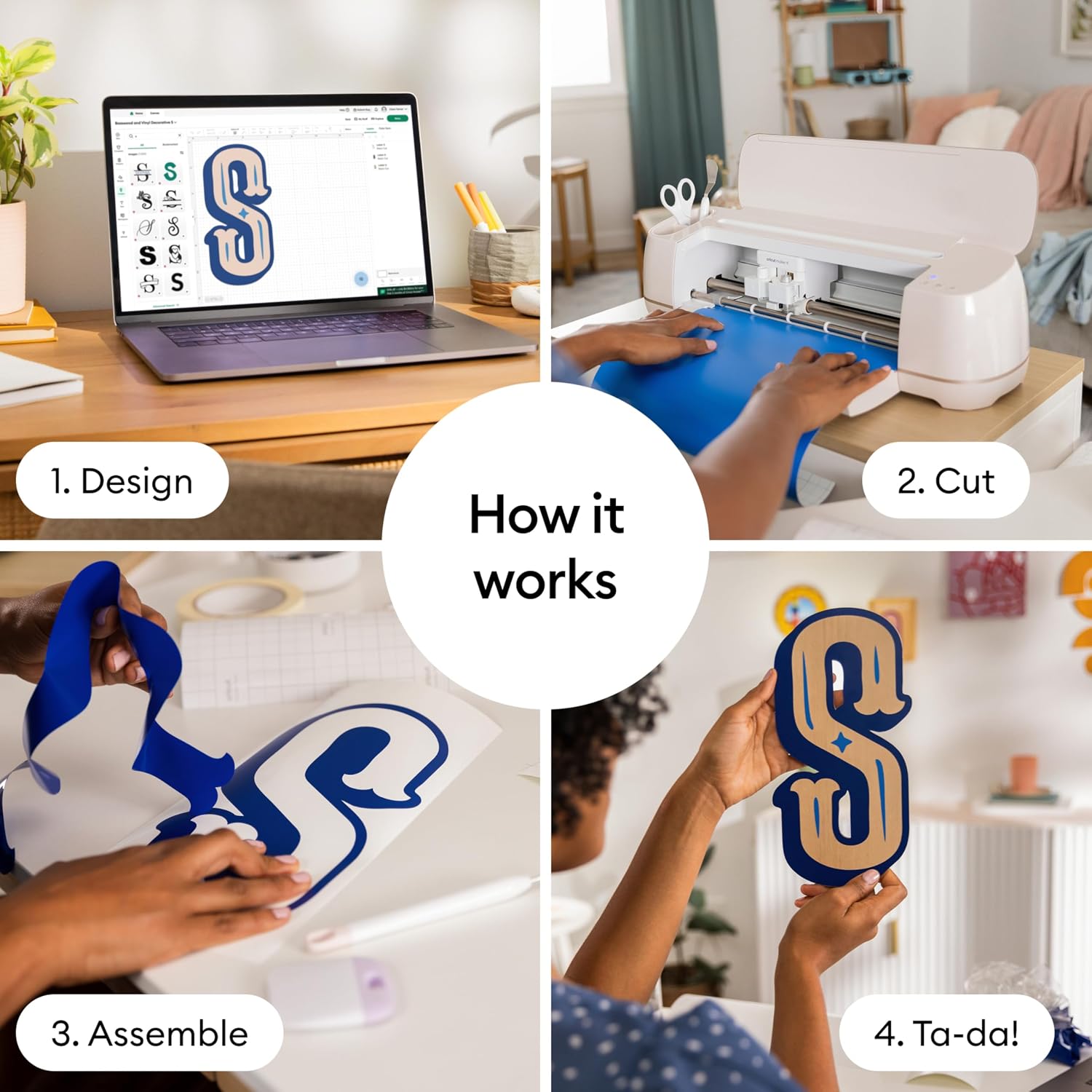
It makes the most sense if you want a “do more” cutting machine and plan to work with a mix of materials over time—paper crafts, vinyl-style projects, and at least some sticker/print-and-cut workflows. If you also care about using Design Space’s built-in library (and maybe expanding with Cricut Access), the overall bundle structure fits that style.
It may not be the best match if you mainly want simple cutouts and nothing more. In that scenario, the extra capabilities and bundled ecosystem can feel like you’re paying for features you won’t touch.
Tech specs
- Type: Smart cutting machine bundle
- Included blade: Fine-Point Blade
- Included tool: Fine Point Pen
- Included mat: Light Grip Mat
- Included accessories: Weeder, transfer tape
- Included sampler materials: Smart Vinyl, matless vinyl, Smart Iron-On, matless heat transfer vinyl, cardstock
- Digital bundle: 30 bonus images in Design Space app
- Software: Design Space app (with large image/font library, optional Cricut Access subscription unlocks more)
- Print-Then-Cut: Compatible with most inkjet printers
- Materials support: Works with 300+ materials (examples listed include leather, wood, vinyl, iron-on HTV, cardstock, stickers)
- Noted functions: cuts, draws, foils, scores, engraves, debosses, perforates, and more
Who it’s for (and who should skip it)
Worth considering if you’re building a small craft workflow around Design Space, want to explore multiple materials, and like the idea of Print-Then-Cut for full-color sticker-style designs. You’ll appreciate the bundle contents most if you want to begin soon—no endless “what do I need first?” shopping.
You may want to skip it if your projects are very limited in scope (for example, only occasional basic paper cutouts). In that case, the machine’s broader capability set—and the broader ecosystem around it—might be more than you need.
Also, keep in mind that while it’s described as working with many materials, performance still depends on the material itself and how you set up projects. So if you’re expecting every material to be effortless on day one, you may need a bit of trial-and-error.
Is it worth it?
If you want a cutting machine that’s positioned to handle more than one type of craft—plus a starter kit that includes tools, transfer tape, a pen, a mat, and a materials sampler—this Cricut Maker 4 bundle looks like a strong “start and explore” purchase. The Print-Then-Cut mention and the Design Space image library support the idea that you’ll be making color-heavy projects like stickers and labels sooner rather than later.
It’s probably not the right fit if you’re only looking for basic cutting occasionally. In that case, you could end up paying for functionality you never use.
Mini FAQ
Does this bundle include digital images?
Yes. The bundle includes 30 additional bonus images in the Design Space app.
Do I need design experience to use it?
The provided information says no design experience is required because Design Space is positioned as easy to learn, supported by a large content library.
Can I use an inkjet printer for color projects?
The bundle notes compatibility with most inkjet printers using the Print-Then-Cut feature.
What’s included besides the machine?
It includes a Fine-Point Blade, Fine Point Pen, Light Grip Mat, weeder, transfer tape, and a materials sampler (Smart Vinyl, matless vinyl, Smart Iron-On, matless heat transfer vinyl, cardstock).
How many materials can it handle?
The info states it works with 300+ materials, with examples listed including leather, wood, vinyl, iron-on HTV, cardstock, and stickers.