

Download app on Google Play


Imagen de Itari A886 Tattoo Stencil Printer Kit — 10 pcs stencil printer 🖨️ en OfertitasTOP
New offer
Thumbnail principal de Itari A886 Tattoo Stencil Printer Kit — 10 pcs stencil printer 🖨️
Thumbnail 1 de Itari A886 Tattoo Stencil Printer Kit — 10 pcs stencil printer 🖨️
Thumbnail 2 de Itari A886 Tattoo Stencil Printer Kit — 10 pcs stencil printer 🖨️
Thumbnail 3 de Itari A886 Tattoo Stencil Printer Kit — 10 pcs stencil printer 🖨️
Thumbnail 4 de Itari A886 Tattoo Stencil Printer Kit — 10 pcs stencil printer 🖨️
Thumbnail 5 de Itari A886 Tattoo Stencil Printer Kit — 10 pcs stencil printer 🖨️
Thumbnail 6 de Itari A886 Tattoo Stencil Printer Kit — 10 pcs stencil printer 🖨️

Itari A886 Tattoo Stencil Printer Kit — 10 pcs stencil printer 🖨️

amazon US
Brand: Itari
P/N: Itari-TP86-BK-1
Reviews
4,4
+1.928

Reviews

4,4
+1.928 reviews

Price

$79.99$49.98-38%
View in store
amazon US
Price history: —

Product description

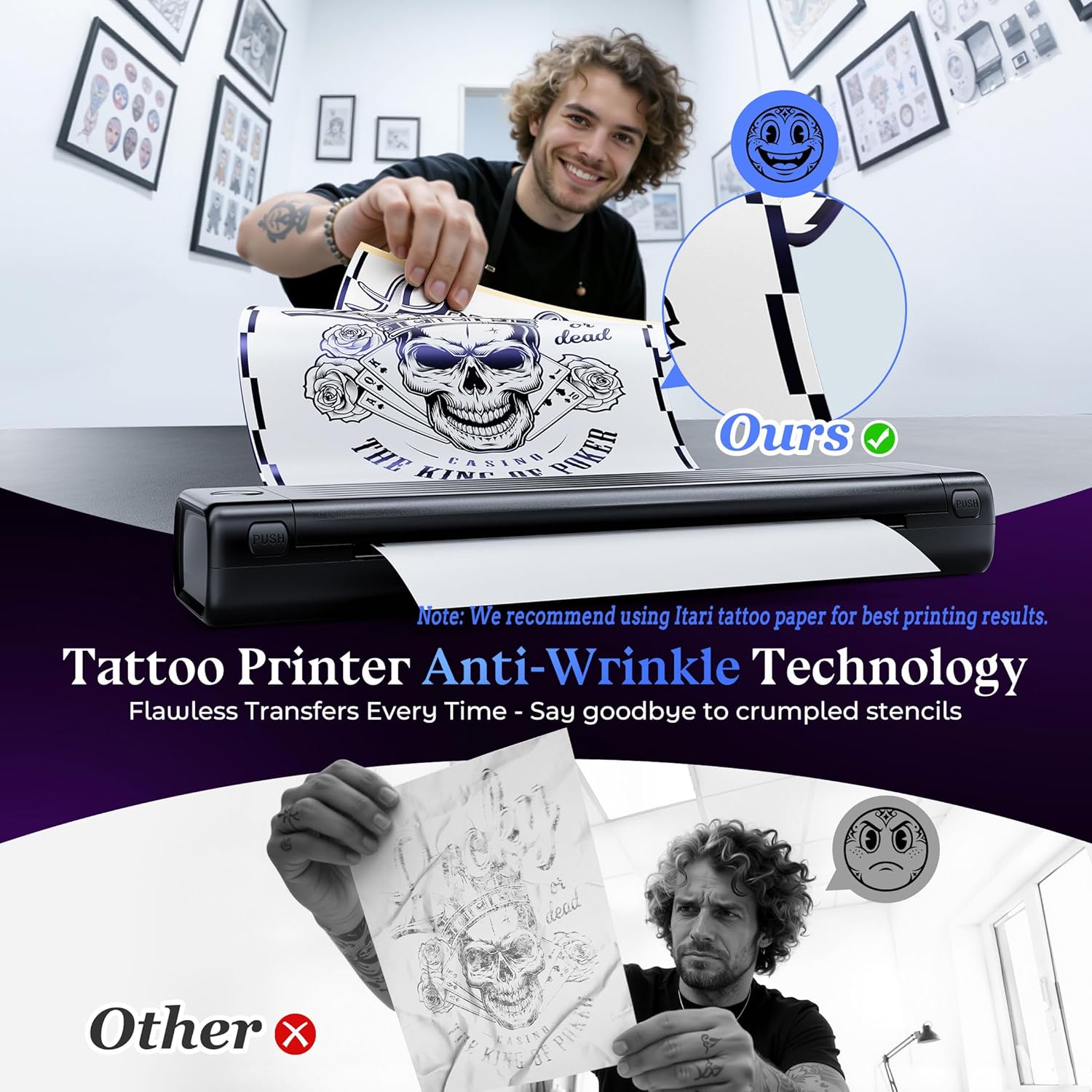
This compact tattoo stencil printer brings quick, clean transfers for hobbyists and entry-level artists looking to simplify stencil creation. This tattoo stencil printer for beginners prints directly from phone, tablet, or PC and emphasizes clearer lines and fewer wrinkles thanks to an improved anti-wrinkle line technology, making stencil results more precise and easier to apply.

Key Points
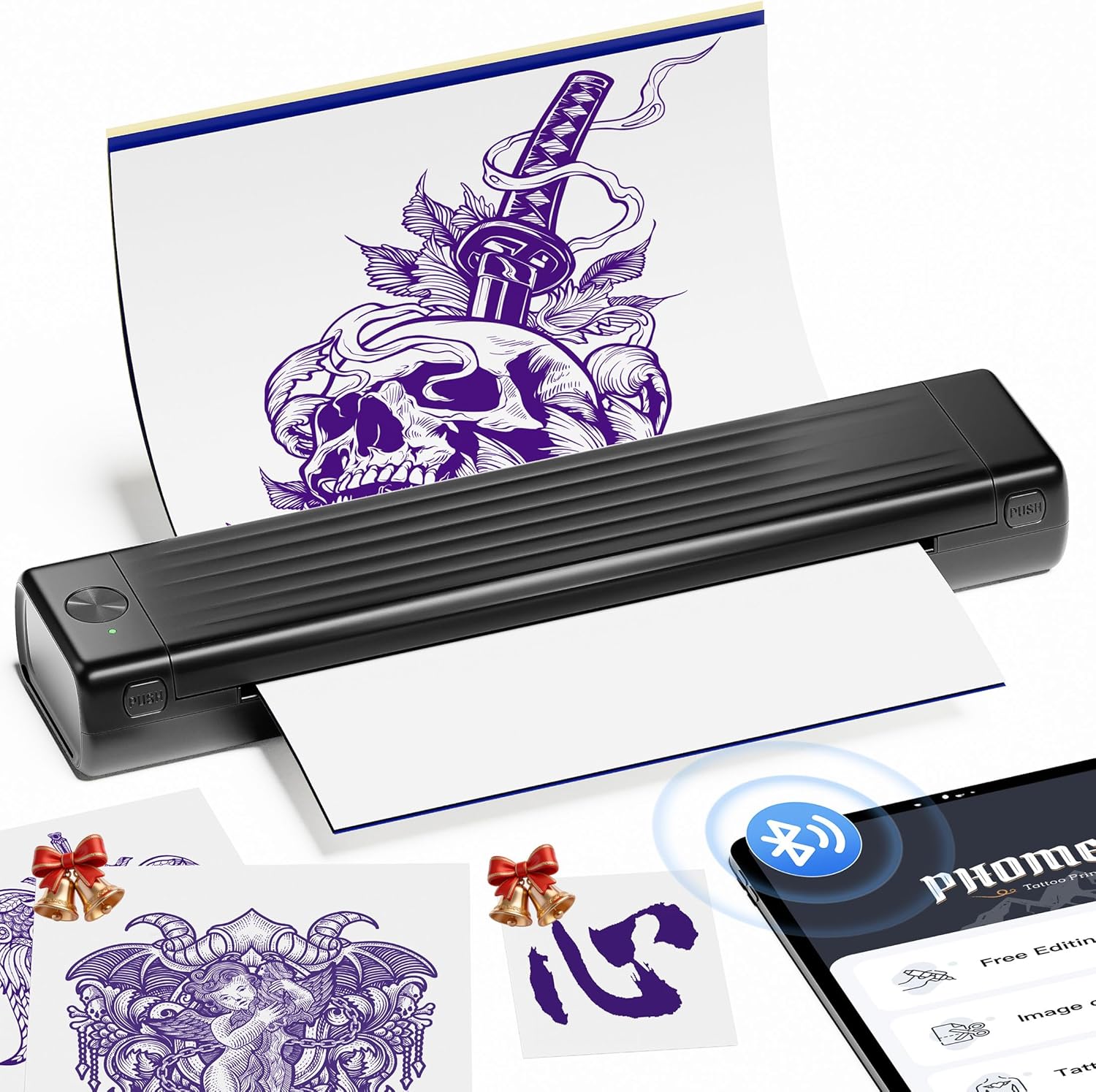
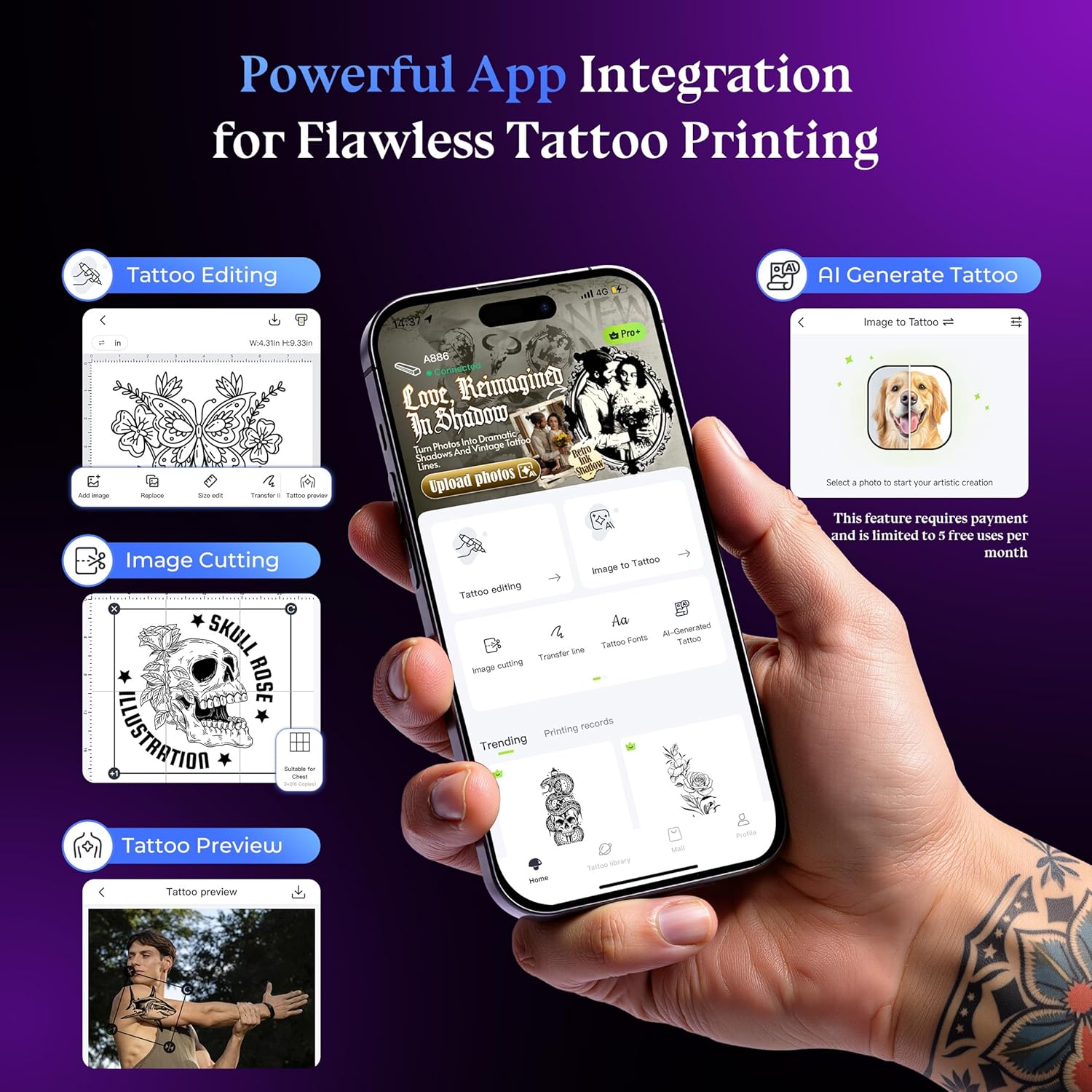
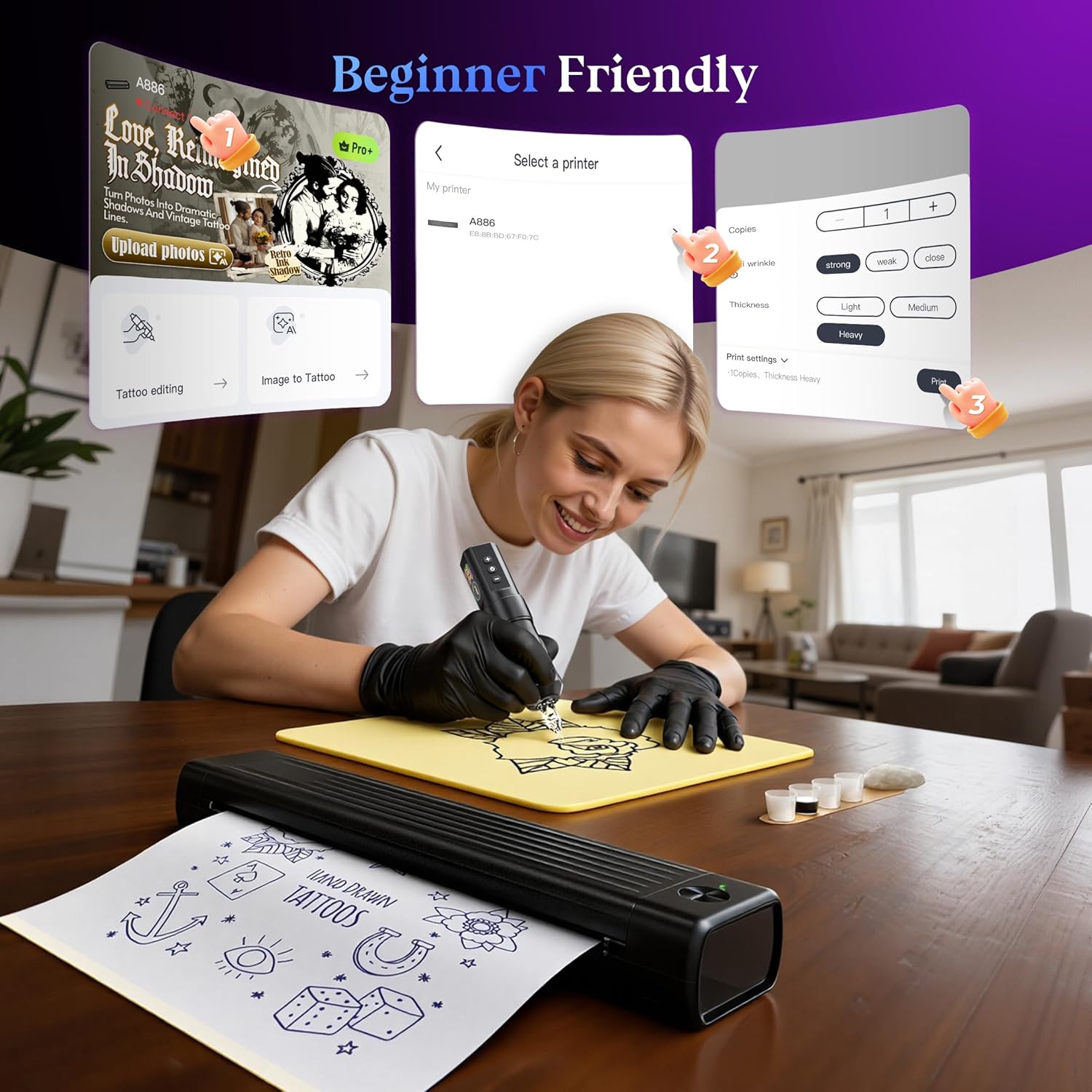
The unit is notably lightweight at 715 g, which makes it easy to handle during sessions and transport between workspaces. It uses wireless Bluetooth connectivity so you can design on a mobile device and print without cables, and the rechargeable battery helps keep the workflow flexible. The dedicated app lets you print images and patterns with a single tap and includes a scanning function for converting drawings into printable stencils. For convenience and cleaner operation, the device uses thermal printing technology that requires no ink and avoids issues like clogging or messy cartridges. Consider that the anti-wrinkle line mode can be turned off if you prefer the previous output style, according to the manufacturer. 🎨
Benefits

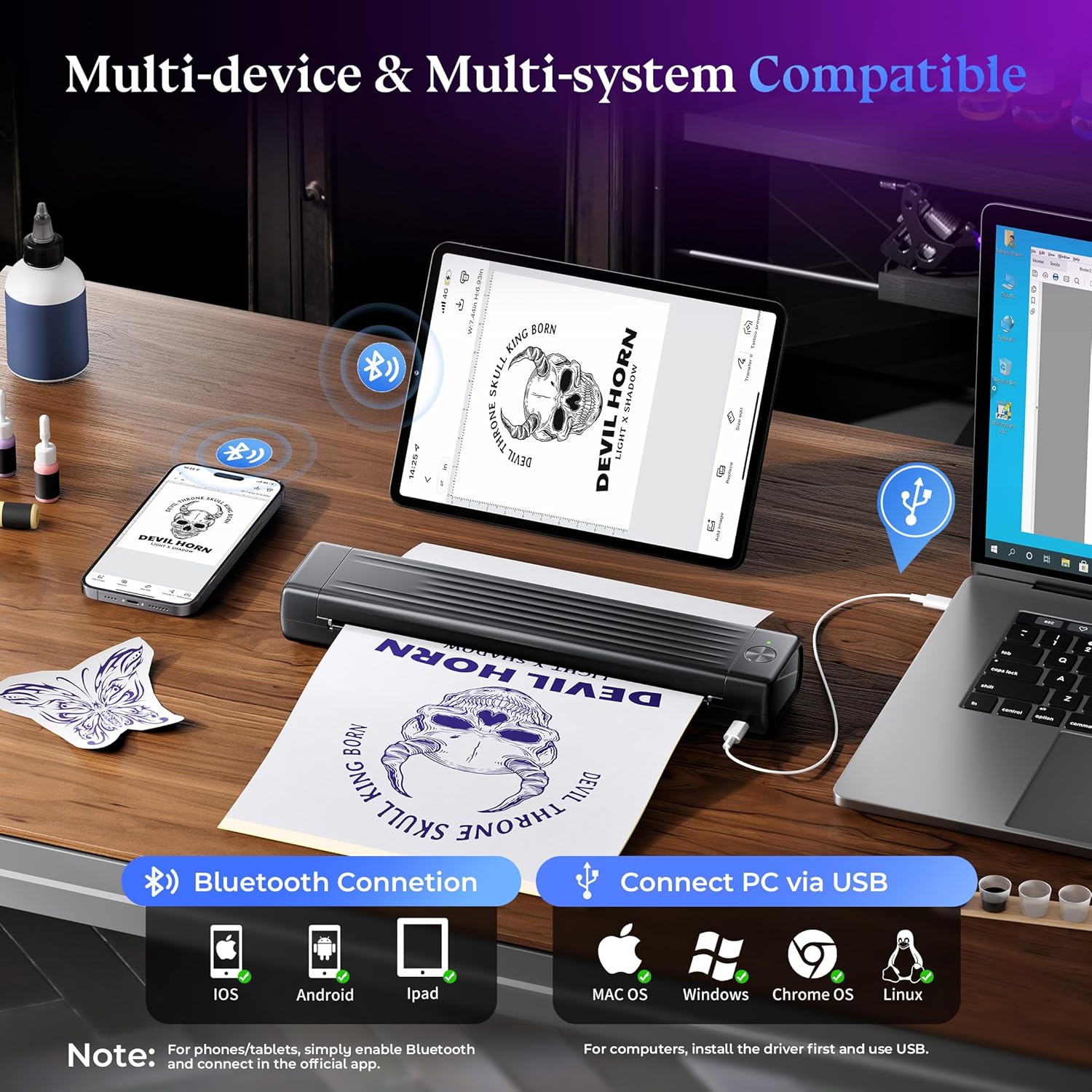
The printer reduces preparation time by allowing direct printing from multiple operating systems and devices, including Android, iOS, Windows, MacOS, Linux, and Chrome. This cross-platform compatibility simplifies collaboration and lets users work with their preferred design software. The lack of ink lowers maintenance needs, and the smaller form factor compared to traditional transfer machines offers a more portable solution. For temporary tattoos or practice stencils, it helps reproduce fine details with less handling, which can be especially useful when teaching or demonstrating techniques. 📱

Technical Specifications
  • Name: Itari A886 Tattoo Stencil Printer Kit
  • Weight: 715 g
  • Included accessories: 10 pcs transfer paper
  • Connectivity: Bluetooth wireless; compatible with phone, tablet, PC
  • Printing technology: Thermal printing, anti-wrinkle line mode (toggleable)
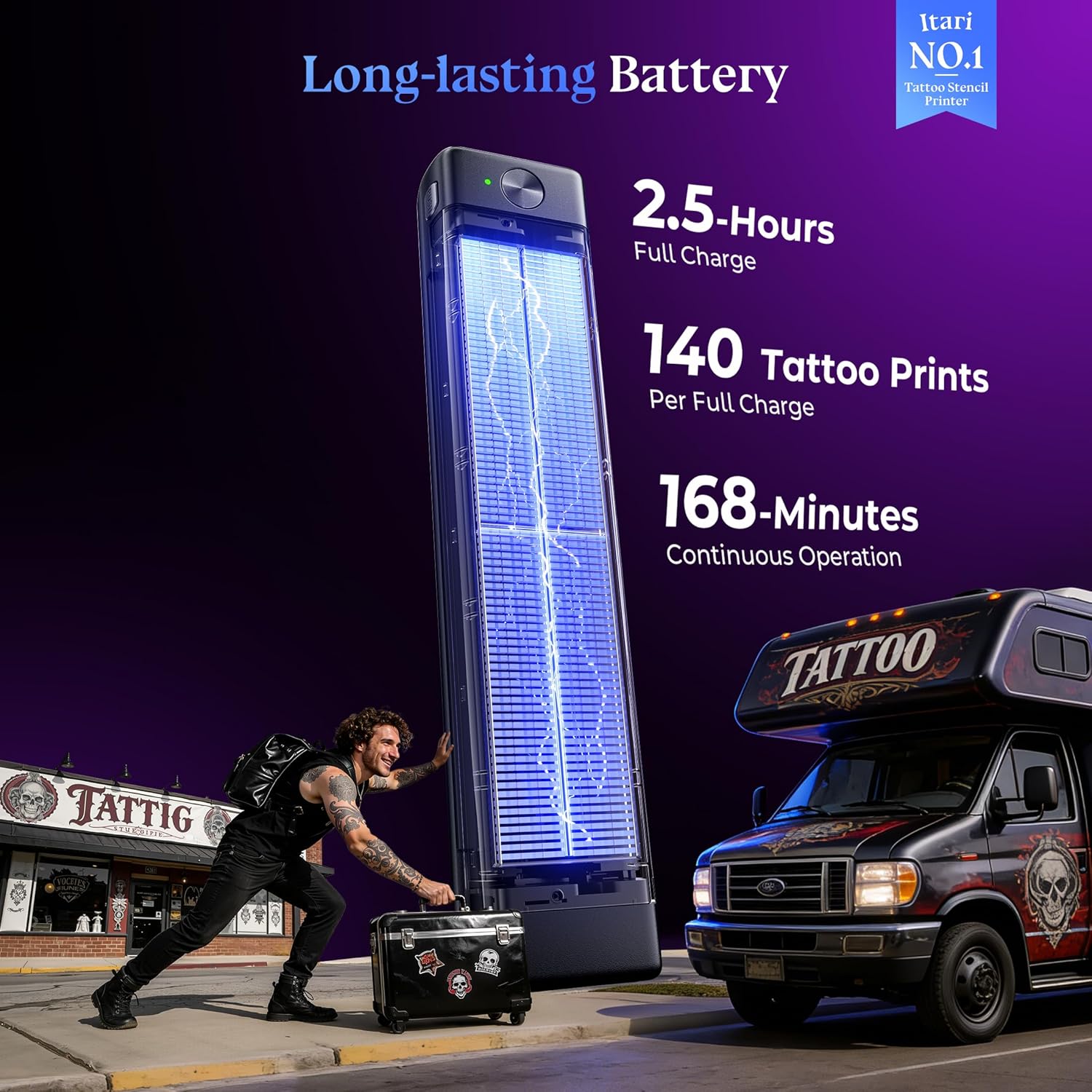
  • Battery: Built-in rechargeable battery
  • Compatibility: Android, iOS, Windows, MacOS, Linux, Chrome

Usage Recommendations

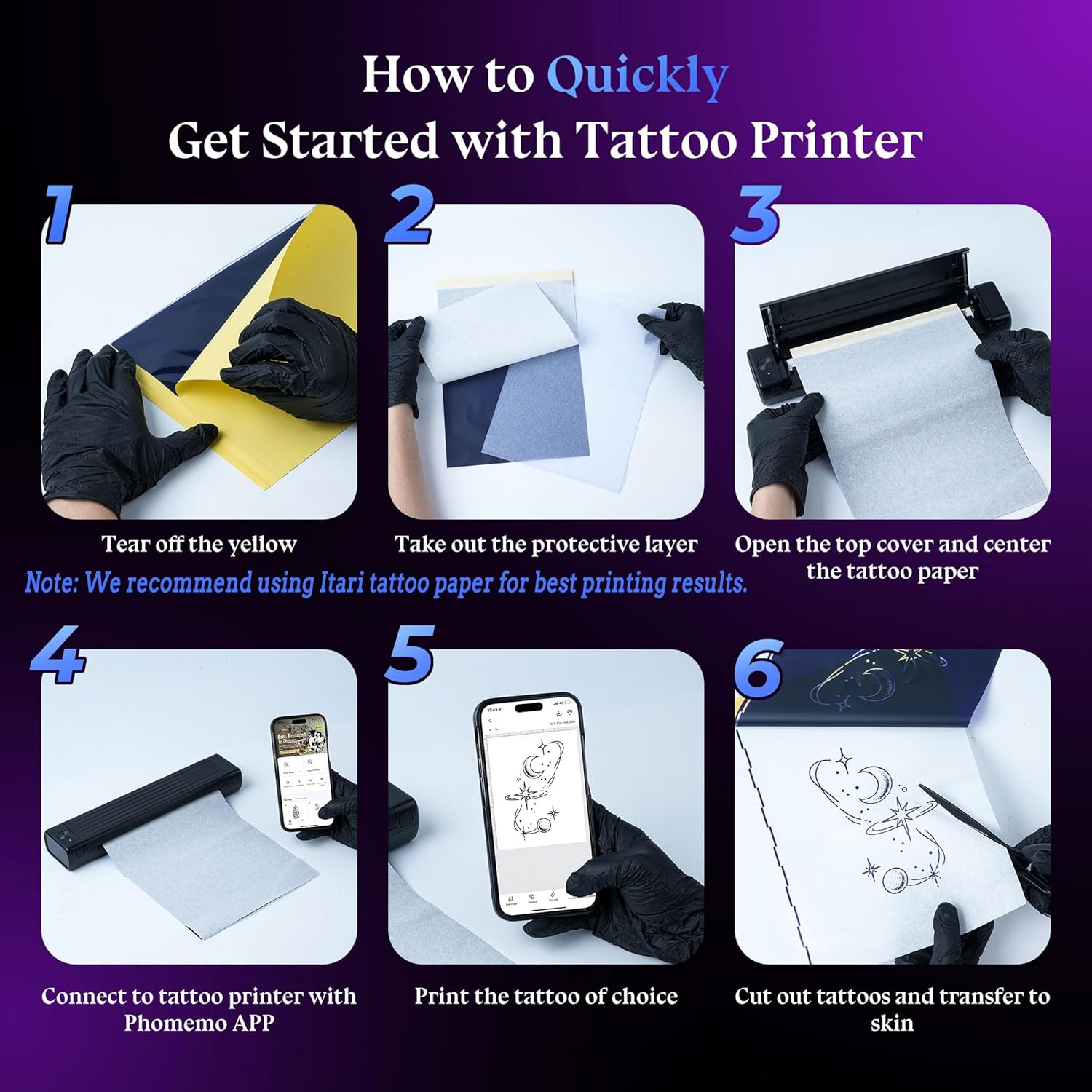
For best transfers, use the supplied transfer paper and follow the app’s scanning guidance to align designs before printing. Allow printed stencils to cool briefly if handling immediately, and test a small sample on practice skin or paper to confirm line thickness and detail. When working on very detailed pieces, disable anti-wrinkle mode if you notice unintended line artifacts, according to the manufacturer. Keep the device charged and store the transfer sheets flat to avoid creases that could affect output quality.

View in store

Price evolution

Price history: —

Description:

This compact tattoo stencil printer brings quick, clean transfers for hobbyists and entry-level artists looking to simplify stencil creation. This tattoo stencil printer for beginners prints directly from phone, tablet, or PC and emphasizes clearer lines and fewer wrinkles thanks to an improved anti-wrinkle line technology, making stencil results more precise and easier to apply.

Key Points

The unit is notably lightweight at 715 g, which makes it easy to handle during sessions and transport between workspaces. It uses wireless Bluetooth connectivity so you can design on a mobile device and print without cables, and the rechargeable battery helps keep the workflow flexible. The dedicated app lets you print images and patterns with a single tap and includes a scanning function for converting drawings into printable stencils. For convenience and cleaner operation, the device uses thermal printing technology that requires no ink and avoids issues like clogging or messy cartridges. Consider that the anti-wrinkle line mode can be turned off if you prefer the previous output style, according to the manufacturer. 🎨

Benefits

The printer reduces preparation time by allowing direct printing from multiple operating systems and devices, including Android, iOS, Windows, MacOS, Linux, and Chrome. This cross-platform compatibility simplifies collaboration and lets users work with their preferred design software. The lack of ink lowers maintenance needs, and the smaller form factor compared to traditional transfer machines offers a more portable solution. For temporary tattoos or practice stencils, it helps reproduce fine details with less handling, which can be especially useful when teaching or demonstrating techniques. 📱

Technical Specifications
  • Name: Itari A886 Tattoo Stencil Printer Kit
  • Weight: 715 g
  • Included accessories: 10 pcs transfer paper
  • Connectivity: Bluetooth wireless; compatible with phone, tablet, PC
  • Printing technology: Thermal printing, anti-wrinkle line mode (toggleable)
  • Battery: Built-in rechargeable battery
  • Compatibility: Android, iOS, Windows, MacOS, Linux, Chrome

Usage Recommendations

For best transfers, use the supplied transfer paper and follow the app’s scanning guidance to align designs before printing. Allow printed stencils to cool briefly if handling immediately, and test a small sample on practice skin or paper to confirm line thickness and detail. When working on very detailed pieces, disable anti-wrinkle mode if you notice unintended line artifacts, according to the manufacturer. Keep the device charged and store the transfer sheets flat to avoid creases that could affect output quality.