

Cricut cutting machine Explore 5
Product description
Crafters who want to make personalized decals, apparel, cards, or stickers at home are the audience for the Cricut Explore 5 Essential Bundle. It pairs the cutting machine with supplies for 65 projects, so you can start with more than the machine alone. It suits you if you want one setup for paper and vinyl projects, plus the option to make printed designs into cut stickers. You may want to skip it if you need the Deep Cutting Tool for thicker materials right away, that tool is sold separately.
Highlights
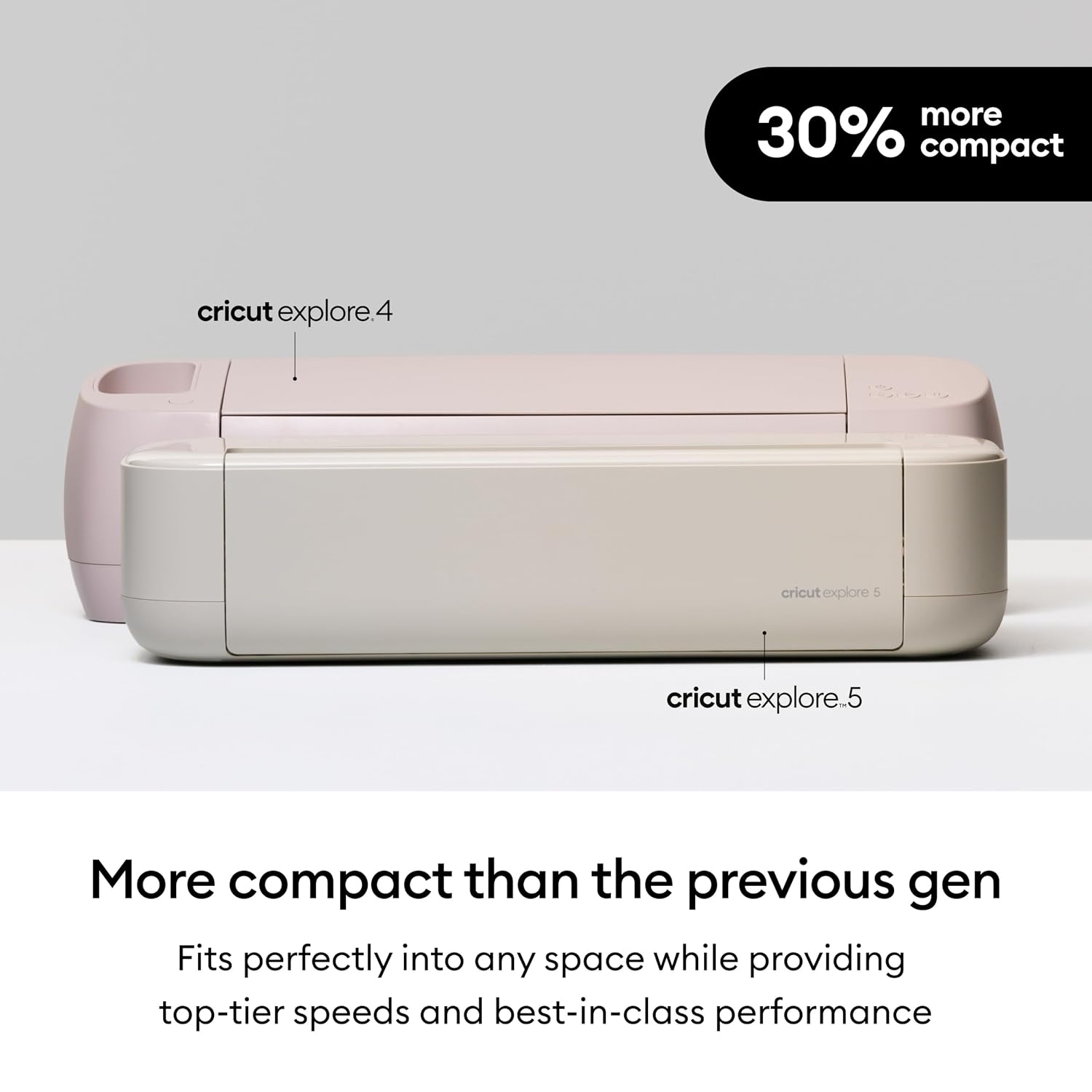
The Explore 5 cuts more than 100 materials, including vinyl, iron-on, cardstock, and printable materials. It can also write, draw, foil, and score, giving you room to try different project types without buying a separate machine for each one. A snap-in pen holder is part of the updated design, and Cricut describes the machine as 30% more compact than previous models.
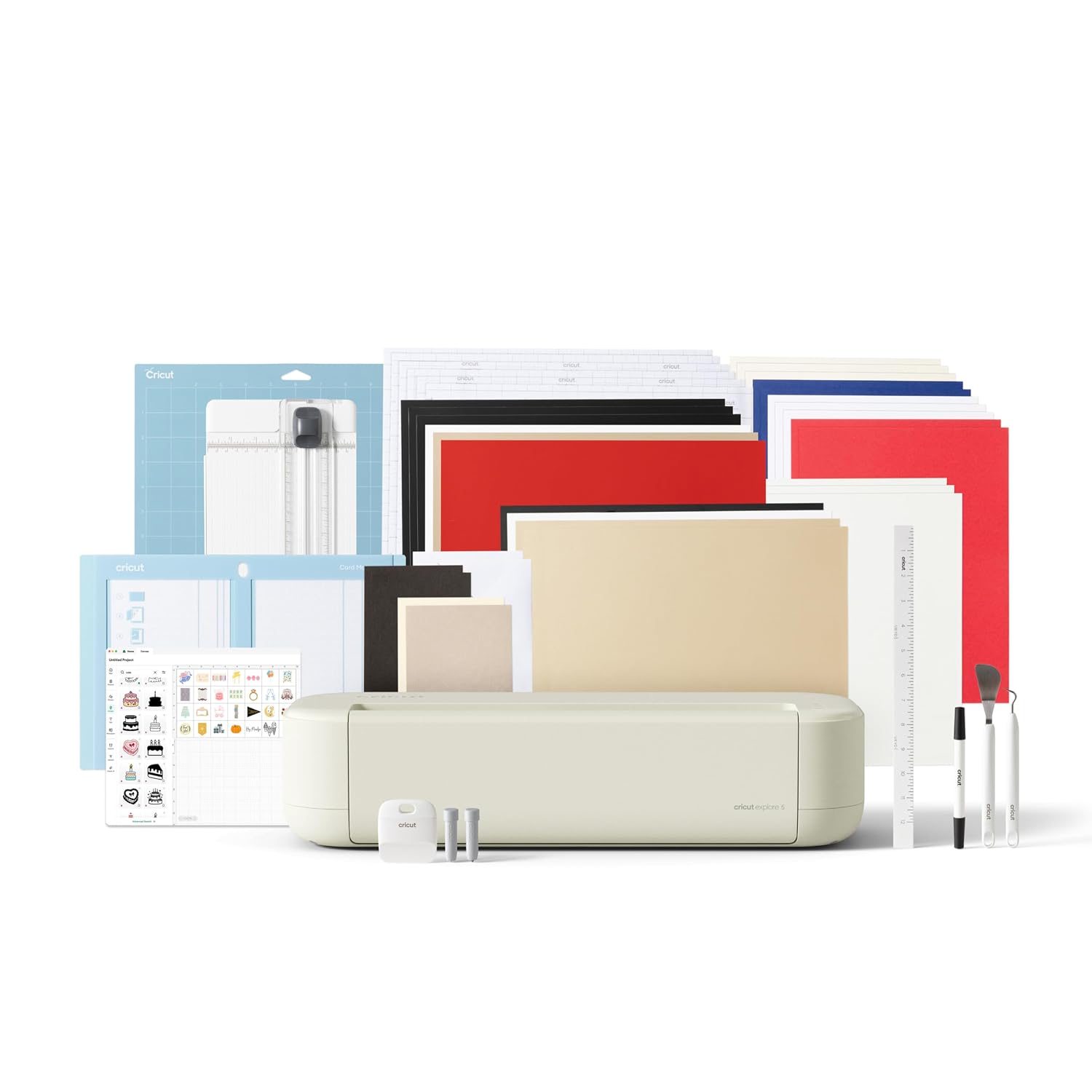
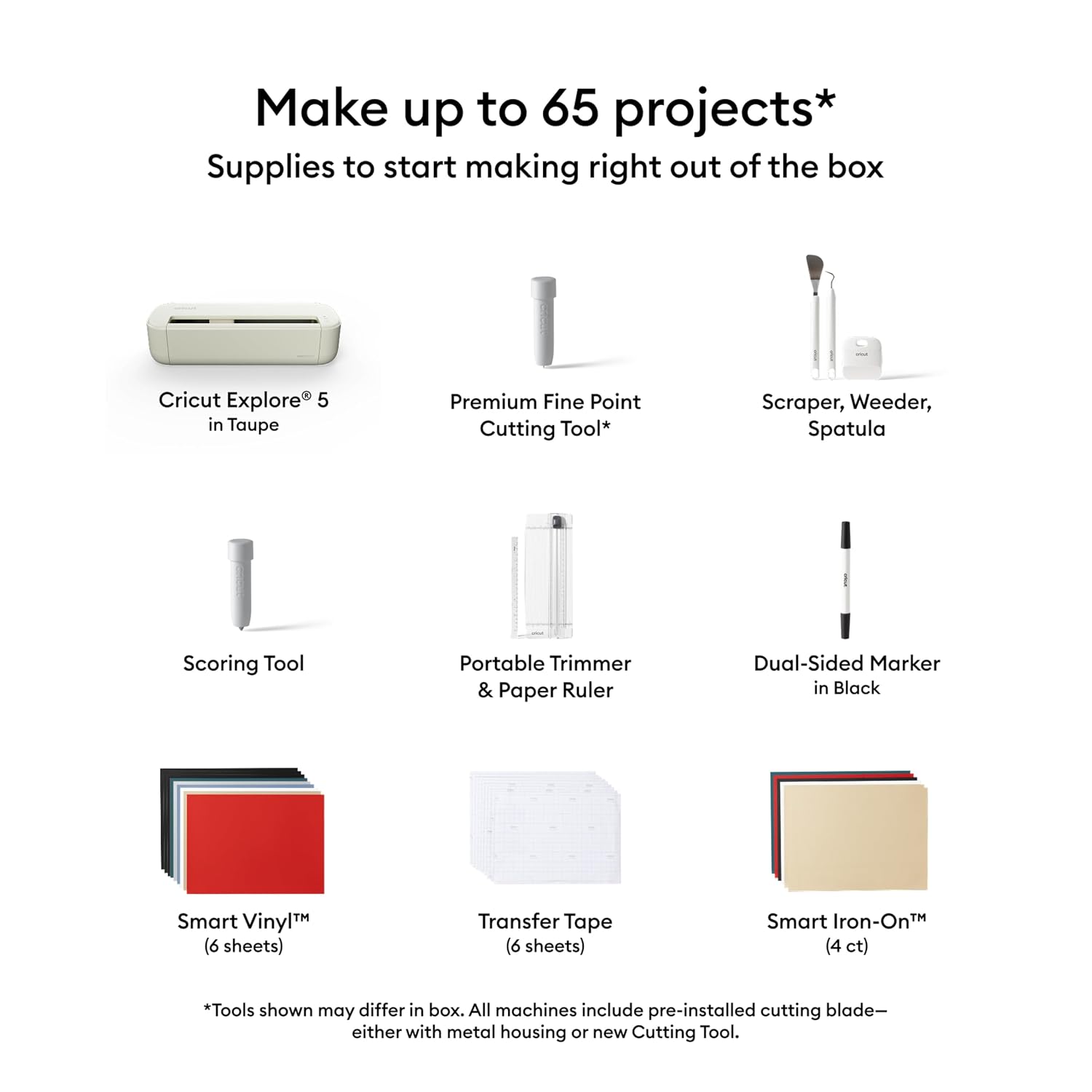
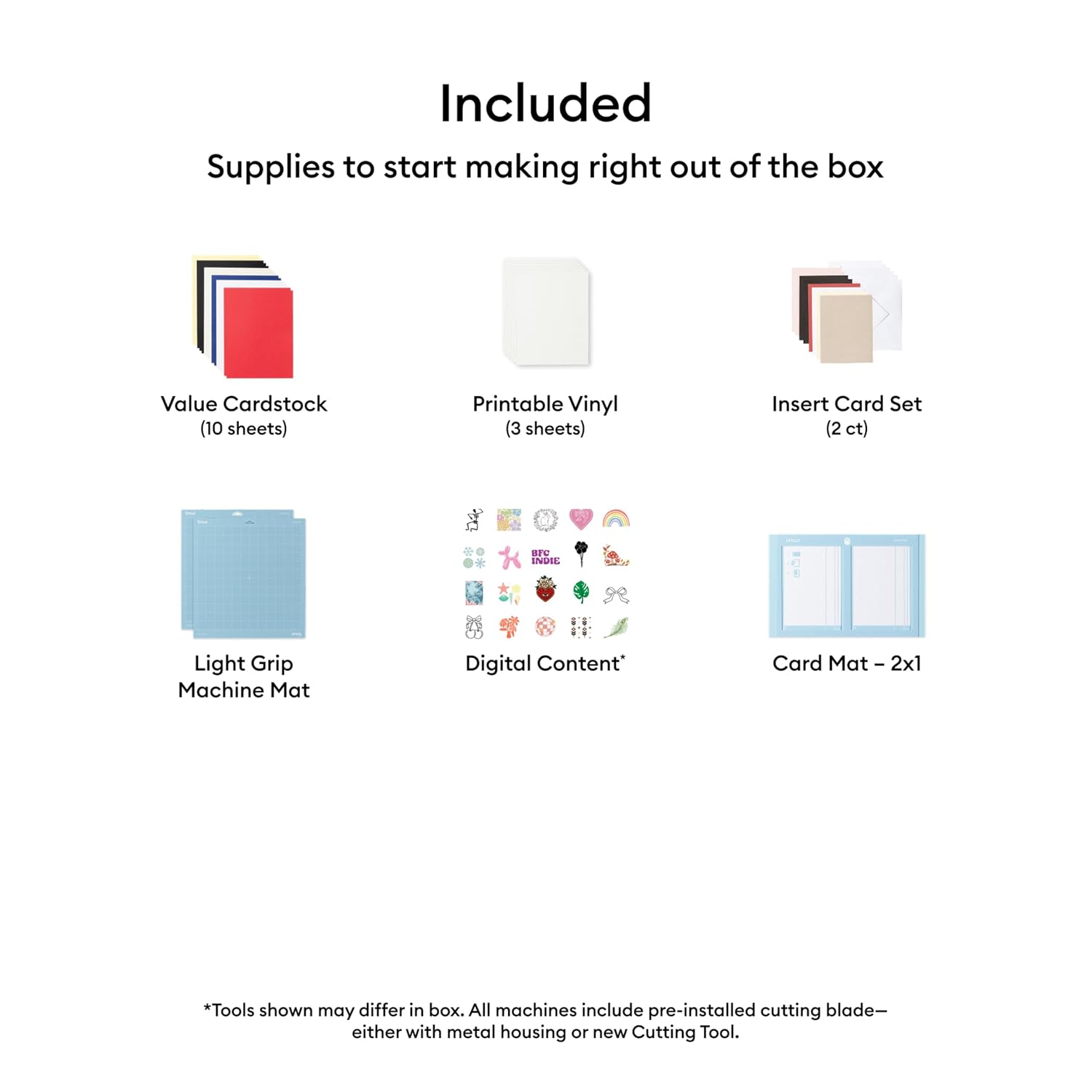
The bundle includes Smart Vinyl, Smart Iron-On, Value Cardstock, Insert Card Sets, and Printable Vinyl, along with bonus digital content: 25 premium images and one font. The product name also specifies supplies for 65 projects. For a first session, you might cut a name decal for a water bottle or personalize a card, then use leftover material for a smaller test design. That range is useful if you want to explore before choosing one craft to focus on.
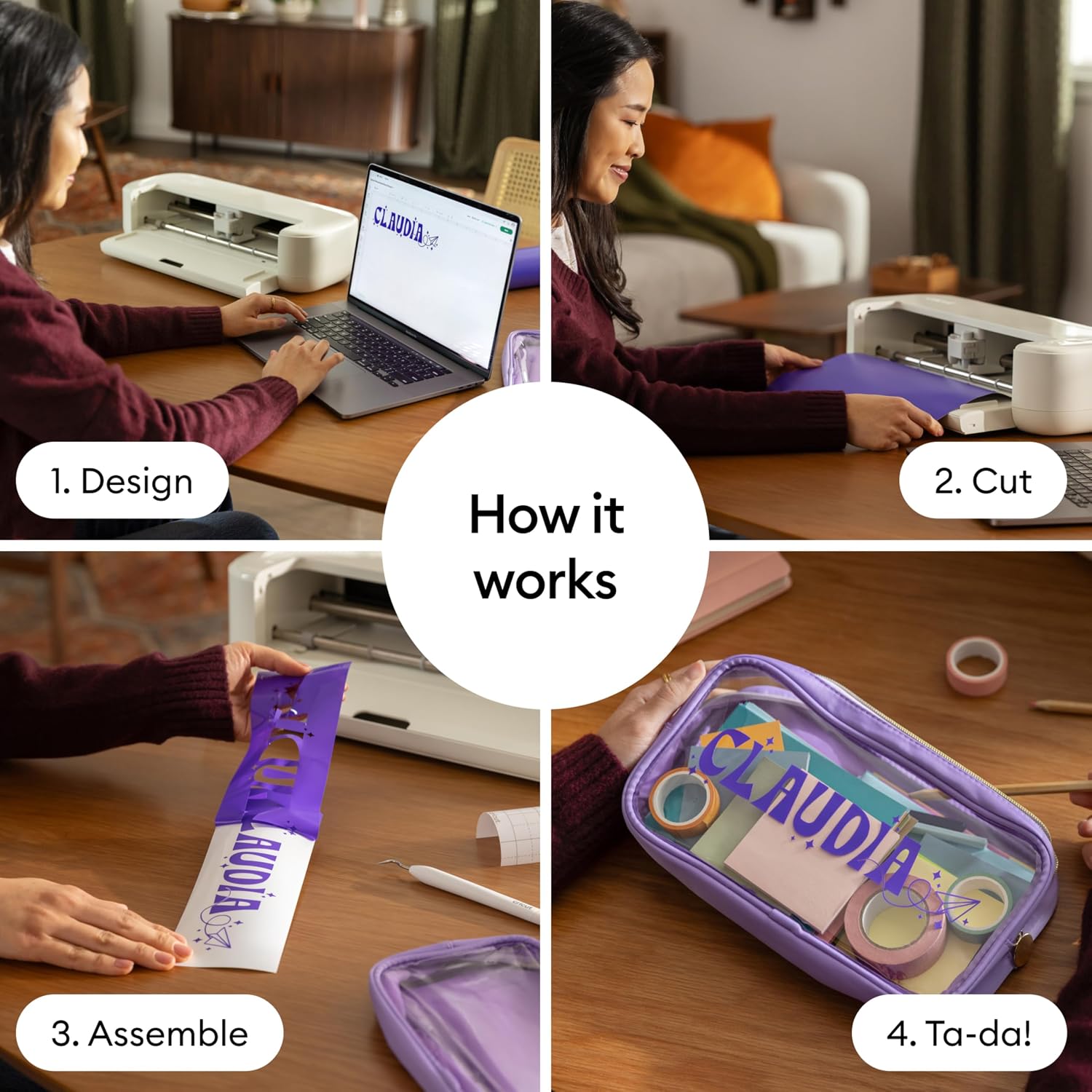
Design Space is Cricut’s free app, and the machine connects to a phone or computer through Bluetooth. The included free library lists more than 3,000 images, 100 fonts, and 1,000 projects. Additional content can be purchased separately, or accessed through a recurring Cricut Access subscription. Keep in mind that the full-color sticker workflow starts with printing your design on a home inkjet printer, the Cricut then recognizes and cuts around the printed image.
Size & fit
This is a 12-inch cutting machine, with a stated cutting width of 12 in (30.5 cm). That gives you room for common home projects such as decals, cards, and apparel designs, while the more compact footprint may suit a craft table where space is limited. The listed 30% size reduction is relative to previous models, the product details don’t give the machine’s exact overall dimensions, so it’s hard to judge its shelf or storage fit from that comparison alone.
Cricut says the machine works with six tools, though not every tool is included. The Deep Cutting Tool, for example, is sold separately for thicker materials such as foam and rubber. That matters if those materials are central to your plans: the machine’s broad material compatibility does not mean every cutting task is covered by the bundle as listed.
Tips for day-to-day use
Start with a project from Design Space if you’re new to cutting machines, then adjust a template or text design once the basic workflow feels familiar. For printed stickers, prepare the artwork in the app, print it on an inkjet printer, and then send it to the machine to cut around the image. For apparel, the included Smart Iron-On gives you a way to try a personalized design without starting with a separate material purchase.
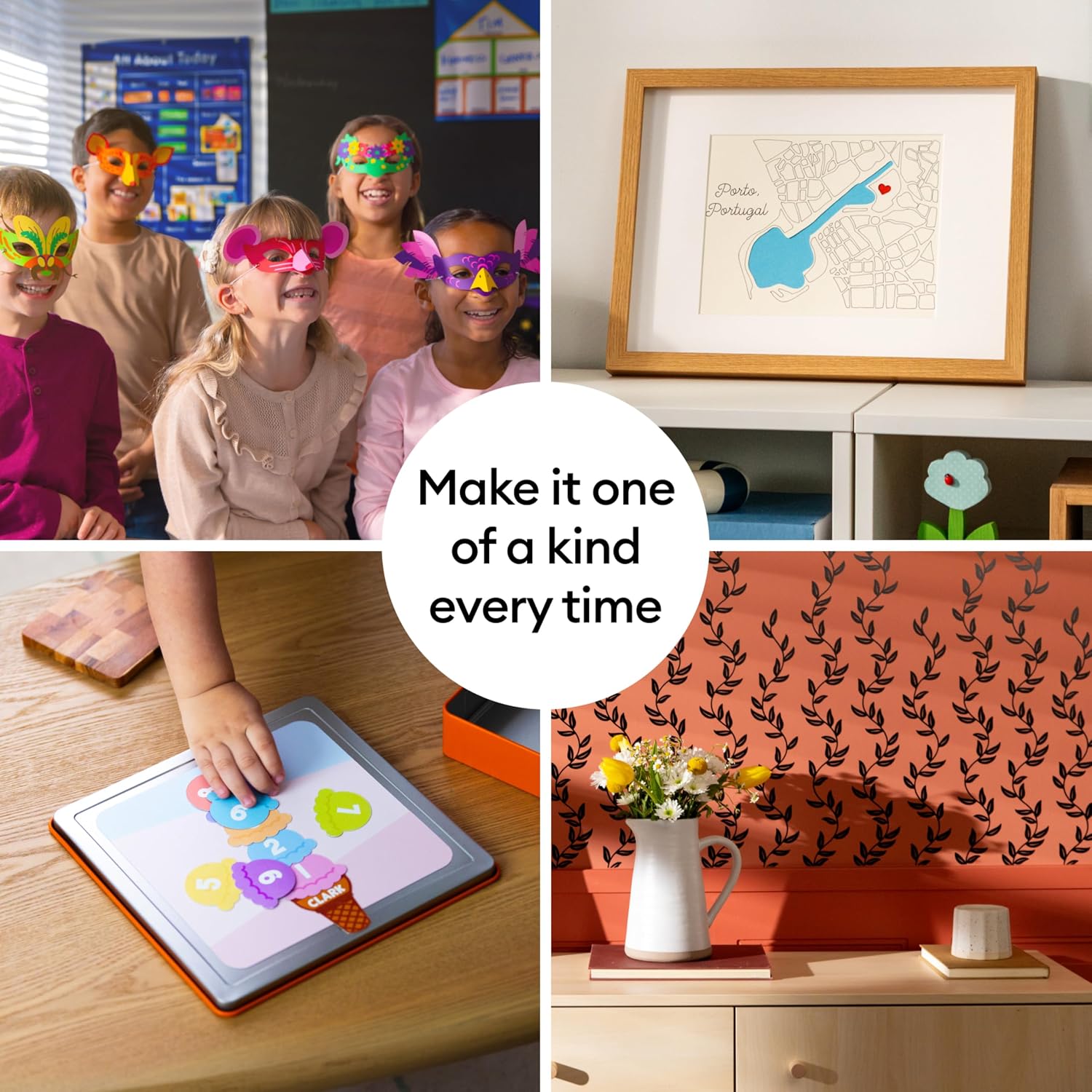
According to the maker, the guided design flows and templates are intended to help people without design experience. Still, the app’s extra content is not all automatically included: the free library is available out of the box, while other images and fonts may require a separate purchase or subscription. If you prefer a simple, standalone cutter workflow with no connected design app, that’s a meaningful difference from this setup.
Questions before you buy
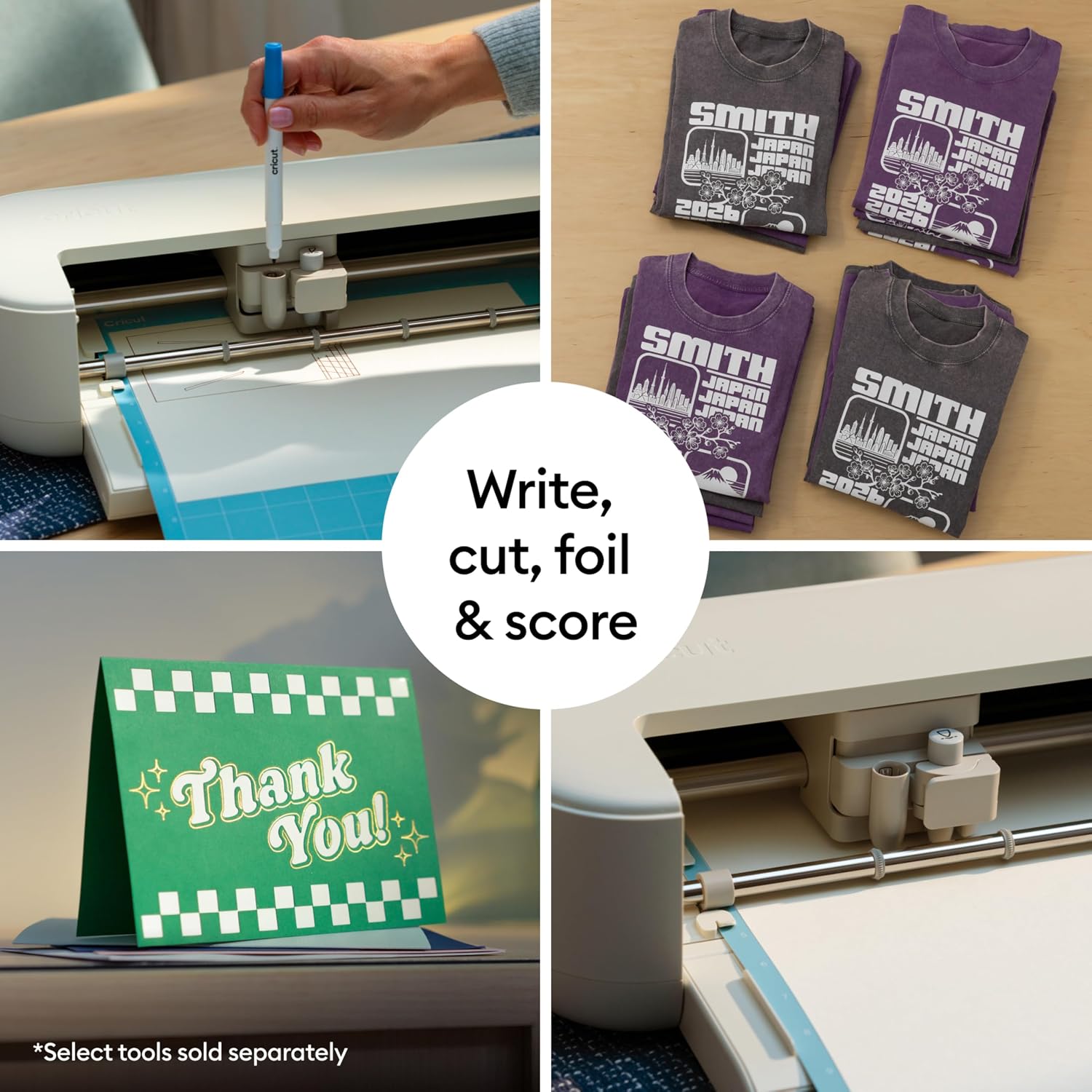
Can it cut printed stickers? Yes. Print a design with a home inkjet printer, the machine can recognize the print and cut around the image.
Does the bundle include materials? Yes. It lists Smart Vinyl, Smart Iron-On, Value Cardstock, Insert Card Sets, and Printable Vinyl, with supplies stated for 65 projects.
Is the Deep Cutting Tool included? No. It is sold separately and is intended for thicker materials such as foam and rubber.
Final verdict
The Explore 5 bundle makes sense if you want to move between vinyl, paper, iron-on, and printed sticker projects, and value having starter materials and digital content together. Its range is broader than a basic cutter focused on one material, but the setup depends on Design Space, and full-color stickers also call for an inkjet printer. Choose it for that flexible home-crafting workflow, look elsewhere if you need the separately sold Deep Cutting Tool included or want to avoid app-based design.