

Liene PixCut S1 Inspire Kit: All-in-One Color Sticker Printer & Cutting Machine
Reviews
Price
Product description
What it is and what problem it solves
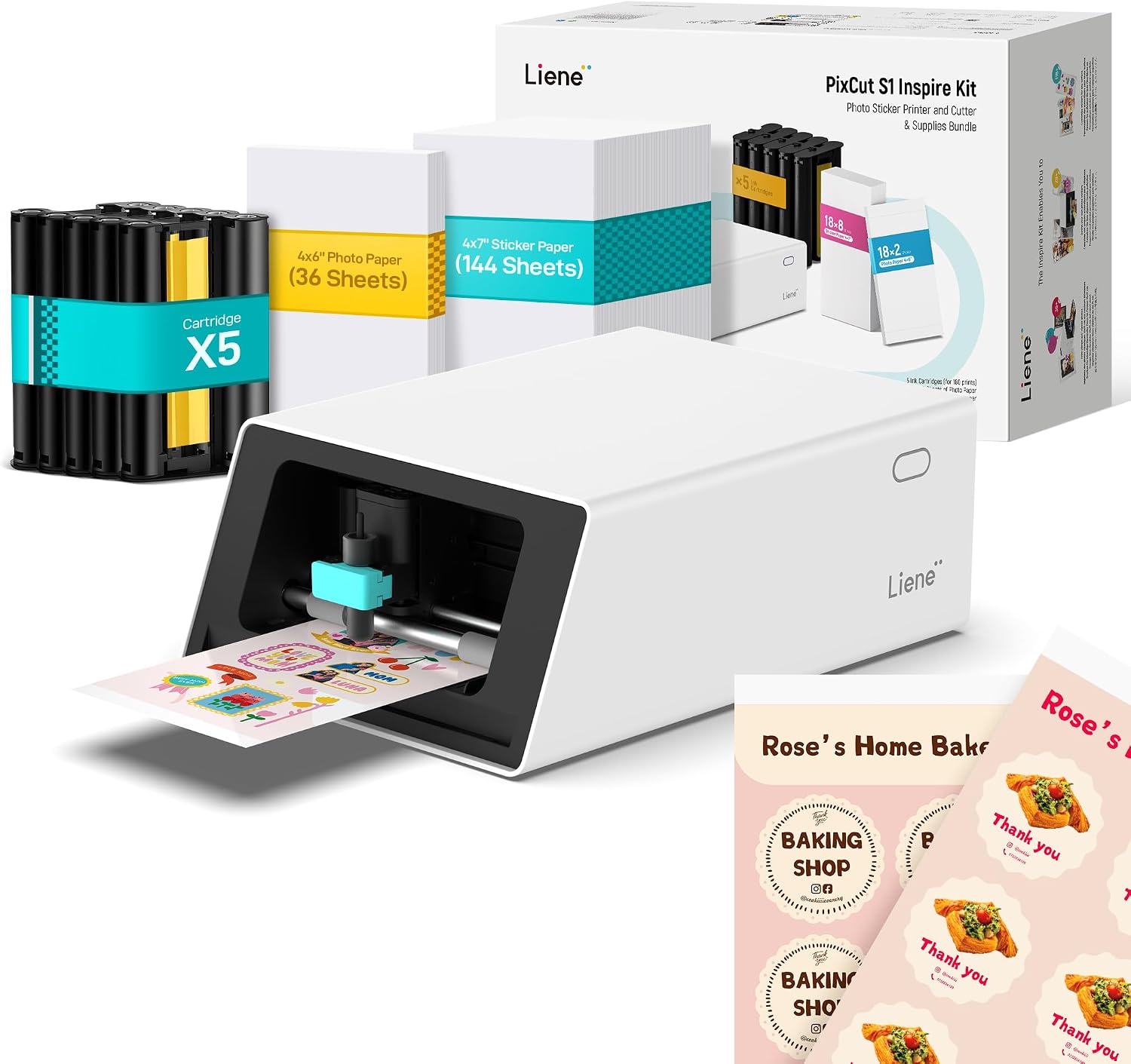
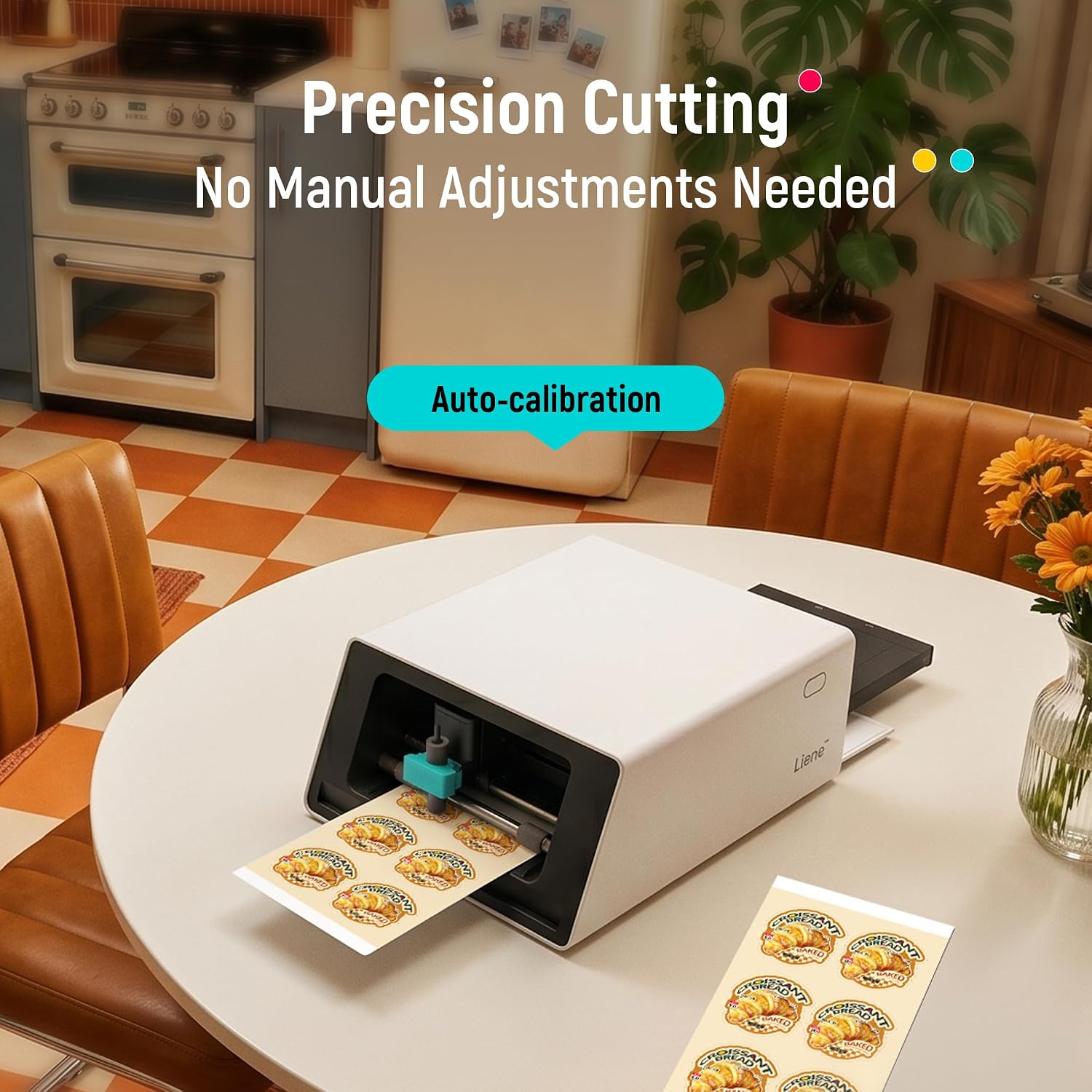
The Liene PixCut S1 Inspire Kit combines printing and cutting in a single, compact device. It aims to simplify sticker, label, and photo printing workflows by letting you edit, print, and die-cut from a connected smartphone or computer with a single app. If you’ve ever wrestled with loose edges, misaligned cuts, or juggling multiple machines, this all-in-one approach promises a streamlined path from idea to finished sticker in minutes. The Inspire Kit expands this capability with a generous supply of papers, so you’re not constantly reordering mid-project.
How it works in practice
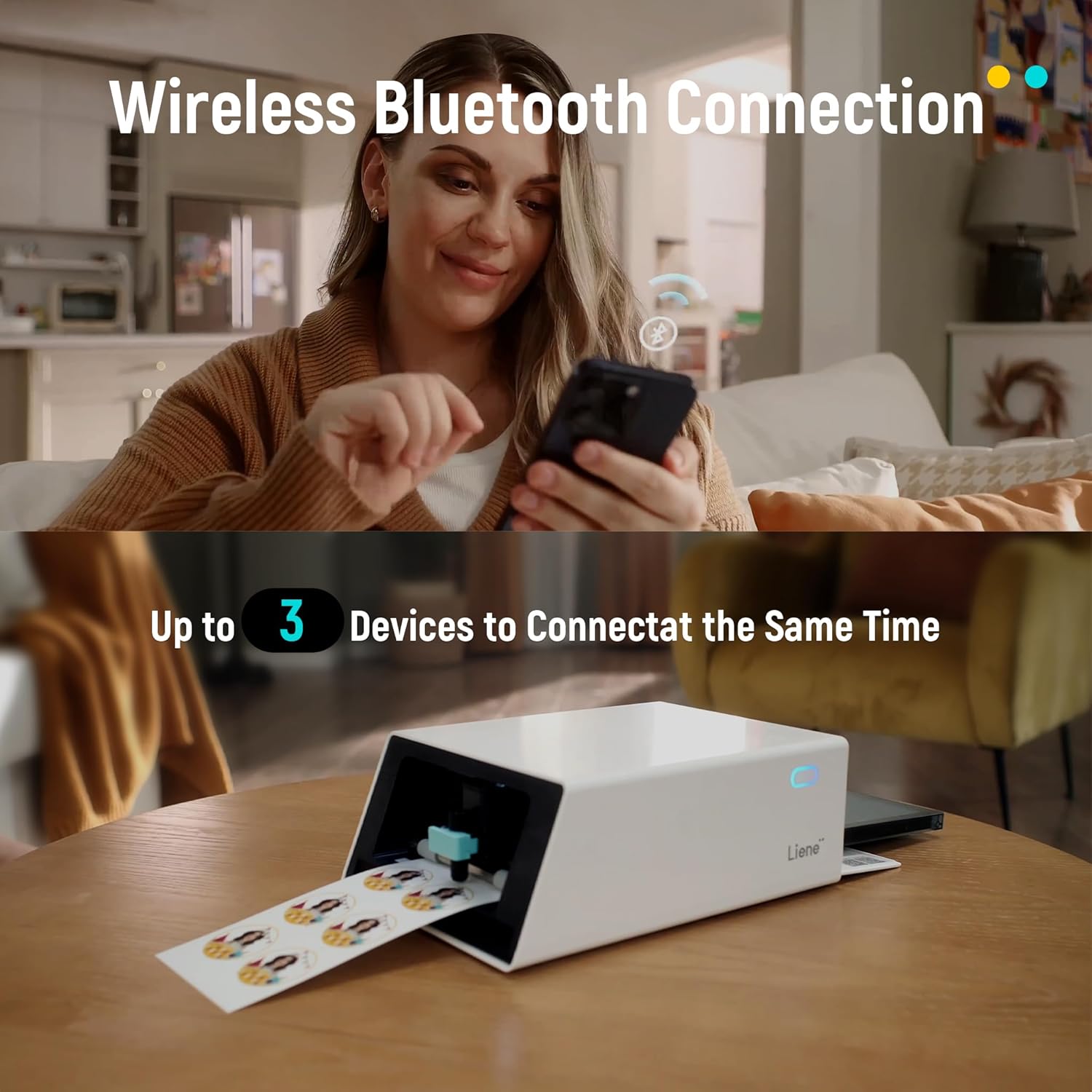
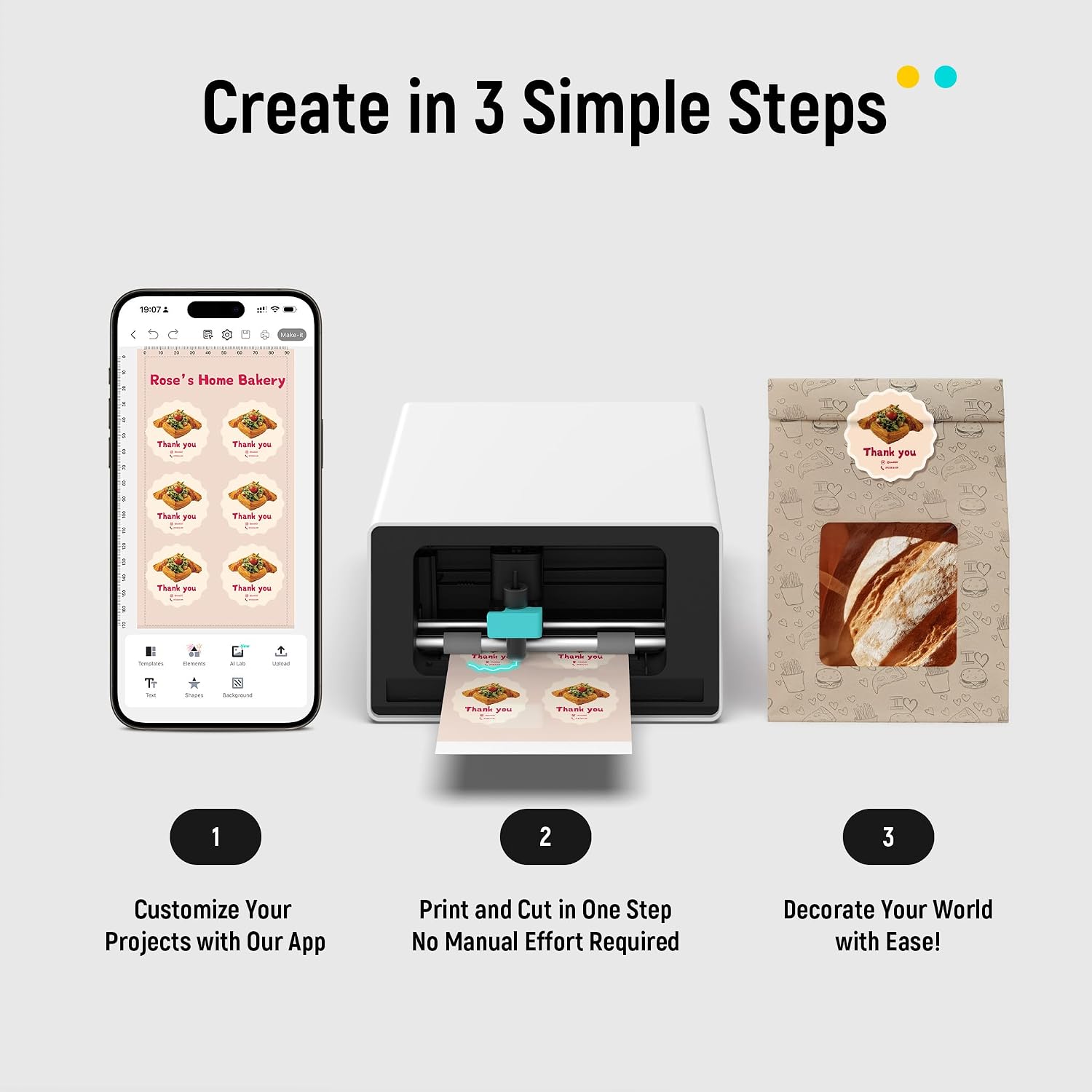
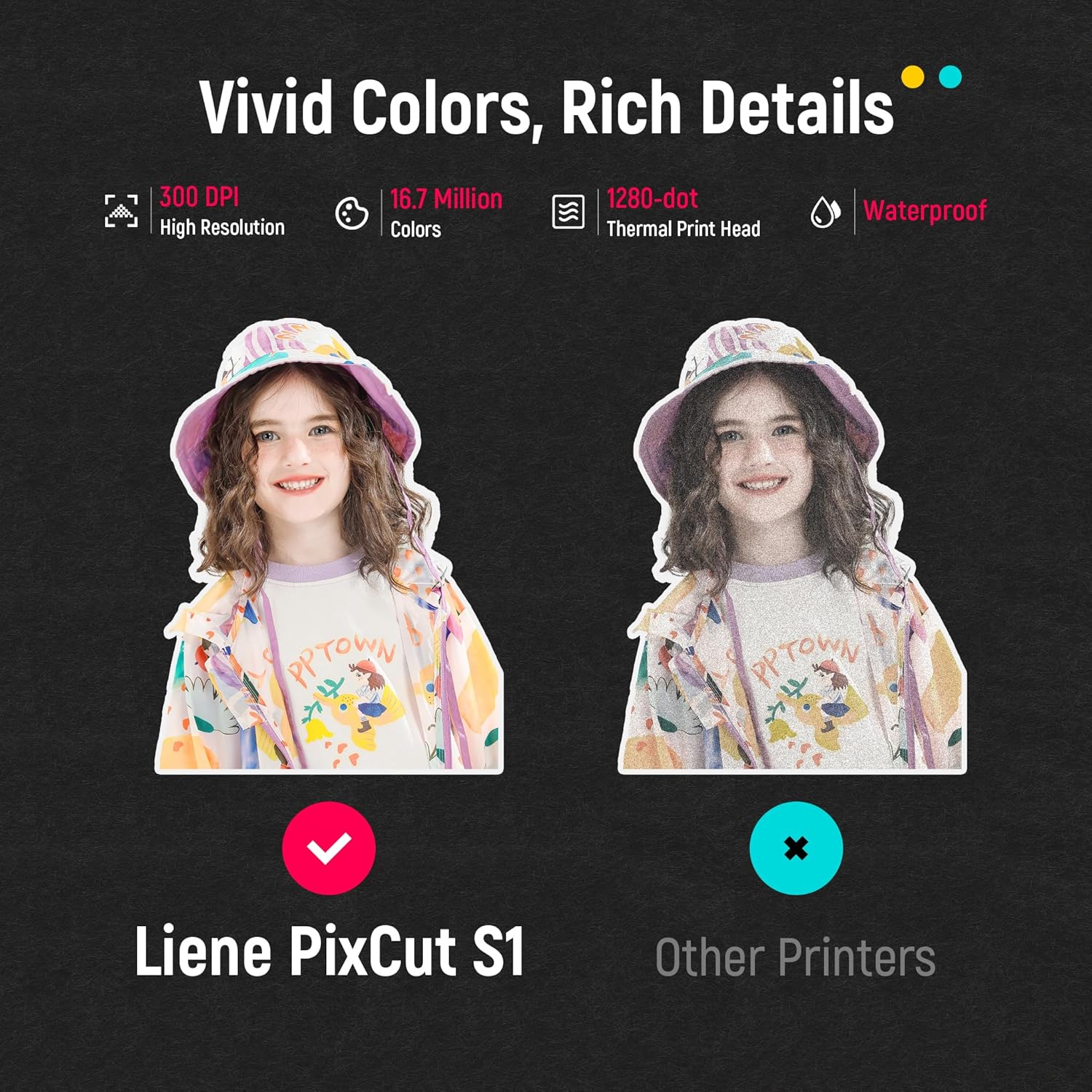
You print using thermal dye-sublimation at up to 300 DPI with 16.7 million colors, then rely on AI-assisted image extraction and a precision cutting system to follow edges closely. The workflow is designed to be touch-friendly: upload a photo, select a style in the app, and print-and-cut directly from your device via Bluetooth. The result should be vibrant photos and labels with professional edges, all without switching between devices.
What stands out on paper
The combination of AI-driven extraction and edge-following cutting is the core promise here. In effect, you get a “smart” print-and-cut experience that aims to reduce manual edits and miscuts. The four-layer dye-sublimation process includes automatic lamination, contributing to water resistance and durability in the final stickers.
Potential limitations to consider
While the feature set is compelling, real-world performance depends on the app’s reliability and how well AI extraction handles complex subjects. If you frequently work with non-photo graphics or want ultra-precise cuts on intricate shapes, you may want to test a sample before committing to large batches. Also, the value of the included paper bundle will fade if your projects require different media sizes or finishes not covered by the Inspire Kit.
Who it’s for
This kit targets creative crafters, sticker makers, educators, and small hobby businesses that want a compact, all-in-one solution for making photos, labels, and custom stickers at home or in a makerspace. It’s a fit if you value speed, ease of use, and a broad creative library (images, fonts, templates) without ongoing subscription costs.
Who it’s not ideal for
If you need industrial-scale production, extremely small text, or customization beyond typical sticker media, this device may feel limiting. Also, if you rely heavily on open-ended SVG/AI workflows or require ongoing professional-grade color accuracy across multiple substrates, the preset workflow and dye-sub palette might not cover every use case.
When it makes sense to buy
Buying makes sense if you want an integrated, beginner-friendly way to produce colorful stickers and labels quickly, with a ready-to-use kit that minimizes setup. It’s particularly appealing when you expect to print frequently and want an affordable, all-in-one device rather than buying separate printer and cutter hardware.
What to check before buying
Ensure your typical projects align with dye-sublimation outputs, confirm you’re comfortable with mobile-to-device workflows, and verify that the included paper supply matches your expected usage. Consider whether you’ll need additional media types or larger runs beyond the 36 photo papers and 144 sticker papers in the Inspire Kit.
Practical use case example
Imagine turning a weekend photoshoot into personalized sticker packs for a family album or classroom labeling project. You upload a batch of bright images, let the AI tool extract subjects, apply a chosen style, print, and cut—right from your phone—before trimming a dozen custom sheets for gifting or teaching activities.
Quick comparison mindset
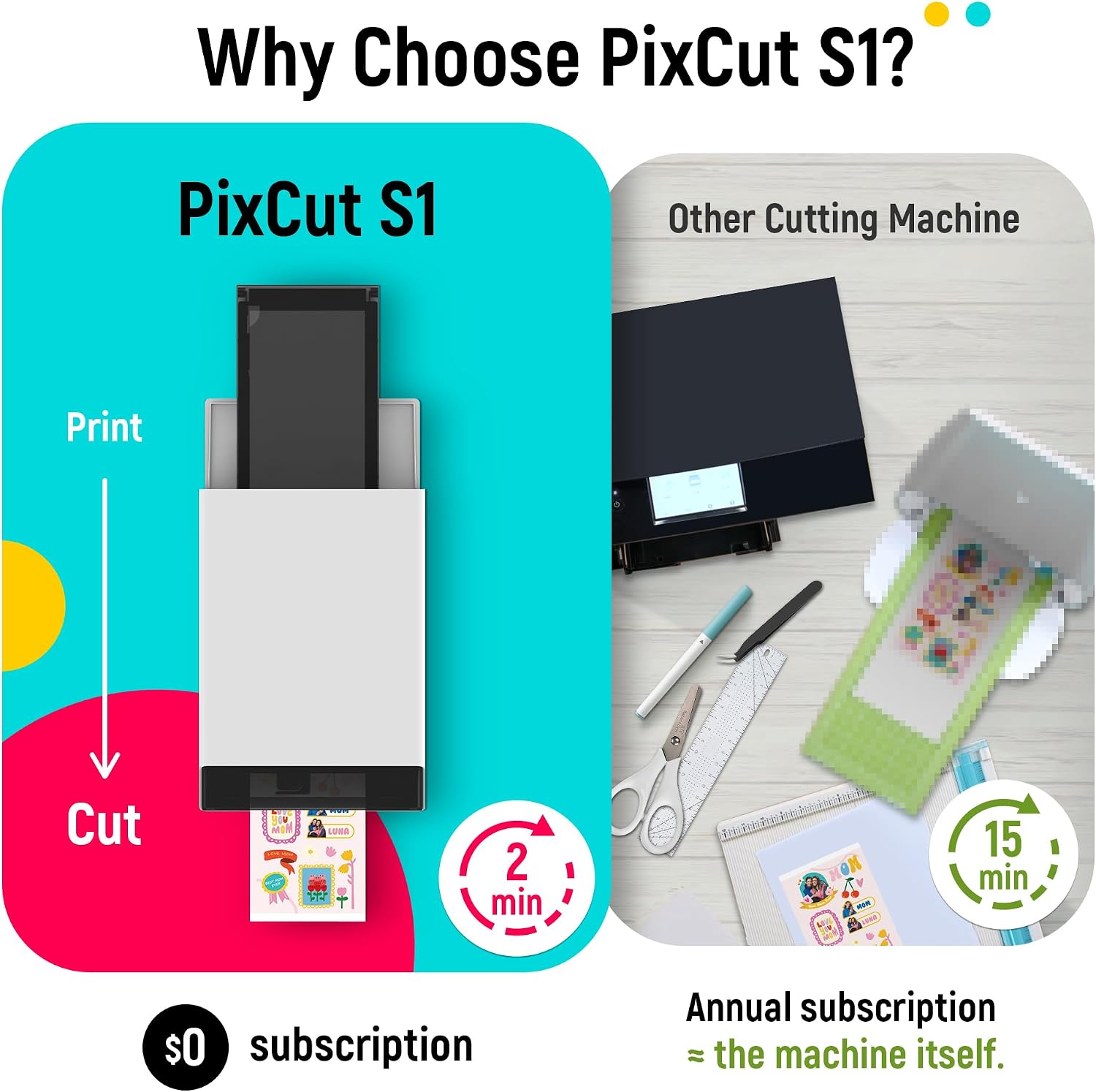
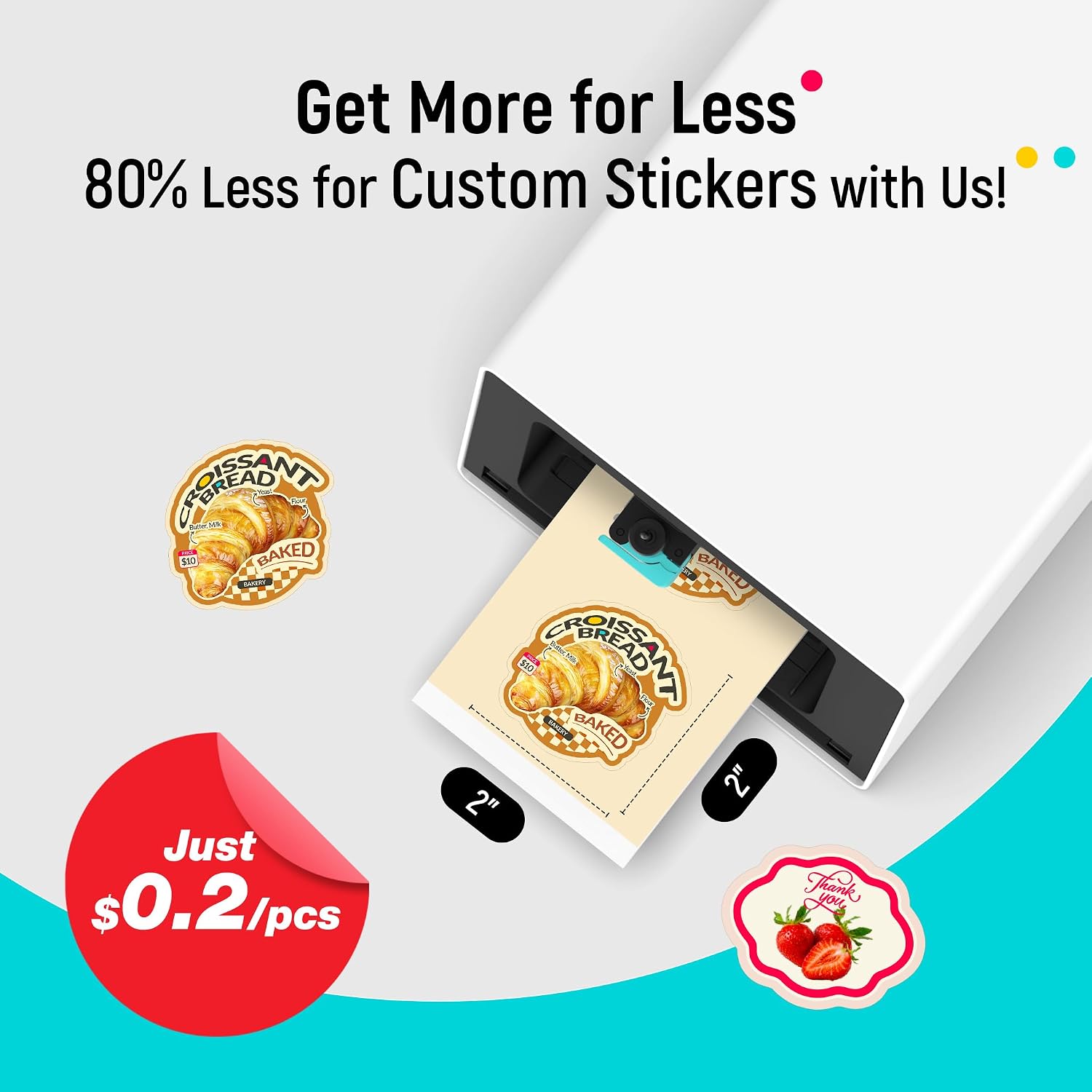
If you’re weighing this against a separate printer and a standalone cutter, the PixCut S1 aims to shave setup time and minimize alignment issues. For those who prioritize a subscription-free ecosystem with a large library of assets, the included software and templates add value. If your needs lean toward professional-grade proofs, variable data, or non-sticker media, you might find it less flexible.
FAQ
- How do AI image extraction and cutting impact accuracy? The system uses AI guidance to identify subjects and guide edge-cutting, outcomes depend on image quality and subject complexity.
- Is the kit suitable for waterproof stickers? The four-layer dye-sublimation process yields durable, water-resistant results, but surface care and exposure conditions will still influence longevity.
- Can I print on other media beyond the included papers? The description emphasizes the kit’s media, so confirm compatibility with additional papers before expanding usage.
Final decision
Is it worth it?
Worth considering if you want an all-in-one, beginner-friendly solution for turning photos into durable stickers and labels with minimal setup. It suits creative projects and quick-turnaround needs, especially when you value a broad asset library and a subscription-free workflow. It may not be the best fit if you require heavy-duty production or advanced media versatility.