

Carplay Screen for Car 7” HD Portable Touchscreen Stereo with Wireless Android Auto, Backup Camera, Mirror Link, Bluetooth, and GPS
Reviews
Product description
Key takeaways (what you’re really buying)
This 7” portable touchscreen car stereo is built for drivers who want a bigger, more convenient phone-style interface in the car—without locking yourself into a full dashboard replacement. On paper, it brings wireless Android Auto and Apple CarPlay, adds a backup camera with LED, and includes a few practical ways to play audio (Bluetooth, AUX, and FM), plus GPS navigation via the CarPlay experience.
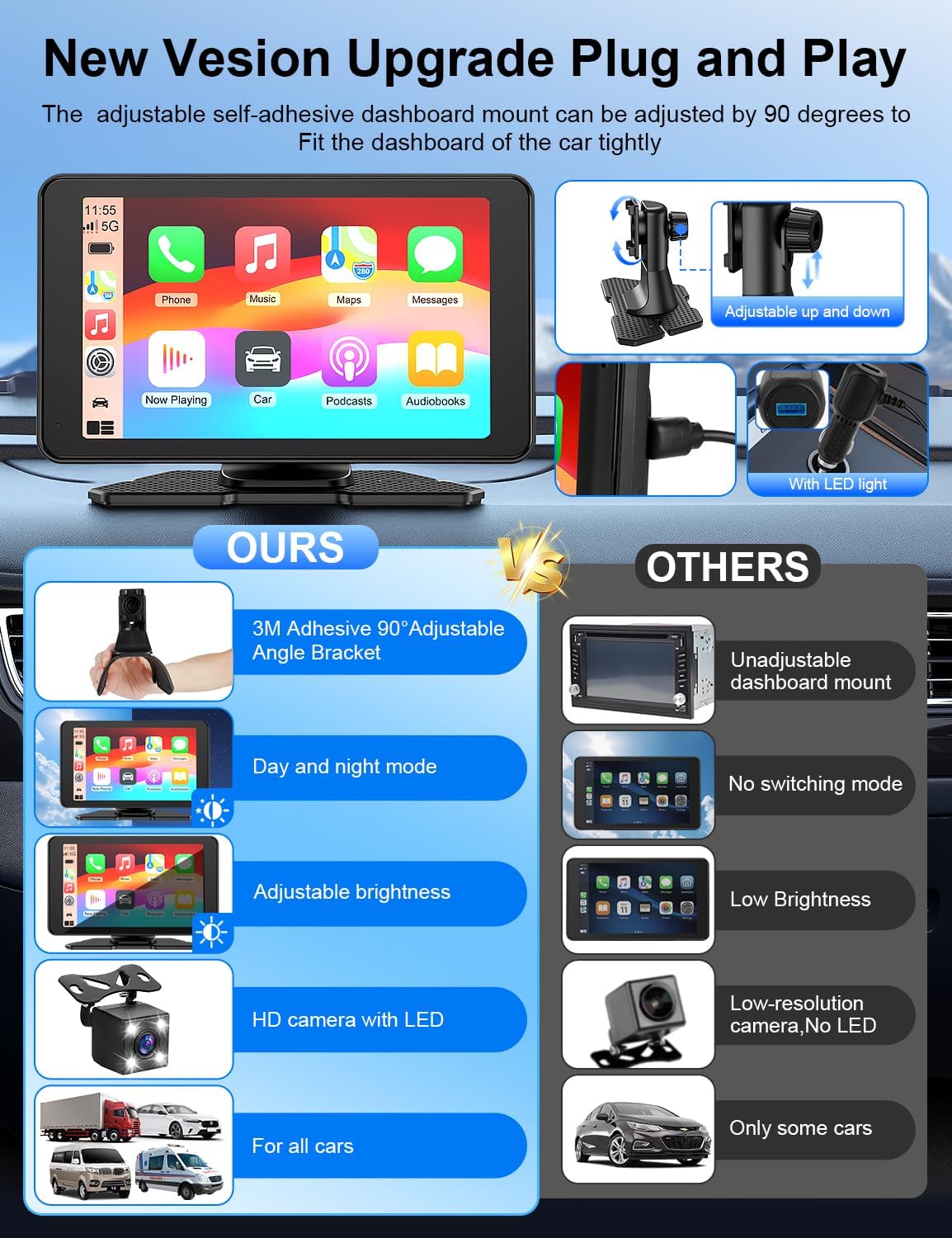
Where it gets interesting is the “plug it in and go” mindset: you mount it to your dashboard with an adjustable adhesive mount, keep your current radio, and use this screen alongside it. That can be a convenient path for older cars or anyone who doesn’t want to deal with professional installation.
Still, it’s not perfect. Since it’s a portable unit with multiple connection methods, your day-to-day experience will depend a lot on how steady your wireless connection is and how you route power in your vehicle. If you want something you can treat like a fully integrated factory infotainment system, this may feel more like a capable add-on than a true replacement.
What it does best in everyday driving
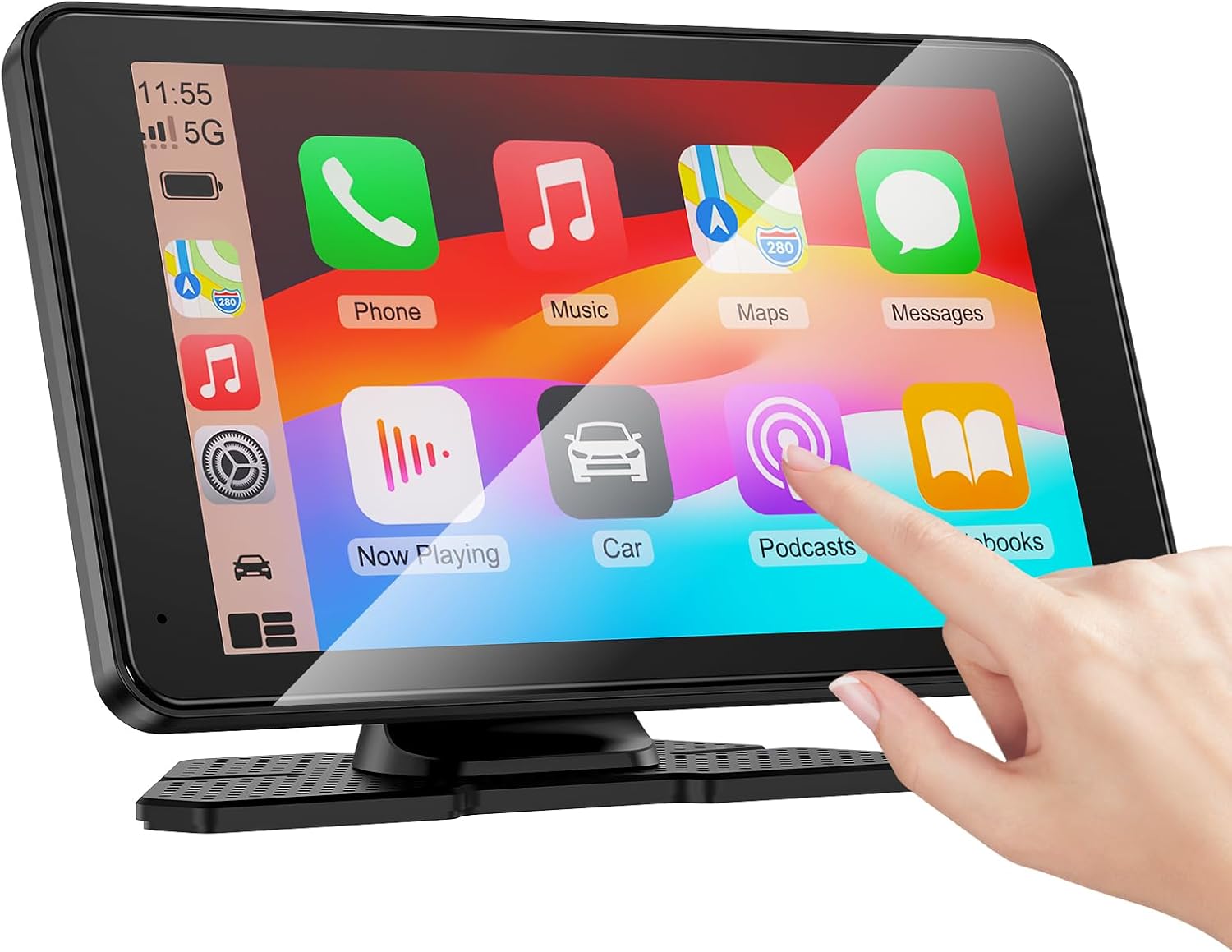
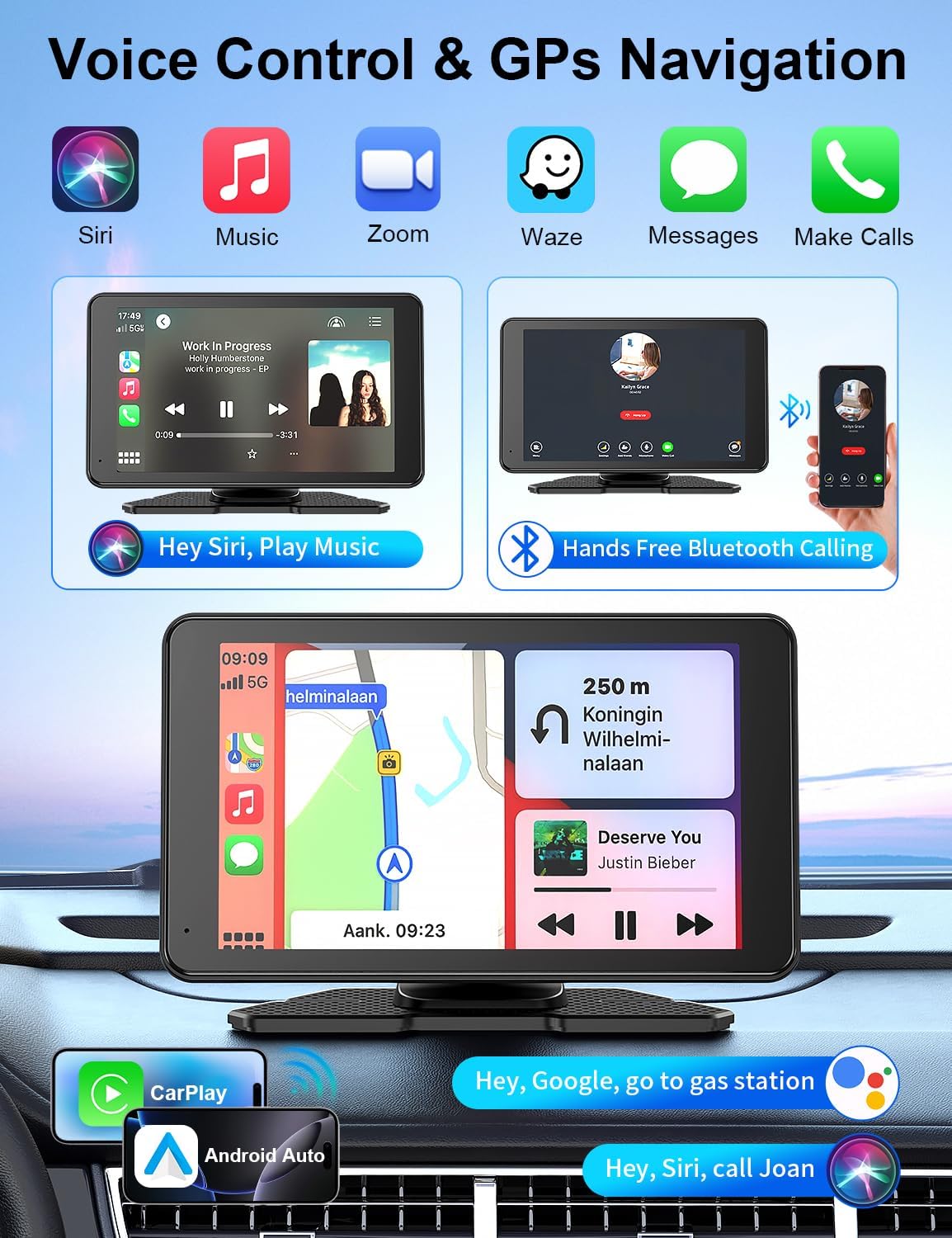
The core promise here is simple: mirror what matters from your phone onto a 7” touchscreen. The listing says it supports wireless Apple CarPlay and Android Auto with voice control—so you can access music, map navigation, messages, and hands-free calls, then use Siri or Google Assistant via voice.
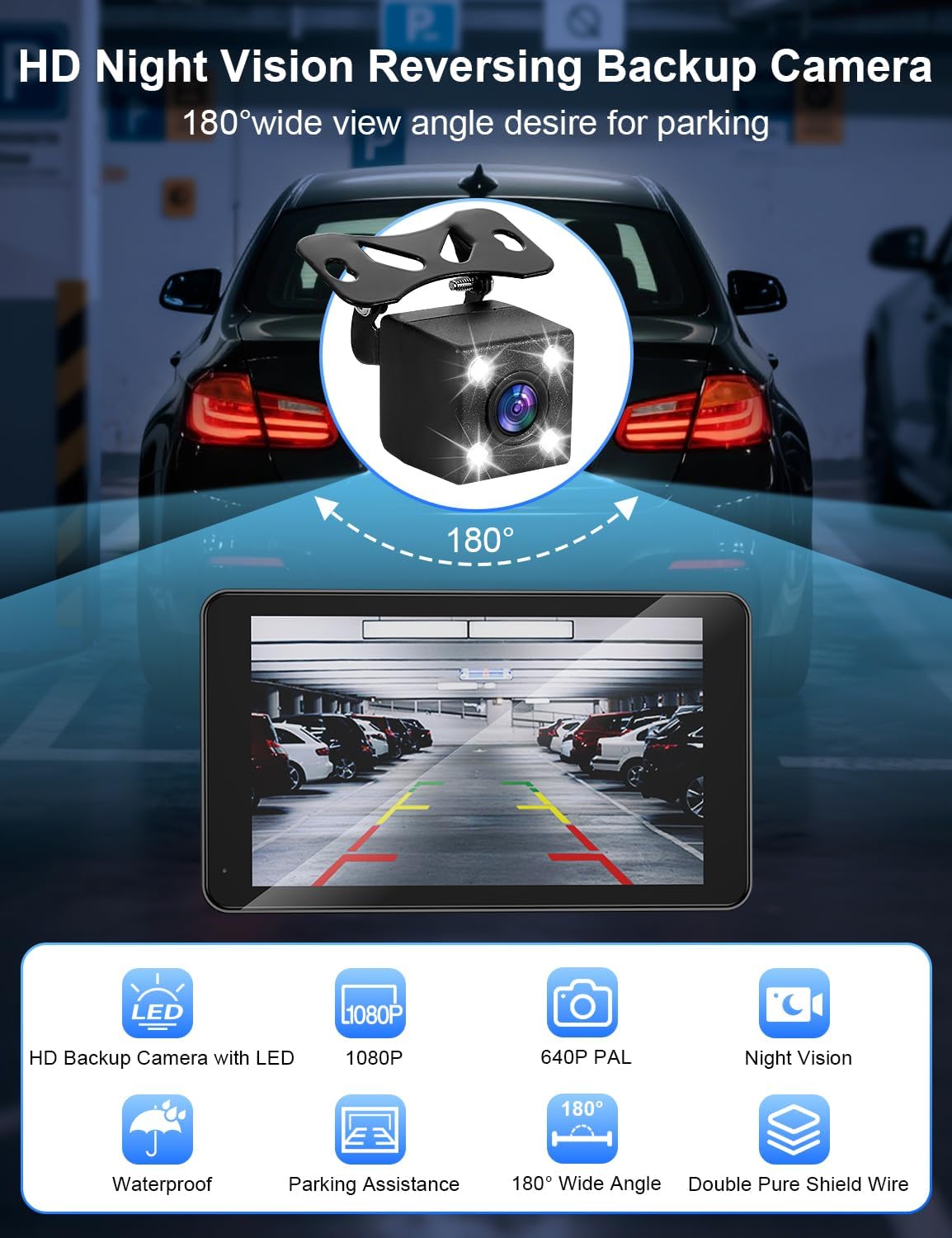
A quick micro-scenario: you get in the car, mount the screen, connect it to your phone (Bluetooth/Wi‑Fi or USB, per the listing), and your navigation shows up on the screen. When you shift into reverse, the system powers on the waterproof adjustable 180° backup camera automatically with LED support, giving you a clearer view for tight parking.
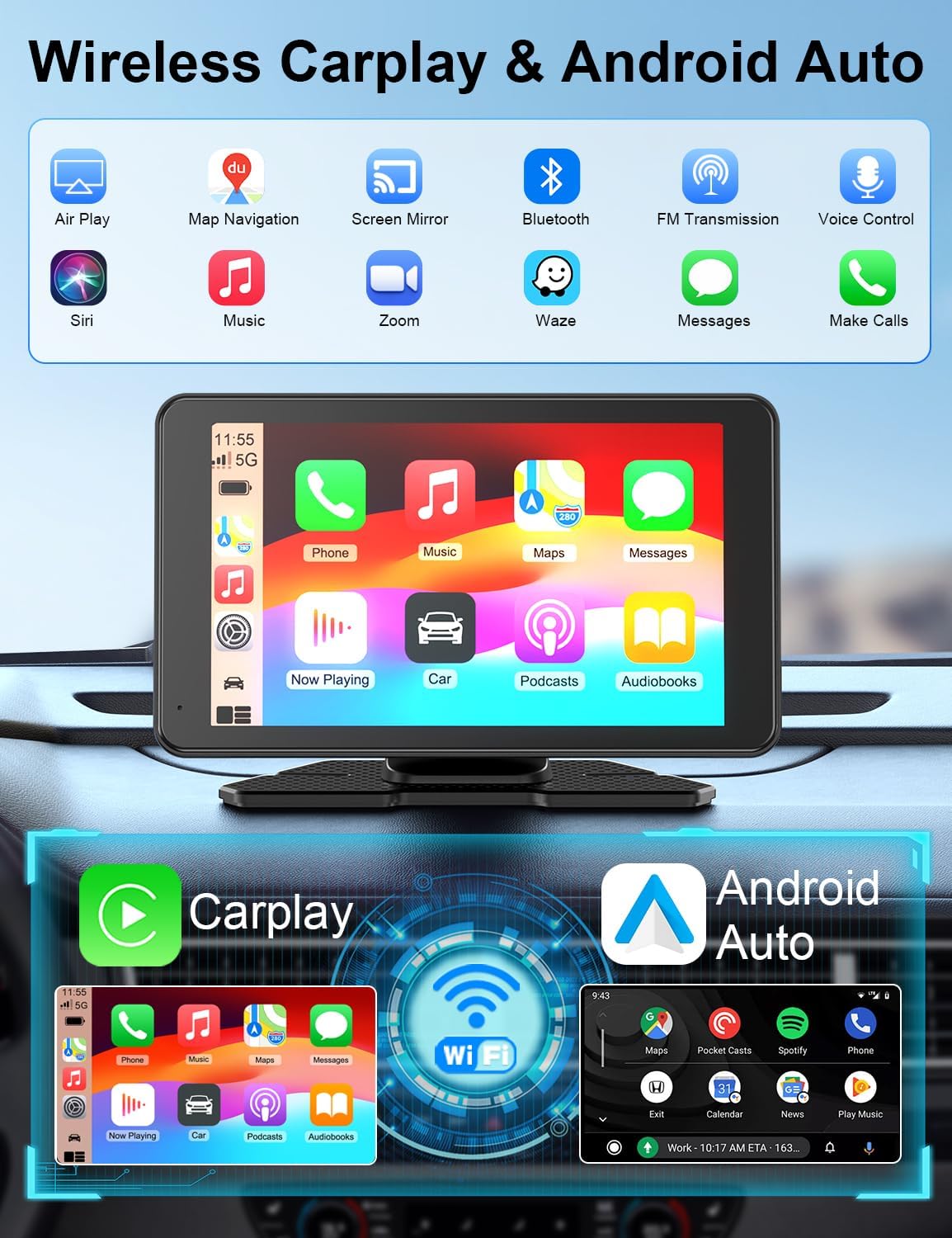
The listing also claims GPS navigation with real-time positioning (no delay is mentioned in a strong way, so treat that as “optimized for responsiveness” rather than a guarantee), and that voice-guided navigation can play through your car’s audio speakers.
Key points to consider before buying
Wireless CarPlay/Android Auto is the headline, but what you’ll notice most is how you’ll route audio and how you’ll use the screen for the long drives.
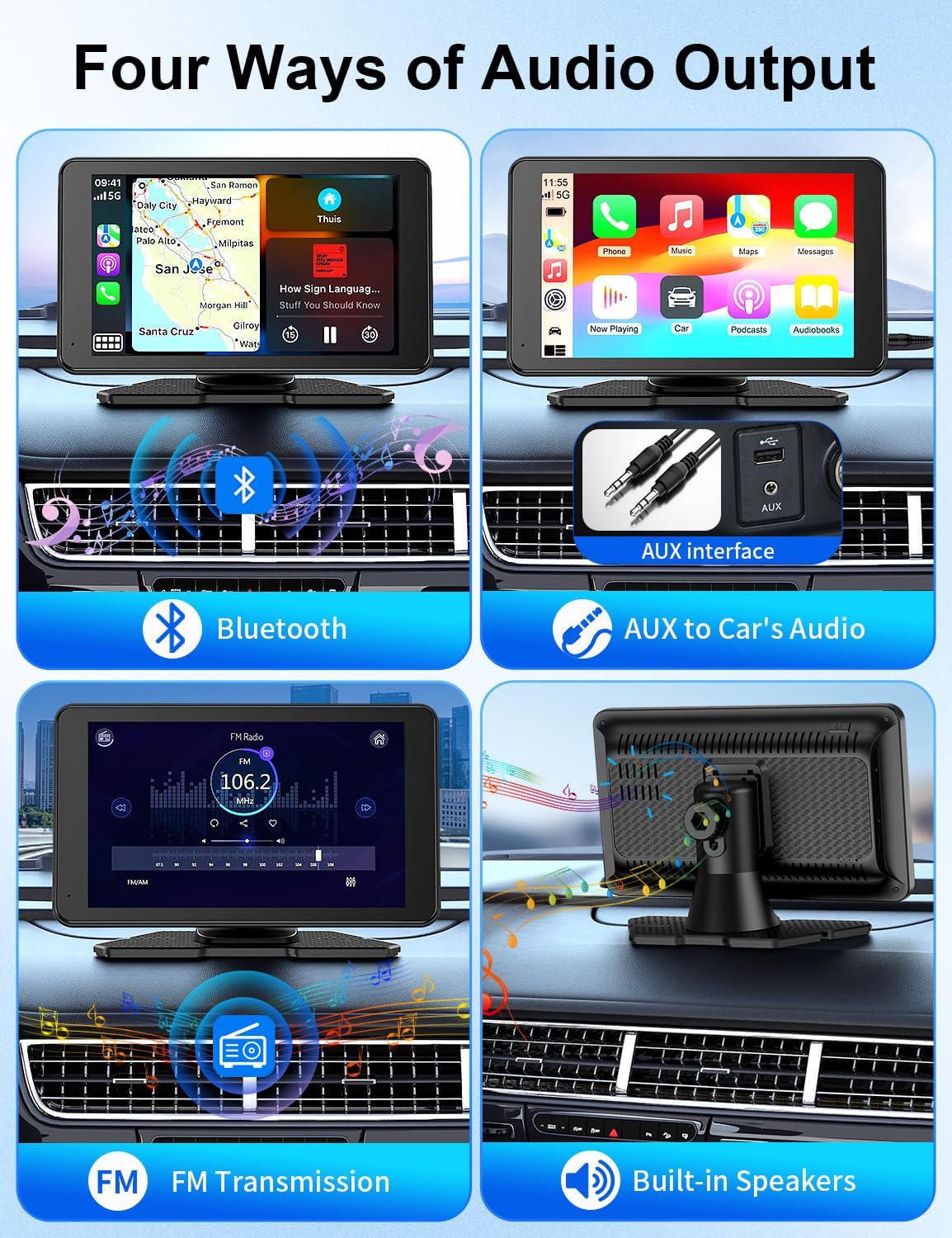
- Audio flexibility: The product lists “4 audio output mode” and specifically calls out Bluetooth (for wireless transmission to your car stereo speakers), plus AUX, FM transmitter, and built-in speakers. That variety helps if your car setup is limited.
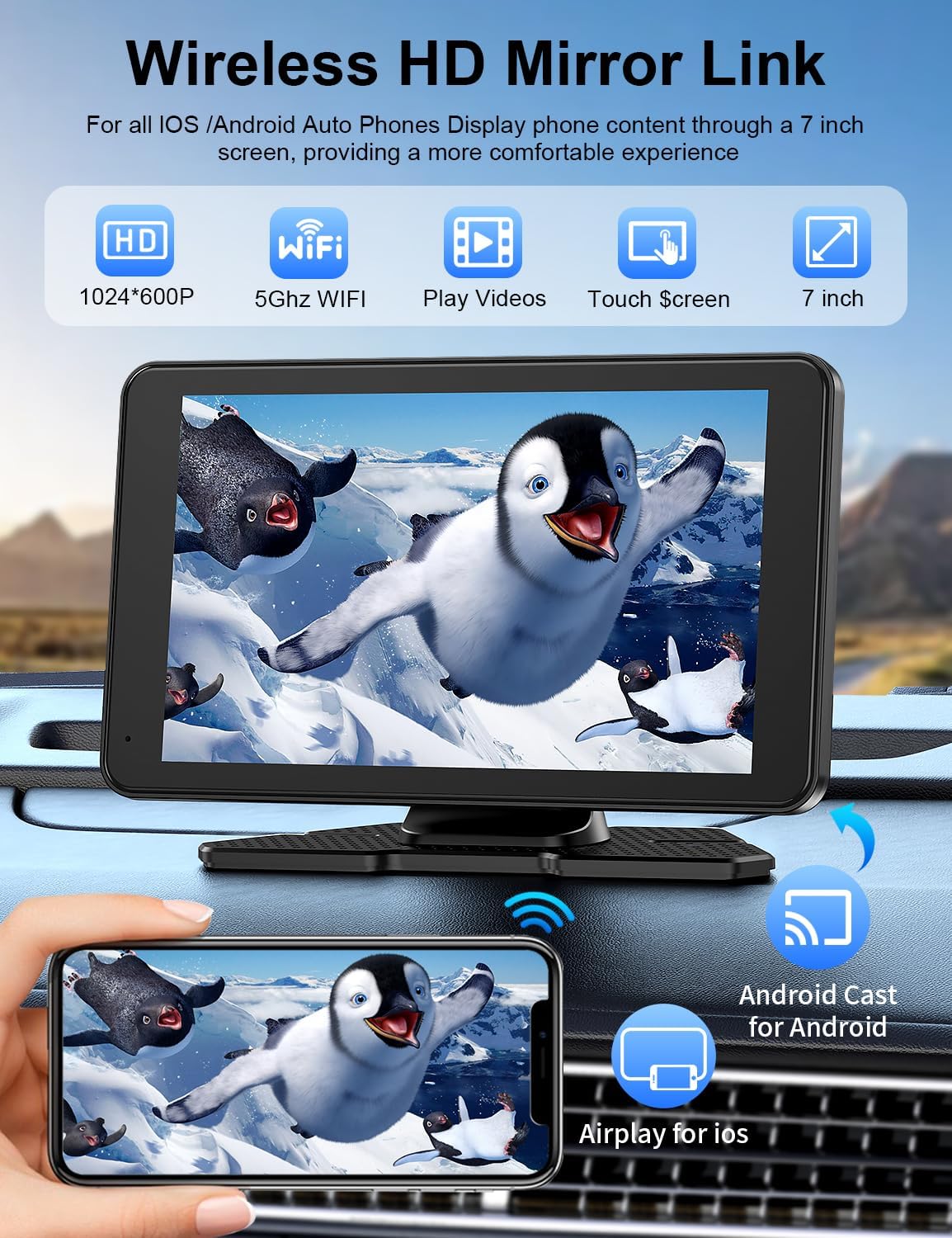
- Mirror Link for video: It includes a Mirror Link function for both Android and iOS, and the listing positions it as a way to mirror video content (like YouTube/TikTok-style videos) and GPS. This can be handy for passengers on long trips, but it may not be something you’ll want to rely on constantly while driving.
- Camera setup: The backup camera is described as waterproof and adjustable with a 180° vertical angle, plus LED/night vision support. It’s the kind of feature that makes parking less stressful, even if you’re not “upgrading” anything else.
A practical limitation to keep in mind: because it’s portable and adhesive-mounted, it needs a dashboard spot where it can be placed firmly and used safely. Some cars have textured or curved panels that can affect how well an adhesive mount stays put over time.
Tech specs
- Screen size: 7”
- Display resolution: 1024 × 600P
- Backup camera: waterproof, adjustable, 180° vertical angle, LED (night vision support mentioned)
- Mounting: adjustable self-adhesive dashboard mount with 90° adjustable angle (per listing)
- Supported audio options: Bluetooth, AUX, FM transmitter, and built-in speakers (as described)
- Connections mentioned: Bluetooth, Wi‑Fi, USB, and Bluetooth for audio transmission (as described)
- Voice control: Siri / Google Assistant (wireless, via the touchscreen) as described
- Extra: SD card support mentioned (SD card not included)
Where it shines—and where it may fall short
This is a strong fit if you’re trying to refresh an older car, add a larger touch interface, and keep your original radio. It also makes sense if you want backup camera convenience without doing complex wiring, and you like the idea of voice-guided navigation coming through your car audio.
It might not be the best choice if you prefer a permanently installed, factory-like infotainment experience. Portable screens can be convenient, but they’re also more dependent on mounting quality, power stability, and connection behavior. Also, if you’re mainly looking for the simplest “music only” upgrade, you may find the CarPlay/Android Auto focus to be more than you need.
Who it’s for (and who should skip it)
It suits you if you want a multi-use screen for navigation, messaging, and hands-free calls, plus a backup camera that turns on automatically when you reverse. It’s also a reasonable pick if you want flexibility in audio output—Bluetooth, AUX, FM, or even built-in speakers.
You may want to skip it if your priority is rock-solid wired integration, or if you don’t want to mount and remove a device with an adhesive bracket. It may also not suit you if you’re sensitive to wireless setup steps (the listing supports wireless connections, but your real-world reliability can vary by vehicle environment).
When it makes sense (buying verdict)
A solid pick if you want a 7” touchscreen portable setup that adds wireless Apple CarPlay/Android Auto, voice control, GPS navigation through the interface, and a backup camera with LED for easier parking—while still keeping your current radio. If you’re refreshing an older vehicle or you need a quick, DIY-friendly install, this approach can be practical.
It’s not the best match if you want a fully integrated, always-on infotainment system with minimal setup, or if your dashboard doesn’t play nicely with an adhesive mount. In that case, you may be happier going for a more permanent solution.
Mini FAQ
FAQ: Common questions before you buy
Does it require downloading an app? The listing says there’s no need to download software, you connect your smartphone using Bluetooth and Wi‑Fi or USB.
How does the backup camera work? It’s described as powering on automatically when you shift into reverse, with LED support and night vision mentioned.
Can I play audio through my existing car speakers? Yes, the listing mentions Bluetooth transmission to car stereo speakers, plus AUX, FM transmitter, and built-in speakers as audio output options.
Does it support navigation? The listing says it can be used as a GPS navigator for car and provides real-time positioning via the CarPlay screen.
What screen mirroring options are included? It supports Mirror Link for both Android and iOS, and the listing references mirroring video and syncing content like GPS.