

Car Carplay Cable 6ft USB A to USB‑C for iPhone
Product description
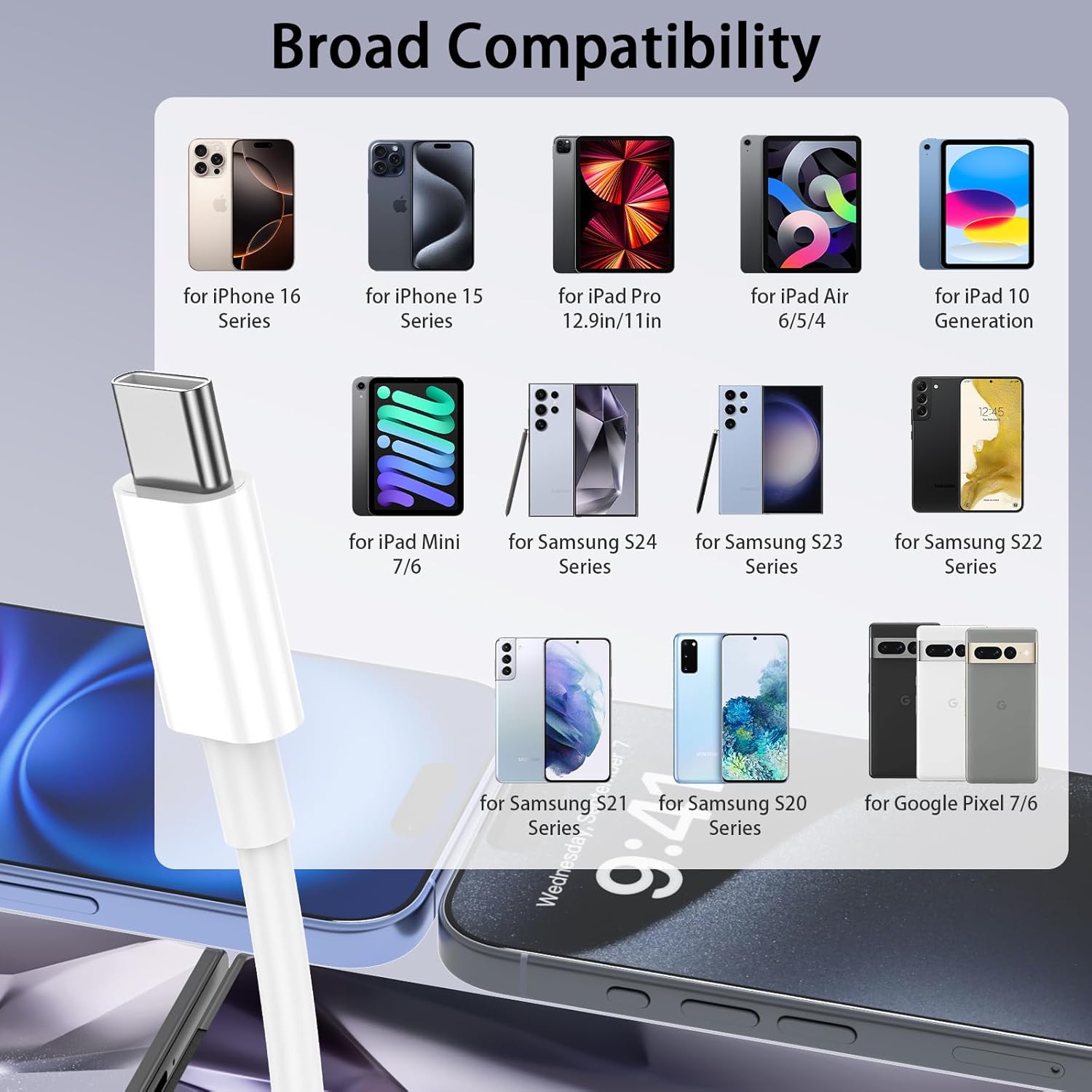
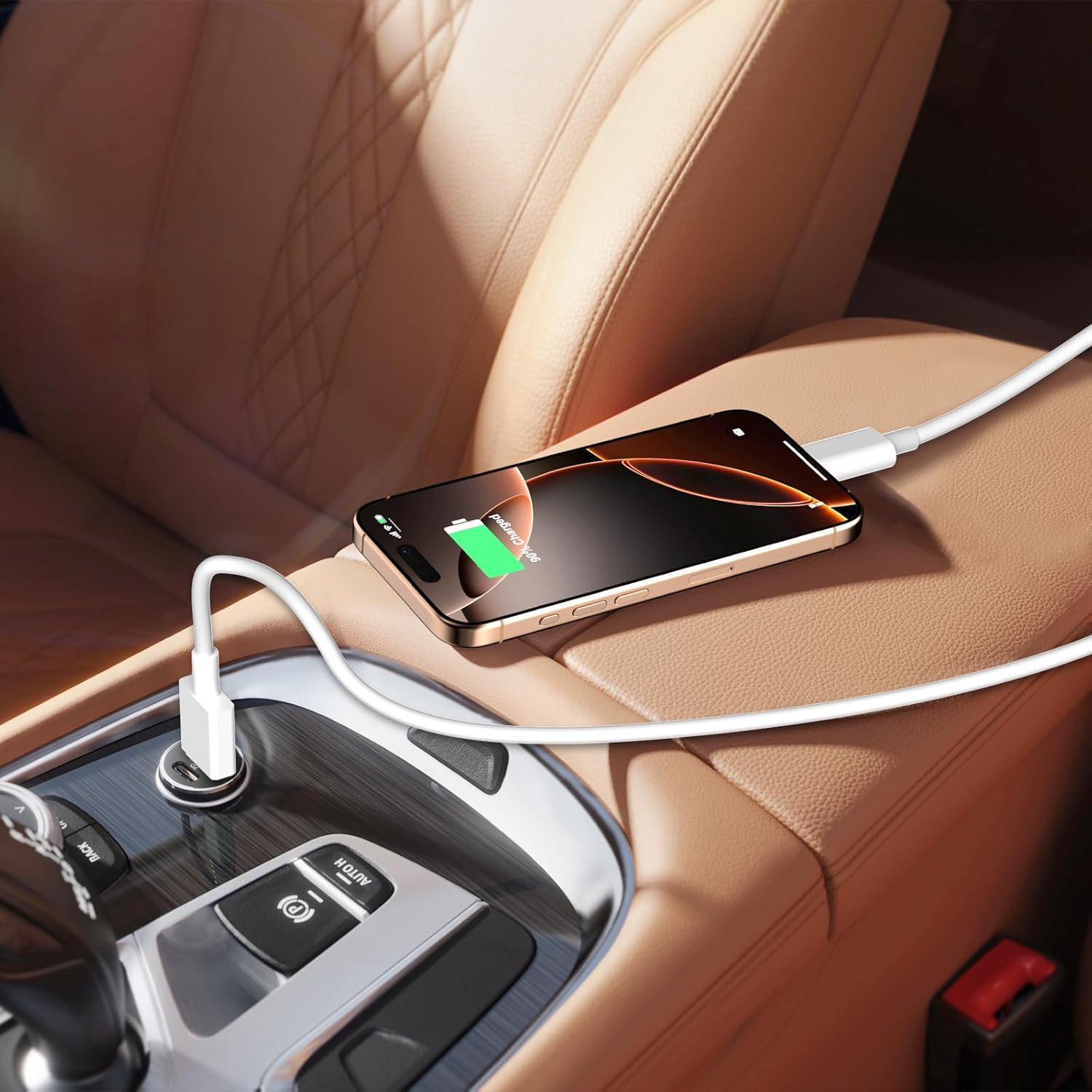
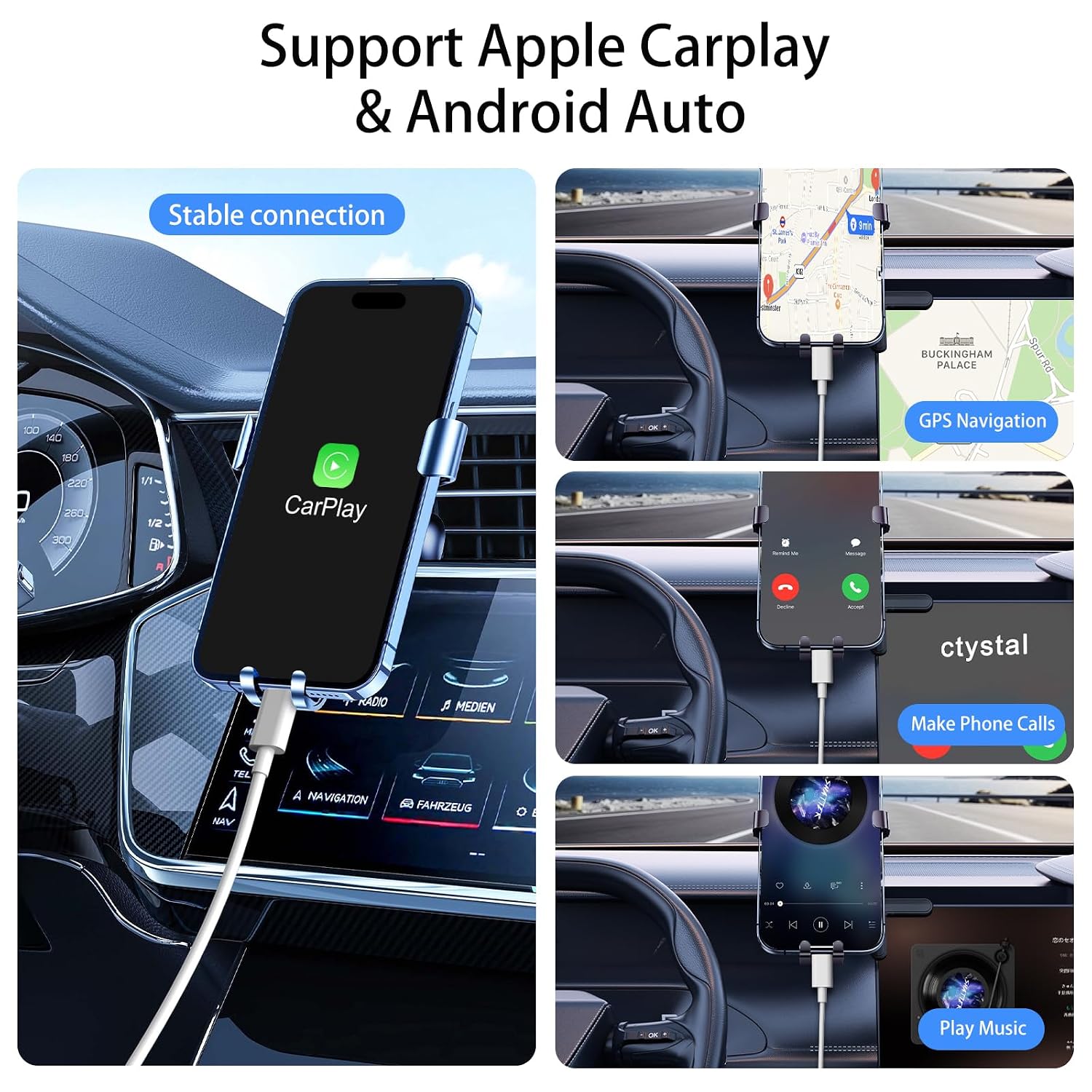
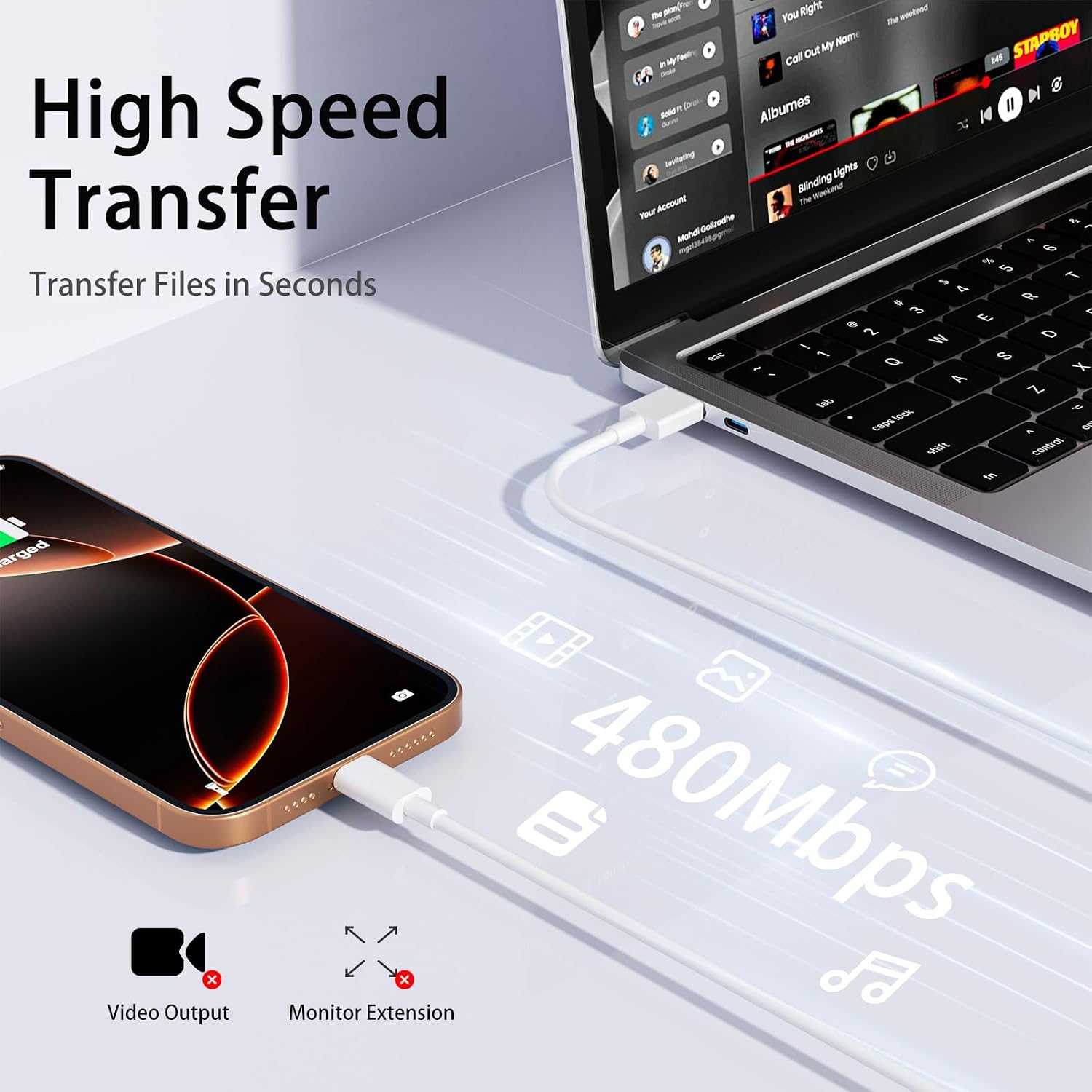
This 6-foot USB-A to USB-C car cable lets you charge and use Apple CarPlay with compatible iPhone and iPad models while on the road, offering longer reach for front and rear seats and a stable connection during commutes or road trips. It supports charging up to 3 A and data transfer rates around 480 Mbps according to the manufacturer, making it useful for charging and syncing devices that use a USB-C port.
Key Points
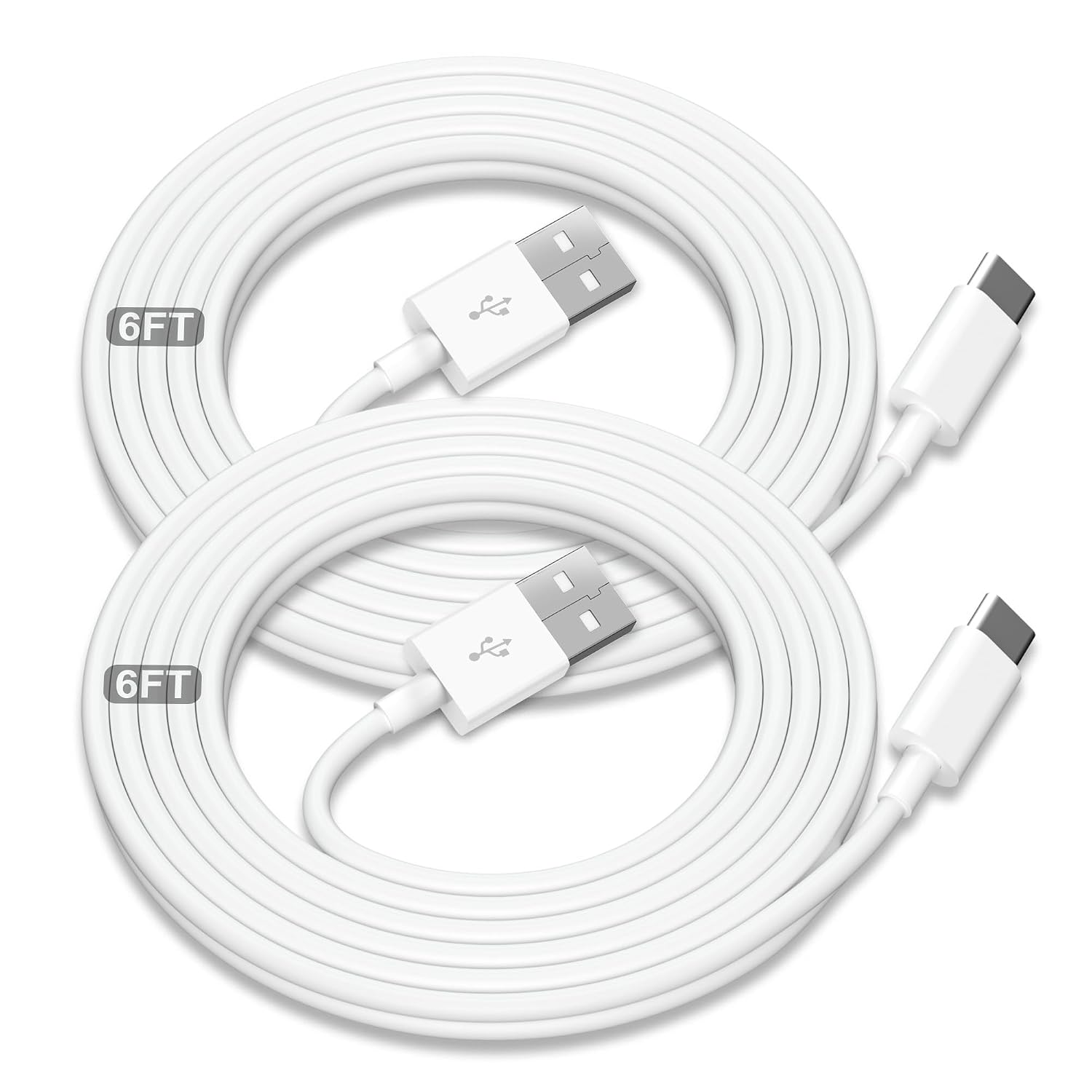
The cable is designed for in-car use with CarPlay and is compatible with recent iPhone and iPad models that accept a USB-C connector. It comes as a two-pack of 6-foot cords, which helps when multiple passengers need access or when you want one for the car and one for a different location. The manufacturer notes that this is a USB-A to USB-C cable, not a USB-C to USB-C cable, so it requires a USB-A power source such as older car USB ports or an adapter.
Technical Specifications
- Name: Car Carplay Cable for iPhone 17/16/15 6ft 2Pack
- Length: - 6 feet each.
- Current: - up to 3 A charging (manufacturer specification).
- Data transfer: - approximately 480 Mbps (40–60 MB/s as indicated by the manufacturer).
- Connector type: - USB-A to USB-C.
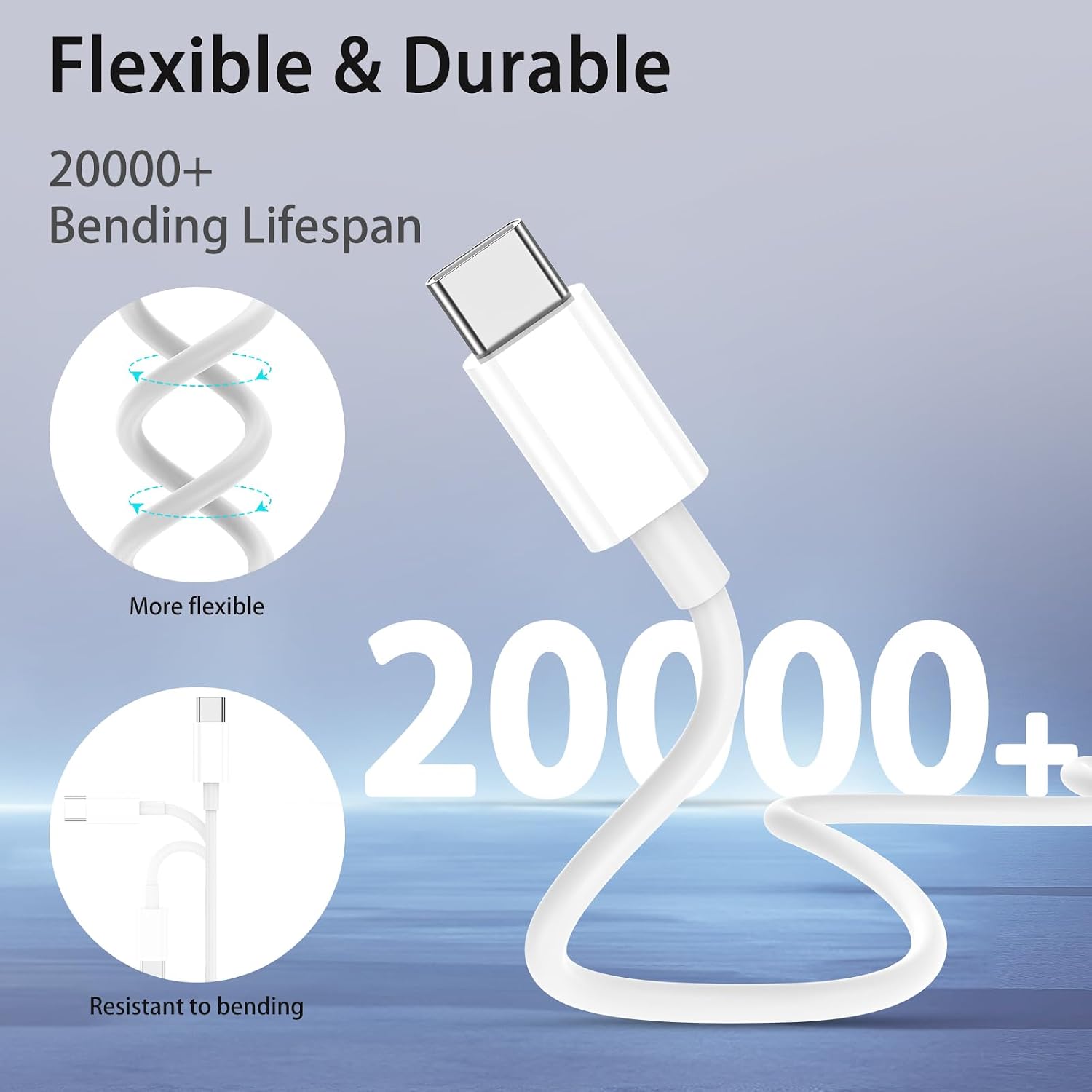
- Durability: - tested over 20,000+ bends with soft-touch TPE jacket.
Advantages
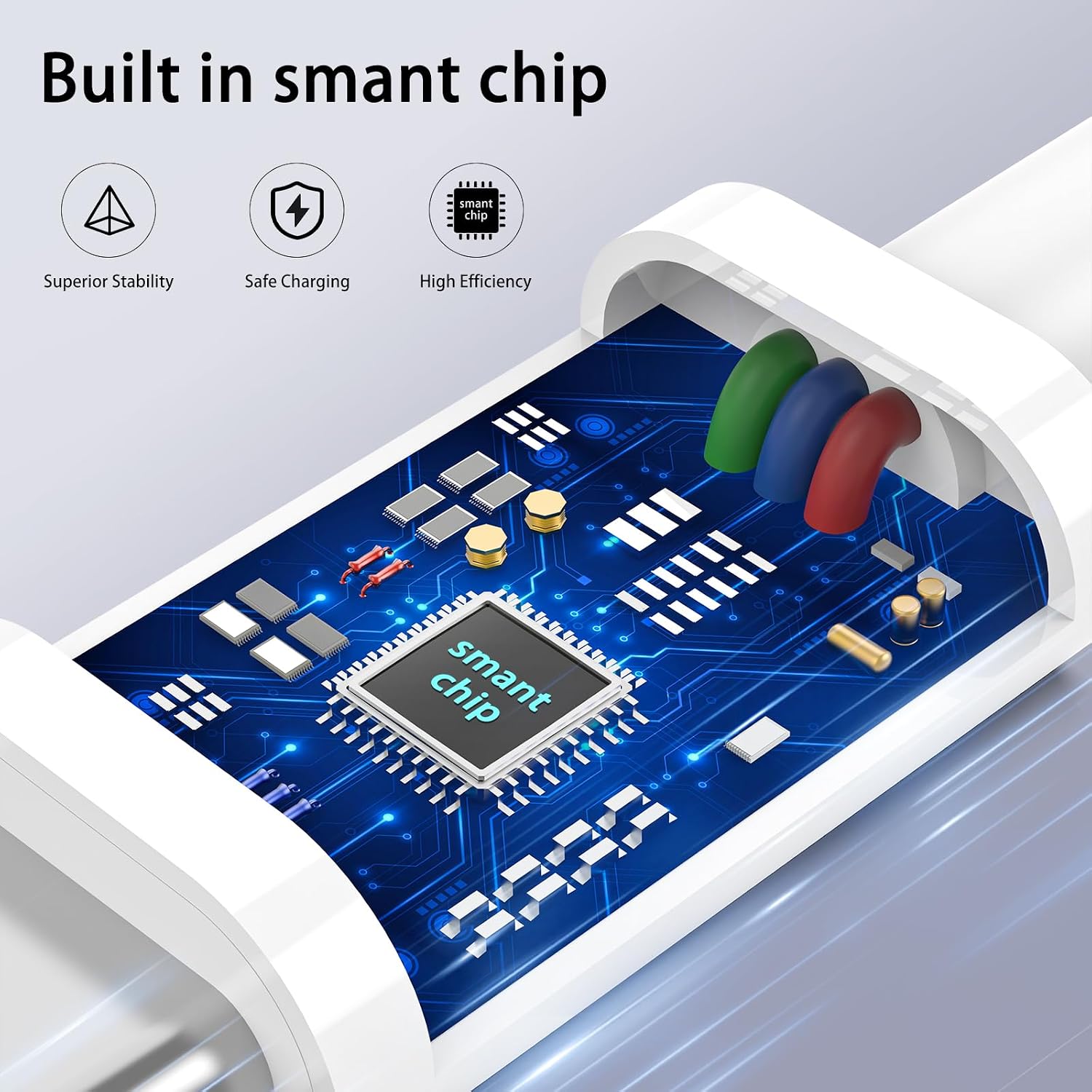
The longer 6-foot length provides more flexibility than typical short charging cords, allowing passengers to use devices comfortably while charging. The two-pack format reduces the need to move a single cable between vehicle and other locations. Materials described by the maker include a premium copper core and a soft-touch TPE coating for increased bend resistance and thermal protection. One useful aspect is the clear reminder in the product notes that proper CarPlay operation sometimes requires enabling Siri and checking phone settings, which can avoid confusing setup steps.
Usage Recommendations
For best results, plug the USB-A end into a stable USB port or a car adapter that can deliver up to 3 A. Ensure Siri and CarPlay settings on the iPhone are enabled before connecting to minimize setup delays. If CarPlay does not respond immediately, try reversing the USB-C plug orientation and reconnecting, as some vehicles can be sensitive to cable orientation. Consider using the second cable in the pack as a spare to keep in a bag or at home for charging and data sync.