

Brother PTD220 label maker 12 mm 🖨
Reviews
Price
Product description
This compact label maker helps keep home and small office spaces organized, printing durable TZe tapes up to 12 mm for quick, clear identification. If you want a straightforward home office label maker that handles varied tasks, the PTD220 delivers a practical balance of speed and customization.
Key features
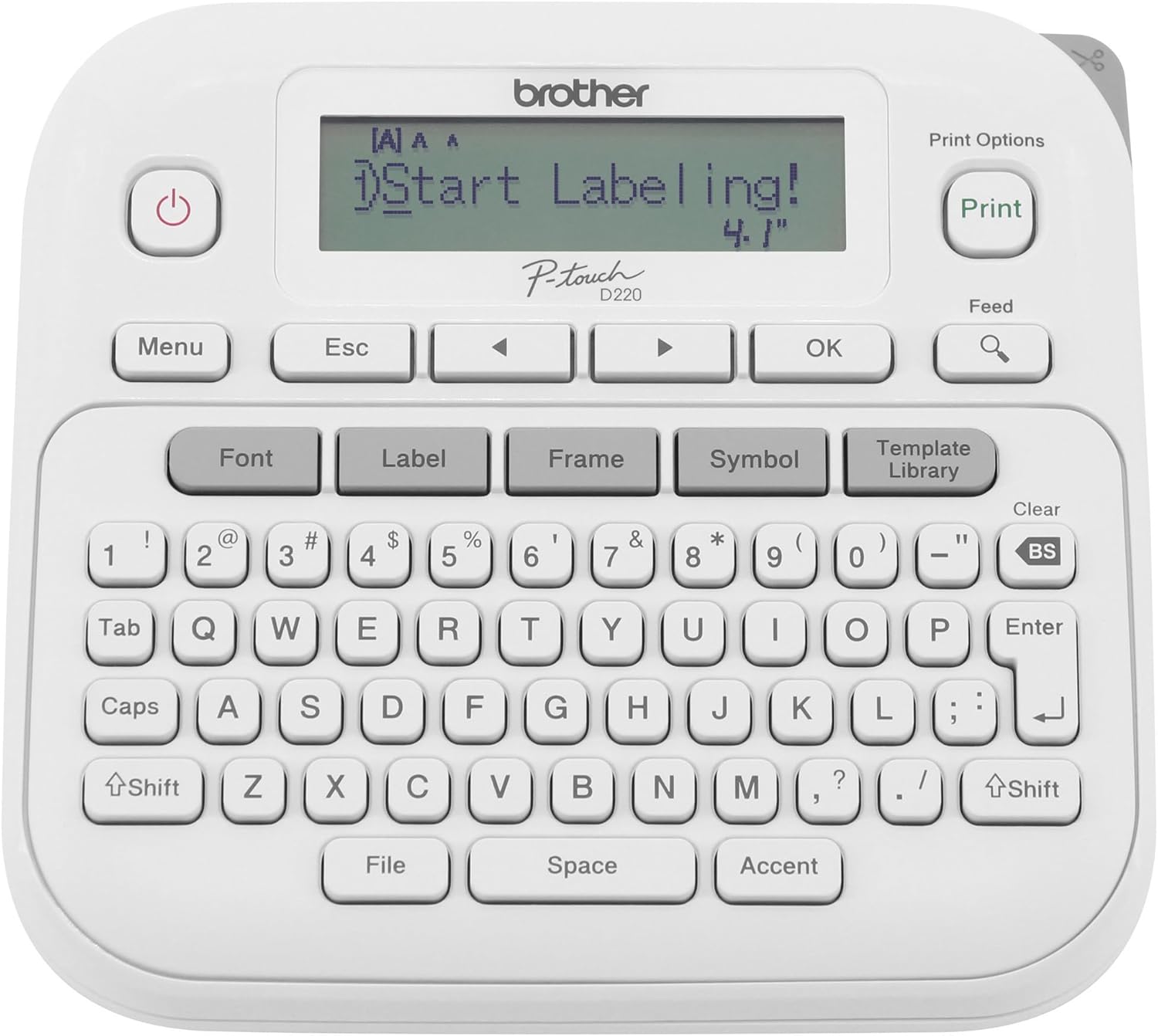
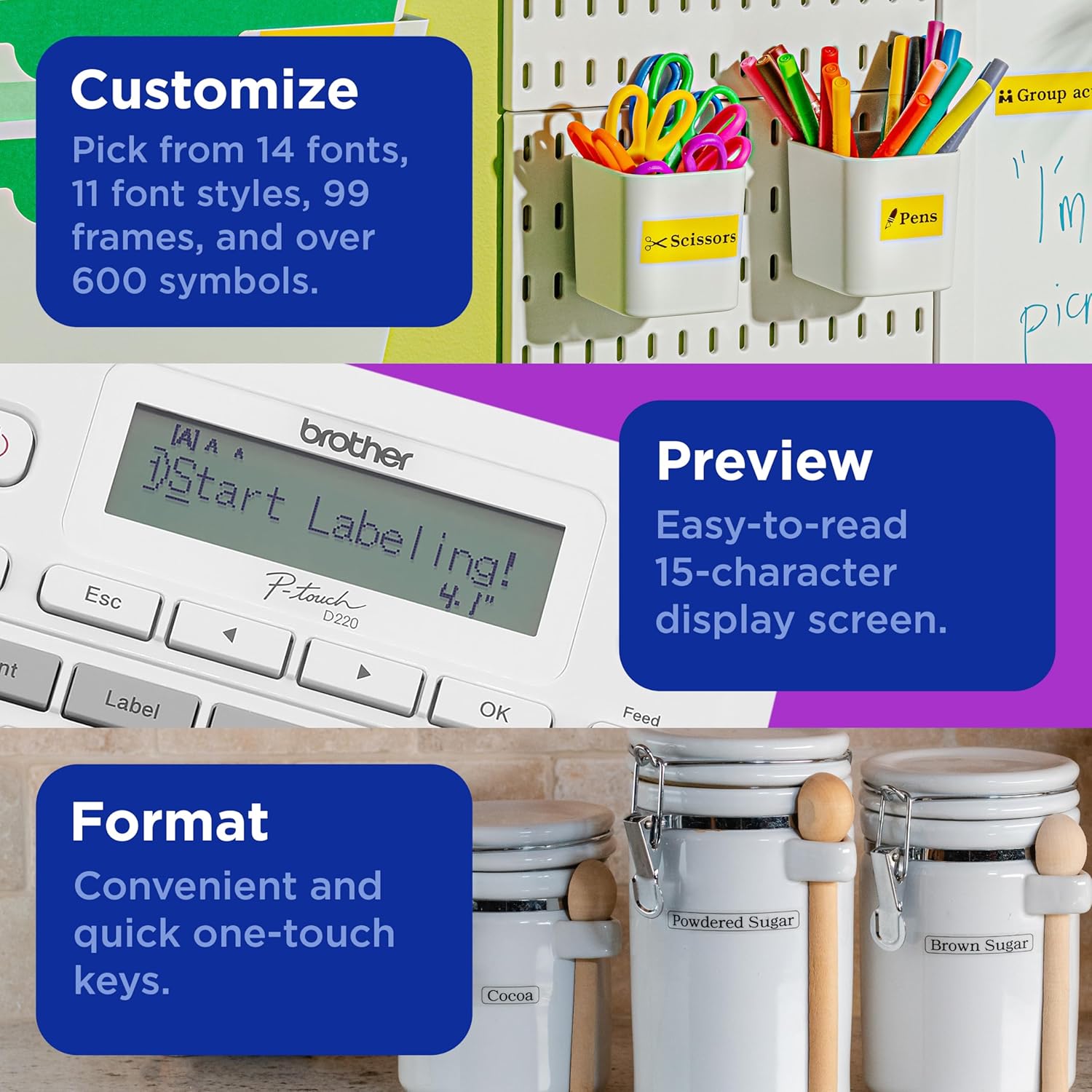
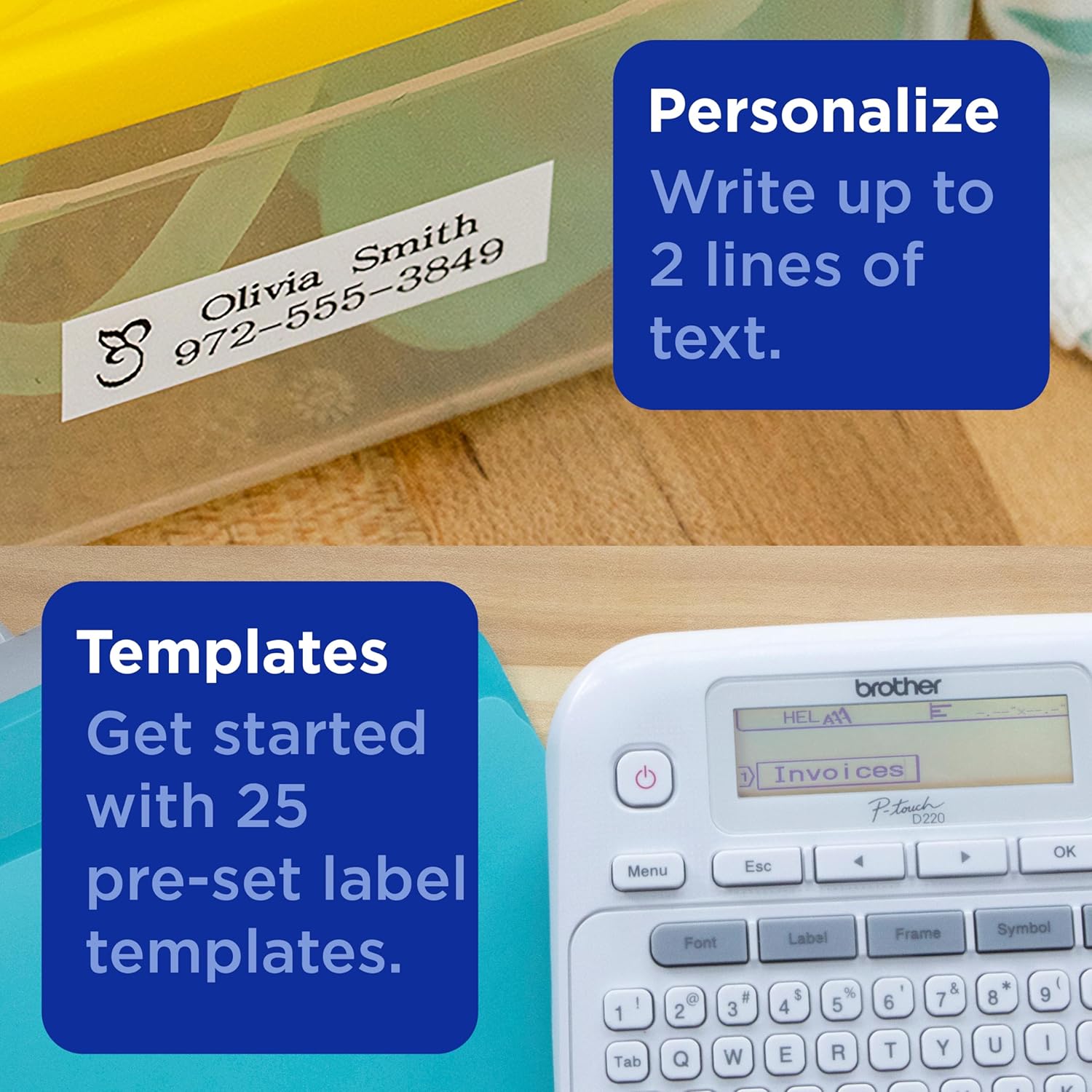
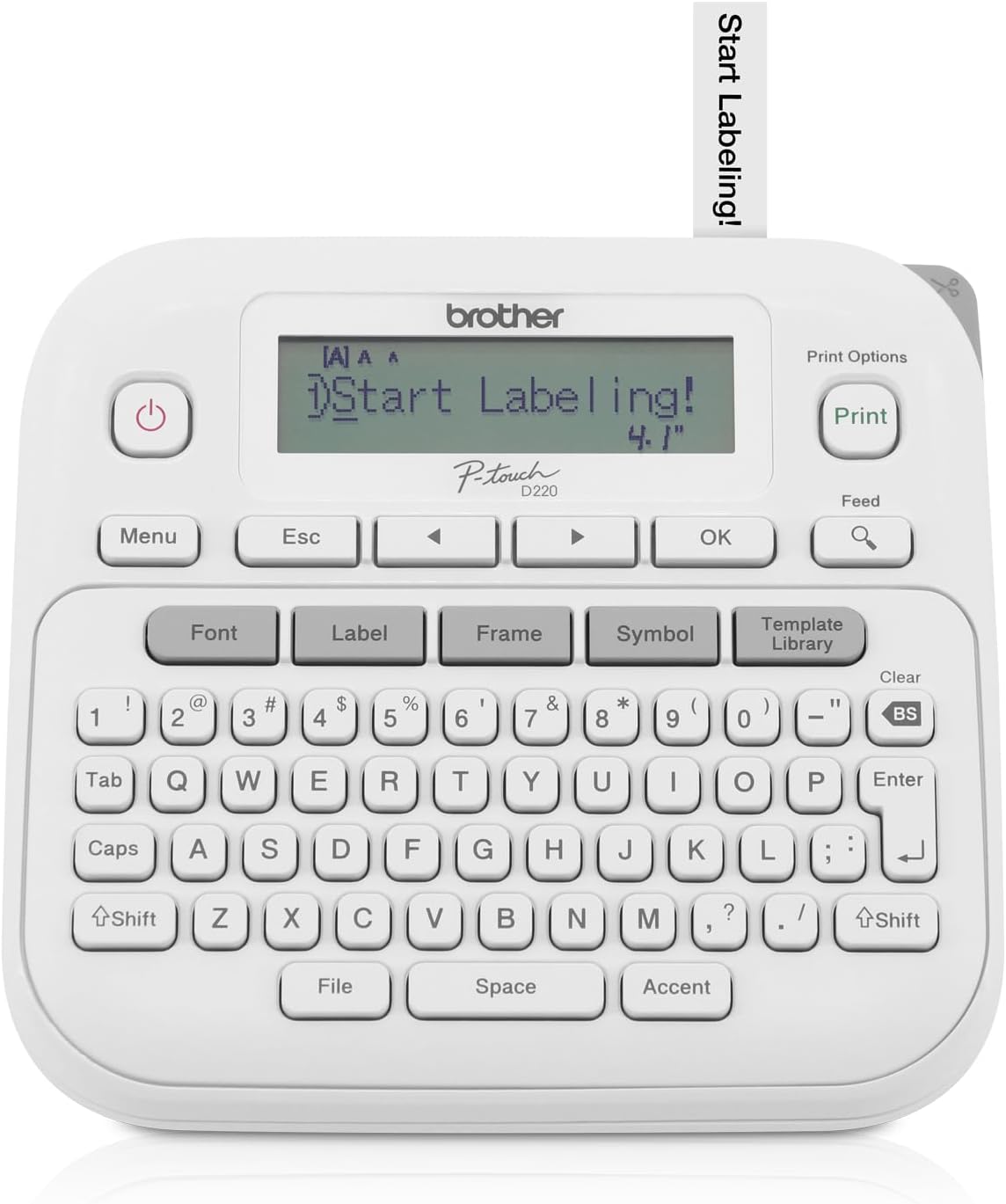
The Brother PTD220 focuses on ease of use and flexible layout options. It prints two-line labels and includes 14 fonts and 11 font styles to vary appearance, plus 99 frames and more than 600 icons to mark files, shelves, cables, and storage boxes with visual cues 🏷️. A built-in QWERTY keyboard speeds entry and reduces mistakes, and 25 preinstalled templates help you set up common labels fast. Note that tape availability depends on TZe formats sold separately, so plan for the sizes and colors you need.
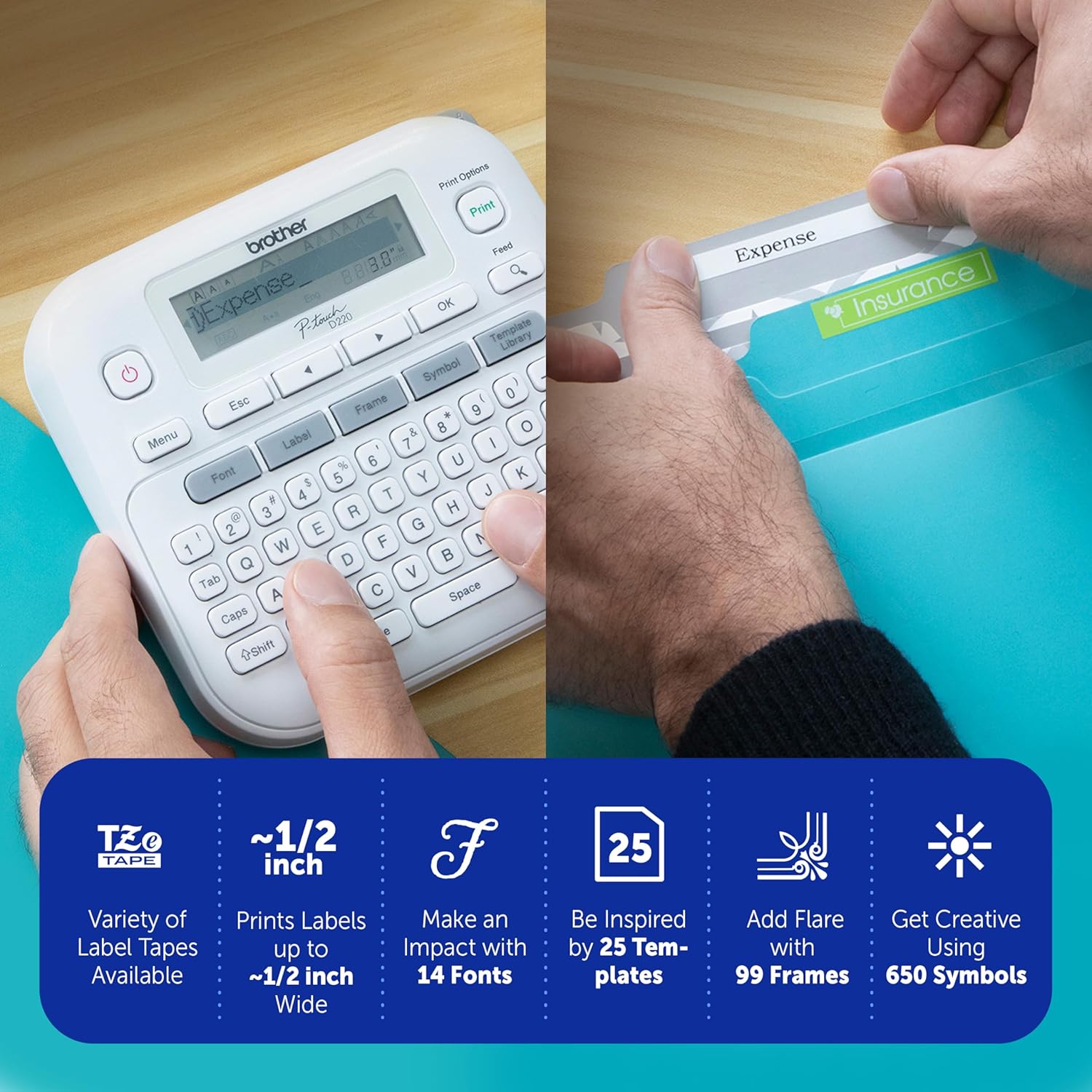
Tech specs
- Name: Brother PTD220
- Type: Label maker
- Compatibility: Home and small office use
- Display: Two-line display
- What’s included: Built-in keyboard and 25 templates
Everyday use
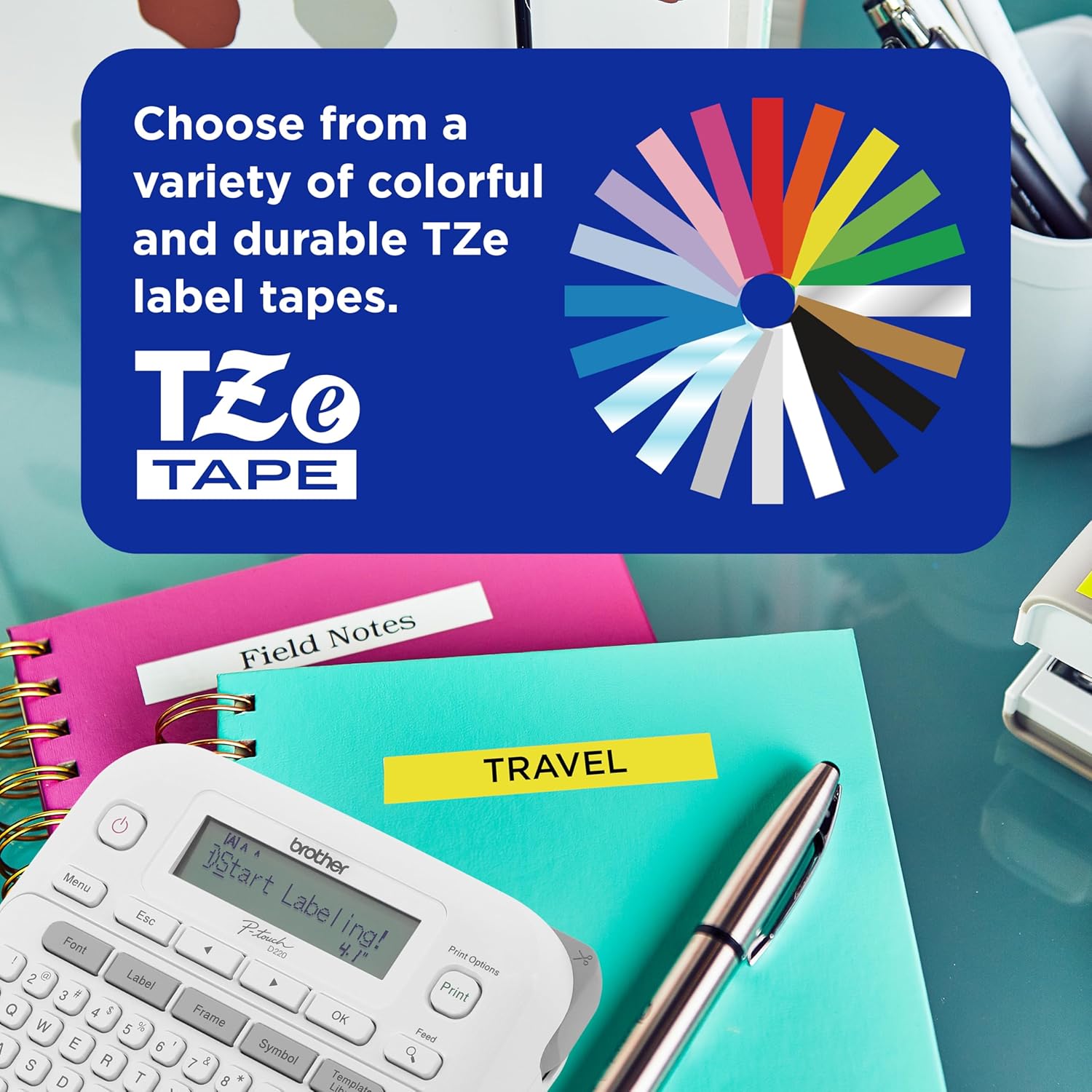
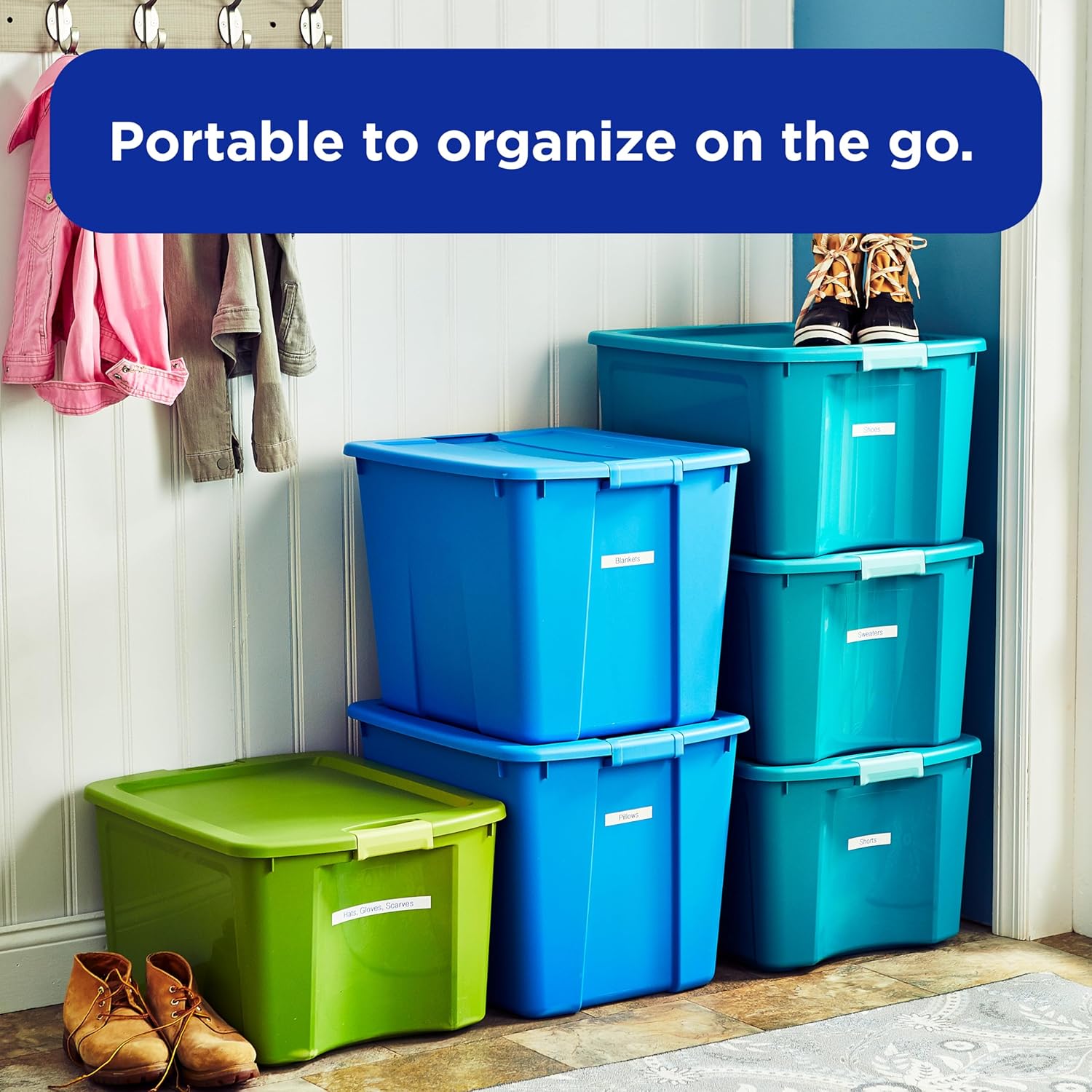
Short sessions of labeling feel effortless, whether you sort pantry items, label cords, or mark folders. The keyboard and templates cut setup time, and icons make labels easier to scan at a glance. For occasional larger projects you can still produce consistent results, but heavy daily production may require stocking extra tapes and batteries.
Why it’s worth it
The PTD220 provides a sensible mix of customization and simplicity. Brother PTD220 stands out for support of TZe label tapes and for the QWERTY layout that many users find faster than menu-only inputs. You’ll value the range of fonts and frames when you want labels that look organized rather than generic. Keep in mind that advanced connectivity options are not part of this compact model, so printing from a PC or phone is not available.