

AZDOME M550 3-Channel 4K Dash Cam
Product description
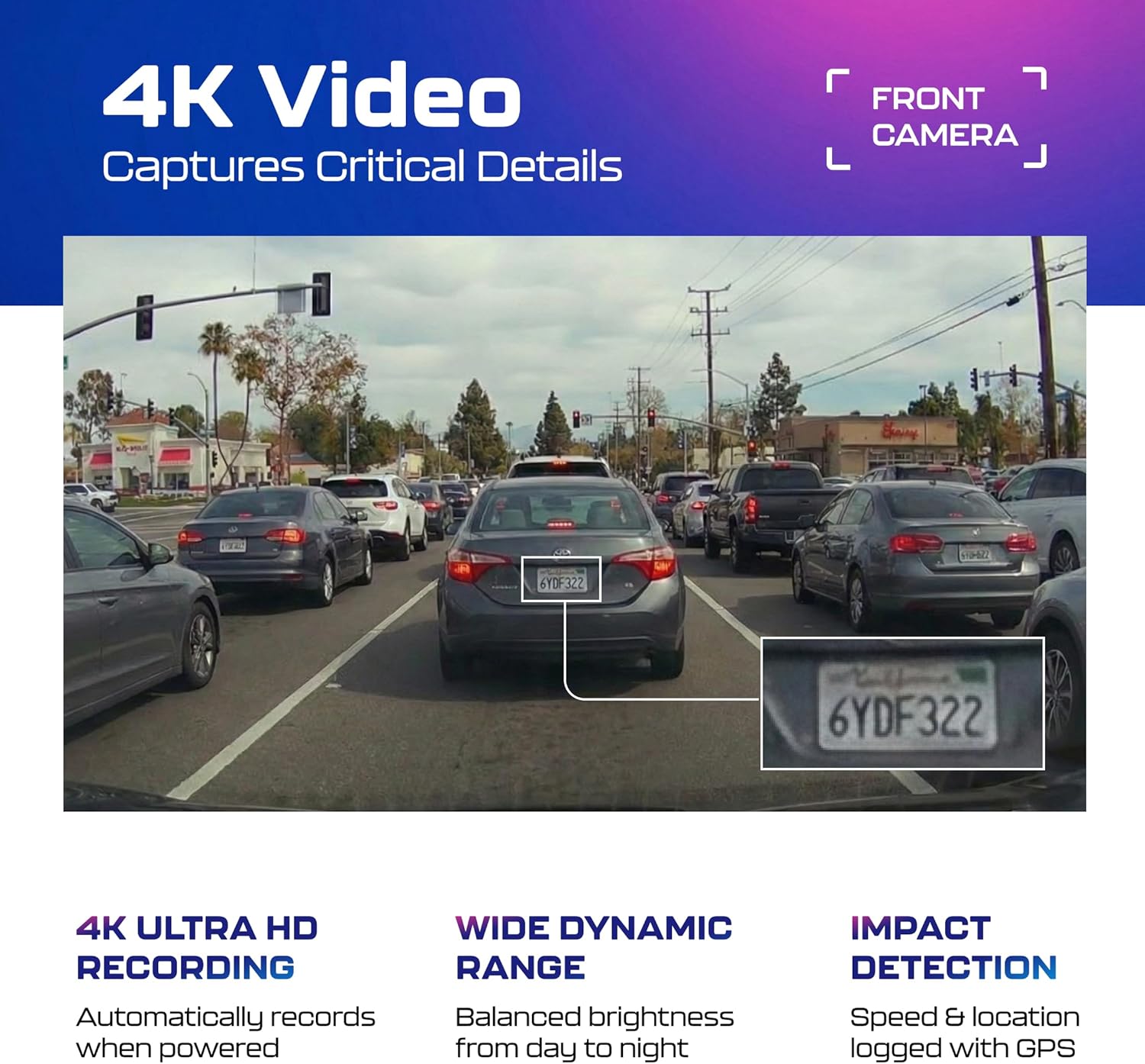
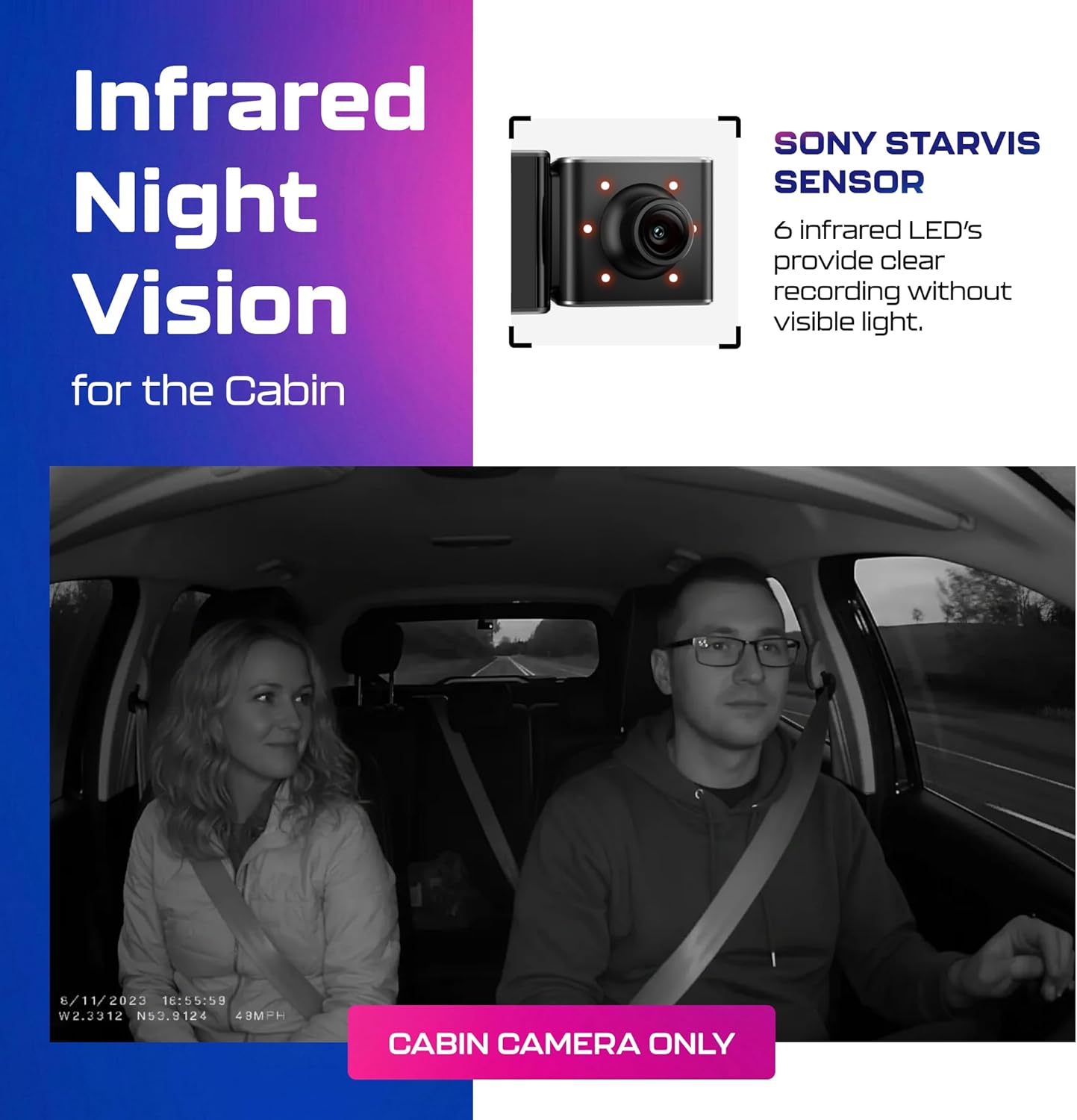
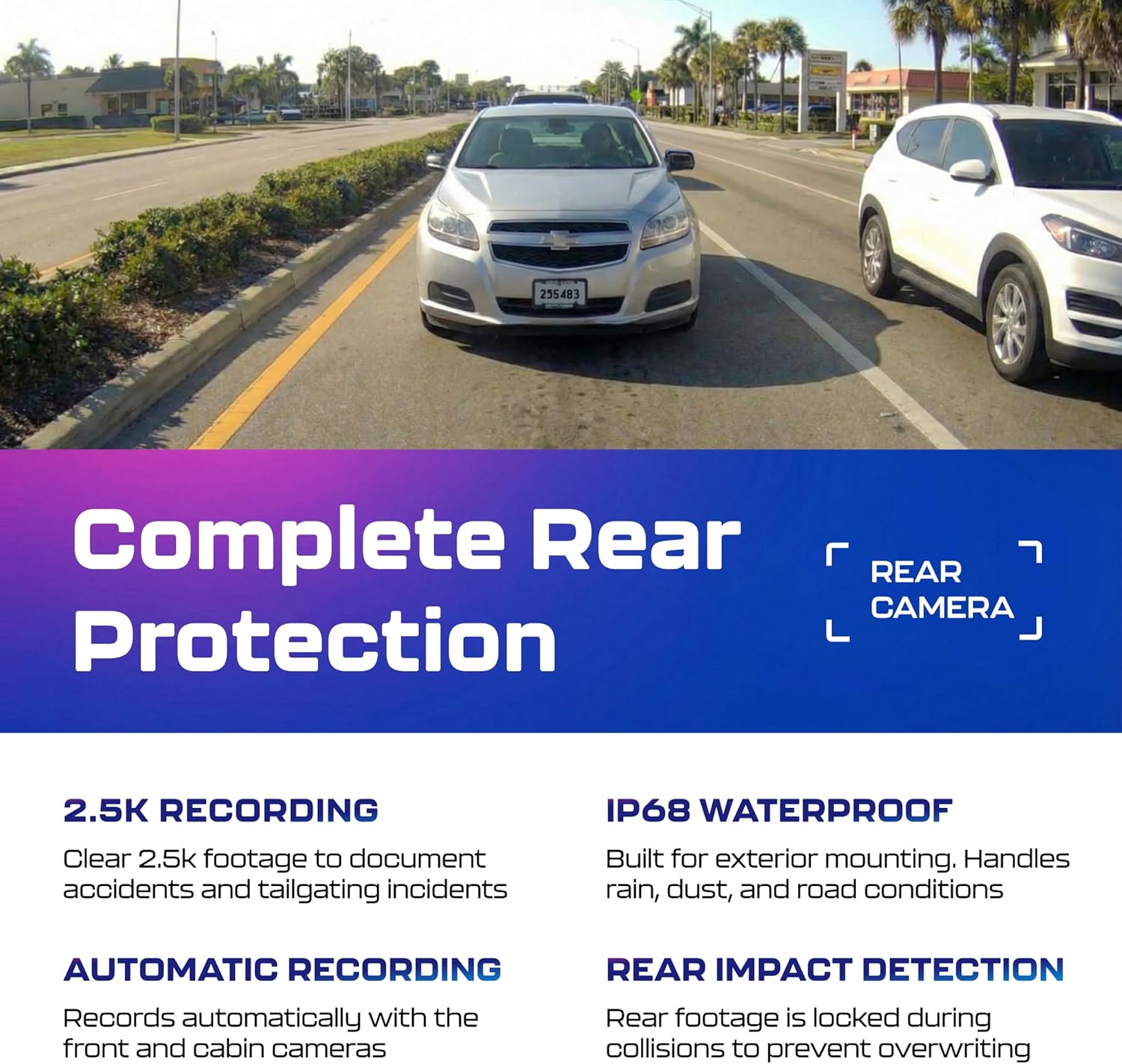
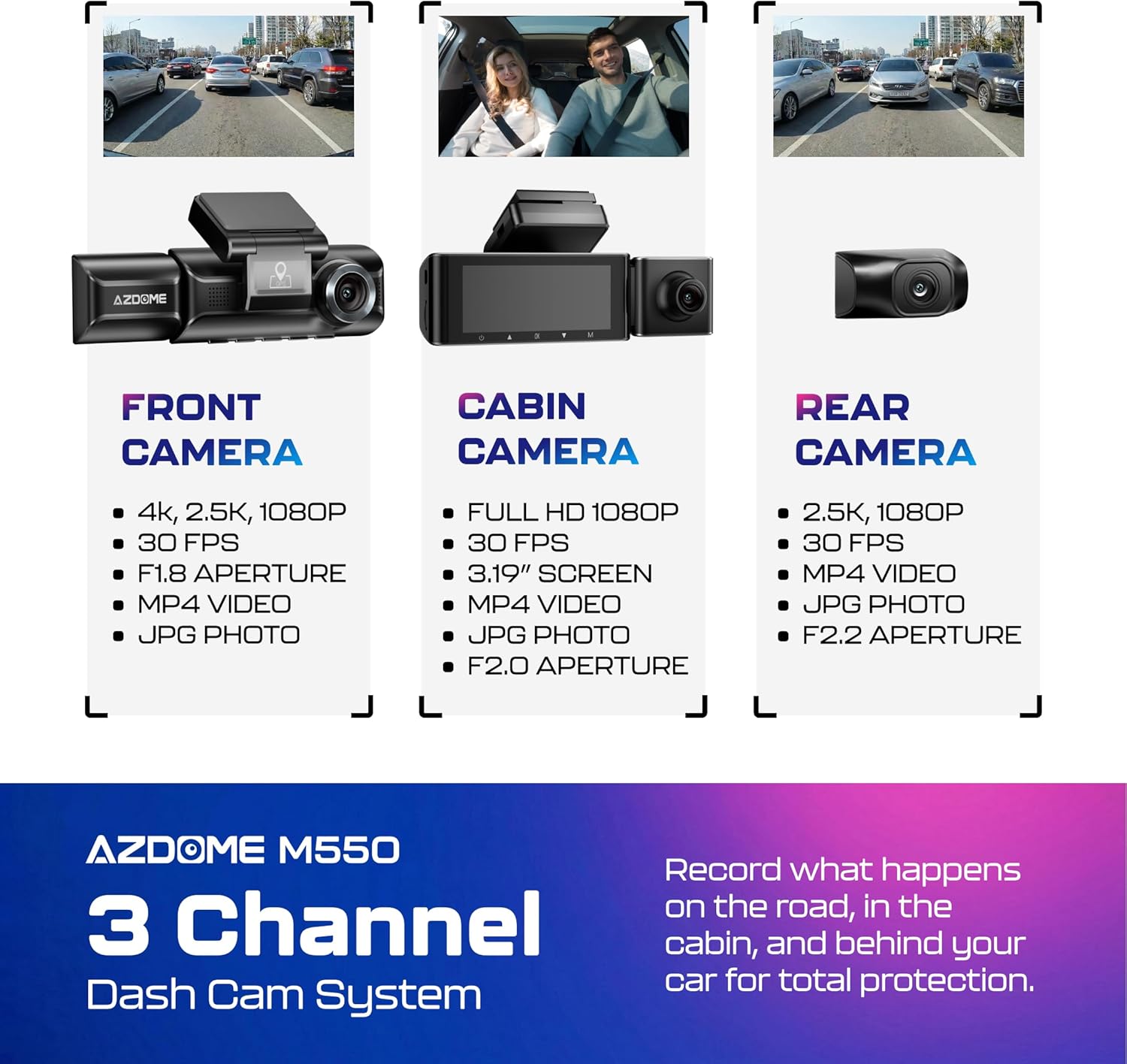
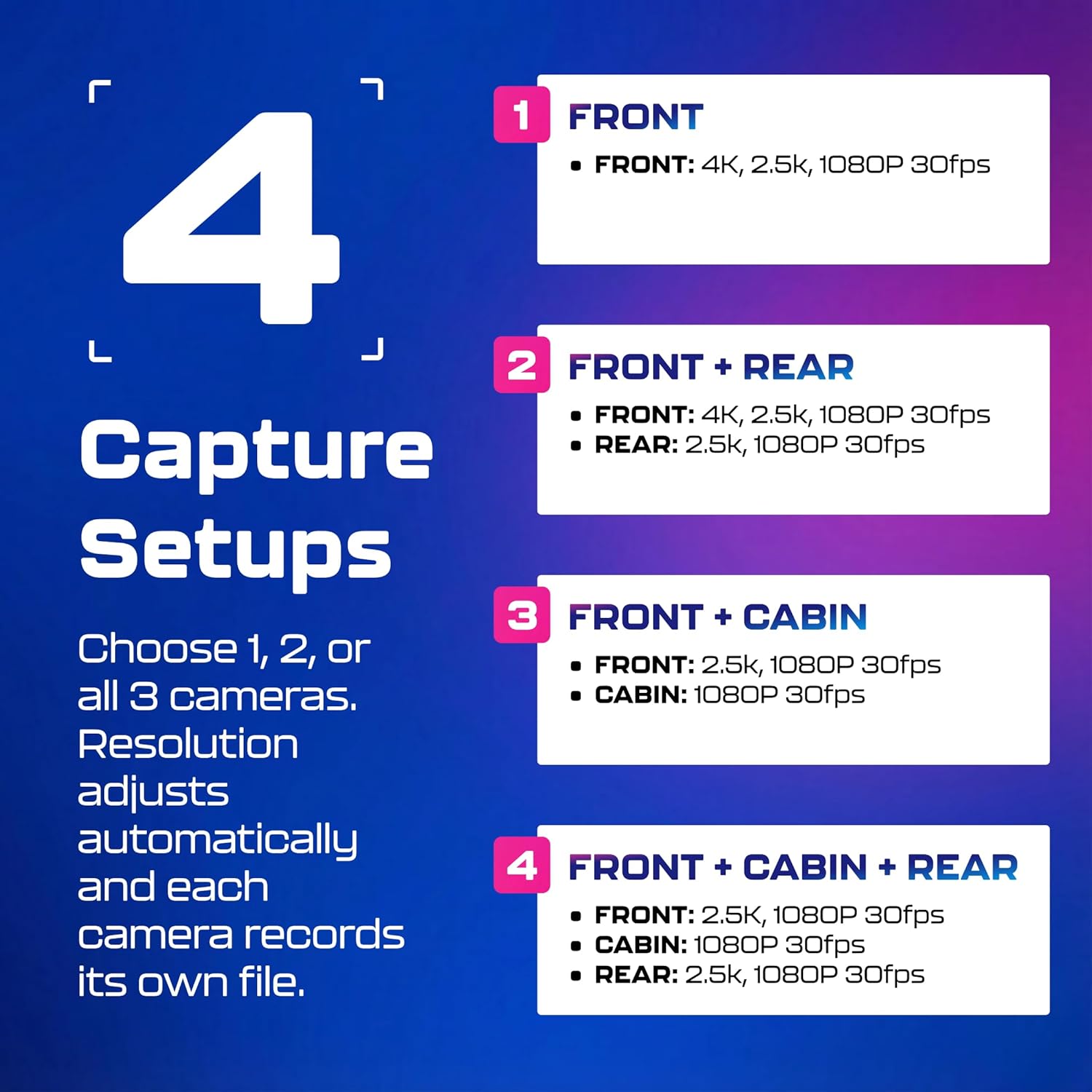
This three-channel dash cam records front, cabin and rear video simultaneously to keep a complete record of what happens on the road and inside the vehicle. The AZDOME M550 captures the front view in 4K and uses upgraded 2.5K resolution for the rear and inside cameras, making it useful for families and drivers who want high-detail footage for trips and incident documentation.
Key Points
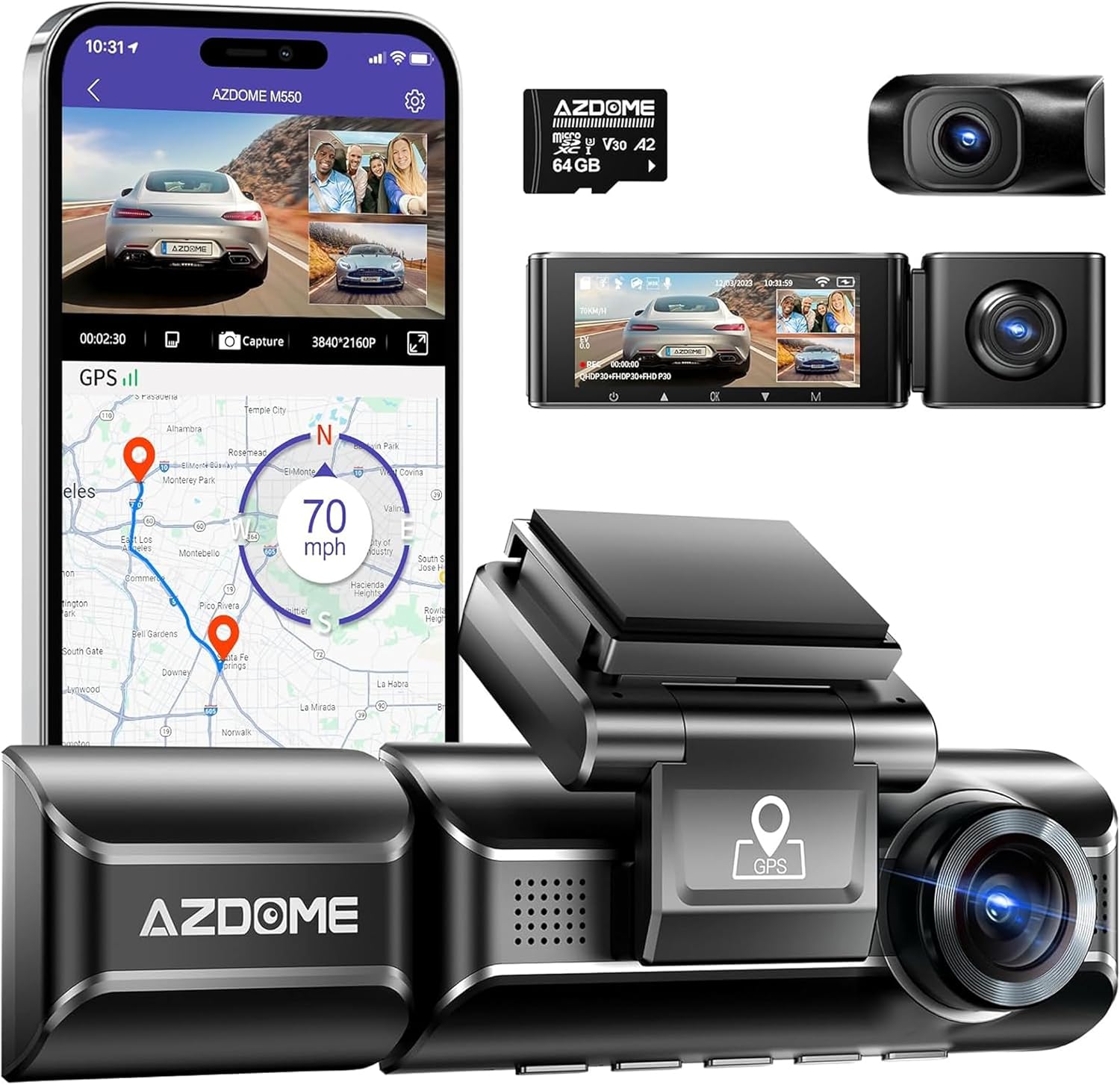
The system records three channels at once with wide 150° lenses for the front, cabin and rear. Built-in WiFi allows quick transfer of video to your phone via the AZDOME app, and integrated GPS logs location and speed data that can be reviewed later. According to the manufacturer, the included 64 GB card is supplied so you can start recording right away. The M550 also includes loop recording and a G-sensor that locks files automatically when impact is detected to preserve important clips.
Technical Specifications
- Name: AZDOME M550 3 Channel Dash Cam
- Front resolution: 4K (manufacturer stated)
- Inside and rear resolution: 2.5K and 1080P (manufacturer stated)
- Screen: 3.19" IPS display
- Storage: 64 GB memory card included
- Features: WDR, IR night vision, built-in WiFi and GPS
Benefits
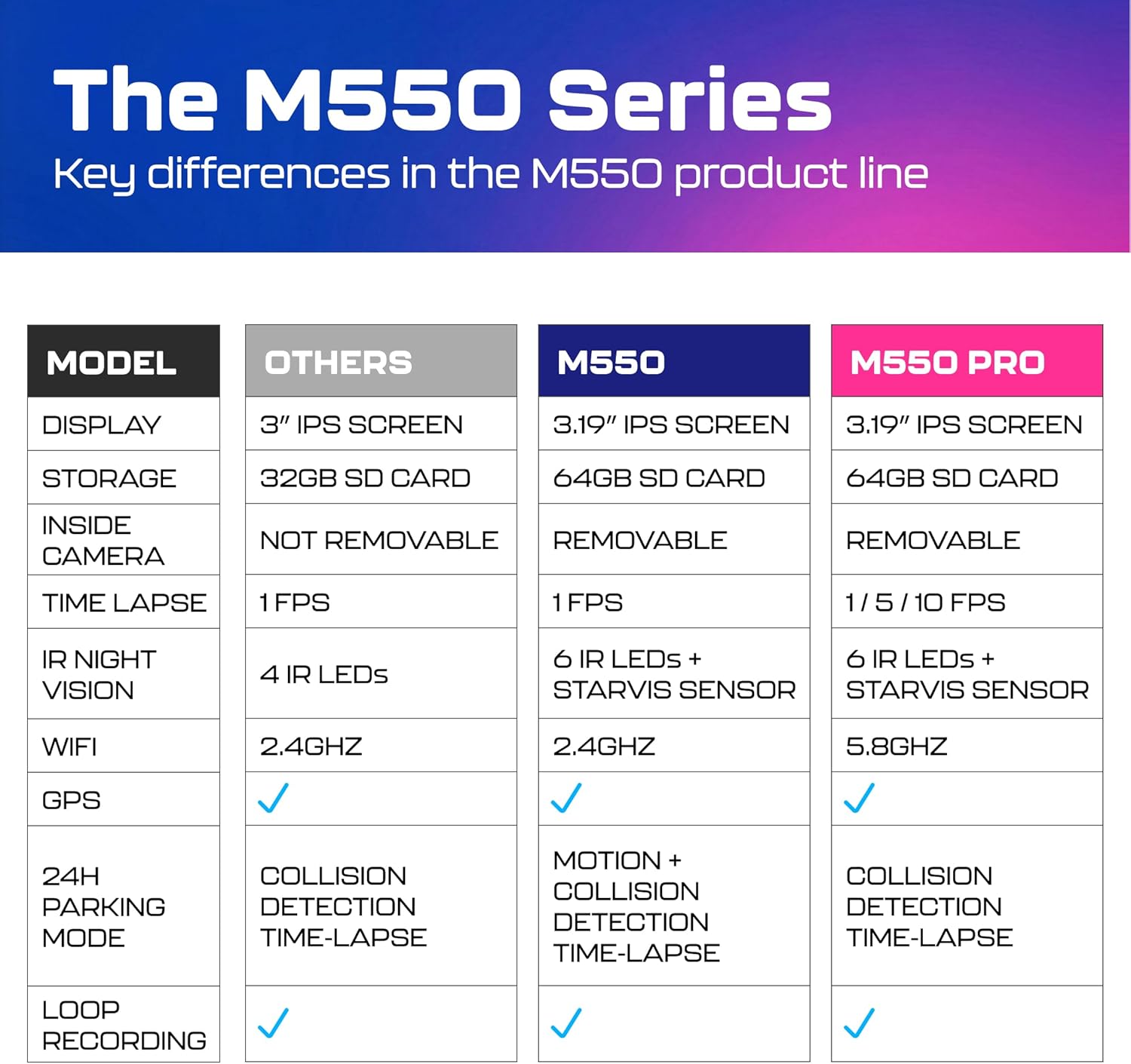
Low-light performance is improved by a STARVIS sensor, six infrared LEDs and WDR technology, which help maintain visible detail in night driving and inside the cabin. The triple-camera setup gives broader coverage than single- or dual-channel units, reducing blind spots and increasing the likelihood of capturing clear evidence if an incident occurs. Having GPS embedded with video makes it easier to match footage to route and speed information when reviewing events.
Usage Recommendations
For continuous parking monitoring use motion detection or collision-triggered recording modes, or enable time-lapse parking mode to capture long periods while conserving storage by recording at 1 FPS. Keep in mind the manufacturer notes that a hardwire kit is required to run parking mode without the engine on, and that accessory is sold separately. Also consider occasional file transfer via WiFi or the app to free up space, since loop recording will overwrite the oldest files when the card becomes full.