

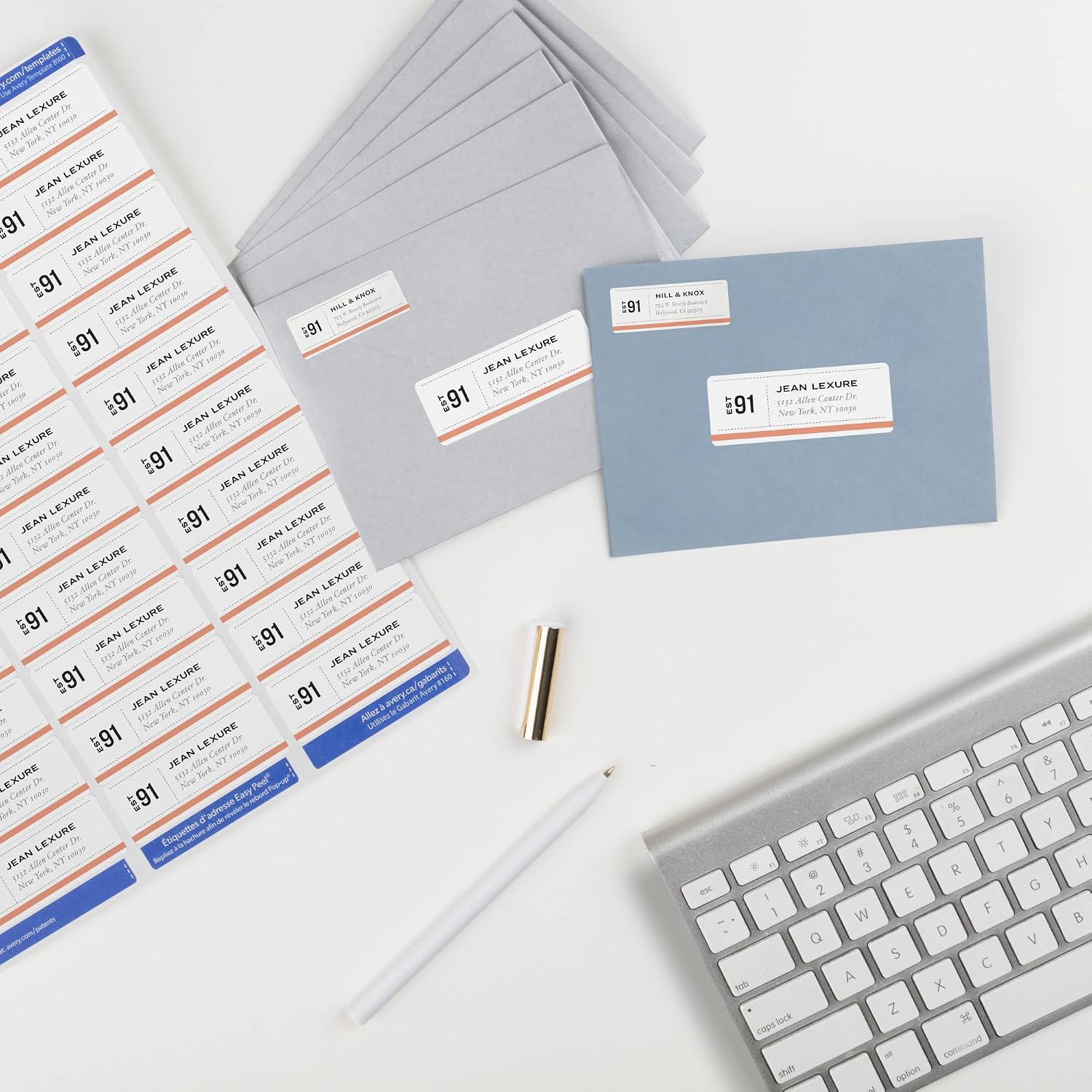
Avery Easy Peel Address Labels, Inkjet Printers, White, 1" x 2-5/8", Box of 750 (08160)
Product description
What this product is and the need it addresses
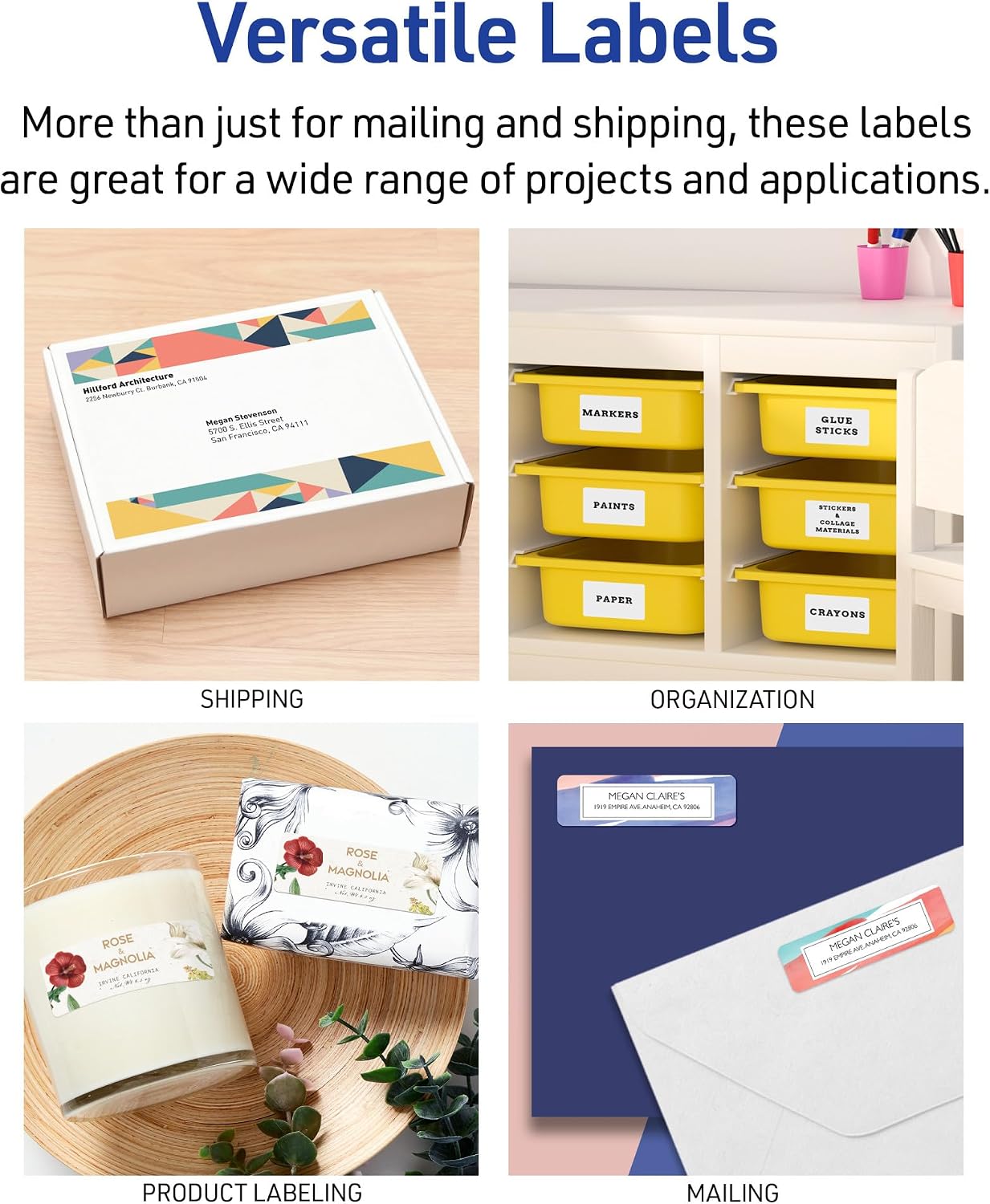
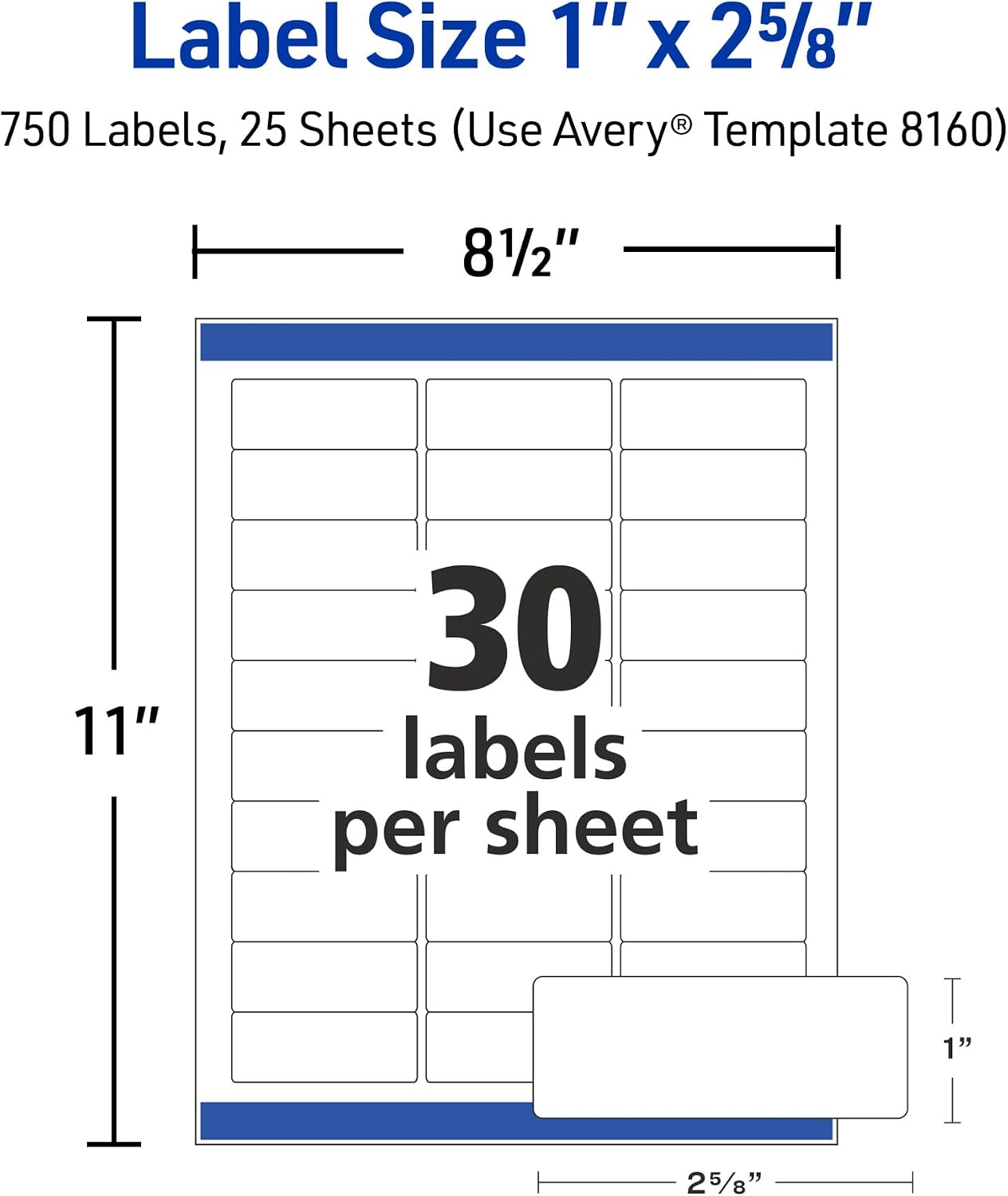
Avery Easy Peel Address Labels are rectangular, white labels designed for inkjet printers. They come in a 1" x 2-5/8" size and are sold in a box of 750, making them suitable for frequent mailing, shipping, product labeling, and organization. If you’re looking for a straightforward way to personalize and identify items, these labels aim to combine ease of use with printer-friendly performance.
How it helps in everyday workflows
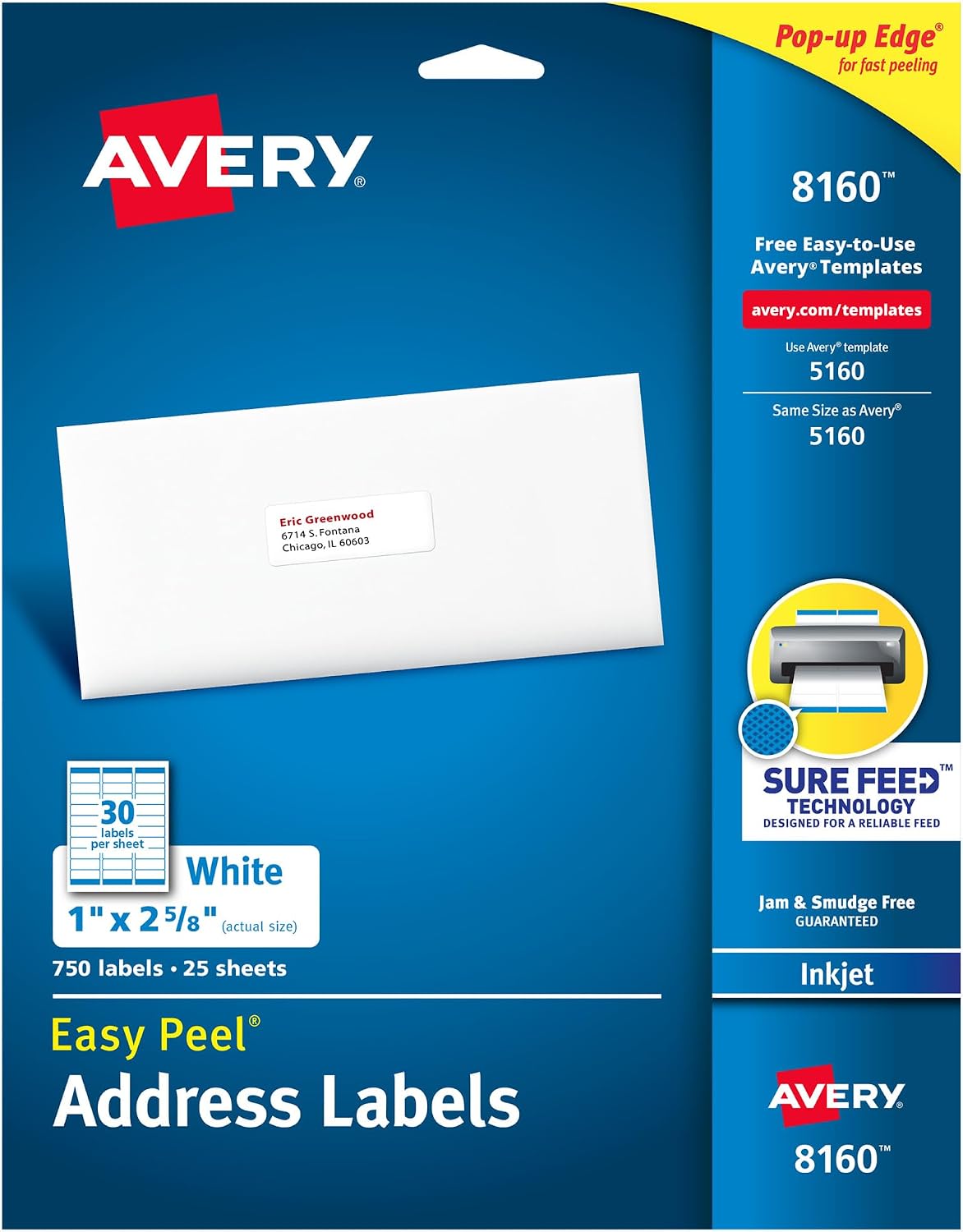
On the surface, these labels leverage Avery’s Sure Feed technology, which is intended to reduce misalignments and printer jams. The Easy Peel with Pop-up Edge feature is designed to make peeling fast and simple, so you can move from print to application with minimal fuss. For those who want to customize labels, Avery Design & Print Online provides templates and tools to create professional-feeling addresses or simple product labels without extra software.
What to expect in terms of printing quality
The sheets are described as optimized for inkjet printers to help prevent smearing or smudging, which is important when you’re printing address text that needs to stay legible through handling. If your setup is prone to moisture exposure or if your inkjet output runs hot, keep in mind that performance can vary with ink types and paper handling settings.
Best use cases and who it’s for
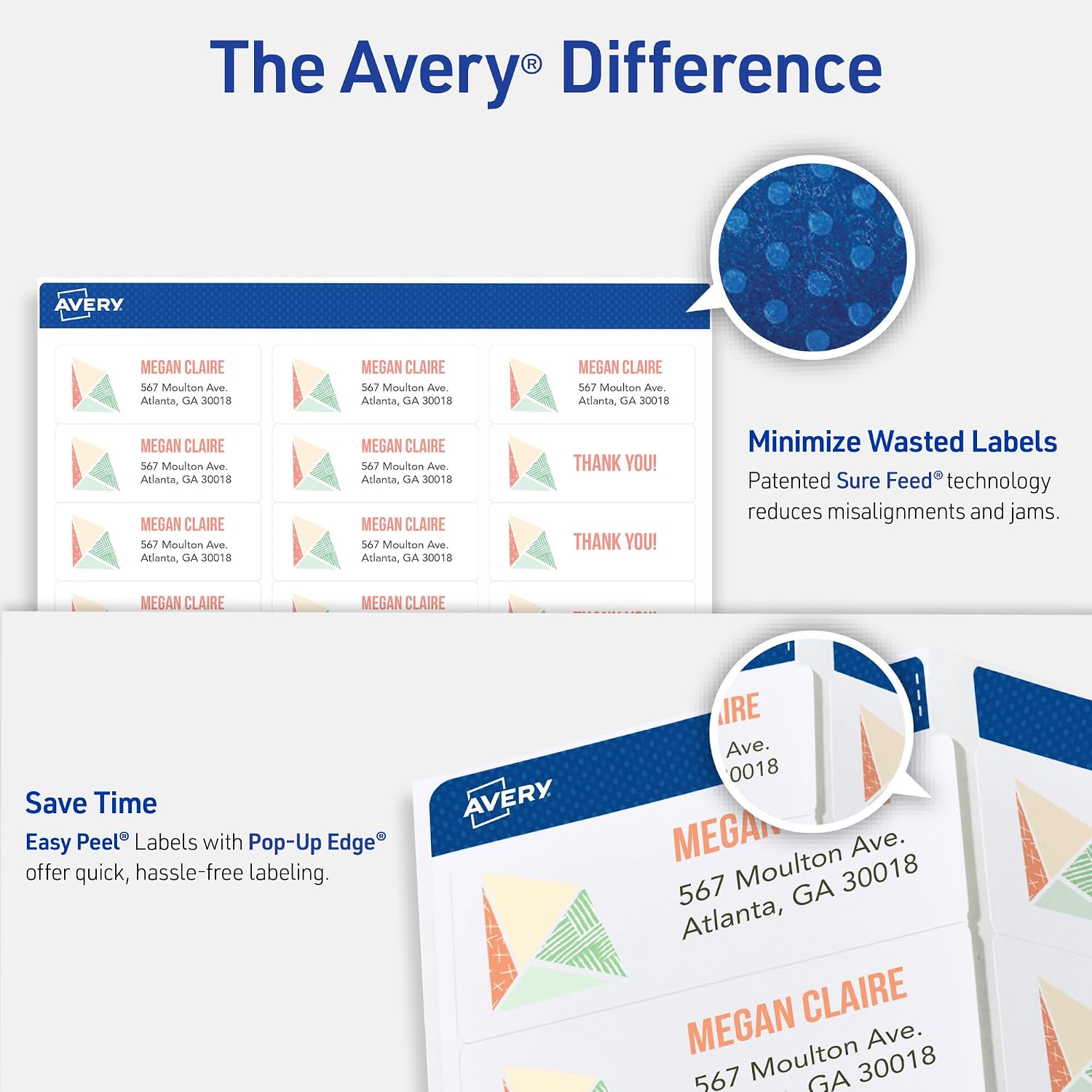
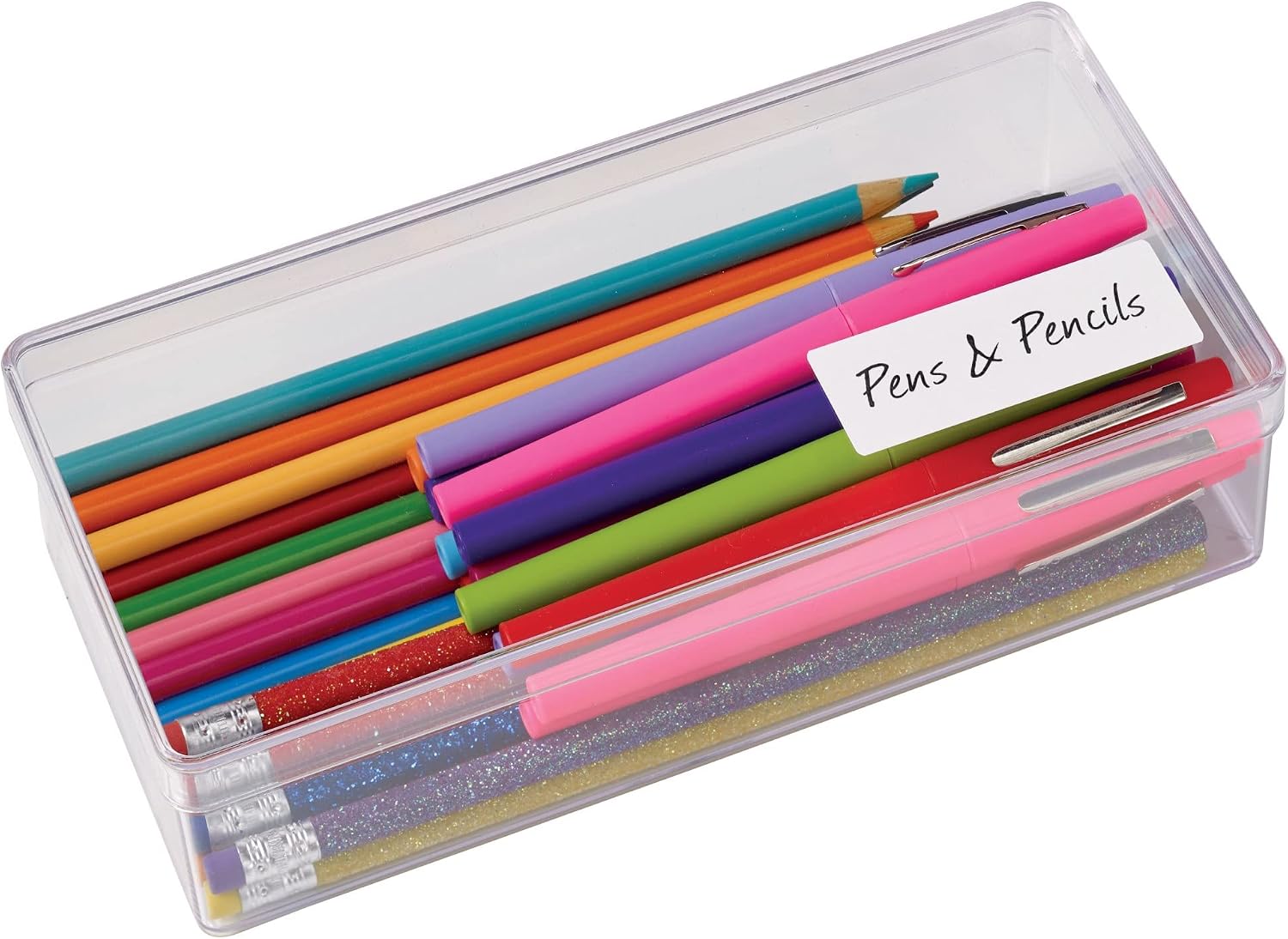
These labels can serve mailers who print daily or weekly, organizers labeling folders, or small businesses needing consistent, quick-address labels for shipments or inventory tags. If you prioritize a balance between ease of use and reliable printing, this option aligns with that goal. However, if your operation demands heavy-duty labels or non-standard surfaces, you might want to compare materials or sizes first.
Pros and cons (practical take)
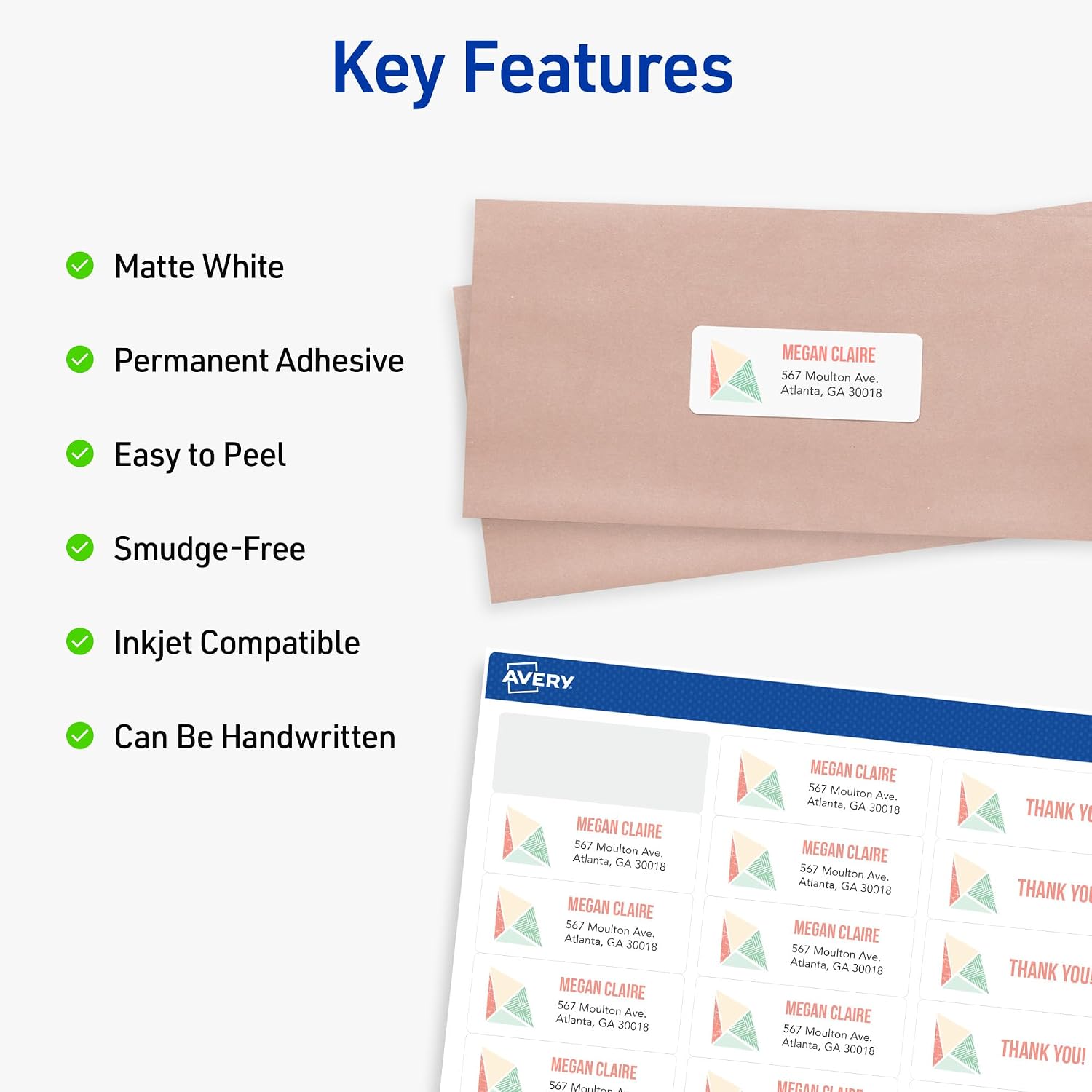
Pros: Easy peel design speeds up workflows, Sure Feed aims to minimize feeding issues, inkjet-optimized surface reduces smearing, ample quantity in a single box. Cons: The value hinges on printer compatibility and proper calibration, if you frequently print on unusual media or use non-inkjet workflows, results may vary.
Who should consider this one
If you value a ready-to-use, inkjet-specific label that supports quick peeling and straightforward customization, these labels fit a typical home-office or small-business scenario where addresses or product IDs need to be produced efficiently.
When to buy and when to pause
Buy when you’re running low on standard inkjet-ready mailing labels and you want a large box to avoid frequent repurchases. Pause if your printer’s feeding system has known jams with similar label sheets, or if you frequently require alternative label sizes or materials.
Quick checks before buying
- Confirm your printer is an inkjet model and supports 1" x 2-5/8" label sheets.
- Consider doing a test print on a single label sheet to gauge alignment, bleed, and smear tendencies with your ink.
- Ensure you have access to Avery Design & Print Online if you plan to customize addresses or labels beyond plain text.
Practical usage example
Imagine sending out a batch of wedding invitations or shipping a handful of orders: you print crisp addresses on these labels, peel them quickly thanks to the edge pop-up, and apply them to envelopes or packaging without fuss. In a busy week, that small speed gain adds up.
FAQ (brief and practical)
- Do these labels work with all inkjet printers? They’re described as optimized for inkjet printers, performance can vary by printer model and ink type.
- Is there a template available for design? Yes, Avery Design & Print Online offers templates and design tools.
- Can I write by hand on these labels? Yes, you can handwrite on the label surface if you need quick personalization.
What stands out
The combination of Sure Feed, Easy Peel with Pop-up Edge, and inkjet-optimized printing makes these labels a practical choice for routine labeling tasks where speed and legibility matter. If you’re reviewing options, consider whether your needs lean toward bulk mailing, inventory labeling, or simple product identification, and weigh the importance of automated design templates.
Is it worth it?
Final verdict: Worth considering if you prioritize ease-of-use with a large quantity and you primarily print on standard inkjet surfaces. If your workflow requires non-standard sizes, heavy-duty materials, or specialty coatings, you may want to explore alternatives.