

ASUS ROG Strix 32” 4K OLED Gaming Monitor (XG32UCWG) with Dual Mode (4K@165Hz, FHD@330Hz)
Product description
What it is and why people shop for it
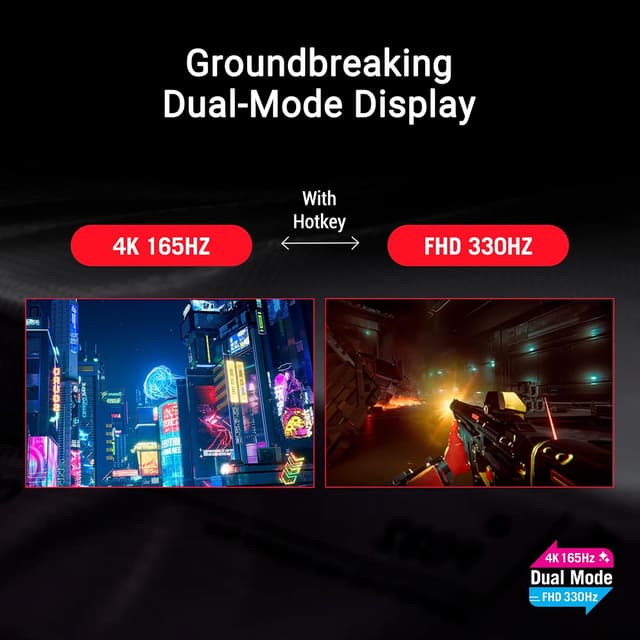
This ASUS ROG Strix XG32UCWG is a 32-inch OLED gaming monitor built for players who want top-tier motion handling and vivid contrast without compromising responsiveness. The headline idea here is “dual mode”: you can run it in 4K at up to 165Hz, and also switch to FHD at up to 330Hz. On paper, that’s a very practical pairing—higher detail when your game can keep up, and higher refresh when you care most about smooth motion.
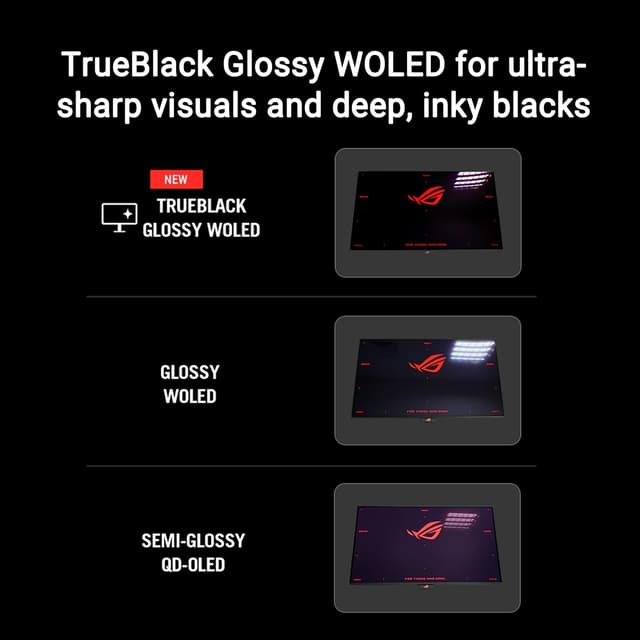
OLED also brings a different feel than typical LCD-style panels. If you’re coming from a standard gaming monitor, the “TrueBlack Glossy OLED” direction suggests deep blacks and strong contrast behavior, which matters in dark scenes and night maps. It’s not a monitor for everyone, though—people who mainly watch office spreadsheets or casual content may find this approach overkill, depending on what you’re trying to accomplish.
Key takeaways from the spec sheet
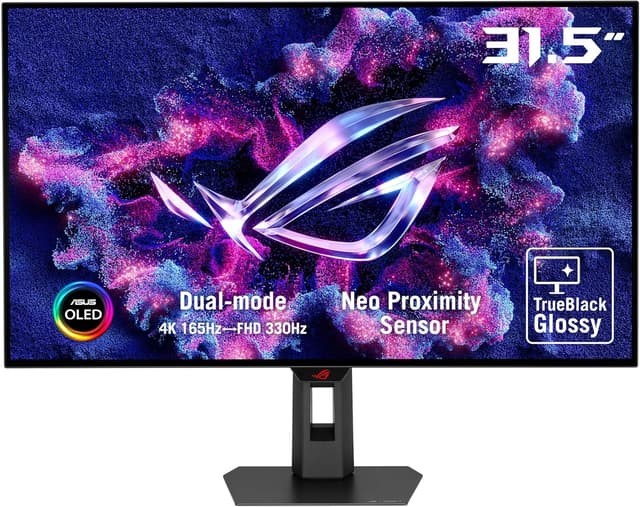
The most buying-relevant features for the XG32UCWG are the ones tied directly to gameplay:
- Dual Mode performance: 4K@165Hz or FHD@330Hz, so you can tune the experience for graphics fidelity or raw smoothness.
- Very low stated response time (0.03ms), which supports the “snappy” side of gaming.
- G-SYNC Compatible, aimed at reducing screen tearing and stutter when your frame rate fluctuates.
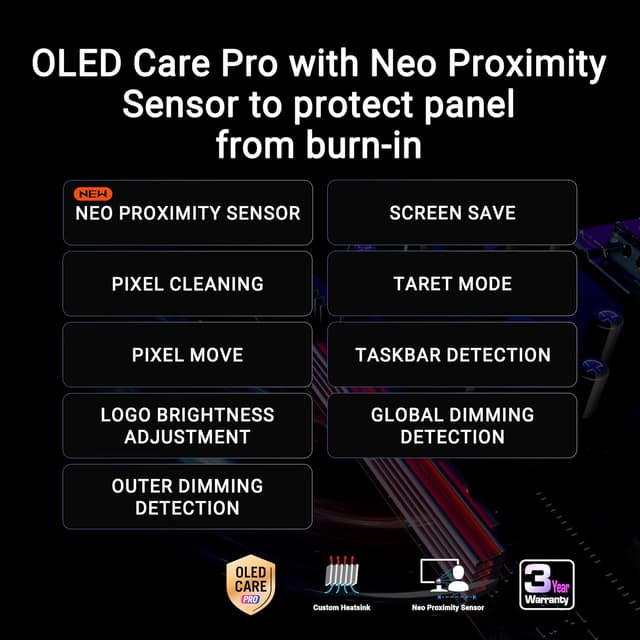
- Neo Proximity Sensor, a small comfort feature that can matter during long sessions because it’s designed to react to your presence.
- Connections include USB-C and HDMI 2.1, making it easier to hook up newer PCs/consoles without awkward adapters.
- Genuinely important coverage detail: 3 yr warranty.
One nuance to keep in mind: the dual-mode setup is attractive, but it means your experience will depend on the mode you choose. If you forget to switch when you want the higher refresh option, you won’t see the benefit you expected.
What stands out in everyday use
In real use, the “dual” part is what you’ll actually feel. Imagine you start a match in a visually rich title: you can sit in 4K@165Hz for sharp detail, then toggle to FHD@330Hz for fast-paced scenes where motion clarity matters more than resolution.
The G-SYNC Compatible support is another day-to-day win. Not every system runs perfectly locked frame rates, and variable performance is normal in modern games. Support for adaptive syncing helps keep things visually coherent when you’re hovering below maximum refresh.
And if you use a laptop or want a simpler desk layout, USB-C can reduce cable clutter—especially compared to setups that rely on multiple separate connections.
Where it may not be the best choice
This monitor’s whole design language is gaming-first. That’s great if you’re after smooth gameplay and OLED contrast, but it can be a mismatch if your priority is something else. For example, if you want a “set it and forget it” productivity display or you rarely play games that benefit from high refresh and adaptive sync, you may not fully utilize what you’re paying for.
Also, dual mode means there’s a choice involved. If you prefer monitors that keep one consistent setting all the time, you might find yourself thinking about whether you’re in 4K or FHD when you want the best match for the moment.
Should you buy it? (Decision)
It makes sense if you: want a 32-inch OLED gaming monitor with both 4K@165Hz and FHD@330Hz available, and you’re the type of player who changes settings depending on the game (or even depending on the situation in-game). It also fits if you care about adaptive syncing (G-SYNC Compatible) and want modern connectivity like HDMI 2.1 and USB-C, plus the comfort of a 3 yr warranty.
You may want to skip it if: you mostly use the display for non-gaming tasks, you don’t want to manage different performance modes, or you’re looking for a simpler “one resolution, one refresh rate” experience.
If you’re shopping around, this is the kind of monitor you’d choose when you want OLED contrast and you’re serious about responsiveness—not when you just need a screen that runs media and basic browsing.
Final checks before you commit
Before buying, it’s worth confirming that your setup supports what you plan to use most often (4K mode vs FHD high-refresh mode). Also consider where the monitor will live on your desk and whether you’ll appreciate the practical connections listed (USB-C and HDMI 2.1).
Finally, remember that performance expectations depend heavily on your PC/GPU output. The “max refresh” figures are there, but the smoothness you feel will still come down to your actual frame rates and how adaptive syncing behaves in your games.
Mini FAQ
Can I switch between 4K and FHD performance?
Yes—this model is described as having Dual Mode, with 4K@165Hz and FHD@330Hz options.
Does it support G-SYNC?
It’s listed as G-SYNC Compatible, which is meant to help with tearing/stutter when frame rates vary.
What connections does it include?
The listed connections include USB-C and HDMI 2.1.
How long is the warranty?
The product is listed with a 3 yr warranty.