


ASUS Prime Radeon RX 9070 XT OC Edition Graphics Card
Product description
Overview
The ASUS Prime Radeon RX 9070 XT OC Edition is a PCIe 5.0 graphics card designed for enthusiasts who want a balance of performance and solid cooling in a 2.5-slot form factor. Built for mid-to-high-end gaming and creative workloads, it focuses on reliable thermals and quiet operation without resorting to aggressive cooling that dominates your build.
What it is and what it’s solving
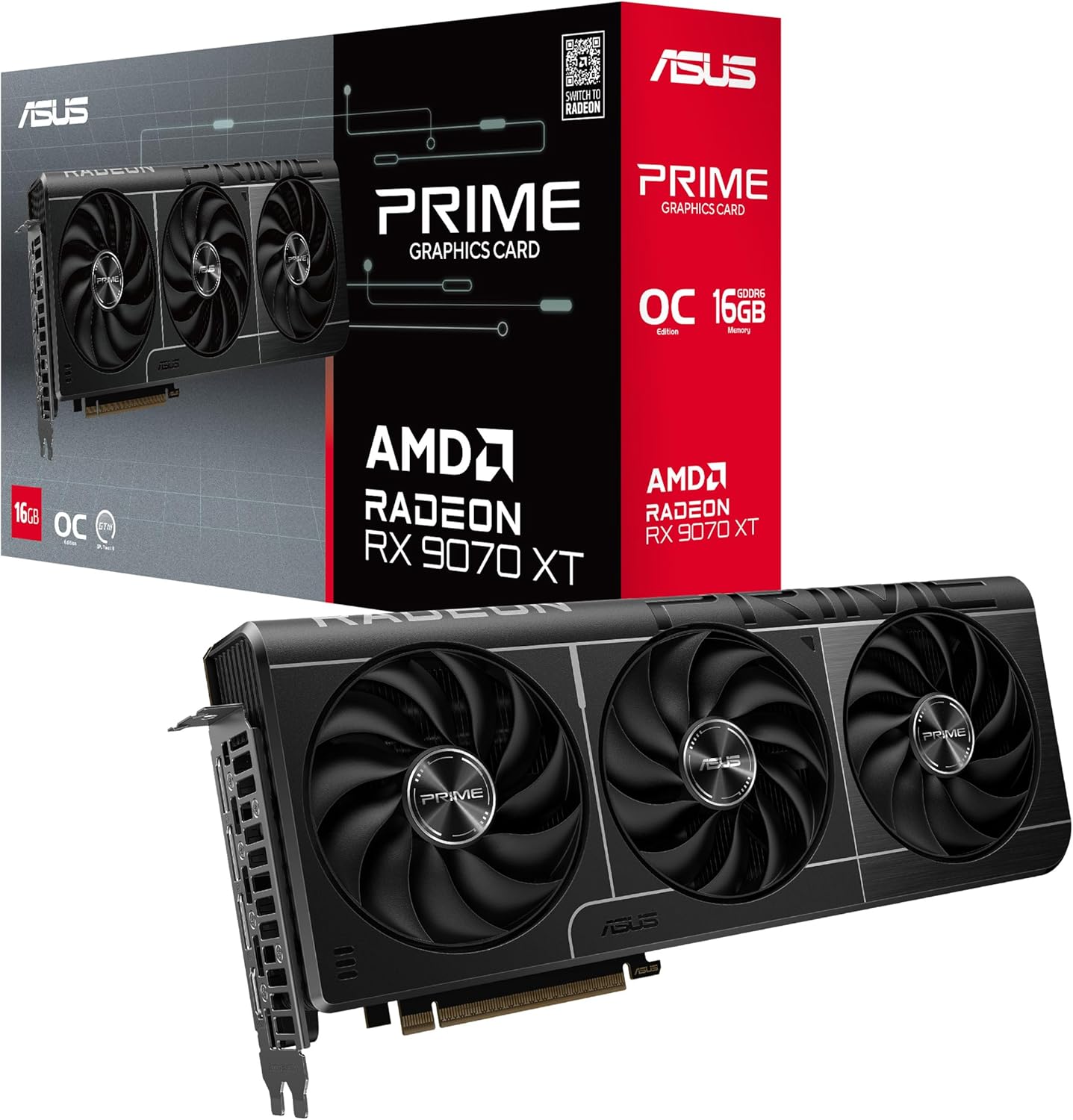
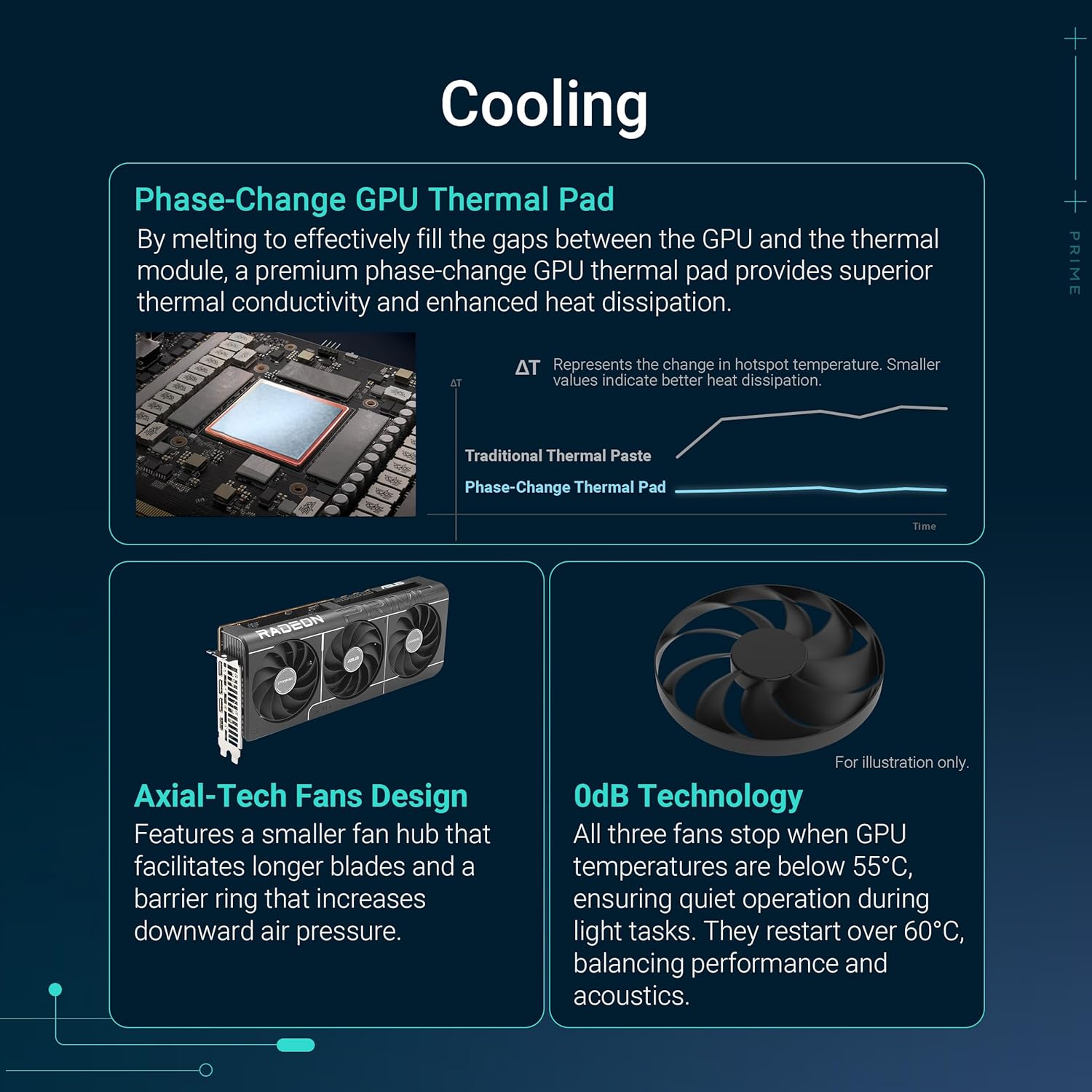
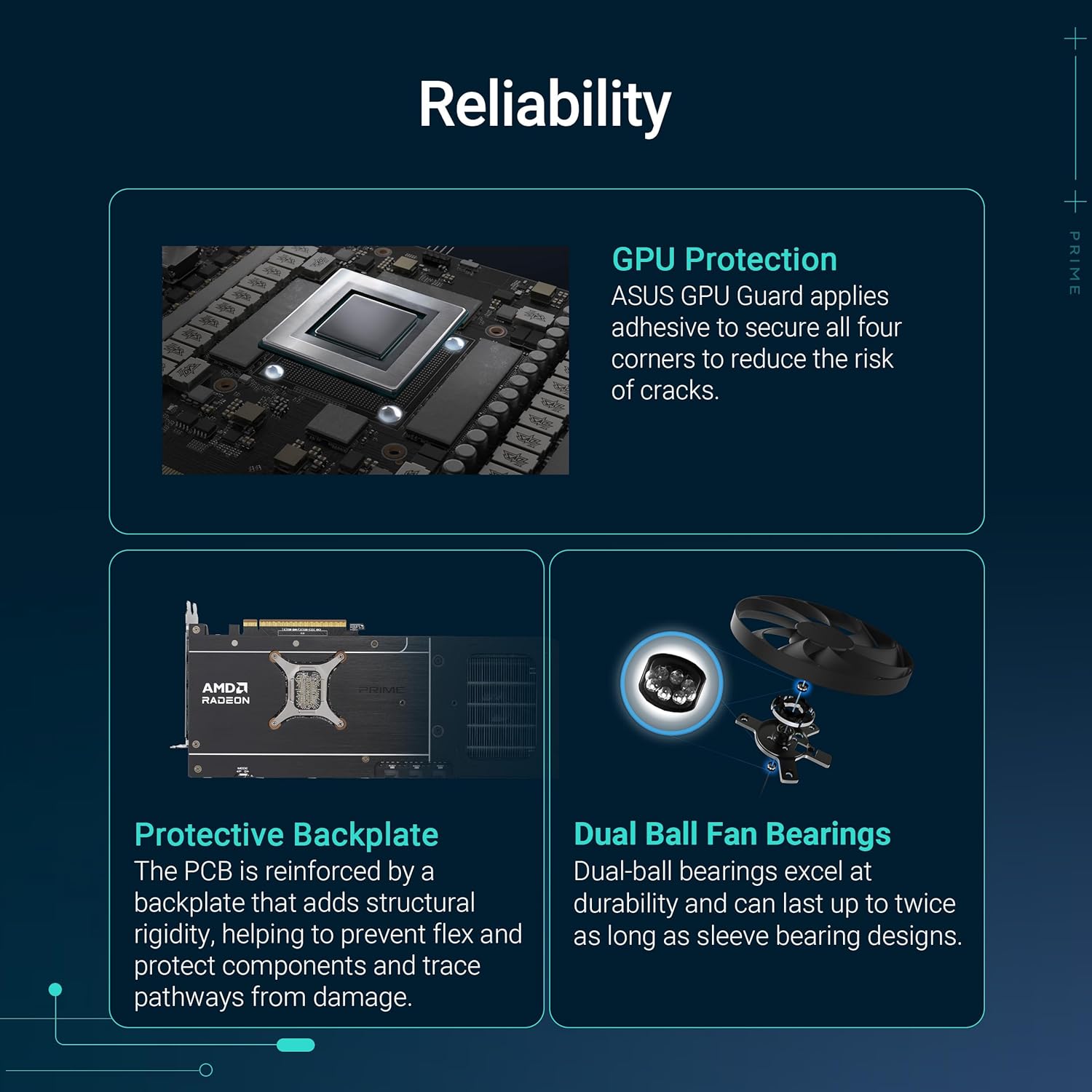
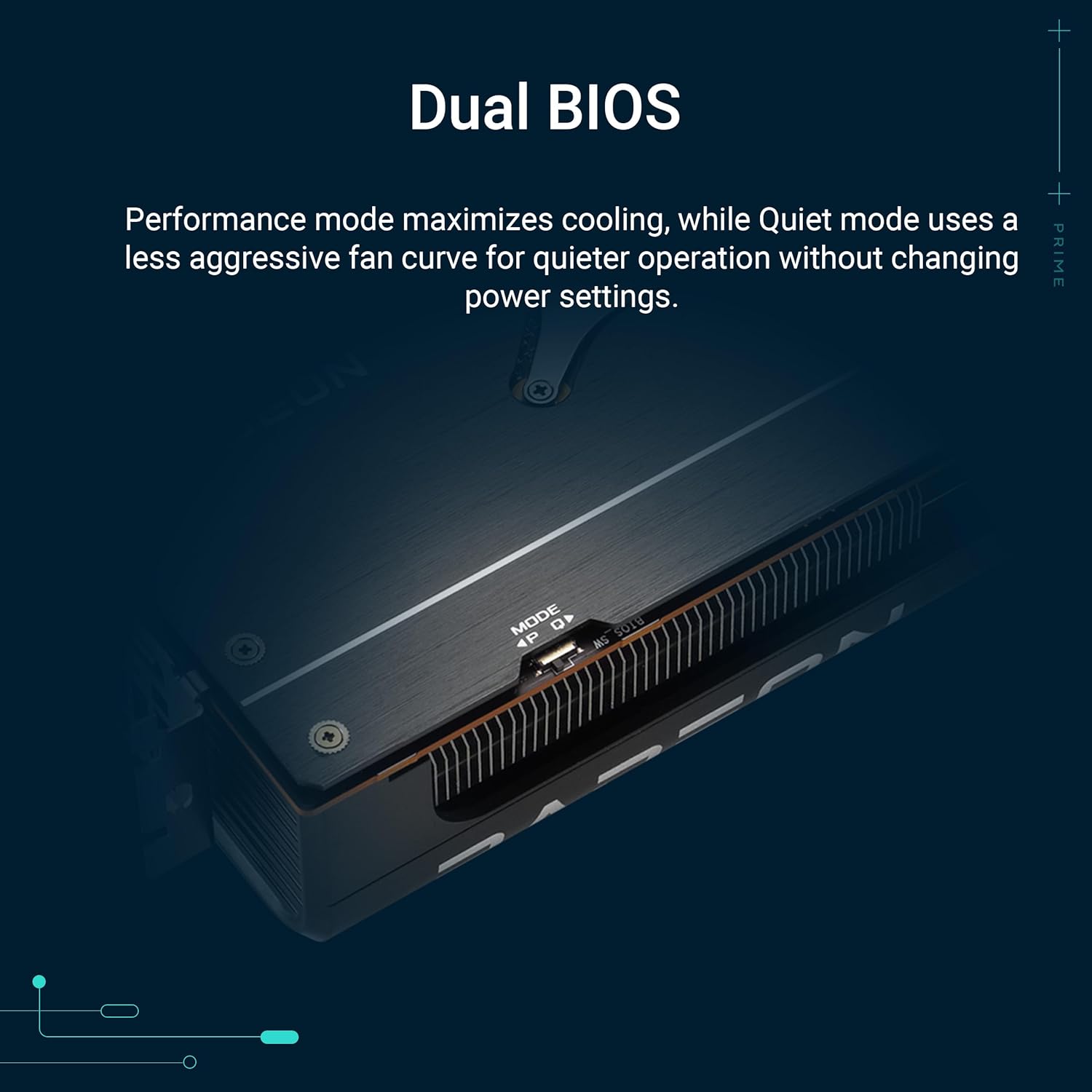
This card targets users who want a higher-performance AMD GPU with thoughtful cooling and practical design choices. The phase-change GPU thermal pad and Axial-tech fans indicate an emphasis on heat transfer efficiency and steady temperatures, which helps maintain performance under load. The dual BIOS provides flexibility for either quieter operation or more aggressive performance modes, while a protector on the GPU adds a layer of physical safety during assembly.
How it performs in real life
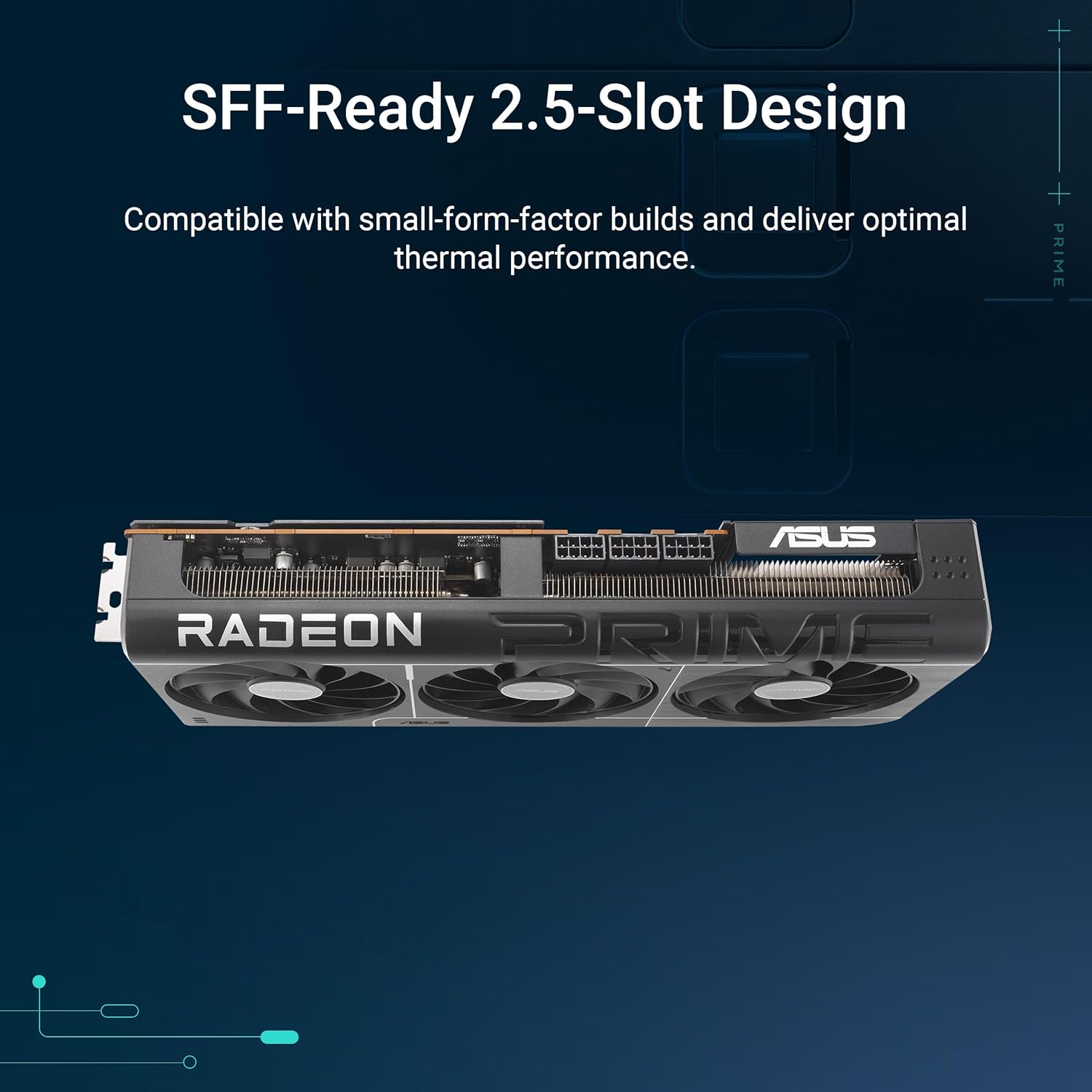
On paper, the combination of a smaller fan hub and longer blades with a barrier ring suggests improved downward air pressure and cooling efficiency. The 0dB technology implies that light gaming can be enjoyed with minimal fan noise, which is a meaningful benefit for builds intended to stay quiet during casual use or long sessions. The 2.5-slot design broadens compatibility with a wider range of PC cases and cooling layouts compared to deeper 3-slot designs, which matters when you’re planning a compact or mid-tower build.
Strengths you’ll notice in day-to-day use
- Quieter idle and light-load operation thanks to 0dB tech.
- Potentially better heat transfer from the phase-change pad for sustained performance under load.
- Flexible BIOS options to tailor performance versus acoustics.
- Wider compatibility due to the 2.5-slot design, aiding smoother installs in diverse systems.
- Durable fan bearings (dual-ball) that can outlast traditional sleeve bearings.
Potential limitations and caveats
- The information provided doesn’t include exact clock speeds, power targets, or memory specs, so it’s hard to quantify performance deltas versus other GPUs in this tier.
- A dual-BIOS setup can be useful, but it may add complexity if you’re new to GPU tuning.
- In cases where you prioritize maximum frame rates in the newest titles at ultra settings, the card’s strength will depend on the rest of the system and the rest of the AMD lineup, so it may not always outperform top-tier alternatives.
Who this is for
- Gamers who want solid 1440p to 4K ambitions with reliable thermals and a quieter profile during light use.
- PC builders seeking a 2.5-slot GPU that won’t bottleneck tighter cases or smaller builds.
- Content creators who appreciate stable temps during longer renders or simulations and value BIOS flexibility.
Who might want to skip it
- If you’re chasing absolute top-end frame rates in the latest titles at max settings, and you have room in your budget for the high-end alternatives, this card may not be the clearest fit.
- If you rely on a single BIOS setting and don’t plan to experiment with tuning, the dual BIOS feature may be less relevant.
What to check before buying
- Confirm your case clearance for a 2.5-slot GPU and adequate airflow to capitalize on the cooling design.
- Consider your monitor resolution and desired frame rate targets to ensure this GPU aligns with your gaming goals.
- Look for firmware updates or documentation from ASUS to understand the exact behavior of the dual BIOS and any performance modes.
- Ensure your power supply and PCIe 5.0 motherboard support the rest of your system’s needs.
Comparison in context (what it’s a smart choice against)
If you’re weighing options for a mid-to-high-end build, this card provides a balance of cooling efficiency and physical design that may outperform bulkier or louder options in tight cases, while avoiding the most aggressive, power-hungry setups. It’s a sensible pick when you want calm acoustics and dependable temps without stepping into extreme configurations.

Practical usage example
Imagine a mid-tower build with a quiet power plan and a standard office desk setup. You’re gaming at 1440p with medium-to-high settings, and you switch to a quieter BIOS profile for evenings. The phase-change thermal pad helps keep GPU temperatures steady during a long gaming session, while axial-tech fans deliver cooling without intrusive fan noise.
FAQ (quick answers based on available information)
- Does it support PCIe 5.0? Yes, it’s listed as PCIe 5.0 compatible.
- Are there multiple BIOS options? Yes, it features dual BIOS.
- Is it designed for silent operation at idle? Yes, 0dB technology suggests quiet idle/light gaming scenarios.
Is it worth it?
Worth considering if you want a 2.5-slot, PCIe 5.0 GPU with thoughtful cooling and acoustic behavior, plus BIOS flexibility for balancing performance and noise. It’s not a slam-dunk for everyone—verify your case clearance, cooling airflow, and target workloads to ensure it aligns with your build.