

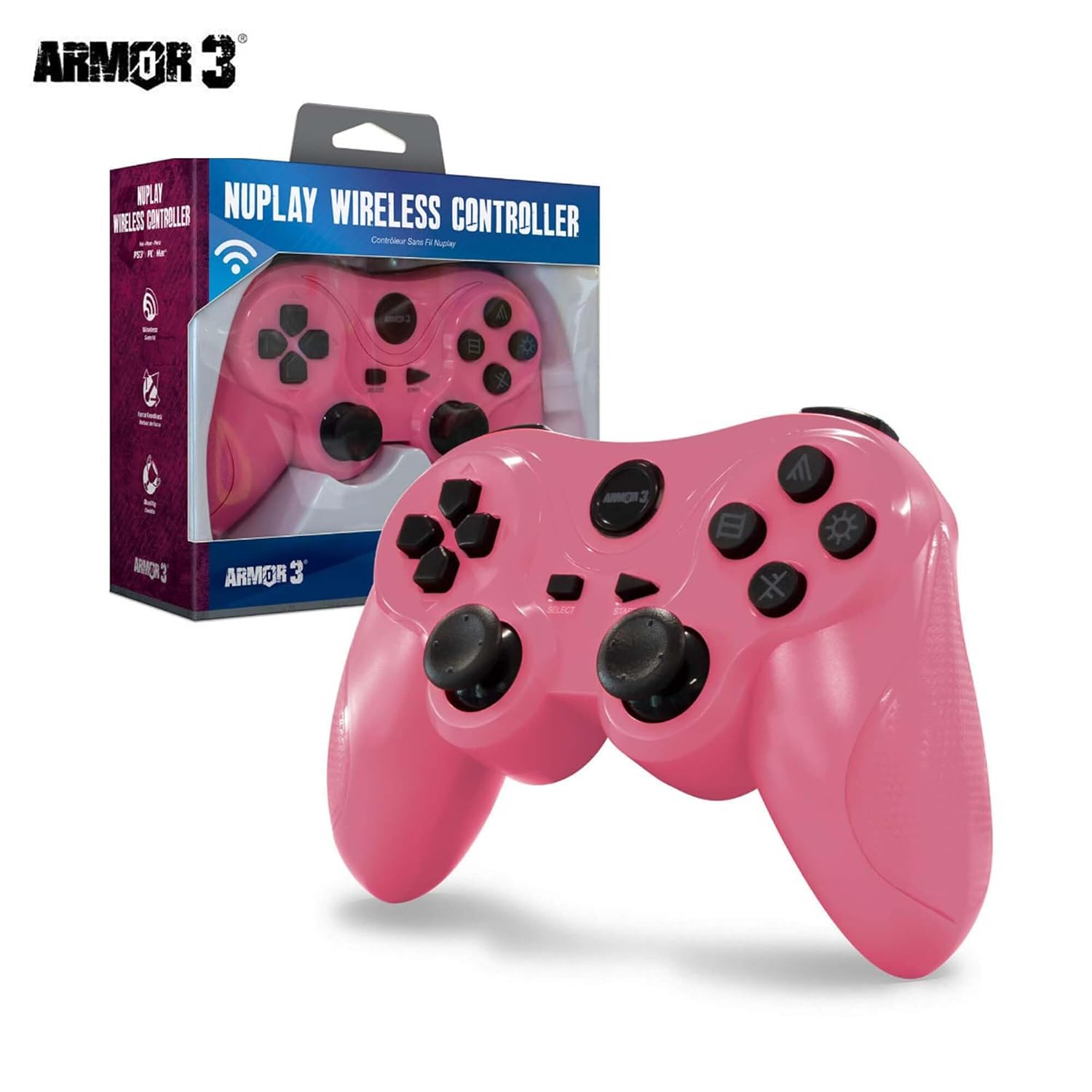
Armor3 Nuplay Wireless Game Controller for PS3 (Light Blue)
Product description
Quick overview
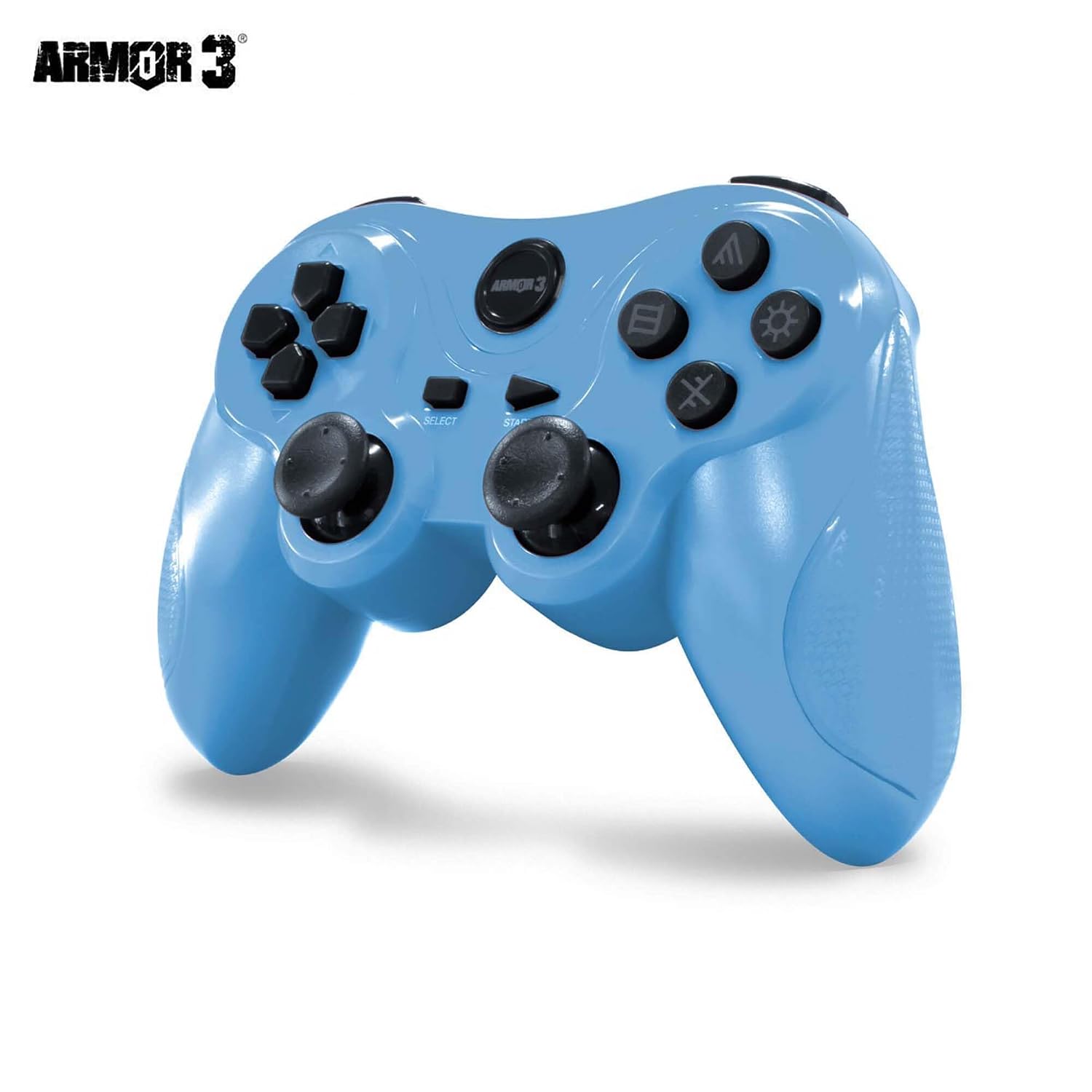
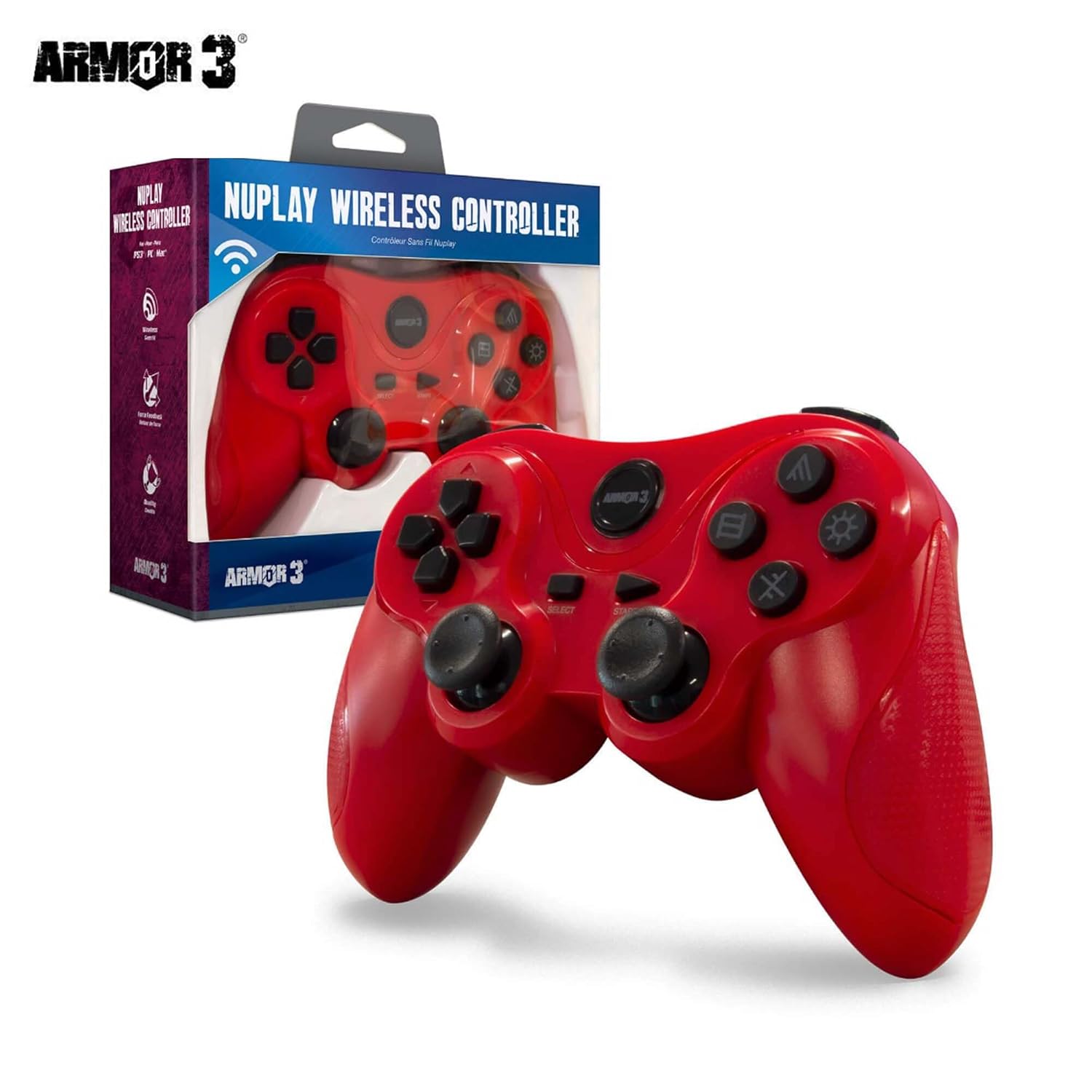
If you’re shopping for a wireless game controller for PS3, Armor3 Nuplay is built around a straightforward idea: comfortable, low-effort play without being stuck next to the console. The pitch here is simple—wireless range up to 30 ft, pressure-sensitive inputs, and a battery life rated for up to 6 hours.
On paper, it’s the kind of controller you’d consider when you want the core gameplay feel (analog movement, triggers, and a D-pad) with pressure-sensitive behavior, but you don’t want to overthink charging or setup.
What it’s for (and the setup reality)
This controller is listed for PS3, and it can also be used with PC and Mac using the included 3 ft mini charging cable. That makes it more “multi-device friendly” than controllers that are truly console-only—though you should note the PC/Mac mention is tied to use via the included cable, not an explicit wireless connection for those systems.
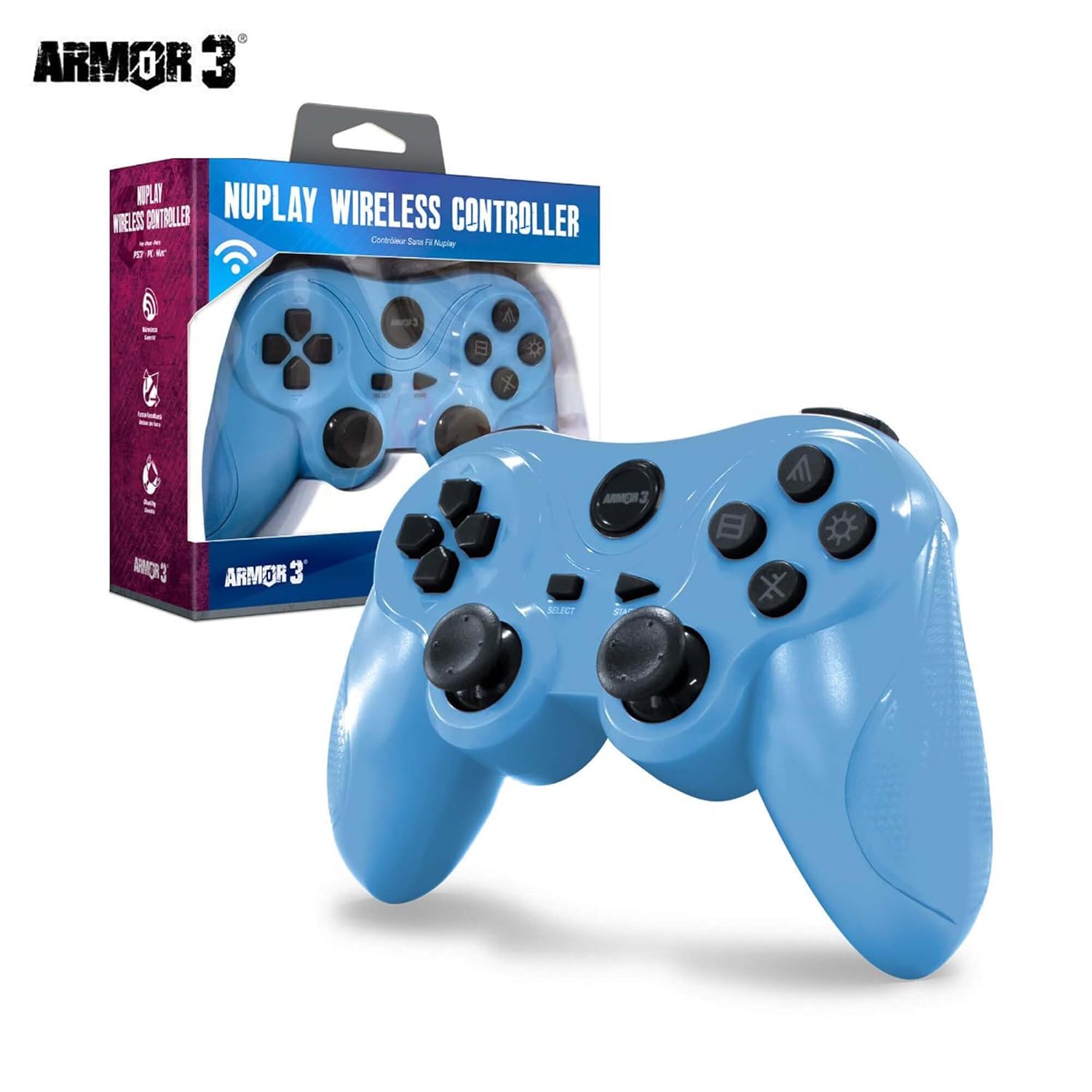
A practical way to think about it: you can keep your console area wireless for casual sessions, then plug it in when you’re switching to a computer setup. If your priority is consistent wireless play across every device, the included-cable detail is something to weigh before buying.
Tech feel: controls that cover the basics
The Armor3 Nuplay includes pressure sensitive inputs plus the main control layout you’d expect:
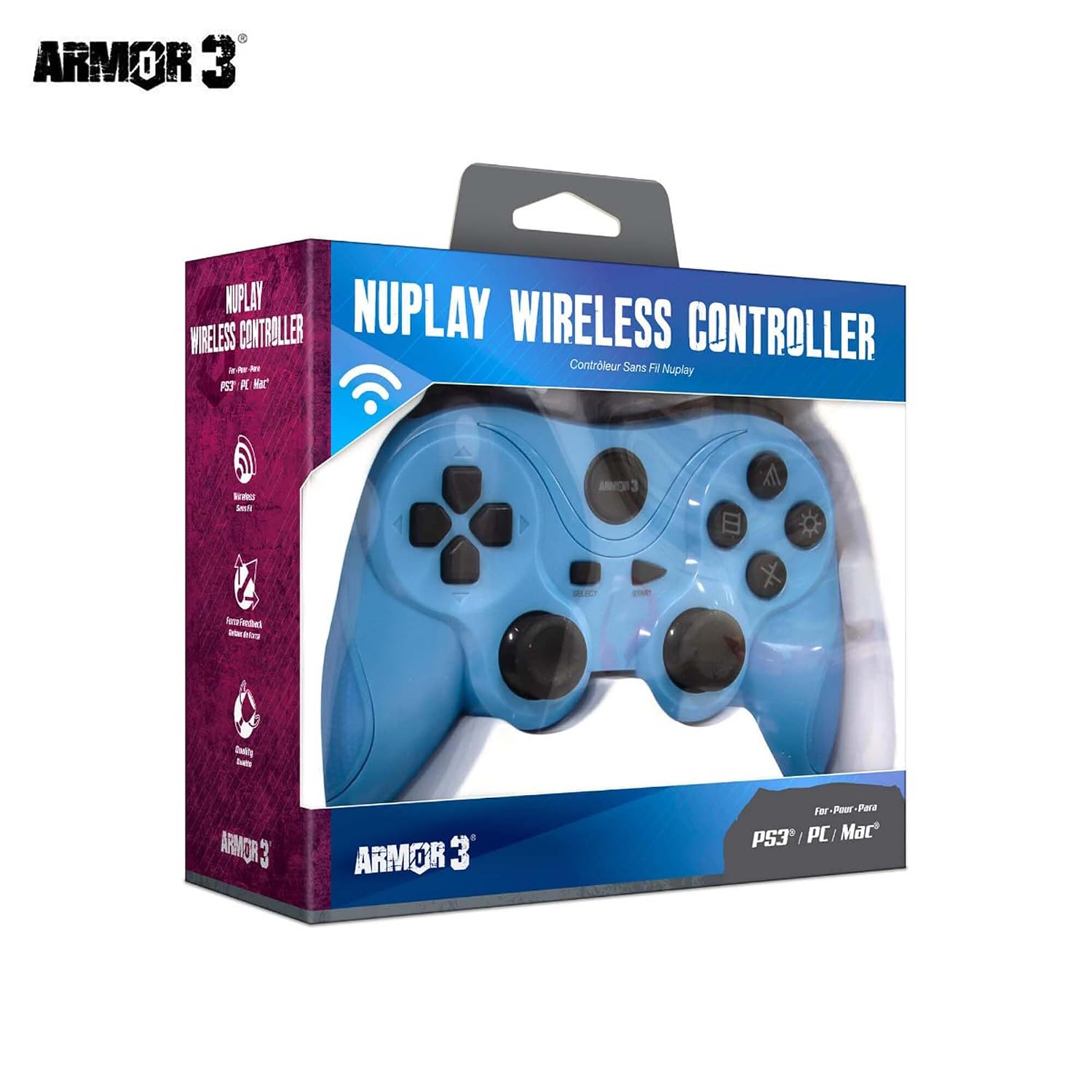
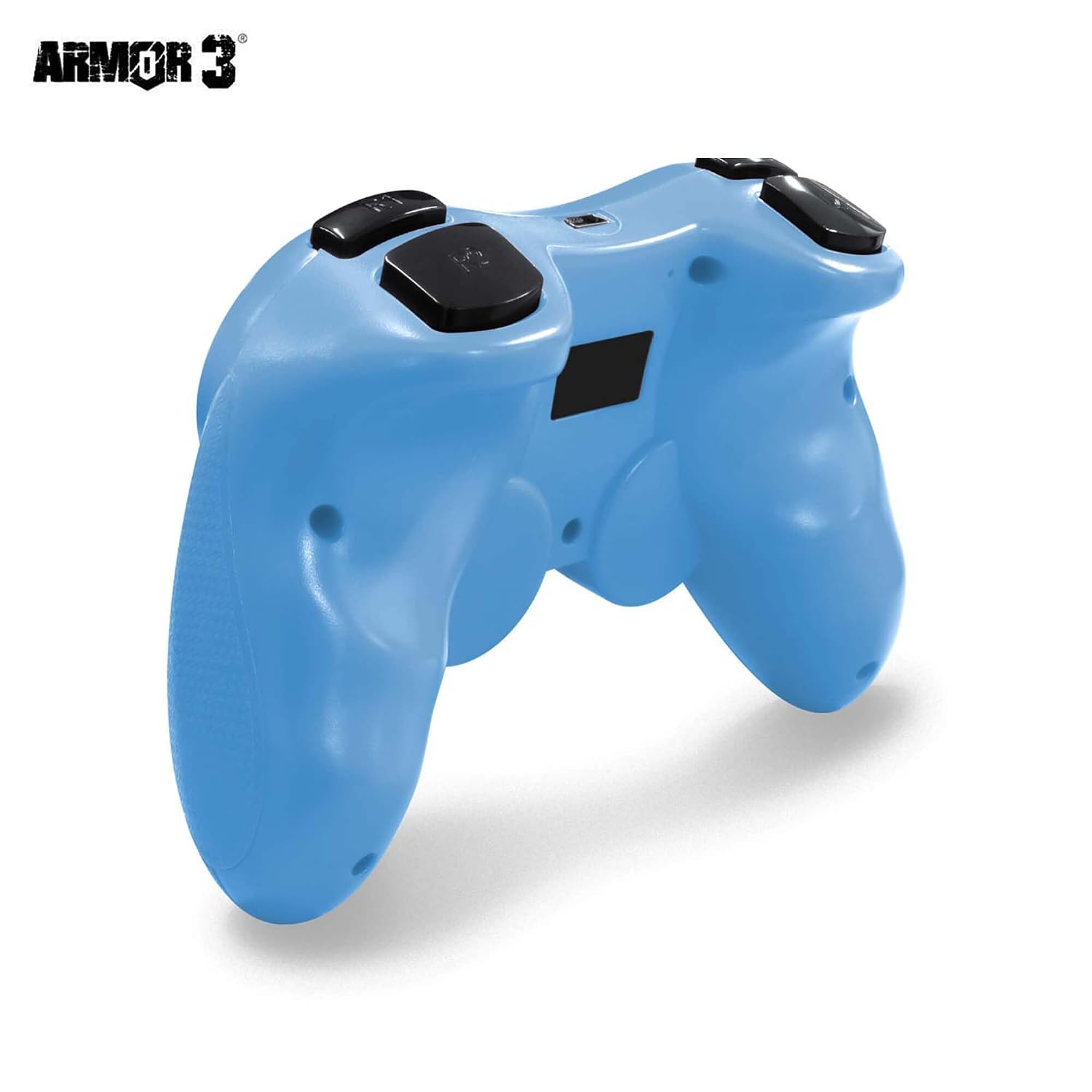
It has 2 analog triggers for finer actions, 4 digital buttons, and a D-pad. Pressure sensitivity is the standout feature for players who like more nuance than simple on/off input.
That said, pressure sensitivity is not always a deal-breaker for everyone. If you mostly play titles where timing is more about button presses than pressure modulation, you may not feel that extra layer much—so it can come down to whether that feature matches the games you play.
Key takeaways: wireless range and battery life
Wireless is rated up to 30 ft, which is a solid number for typical living-room seating distances. You likely won’t need to sit right next to the console, and that matters for couch play.
Battery life is listed as up to 6 hours. For longer play sessions, you’ll want to treat charging as part of your routine. The included mini charging cable is 3 ft, and the controller recommends charging with a 5V 1A power source.
Who it suits (and who should pause)
It makes sense if you:
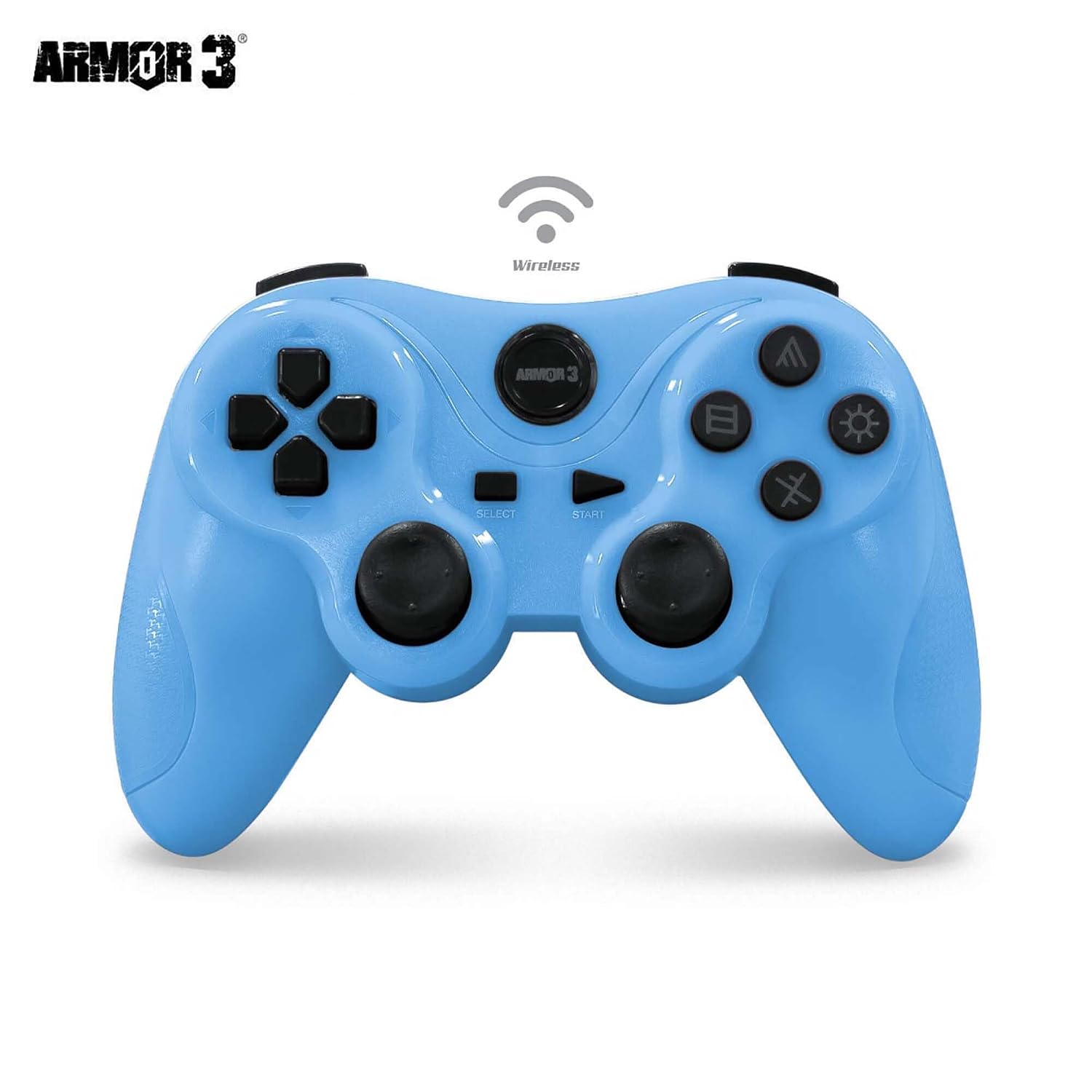
- Want a wireless PS3 controller with a clear set of core controls (analog triggers, digital buttons, and D-pad).
- Like the idea of pressure sensitive inputs for games where that can affect feel.
- Need a controller that can also work with PC and Mac via the included cable.
It may not be the best match if you:
It might not be a great match if you want fully wireless controller support on PC and Mac without relying on the cable.
Also, if you regularly play for many hours straight, the “up to 6 hours” battery rating suggests you may be charging more often than with higher-end options.
Careful buying checklist
Before you hit buy, it’s worth double-checking a couple of practical points:
- Confirm your main platform is PS3, since that’s where the controller is explicitly positioned.
- Think about your charging situation: the cable is 3 ft, and charging is recommended with a 5V 1A power source.
- Decide whether pressure sensitivity is actually relevant to your games, not just a nice-to-have.
Mini FAQ
Is this controller wireless on PS3?
Yes, the listing describes wireless performance up to 30 ft for the controller.
How long does the battery last?
Battery life is rated up to 6 hours, so plan for charging if you play longer sessions.
Does it work with PC and Mac?
The listing says it’s compatible with PC and Mac via the included 3 ft mini charging cable. It doesn’t specifically say it’s wireless on those systems.
What controls are included?
You get pressure sensitive inputs, 2 analog triggers, 4 digital buttons, and a D-pad.
What power should I use for charging?
Charging is recommended using a 5V 1A power source.
Final verdict
Worth considering if you want a PS3 wireless controller with up to 30 ft range and pressure sensitive inputs, and you’re okay treating charging as a normal part of ownership (with a 6-hour battery rating). It’s also a sensible pick if you might alternate between PS3 and a PC/Mac setup using the included charging cable.
But if your ideal scenario is fully wireless use across PC and Mac without plugging in, you may want to skip it—based on how the PC/Mac compatibility is described here, the cable is likely part of the workflow.