

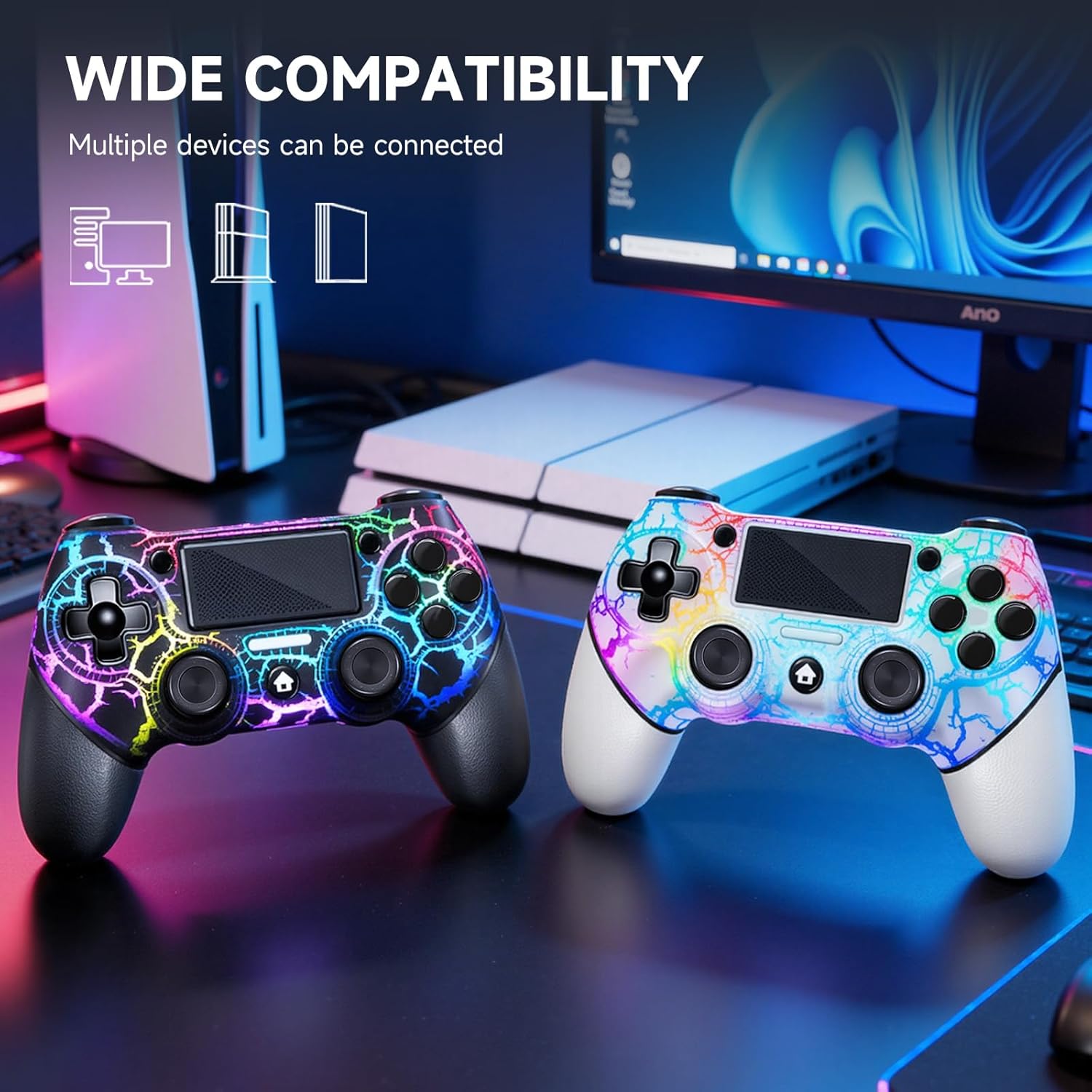
AceGamer 2-Pack Wireless PS4 Controller (Hall Effect Joysticks, Back Buttons, RGB, Turbo, 3.5mm Audio Jack)
Reviews
Price
Product description
The essentials
If you’re shopping for a PS4 controller that leans into competitive play, this AceGamer 2-Pack is built around a few ideas: reduce stick drift, add extra control options, and give you tactile feedback that feels more “present” than basic vibration. The big hook here is the dual Hall Effect sensing sticks, plus two programmable back buttons, and some extra features like turbo and lighting.
That said, it’s not a no-questions product. Some setup details matter (especially when pairing for the first time), and PC support depends on whether you have the right receiver situation handled. On paper, it’s the kind of controller bundle you buy if you want two controllers ready for couch co-op or for having one as a backup—without giving up those extra gaming controls.
What you’ll notice day to day
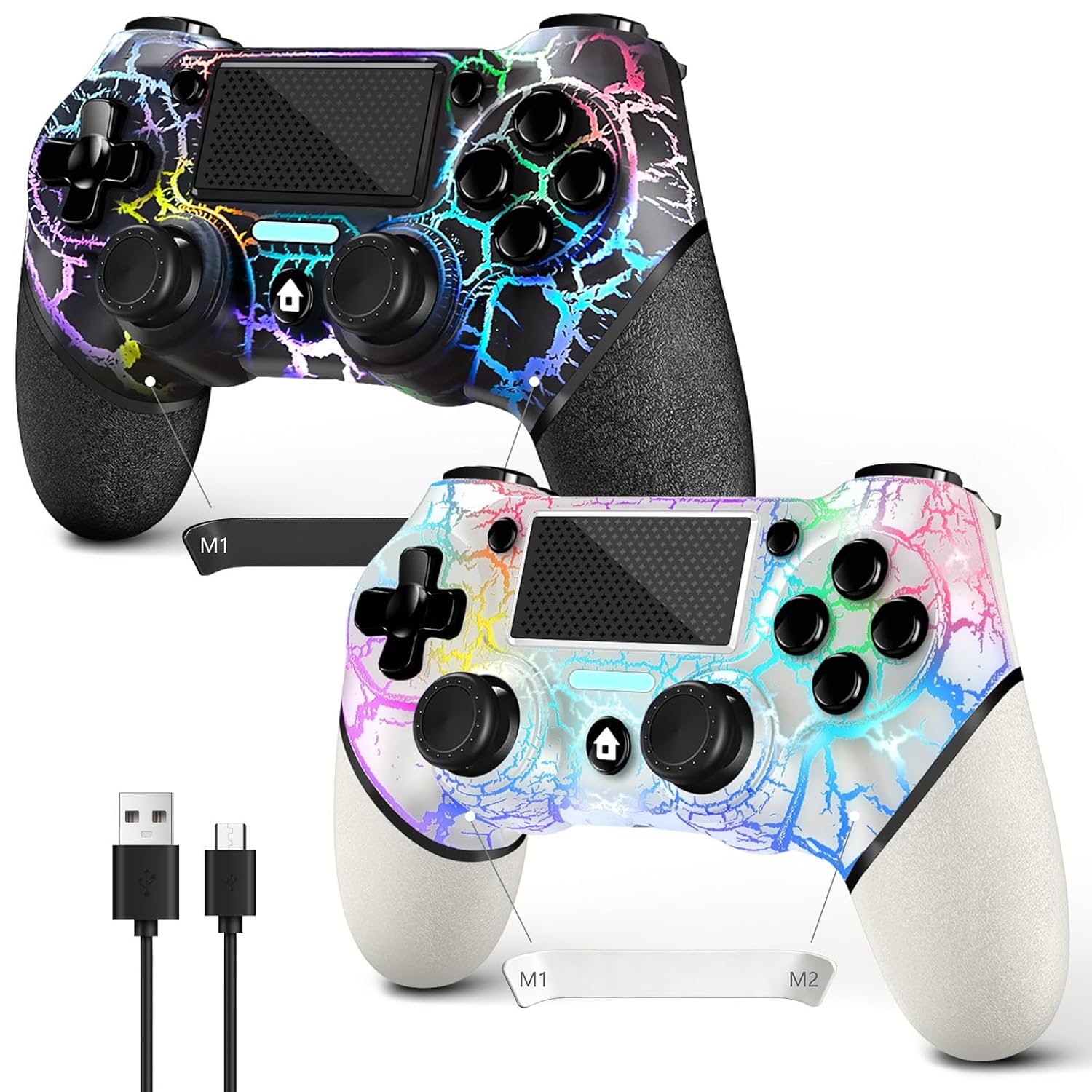
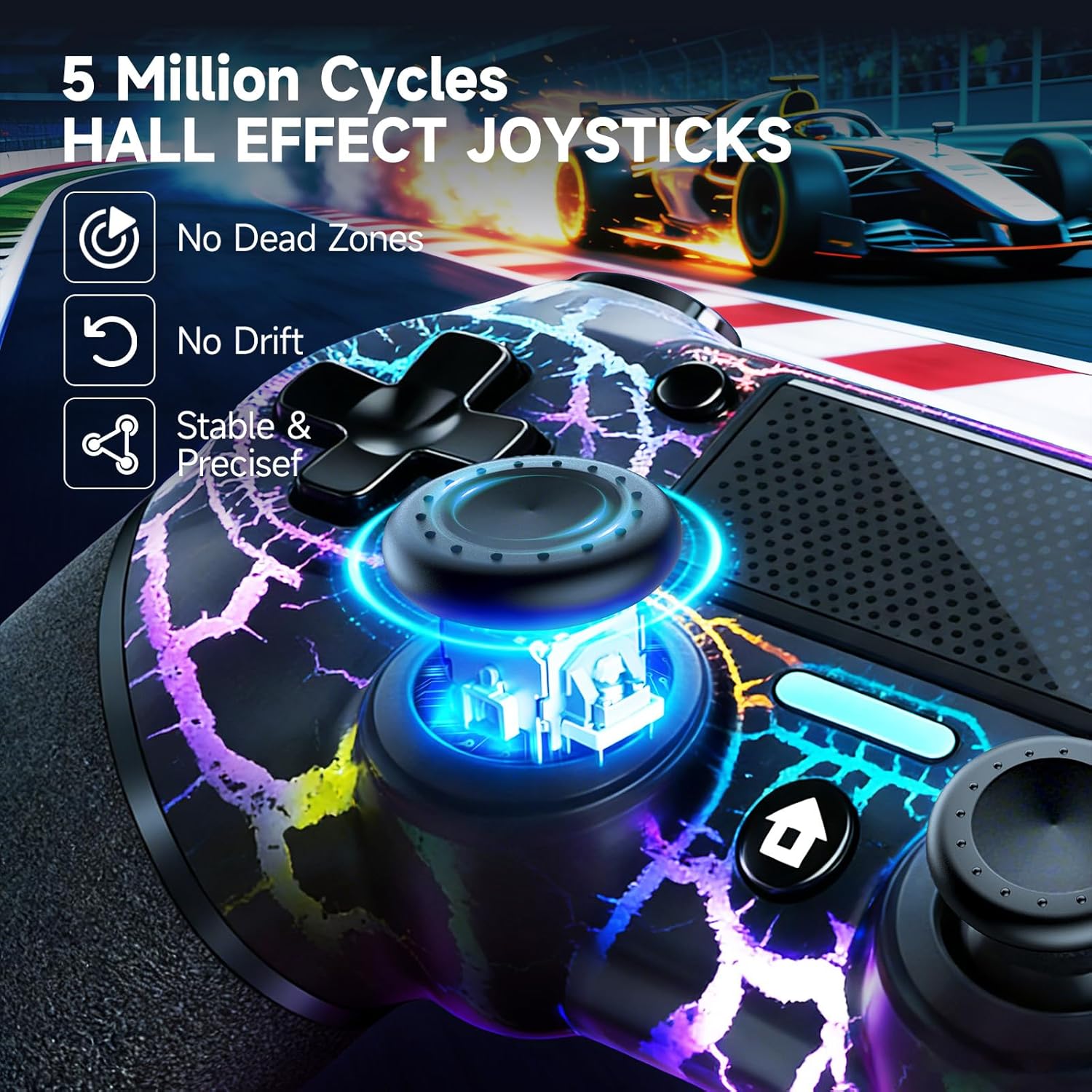
The headline feature is the dual Hall Effect joystick design. Unlike traditional potentiometer sticks, Hall Effect sensing is intended to eliminate stick drift and keep responsiveness more consistent over time. The listing also claims millisecond-level responsiveness, which is exactly what you’re hoping for when you’re doing fast camera movements, quick strafes, or tight aim adjustments.
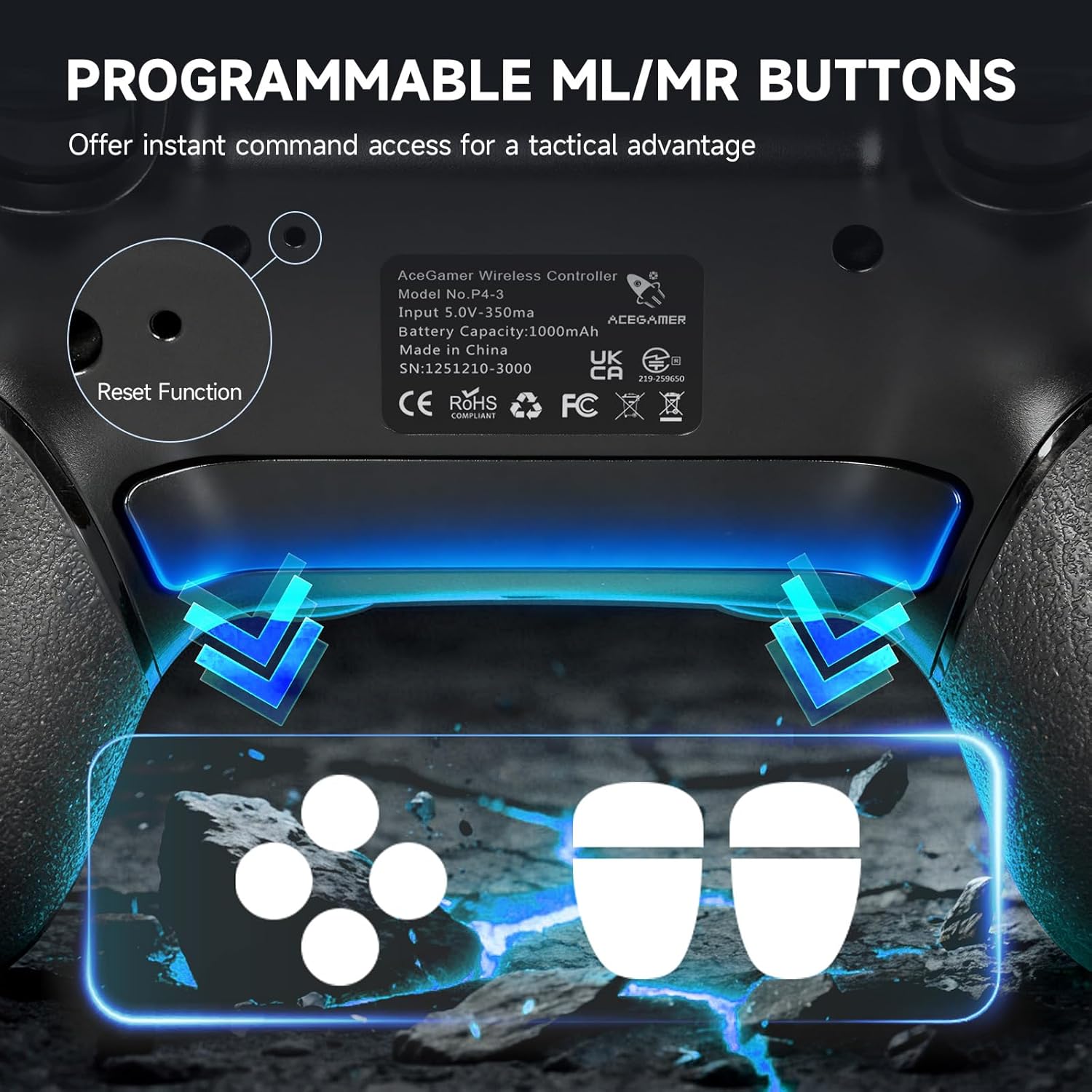
Then there are the two programmable back buttons. In practice, this is the kind of upgrade that can change how fluid your inputs feel—especially in games where you constantly jump, reload, crouch, or trigger abilities. Instead of awkward claw grip or button juggling, you can assign back-button actions to keep your thumbs on movement and aiming.
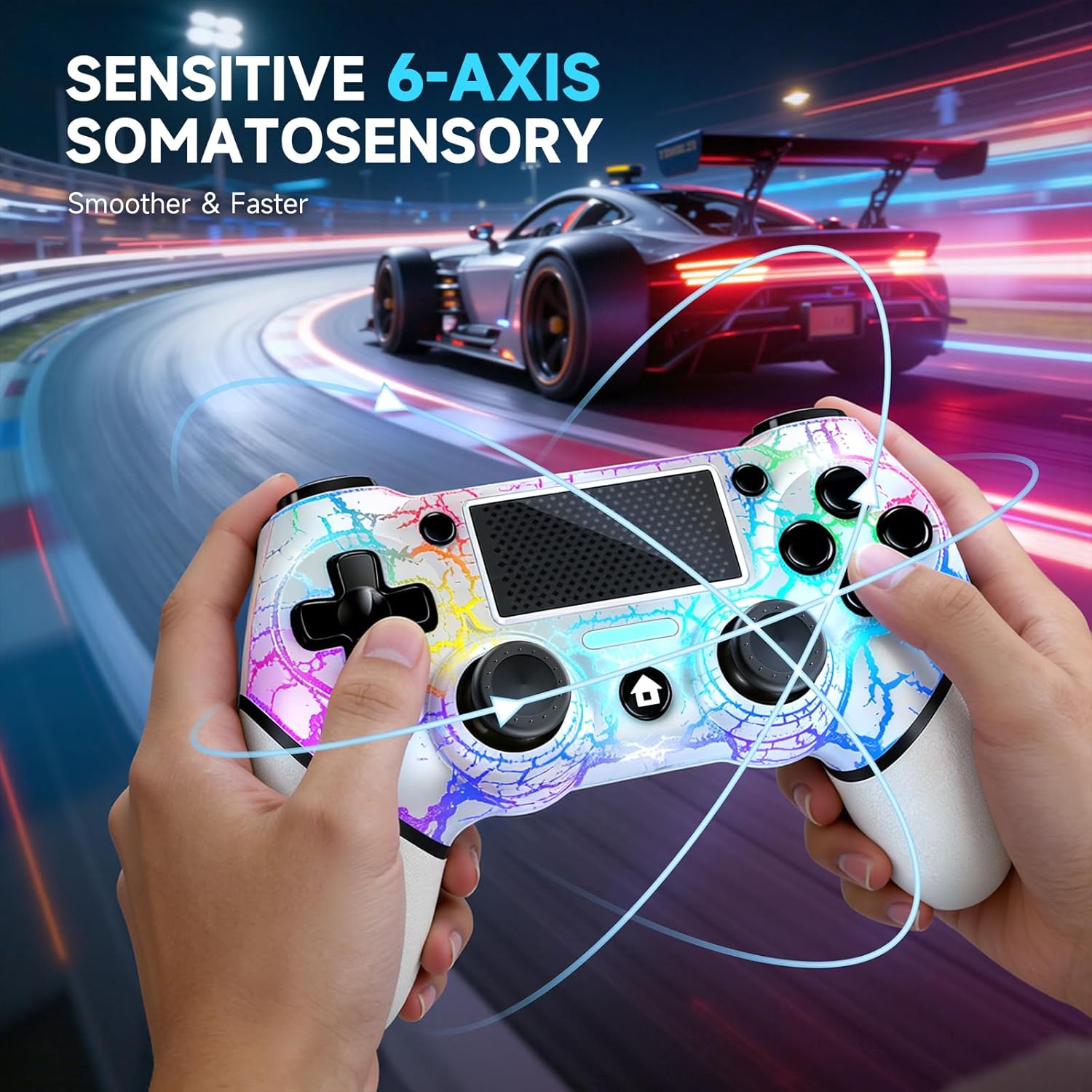
You also get a 6-axis gyro sensor and dual motor vibration for a more noticeable dual shock-style effect. It’s not about “more vibration for the sake of it”—it’s meant to make feedback feel more sensitive and useful.
Key takeaways (including the limitations)
Where this AceGamer 2-Pack makes sense is pretty clear: if drift-free aiming and faster-feeling control mapping matter to you, the Hall Effect sticks and extra back buttons are the core reasons to consider it. The ergonomic, non-slip grips are another practical detail for longer sessions.
But keep expectations realistic. Not every feature is equally important to every player. The lighting modes and RGB controls can be fun, yet they’re mostly cosmetic—so if you’re not into that, you may not get much “value” beyond the core control upgrades. Also, depending on how you use it, the wireless pairing steps and PC connection requirements could be slightly annoying.
Tech specs
- Type: Wireless controller for PS4 / PS4 Pro / PS4 Slim / Windows PC
- Control sticks: Dual Hall Effect sensing joysticks (magnetic sensors)
- Additional controls: 2 programmable back buttons
- Motion sensing: Built-in 6-axis gyro sensor
- Audio: 3.5mm audio jack
- Turbo: Customizable turbo key with adjustable frequency (three gears)
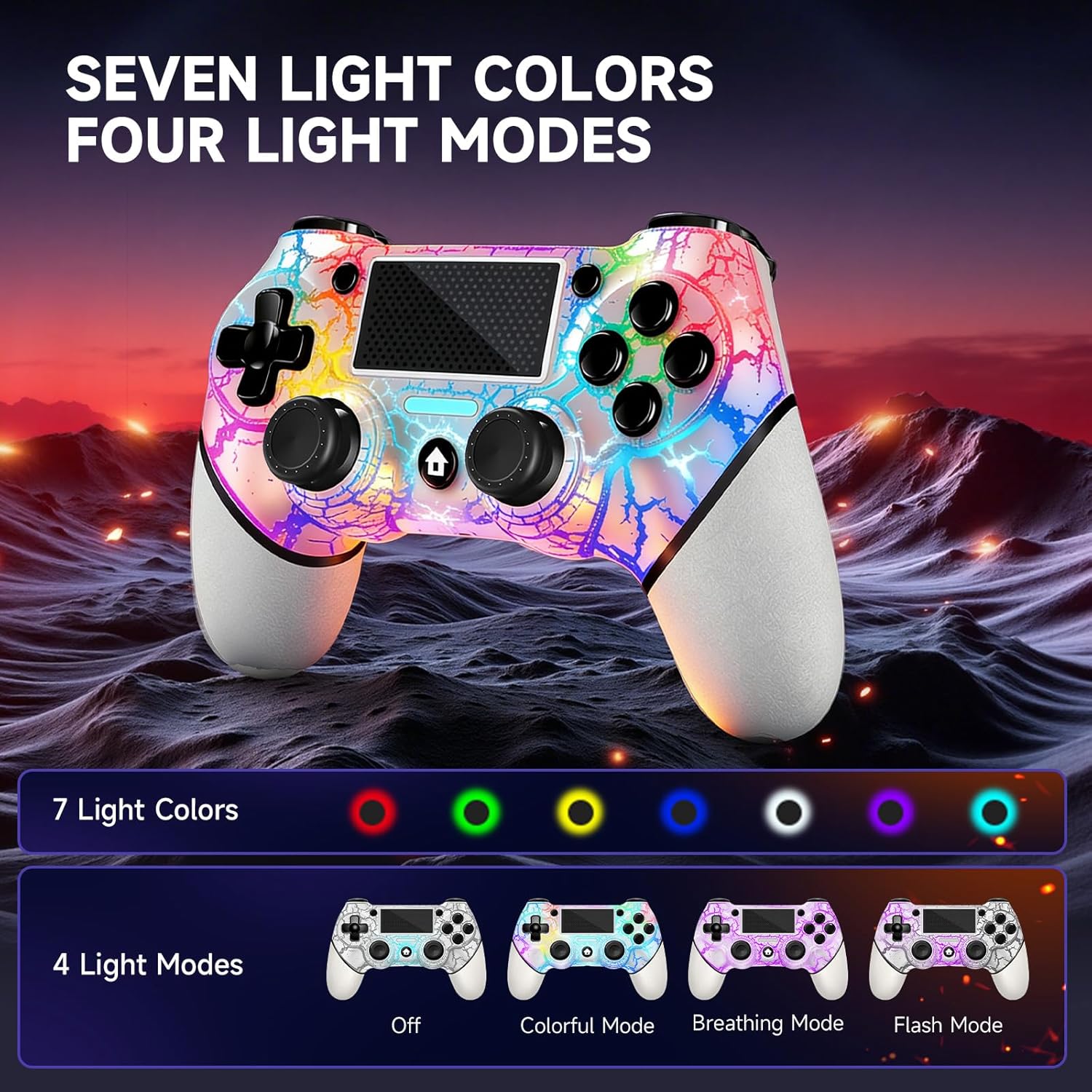
- Lighting: RGB light with three luminous modes (colorful light, breath light, flashing light), brightness adjustable across 4 levels
- In-box items: 2x AceGamer wireless PS4 controllers, charging cable, user manual
How setup and compatibility can affect your experience
Worth noting before buying: the listing says that for the first pairing, you must activate/connect the device using a USB cable. After that initial setup, normal wireless connection can be made via Bluetooth, and a USB data cable is no longer needed.
For PC usage, the guidance is more specific: connecting to a PC “without Bluetooth” requires installing a receiver, and the receiver isn’t included. So if your PC setup doesn’t handle Bluetooth for controllers, you may need to account for that extra requirement.
Who it’s for (and who should skip it)
It’s a solid pick if you want two PS4 controllers for day-to-day play and you care about joystick feel staying consistent—especially if you’ve been burned by stick drift on older controllers. The back buttons are also a strong match if you play shooters, action games, or anything where quick, repeatable actions help more than fancy cosmetics.
It may not be a great match if you mostly play casually and don’t want to deal with extra configuration steps, or if your PC connection plan relies on a setup that doesn’t include the required receiver for non-Bluetooth use.
Quick FAQ
Is the controller compatible with PS4, PS4 Pro, and PS4 Slim?

Yes—per the listing, it supports PS4, PS4 Pro, and PS4 Slim.
Does it connect wirelessly to PS4?
After first-time activation using a USB cable, the listing indicates you can use normal wireless Bluetooth connection without needing the USB data cable.
Does it work on PC without Bluetooth?
The listing says PC connection without Bluetooth needs a receiver that isn’t included, so you’ll want to confirm your PC setup first.
What are the programmable back buttons used for?
They’re additional buttons you can program, which can help you map frequently used actions to keep your thumbs focused on aiming and movement.
Final verdict
When it makes sense
Buy the AceGamer 2-Pack if you’re looking for a PS4 controller bundle that targets drift-free joystick behavior, adds two back-button shortcuts, and includes extra features like turbo, motion sensing, RGB lighting, and a 3.5mm audio jack. It’s especially appealing when you want two controllers ready to go and you play fast-paced games where control responsiveness and fewer thumb-twitch compromises matter.
Don’t buy it if your priority is minimal setup hassle or you’re planning to use it on PC without Bluetooth and don’t already have the needed receiver path covered. In that scenario, the “it works” story gets less straightforward than it sounds at first glance.