

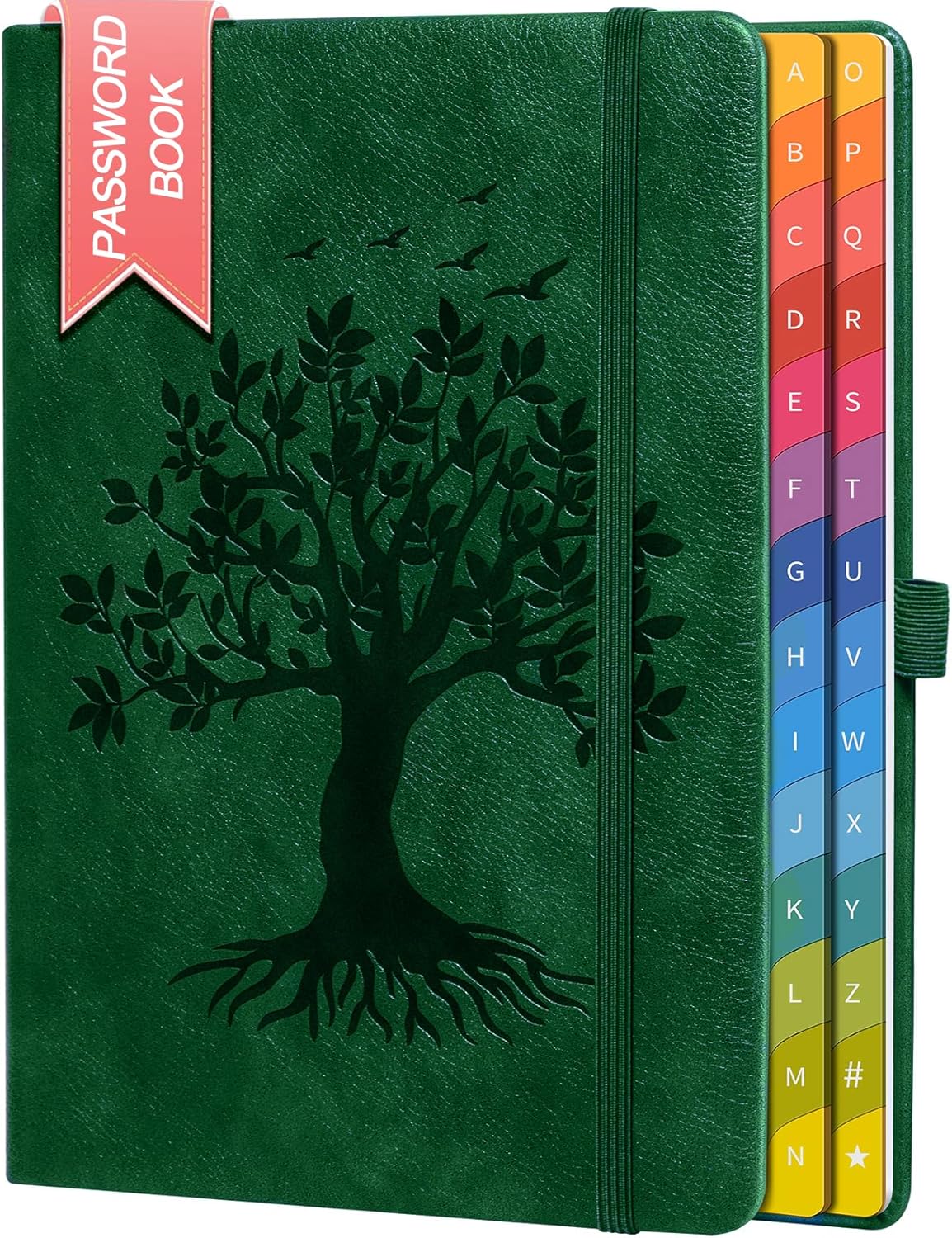
ZXHQ Password Book with Colourful Alphabetical Tabs (SeaGreen) — Hardcover password keeper
Product description
The essentials
If password chaos is starting to take over your day, a dedicated password book can feel like a surprisingly sensible middle ground. The ZXHQ Password Book with colourfuI alphabetical tabs is built for keeping internet addresses and logins in one place, rather than juggling scraps of paper, password notes in different apps, or constant resets.
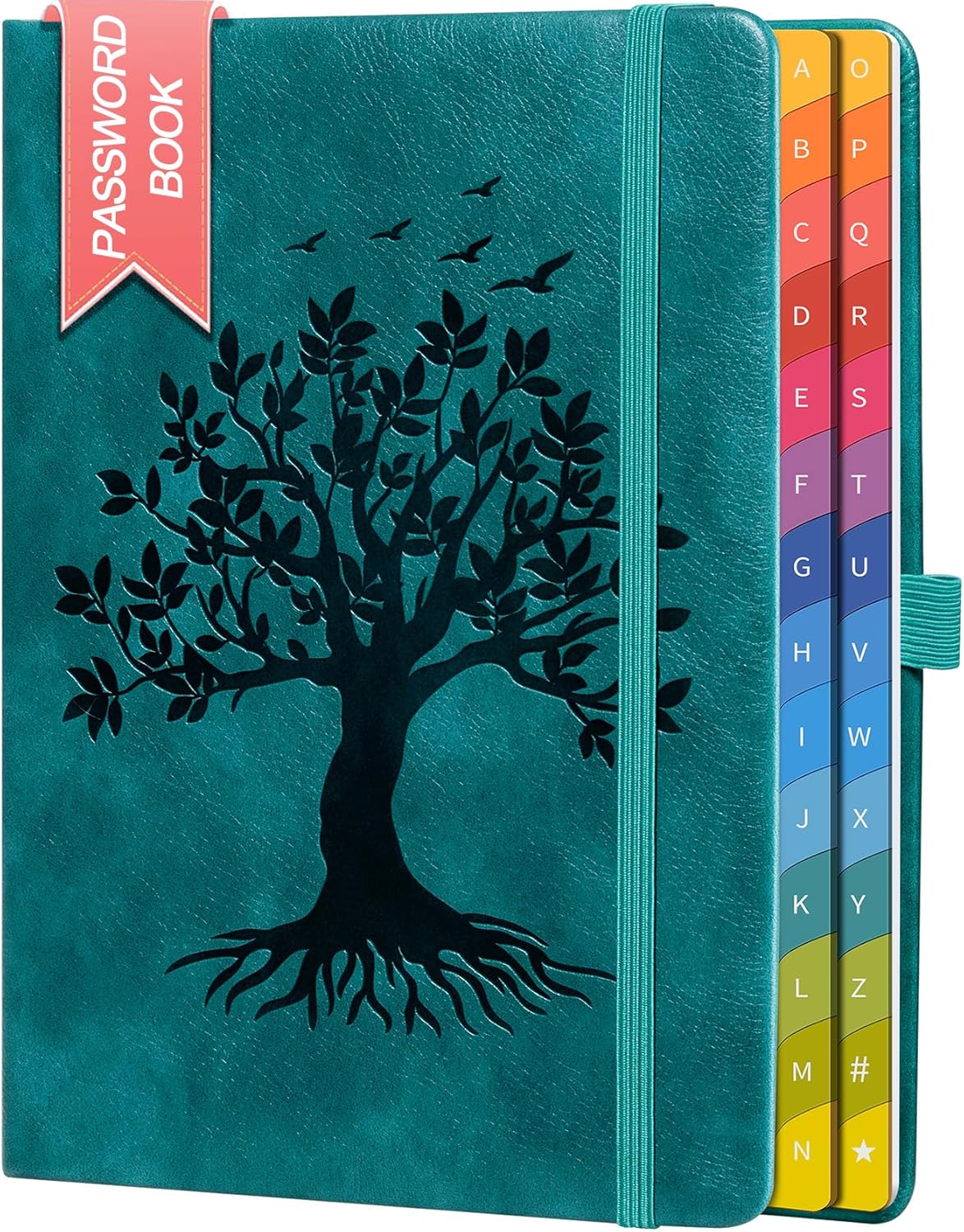
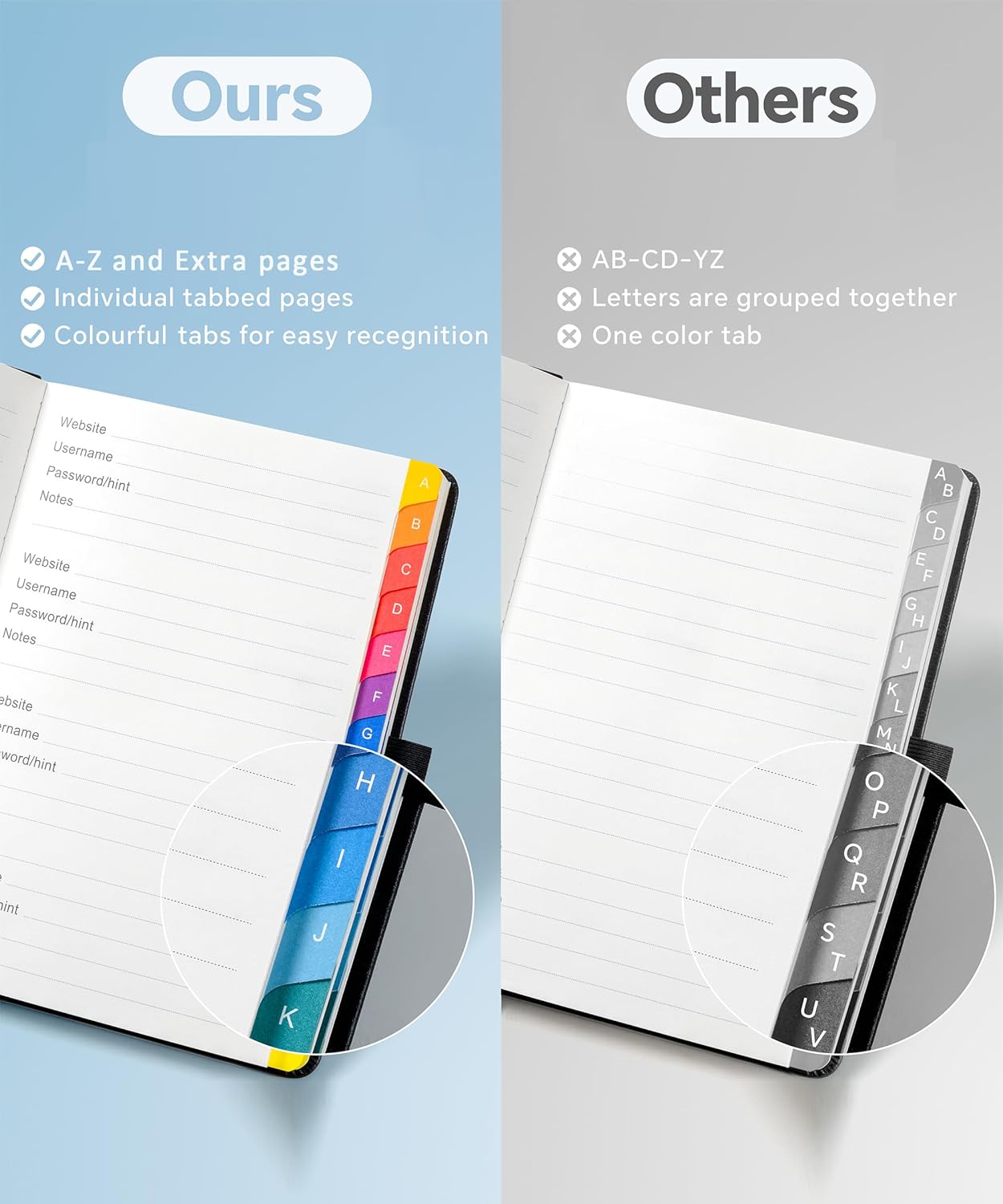
On paper, it’s the type of organiser you’d reach for when you need quick access and you already know the account you’re trying to reach (rather than relying on searching through messy notes). The colourful A–Z tabs are the main usability feature here: they’re designed to help you find what you need fast.
What it’s for (and what it won’t do)
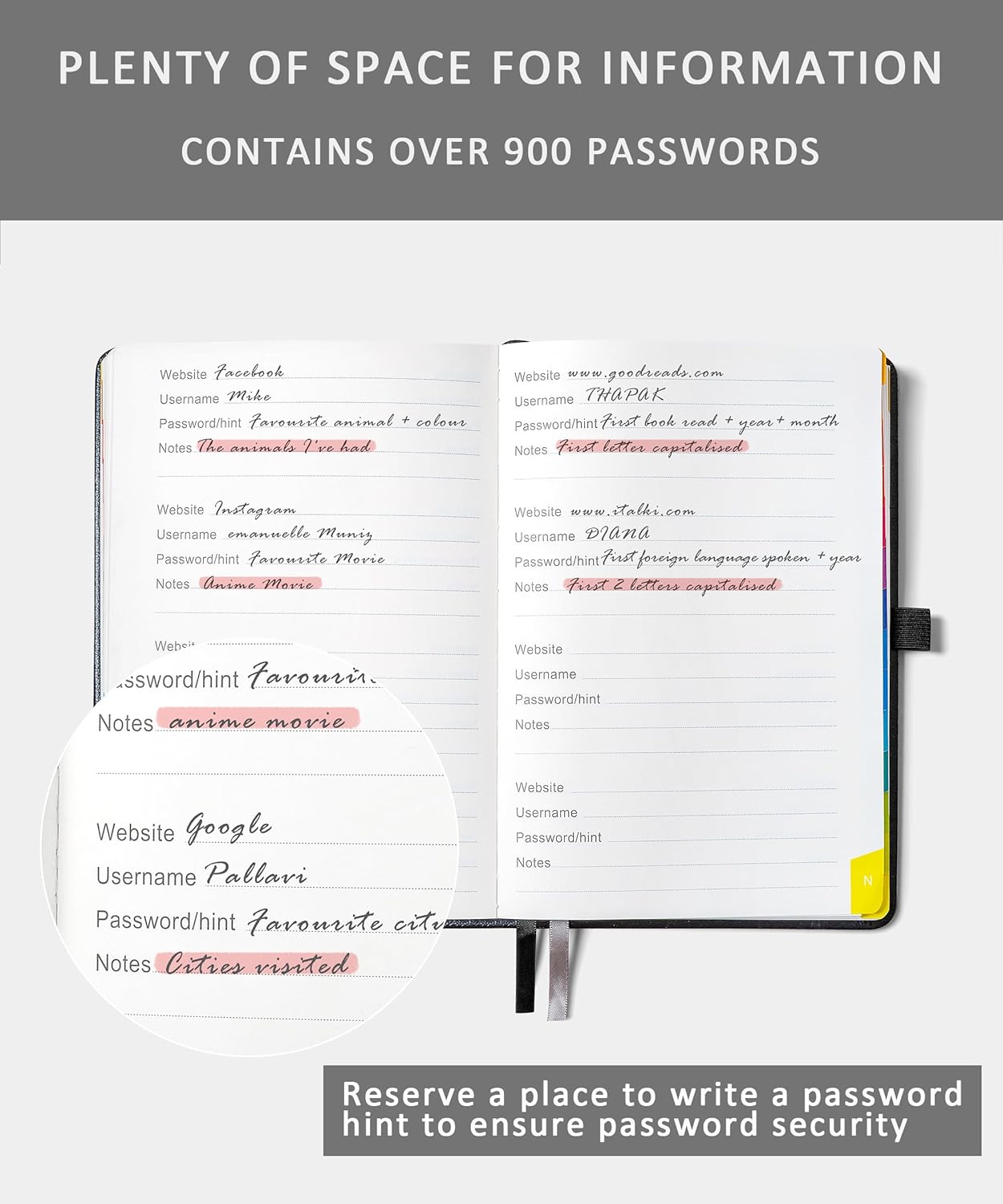
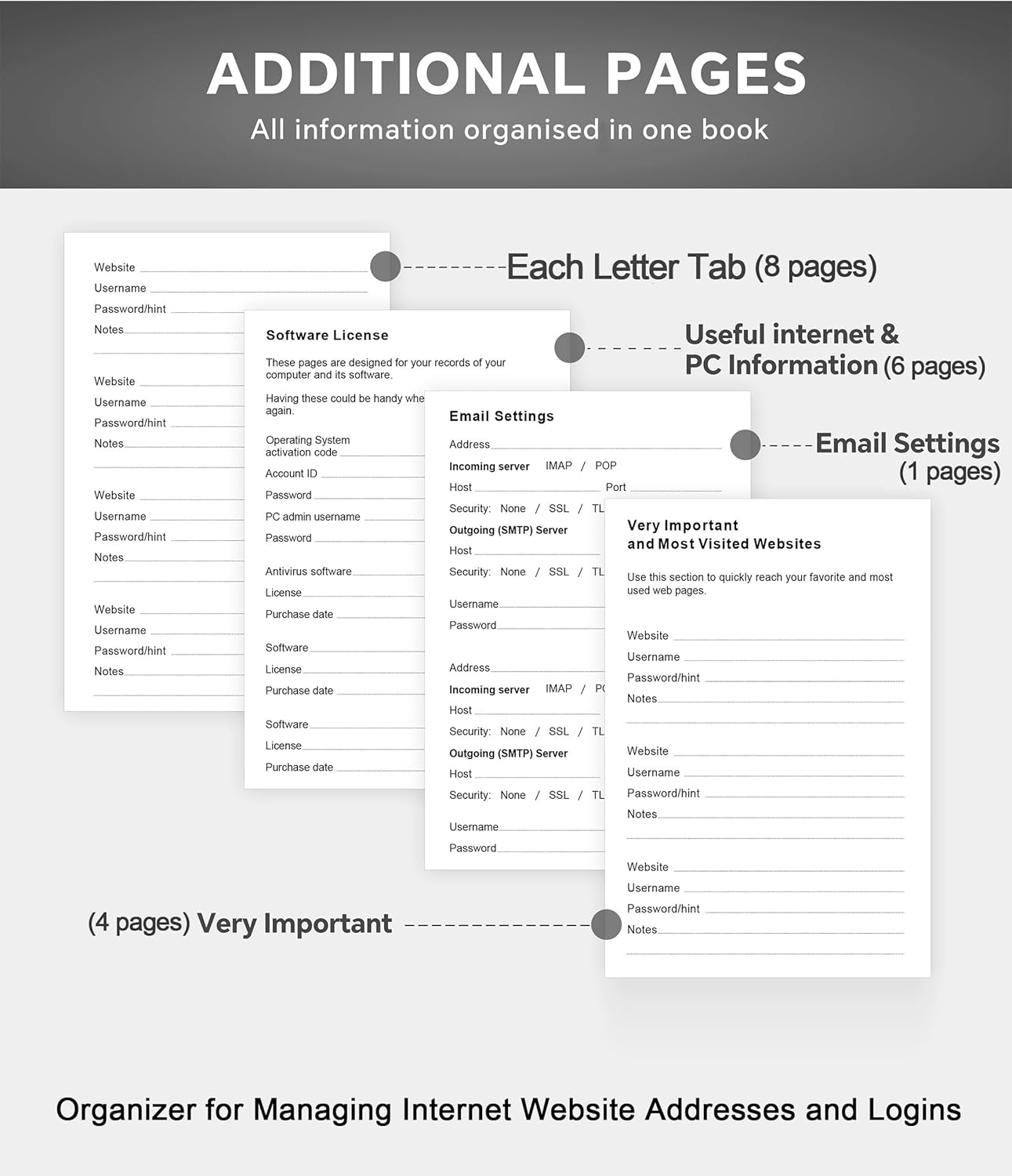
This is a physical password keeper and organiser. It’s intended for storing passwords, internet service provider details, wireless router settings, software licences, email settings, frequently visited websites and extra notes. It includes no visible labels or titles on the pages, which may suit people who prefer a cleaner look when the book is on a desk.
That said, it’s still a notebook. So if you’re looking for encryption, app-based autofill, or anything that manages passwords automatically, this won’t fit that job. It’s about centralising information in a single book, not replacing security tools.
It also helps to be realistic: for truly sensitive accounts, you’ll still want to think about where and how the book is stored in your home.
Where it stands out in everyday use
The most noticeable benefit is organisation. The alphabetical tabs with A–Z prints are meant to make retrieval quicker—especially if you frequently handle the same set of sites (email accounts, router admin pages, software licence details).
A practical example: imagine you’re setting up a new device and need your router settings. Instead of hunting through multiple notes, you can open the book, go straight to the relevant tab, and then use the included extra pages/notes space to jot down what you need for that setup.
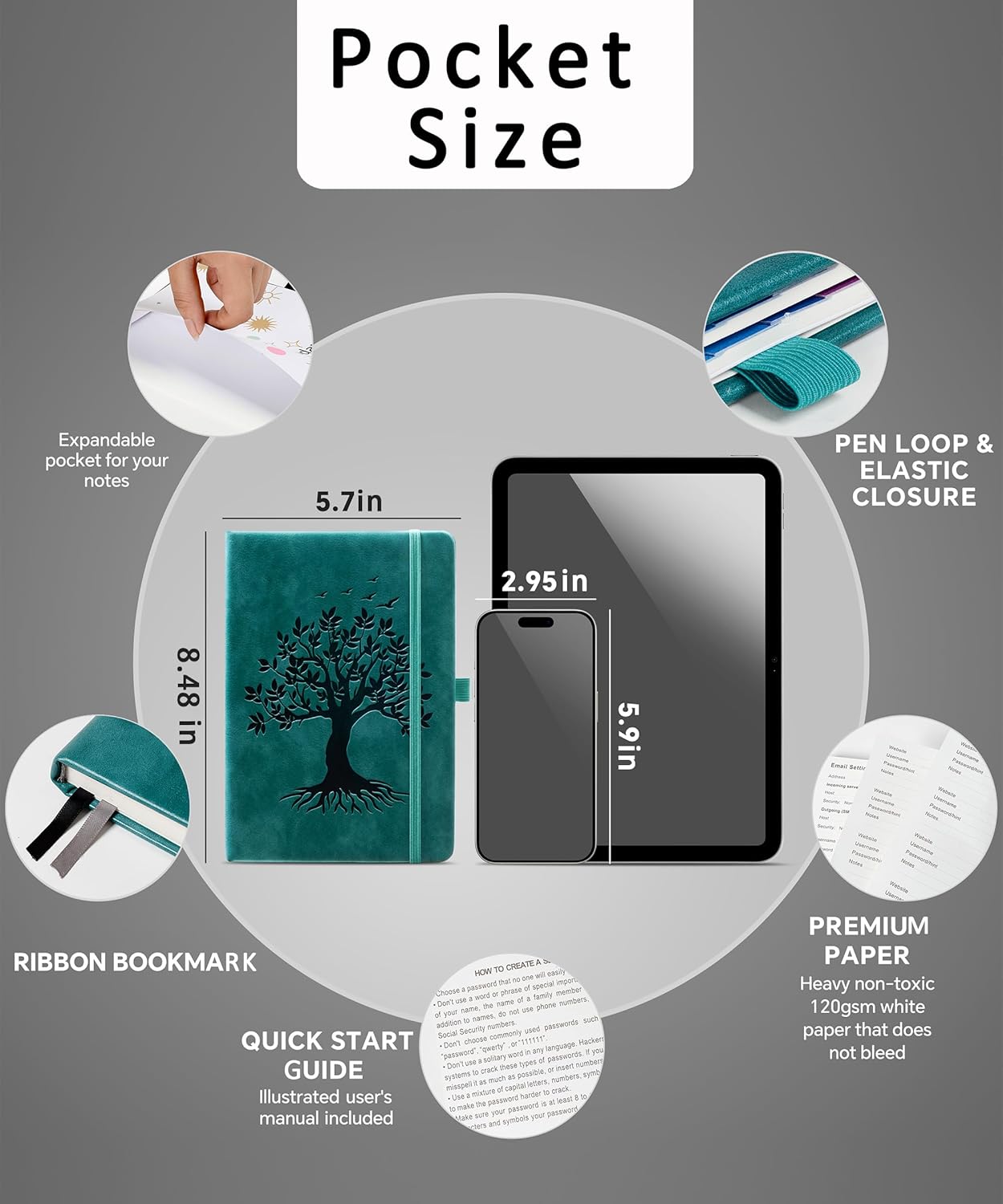
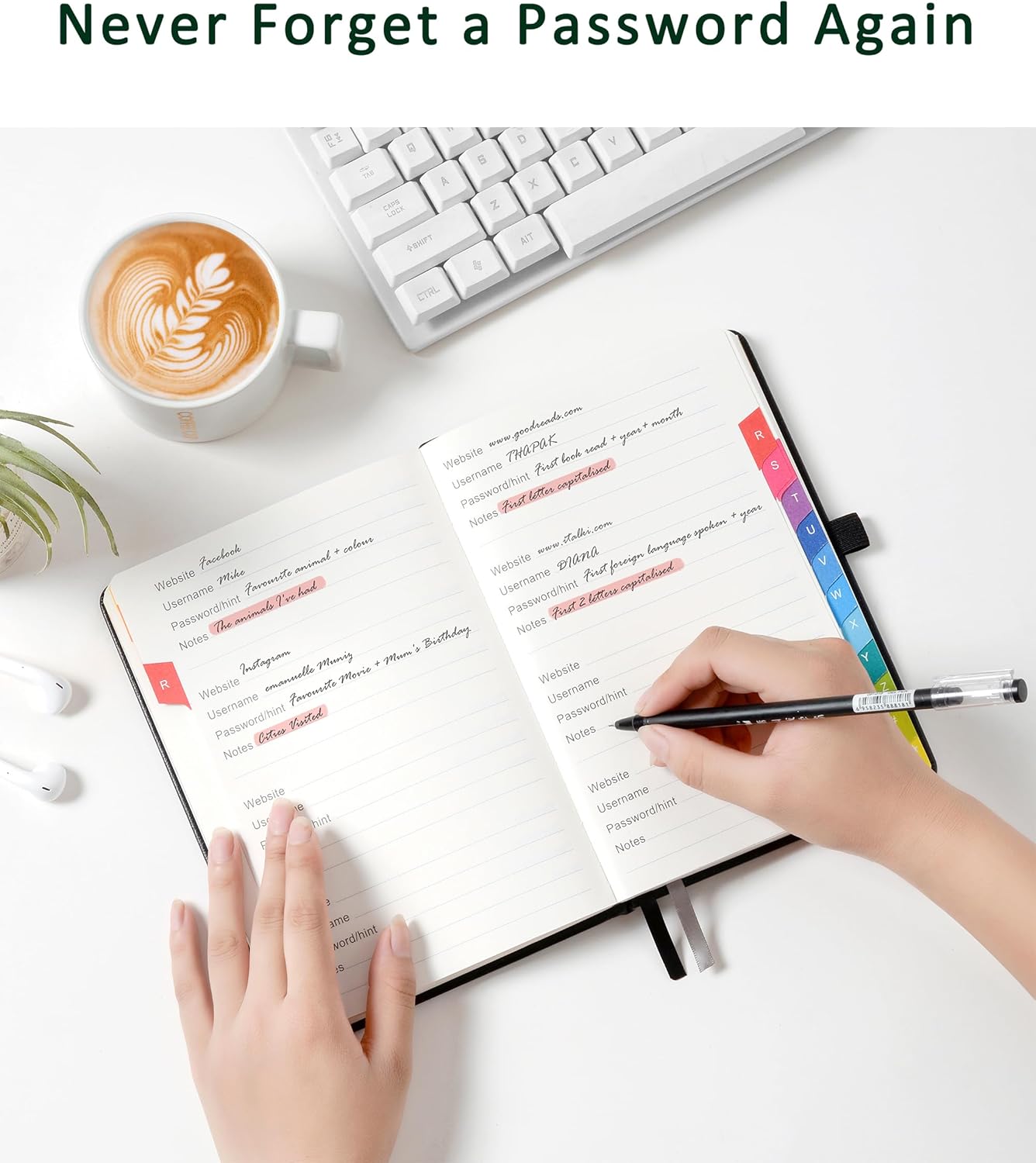
There are also small add-ons that make a difference for daily handling: two ribbon bookmarks for navigation, a fine inner pocket at the back for extra storage, and an elastic pen holder.
Storage capacity and page setup
If you’re worried you’ll run out of space, the capacity is a key selling point. The book has 240 pages of 120gsm thick paper, and the manufacturer states it can store up to 900 passwords.
The page paper thickness (120gsm) is positioned to help prevent ink bleeding. That’s not a guarantee with every pen and every writing style, but it’s a reasonable design choice if you plan to write entries yourself.
The size also matters if you keep it around: at 8.4" x 5.8", it’s compact enough to live in a drawer or bag without becoming bulky.
Technical details (quick overview)
Tech specs
- Name: ZXHQ Password Book with Colourful Alphabetical Tabs
- Type: Hardcover password keeper / organiser book
- Colour: SeaGreen
- Format/size: 8.4" x 5.8"
- Pages: 240
- Paper: 120gsm thick paper
- Tabs: Colourful alphabetical A–Z prints
- Includes: 2 ribbon bookmarks, fine inner back pocket, elastic pen holder
- Stated capacity: up to 900 passwords
Who it suits (and who should pause)
It makes sense if you want a straightforward, paper-based place to manage logins and key internet details, and you prefer being able to flip directly to the right section with an A–Z system.
It may not be the best match if you’re trying to reduce the risk of storing passwords in plain view. In that case, you may want to skip a password book entirely and stick to a more security-focused approach.
Worth considering if: - you manage several accounts and router/software details and want them in one consistent place - you like quick access via tabs rather than searching
Better avoided if: - you need password management features beyond note-taking and organisation - you’re not comfortable keeping a physical record of sensitive information
Should you buy it?
It’s a good buy for someone who values structure and quick lookup, especially with the colour-coded A–Z tabs and the included navigation extras. The 240 pages of 120gsm paper and the stated ability to store up to 900 passwords make it feel more “long-term organiser” than a short scratchpad.
However, don’t treat it as a replacement for modern password security. If your main goal is technical protection of credentials, you’ll likely want to look at options designed for that purpose. As a practical home/work organiser for internet and login details, though, the ZXHQ book is clearly aimed at reducing day-to-day friction—just make sure you’re comfortable with how you’ll store it.
Mini FAQ
Does it have visible labels on the pages?
No visible labels or titles are mentioned for the pages, and the focus is on the alphabetical tabs for navigation.
How do you find a password quickly?
The book uses colourfuI alphabetical tabs with clear A–Z prints so you can locate the section faster.
Is the paper thick enough to write on comfortably?
It uses 120gsm thick paper, which is intended to help prevent ink bleeding.
What else can you store besides passwords?
It’s described as suitable for internet service provider details, wireless router settings, software licences, email settings, frequently visited websites and extra notes.
How much does it hold?
The stated capacity is up to 900 passwords across 240 pages.