

UGREEN Vertical Laptop Stand adjustable for MacBook Air Pro
Reviews
Price
Product description
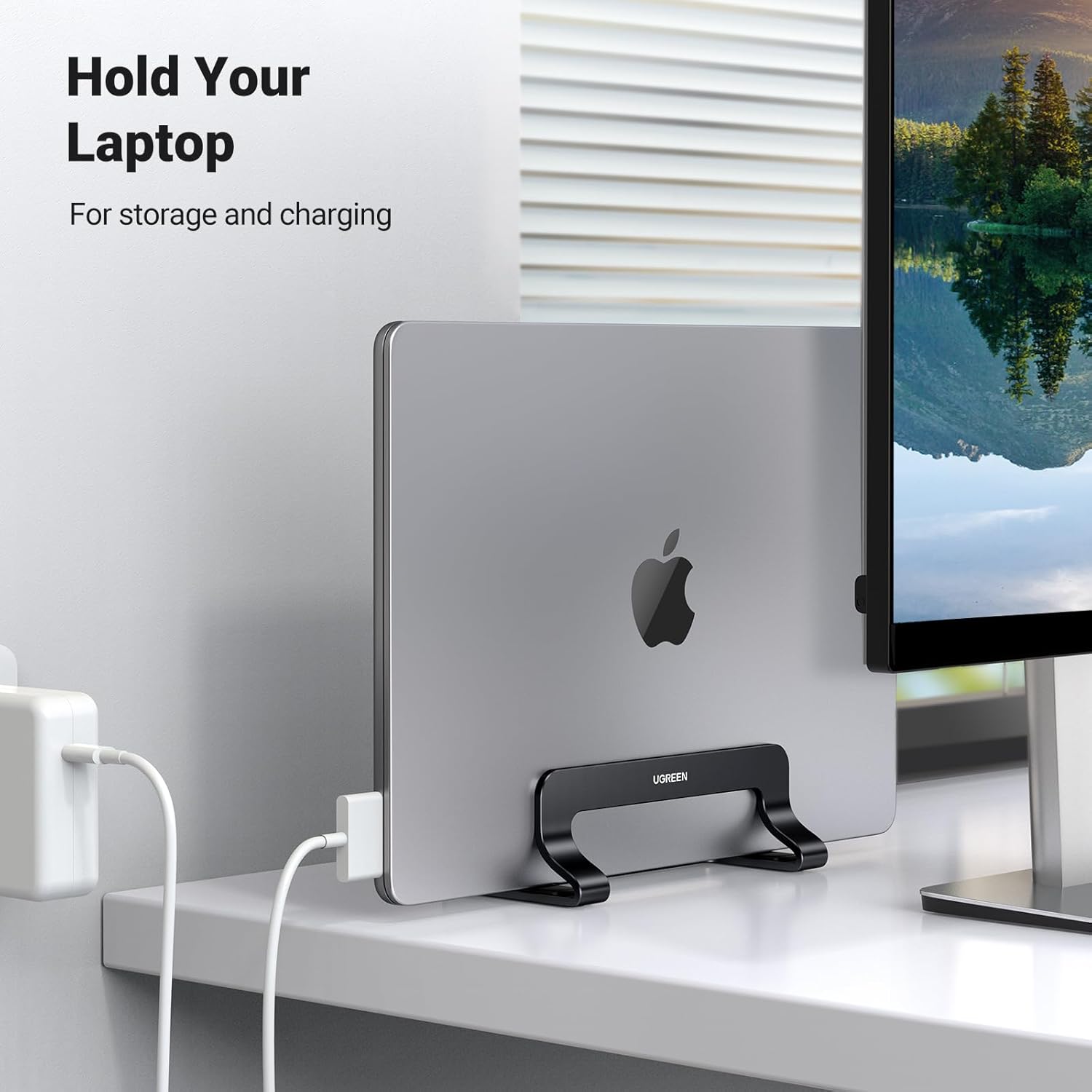
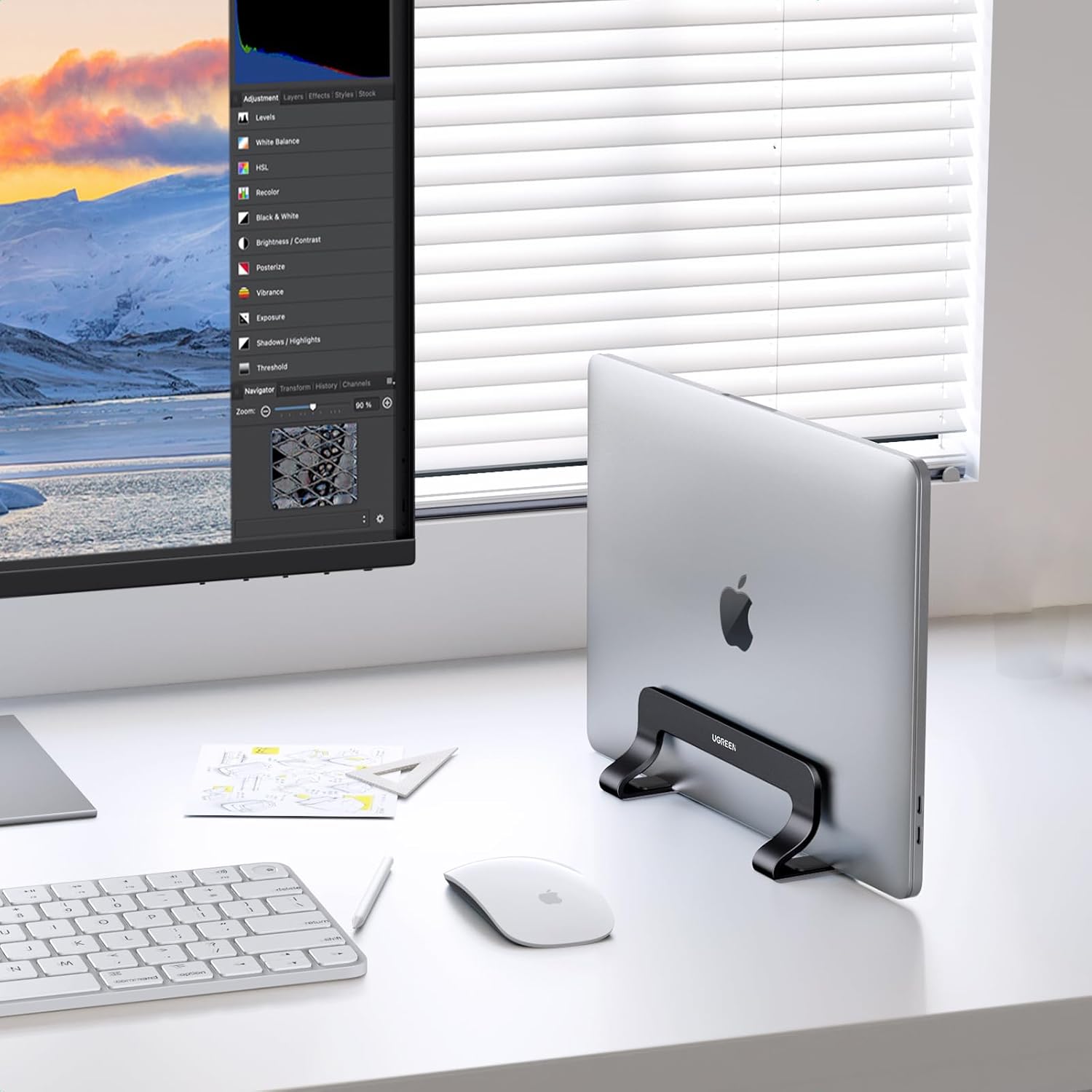
This vertical laptop stand for desk helps clear clutter and improve ventilation while holding a closed laptop safely upright, making better use of limited desk space. It works well as a simple docking solution for a home office or shared workstation, and is described by the manufacturer as adjustable for laptops up to 15.6 inches.
Key Points
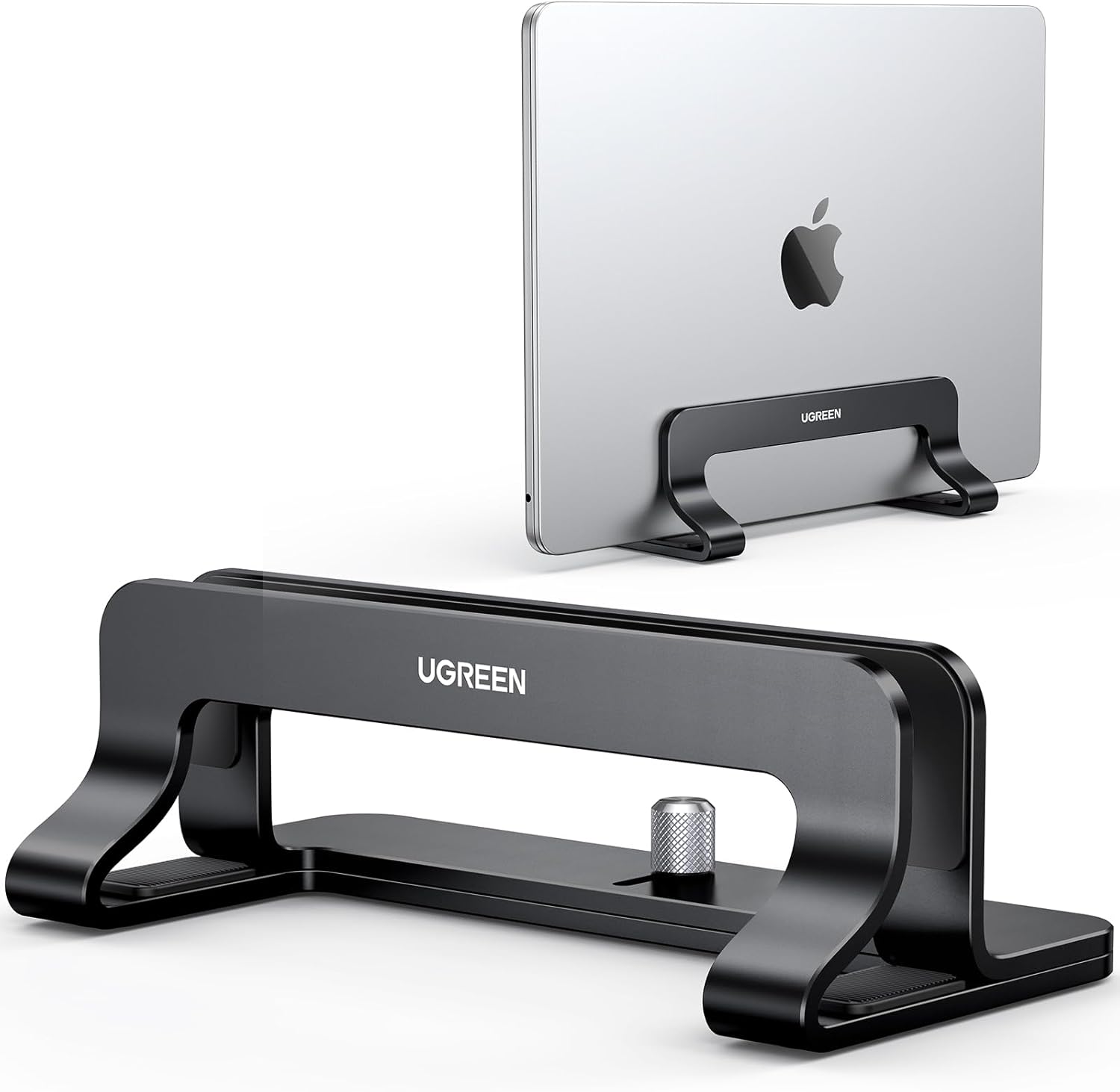
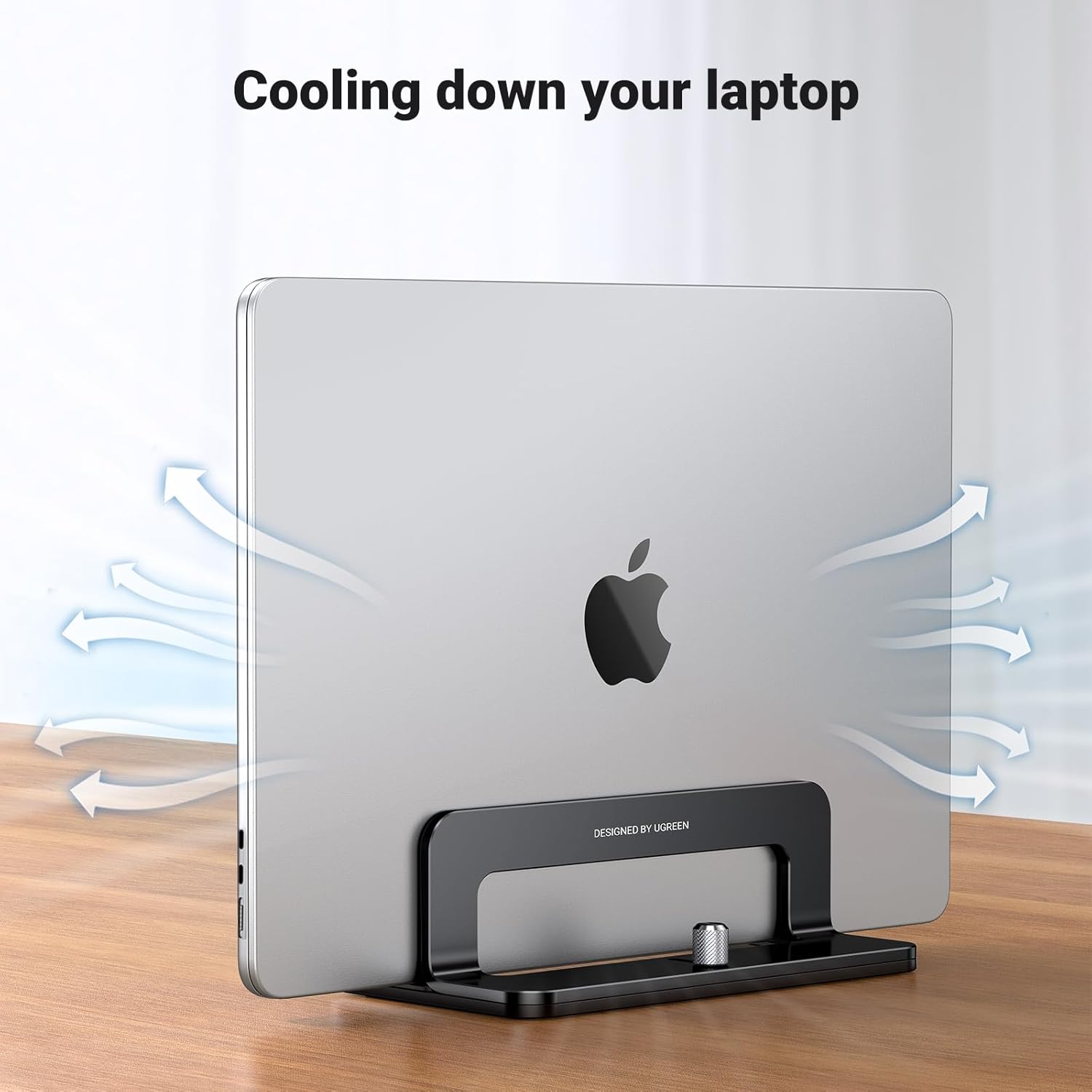
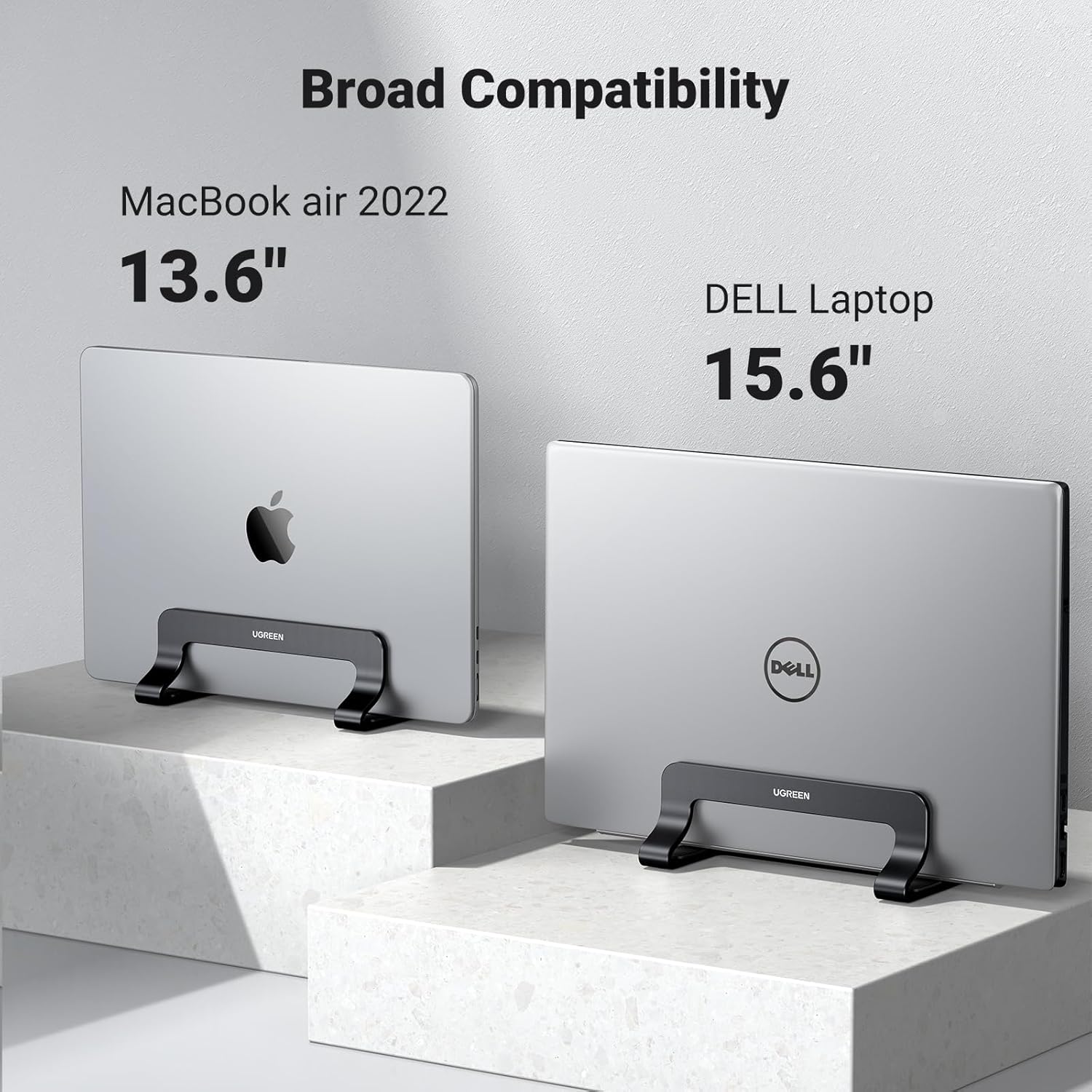
The stand is made from aluminium alloy that matches the look of many silver laptops and offers a slim, minimalist profile that tucks neatly on a shelf or under a monitor. It fits a range of devices including MacBook Air and MacBook Pro models, Windows laptops up to 15.6 inches, and can also be used to hold tablets, hardcover books or thin folders. The vertical arrangement frees horizontal surface area and improves airflow around the stored device, which may help heat dissipation during periods of heavy use 😊.
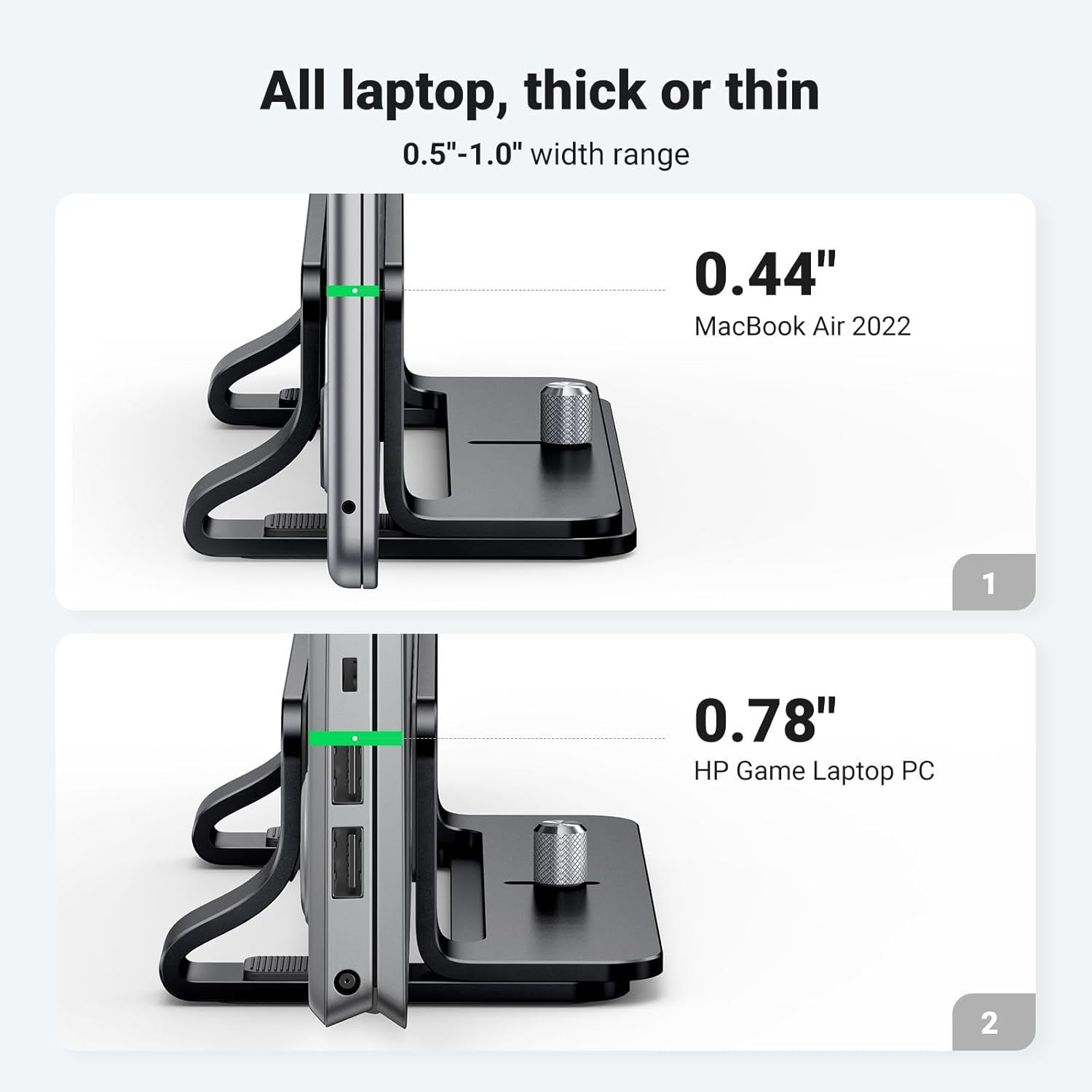
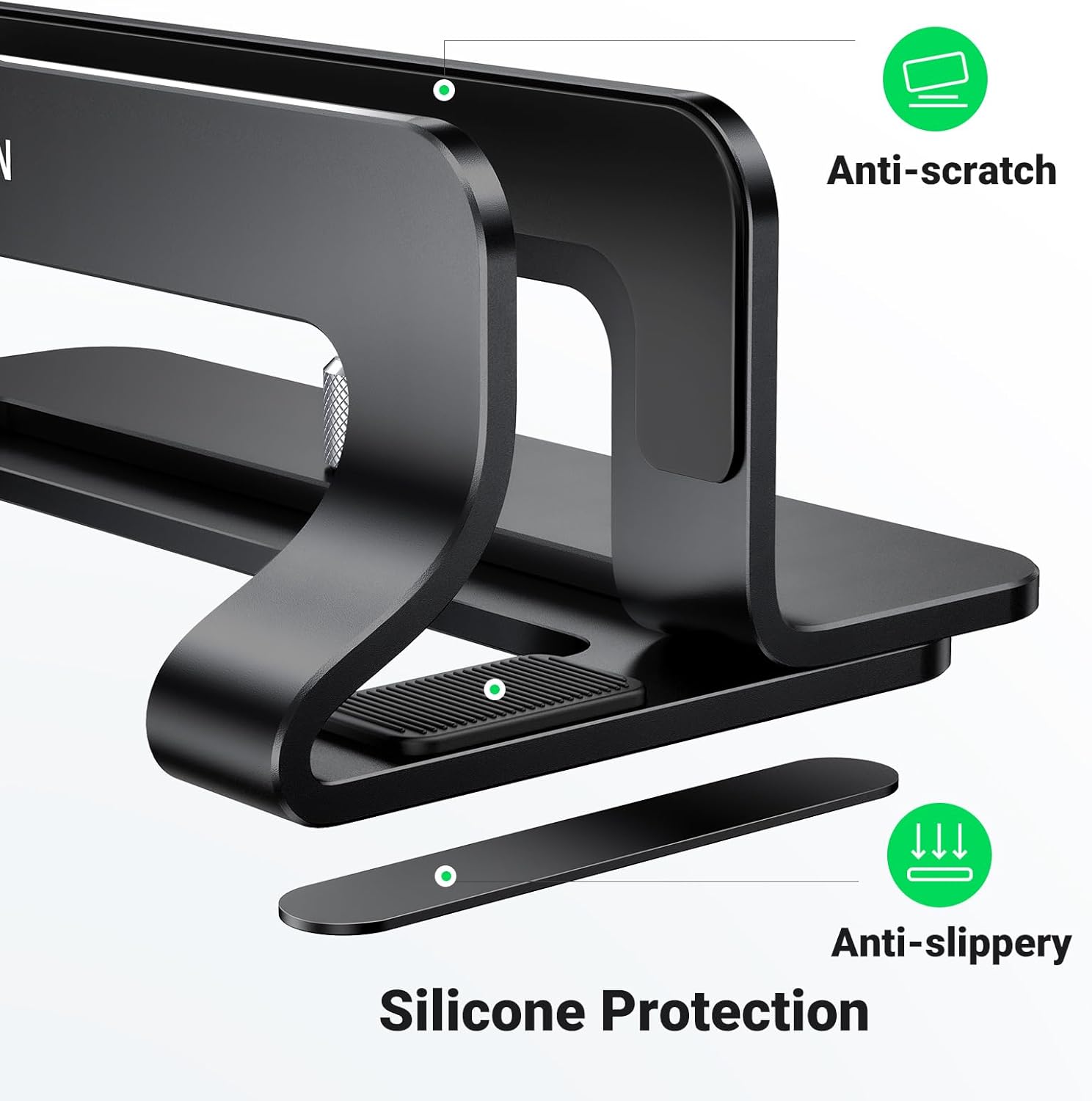
Rubberised contact pads protect the laptop from scratches and increase friction to reduce slippage. Screws on the base allow the user to set the inner gap between approximately 1.25 cm and 2.55 cm, so the stand can be tightened to suit thicker or thinner machines. Note that devices thicker than the maximum gap or very large workstation laptops may not sit securely, according to the manufacturer.
Technical Specifications
- Name: UGREEN Vertical Laptop Stand for Desk Adjustable Laptop Holder Dock Aluminum Desktop Stand
- Material: Aluminium alloy
- Width range: 1.25 cm - 2.55 cm (adjustable)
- Compatible size: Up to 15.6 inches
- Colour: Black
- Anti-slip protection: Silicone pads on base and contact surfaces
Usage Recommendations
Place the stand on a stable, level surface and set the screws to the required gap before inserting your laptop to ensure a snug hold. For dual-boot or multi-device setups, keep the stand near your docking station or hub to route cables neatly and reduce strain on connectors. The open, cut-out profile aids passive cooling, but do not rely on the stand alone for prolonged heavy thermal loads; consider additional ventilation or a cooling pad when performing extended intensive tasks 🔧.
To protect finishes, clean the stand with a soft, dry cloth and avoid abrasive cleaners. When storing thin devices such as tablets, place a small soft cloth between the device edge and the silicone pad if you notice any pressure marks. The vertical design offers space savings and better desk organisation, and may be less suitable if you frequently open and close a single laptop on the desk rather than using it docked upright 📚.