

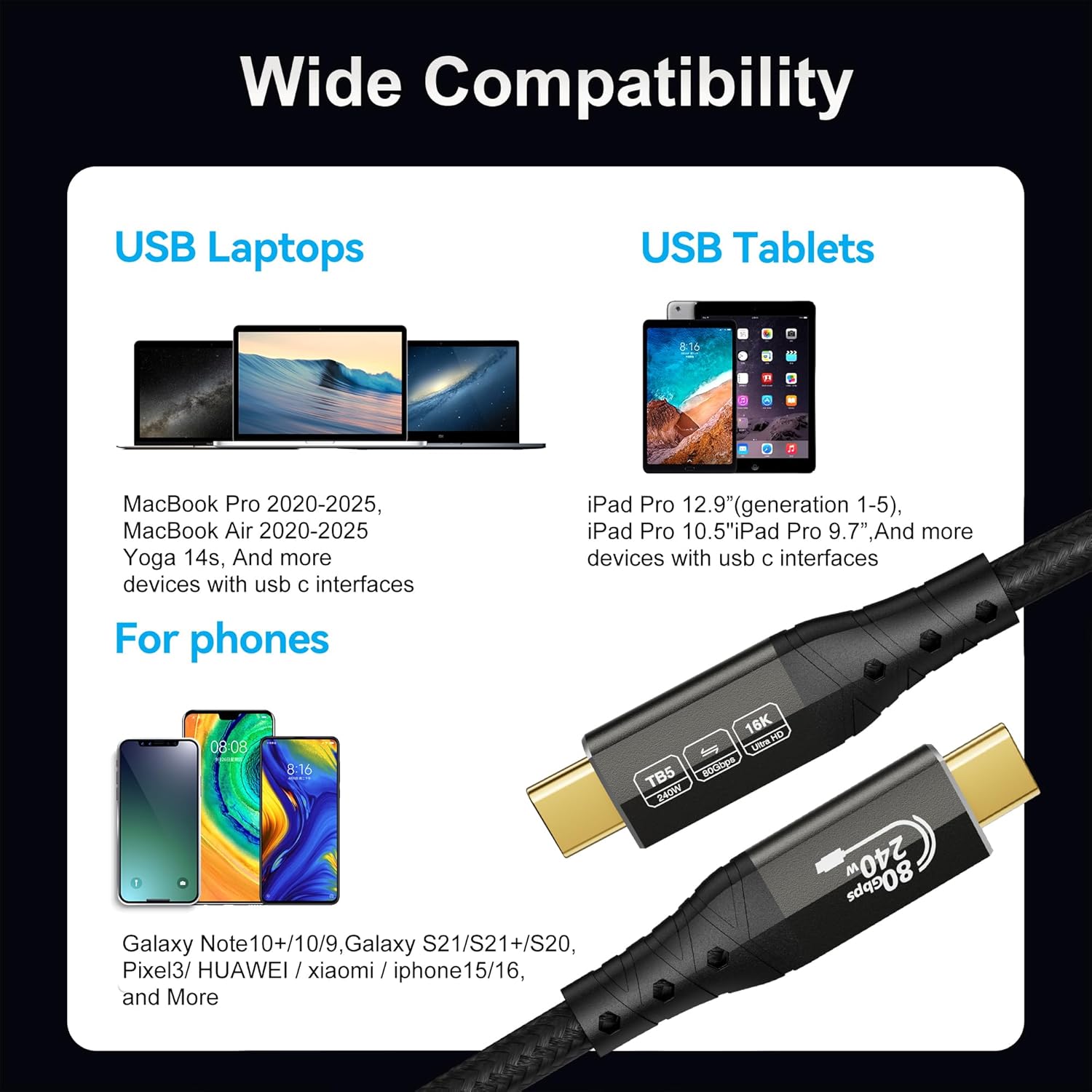
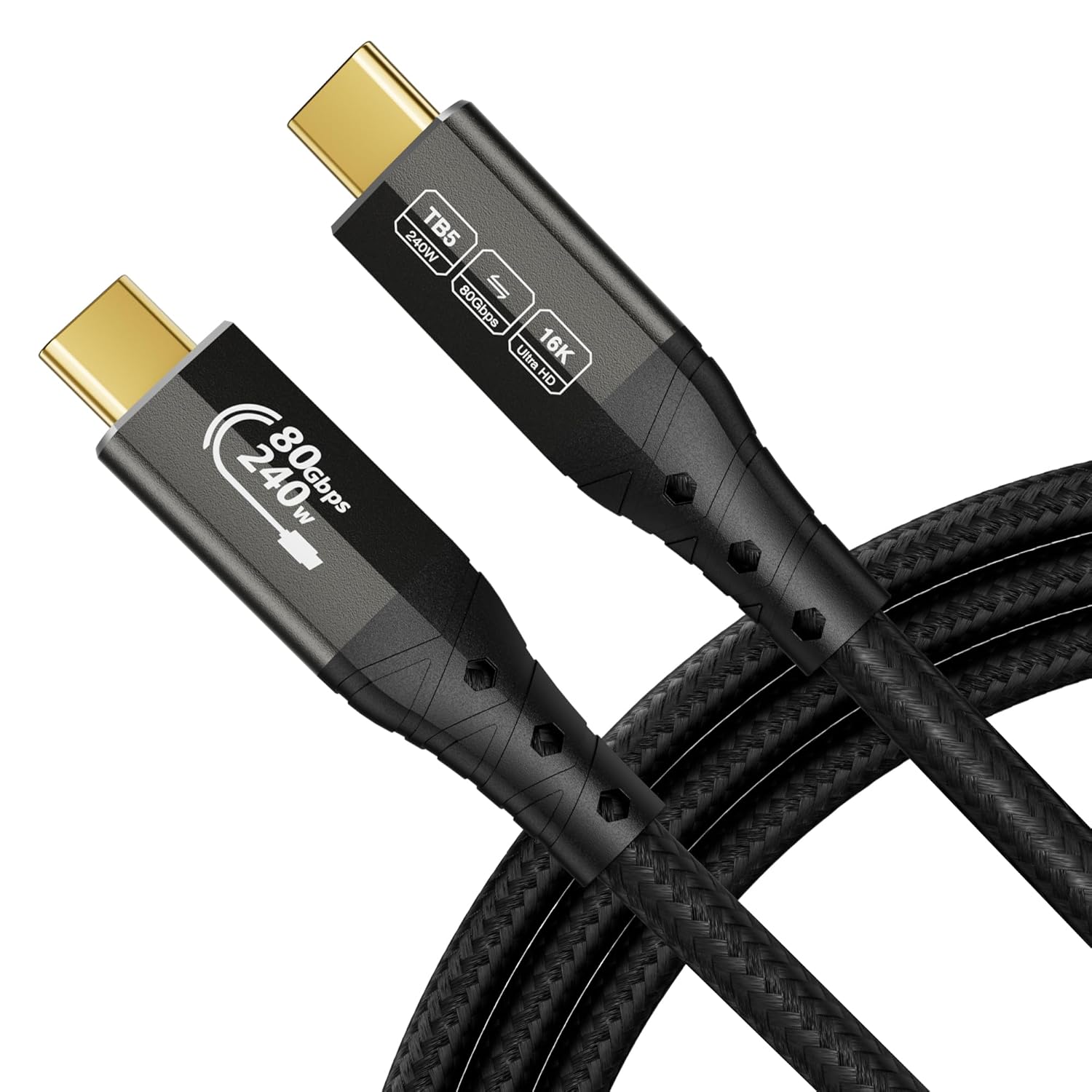
ZIKNYDO USB-C 8K Thunderbolt 5 Cable 3m (USB4 2.0) with PD 3.1 up to 240W
Product description
The essentials
If you’re trying to get the most out of a Thunderbolt-capable setup, the ZIKNYDO Thunderbolt 5 cable is built around one goal: fast, high-bandwidth connections over a USB-C style cable that’s meant to work across Thunderbolt generations and USB standards. The headline numbers it leans on are 80Gbps for data transfer and up to 240W charging (via PD 3.1), which is a sensible combination if you want your laptop dock, display(s), SSD or eGPU connection to feel less like a compromise.
On paper, it’s positioned for people with multi-monitor needs, high-resolution display setups (including 16K support), and workloads where transfer speed and display bandwidth matter. It also looks aimed at heavier device charging, not just “charge the laptop occasionally”. That said, cables only do so much: your device and ports need to support the same capabilities for you to actually see the top-end features.
Key features that matter in daily use
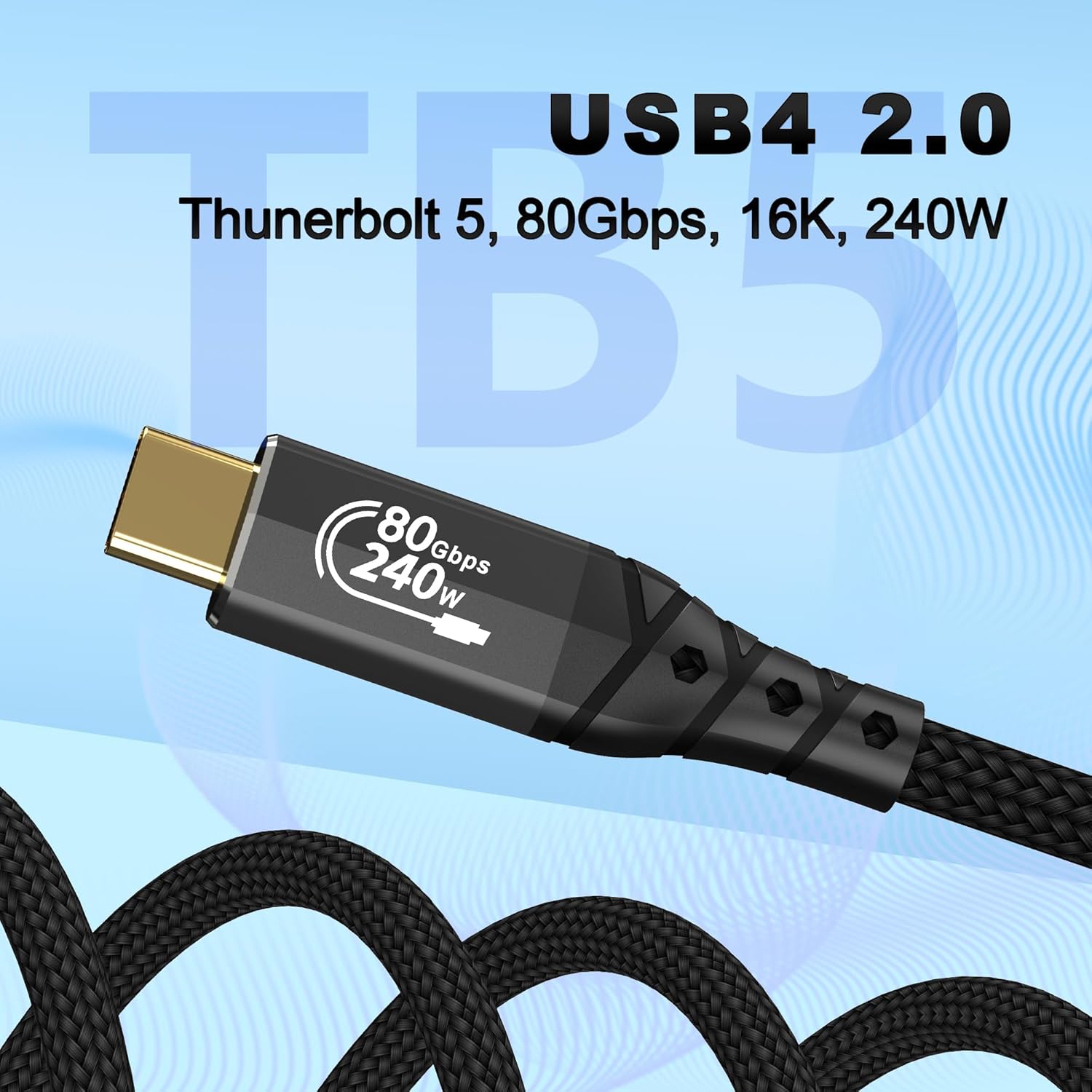
This is described as a “USB4 2.0” cable that’s claimed to be fully compatible with Thunderbolt 5, and also compatible with previous Thunderbolt and USB versions. In practical terms, that matters if you mix newer and older hardware in one desk setup, or if you’re future-proofing for a Thunderbolt 5 capable laptop/dock.
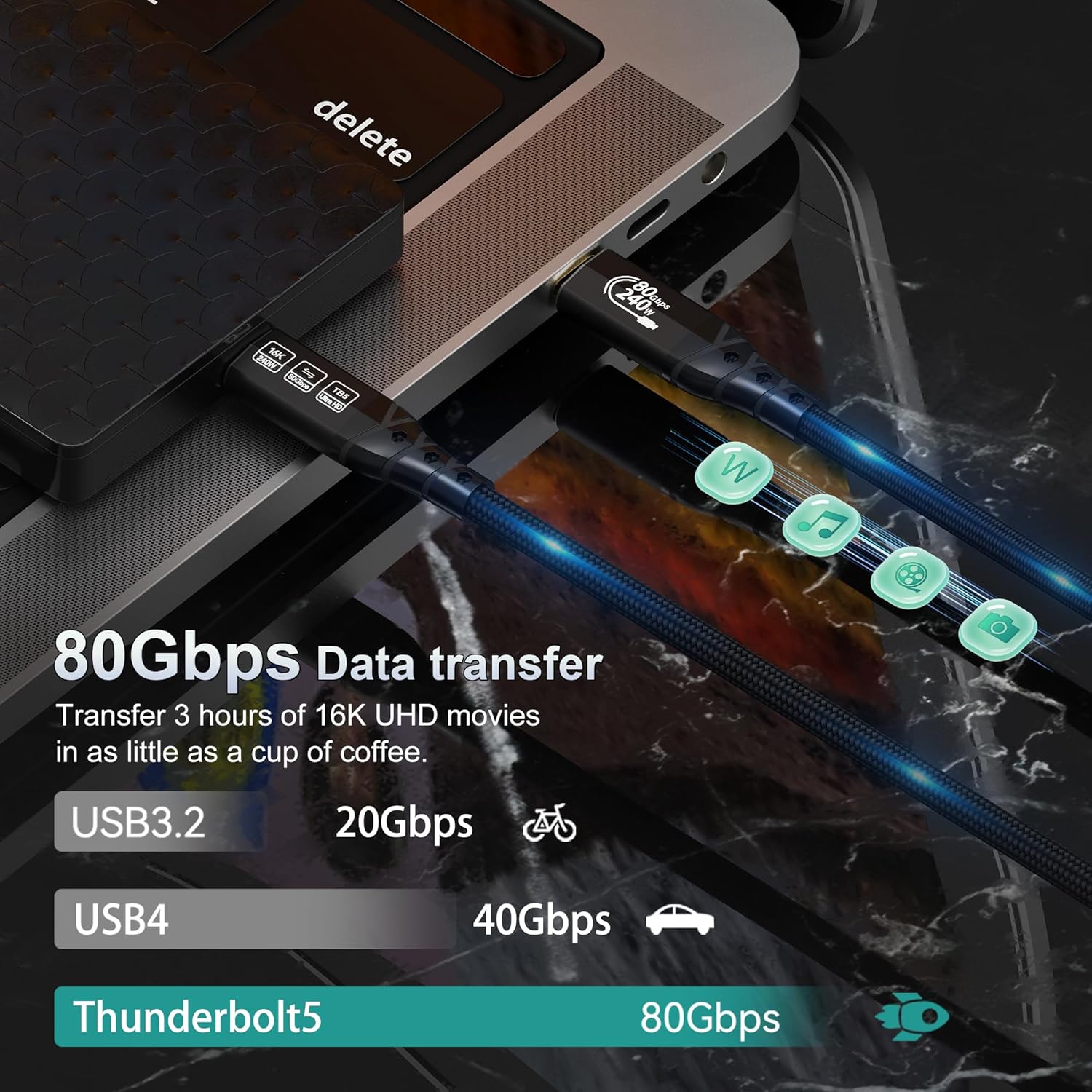
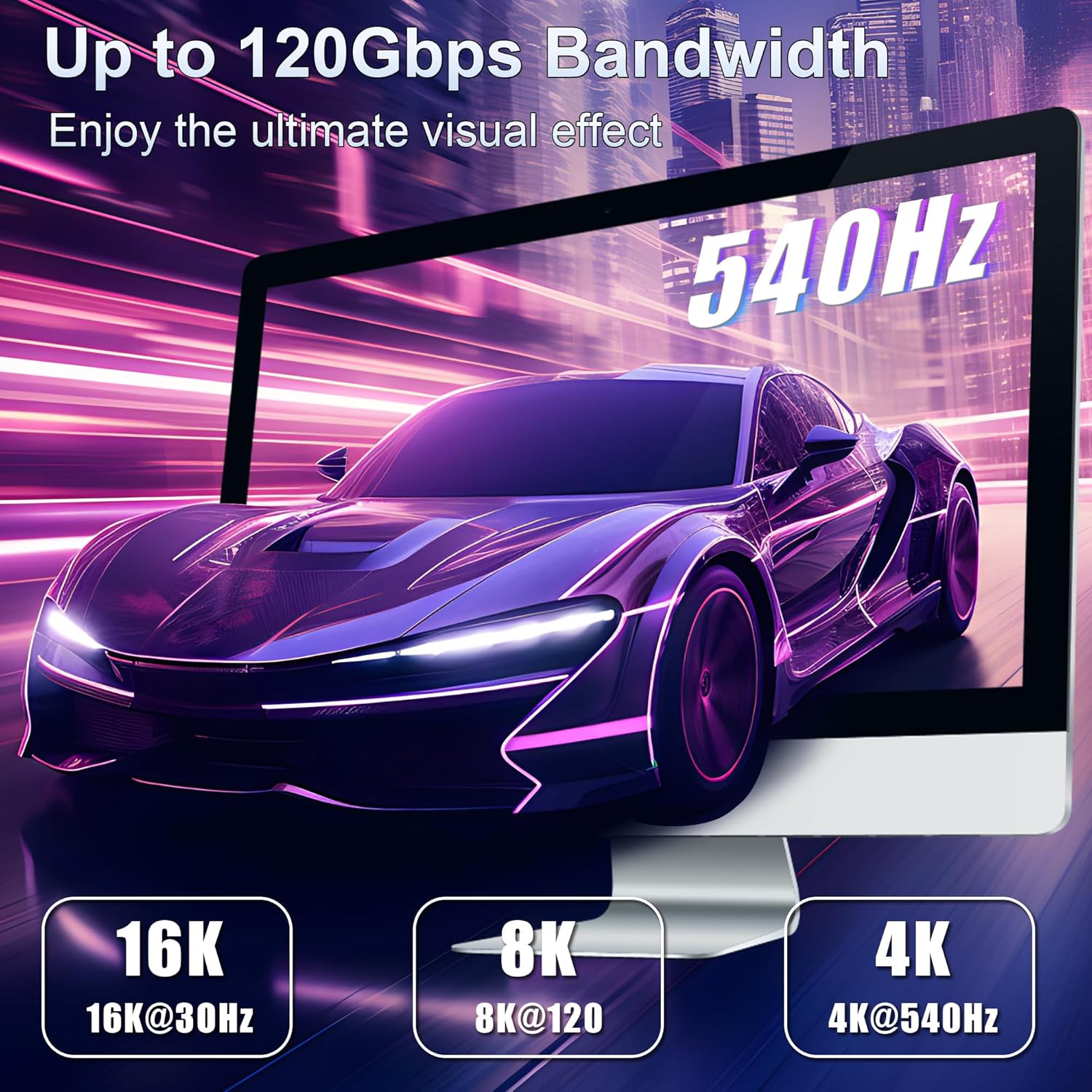
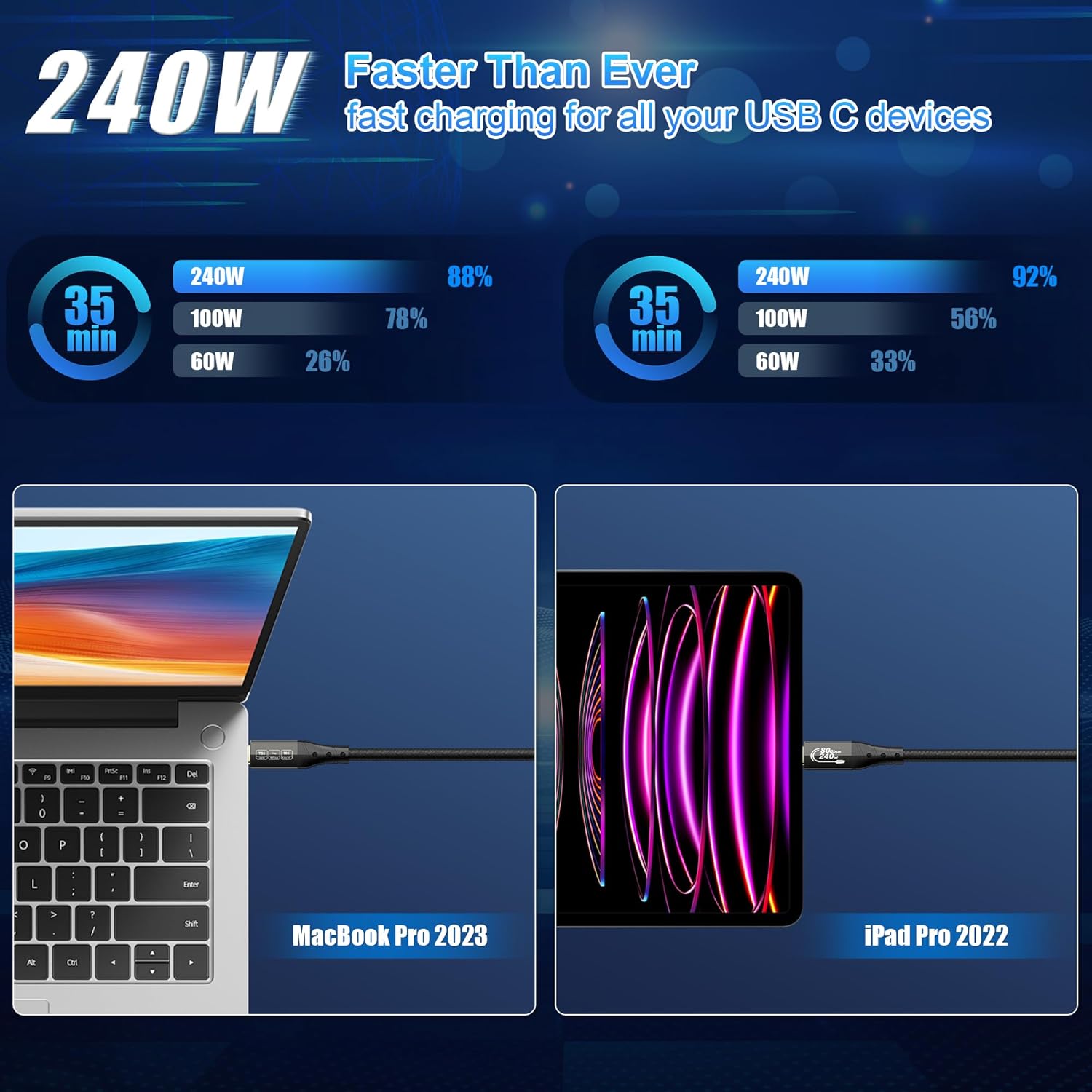
For performance, the key points are: - 80Gbps bi-directional data transfer for fast file movement and quicker backup/archiving workflows. - Video capability for multi-monitor setups with support for DP2.1 and daisy-chaining, plus specific multi-display configurations (including up to one monitor at 16K, or combinations of 4K144Hz / 6K / 8K displays depending on the scenario). - eGPU support via 120Gbps video bandwidth, intended for graphics-intensive uses like 3D, professional apps and virtual reality. - High-power charging with PD 3.1 up to 240W and 15W reverse power, aimed at high-performance laptops and similar devices.
If you picture your day as: plug in the laptop to a dock, run one or more monitors, and also move large files to an external SSD, this cable is designed for that “one cable to do a lot” style of routine.
What stands out (and what to be careful about)
Where it shines is the mix of throughput + charging + display support. Many USB-C cables focus on charging or on data, here, the intent is clearly to cover all three at once, including demanding display paths (multi-monitor) and eGPU use.
That said, it’s not magic. The cable’s best claims (Thunderbolt 5 class performance, specific refresh rates/resolutions, and the full charging wattage) depend on your laptop/monitor/dock/adapter supporting the same standards. If your other gear only negotiates lower capabilities, you may end up with a “good cable, but you won’t reach the headline numbers” situation.
Also, the long-ish run (3m) can be a trade-off: long cables can be less forgiving than shorter ones in some real-world setups, especially if you’re chasing maximum display bandwidth. It’s still a common length for desks and workstations, but it’s worth bearing in mind.
Quick overview of the build and durability
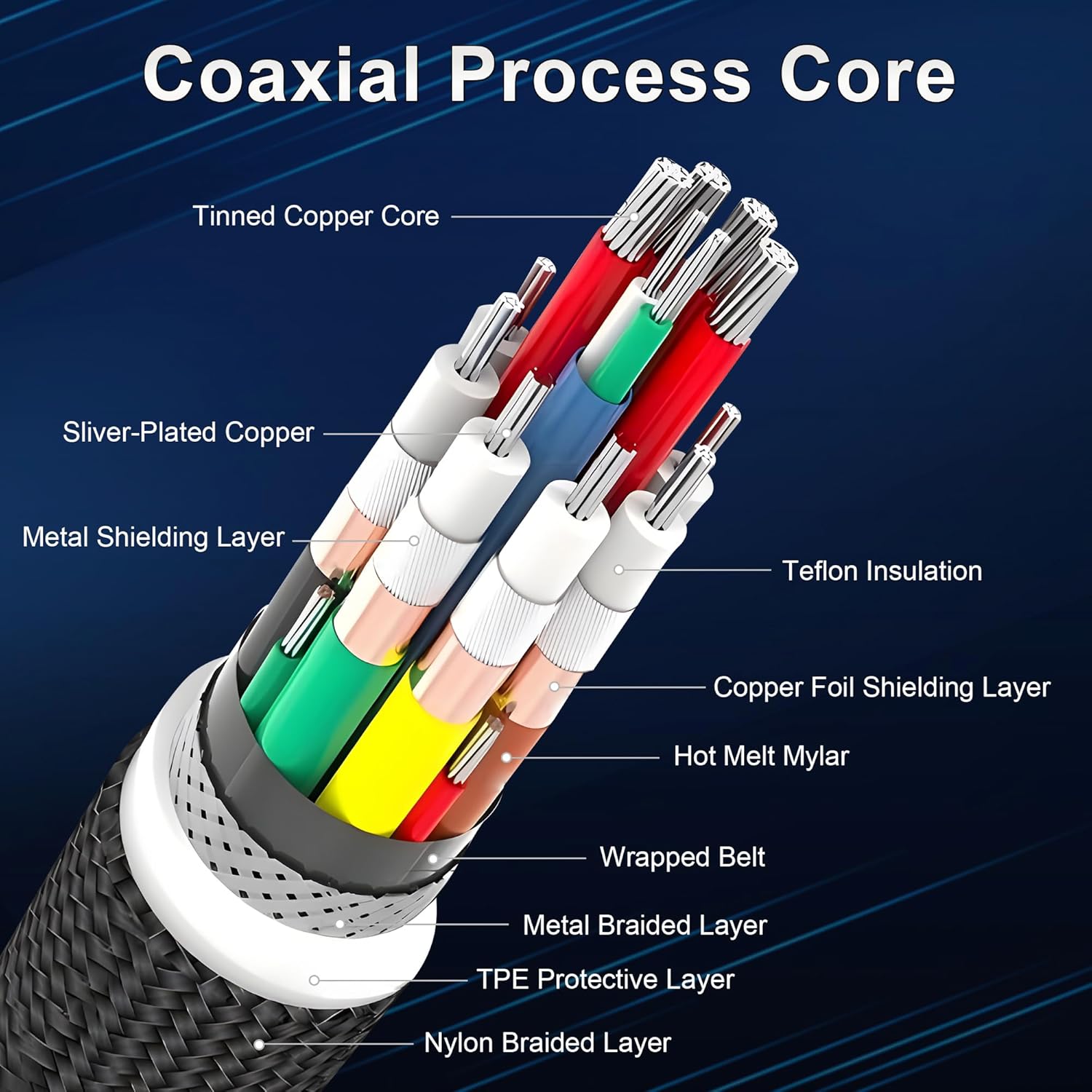
The physical design is described in a fairly specific way: a tensile steel wire in the core for mechanical strength, an aluminium housing for heat dissipation, a 24K gold-plated plug to help protect against oxidation, and a 48-strand braid technology for better protection against tangles.
This is the sort of construction detail that tends to matter if you regularly move equipment, route cables around monitor arms, or use the cable in a docking-and-undocking routine. It’s also consistent with the idea that this is meant to be kept in your main setup rather than treated as a disposable backup lead.
Who it’s for (and who might want to skip it)
It makes sense if: You have a Thunderbolt 5 (or Thunderbolt 4/3) capable MacBook or Mac mini, a compatible dock, and you want one cable to cover high-speed data, high-resolution display output (including daisy-chaining), and charging up to PD 3.1 levels.
It can also suit creative and technical workflows where an eGPU is on the table, because the cable is described with 120Gbps video bandwidth to support that kind of graphics-heavy use.
Better avoided if: You mostly need basic USB-C charging and occasional data transfer, or you’re using devices that don’t support Thunderbolt/USB4-level bandwidth. In that case, spending for headline throughput and multi-monitor bandwidth may not pay back in day-to-day use.
It’s a good fit if you’re building a “performance desk”: monitor(s) + dock + SSD + charging through one lead.
When it makes sense to buy
Consider grabbing it if you’re: - Setting up or upgrading a Thunderbolt-focused workstation. - Using (or planning to use) multi-monitor daisy-chaining where the cable’s DP2.1 support and high data/video bandwidth are relevant. - Looking for a higher-power PD 3.1 charging cable, rather than relying on a separate charger.
If you’re just connecting a single display and you don’t move large files regularly, a simpler cable might do the job with less cost. On the other hand, if you want your desk to feel streamlined—plug in once, and everything comes along—this is the type of cable that’s designed to pull its weight.
Is it worth it?
Worth considering if you’re already in the Thunderbolt/USB4 ecosystem and you want one 3m USB-C cable to cover fast 80Gbps transfers, multi-display output (including daisy-chaining claims), and serious PD 3.1 charging up to 240W. The build choices—steel-strength core, aluminium housing, and a braided design—also suggest it’s meant to handle real desk use rather than being treated gently.
It may not be a great match if your devices don’t actually negotiate Thunderbolt 5/USB4-class capabilities, or if you only need basic charging and light data. In those cases, you won’t unlock the numbers the cable is marketed for, so it’s easy to overpay relative to what you’ll realistically benefit from.
Mini FAQ
How fast is data transfer, in practice?
The cable is specified for 80Gbps bi-directional data transfer. Real-world speed will still depend on the rest of your setup (host, dock, and the drives you connect).
Does it support multi-monitor daisy-chaining?
It’s described as supporting DP2.1 and multi-monitor daisy-chaining, with several multi-display combinations mentioned. Whether you can use the full configuration depends on your monitors and how your system negotiates the signal.
Will it charge high-performance laptops?
It’s claimed to support PD 3.1 charging up to 240W, plus 15W reverse power. You’ll need a compatible device/port to see that full charging level.
Is it suitable for eGPU setups?
The product description claims eGPU support with 120Gbps video bandwidth, aimed at graphics-intensive applications. As always, eGPU compatibility depends on the rest of your system supporting the required pathways.
What does the 3m length mean for desktop setups?
A 3m cable is often convenient for desks and monitor-arm layouts. If you’re chasing maximum display bandwidth, you should still ensure your other components support the highest modes the cable is rated for.