

RIIEYOCA 1Ft Multi Charging Cable (2-in-1) – USB 2.0 A to USB-C & Micro USB splitter (Black)
Product description
What this cable is for
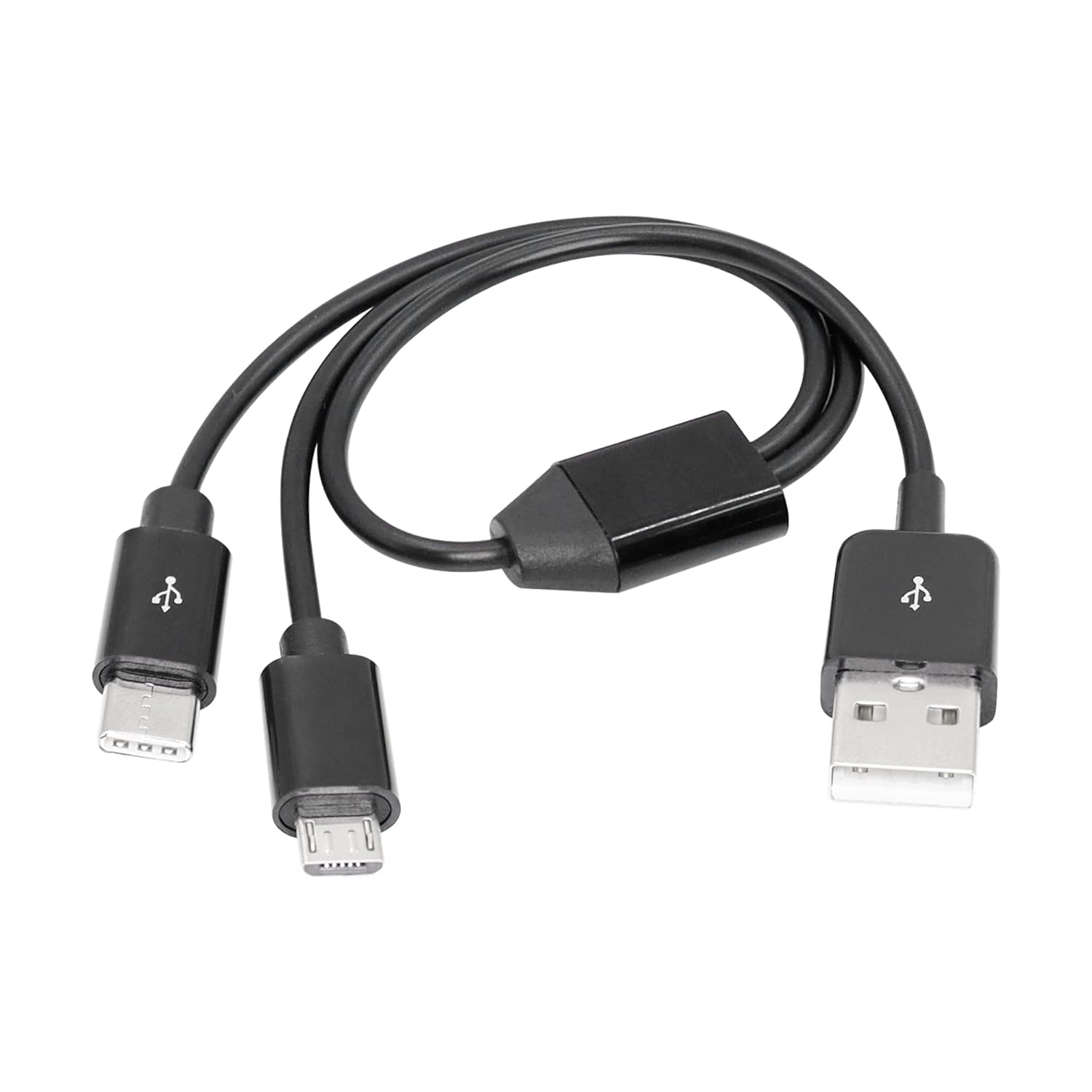
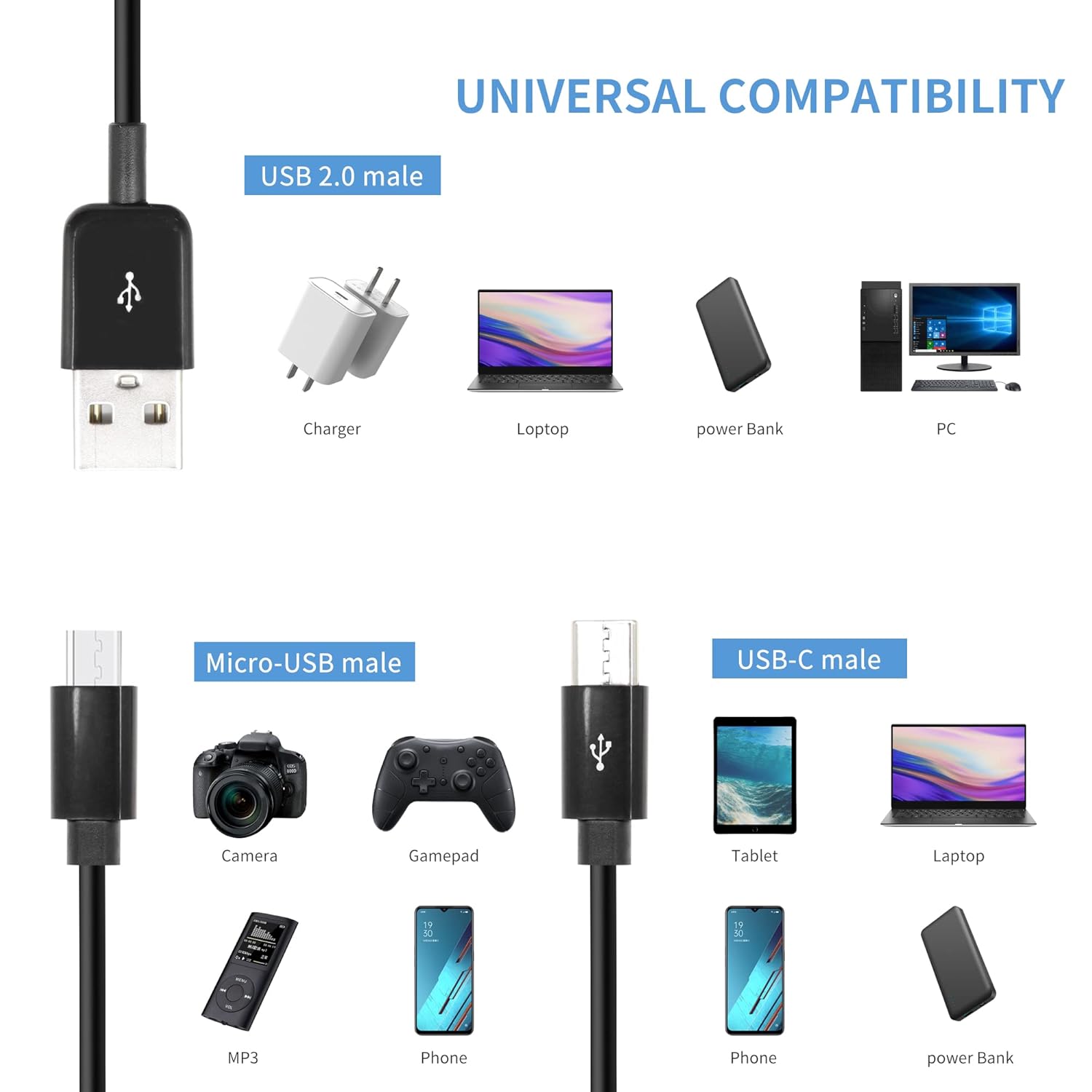
If you often end up juggling two devices with different charging ports, this RIIEYOCA 2-in-1 multi charging cable is built to simplify that. On paper, it’s a USB 2.0 A male splitter that breaks out into two charging ends: one USB-C and one Micro USB. The idea is straightforward: use a single USB port to charge two devices that don’t share the same socket.
It’s a “grab one lead and go” type of accessory for everyday situations like home, the office, or travel. It won’t replace all charging needs, but it can cut down the number of cables you carry when your kit includes a mix of USB-C and Micro USB devices.
Key features and the practical limitations
The headline feature is the 2-in-1 design. Instead of packing two separate cables, you plug in one multi-cable and connect both devices. That’s the main convenience win.
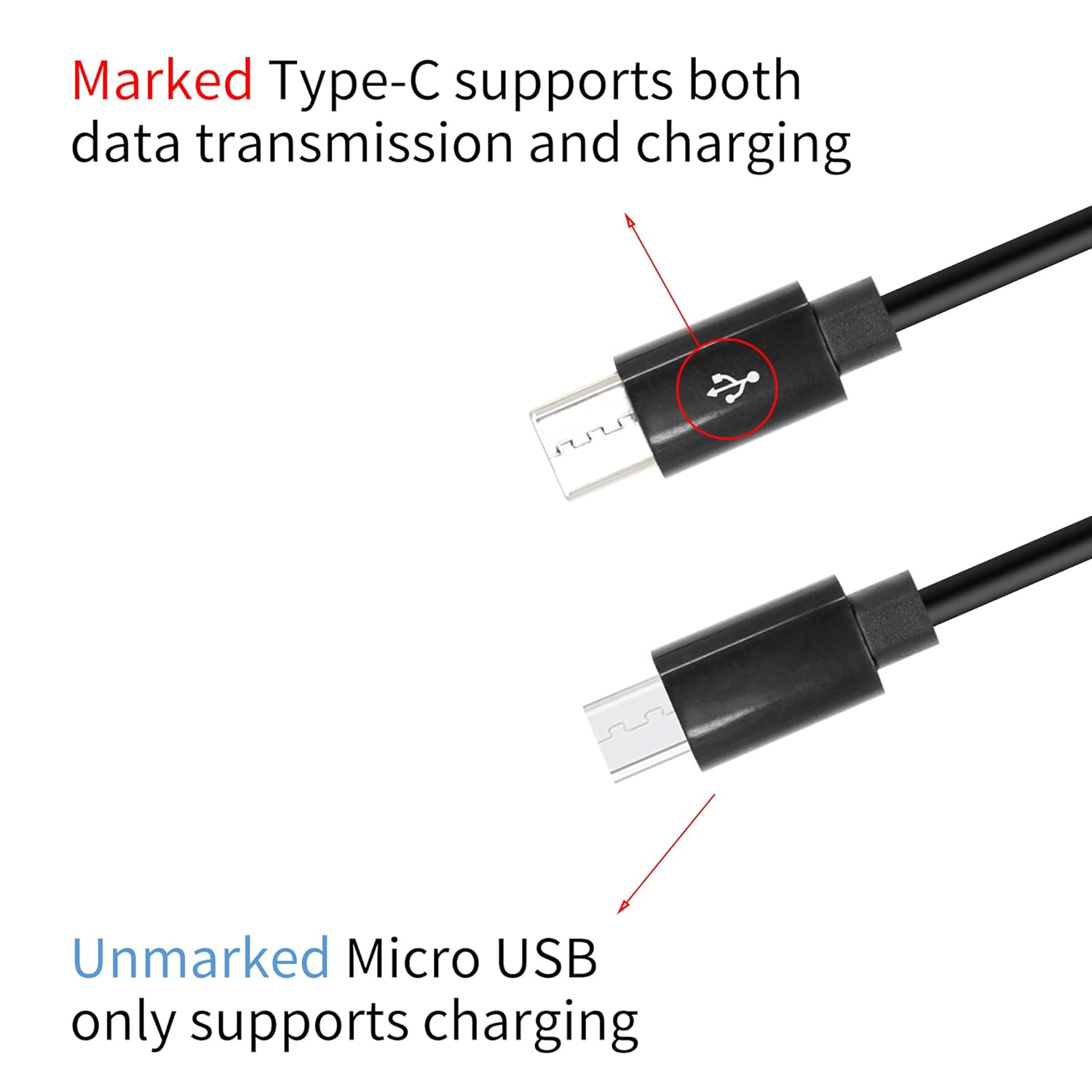
One important limitation is worth understanding before you buy: the Android-side port is described as charging only and does not support data transfer. By contrast, the Type C port is “marked with data transfer” and is suitable for both charging and data transfer.
So, if your expectation is that both connections behave like full data-capable cables, you may be disappointed. If you’re mostly charging (and only need data occasionally on the USB-C device), this becomes a lot more sensible.
What stands out in day-to-day use
A micro-experience that makes the value clear: imagine you’re on charge in the lounge. Your phone uses USB-C, while an older device (or a spare power bank lead situation) uses Micro USB. With this cable, both can be plugged in from the same USB port. You’re not hunting for the matching lead in a drawer, and you don’t need to dedicate two different wall adapters if you only have one USB outlet free.
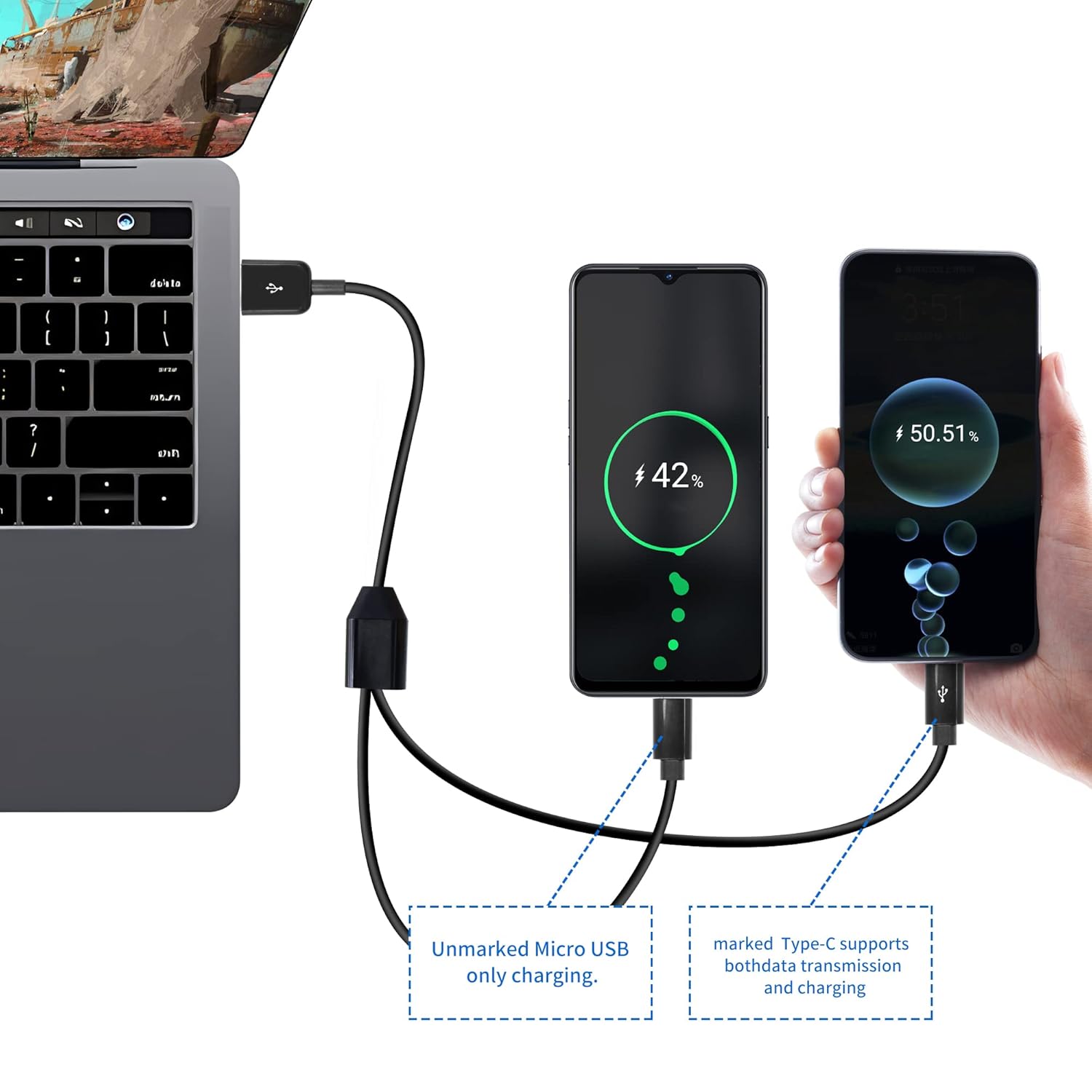
The cable is also described as plug and play and easy to use. In practice, that means fewer “settings” or extra fiddling—just plug in and let it do the job.
Specs you’ll care about
This is a compact cable setup intended for versatility rather than speed-chasing or specialist charging. The listing describes it as:
- USB 2.0 A male to Micro USB male and USB Type C male
- “2 in 1” charging from a single USB port for two devices at once
- Charging and data transfer support on the Type C side, with the Micro USB/Android side charging only
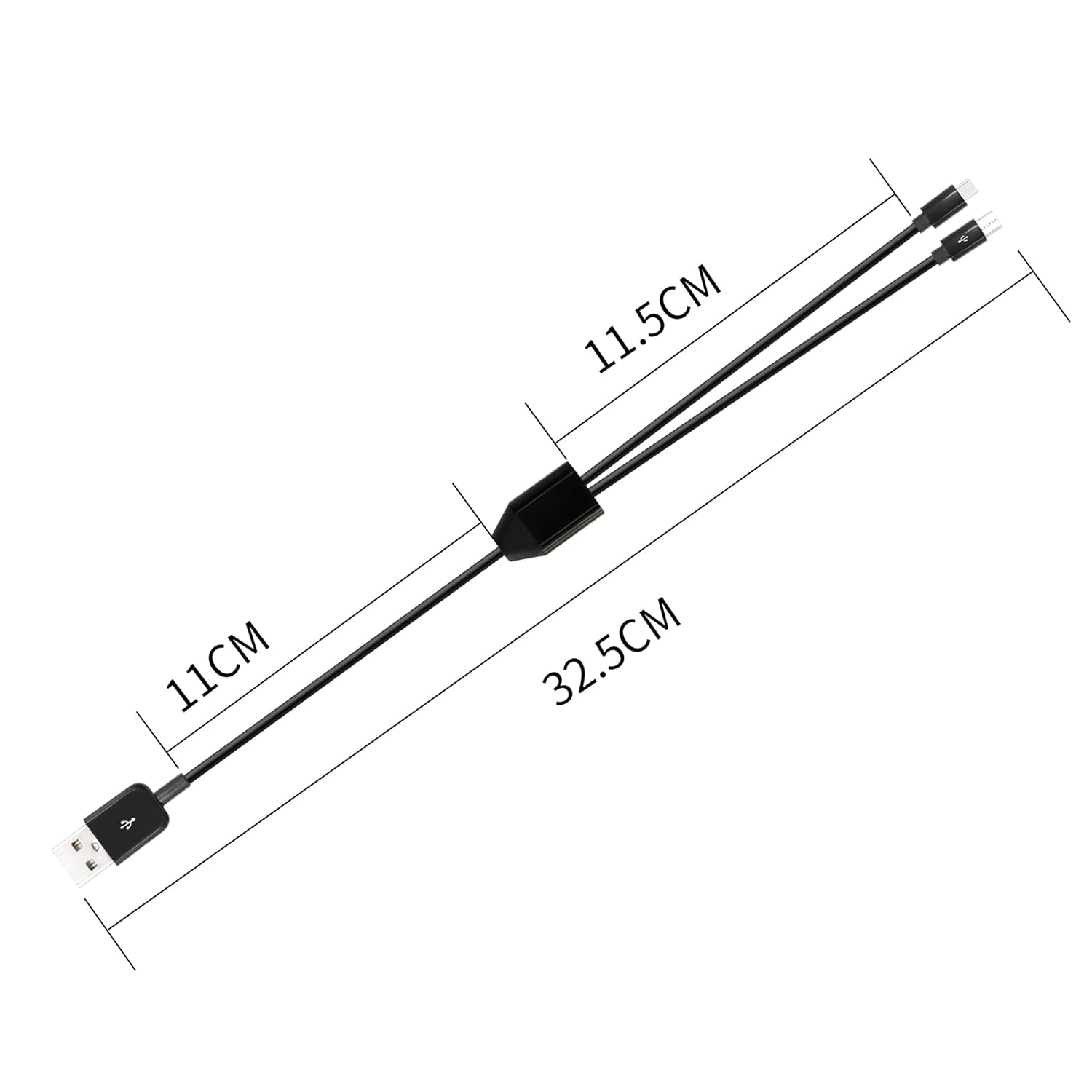
- 0.3m (1ft) cable length, designed to be lightweight and easy to carry
If you need longer reach, or you’re powering devices far from your outlet, the short length may feel restrictive—worth keeping in mind.
Who it suits (and who should avoid it)
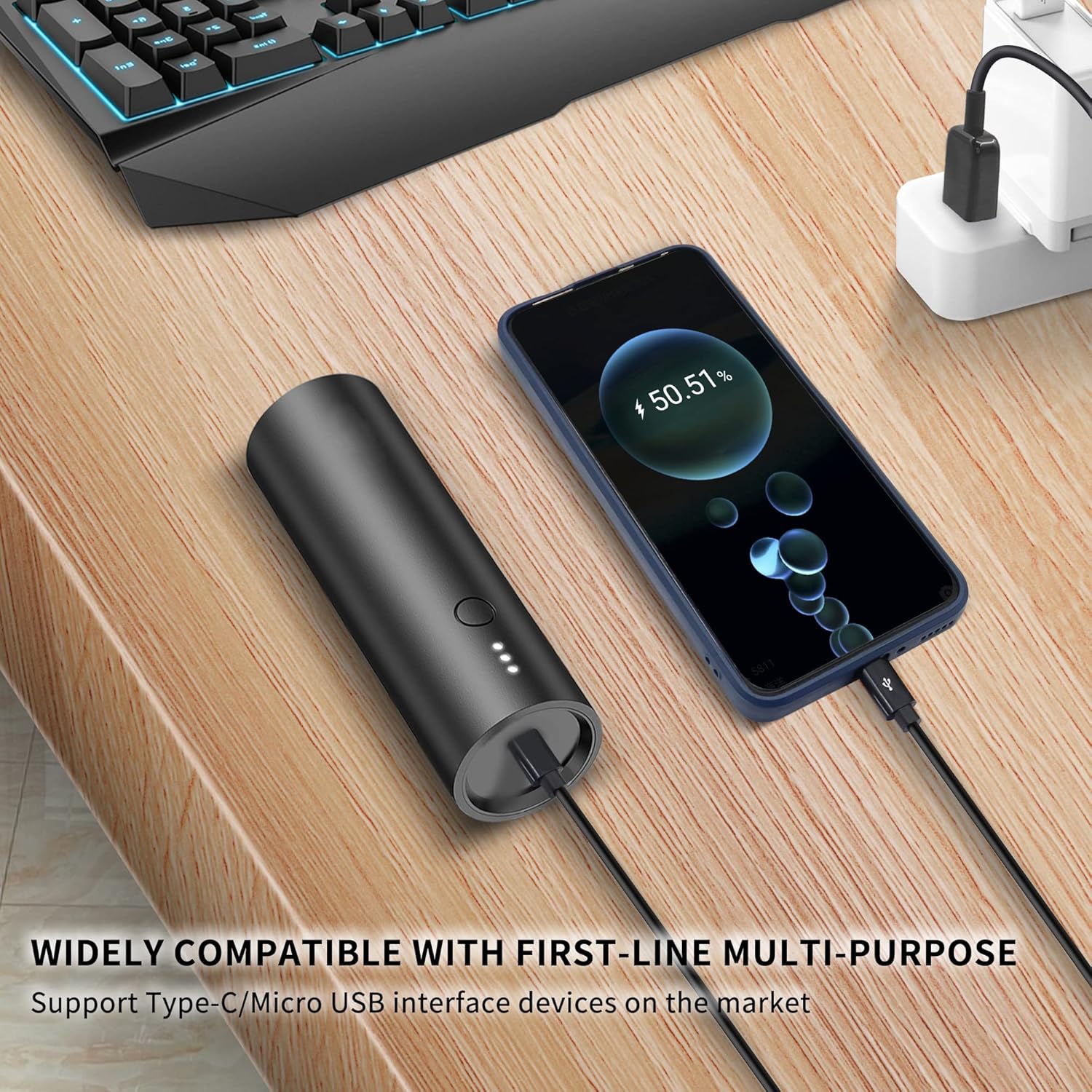
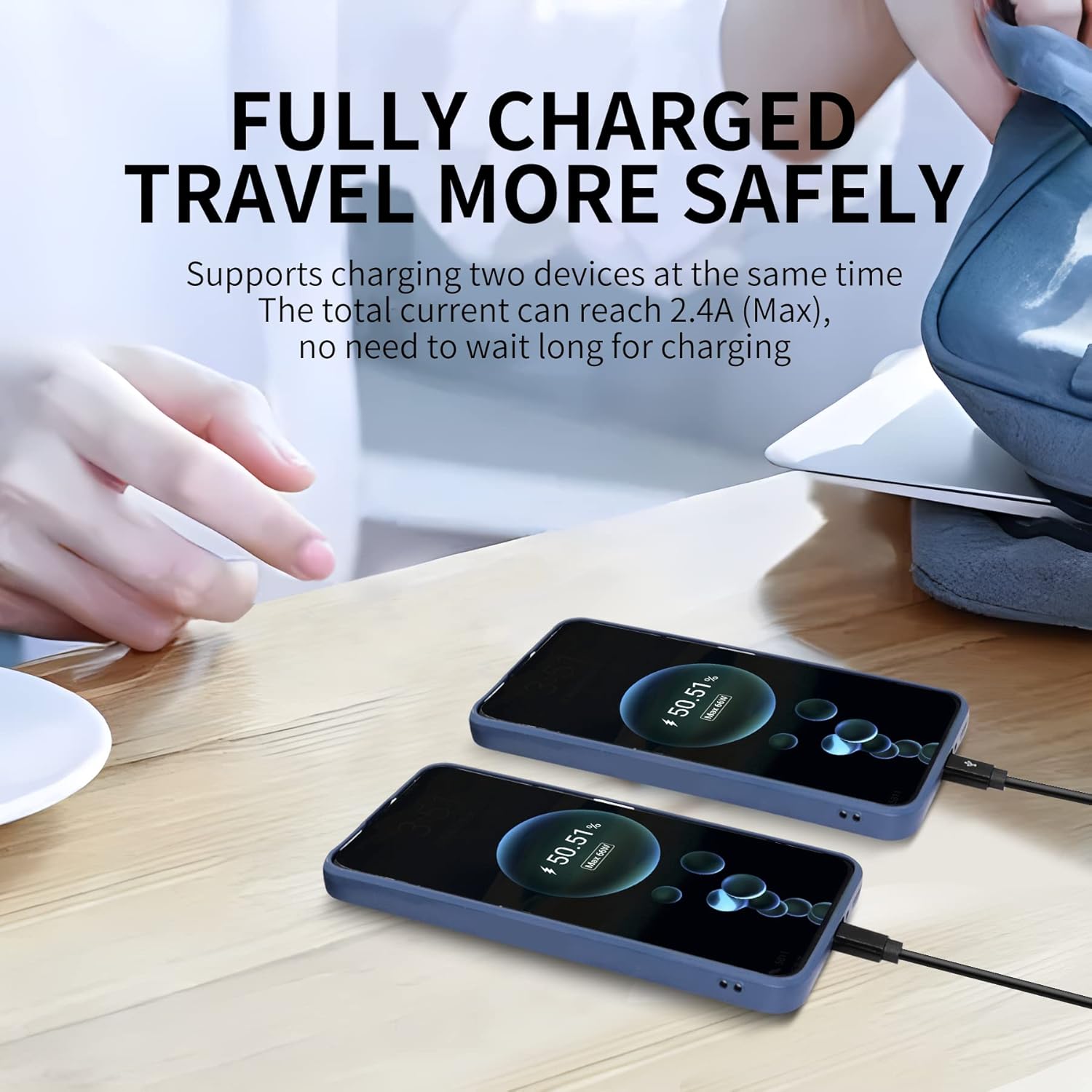
It’s a solid pick if you want one cable to cover two common port types—USB-C and Micro USB—while charging two devices simultaneously. If you’re the kind of person who keeps a mix of devices at home (or you travel with essentials that don’t share the same connector), it genuinely reduces clutter.
It’s not the best match if you regularly need data transfer for both devices, because the Micro USB/Android side is described as charging only. It may also feel limiting if you need more cable length than 0.3m (1ft) or if you’re expecting this to behave like a full two-cable replacement where both outputs are equally capable for data.
Buying verdict
Is it worth it?
You should consider this RIIEYOCA multi charging cable if your main goal is convenience: charging two devices at once from a single USB port, using one lead for both USB-C and Micro USB devices. It’s designed around that “one port, two devices” workflow, and the Type C side having data transfer support adds a useful extra when you do want connectivity.
You may want to skip it if data transfer on the Micro USB/Android connection matters to you, or if the short 1ft length won’t suit where you typically charge. In short: it’s more of a practical daily helper than a fully flexible, all-purpose charging/data solution.