

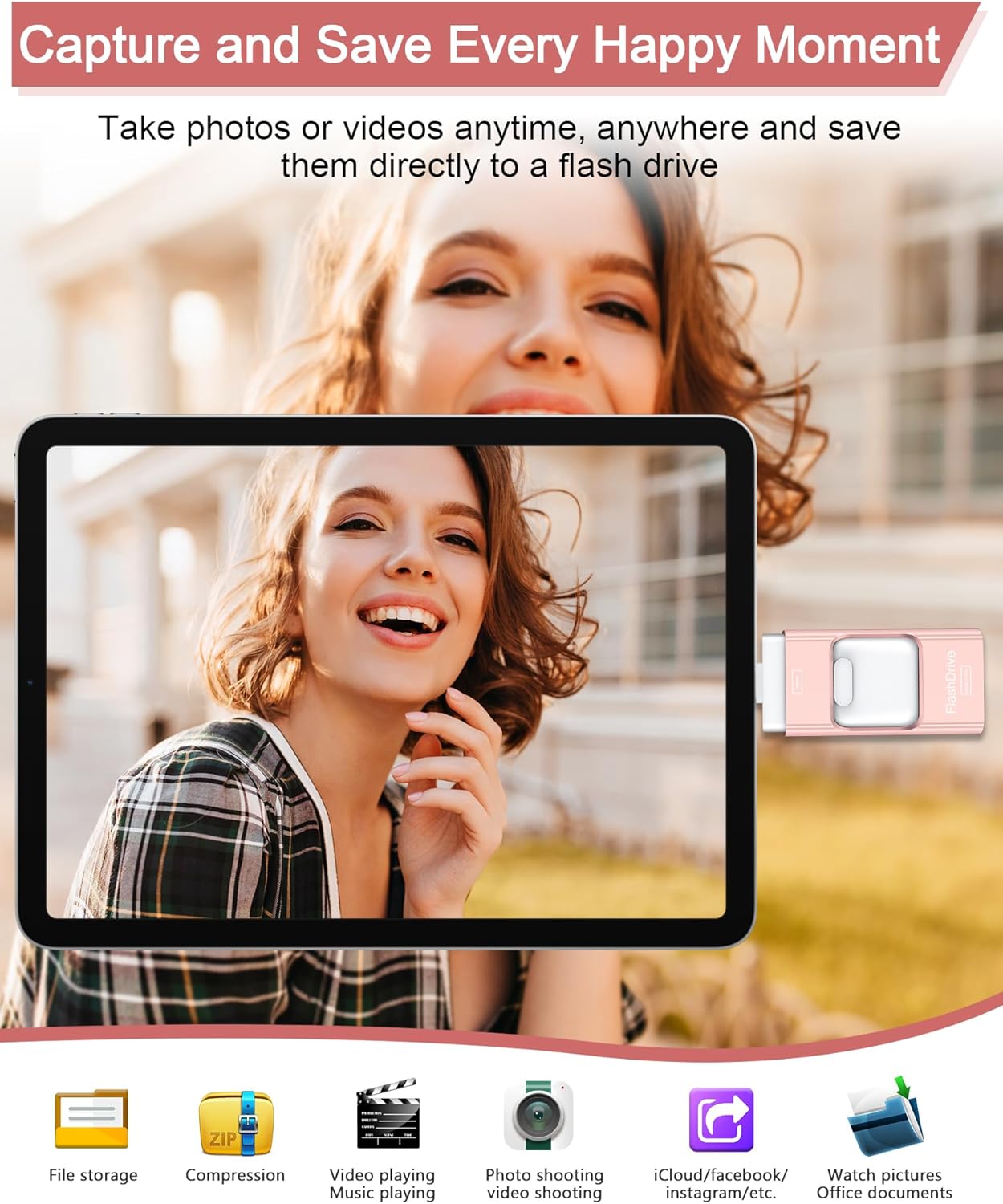
ZARMST USB Stick 256GB 4-in-1 3.0 High Speed Photostick
Product description
What matters most
If you’re juggling multiple devices, the ZARMST 256GB 4-in-1 USB stick promises a single compact solution with iOS, Android (Micro USB), Type-C and USB 3.0 ports. On paper, that means easy cross‑device transfers without relying on Wi‑Fi or cloud services. In practice, the real test is how smoothly those modes work for day‑to‑day file copies and backups between a phone, tablet and PC. The 3.0 interface offers higher theoretical speeds—up to 80 MB/s read and 40 MB/s write—but actual throughput will depend on device compatibility and the file type you’re moving.
What it is and who it’s for
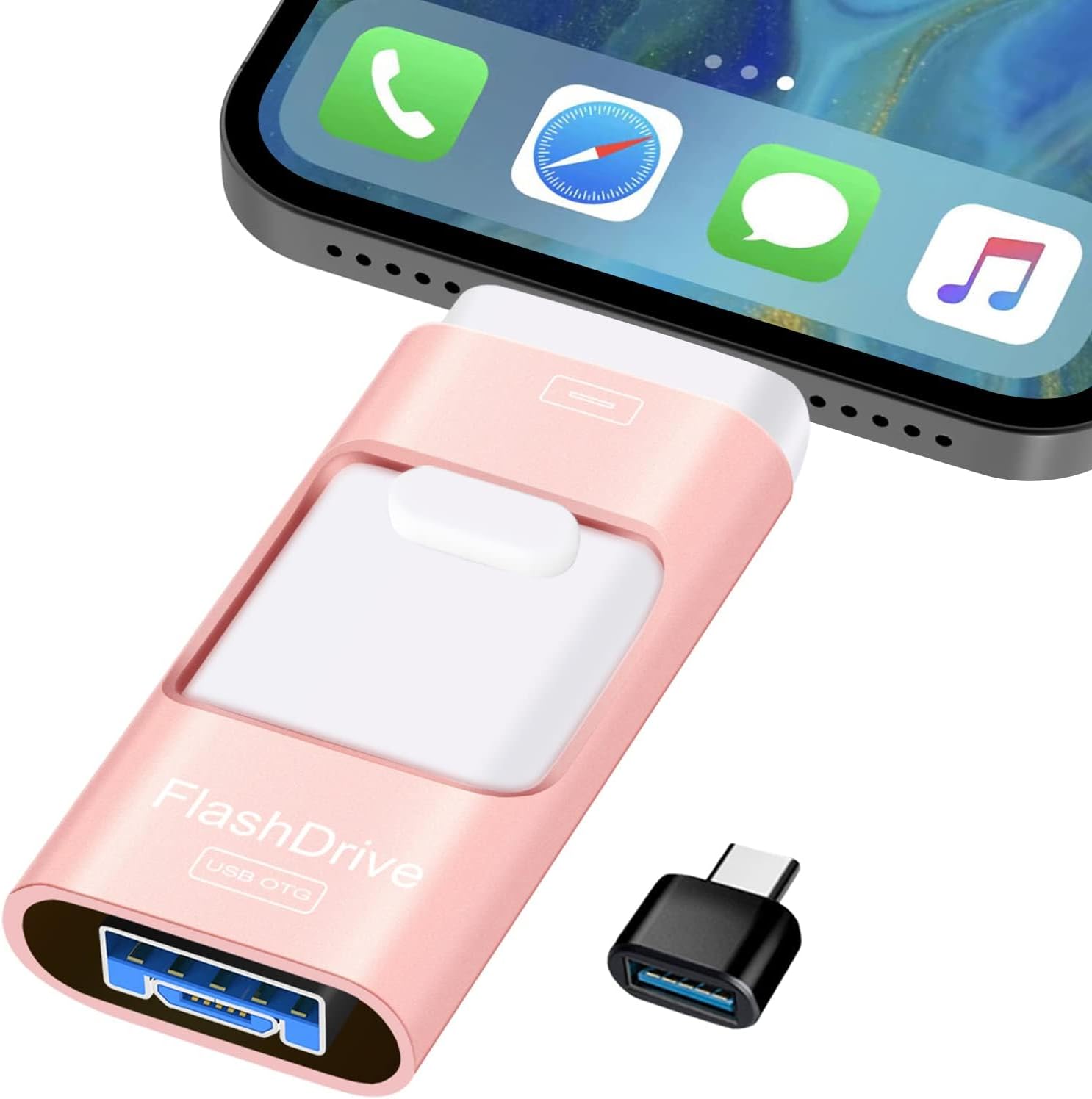
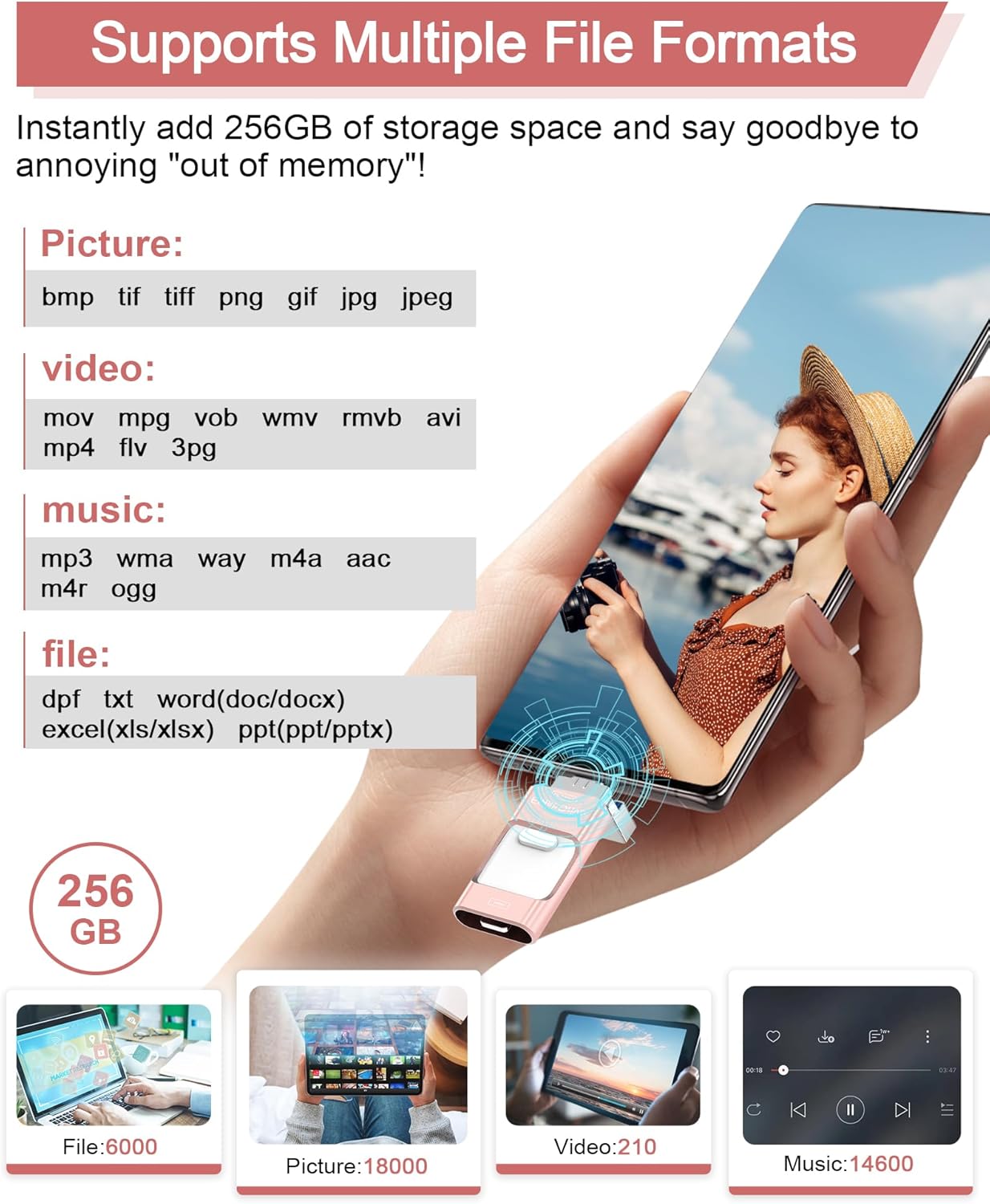
This is a 256GB USB storage stick designed for users who want one portable drive that can connect to multiple device ecosystems. If you frequently copy photos, videos or documents between a phone, tablet and computer, this 4‑in‑1 design could reduce the number of dongles you carry. It’s particularly handy for quick backups on the go or when travelling, where carrying a single memory stick is lighter than lugging multiple cables.
How it works in practice
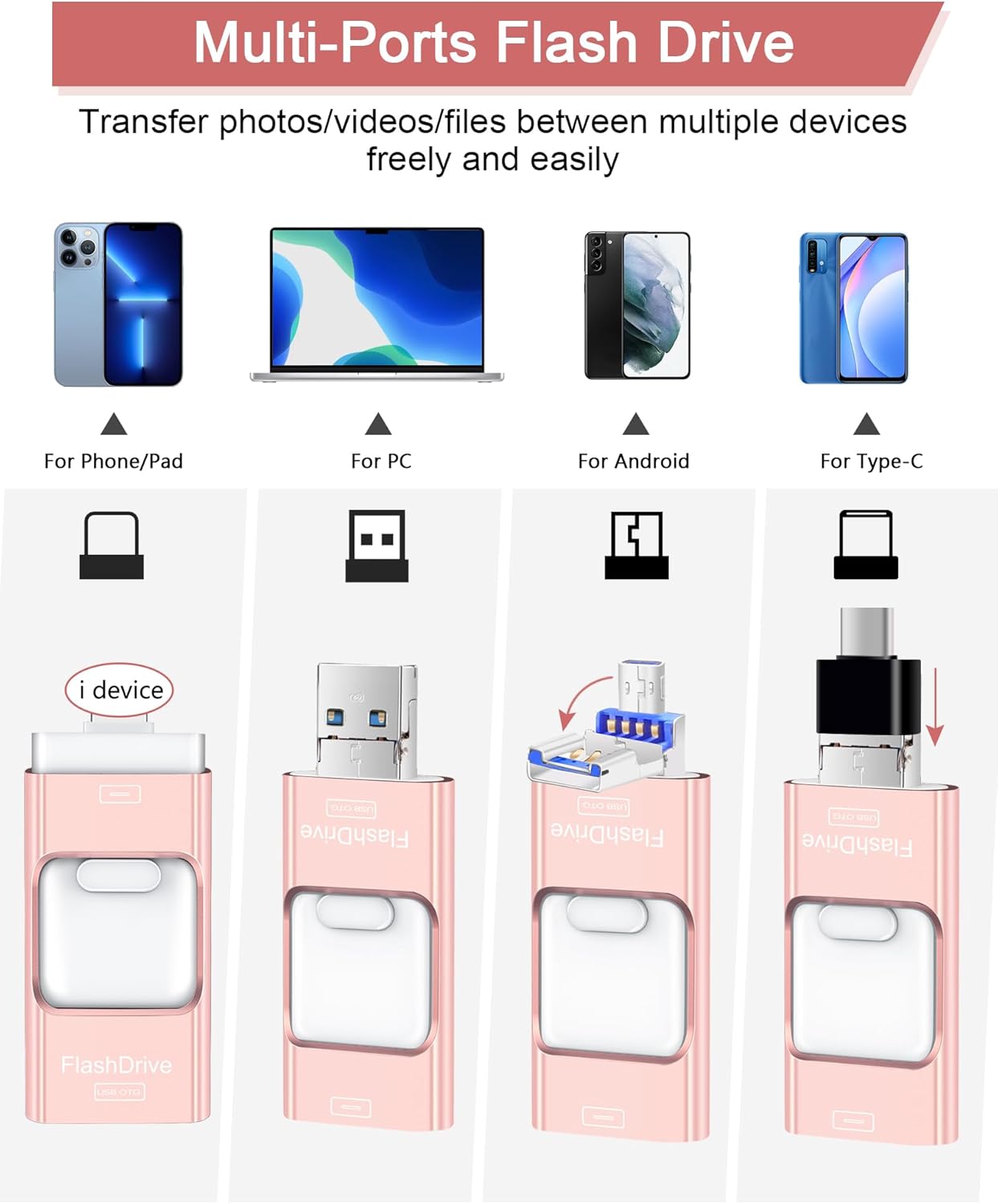
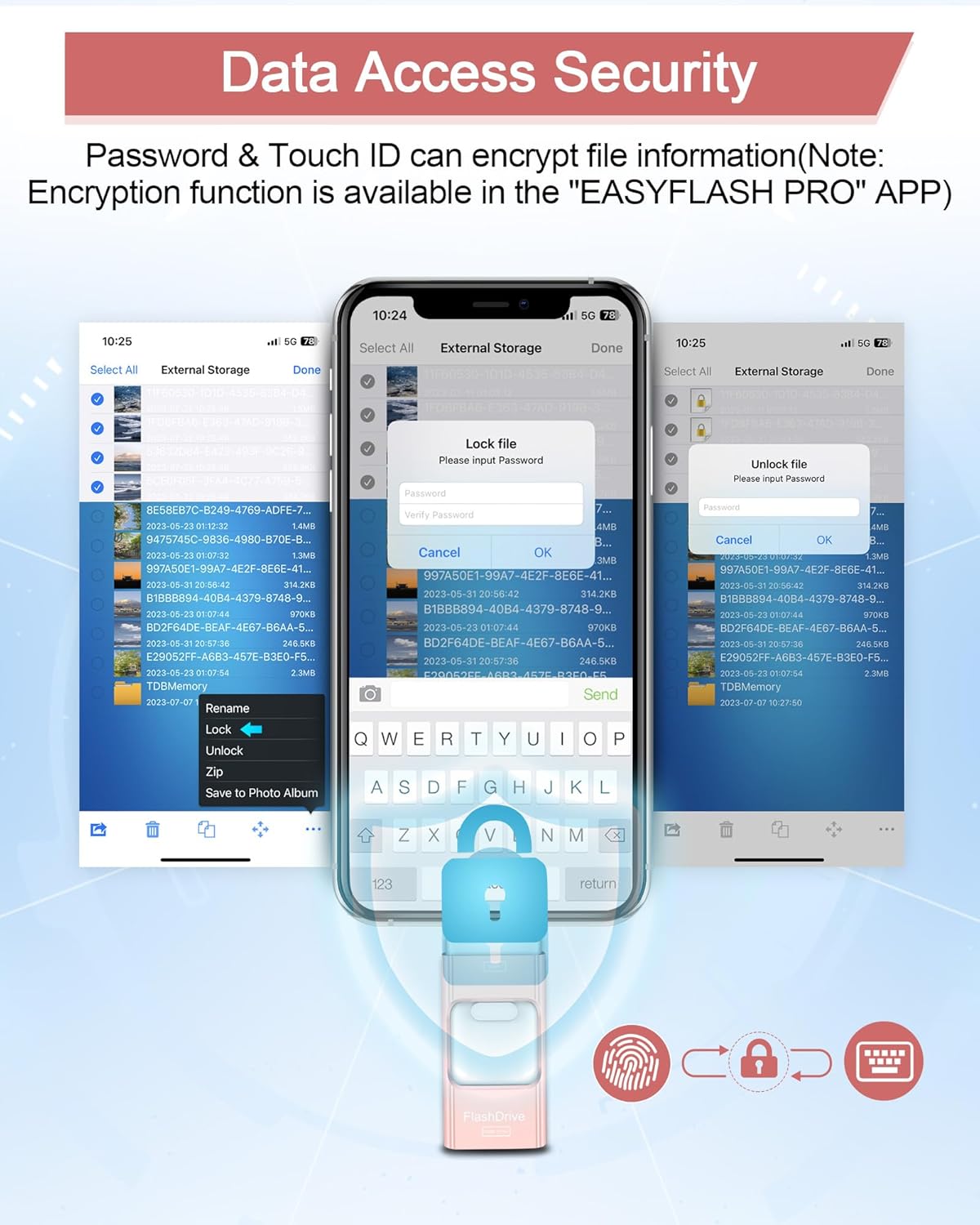
The device includes an iOS port, a Micro USB (Android) port, a Type‑C port and a USB 3.0 port. Transferring data can be as simple as plugging into the respective device and using the built‑in workflow. A notable caveat is that iOS users need the EASYFLASH PRO app to enable certain features like encryption. Android devices generally require OTG to be enabled in settings, but typically don’t need extra apps for basic transfers.
Security and privacy notes
There’s a built‑in privacy angle via password protection and (on iOS) Touch ID within the app, allowing you to encrypt individual files or entire folders. This is useful if you’re sharing the drive with colleagues or family but want to keep sensitive data secured. Do keep in mind that encryption features are app‑based and iOS‑exclusive, so cross‑platform consistency isn’t guaranteed for encryption.
Speed, reliability and limits
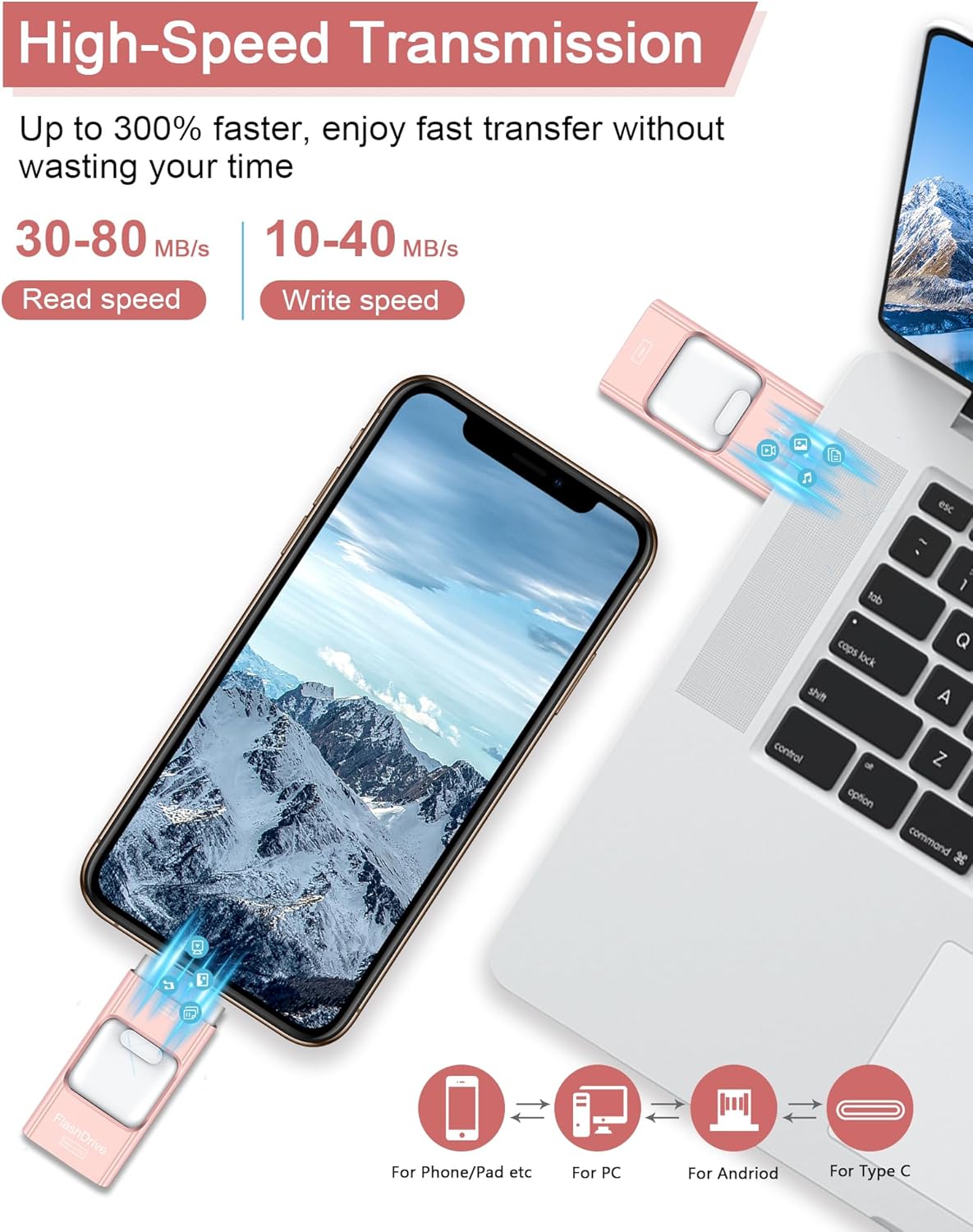
USB 3.0 offers solid transfer potential, which helps when you’re moving large media files. Real‑world speeds depend on the host device, USB port and whether you’re copying many small files or large ones. The product description emphasises high‑speed reads and writes, but it’s prudent to expect slower speeds on older devices or with certain file systems. In other words, it’s decent for everyday backups and quick photo dumps, but not a replacement for high‑end external SSDs if you’re chasing the absolute fastest workflow.
Practical use cases
- Backing up smartphone photos and videos to the 256GB drive while travelling, freeing space on the phone.
- Copying work documents from a PC to the drive for offline review on a tablet during commutes.
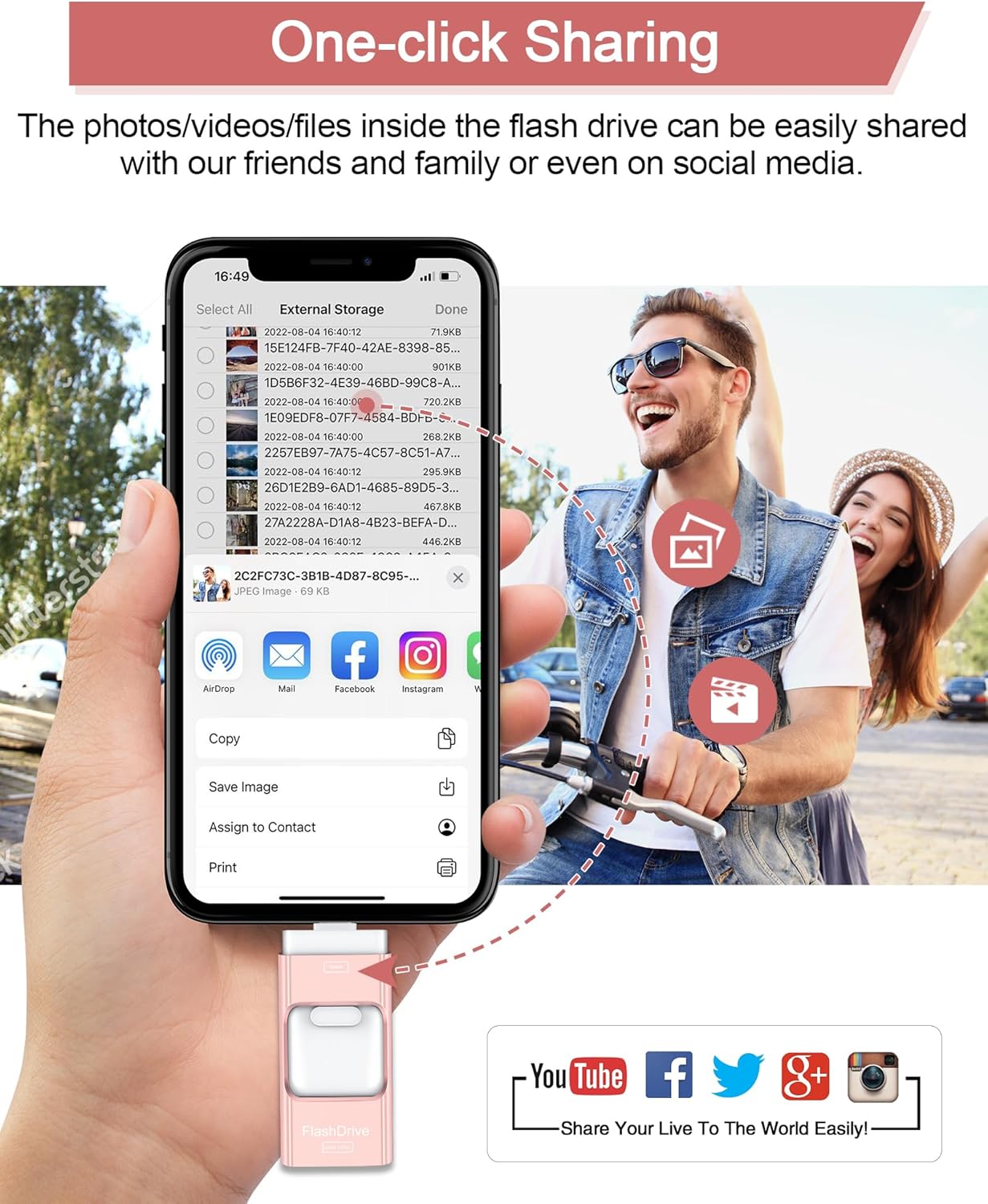
- Sharing a batch of files with a colleague by handing over the drive rather than sending large files over the internet. A small caveat: you’ll want to double‑check that you’ve completed any encryption or backup on the source device before deleting originals, as you would with any flash storage.
What to check before buying
- Ensure your devices support OTG (for Android) and that you can access the USB 3.0 interface on the host machine.
- Consider how you’ll manage encryption across platforms, if you need cross‑platform encrypted storage, you may be limited by iOS encryption being app‑specific.
- Remember that 256GB is a lot of space, but the actual usable capacity may be slightly less depending on formatting and reserved space.
- If you plan to copy many small files, consider the real‑world speeds and potential delays from app overhead or device limitations.
What’s included
The base description does not specify exact box contents. If you’re relying on the unit alone, plan for the essential: the 256GB 4‑in‑1 USB stick. For gift or resale considerations, verify contents with the seller before purchase.
Final decision: Is it worth it?
It makes sense if you prioritise a single portable solution for transferring and backing up media across multiple devices, especially when you need a 256GB capacity in a compact form. It’s not the best fit if you need consistent, platform‑agnostic encryption for all files or if you require peak speed on demanding professional workflows. Better avoided if you mainly work with large, encrypted project files that demand higher sustained transfer rates or if you require seamless cross‑platform encryption beyond iOS capabilities.
FAQ
- Do I need apps to use it on all devices? Android typically doesn’t require extra apps for transfers, iOS users may need EASYFLASH PRO for encryption features.
- Can I encrypt everything on the drive? Encryption is available within the iOS app, cross‑platform encryption availability may vary.
- Is 256GB enough for photo and video backups on the go? For many users, yes, but actual usable space will be slightly less after formatting.
Quick tip
If you’re unsure about encryption needs across platforms, plan to back up sensitive files separately to another secure location after initial transfer.