

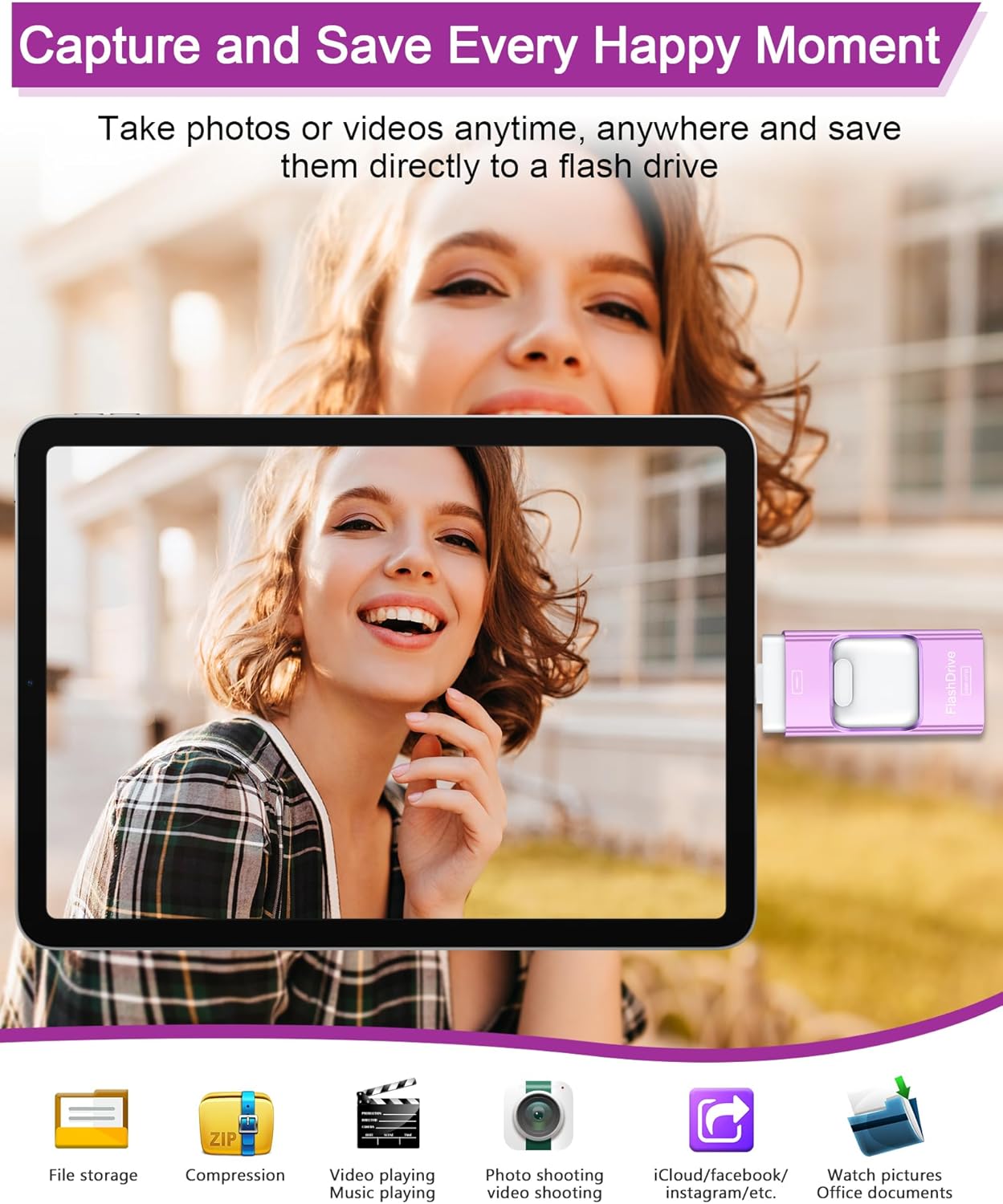
ZARMST USB Stick 256GB: 4-in-1 Slim Drive for Phones, Tablets and PCs
Product description
What it is and what it solves
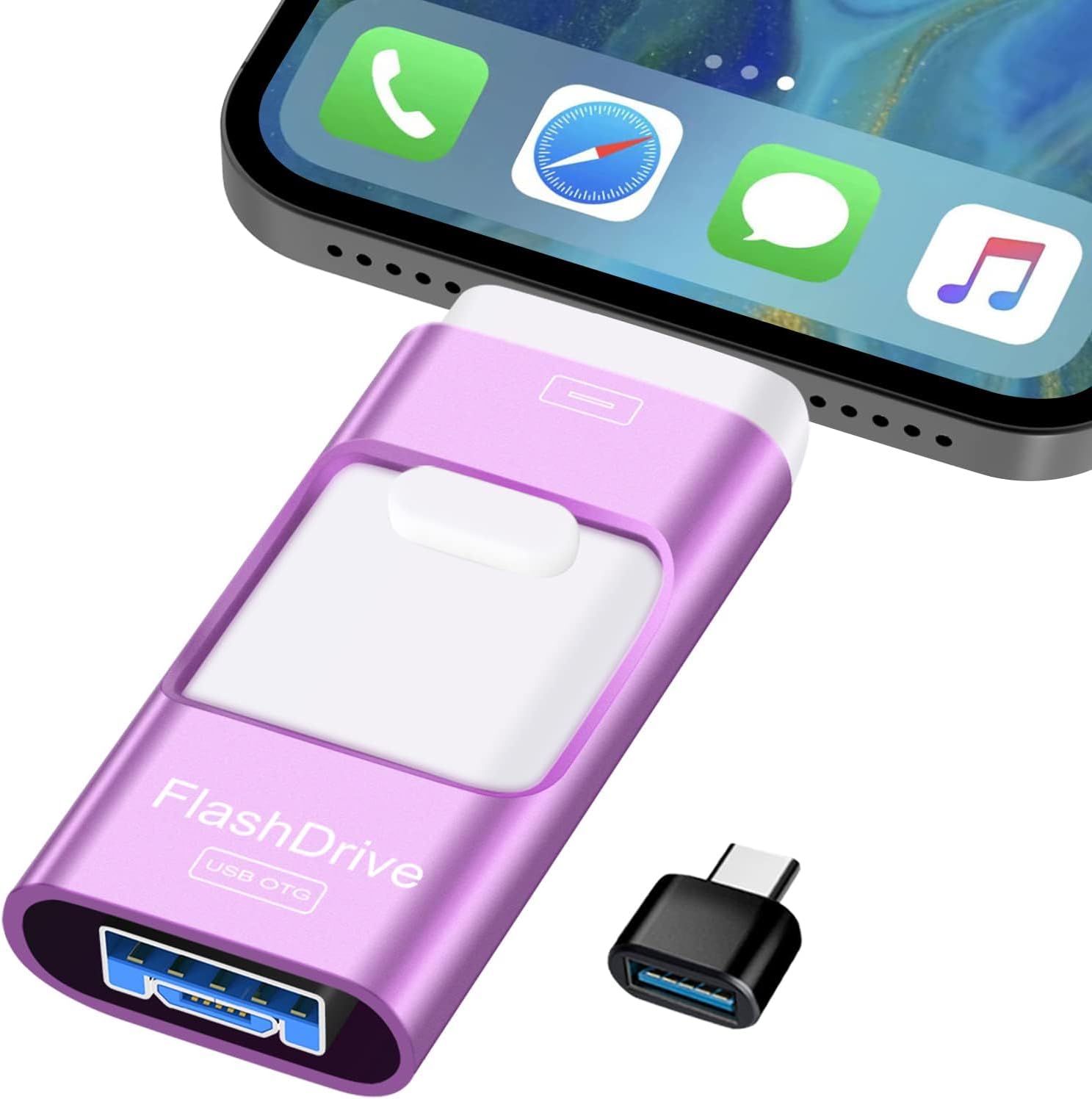
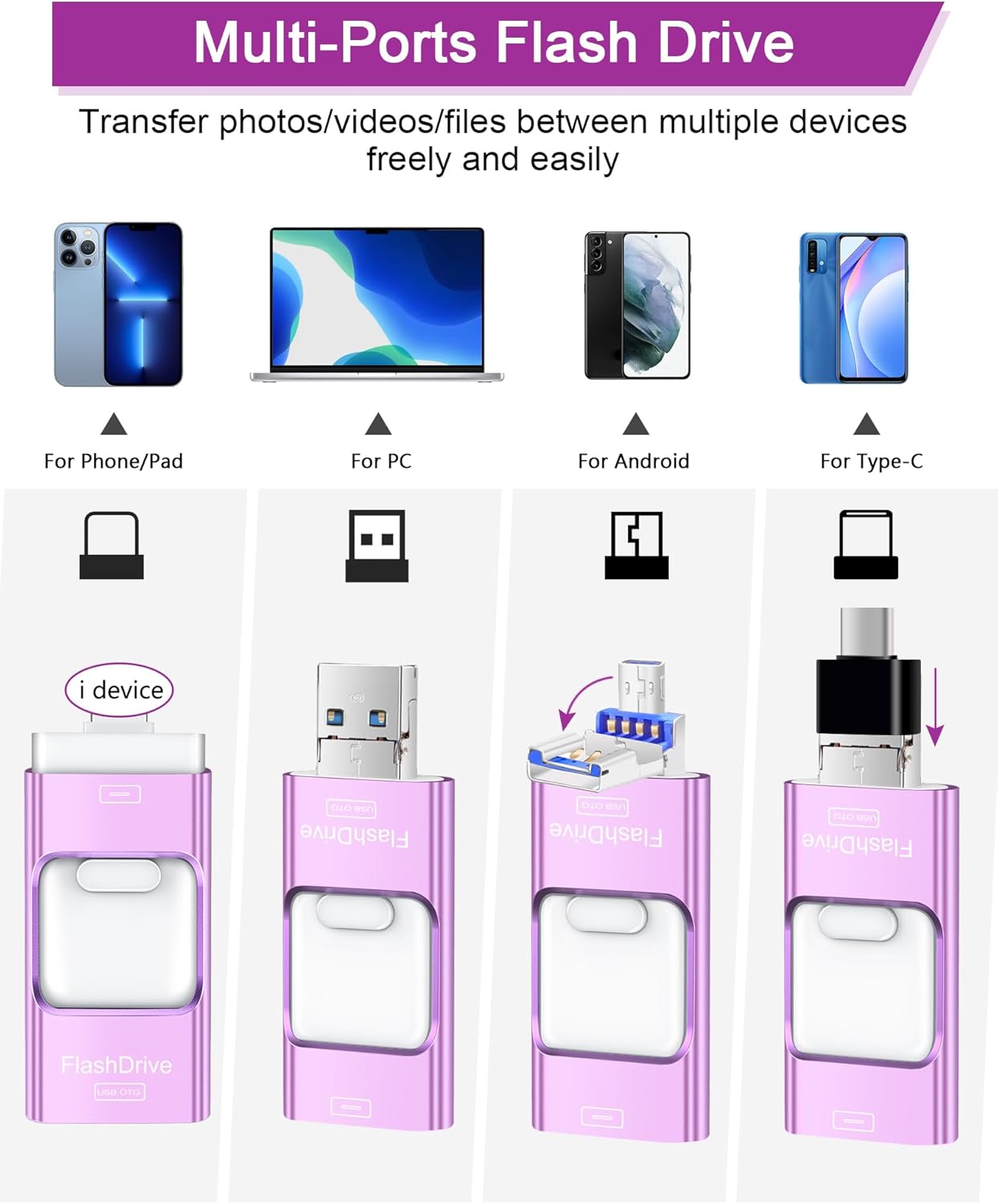
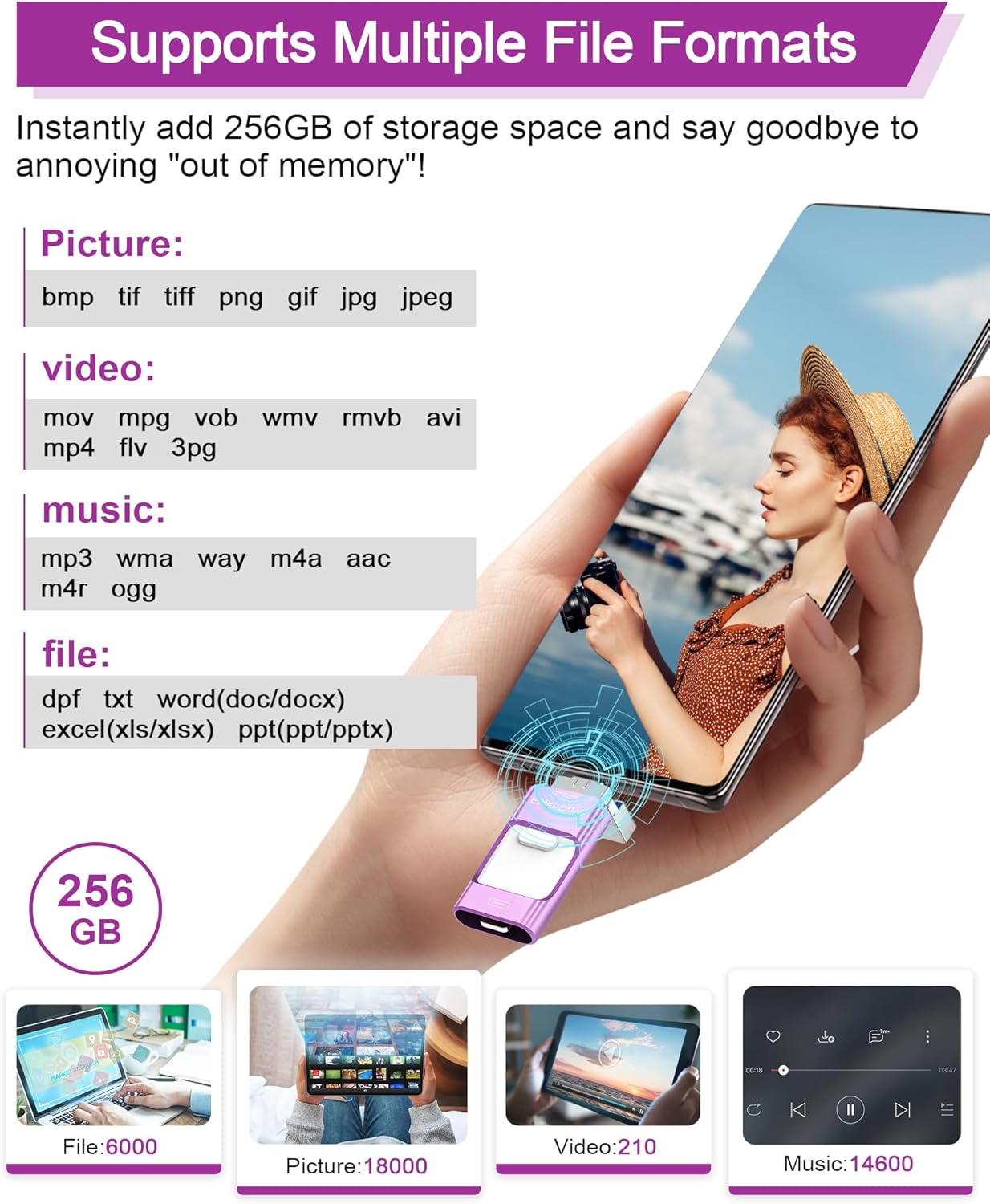
The ZARMST USB Stick 256GB is a compact, 4-in-1 flash drive designed to simplify transferring photos, videos and documents between phones, tablets and computers. With integrated iOS, Android (Micro USB), Type-C and USB 3.0 ports, you can move content across multiple devices without relying on Wi-Fi or cloud services. Its 256GB capacity is positioned to help reclaim space on mobile devices while providing a familiar USB-C or USB-A path for traditional computers.
How it performs in real-world use
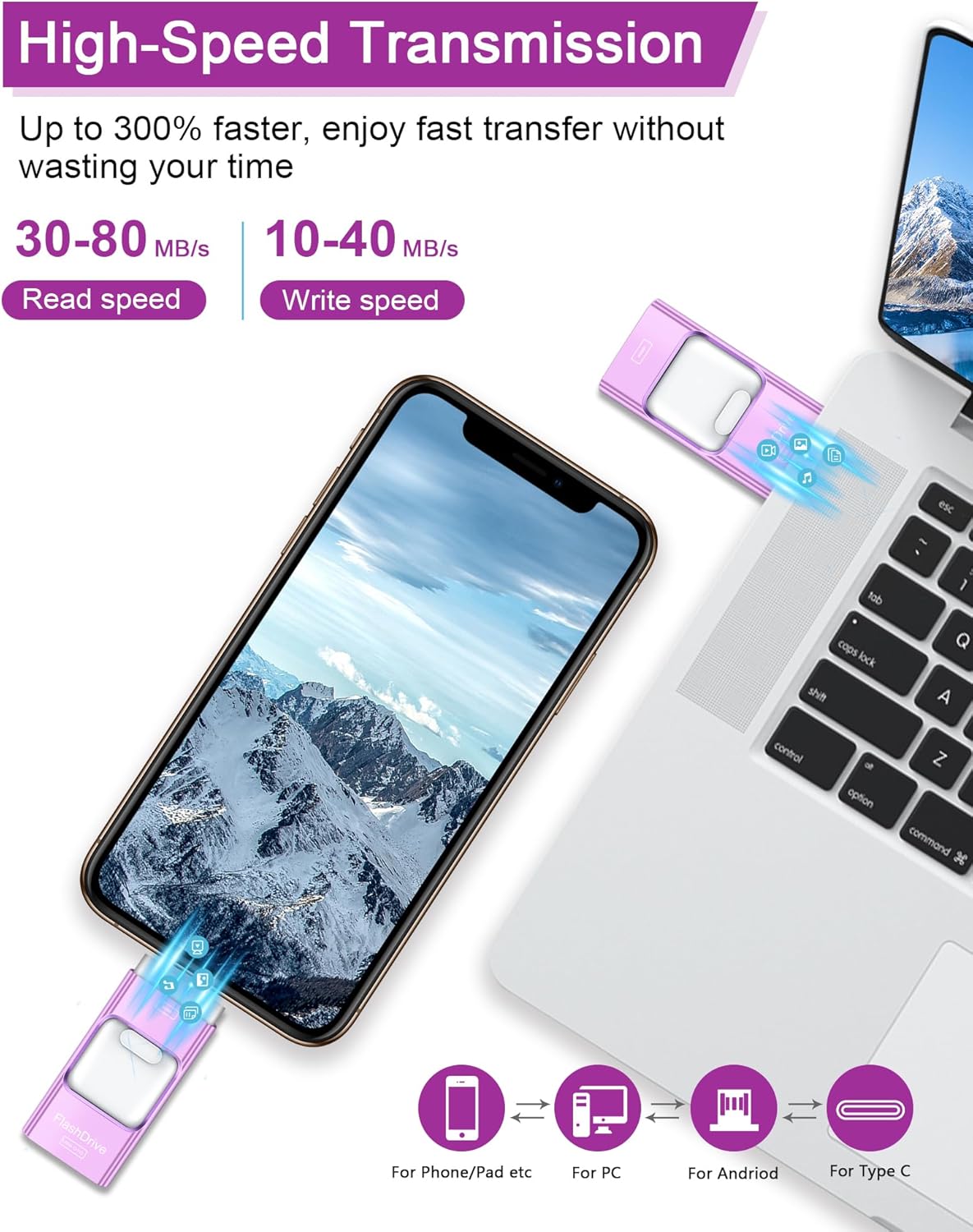
On paper, speeds of up to 80 MB/s read and 40 MB/s write are advertised for USB 3.0 transfers. That makes it reasonably capable for backing up photos or short videos, and for quick file moves between devices. In practice, actual transfer times will vary with device compatibility, file type and the host’s USB controller. The key benefit is the convenience: a single stick that can bridge a phone, tablet and a PC without extra adapters.
Privacy and security on the go
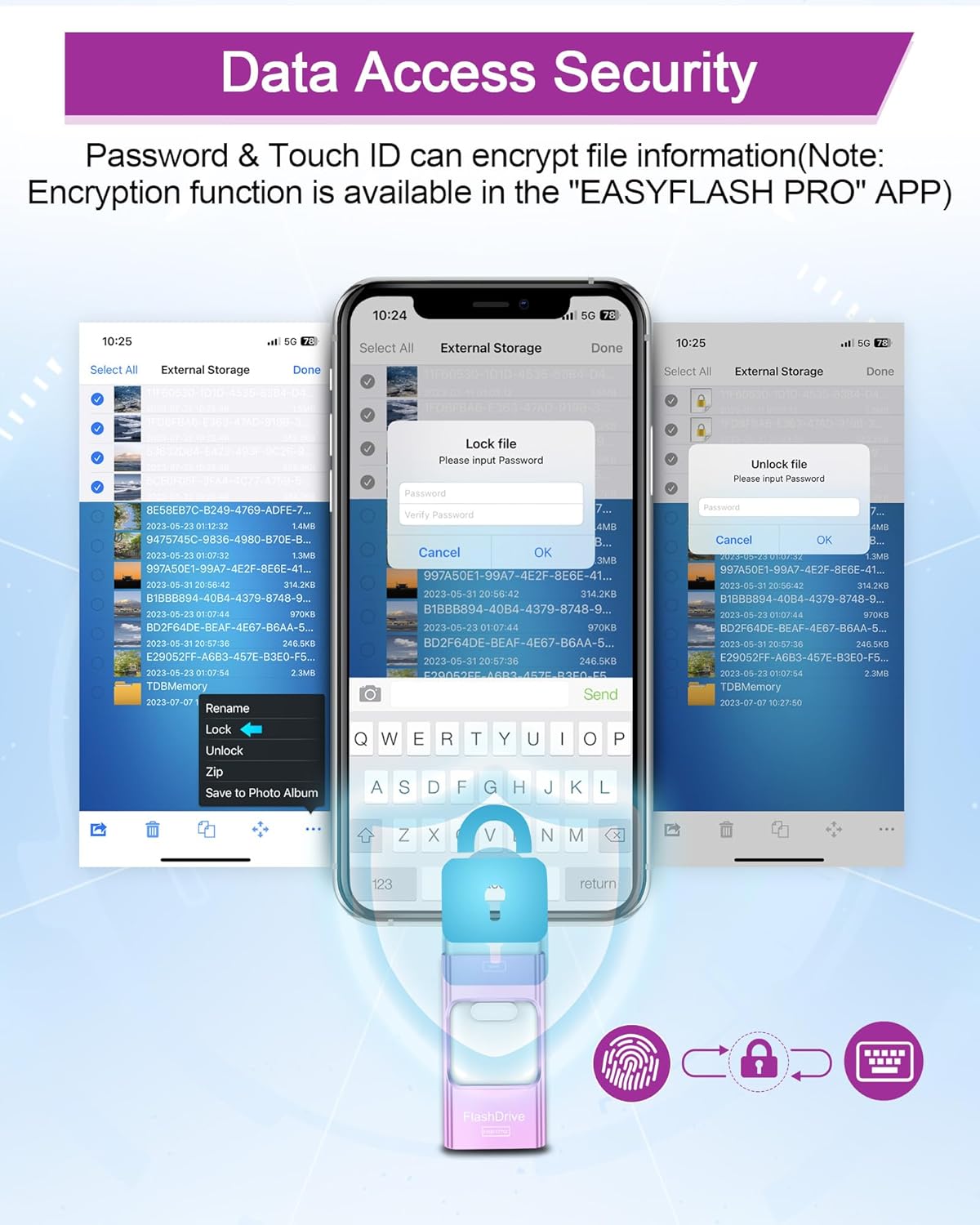
A notable feature is the optional encryption offered through the companion app on iOS, which allows password-protection or per-file encryption. This can be handy if you’re sharing the drive or using it for work documents. Do note that encryption capabilities are described as available within the app and are exclusive to iOS users, so privacy options differ depending on how you access the drive.
What works well
- True multi-port compatibility in one compact device, reducing the carry‑around clutter.
- 256GB of storage is useful for media hoarders or students who need portable backups.
- The app-based privacy feature provides a layer of protection for sensitive files when used on compatible devices.
- No dependency on Wi‑Fi or cloud services for transfers, which can save time and improve reliability in some locations.
Where it may fall short
- Encryption is limited to the iOS app, Android users gain convenience but not the same scope of encryption from within the app.
- Actual speeds depend on device and file type, real-world transfers may be slower than the theoretical maximum.
- The 4-in-1 design is handy, but bulkier-than-plain USB sticks could still feel bulky in tight pockets or on slim laptops.
Who this is for
This drive suits anyone who needs portable storage across multiple devices—especially if you frequently move photos and videos between a phone and a PC, or between Android and Apple devices. It’s a pragmatic choice for students, photographers or remote workers who want a single, shared stick rather than juggling several cables.
Who should think again
If your workflow relies on high-speed, sustained data transfers or you place a premium on cross-platform encryption (beyond iOS), you may want to look at alternatives or plan extra backups. If you primarily use one ecosystem (iOS or Android) and don’t require the 4-in-1 capability, a dedicated single-port drive might be simpler.
Before you buy: practical checks
- Confirm your devices support OTG for Android to use the Micro USB port without extra apps.
- Check that your iOS device can install the required EASYFLASH PRO app for encryption.
- Consider your typical file sizes and whether the 40 MB/s write speed meets your needs for larger video files.
- Think about backup strategy: the recommendation is to back up important data twice before deleting originals, minimising risk of loss.
Practical usage example
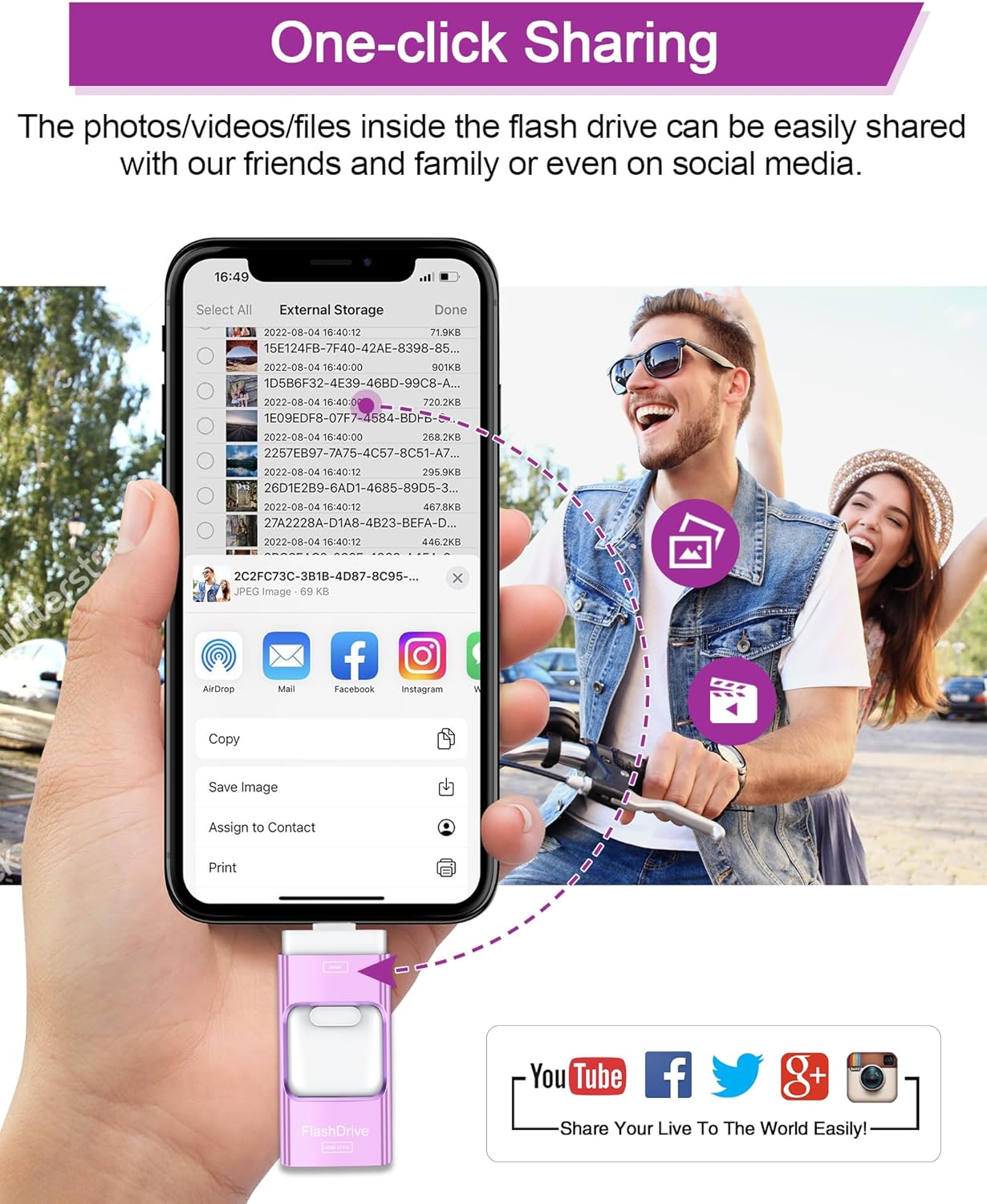
Imagine you’ve recorded a travel vlog on a phone, then want to edit on a tablet and share from a laptop. With the 4-in-1 stick, you’d copy the footage to the drive directly from the phone, switch the port to USB-C for the tablet to access the files, and finally plug into the PC to complete the final edits. It’s a straightforward, cable-light workflow rather than a cloud-synced chain.
The decision in brief
Is it worth it? Worth considering if you prioritise portable, cross-device transfers with a single physical solution and you’re comfortable with app-based encryption on iOS. It may not be the best choice if you require uniform encryption across Android or crave higher sustained transfer speeds for large files.
FAQ (quick clarity)
- Does it work with both iOS and Android? Yes, via the included multiple ports, Android requires OTG to be enabled.
- Is encryption available on all platforms? Encryption is described as available within the iOS app, Android access focuses on file protection rather than app-based encryption.
- What’s the capacity and is it enough for media? It offers 256GB, suitable for photos, videos and documents depending on file sizes.