

XPPen Magic Drawing Pad 12.2-inch tablet
Product description
If you want a digital art pad that works without a laptop or PC, the XPPen Magic Drawing Pad is built for that kind of freedom. It runs independently on a built-in Android system, so you can start drawing, reading, and using creative apps wherever you are. With a 12.2 inch paper like screen, it aims to feel closer to drawing on real media, while still supporting modern digital workflows. 🎨
The standalone setup is one of the biggest practical advantages. There are no cables to manage and no connecting devices required, which can make it much easier to keep your creative routine going. For anyone who sketches between tasks, takes notes on the move, or likes switching between apps, this portable approach can be especially convenient. 📱
Key takeaways
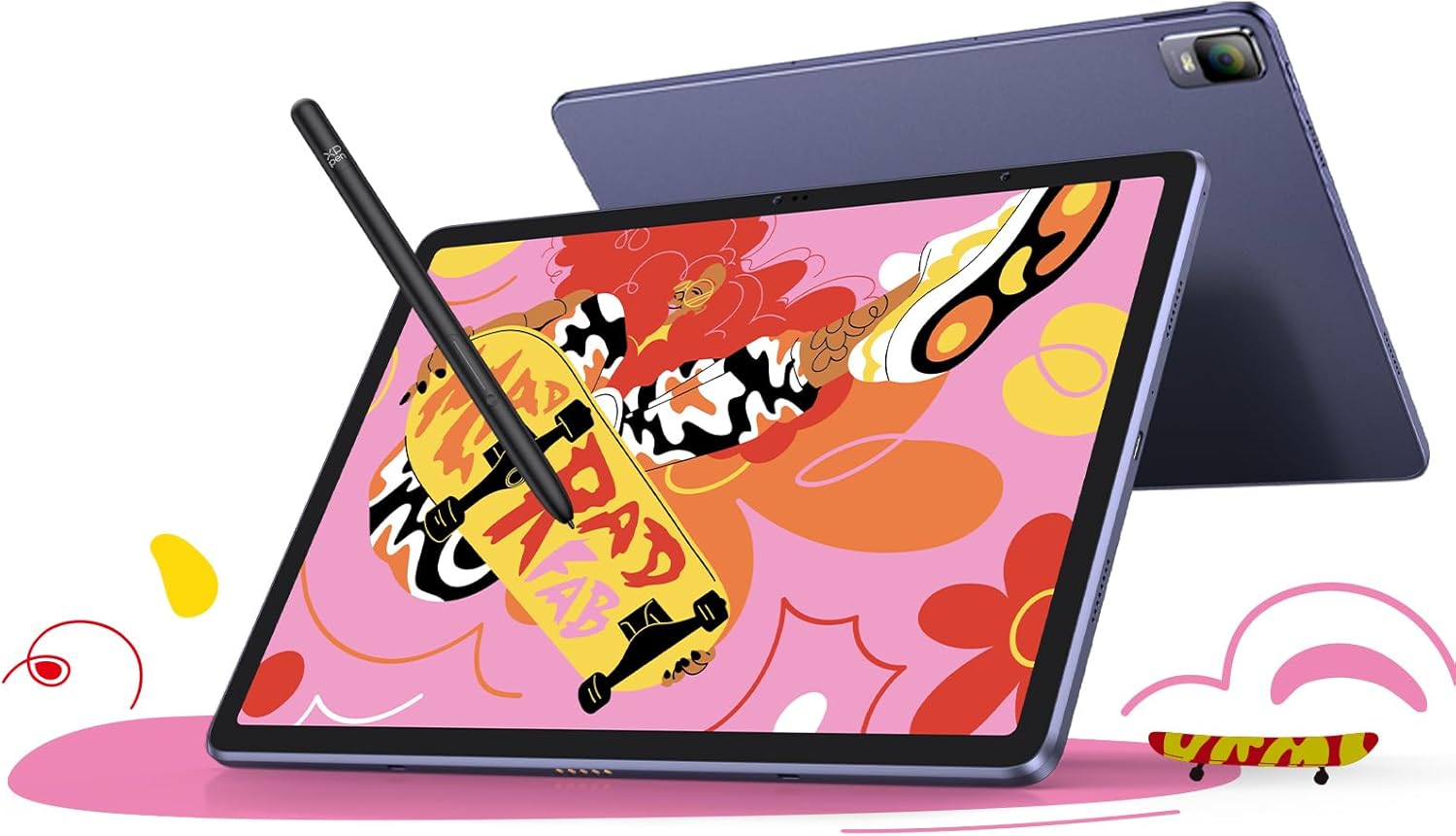
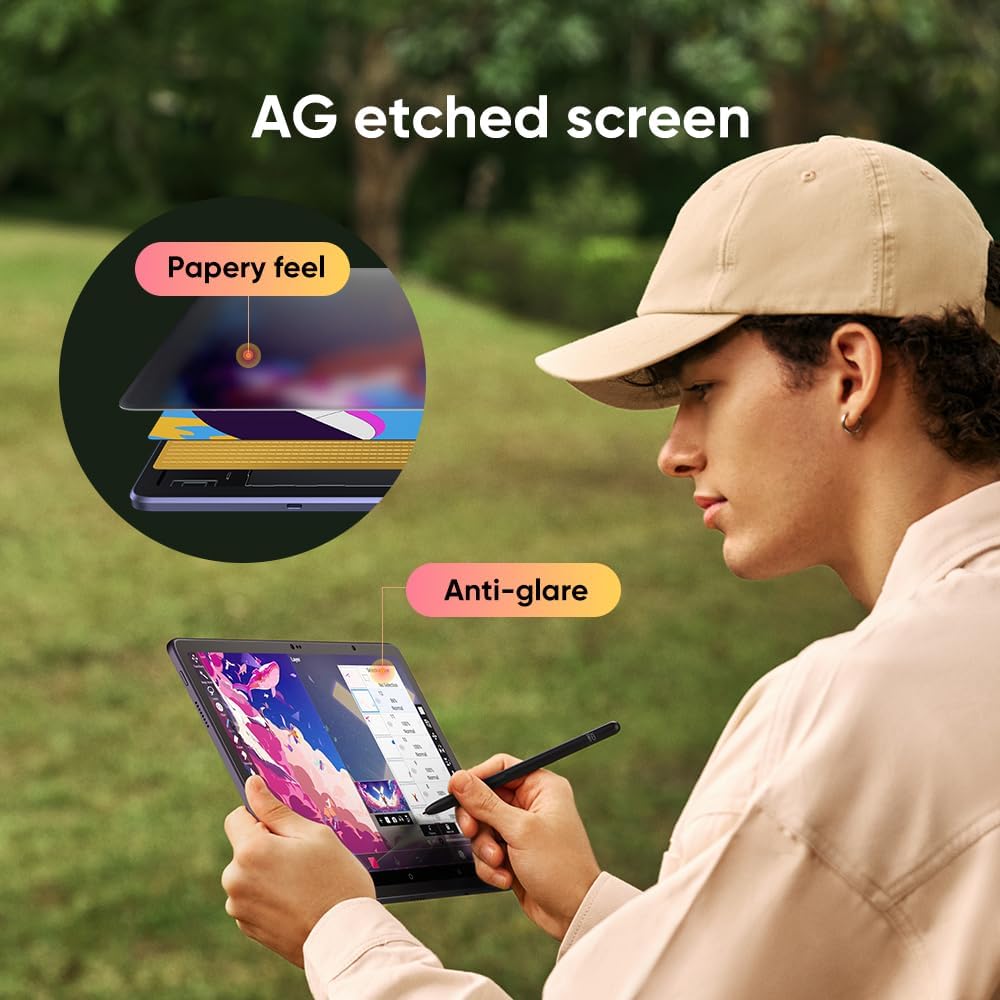
At a glance, this is a standalone graphics tablet that combines a paper like viewing experience with a natural pen on screen feel. The 12.2 inch display uses AG etched technology for a textured drawing surface feel, and it is presented in a 3:2 ratio for a balanced canvas layout. For colour work, it supports a wide colour gamut of 109% sRGB, with 16.77 million colours, which helps keep images and artwork looking vivid. The design also focuses on comfort, with claims of no glare and no harmful blue light, which can matter during longer creative sessions.
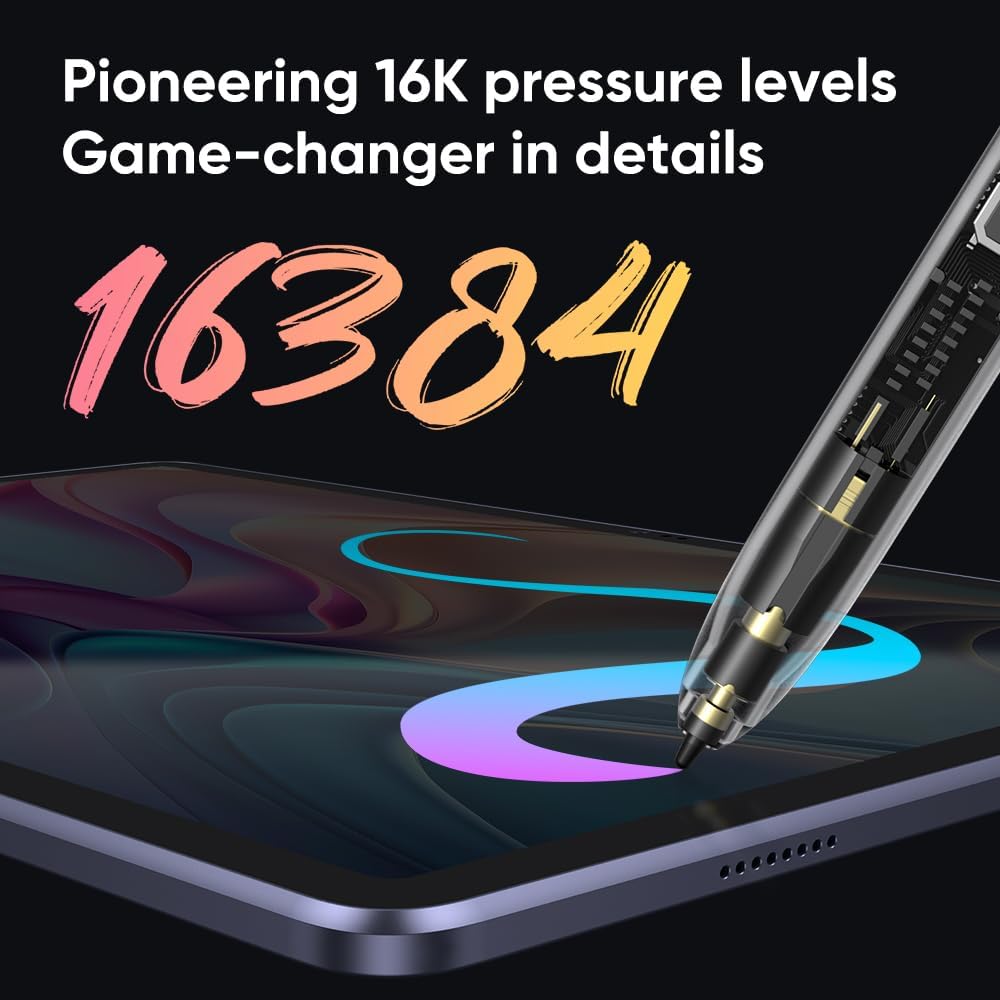
It also supports drawing and line control through 16K pressure levels and EMR technology, using the X3 Pro Pencil. That combination is meant to deliver more precise and smooth lines compared with simpler pen inputs. If you rely on subtle pressure changes, this is the kind of specification you would look for when choosing a pen tablet.
Portability is where the product really stands out. With a built in Android system and 256GB ROM, you can install and use popular apps without needing a separate computer. The 8000 mAh battery is stated to support up to 13 hours of non stop creation, which is useful for travel days, sketching outdoors, or long studio sessions. ✍️
One more notable angle is how the device can be used beyond drawing. It is described as supporting e books, videos, games, music, and photography, so you are not limited to one task. There is also support for dual windows, which can make multitasking feel more manageable when you are working with references.
Tech specs
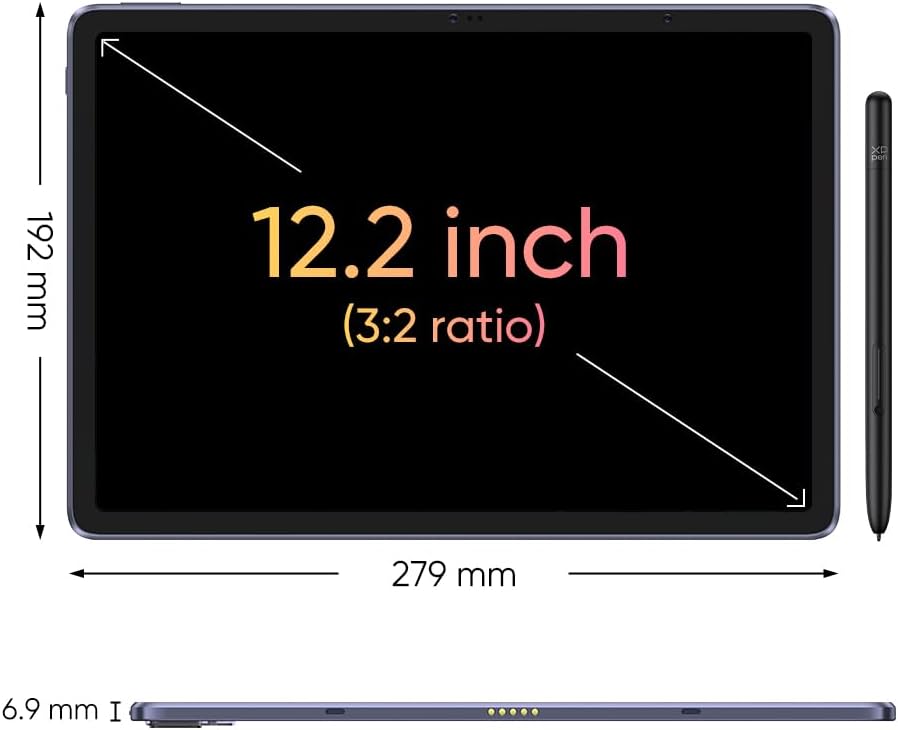
Here are the key specifications and features, based on the manufacturer details.
- Display size: 12.2 inch
- Screen ratio: 3:2
- Colour gamut: 109% sRGB
- Number of colours: 16.77 million colours
- Pen pressure levels: 16K pressure levels
- Battery capacity: 8000 mAh
What it’s like to use
The biggest day to day difference is the standalone nature. Because it does not require laptop or PC connection, you can power it on and start creating right away. That makes it well suited to sketching while waiting, building a quick study session, or keeping creativity close to hand when you are not at a desk. For artists who dislike setup time, the no cables approach can remove friction from the workflow.
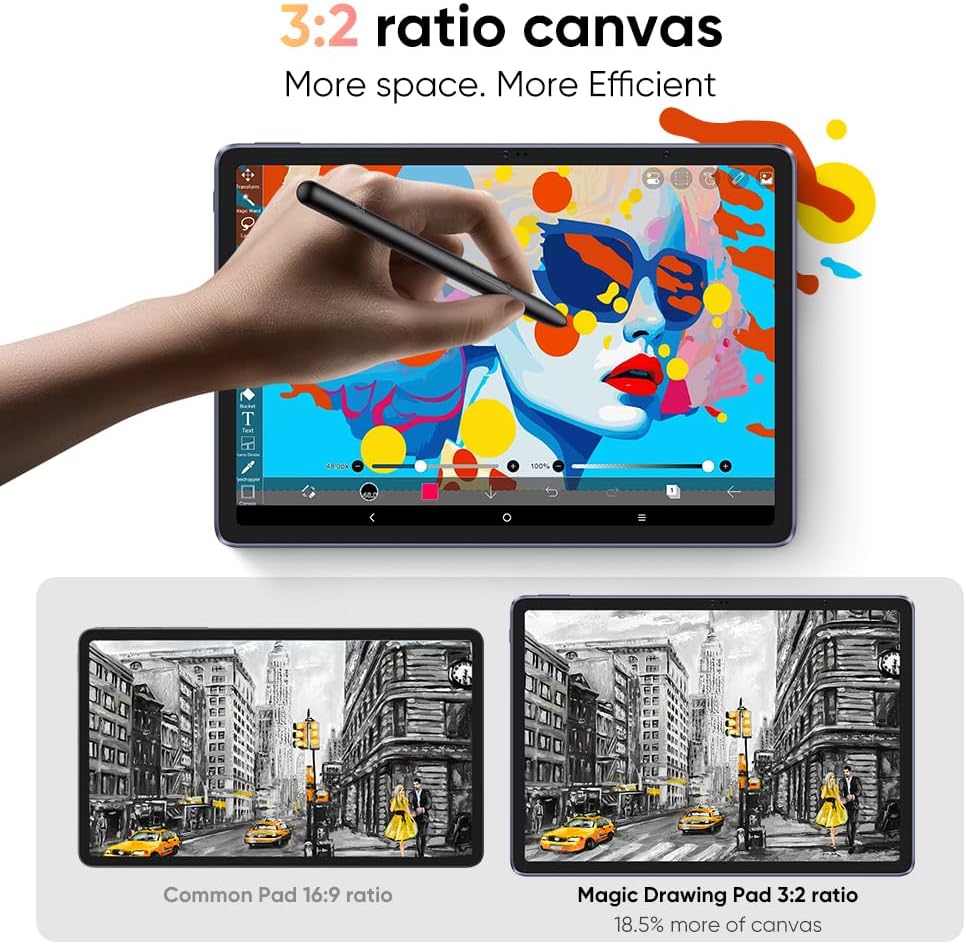
The on screen feel is also a core part of the design story. The AG etched technology is intended to deliver a paper like drawing experience, with claims of no glare and no harmful blue light. In practical terms, that means you can focus on the pen strokes without constantly fighting reflections. The 3:2 canvas ratio may be helpful if you like balanced framing for portraits, composition studies, or reference led work.
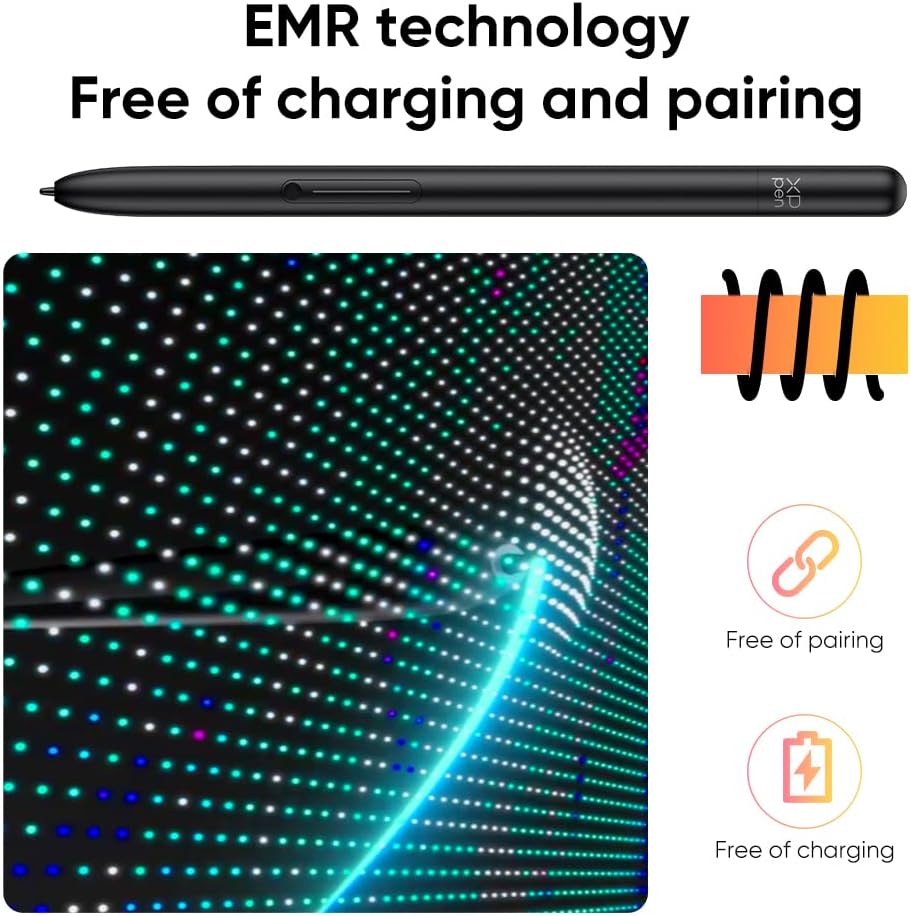
The included X3 Pro Pencil is designed to match that drawing experience. It uses EMR technology and is paired with 16K pressure levels, which should help with more expressive line quality when shading or varying strokes. A stated benefit is more precise and smooth lines, and for many creatives, that is exactly what they look for when they move from basic digital input to something more responsive. 🖊️
For apps and content, the device can download popular drawing options from Google Play. The manufacturer notes a 3 month membership when you activate an ibis Paint X account after purchasing the Magic Drawing Pad. That can be a useful starting point if you want to explore brush settings and workflows immediately.
Who it’s for
It makes sense if you want a portable digital art pad for everyday creativity without needing to connect to a computer. You will like it if you value a more natural pen on screen experience, prefer a paper like surface feel, and plan to spend time sketching, reading, or using creative apps on the move. It can also suit people who want a single device for multiple activities such as e books, videos, games, music, and photography, rather than only a drawing tool.
It may not be a great match if your workflow depends on specific desktop only software, because this is designed around the built in Android system rather than a direct laptop or PC connection.