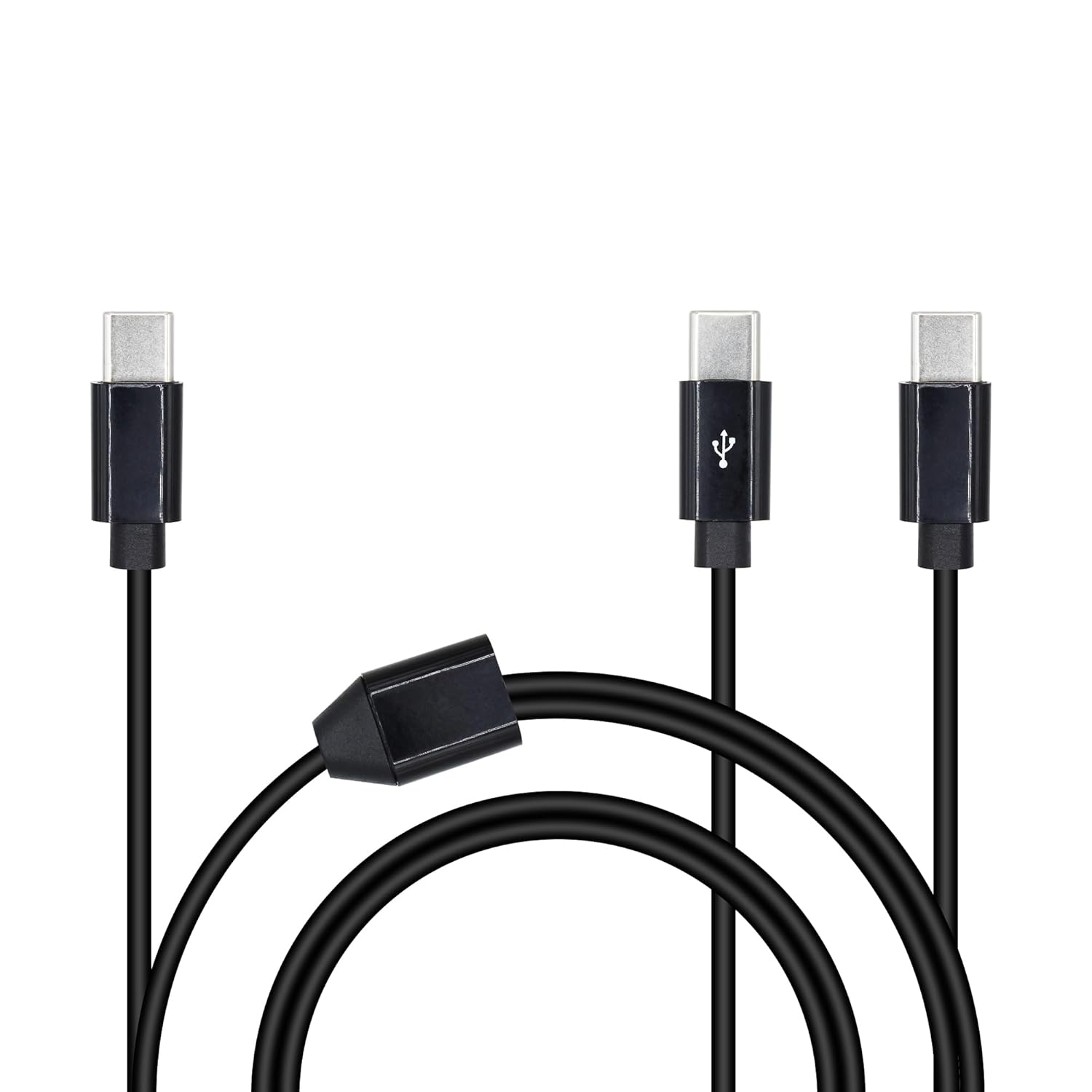
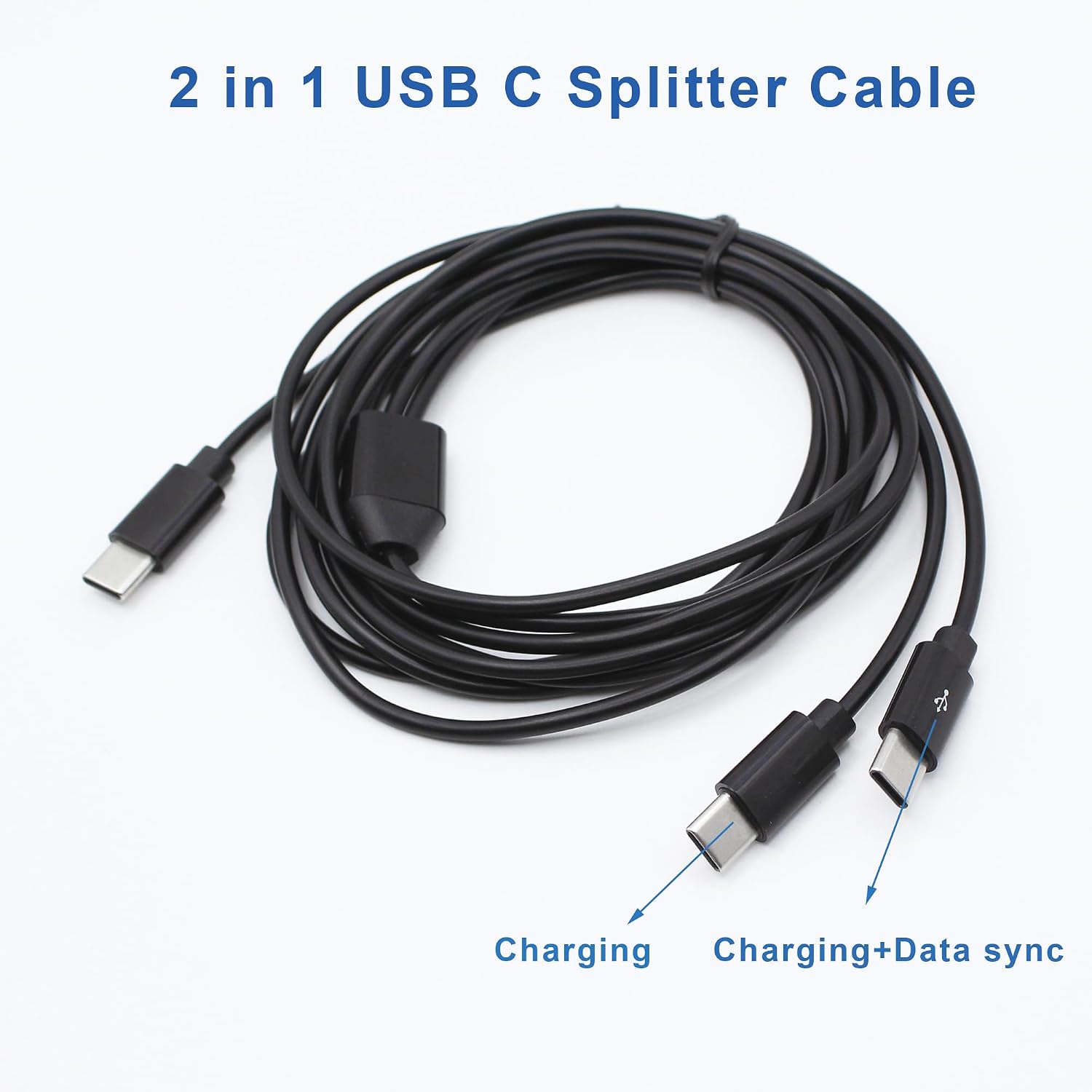
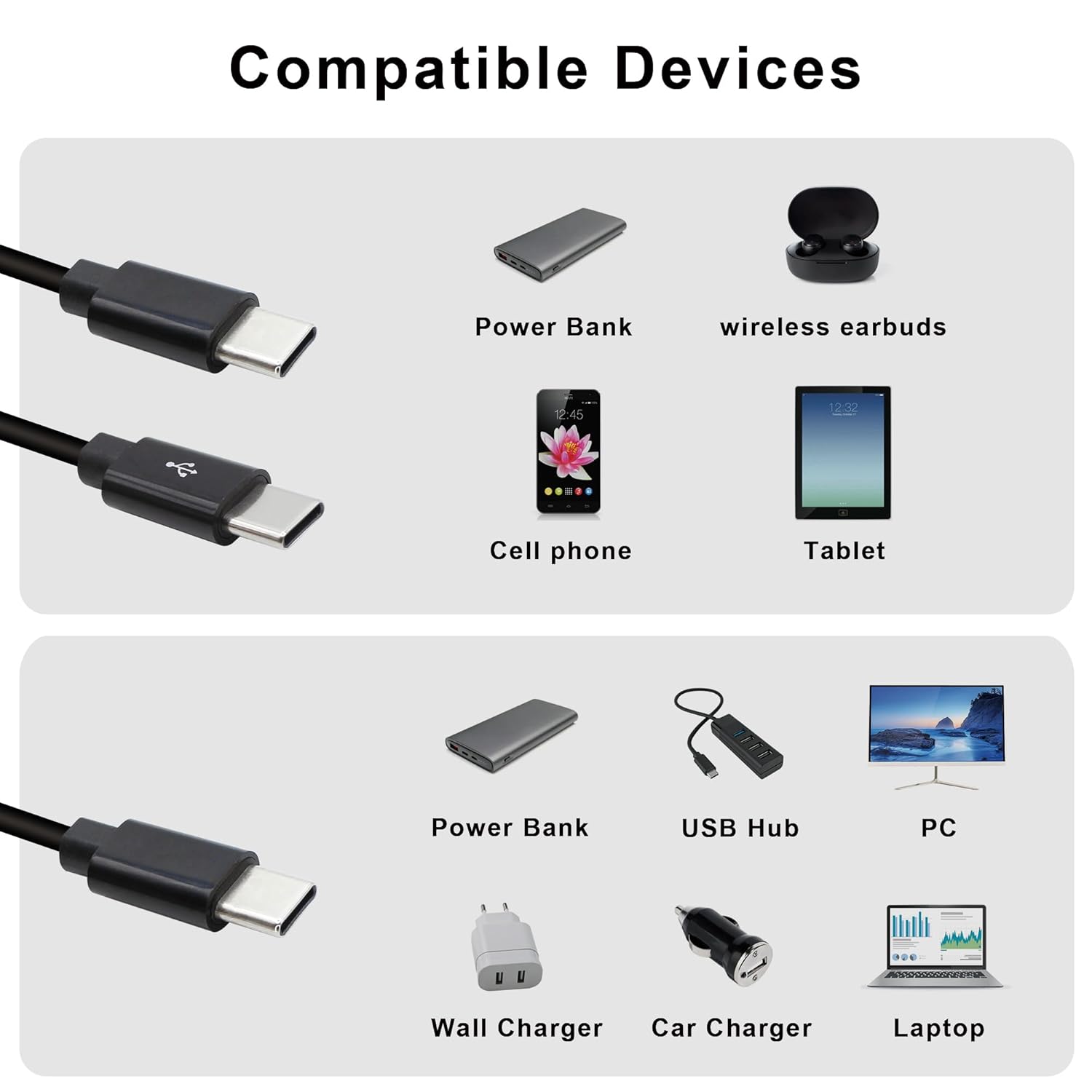
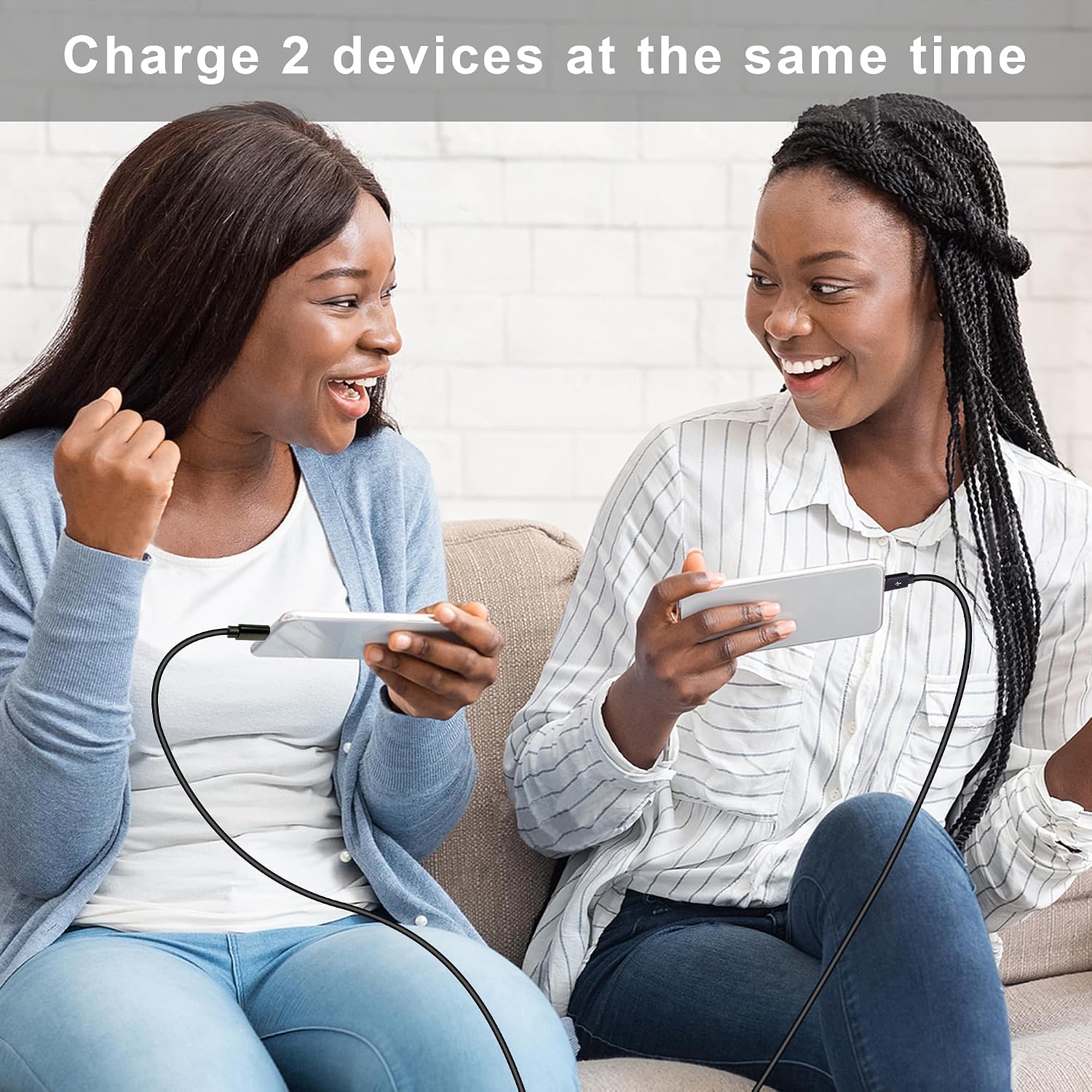
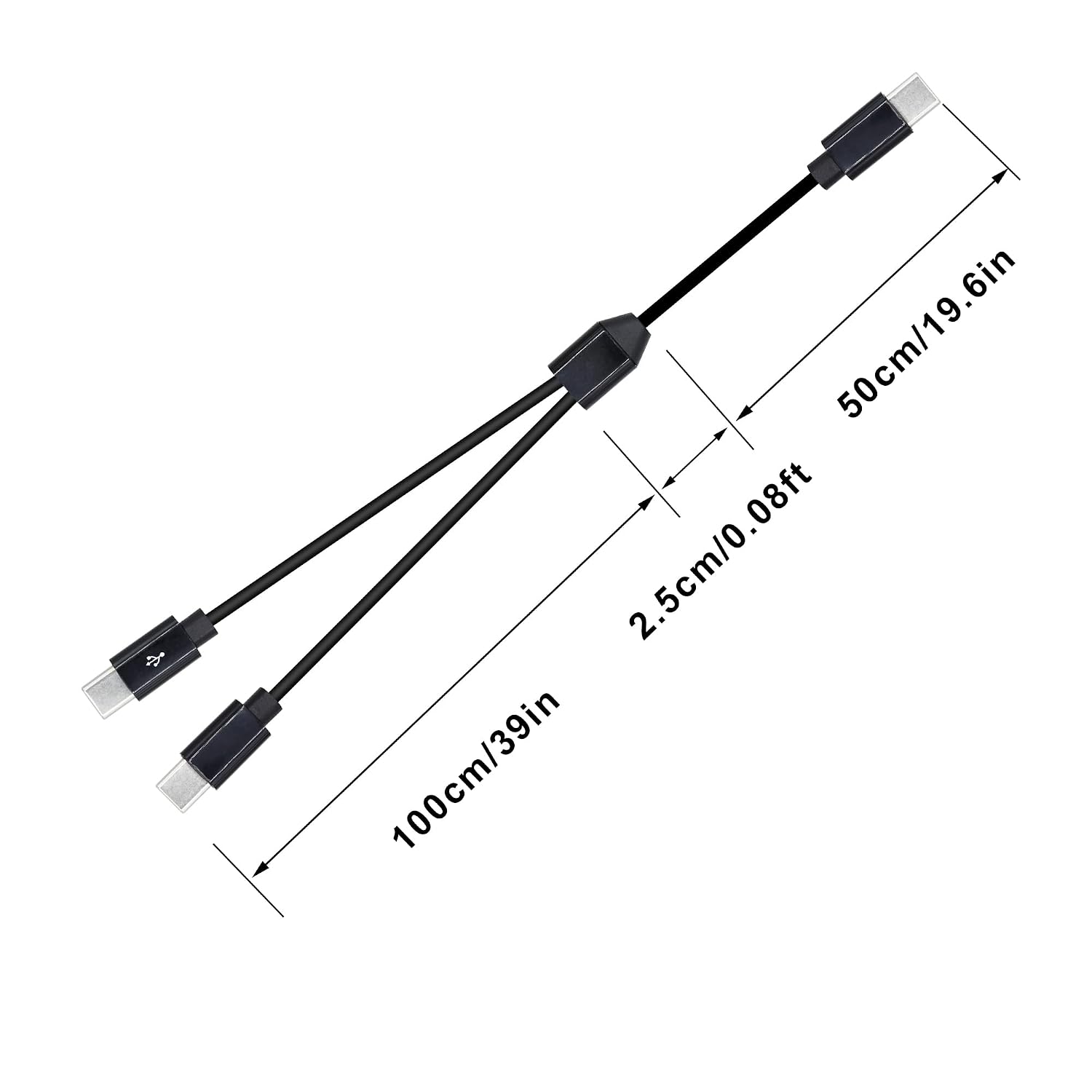
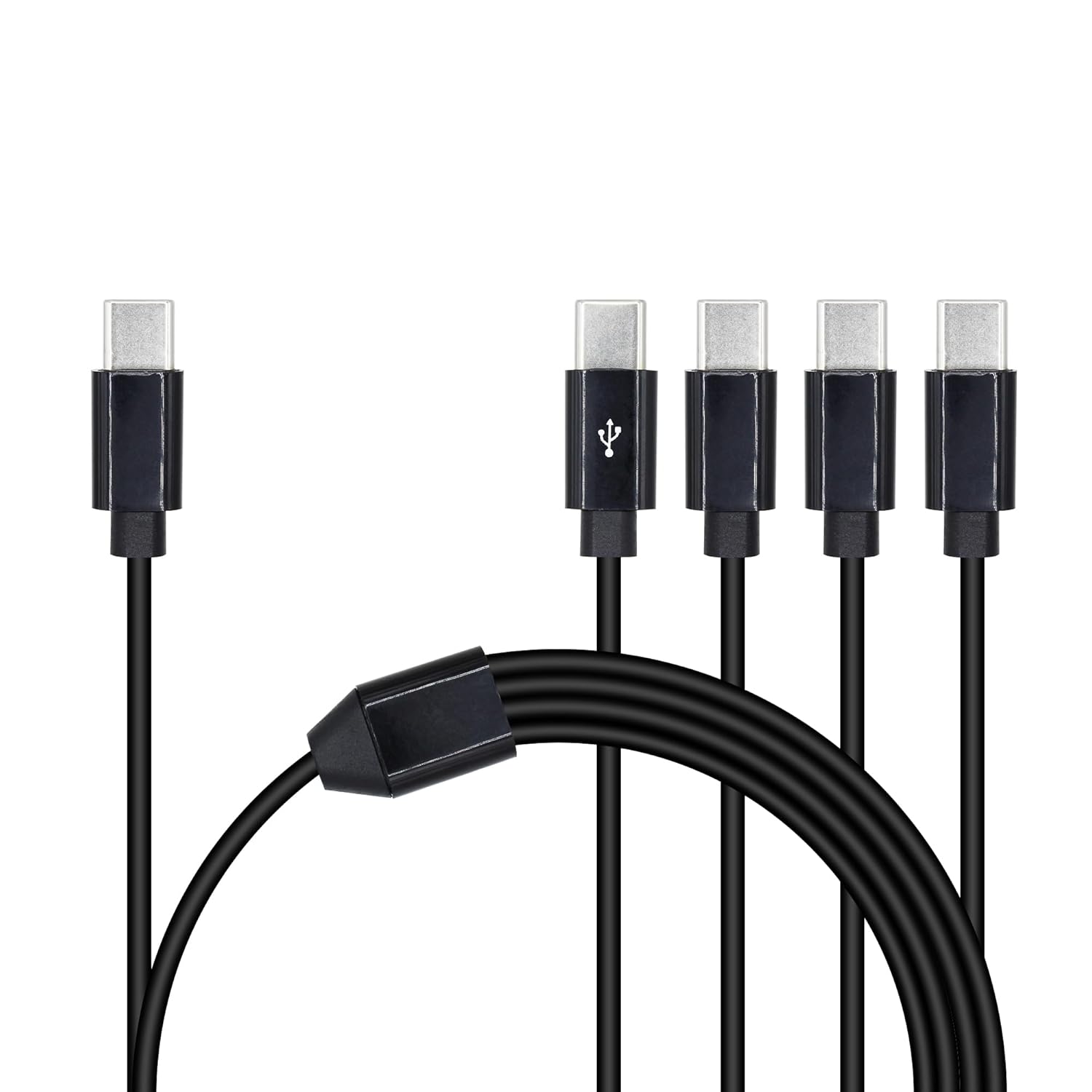
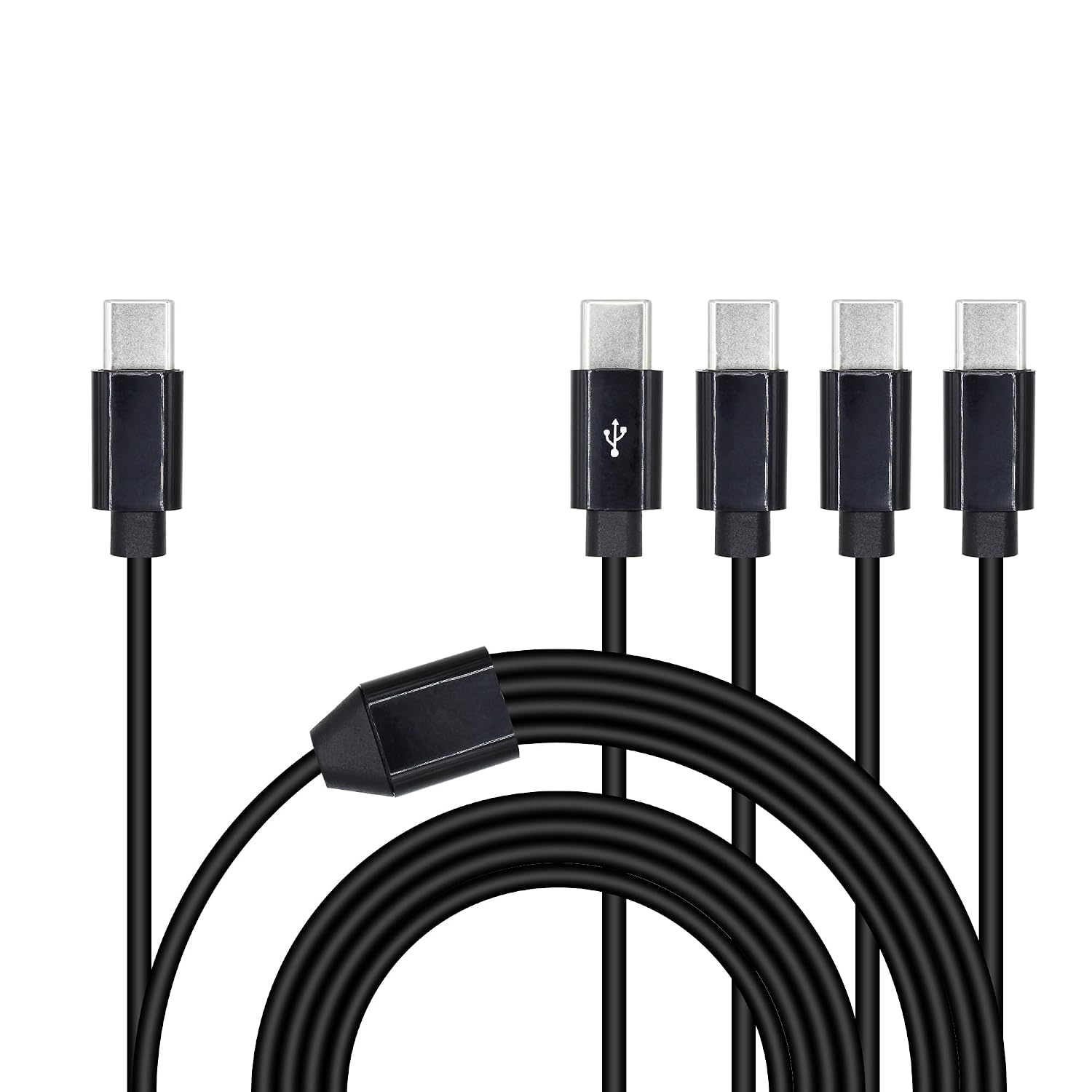
What matters most\nThe Xilaghy 2 in 1 USB Type-C splitter aims to let you charge or transfer data to two USB-C devices at the same time from a single source. On paper, this can save you plugging and unplugging and protect ports from wear. If your routine includes a phone and a tablet or a laptop and a wireless earbud case, this kind of cable could simplify charging while keeping data transfer options available.\n\n## Tech specs\nTwo USB-C ports on the splitter, with all ports supporting charging and one port marked for data transfer. Maximum data transfer rate cited as up to 480 Mbps. Total cable length is about 1.5 m (59 in), with a main section around 0.5 m and a splitter lead of about 1 m. The plug housing uses a sturdy alloy, jacket is PVC, designed for abrasion resistance. Compatible devices include any USB-C port devices such as smartphones, tablets and laptops.\n\n## What stands out\nOn the plus side, the setup is compact for a 2-in-1 charger and keeps both ports active for charging. For travellers or home/office use, the “two cables in one” approach reduces clutter and can simplify a desk or car setup. The real-world benefit hinges on whether you need simultaneous charging of two USB-C devices and whether the transfer rate meets your expectations.\n\n## Limitations to note\nThe claimed data rate of 480 Mbps is modest by modern standards, so demanding transfers or higher-speed peripherals may not see benefit beyond charging. It’s also a splitter rather than a true hub, performance depends on the power available from the source and the devices you connect. If you prioritise high-speed data transfer or multiple high-powered devices at once, this design might feel limited.\n\n## Who it’s for\nIdeal for someone who wants a simple, portable way to charge two USB-C devices at once, especially when you’re travelling, commuting, or working from a small desk. It’s not the best fit if you need high-speed data syncing or heavy-duty charging to power laptops or multiple power-hungry devices simultaneously.\n\n## Who it isn’t for\nIf you rely on rapid charging for multiple devices or need the fastest possible data transfer rates, this 2-in-1 splitter may fall short. Also, if your setup requires more than two USB-C connections, you’ll want a more capable hub or cable arrangement.\n\n## Before you buy\nCheck what power output your sources can provide and whether both connected devices will draw more current than the host can supply. Consider the length of the lead and how it will sit in your space—57–60 inches might be longer than you expect for a shoulder bag or pocket. Also verify device compatibility if you’re using devices with special charging standards.\n\n## Practical usage example\nAt home, you can connect a USB-C charger to power a phone and a tablet in one go, handy when completing a quick charge while you’re multi-tasking. In the car, the splitter may help keep navigation accessories and a passenger device charged without swapping cables constantly.\n\n## FAQ (condensed)\n- Can both ports charge and transfer data at the same time? Yes, with one port marked for data transfer and both ports supporting charging.\n- Is 480 Mbps sufficient for typical data syncing? For everyday syncing, yes, but it’s not designed for high-speed drives or large data transfers.\n- Will it power a laptop through USB-C? It depends on the source and the devices, this is better suited for phones, tablets and similar devices rather than power-hungry laptops.\n\n## Is it worth it?\nWorth considering if you need a compact, economical way to charge two USB-C devices simultaneously and you don’t require high-speed data transfer. If your use case involves frequent fast charging or high-speed syncing, you may want to look for alternatives with higher throughput and clearer power management.