

XGIMI Horizon 20 4K RGB Triple Laser Home Projector
Product description
What it is and what it’s for
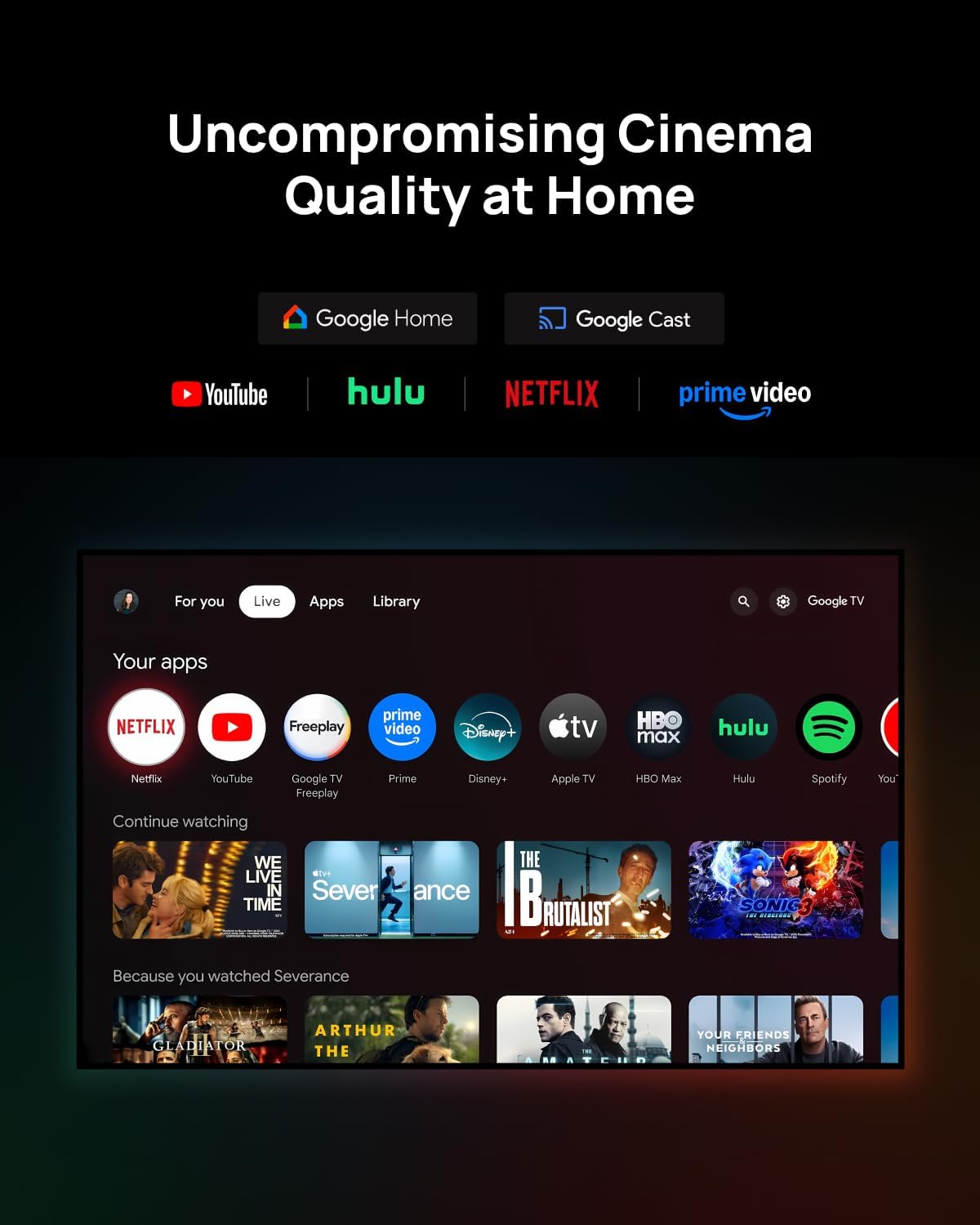
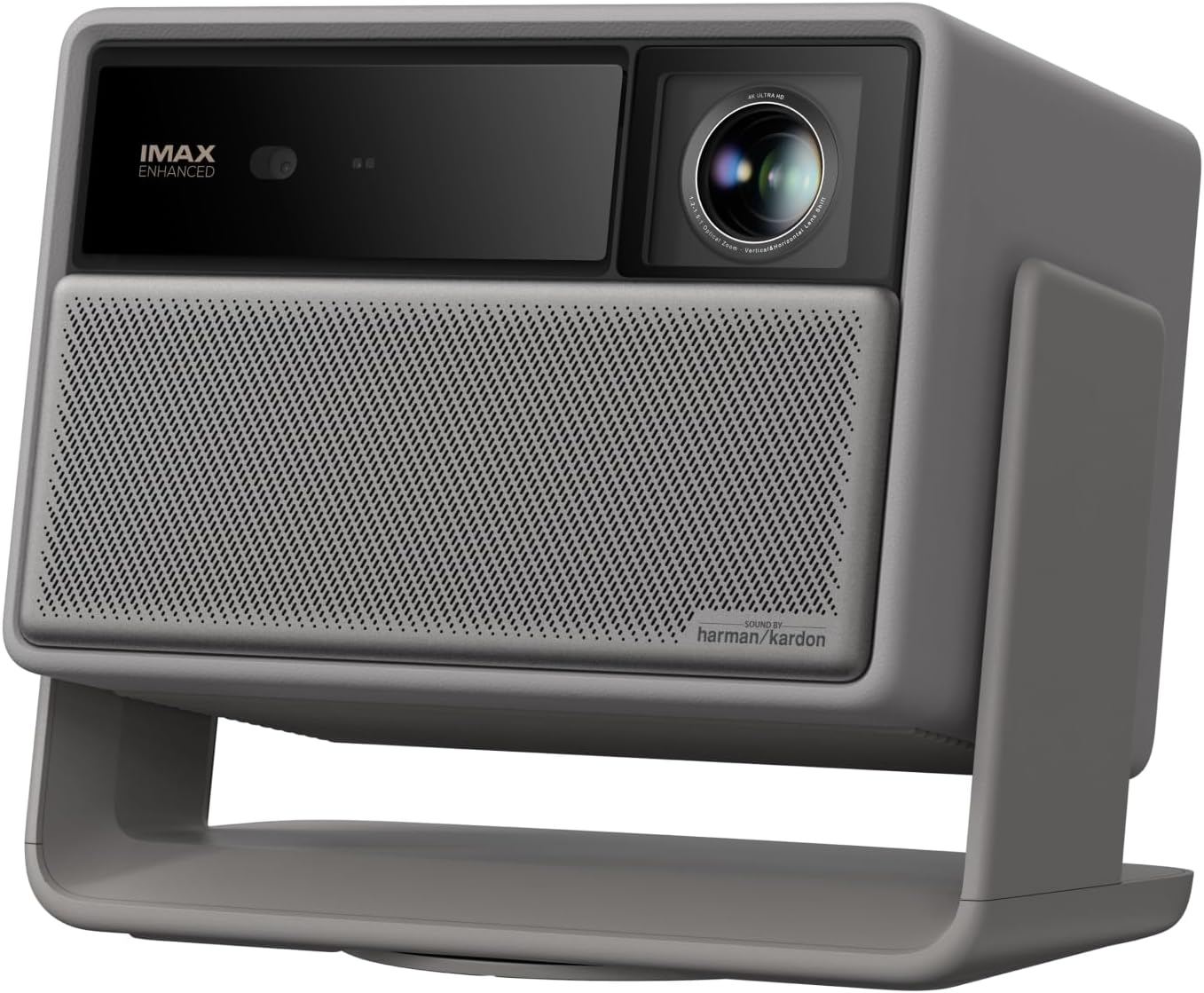
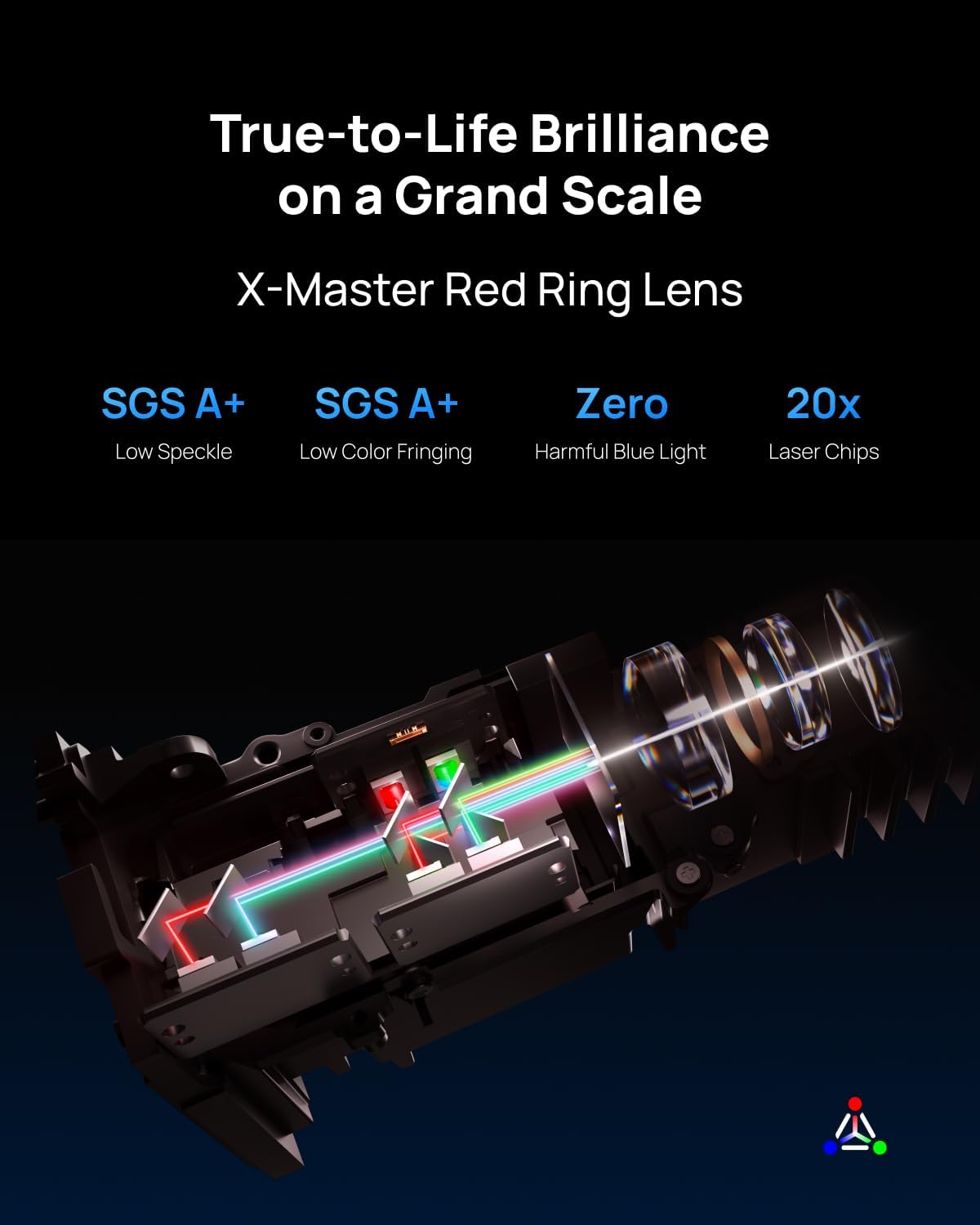
The XGIMI Horizon 20 is a 4K home projector that uses an RGB triple laser engine to deliver bright, vivid images with a high contrast ratio. It’s designed for living rooms and dedicated media spaces where you want cinema-like visuals without a dedicated screen. The bundle incorporates internal Harman Kardon speakers and Google TV, aiming to simplify setup and daily use, so you can focus on what you’re watching rather than fiddling with hardware.
Core image quality and processing
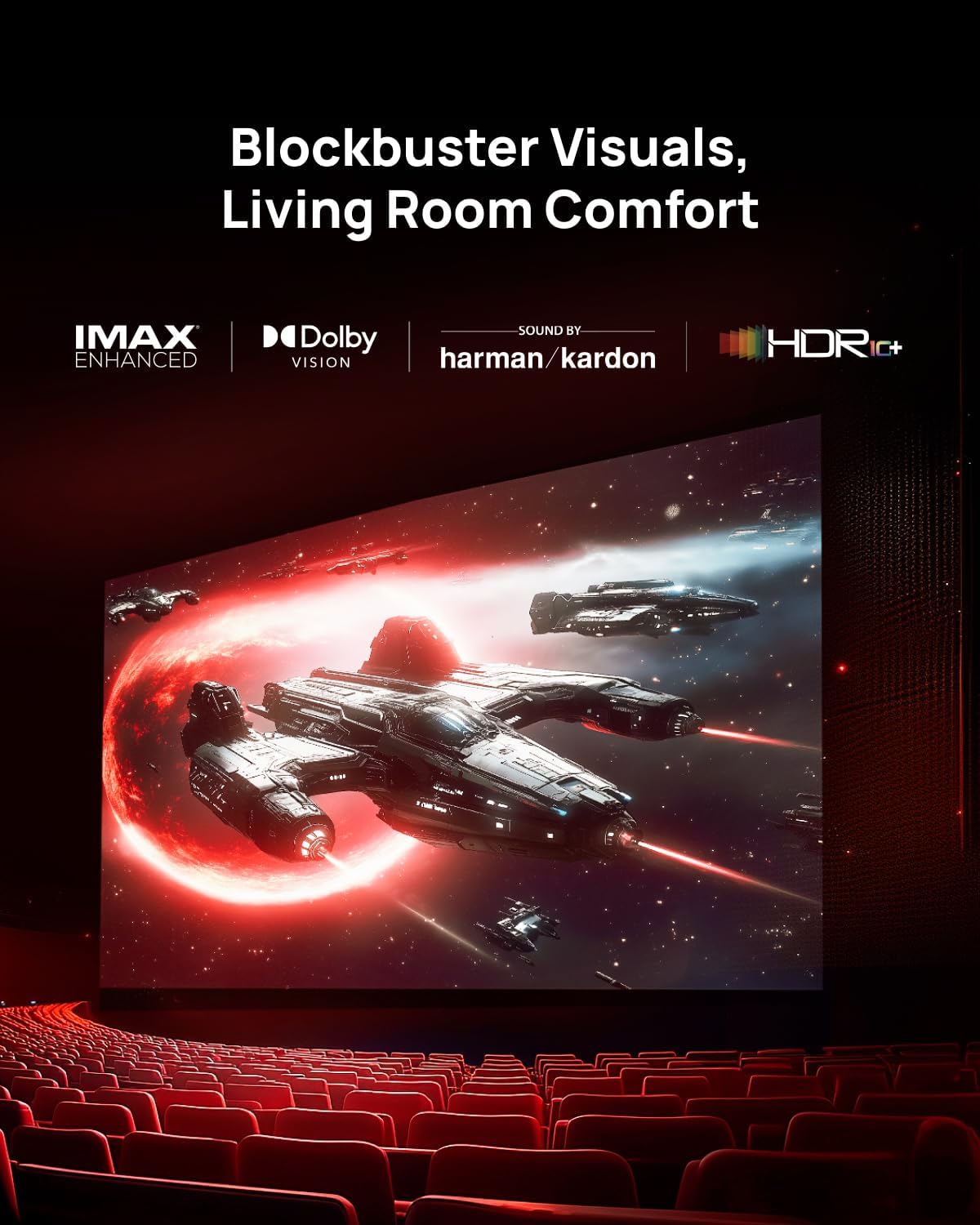
On paper, RGB triple laser technology offers a notable step up in colour accuracy and depth versus traditional lamp-based projectors. With 3200 ISO lumens and a 20,000:1 contrast ratio, the Horizon 20 aims to maintain colour richness and shadow detail across varied lighting, including brighter living rooms. The device supports cinematic formats such as IMAX Enhanced, Dolby Vision and HDR10+, which suggests it can reproduce a broad colour gamut and dynamic range. Whether you’re streaming films or gaming, the combination of laser light and HDR metadata should translate to more faithful hues and more impactful highlights.
Setup flexibility and optics
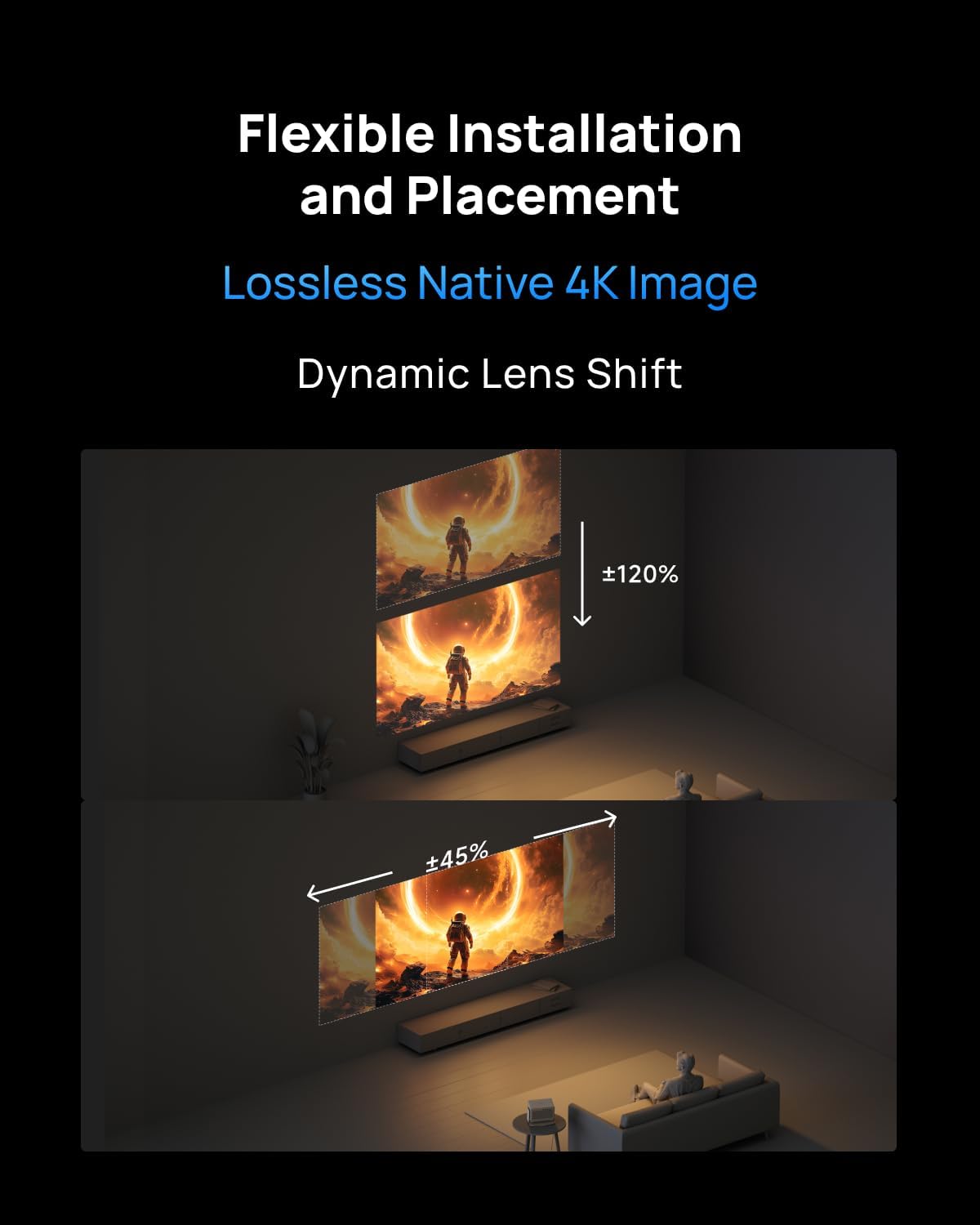
One of the practical advantages claimed is lossless optics with adjustable lens shift and optical zoom. That means you can position the projector where space dictates and still keep sharp images from various throw distances and screen sizes. In real-world use, this tends to reduce the need for rigid mounting or screen placement planning, which is welcome if you’re redecorating or moving rooms.

Performance for gaming and everyday use
The Horizon 20 advertises 1ms input lag and 240Hz, marketed to gamers looking for smooth motion and quick responsiveness. While these specs are appealing on paper, their real-world impact depends on the source, game engine, and whether the content is running at full 4K or upscaled. VRR (Variable Refresh Rate) and ALLM (Auto Low Latency Mode) are noted as features, which can help reduce stutter and latency for compatible consoles or PCs. If you prioritise gaming, you’ll want to confirm compatibility with your hardware and ensure you’re gaming at settings that leverage these features.
What you get inside the box
The Horizon 20 is pitched as an all-in-one unit: built-in speakers and Google TV mean you don’t necessarily need extra streaming devices, while the integrated stand offers a straightforward setup. This reduces clutter and extra gear, which is a meaningful convenience if you’re aiming for a clean, ready-to-use living room solution.
Potential drawbacks and considerations
Despite the strengths, there are a few caveats to keep in mind. High-end laser projection is sensitive to ambient light, and the advantage of dynamic range can be less noticeable in very bright spaces unless you dim the room. Maintenance-wise, laser systems are typically long-lasting, but you should still plan for periodic cleaning of vents and ensuring adequate cooling. Also, while the included Google TV helps with streaming, the overall experience hinges on app availability and streaming performance in your region.
Who it’s for and who it isn’t perfect for
If you want a large-screen, cinema-like experience with flexible installation and strong HDR support, the Horizon 20 is a compelling option. It’s particularly suitable for mixed-use spaces where you’ll watch movies, play games, and stream content without adding extra devices. It may not be the best fit if you primarily need a very compact projector for small spaces, or if you place the projector in a room with bright light and limited options to control lighting.
What to check before buying
- Ensure your room can accommodate a 300" display conceptually, actual screen size will depend on throw distance and lens setup.
- Verify that your gaming console or PC supports VRR/ALLM to make the most of the gaming features.
- Consider your streaming needs and app availability on Google TV in the UK region, some services might behave differently depending on regional app support.
- Think about the mounting options and whether the built-in stand covers your mounting or ceiling setup preferences.
Practical use example
Imagine a Friday night movie with a family on the sofa, dim lights, and a 100–120 inch screen. You stream a Dolby Vision title, and the laser engine delivers deep blacks and saturated, accurate colours. The built-in speakers fill the room with sound, so you don’t immediately reach for a soundbar. Later, you switch to a fast-paced game, the 1ms response and 240Hz frame rate help keep action smooth, assuming you’re using compatible sources.

How this compares to other approaches
If you’re weighing LED‑based or lamp-based projectors, the Horizon 20’s laser approach promises longer life and more stable brightness in varying light conditions, with stronger HDR tone mapping on supported content. It sits at the higher end of consumer projectors due to its built-in smart features and sophisticated optics, so consider whether you value all-in-one convenience over a more modular setup with potentially more upgrade paths.
Final verdict
Is it worth it? Worth considering if you value a robust, all‑in‑one home theatre solution with strong HDR semantics, flexible lens control and gaming features, and you’re prepared to work within a room where lighting is controllable. If you prioritise a compact footprint or the lowest possible input lag regardless of room lighting, there may be other options to weigh. This model leans more toward a premium, cinema-like experience in larger rooms where you want true convenience without compromising image quality.
FAQ
- How does the RGB triple laser affect colour in real-world viewing? It aims to deliver vivid, accurate colours with deep contrast, especially in HDR content.
- Can I use this projector for casual gaming? Yes, with 1ms input lag and 240Hz support, but enable VRR/ALLM if your source supports them for smoother gameplay.
- Do I need a separate sound system? Not strictly, since it includes Harman Kardon speakers, though many users still pair it with a soundbar for larger rooms or higher audio fidelity.