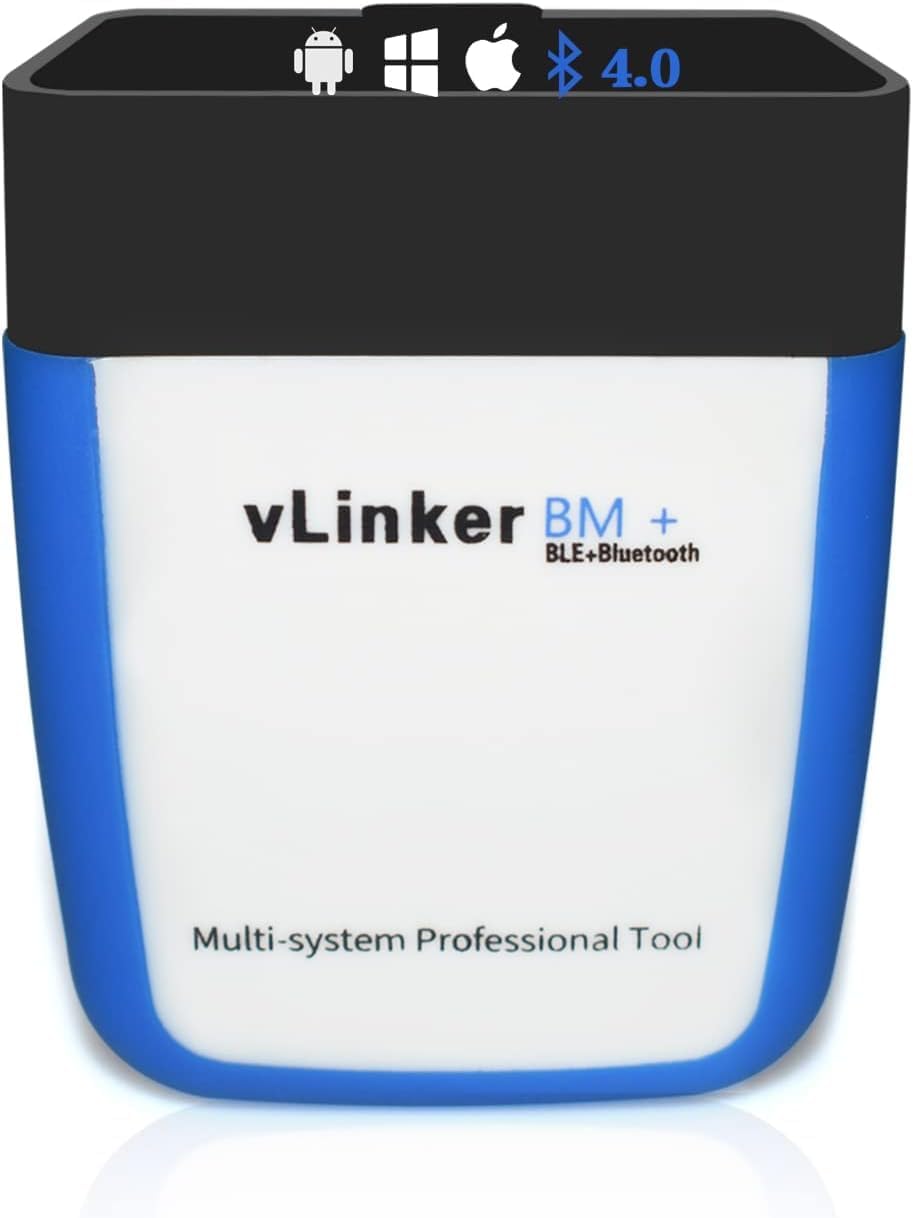
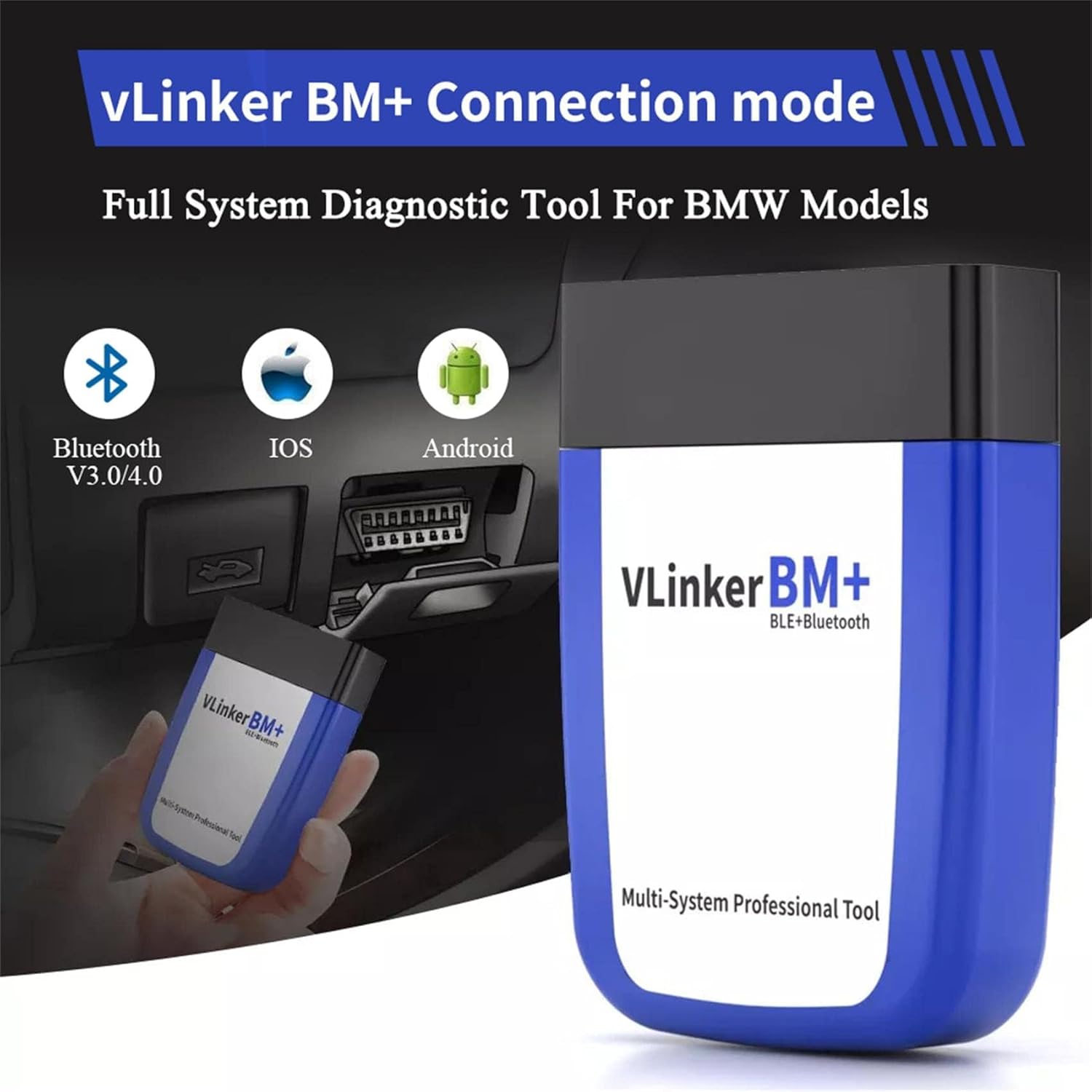
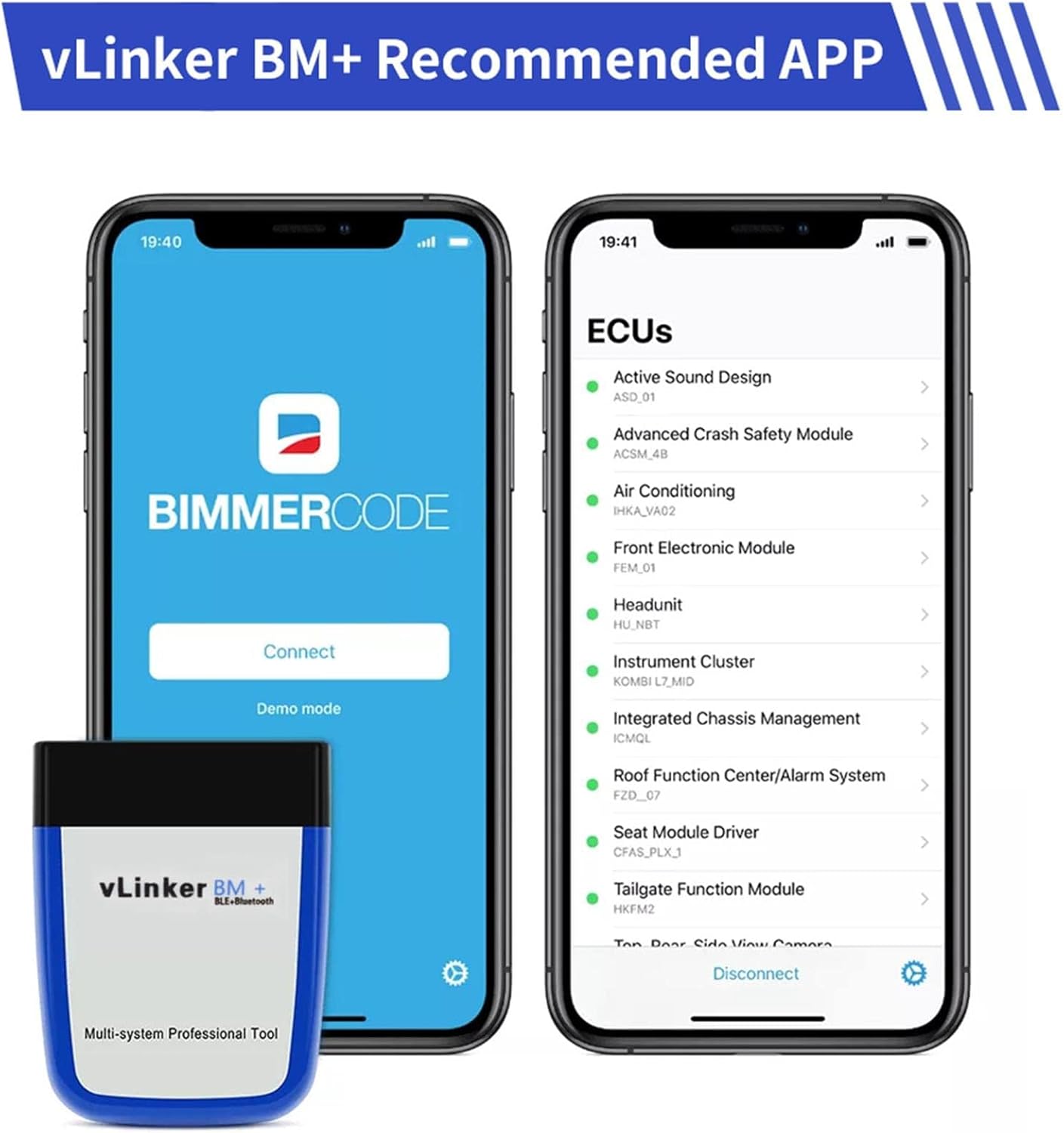
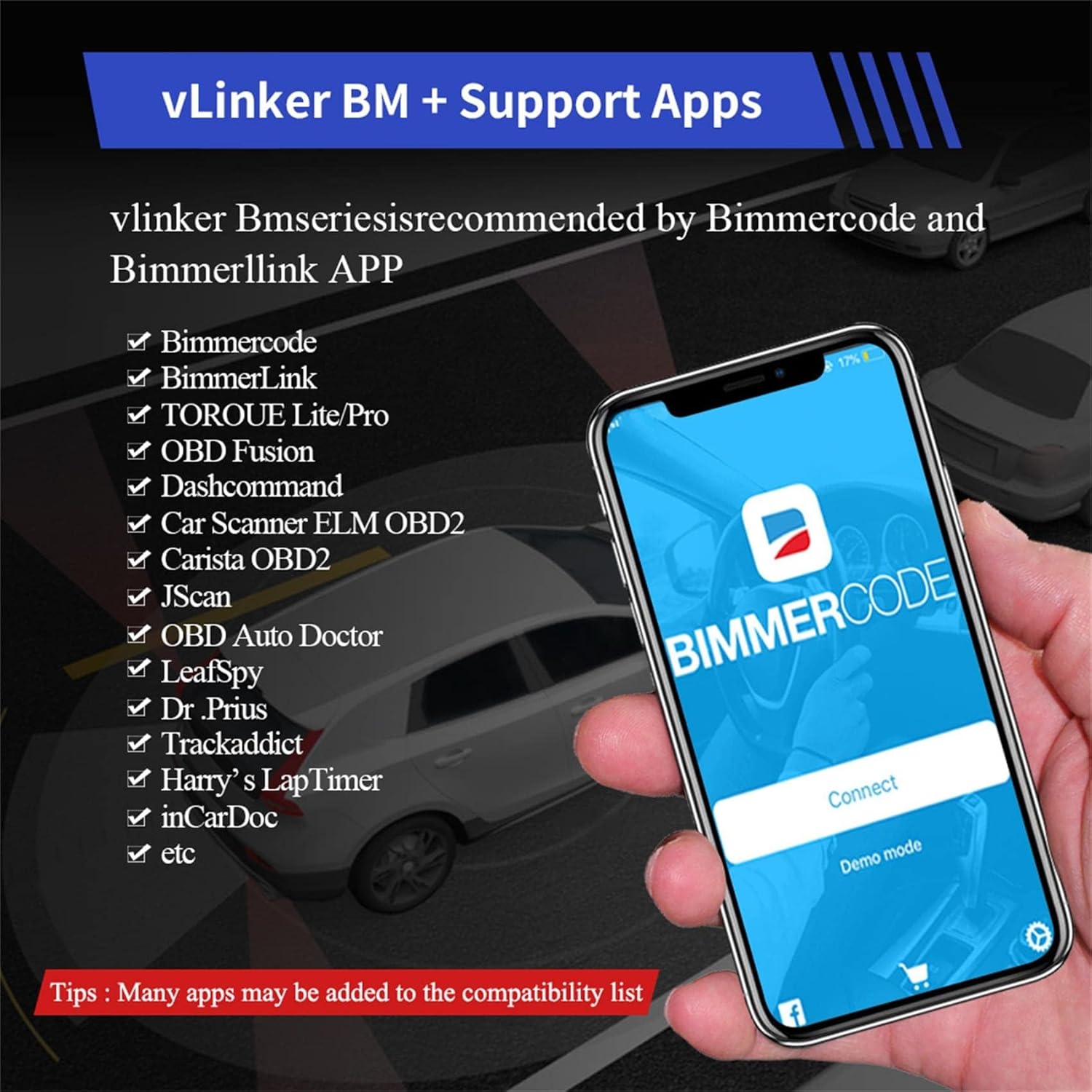
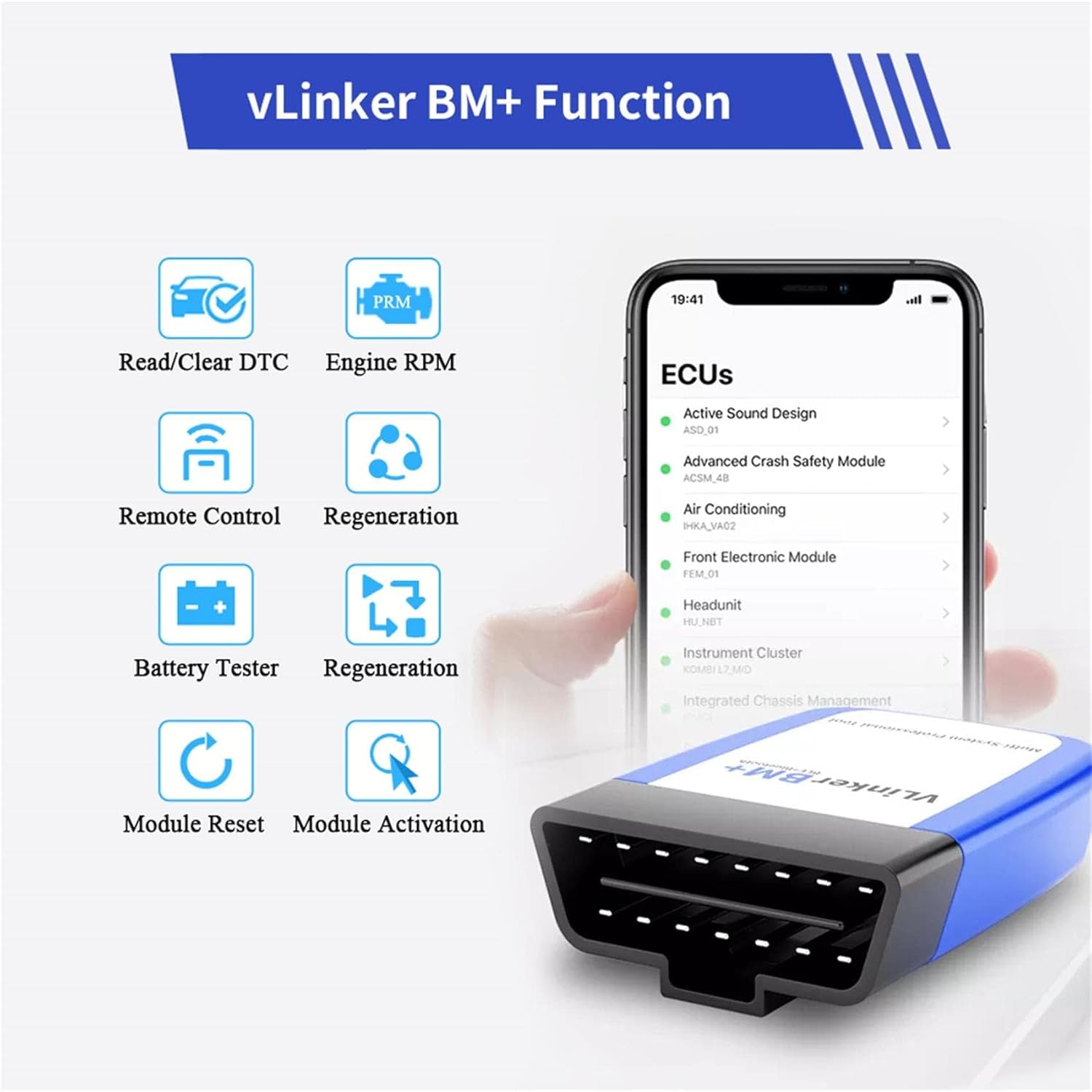
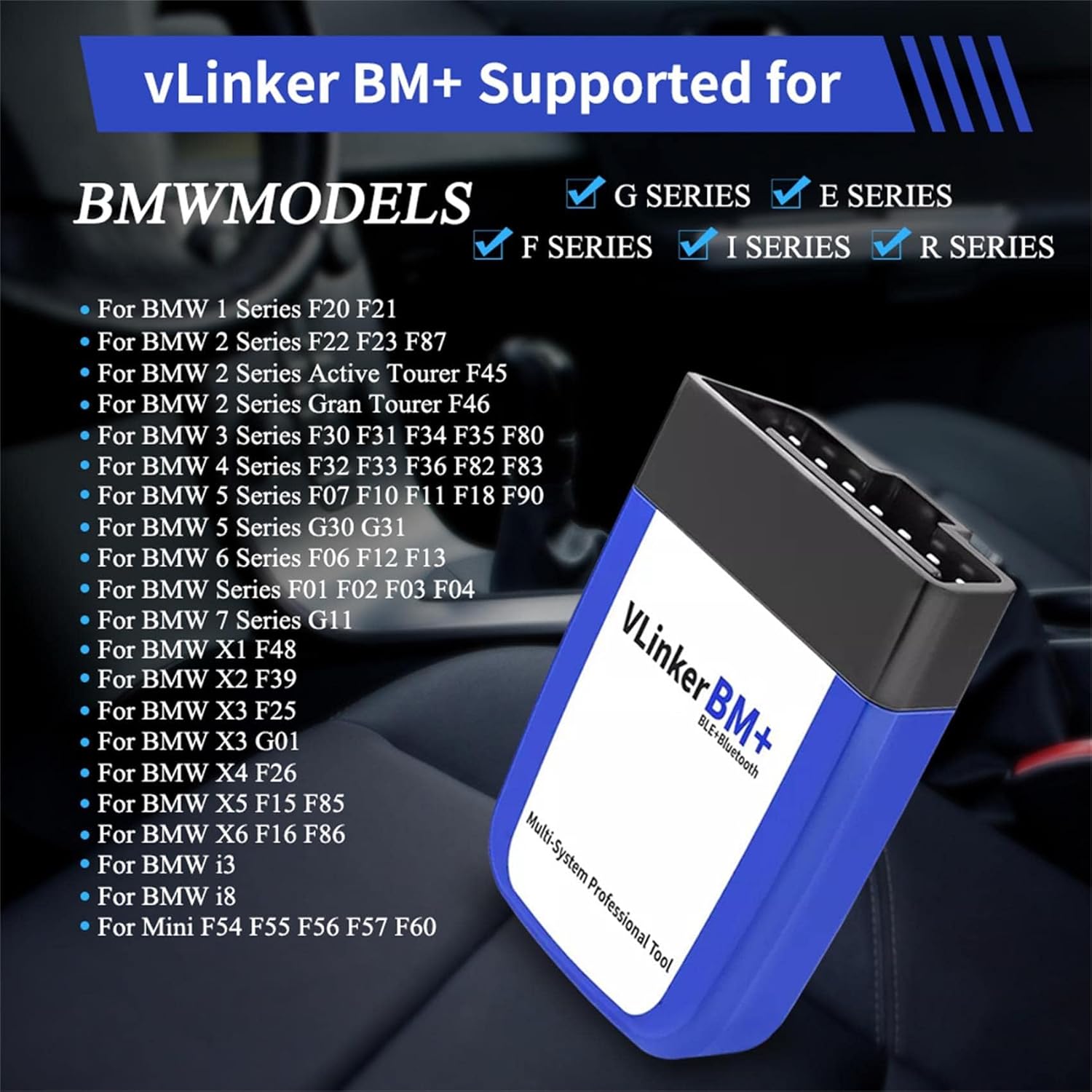
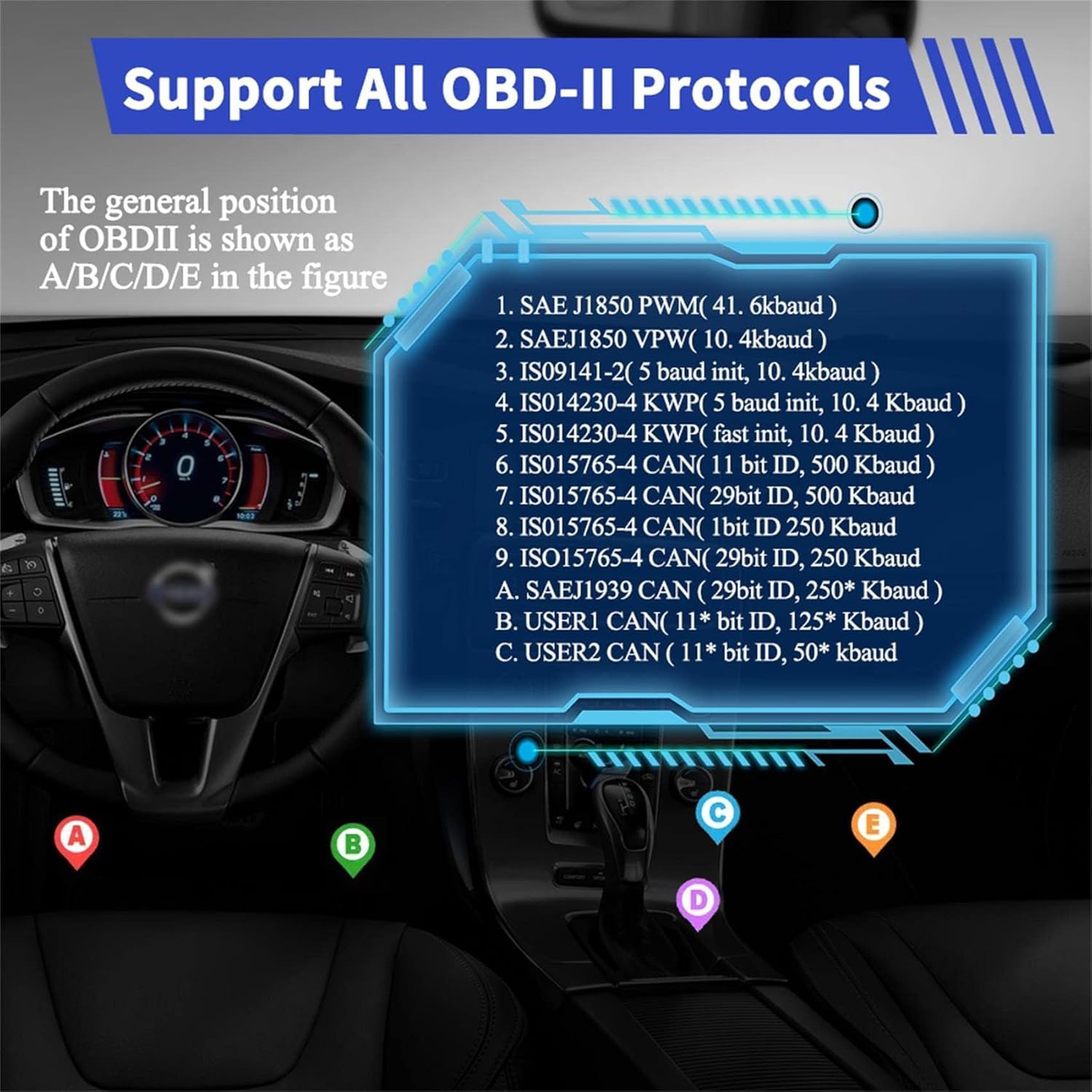
What this is and what it’s for\n\nThe vLinker BM+ is a Bluetooth OBD2 diagnostic scanner designed to turn an iOS, Android or Windows device into a capable diagnostic tool. Built as an upgraded successor to the iCar Pro Bluetooth, it’s specifically positioned to support high data transmission needs for the BimmerCode app. It aims to cover vehicles supported by BimmerCode, making it a practical option for car enthusiasts who want to tinker with coding and diagnostics from a mobile or PC interface without investing in a dedicated stand‑alone scanner.\n\n## How it fits into a typical setup\n\nIf you already use a mobile device or a Windows PC for car projects, the BM+ sits between your vehicle’s OBD2 port and your device. It uses BLE to connect to compatible devices, so you don’t need to keep a cable attached for every session. The emphasis on large data transmission means it’s geared more toward coding workflows than basic fault code reading.\n\n## Core strengths on paper\n\nOn the technical side, the BM+ supports the TP transmission protocol, which can enhance wireless communication reliability in some setups. It also includes protections against over‑voltage, over‑current, over‑temperature and battery drain, and it won’t drain your car battery when left plugged in thanks to a low idle current and automatic sleep. For users who value a conservative power profile, these are meaningful details.\n\n## What you’ll notice in use\n\nIf you’re trying to code using BimmerCode, the BM+ is marketed as the upgraded option for that workflow, with emphasis on data throughput. Real‑world results will depend on your specific vehicle and device, some users may find the experience very smooth, while others could encounter occasional latency on busy networks or with older vehicles.\n\n## Who this is best for\n\nThis device is most suitable for iOS, Android or Windows users who are already invested in the BimmerCode ecosystem and want a Bluetooth solution that aligns with coding workflows. It’s less about basic fault code retrieval and more about enabling coded configurations and more data‑driven interactions with the car’s ECU.\n\n## Who might want to pass\n\nIf your primary need is simple OBD2 fault reading or you don’t plan to use BimmerCode extensively, a less data‑hungry or more generalist scanner could be a more economical fit. Also, if you’re using a vehicle outside the BimmerCode supported footprint, you may not benefit from the claimed 100% coverage.\n\n## Considerations before you buy\n\n- Check that your device supports Bluetooth Low Energy (BLE) and is compatible with the intended app and operating system.\n- Confirm that your vehicle model is within the scope of BimmerCode support to maximise value.\n- Be mindful that performance can vary with vehicle make, firmware and your USB/adapter arrangements when used with a PC.\n- Firmware upgrades are available through the vLinker Direct team, so you’ll want to factor potential updates into the lifecycle of the tool.\n\n## How it compares to general OBD2 options\n\nCompared with basic OBD2 readers, the BM+ is pitched at more advanced coding tasks and a broader data exchange with BimmerCode. If your aim is routine fault code checks or basic live data, you might prefer a more straightforward reader, for coding and learning the car’s deeper parameters, this device aims to offer more capability.\n\n## Practical usage example\n\nImagine you’re configuring a BMW accessory or adjusting a setting via BimmerCode on a tablet during a garage day. You plug the BM+ into the OBD2 port, pair it with your device, and navigate through the coding options with a steady data stream. It isn’t a magic wand, but it supports the workflow where large data transfers matter and where staying wireless adds convenience.\n\n## Final decision — Is it worth it?\n\nShould you buy it? It makes sense if you’re already aligned with BimmerCode and want a dedicated BLE solution that emphasises coding workflows and sustained data transmission. You may want to skip it if your use case is limited to basic diagnostics or if you’re unsure about the vehicle compatibility. Worth considering if you value a low idle draw and a battery‑friendly approach for extended sessions.\n\n## Quick FAQ\n- What devices work with vLinker BM+? It supports iOS, Android and Windows devices via Bluetooth.\n- Does it need constant battery power from the car? No, it’s designed to avoid draining the battery when plugged in.\n- Can I upgrade the BM+ firmware? Yes, updates are available through the vLinker Direct team.\n- Is it compatible with all vehicles that BimmerCode supports? It claims 100% coverage for BimmerCode vehicles, but actual performance can vary by model and firmware.\n- How does the TP protocol affect performance? It’s cited as a factor for reliable wireless communication, but real‑world results will depend on setup.\n