

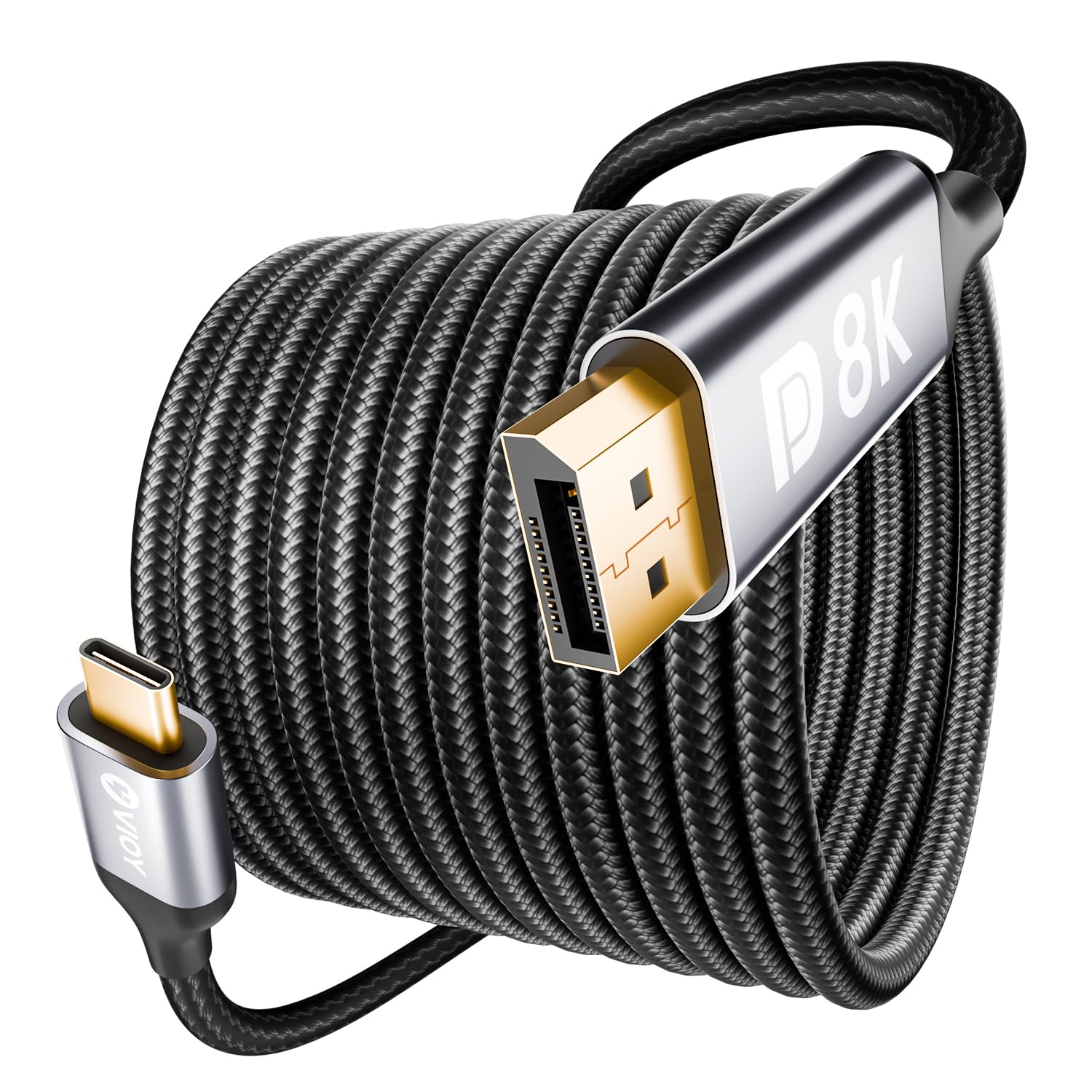
VIOY USB-C to DisplayPort Cable 3m (Unidirectional) – USB-C to DP 1.4 8K@60Hz / 4K@240Hz
Product description
What it is
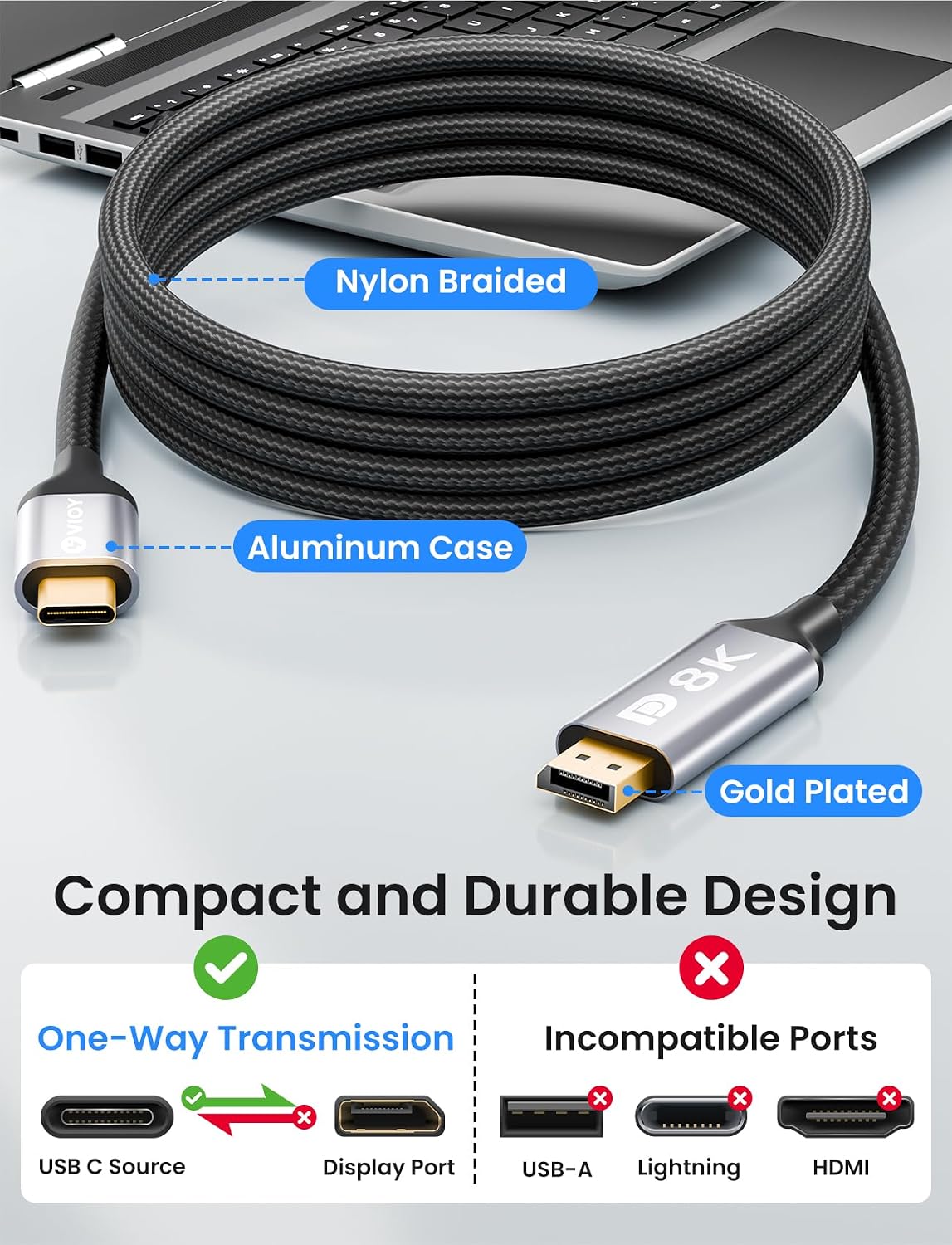
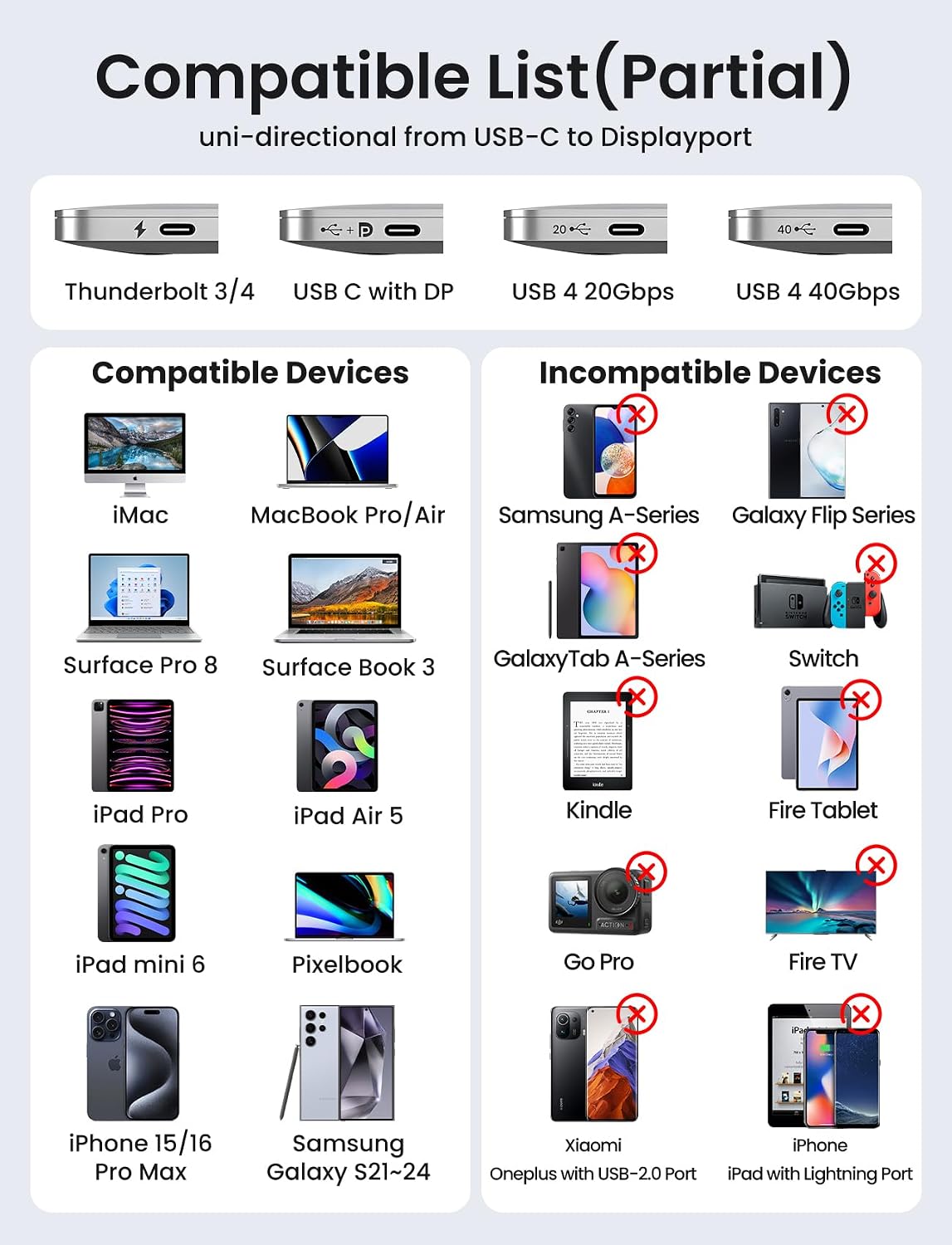
The VIOY USB-C to DisplayPort cable is a 3-metre, uni-directional link designed to send video from a USB-C source to a DisplayPort monitor. It requires a USB-C port that supports DP Alt Mode and Thunderbolt 3/4, and it is intended to connect directly to displays rather than through hubs or docking stations.
How it works
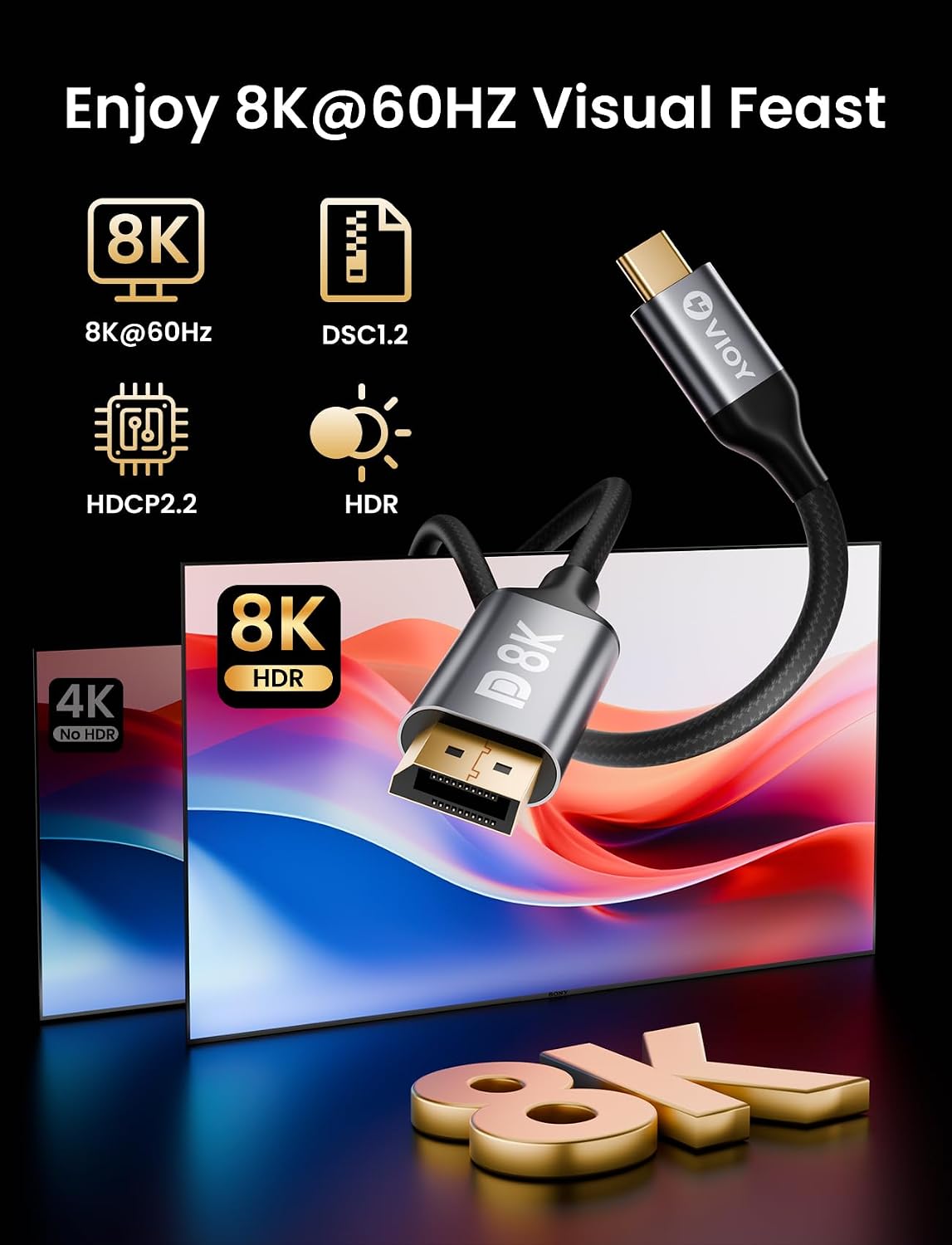
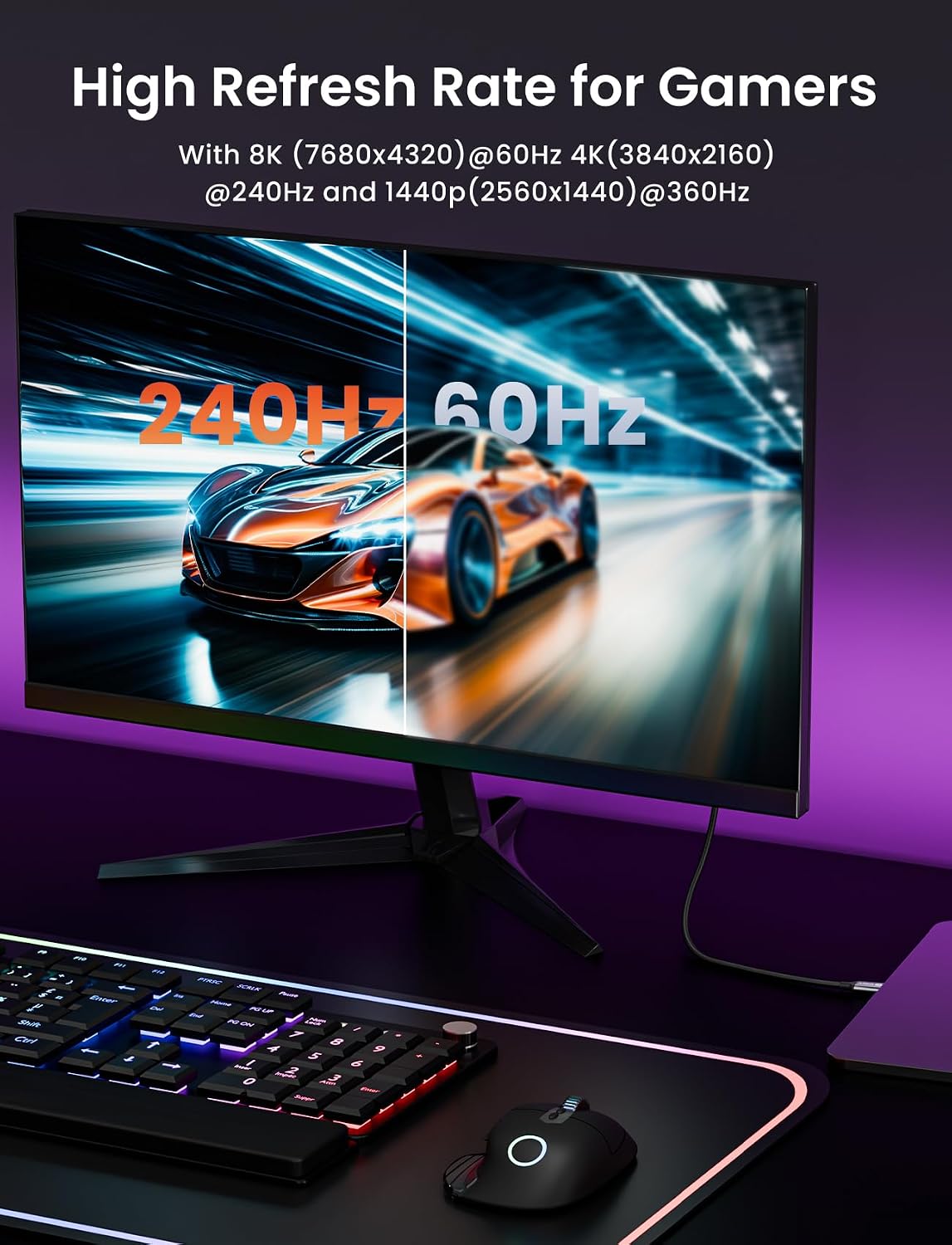
This cable uses DP 1.4 to push high-bandwidth video from a USB-C device to a DisplayPort display. No drivers are needed, and it claims support for impressive resolutions, including 8K at 60 Hz and 4K at 240 Hz, with HDR capabilities. It is designed to deliver stable video output with minimal setup beyond plugging in the ends.
What to know before you buy
On paper, the setup is straightforward if your source device supports DP Alt Mode. However, there are a few caveats worth noting: it’s a one-way connection from USB-C to DP, so it won’t carry signals the other way. For best results, the base note suggests connecting the USB-C source directly to the DP monitor rather than through a docking station, to avoid display errors.
Who it’s for
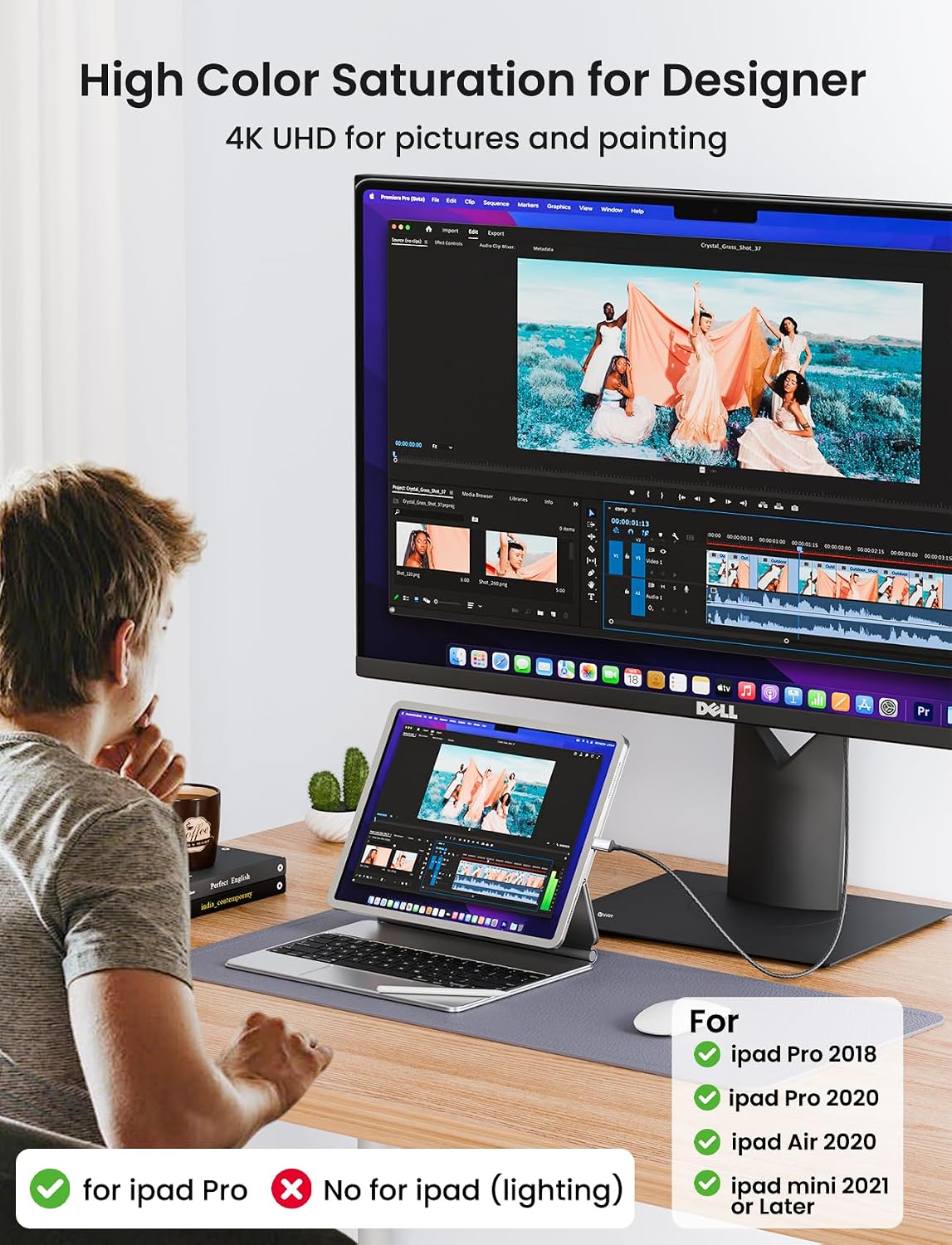
This cable suits users who want a dedicated USB-C to DisplayPort link for high-resolution displays from laptops, phones or tablets that support DP Alt Mode or Thunderbolt 3/4. It could be appealing if you’re aiming to drive a Monitor with DP from a modern MacBook Pro/Air, iPad, or compatible smartphones and want a long, durable cable.
What it’s good at
The build emphasises durability: a premium aluminium shell and a nylon braided cable, with gold-plated connectors for corrosion resistance and better signal integrity. It supports features like FreeSync/G-Sync for smoother visuals and multi-screen setups via Mirror, Extend, MST and Clamshell modes.
Potential limitations
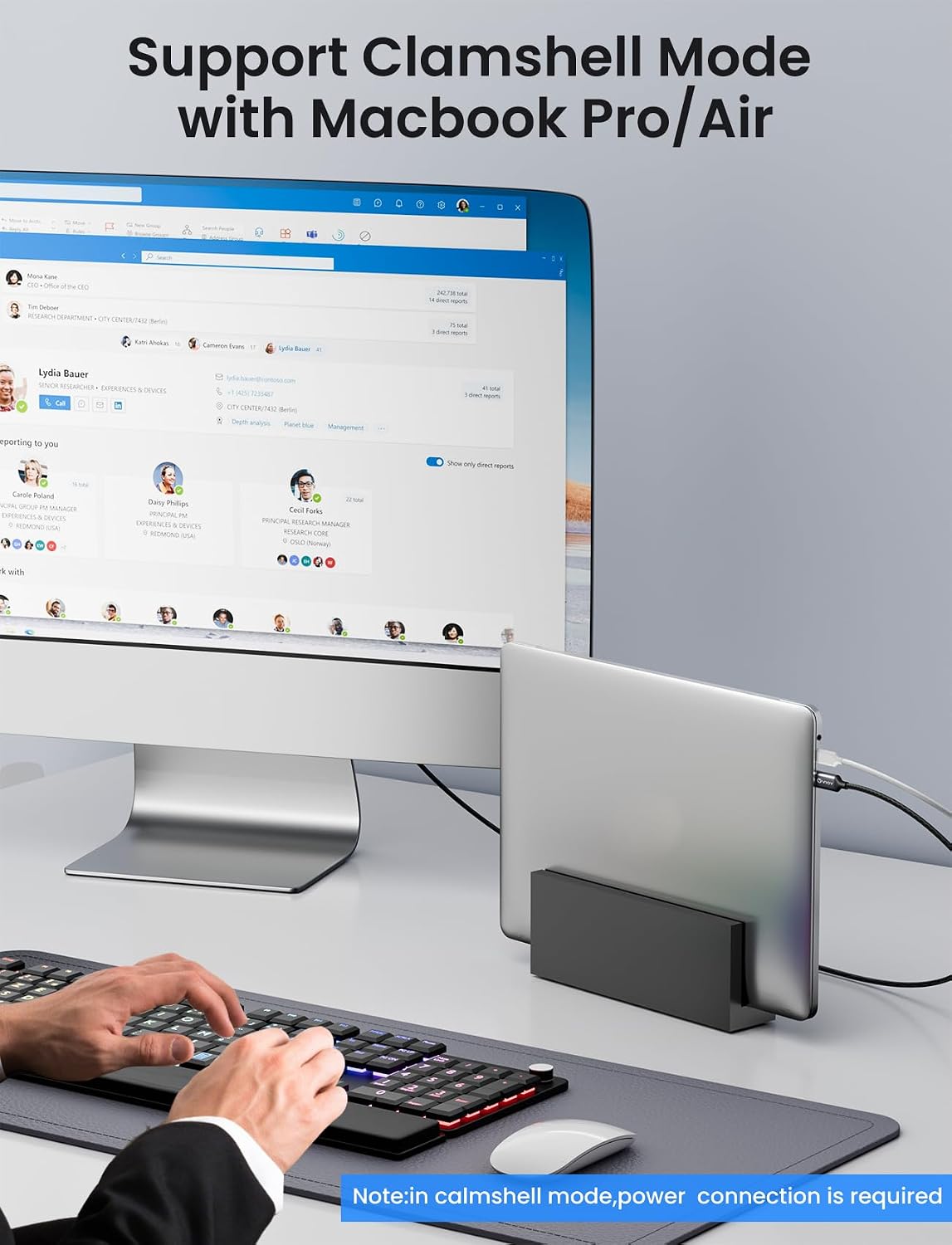
It’s not perfect for every setup. The one-way nature means you cannot use it to drive a USB-C display from a DP source. Power delivery is not mentioned for the DP monitor side, and in Clamshell Mode the note indicates a power connection is required. If you rely on passing power through the cable or using a hub, you may encounter issues. Additionally, while the spec mentions 8K@60 Hz, achieving that in real-world use often depends on the source, cable quality, and monitor capabilities.
How it compares to other approaches
If you primarily need a simple USB-C to DisplayPort link with high bandwidth, this cable cuts down on adapters and potential compatibility quirks. For users who frequently switch between devices or rely on USB docks, a direct USB-C to DP cable can be more reliable than a docking station route, though it lacks the flexibility of a multi-port hub.
What to check before purchasing
- Confirm your source supports DP Alt Mode or Thunderbolt 3/4, and that your monitor has DisplayPort input.
- Consider whether you need a 3 m length, longer cables can introduce latency or signal loss if not specified for that bandwidth.
- If you plan to use Clamshell Mode, ensure a power supply is available for the source device and monitor setup.
- Check your target resolution and refresh needs, high refresh rates at 8K may require specific GPUs and display capabilities.
Tech specs
- Cable length: 3m
- Direction: Unidirectional (USB-C to DisplayPort)
- Standard: DisplayPort 1.4
- Video support: up to 8K@60Hz, 4K@240Hz, 2K@360Hz, Dynamic HDR
- Connectors: USB-C (DP Alt Mode / Thunderbolt 3/4) to DisplayPort
- Construction: Aluminium alloy shell, nylon braided
- Additional: Supports FreeSync and G-Sync, multi-screen via Mirror/Extend/MST, requires power for Clamshell Mode
Is it worth it?
You’ll like it if you need a straightforward, longer USB-C to DP connection that aims to handle high-resolution output with some robust build quality. It may be a sensible choice for users prioritising a dedicated path from a USB-C source to a DP monitor and who don’t need bidirectional signals or extra USB ports in the same cable. It might not be the best option if you require a flexible, multi-port solution or if your setup relies on frequent docking or Daisy-chaining without additional power considerations.
FAQ
- Do I need drivers for this cable? No drivers or software are required.
- Can it connect a USB-C iPhone or iPad directly to a DP monitor? It can connect USB-C devices that support DP Alt Mode to DP monitors, subject to device compatibility and power needs.
- What about gaming or high-refresh setups? It supports high refresh rates on the DP side, but achieving the maximum figures depends on your source device, GPU and monitor compatibility.
Final decision
Should you buy it? It makes sense if you need a dedicated, long USB-C to DP link for high-resolution displays and you’re using devices that support DP Alt Mode or Thunderbolt. If you require flexible multi-port versatility or routinely daisy-chain several displays with power delivery via the same cable, consider alternative approaches. Overall, for a direct, purpose-built connection to a DP monitor from a USB-C/Thunderbolt source, this cable offers a clear, practical option.