

VINABTY replacement voice remote control for Toshiba Full HD TVs (includes manual)
Product description
What it’s for
If your Toshiba TV’s voice search remote has gone missing, stopped responding, or simply feels unreliable, a replacement is often the quickest fix. This VINABTY replacement voice remote control is designed for Toshiba Full HD TV models listed in the product name (including 32LF2F53DB and 43LF2F53DB).
On paper, it’s a straightforward swap: remove the old remote and use the new one for everyday navigation, channel/volume control, and voice search. It’s the kind of purchase that makes sense when you want your TV features back without changing the TV itself.
Where it shines
The headline here is voice search support. If you rely on speaking commands rather than scrolling menus, a voice-enabled remote can save time and reduce the faff of hunting through on-screen options.
It also includes a manual, which is useful if you’re not sure how pairing or setup should work for your specific TV model. That small extra piece of guidance can matter more than you’d think, especially with remotes where compatibility depends on the exact TV range.
A practical example: say you want to quickly find a film or catch up programme. With a voice remote to hand, you can press the voice button, speak the title, and let the TV handle the search, rather than entering text with a standard directional pad.
What to watch before you buy
This is one of those items where “close enough” can be a problem. The description points to Toshiba Full HD TV models (32LF2F53DB and 43LF2F53DB). If your TV is a different Toshiba model, you should be cautious—remotes are rarely universal, and voice features are especially model-dependent.
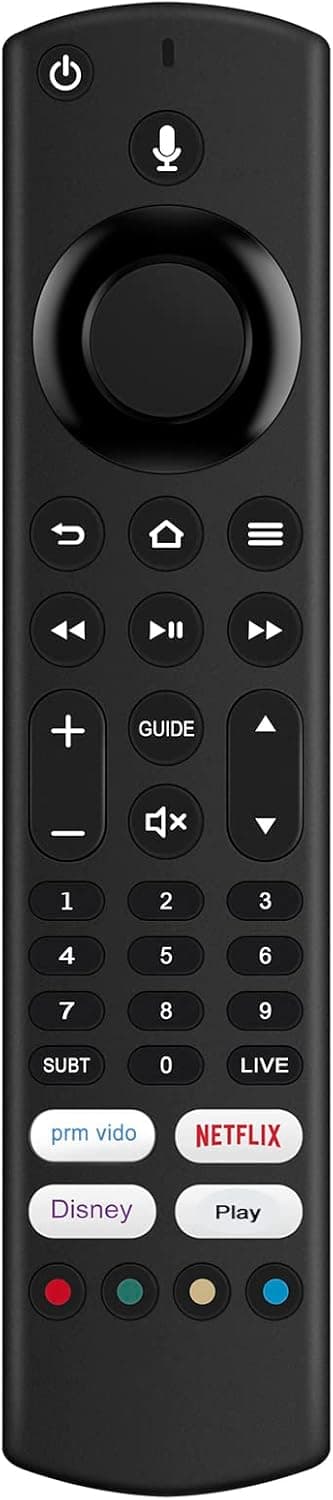
Another small limitation: the listing doesn’t give details about pairing method, battery type, or range. If your current remote has unique behaviours (or you had issues like intermittent response), it’s worth checking that replacement remotes for your exact Toshiba model match the same control layout and voice search functionality.
Key features
This replacement voice remote is built to bring back voice search control for compatible Toshiba Full HD TVs. It’s sold as a like-for-like replacement, with a manual included to help with setup or getting started.
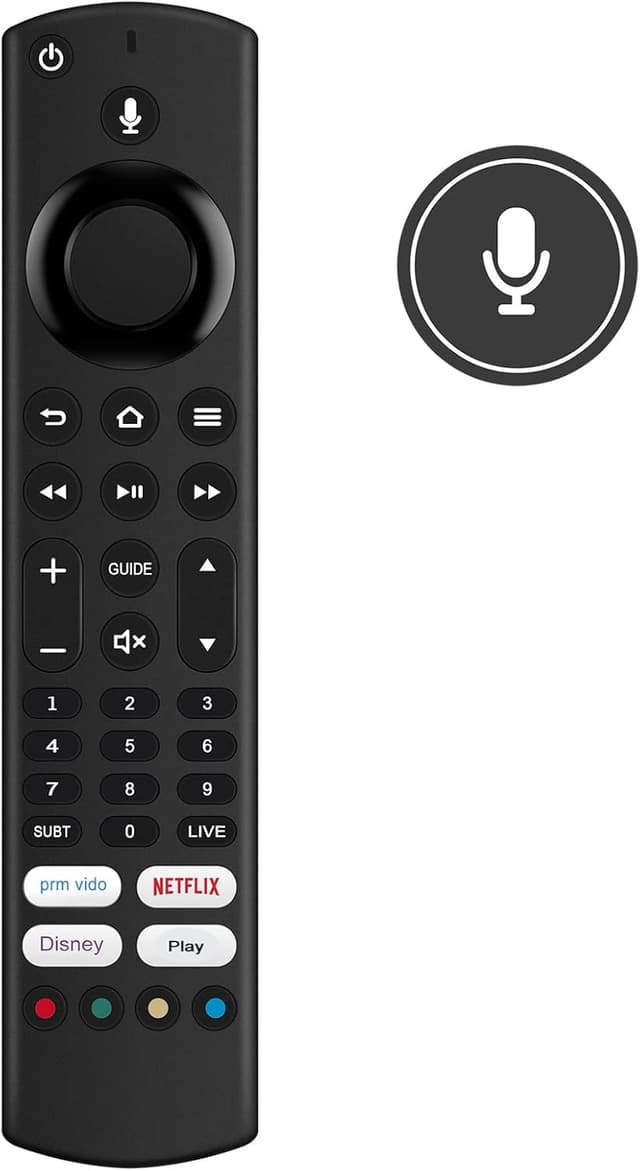
In terms of day-to-day feel, you should think of it as a practical accessory rather than a premium upgrade—what matters is whether it restores the functions you already expect from your Toshiba remote.
Pros and limits
Pros
- Voice search support, which is handy for quick TV searches
- Replacement-focused design for Toshiba Full HD models mentioned in the listing
- Includes a manual, so you’re not starting from zero
Limits
- Compatibility is likely limited to the Toshiba models specified, it may not suit other variants
- No setup/battery details are provided in the information you’ve shared, so it’s smart to confirm before ordering
It might not be the best choice if you’re buying “for any Toshiba Full HD TV”, because remotes are often precise about what they work with.
Who it suits (and who should skip it)
It suits you if you want to restore voice search and everyday remote control on a Toshiba Full HD TV from the model range named in the product title. It’s also a sensible buy if you’d rather replace the remote than troubleshoot the TV or live without voice commands.
You may want to skip it if your Toshiba TV model isn’t one of the ones referenced, or if you’re expecting a fully universal remote that works across multiple brands and ranges. In these cases, the risk of partial functionality is real.
Tech summary
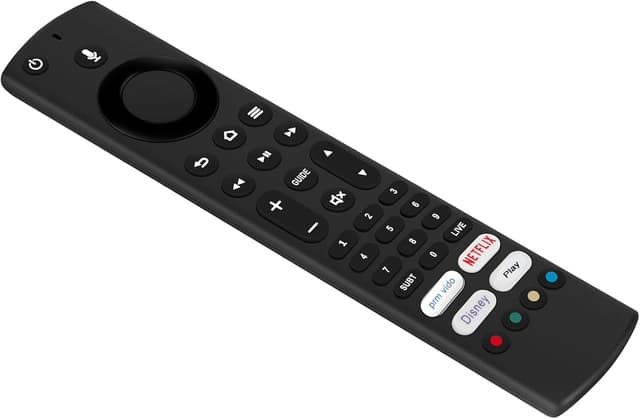
Type: replacement voice remote control Brand: VINABTY Target TVs mentioned: Toshiba 32LF2F53DB and 43LF2F53DB (Full HD) What’s included: manual
Is it worth it?
Worth considering if you own one of the Toshiba Full HD models named in the title and you specifically want voice search back in your living room without replacing the TV. The included manual is a small but meaningful convenience for getting it working.
However, it may not be worth it if you can’t confirm your exact Toshiba model is supported. If compatibility isn’t spot on, the remote may feel like money spent for a partial solution—especially when voice search is one of the main reasons to buy.
Mini FAQ
Will this work with any Toshiba TV?
Based on the information provided, it’s designed for specific Toshiba Full HD models named in the product title, so you should check your exact model first.
Is voice search included?
Yes—the product is presented as a replacement voice remote control, so voice search support is the key function.
Does it come with instructions?
Yes, the listing says it includes a manual.
What if my current remote is broken?
If the issue is your remote itself (not the TV’s functions), replacing it with a compatible voice remote like this can be the quickest route back to normal everyday use.
How do I set it up?
The listing indicates there’s a manual included, but setup specifics aren’t detailed in the information you shared—so follow the included guidance for your Toshiba model.