

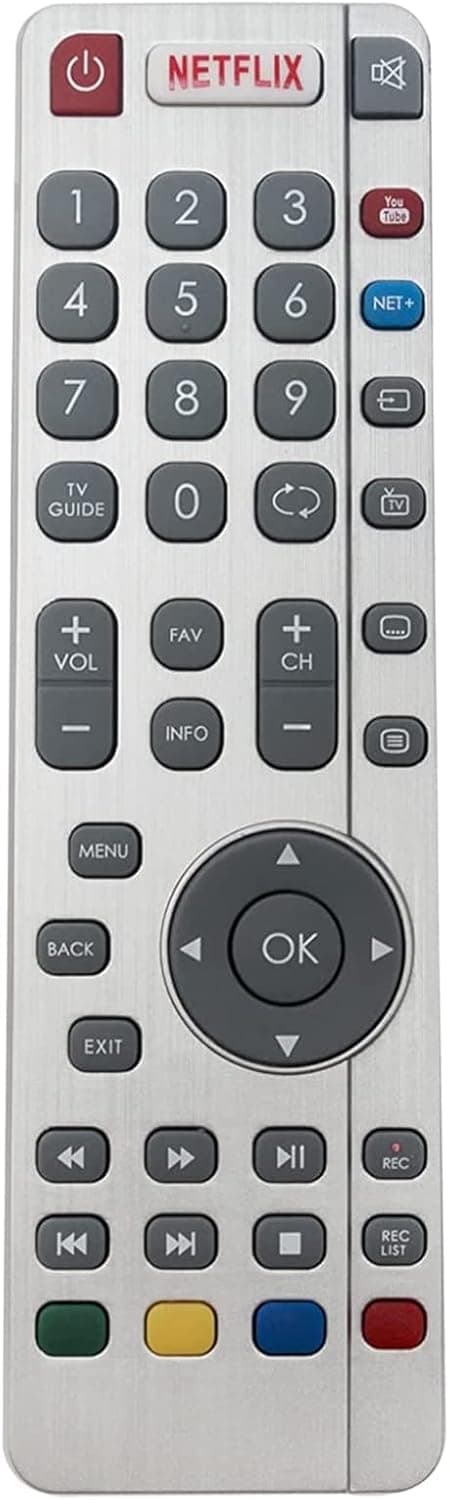
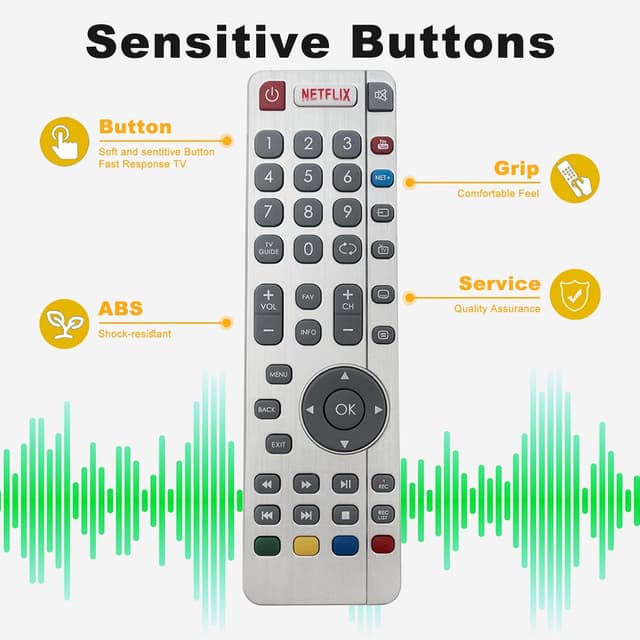
VINABTY Replacement SHW/RMC/0116 remote control for Sharp LCD TVs (infrared)
Product description
What this remote is for
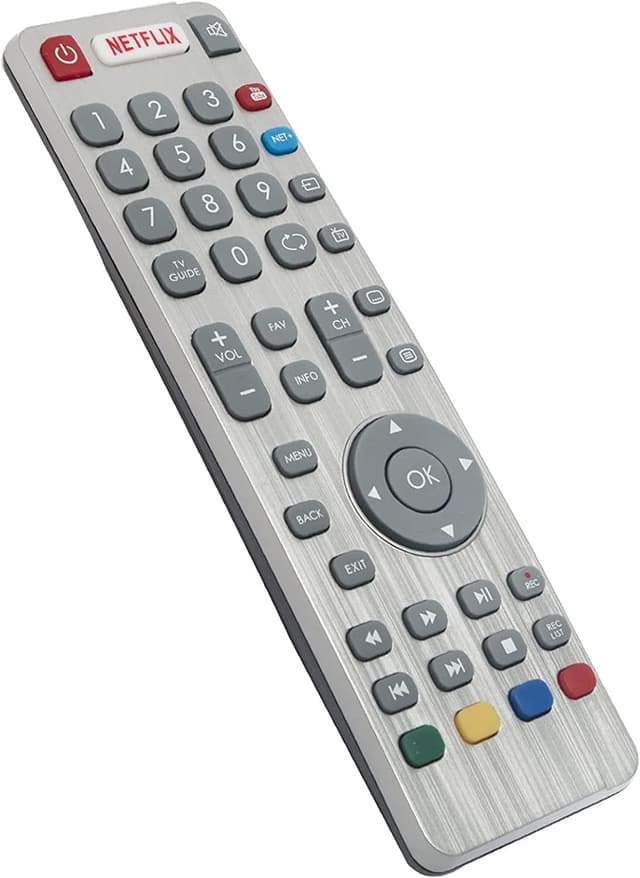
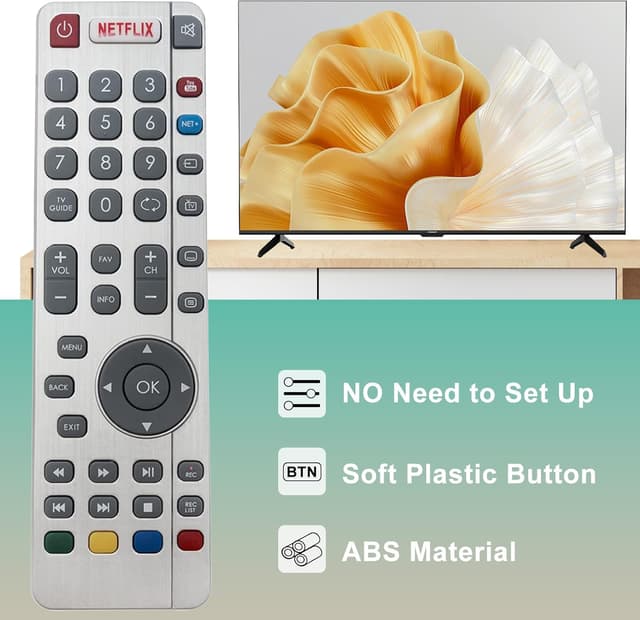
If you’ve misplaced your remote or the original one has started acting up, this VINABTY replacement remote (SHW/RMC/0116) is designed as a like-for-like substitute for specific Sharp LCD TV models. It’s an infrared remote, so it relies on line-of-sight rather than Wi‑Fi/Bluetooth pairing.
On paper, it’s the kind of repair-by-replacement that can save you from living with limited control. The main “catch” is that the pairing steps matter, and you’ll want to follow them closely to get the remote working properly.
The pairing process (what to expect)
This remote doesn’t just “plug in and go” for every setup. The instructions provided focus on pairing through the TV’s on-screen menu. The flow is:
- Press the On/Standby button on the TV (the button is on the TV’s side/controls panel, described as being on the TV stick panel).
- Once the TV is on, press and hold the TV/Standby button until a pairing menu appears.
- Use the channel up or down keys on the TV panel to bring up the pair menu.
- Press the TV/Standby button again to complete pairing.
- Then press and hold the yellow and blue button on the new remote to pair it to the TV.
That’s a lot more “hands-on” than some replacement remotes, so it suits people who don’t mind a short setup session. If you’re expecting instant operation without menus, you may find it frustrating.
Where it matches (Sharp TV model coverage)
The product information lists a broad set of compatible Sharp LCD TV models, including multiple CUG8052 and CUG8052E variants such as:
- LC-43CUG8052K, LC-49CUG8052K, LC-55CUG8052K, LC-65CUG8052K
- LC-43CUG8052E, LC-49CUG8052E, LC-55CUG8052E, LC-65CUG8052E
It also mentions additional model families beyond that, starting with several LC-32/40/43/49/55/24 and CFG/CHG/DHG style numbers. The practical takeaway: if your exact TV model number is in the list, this remote is worth considering. If it’s not, don’t assume compatibility.
Range and everyday usability
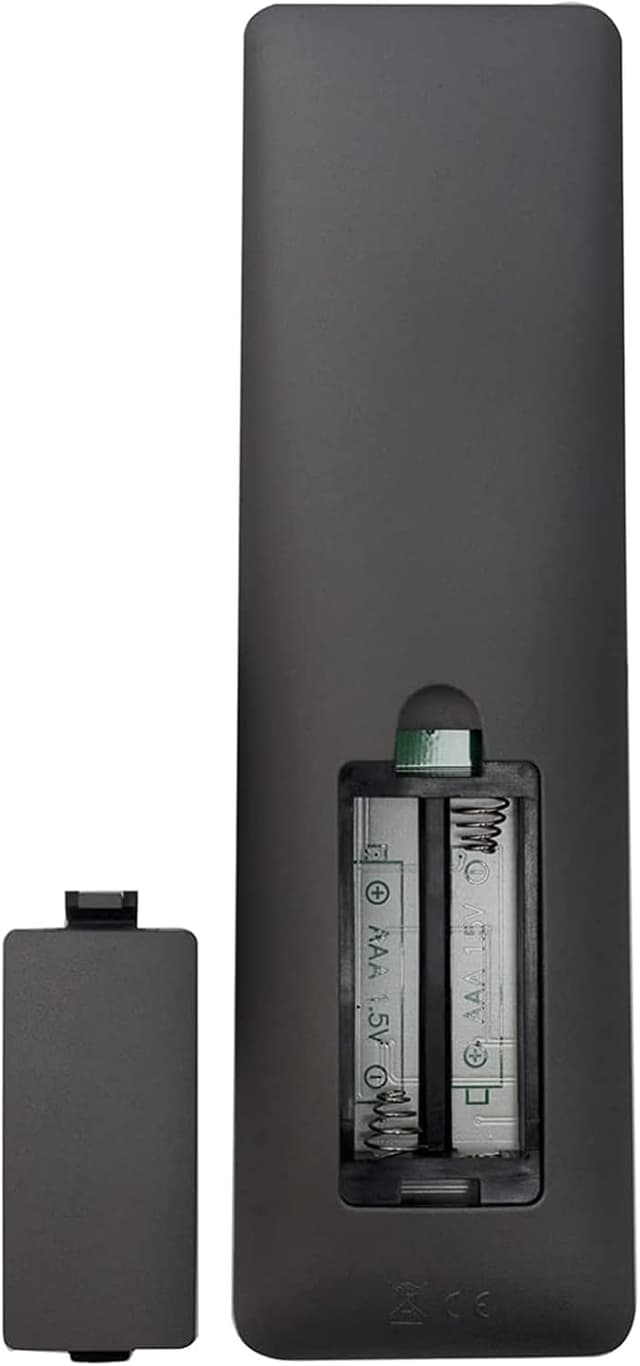
The remote uses infrared 3.0 technology, with a stated control range of 33 feet and an operating angle of 120 degrees. In real home terms, that generally means you should be able to control the TV from the usual sofa distance without constantly aiming, as long as you’re not blocking the sensor.
Where it can feel a bit limiting is the infrared nature itself: thick obstructions and awkward angles can reduce reliability. Still, for day-to-day TV use—changing channels, adjusting basic settings, putting the TV on/off—it should be straightforward.
What stands out vs. “generic” replacements
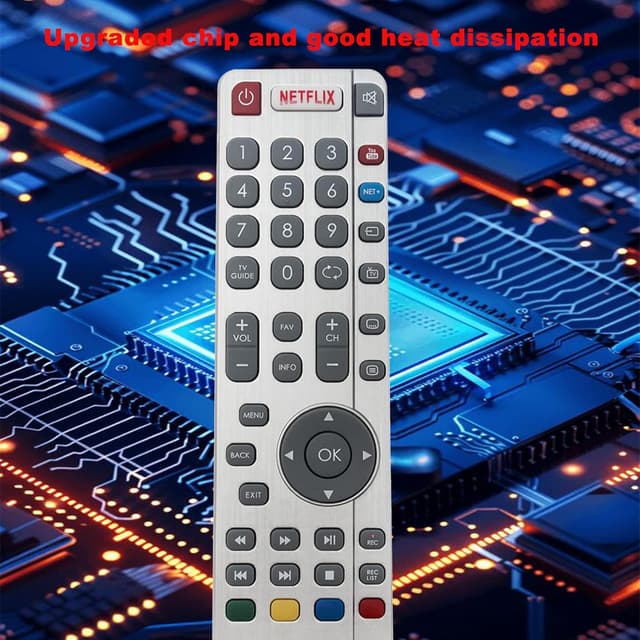
This replacement is positioned as a model-specific option with named instructions for pairing and a listed set of compatible Sharp LCD TVs. That matters because generic remotes can be hit-or-miss on matching menus, control layouts, or pairing logic.
At the same time, it’s not perfect by default: the pairing steps are detailed, and if you’re not comfortable using the physical TV buttons to get to the pairing menu, you may want to look for an alternative approach (for example, sourcing the correct original remote or ensuring you buy from a seller that confirms model compatibility clearly).
It’s also worth noting that the brand is listed as VINABTY, but the input doesn’t provide any extra branding details beyond the replacement code.

Careful checks before you buy
Before committing, double-check a few things:
- Confirm your Sharp TV model number appears in the product’s compatibility list.
- Be prepared to use the TV’s on-panel buttons during pairing.
- Expect to press and hold the yellow and blue buttons on the new remote as part of the pairing.
- If you’re replacing a remote because of complete failure, remember pairing problems can look similar to a faulty battery or sensor issue.
If you get the pairing menu steps wrong, you might end up thinking the remote is defective when it’s actually just not paired yet.
Who it’s for (and who should skip it)
It makes sense if you want a replacement remote for a compatible Sharp LCD TV and you’re willing to spend a few minutes following the pairing instructions.
It may not suit you if: - your TV model isn’t listed exactly, - you want a “no-setup” replacement, - you’d rather avoid any pairing/menu steps and just want direct use.
Mini FAQ
How do I pair this remote to my Sharp TV?
You’ll need to follow the provided steps: start from the TV On/Standby button, bring up the pairing menu using channel up/down on the TV panel, complete pairing, then press and hold the yellow and blue buttons on the remote.
Is it infrared or Bluetooth/Wi‑Fi?
It’s infrared, using infrared 3.0 technology, with a stated range and angle.
What Sharp models is it compatible with?
The listing provides a set of compatible Sharp LCD TV model numbers, including LC-43/49/55/65 CUG8052K and LC-43/49/55/65 CUG8052E variants, plus many other LC model codes in the same data.
What’s the remote range?
The remote control distance is stated as 33 feet, with a 120-degree operating angle.
Should you buy it?
It’s a reasonable replacement option if your Sharp LCD TV model number is included in the compatibility list and you’re comfortable doing the pairing sequence using the TV’s physical buttons. Where it may fall short is convenience: the setup involves on-screen pairing menus and button holds, so it’s not the best choice if you want instant control with zero configuration.