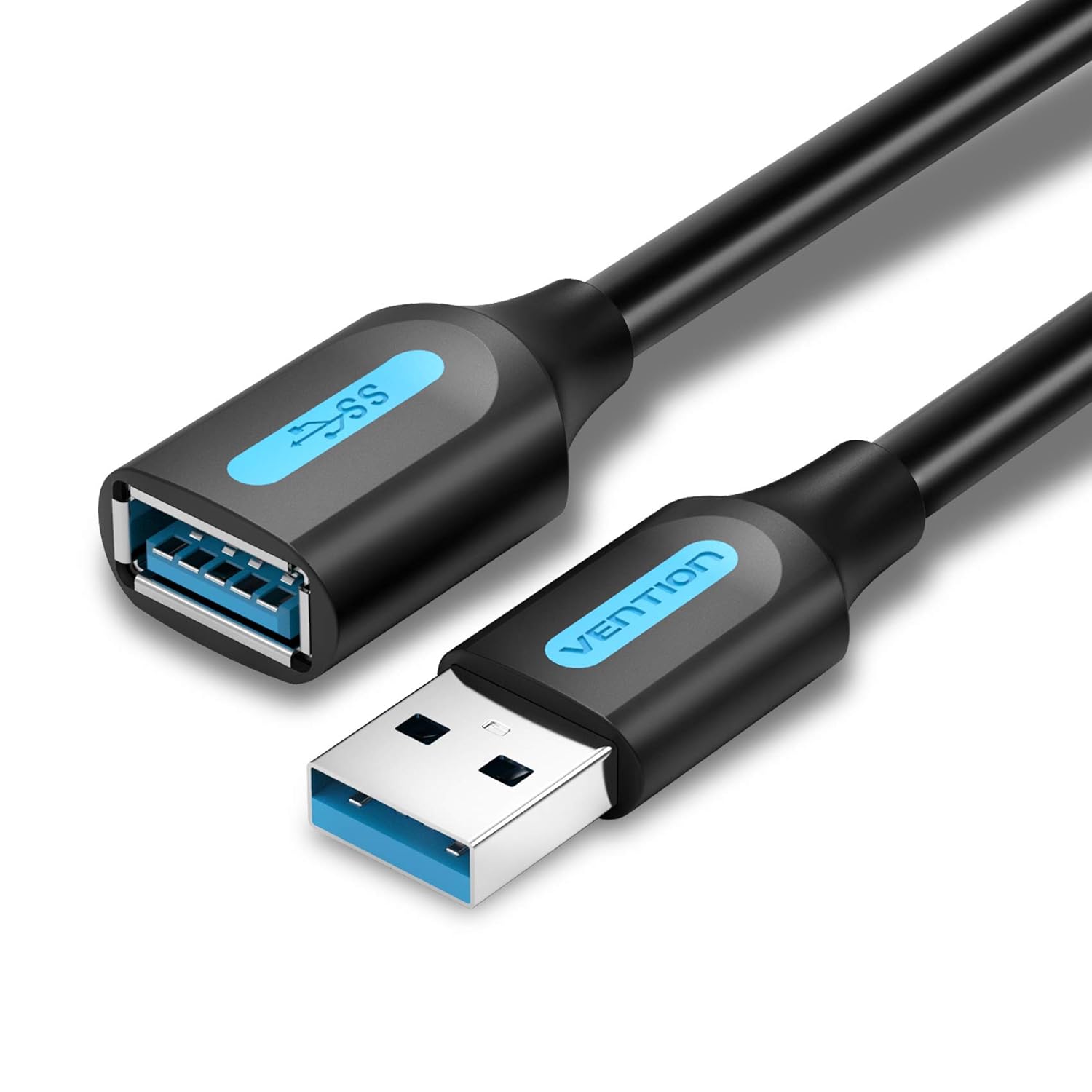
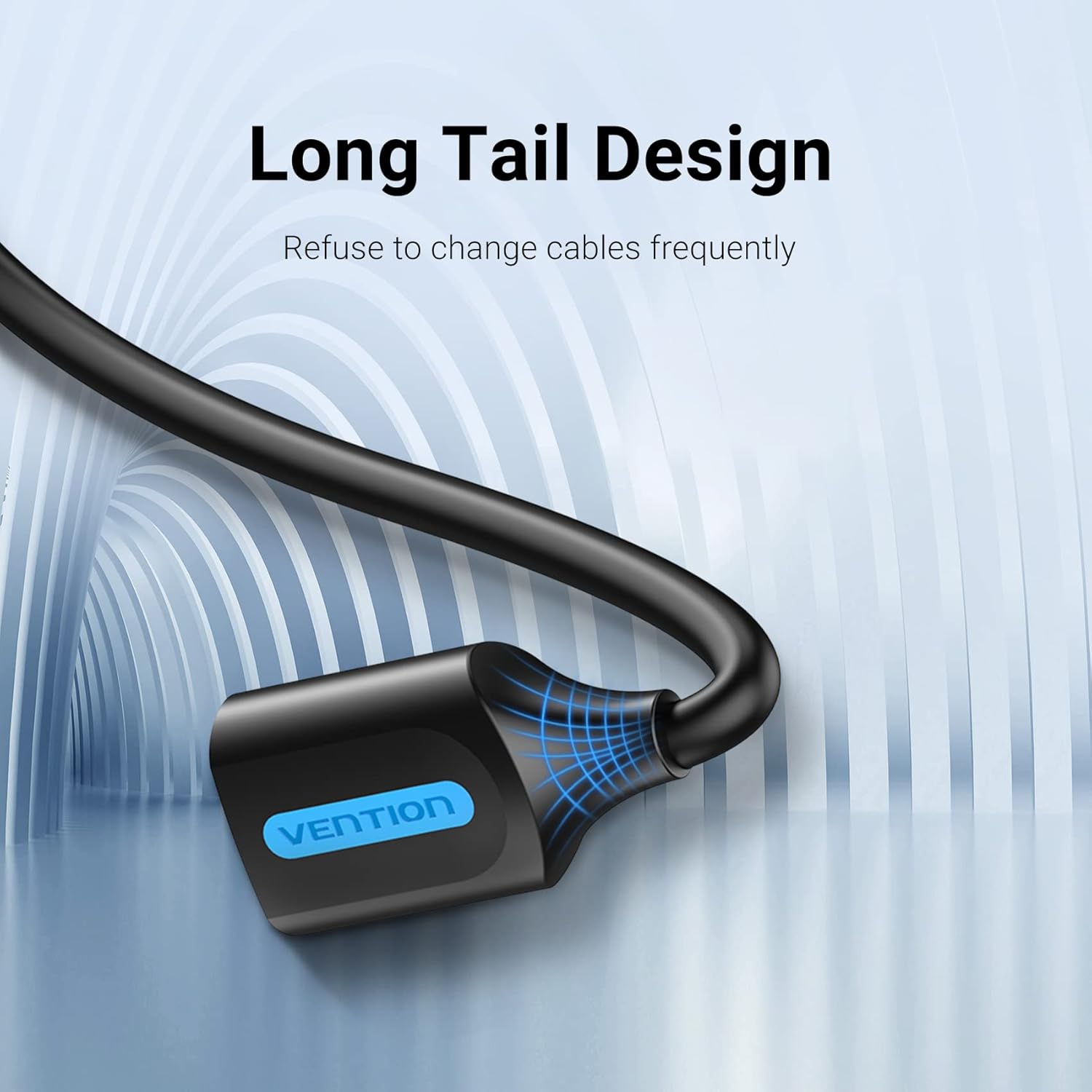
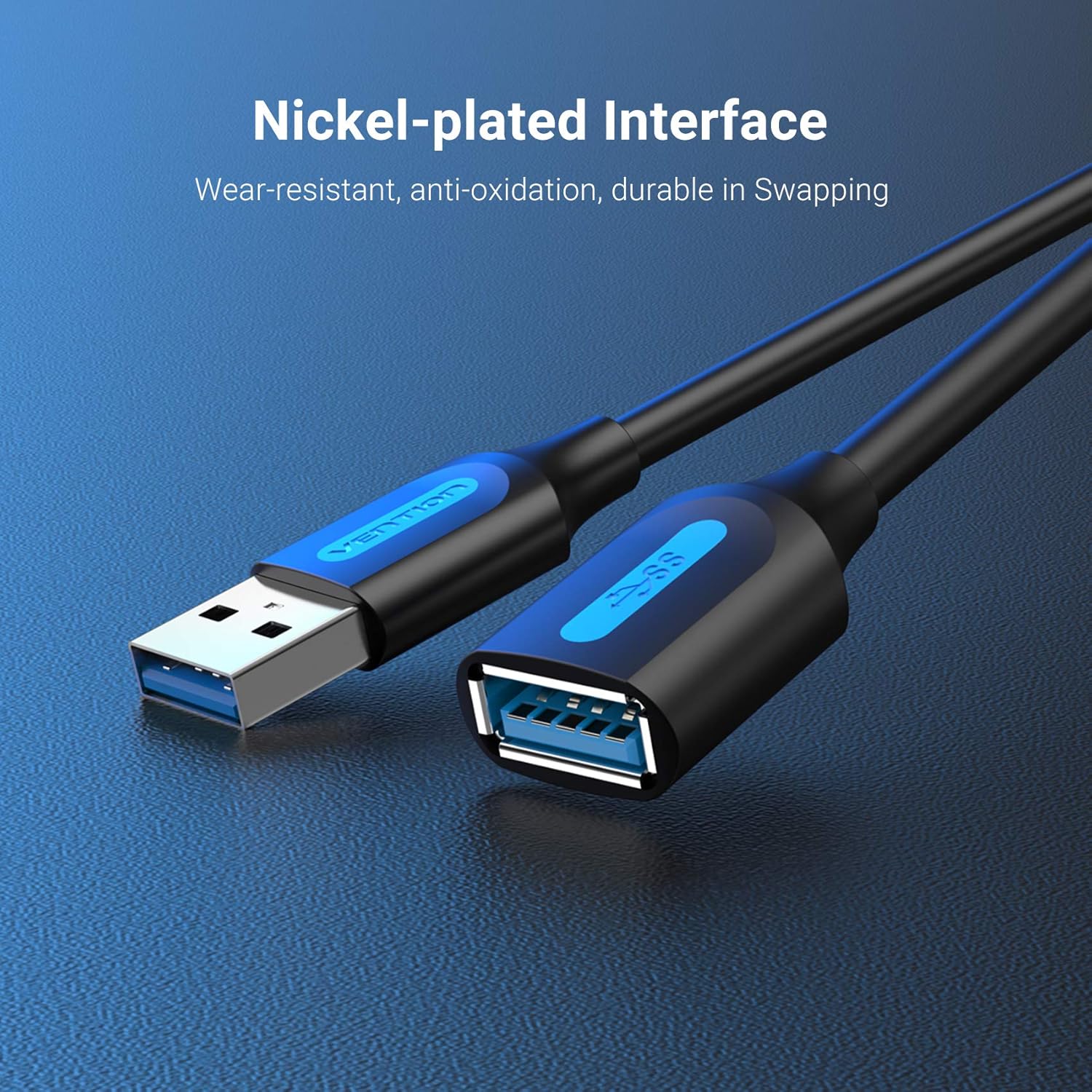
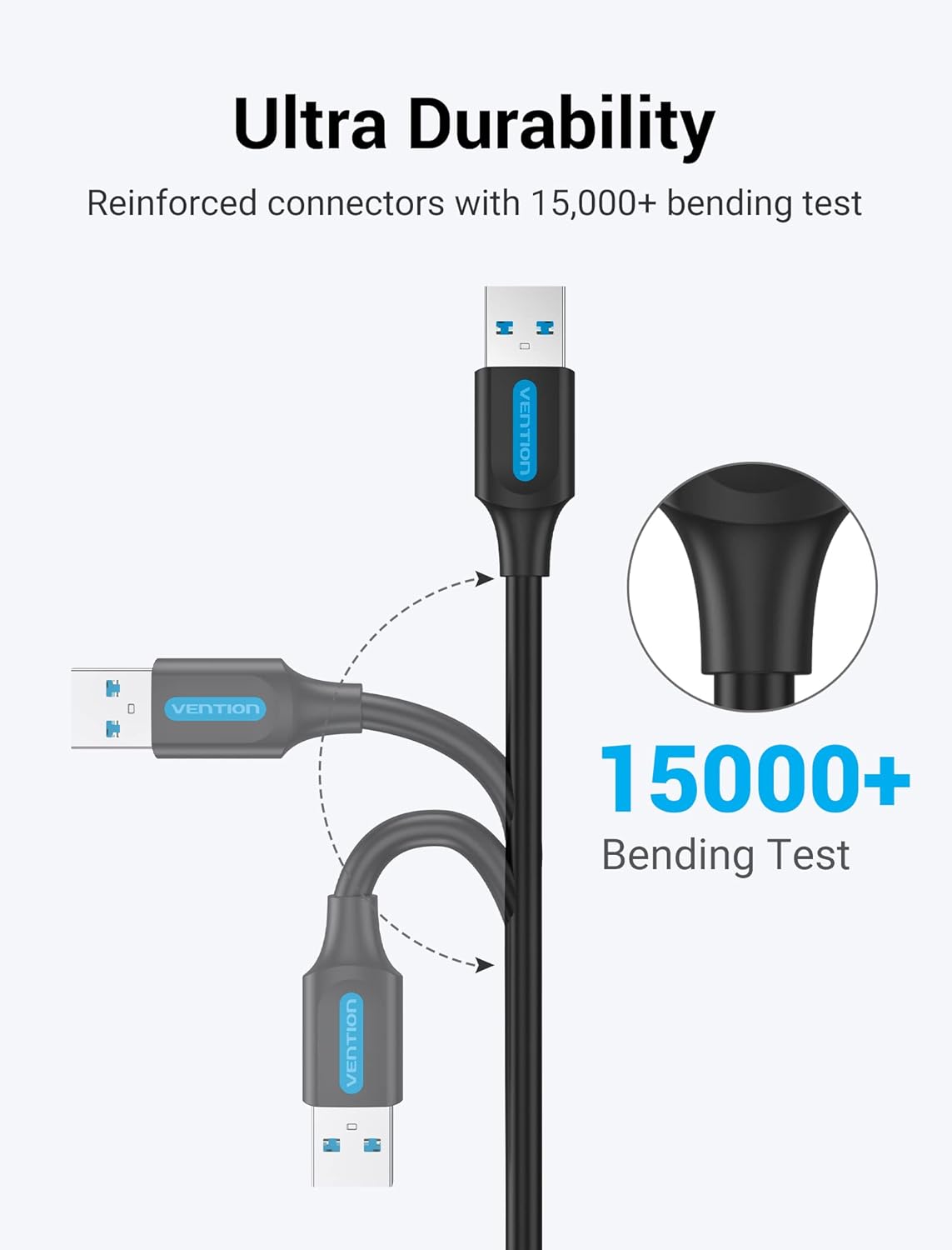
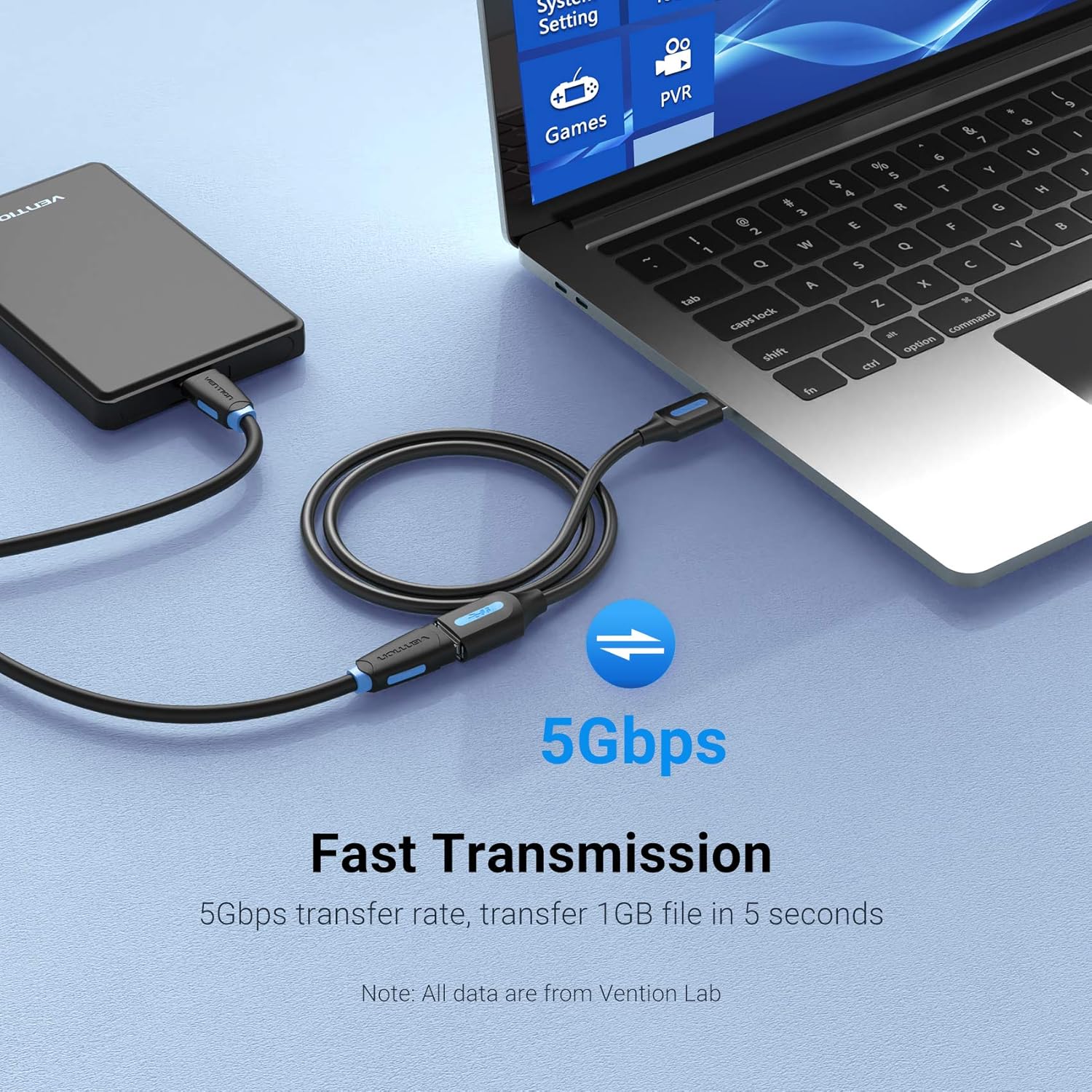
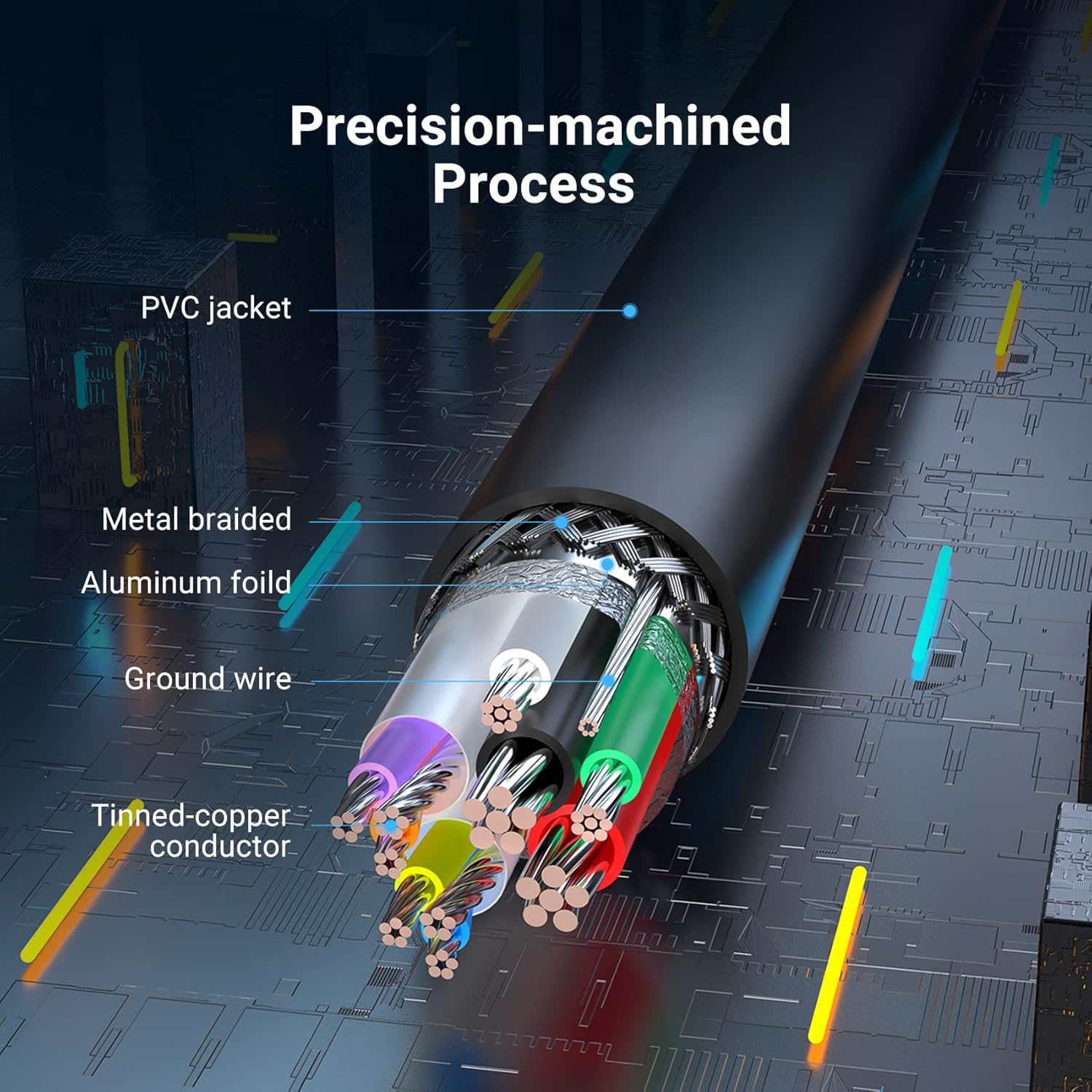
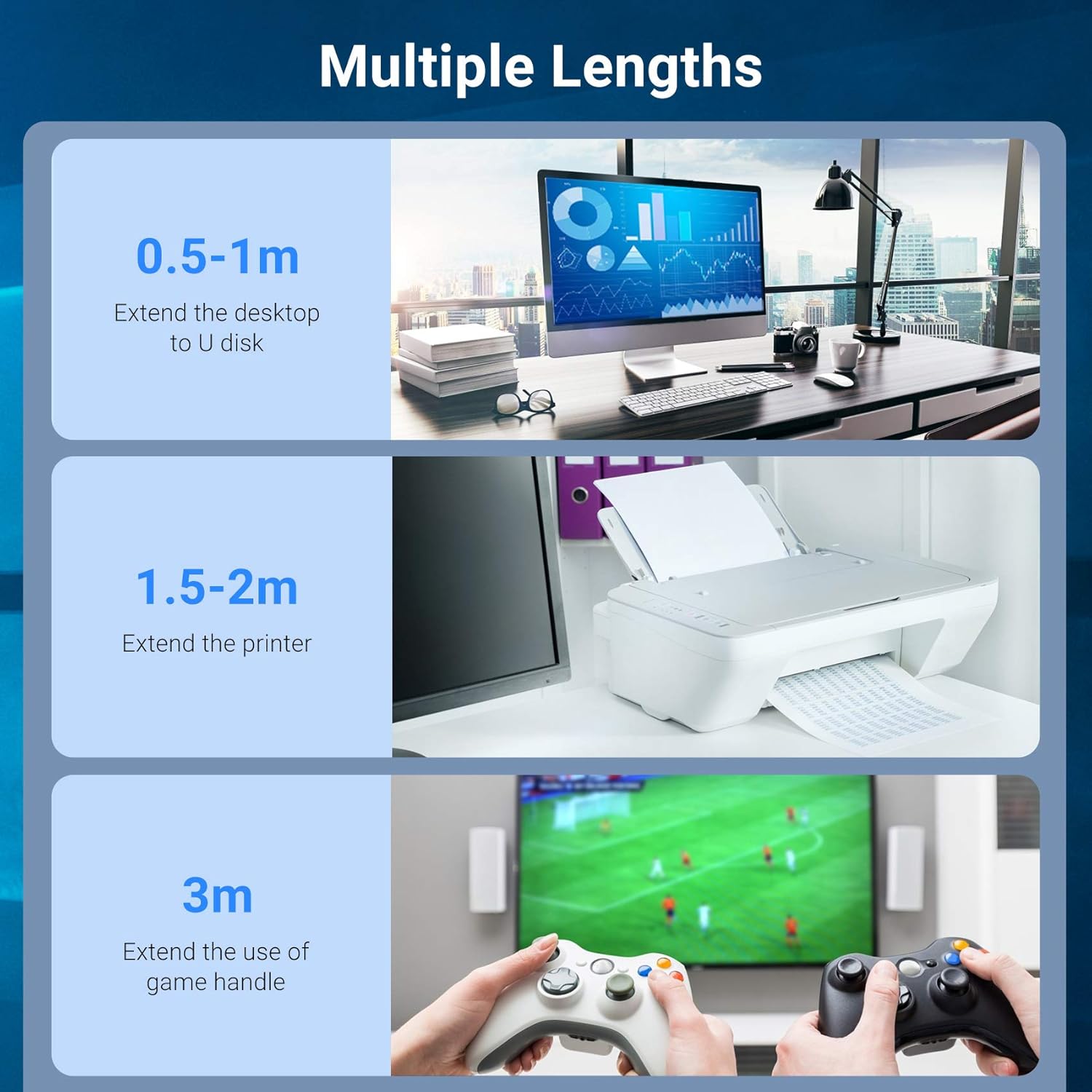
What this is and who it’s for\nThe VENTION USB 3.0 Extension Cable is a straightforward Type A male to Type A female extension lead designed to give you extra reach for everyday USB peripherals. If you’ve ever found yourself having to rearrange desks to plug in a printer, external drive, keyboard, or mouse, this cable offers a simple way to place devices more conveniently without bending or forcing awkward positions. It’s a pragmatic solution for home offices, classrooms, or small workspaces where the original cable length isn’t enough. On paper, it’s a flexible, plug‑and‑play extension that works with standard USB 3.0 devices and remains compatible with USB 2.0 and USB 1.1 hardware, so you’re not locked into a single generation of USB.\n\n## Key features\nThis extension delivers data speeds up to 5Gbps, which is ten times faster than USB 2.0. That means routine tasks such as transferring files to a portable drive or syncing a printer won’t feel painfully slow if your setup has limited reach. The connectors are nickel‑plated and the conductors are tin‑copper, aimed at maintaining good conductivity and reducing data loss over longer runs. The cable is designed for easy use without drivers—just plug in and go.\n\n## Technical details\n- Type: USB 3.0 Extension (A male to A female)\n- Length: 2m\n- Data rate: up to 5Gbps\n- Compatibility: USB 3.0 devices, backward compatible with USB 2.0 and USB 1.1\n- Connectors: Nickel‑plated, with tin‑copper conductors\n- Driver support: Plug‑and‑play, no software required\n\n## How to use it\nConnect the male end to a USB port on your computer, hub, or device, and plug the female end into the peripheral or another cable. It’s designed to be straightforward so you can re‑arrange your desk without wrestling with tight spaces. If you’re using a printer or a portable hard drive, place the device where it’s easy to access while keeping the cable routed neatly to avoid tangling.\n\n## Pros and cons\nPros: simple, plug‑and‑play setup, longer reach helps reduce awkward cable routing, compatible with a broad range of USB devices, data speeds suitable for typical USB 3.0 peripherals.\nCons: it’s still a passive extension, so performance depends on the connected device and overall USB chain, it won’t magically eliminate power or throughput constraints if the endpoint or hub is limited.\n\n## Compatibility and limitations\nIt’s compatible with standard USB devices such as mice, keyboards, USB flash drives, external hard drives, printers, and consoles used with USB peripherals. However, if you’re operating a high‑demand setup that already taxes USB bandwidth (e.g., multiple high‑speed drives in a single chain or a device that relies on peak power), expect the usual caveats of extending USB connections. Consider cord management and shielding in noisier environments to maintain signal integrity.\n\n## When it makes sense to buy\nIf you need to position a USB device more conveniently without swapping to a shorter extension or a longer single lead, this 2m option offers a balanced compromise between reach and manageability. It’s particularly useful for desktops that aren’t oriented towards the USB ports or for setups where devices are placed across a room or behind furniture.\n\n## Is it worth it?\nWorth considering if you value flexibility in desktop layouts and want a straightforward, driver‑free extension that preserves USB speeds for everyday tasks. It might not be the best choice if you have an extremely tight USB bandwidth budget or if a higher‑quality, shielded longer cable would better suit a noisy environment.\n\n## FAQ\nQ: Will this extension improve data transfer when the main USB port already supports USB 3.0 speeds?\nA: It enables a longer reach without adding drivers, but the overall speed remains constrained by the slowest link in the chain.\nQ: Can I connect multiple extensions in a row?\nA: Technically possible, but data integrity and power delivery could be affected, best practice is to limit to a single extension where possible.\nQ: Is it compatible with USB‑C devices or only Type A hosts?\nA: It’s a Type A male to Type A female extension, so it’s designed for A‑type ports and devices.\n