

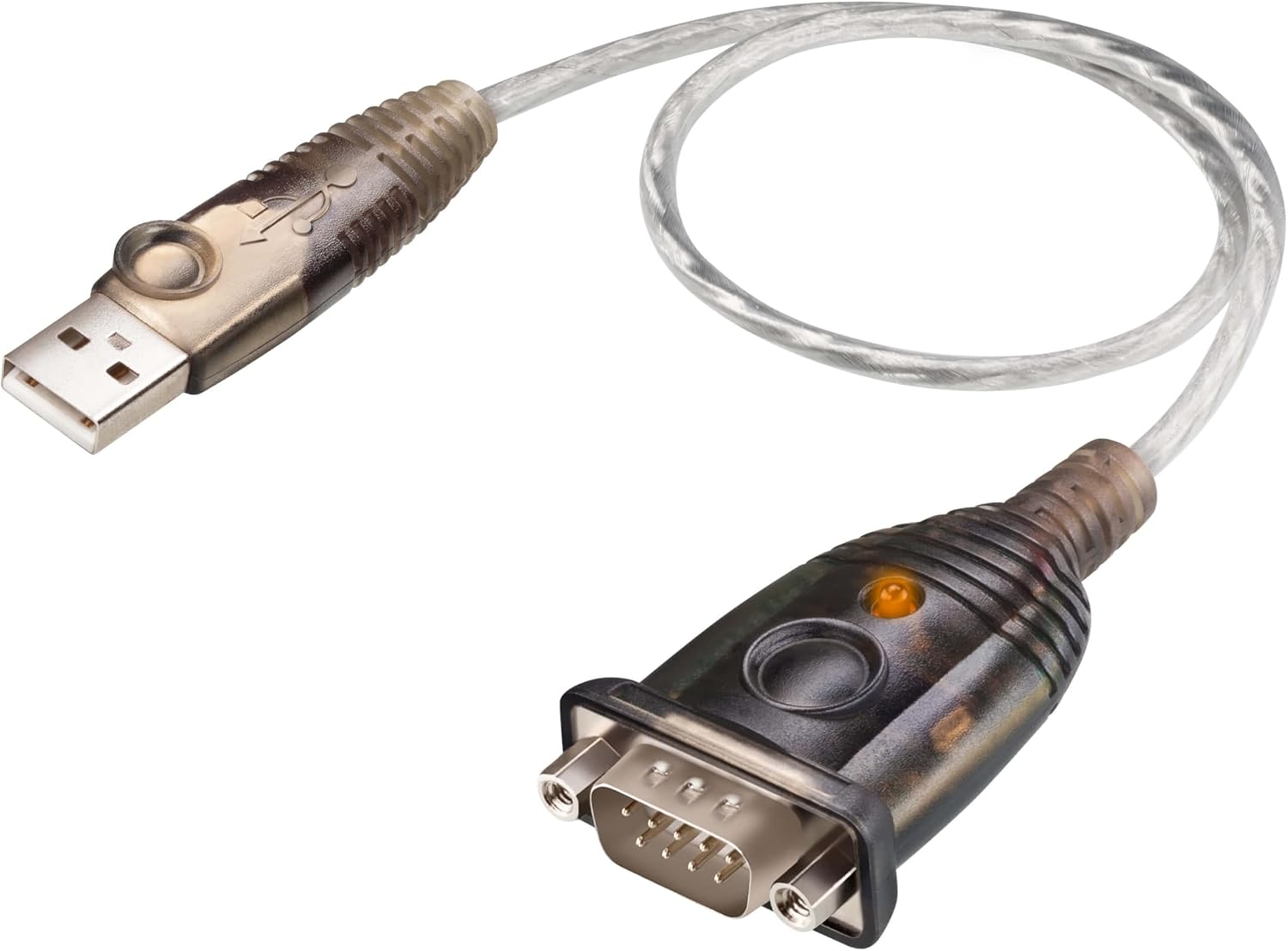
USB to RS-232 Adapter UC232A ATEN (35cm) – versatile serial USB dongle for Windows, Mac and Linux
Product description
What it is
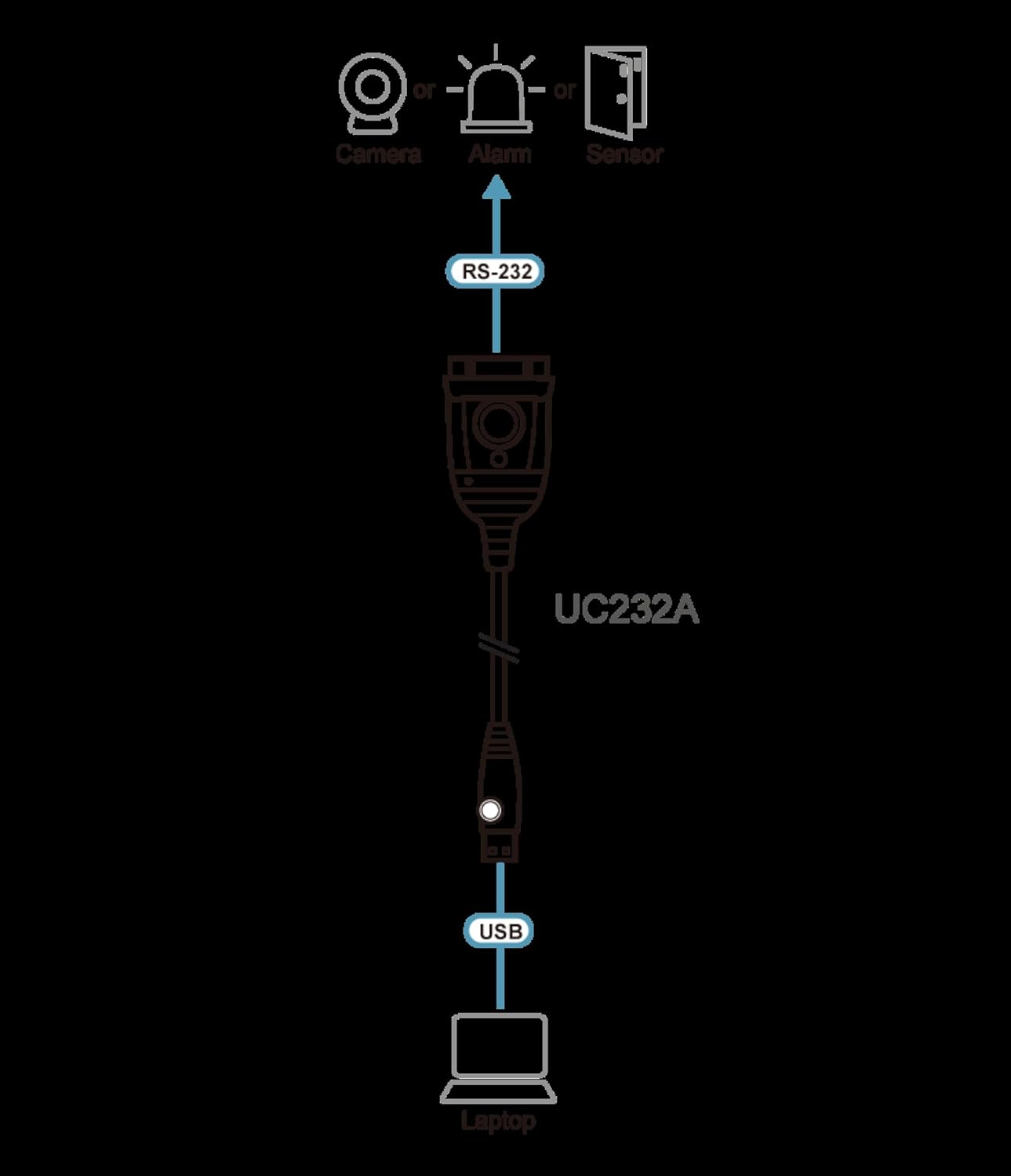
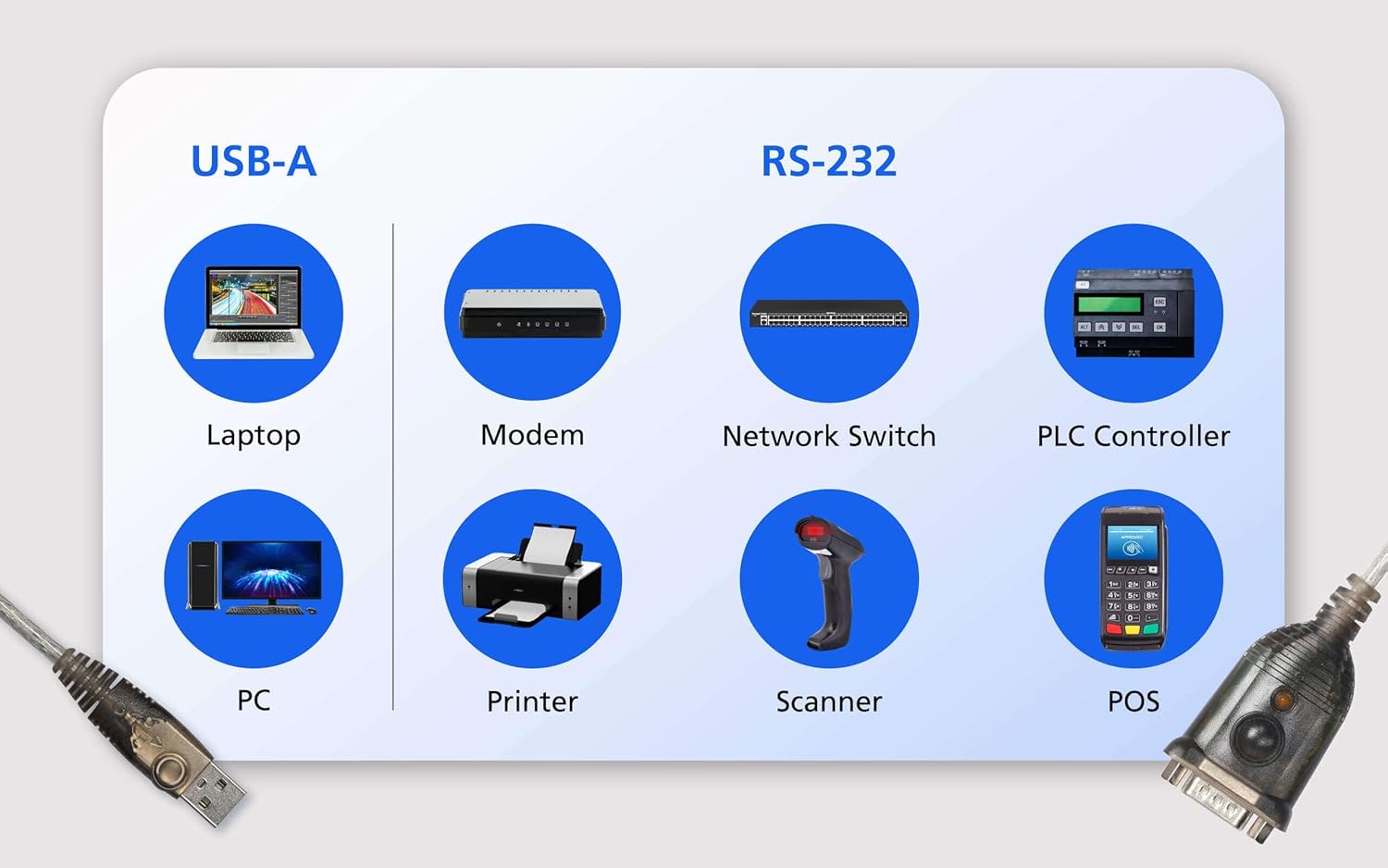
The USB to RS-232 Adapter UC232A from ATEN is a compact USB dongle that adds an RS-232 serial interface to a computer or device. It aims to bridge older serial peripherals—such as modems, ISDN terminal adapters, PDAs, digital cameras or cellular devices—with newer USB-equipped systems. On the package it’s described as supporting up to 230 Kbps data transfer in practice, though the product name itself advertises up to 921.6 Kbps. If you’re dealing with legacy equipment that still relies on RS-232, this adapter offers a potentially convenient route to continued functionality.
What it solves
For users who regularly connect legacy hardware to modern laptops or desktops, the UC232A provides a simple, plug‑and‑play approach to keep serial devices usable without dedicated PCI/PCIe serial ports. It is designed to be compatible across multiple operating systems, removing some of the headaches of driver compatibility when you’re working with older gear.
How it performs in practice
The adapter is built around standard USB specifications and a full RS-232 interface. Given the mixed claims about data rate, it’s prudent to expect reliable operation at modest serial transfer speeds rather than high‑end throughput. It’s not a performance device, rather, its value lies in keeping legacy connections alive in environments where newer interfaces aren’t an option.
Pros and what stands out
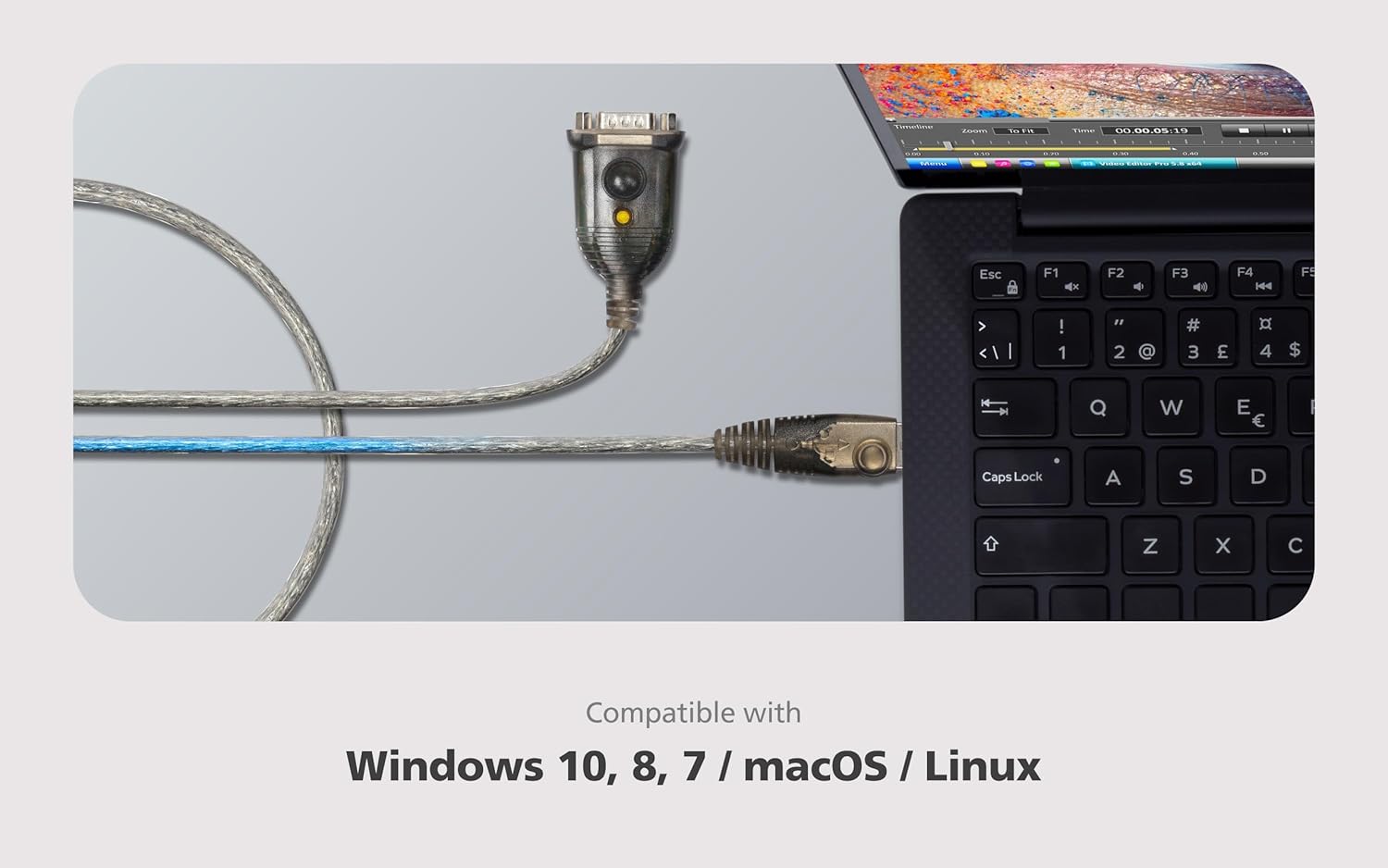
- Broad OS support: Windows, Linux and Mac OS are listed, which helps in mixed or older environments.
- Simple integration for legacy gear: If you’ve got serial devices, this dongle reduces the need for legacy ports.
- Small form factor: The 35 cm cable keeps it unobtrusive on desks and in portable setups.
Cons and limitations
- Data rate ambiguity: Product naming suggests higher speeds (921.6 Kbps) while the base spec notes up to 230 Kbps. Practically, you may encounter slower transfers with some devices or configurations.
- Ageing drivers and compatibility: While OS coverage is broad, some newer systems or updates may require manual driver adjustments or may not recognise older USB‑RS232 adapters as readily as newer peripherals.
- No explicit reliability benchmarks: The information provided does not include long‑term durability or testing results, so expectations should be conservative, especially for mission‑critical serial communications.
Who it’s for
- Businesses or hobbyists needing to connect RS‑232 peripherals to modern computers without built‑in serial ports.
- Users working with legacy equipment where USB is the only readily available interface on the host machine.
- Mixed‑OS environments where Windows, Mac and Linux coexist and require a single serial adapter solution.
Who it’s not ideal for
- If you prioritise high data throughput for serial data, or require guaranteed performance at edge speeds, this basic USB‑RS232 solution may not meet expectations given the conflicting speed claims.
- Those looking for a rugged, enterprise‑grade serial adapter with explicit reliability benchmarks may want to explore more robust options.
Crucial checks before buying
- Confirm you can source the correct driver support for your OS version and hardware, particularly on newer machines.
- Verify the exact needs of your RS‑232 device (speed, flow control, voltage levels) align with what the UC232A can deliver.
- Consider the cable length (35 cm) and whether you need a longer reach or a more flexible adapter in tight spaces.
Practical use case
Imagine connecting an old serial barcode reader to a modern laptop in a small office. The UC232A can host the RS‑232 interface via USB, letting you capture data without hunting for a vintage laptop with built‑in serial ports. It’s not about speed here, but about keeping a working workflow intact when hardware lifecycles don’t align with today’s laptops.
FAQ
- Do I need to install drivers? The data provided mentions OS compatibility, in practice, some systems may require drivers or confirmations during first connection.
- Will it work with USB‑C only hosts? The information doesn’t specify USB‑C compatibility, test on your hardware is advisable.
- Is it suitable for continuous heavy use? There’s no durability data, treat it as a lightweight, informal bridge rather than a high‑duty adapter.
Is it worth it?
Worth considering if you need a straightforward bridge to legacy RS‑232 devices and your OS supports the adapter with available drivers. If you prioritise maximum throughput or robust, enterprise‑grade reliability, you may want to evaluate other options or consult compatibility notes before purchase.