

USB to HDMI 1.8m cable for 1080p monitor
Product description
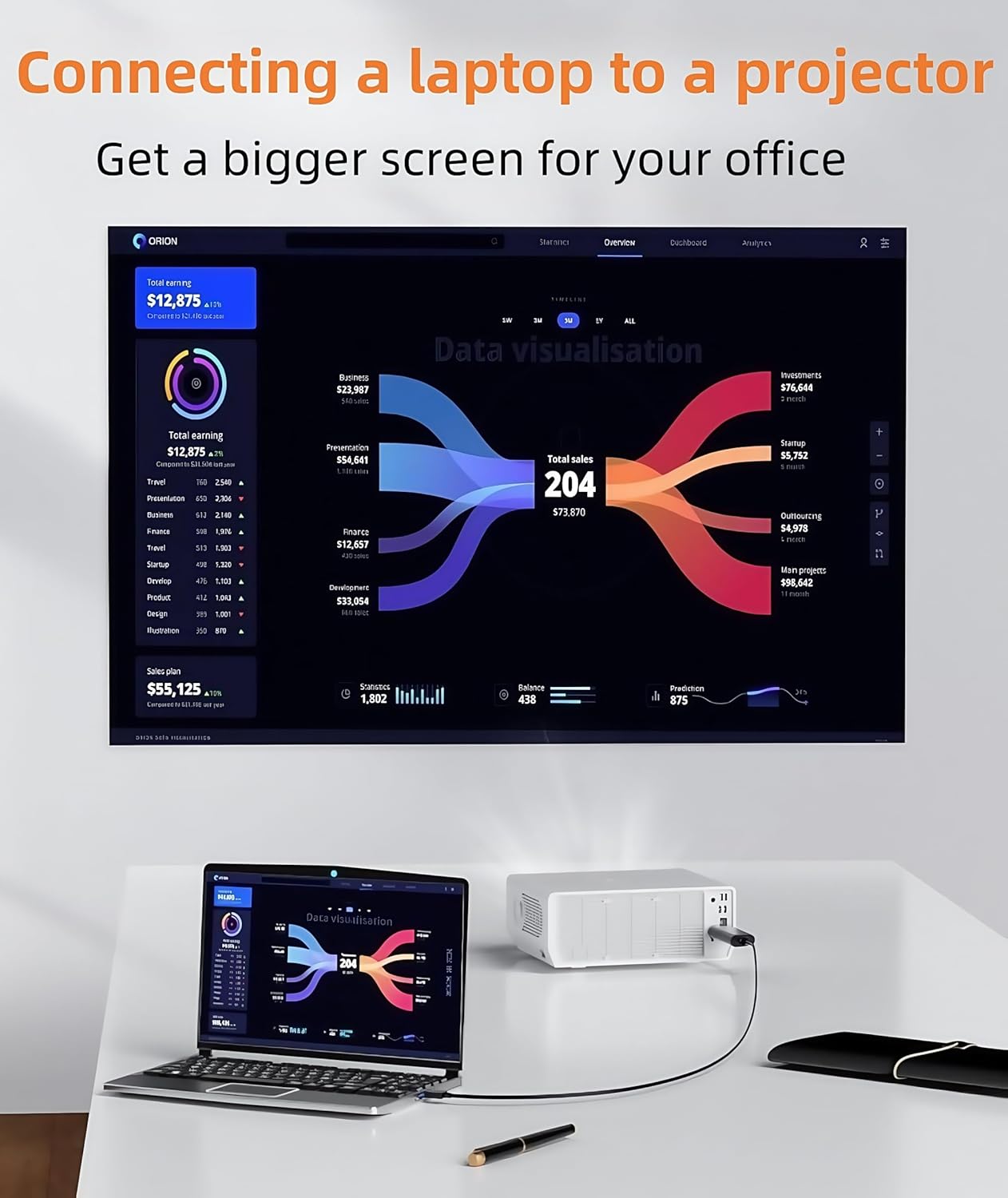
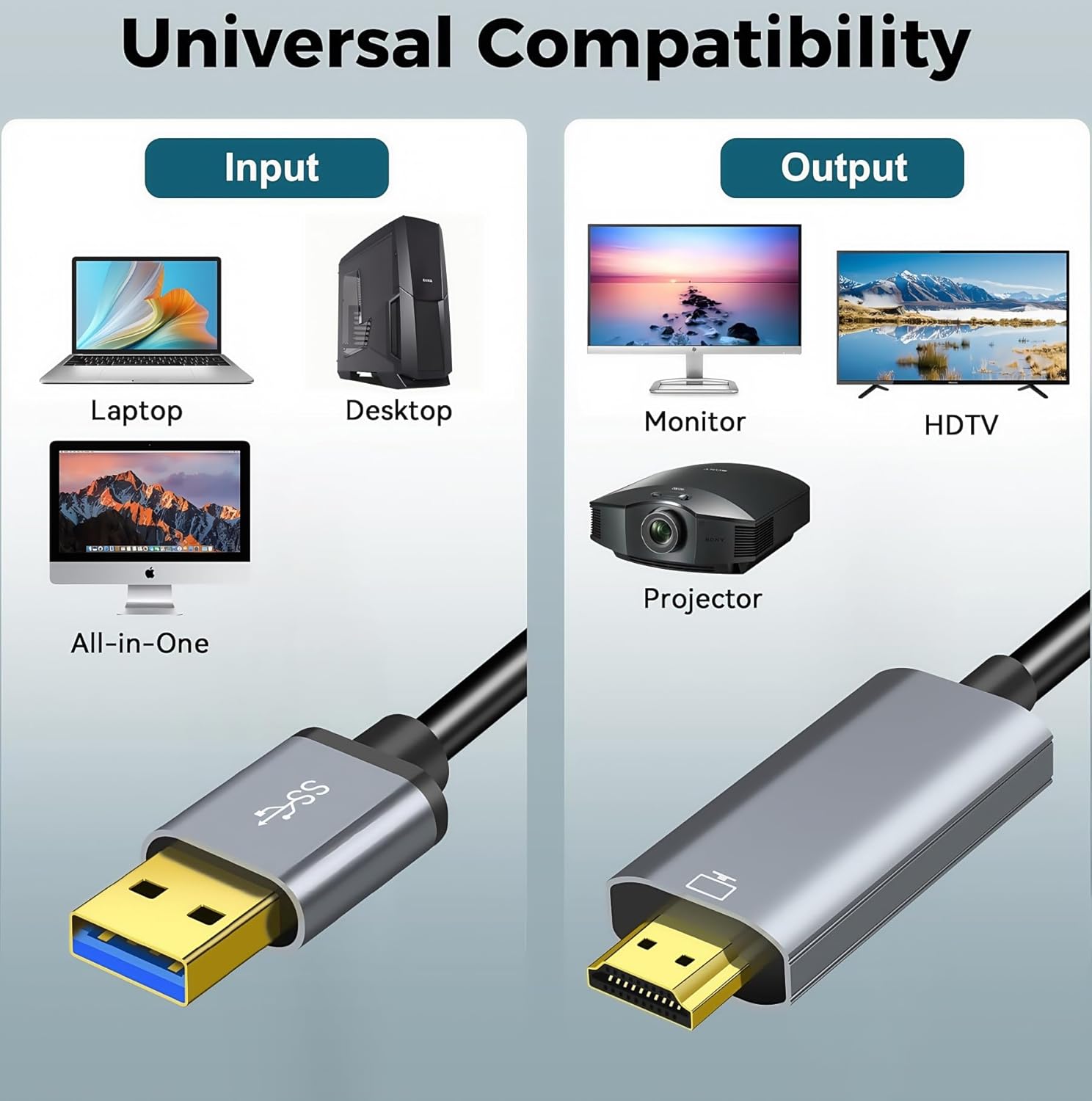
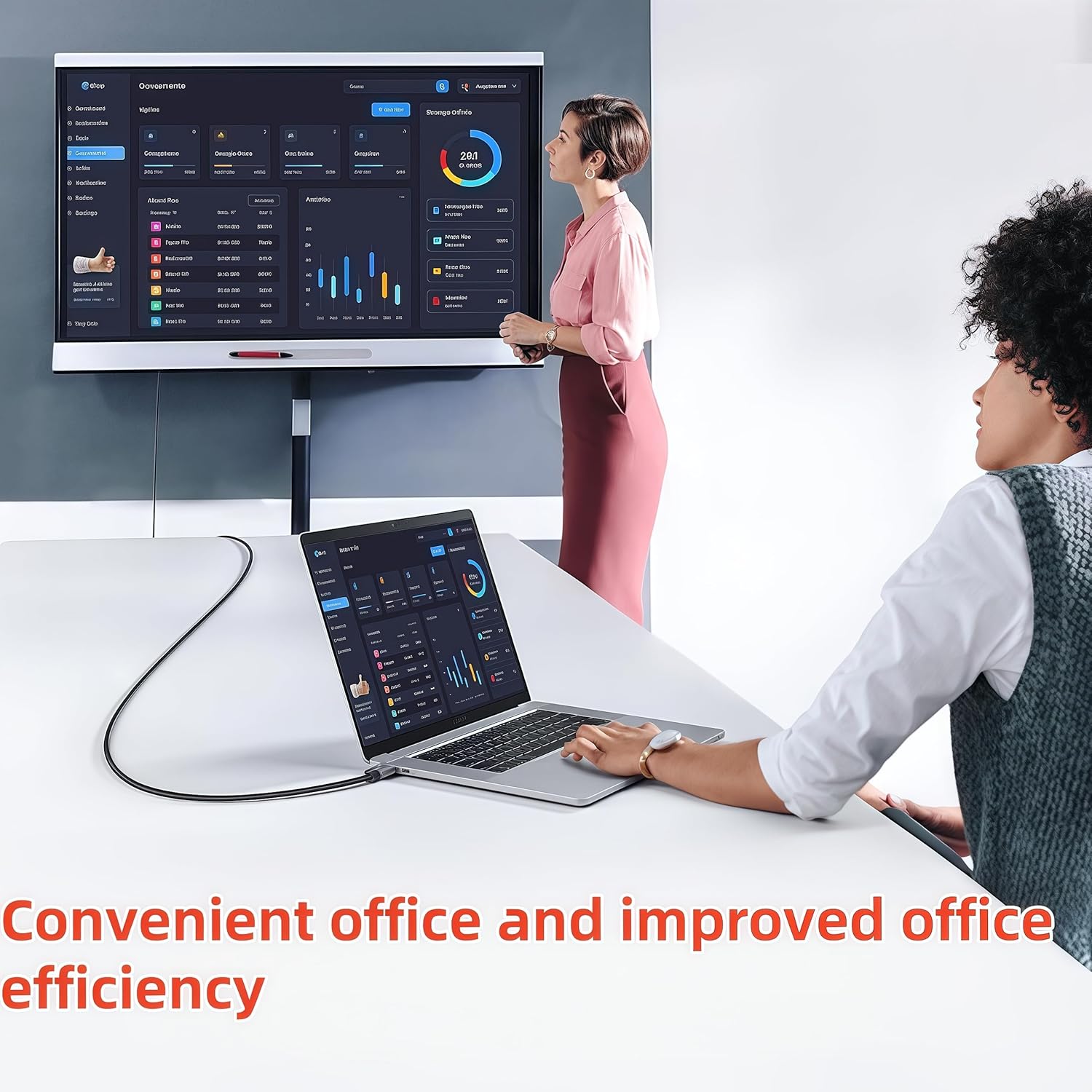
This USB-to-HDMI cable lets you add an external display to a PC or laptop using a single USB A connection, useful for presentations, extending a desktop or mirroring your screen to a TV or projector. It supports video and audio output up to Full HD, and is intended for users who need a simple cable solution without extra adapters.
Key Points
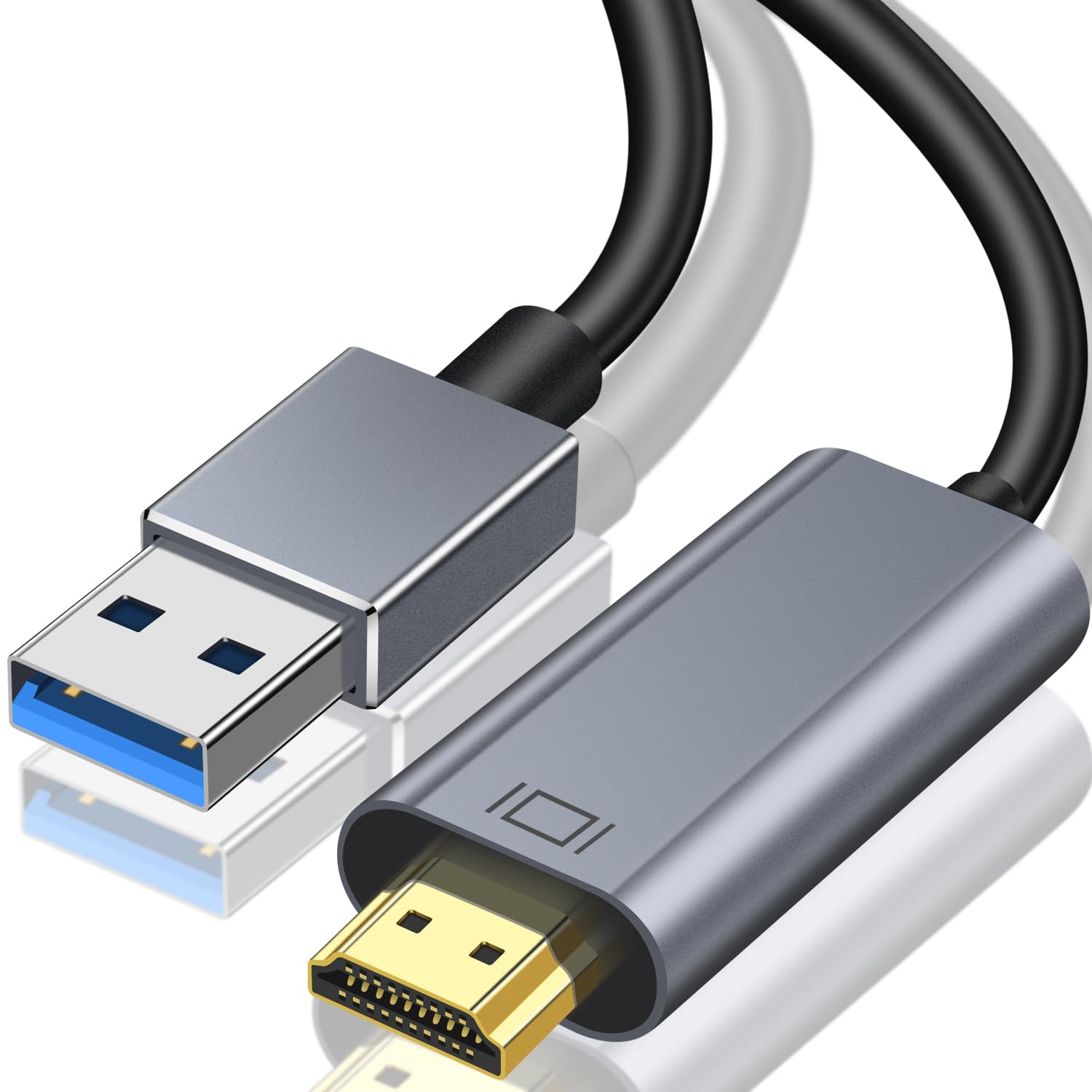
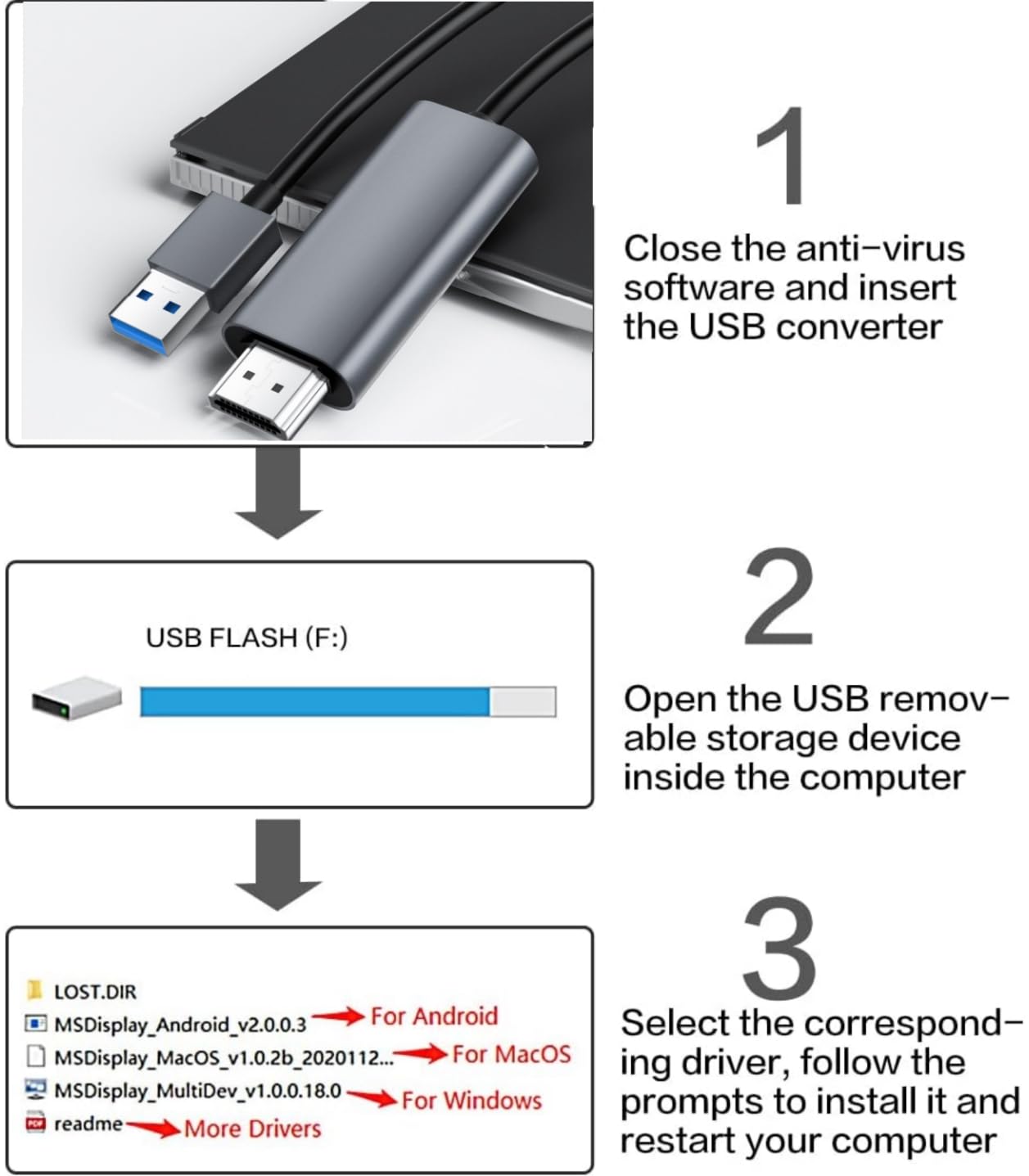
The cable requires a driver installation on first use, which the device will prompt to run automatically when connected, or can be installed from the supplied disk or via the DisplayLink download according to the manufacturer. It is a one-way converter that transfers signal from USB to HDMI only, and it does not support reverse operation. This product transmits video and audio but is not suitable for charging or data transfer. Compatibility includes Windows 7, 8, 8.1, 10 and 11, MacOS 10.14 or later and Android 5.1 and above for certain laptop devices. Note that some platforms such as Linux, Vista, Chrome OS and streaming sticks are not supported.
Technical Specifications
- Name: USB to HDMI Cable, Built-in Drivers
- Cable length: 1.8 m
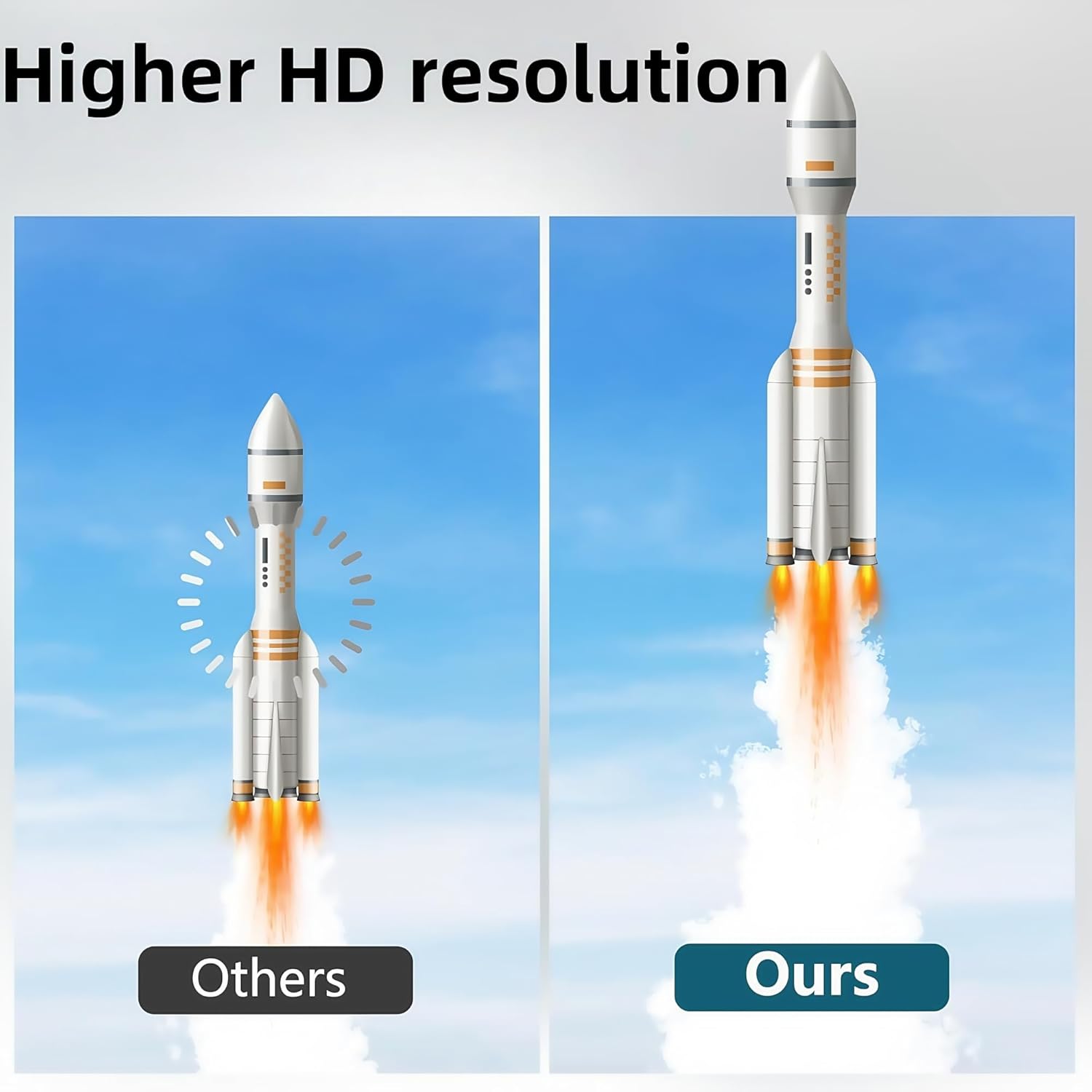
- Maximum resolution: 1080P at 60 Hz (USB 3.0 mode)
- USB 2.0 mode resolution: 720P at 60 Hz
- Supported systems: Windows 7/8/8.1/10/11, MacOS 10.14+, Android 5.1+ (manufacturer lists these)
- Output: HDMI with audio and video combined
Usage Recommendations
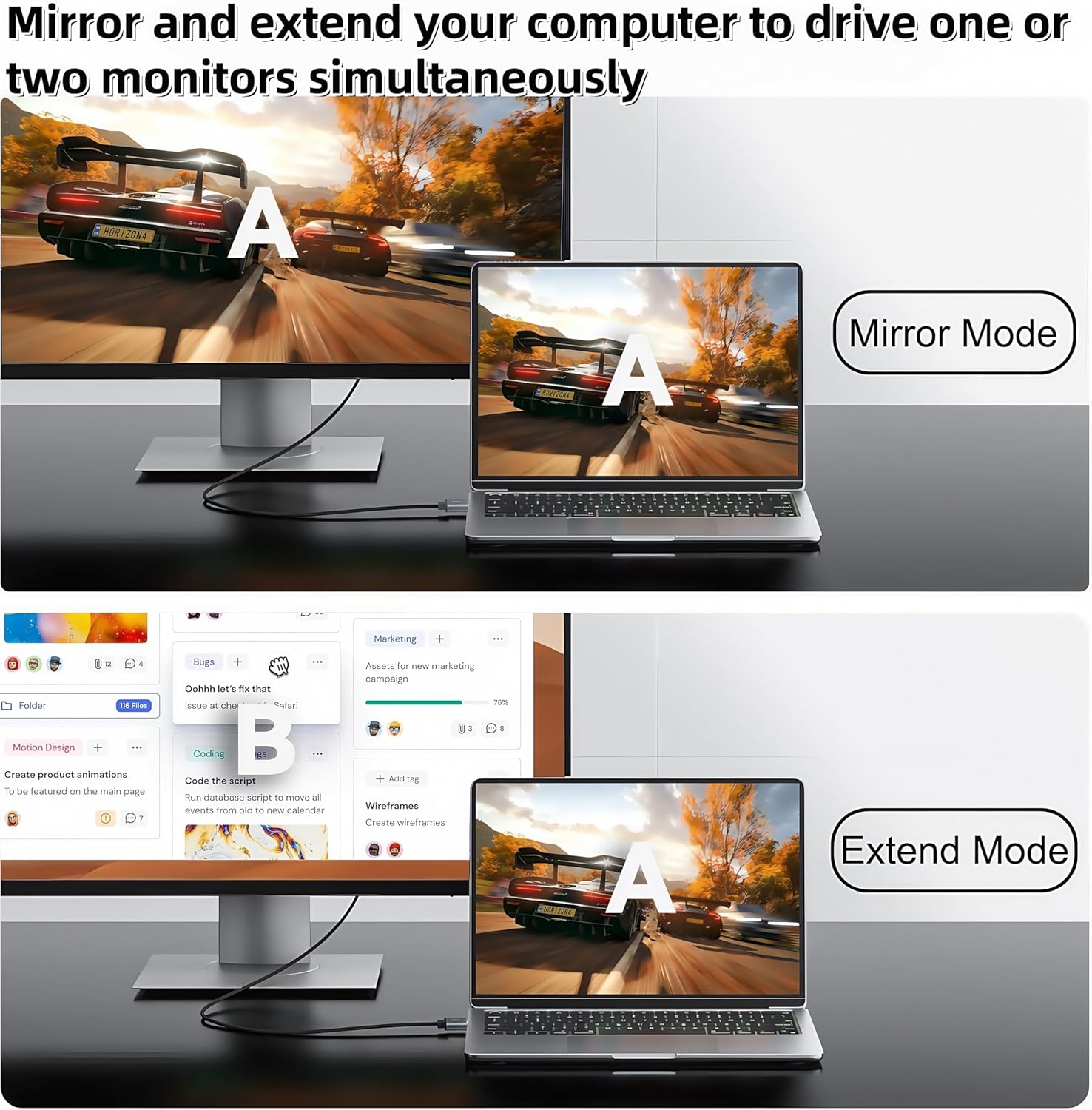
Before connecting, make sure the computer and target display are powered on and the appropriate driver for your operating system is available. When first plugged in the driver installation should start automatically and you can follow on-screen prompts. Use the Windows shortcut WIN+P to switch between mirror and extend display modes in Windows. For the clearest results use a USB 3.0 port on systems that support it, since higher bandwidth enables 1080P at 60 Hz; if you connect to a USB 2.0 port the cable will be limited to 720P at 60 Hz.
Practical Tips
If the driver on the supplied disk will not eject on some phones or devices, open the disk image via file manager and install the application manually. Bear in mind that some gaming consoles and dedicated streaming devices will not work with this cable. The single-direction operation means you cannot use the cable to feed a laptop screen from an external HDMI source. For multi-tasking scenarios the extend mode helps keep several applications visible across displays, while mirror mode is useful for presenting the same content to an audience on a larger screen. Consider that performance and resolution depend on the host device capabilities and the USB port version according to the manufacturer.