

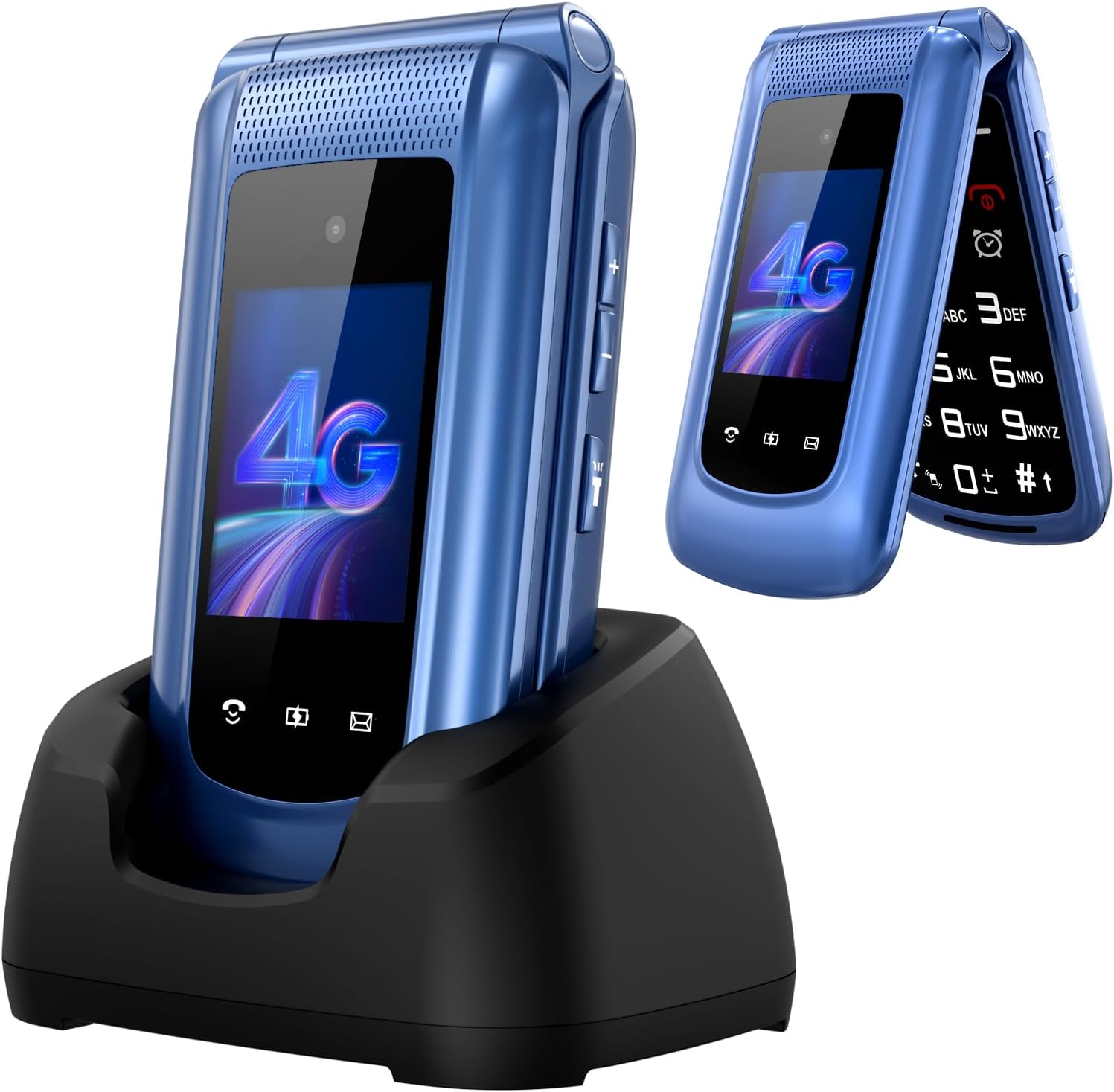
Uleway 4G Big Button Senior Flip Phone with SOS Button, Charging Dock and 2.4" + 1.8" IPS Screen (Blue) — SIM-free unlocked
Product description
If you’re buying for someone who just needs a phone that’s easier to use, the Uleway 4G Big Button Senior Flip Phone is built around that idea: big controls, clear on-screen layout, and practical call support.
It’s a simple feature phone approach rather than a smartphone experience. That can be a good thing, but it also means you should set expectations around basic calling, emergency support and everyday tools.
The essentials: what this senior flip phone is for
This is a clamshell (flip) mobile phone designed with seniors, children and people with visual impairments in mind. On paper, the focus is on reducing hassle: a clearer menu layout, bigger font, and a loudspeaker intended to make hands-free listening easier without needing the ear pressed close.
If your main goal is to have a phone that’s straightforward for calls and emergencies, this fits the bill. It’s also positioned as a dependable backup handset for the household, especially if you want something that doesn’t get bogged down with app-heavy complexity.
What you’ll notice in day-to-day use
Where it stands out is the physical control design. The side has dedicated buttons for volume adjustment and a torch, so you’re not hunting through menus when you’re in a hurry.
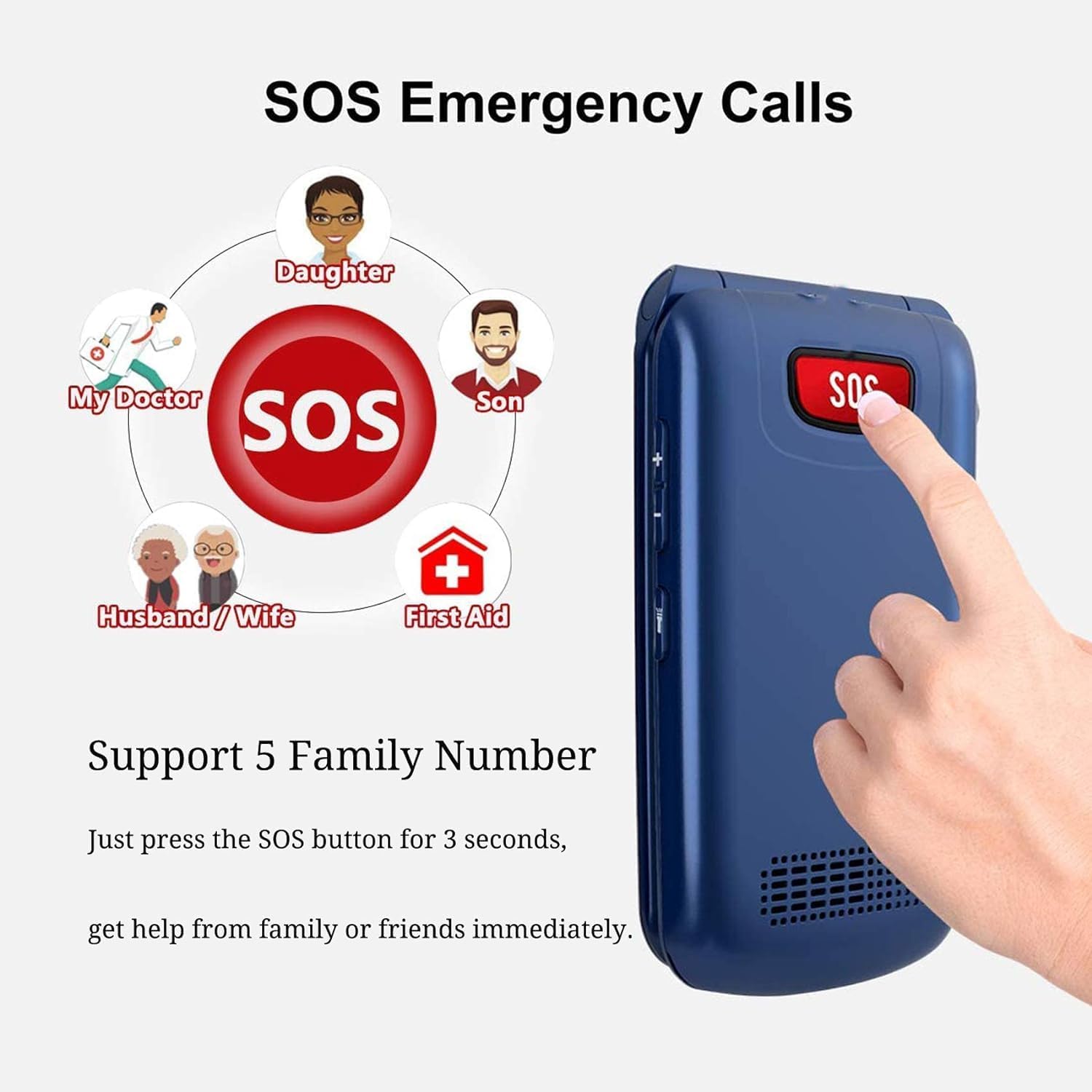
There’s also an SOS button concept: the back of the SOS button is meant to be used for emergency calls when someone is in danger. In addition, the flip can be set to answer calls, which can make it feel more natural to use than a phone where you must remember every step.
A small practical example: imagine needing quick access on a walk back in the dark. With a dedicated torch button on the side, you can switch on light without navigating the screen first.
That said, it’s still a basic flip phone. If you’re expecting swipe-style navigation, video apps, or modern “smart” features, this is unlikely to satisfy that kind of use.
Display and sound: clarity matters more than specs
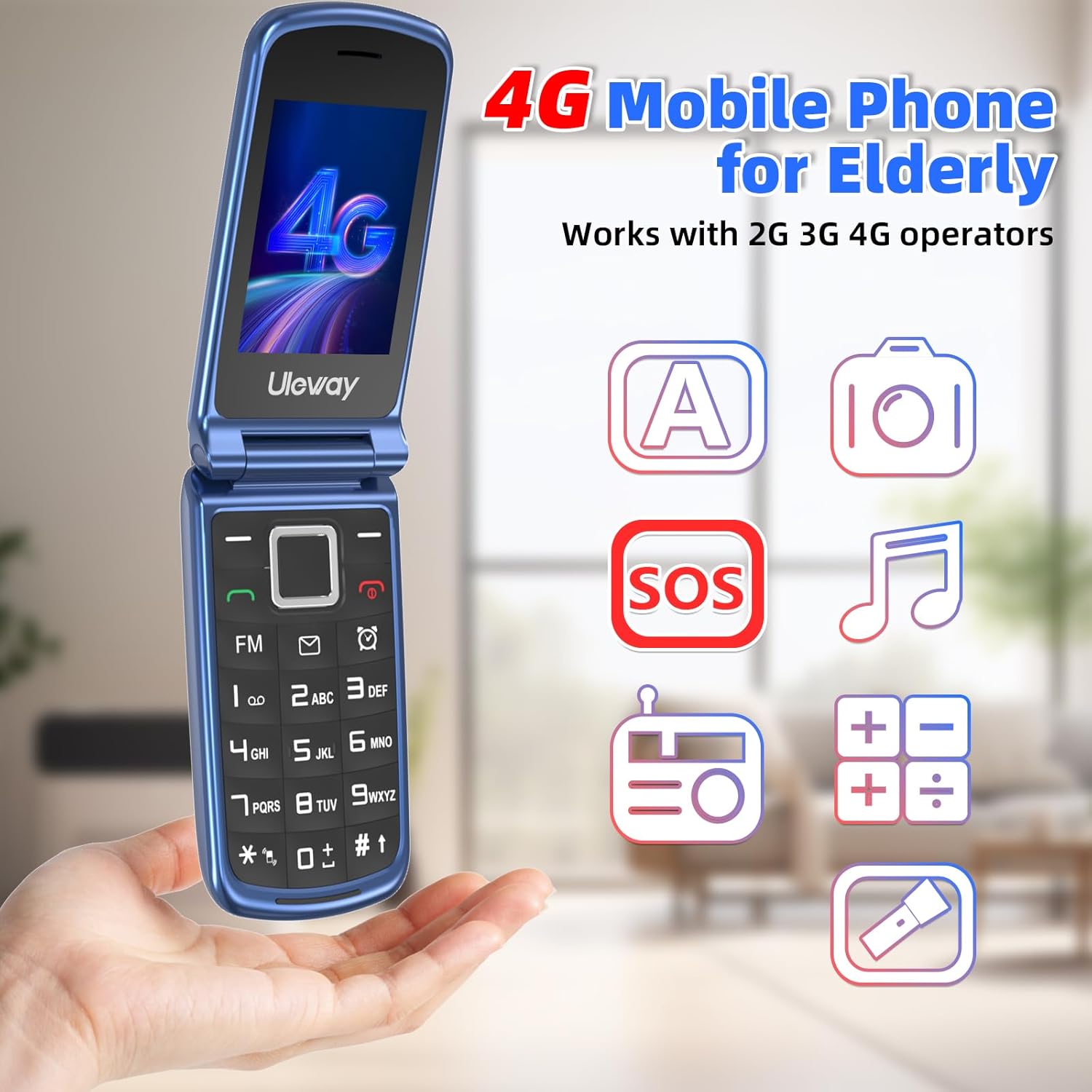
The handset includes a 2.4" + 1.8" IPS screen setup. Combined with “bigger font” and clearer menu icons, the intention is easy reading and easier navigation.
Audio is another highlight: it’s described as having an “amazingly high volume and clarity” loudspeaker, and the hands-free call design is intended to help the caller hear clearly without holding the phone right next to the ear.
Bear in mind, though, that real-world clarity can depend on the environment and the user’s hearing. This phone is clearly aimed at making things easier, but it may not match the flexibility of devices with larger, brighter screens and advanced accessibility options.
Connectivity and SIM: SIM-free unlocked for 4G use
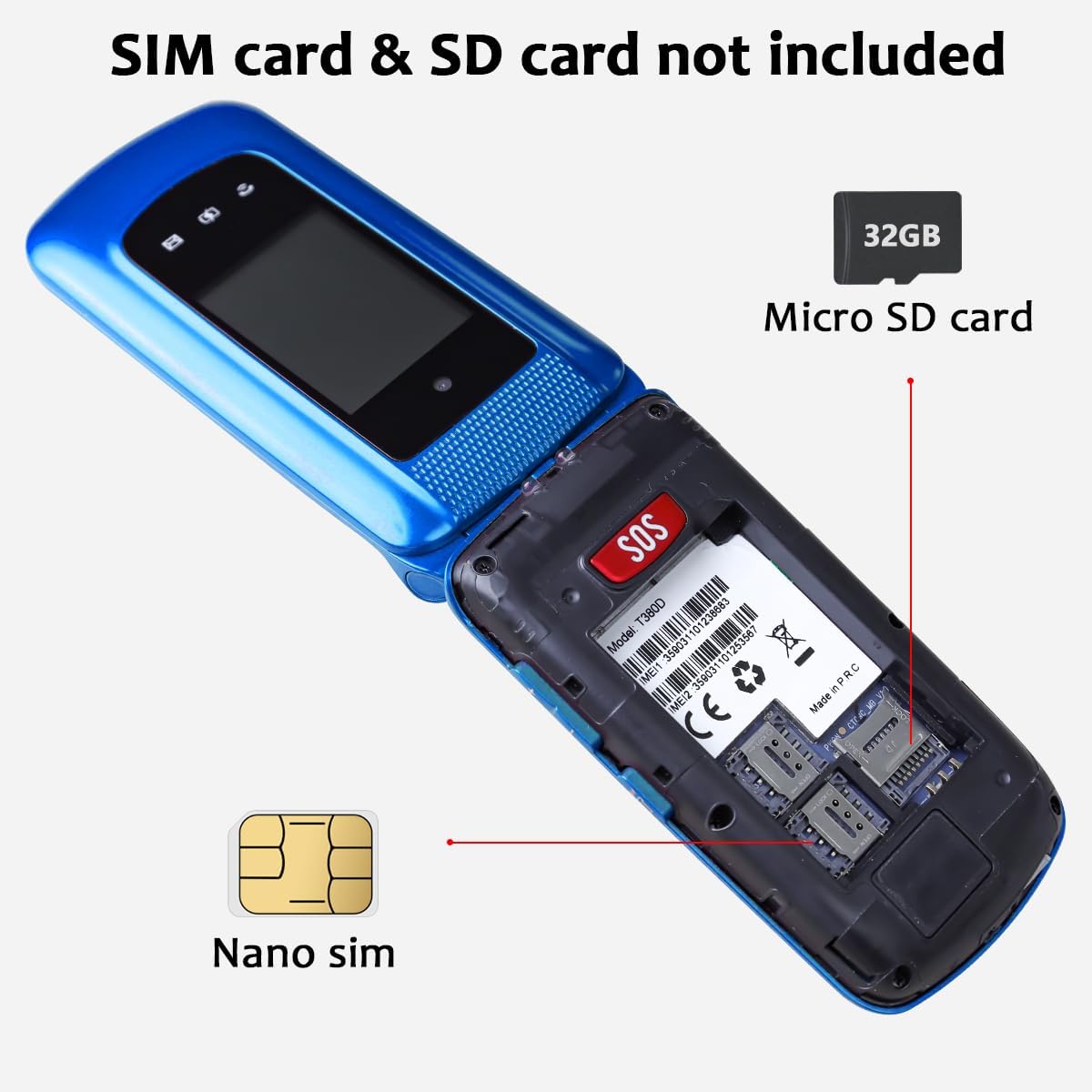
This model is described as an unlocked 4G LTE phone that uses a Nano SIM. It’s stated to be compatible with Q2, EE, Vodafone, Orange, Three Network, ID mobile, Smarty and other carriers using 4G, and it also supports 2G/3G.
Worth noting: the input text mentions compatibility details, but it doesn’t spell out specific bands or whether every network configuration will behave identically. If you’re in the UK, it’s still sensible to double-check that your preferred SIM is a good fit for 4G/2G/3G roaming where you need it.
Battery and charging dock: less fiddling, more confidence
The phone includes a rechargeable lithium battery rated at 1000mAh, with claimed talking time up to 5–6 hours and standby time up to 200+ hours.
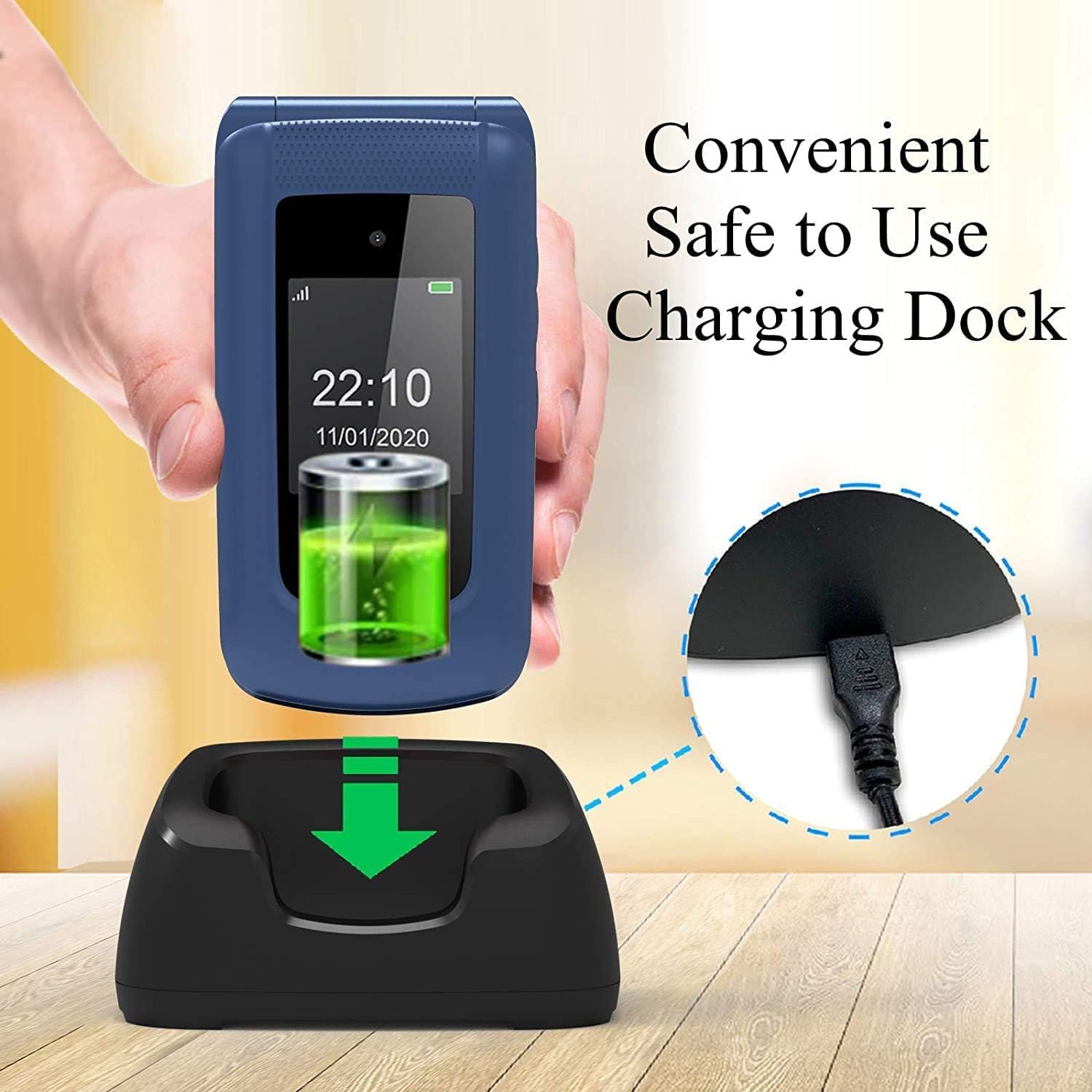
Charging is designed to be simpler than fumbling with cables. It comes with a charging dock, and the described method is to slide the phone into the dock to charge faster and more safely.
This is one of those design choices that can matter a lot for daily life: a dock is often easier for someone with limited dexterity, especially compared with lining up a small charging port.
Still, keep an eye on charging habits. A dock can only help if it’s placed somewhere convenient and the user remembers the routine.
Tech and extra functions you’ll actually use
Beyond calls and basic operation, the phone is described as including support for:
- Built-in 5 languages
- Emergency call (via SOS)
- Speed dial
- Bluetooth
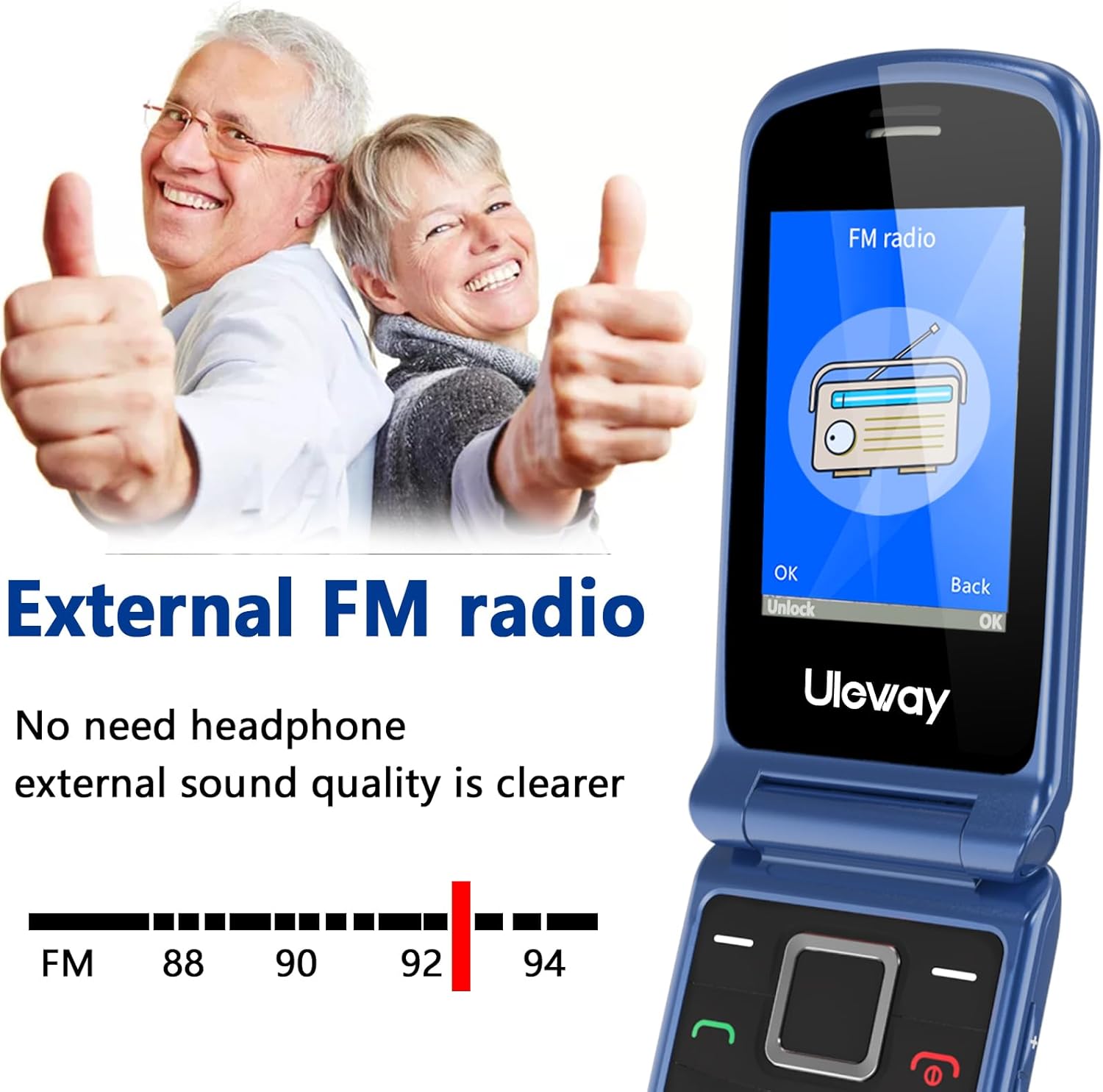
- FM radio
- Calculator and alarm clock
- Torch
- Extended storage
This is the kind of mix that makes a basic phone feel more useful than “just for calls”, without turning into a smartphone.
If you’re buying as a primary everyday device, it helps that it has the essentials covered. If you’re buying for someone who expects app-based services, though, you may find the scope a little limited.
What to check before you buy
Before committing, there are a few sensible checks:
- SIM choice: confirm you’re happy using a Nano SIM and that your chosen UK network sits within the stated 4G/2G/3G compatibility expectations.
- Expectations: this is a simple senior flip phone with an easy operating system—so don’t plan to rely on smartphone-style browsing or app installs.
- Use case: if the priority is emergency support and loud, clear calls, it’s well aligned, if the priority is advanced entertainment, you might want a different category.
Is it worth it?
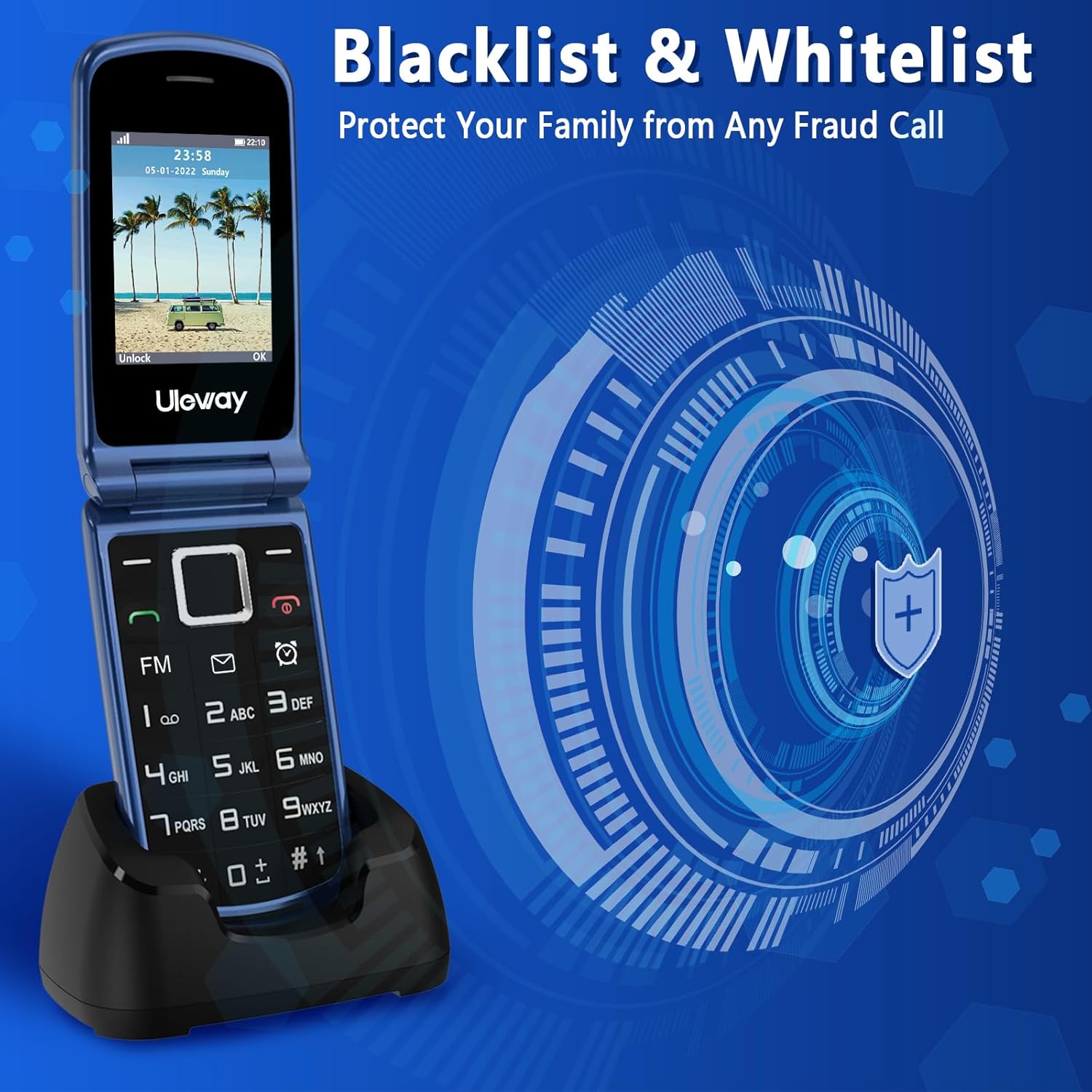
This Uleway 4G Big Button Senior Flip Phone makes sense if you want a SIM-free unlocked basic flip phone with an easy-to-read interface, big-button ergonomics, loudspeaker clarity, an SOS-style emergency approach, and a charging dock that reduces daily hassle.
It may not be the best match if the person needs a smartphone experience, heavy apps, or highly custom accessibility settings. It’s aimed more at “reliable and straightforward” than at feature depth.
In the end, if you’re shopping for a family member (or even as a backup phone) and you prefer simplicity you can explain in one go, it’s a practical option worth considering—just be sure it fits the network and your expectations for what a basic feature phone can do.
Mini FAQ
Does this phone come unlocked?
Yes—it's described as a SIM-free unlocked 4G LTE phone.
What SIM does it use?
It uses a Nano SIM.
Is there an emergency function?
It’s described as having an SOS button meant for emergency calls.
How is it charged?
You slide the phone into the included charging dock for charging.
Who is it designed for?
The description is aimed at elderly users, children, and people with visual impairments, focusing on bigger font, clearer icons, and simplified controls.