

4K DisplayPort to HDMI Adapter for 120Hz
Product description
The essentials
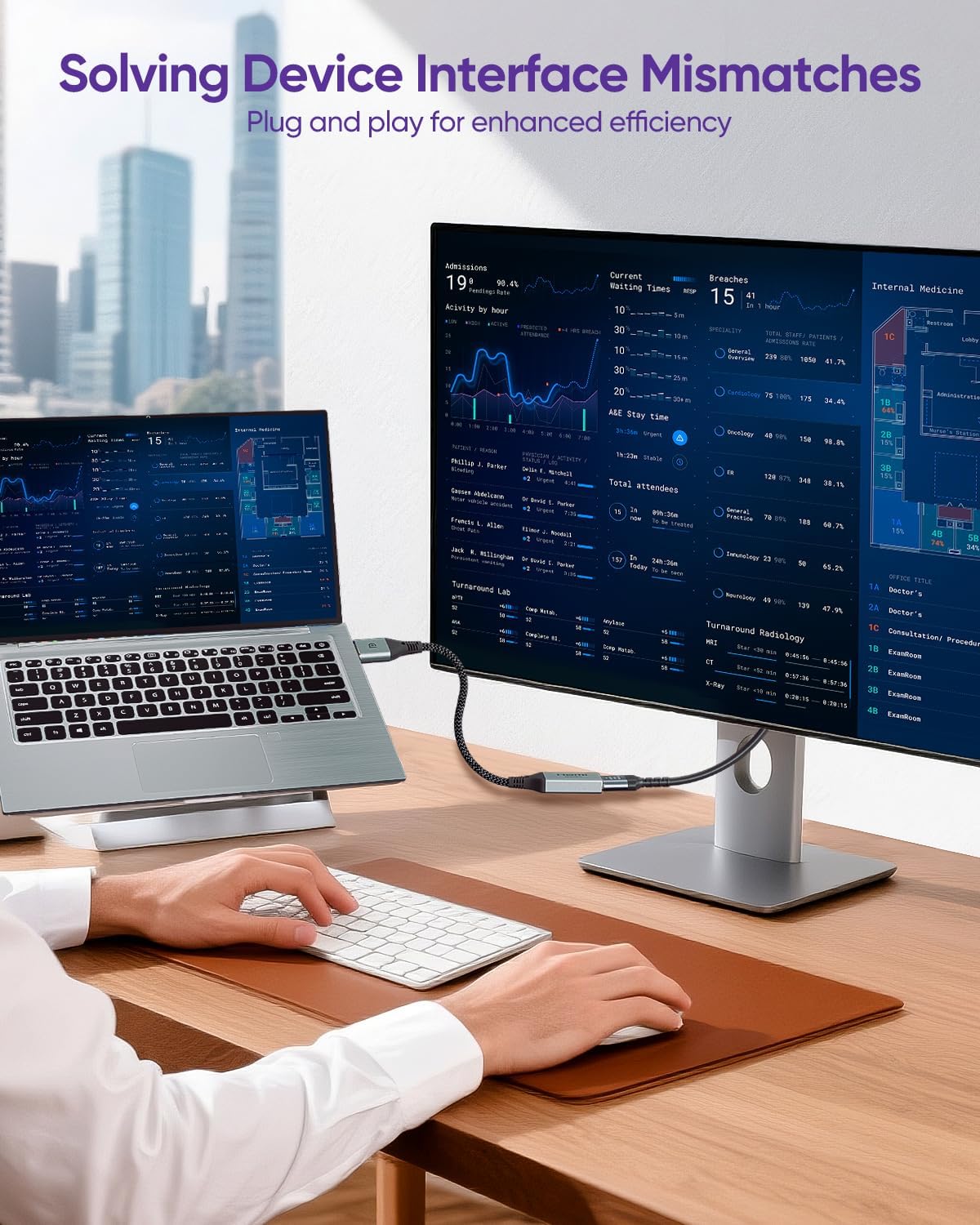
If you need a straightforward way to connect a DisplayPort output to an HDMI screen, this VCELINK 4K DisplayPort to HDMI adapter is built for that exact job. It converts a one way DisplayPort signal into an HDMI output so your laptop, desktop, or graphics card can drive compatible monitors, TVs, projectors, and more. You can expect crisp visuals and dependable signal handling based on the HDMI 2.0 and DisplayPort 1.2 compliance mentioned by the manufacturer, with immersive sound support as part of the setup. It is also designed to be plug and play so you can get to a working connection without complicated configuration.
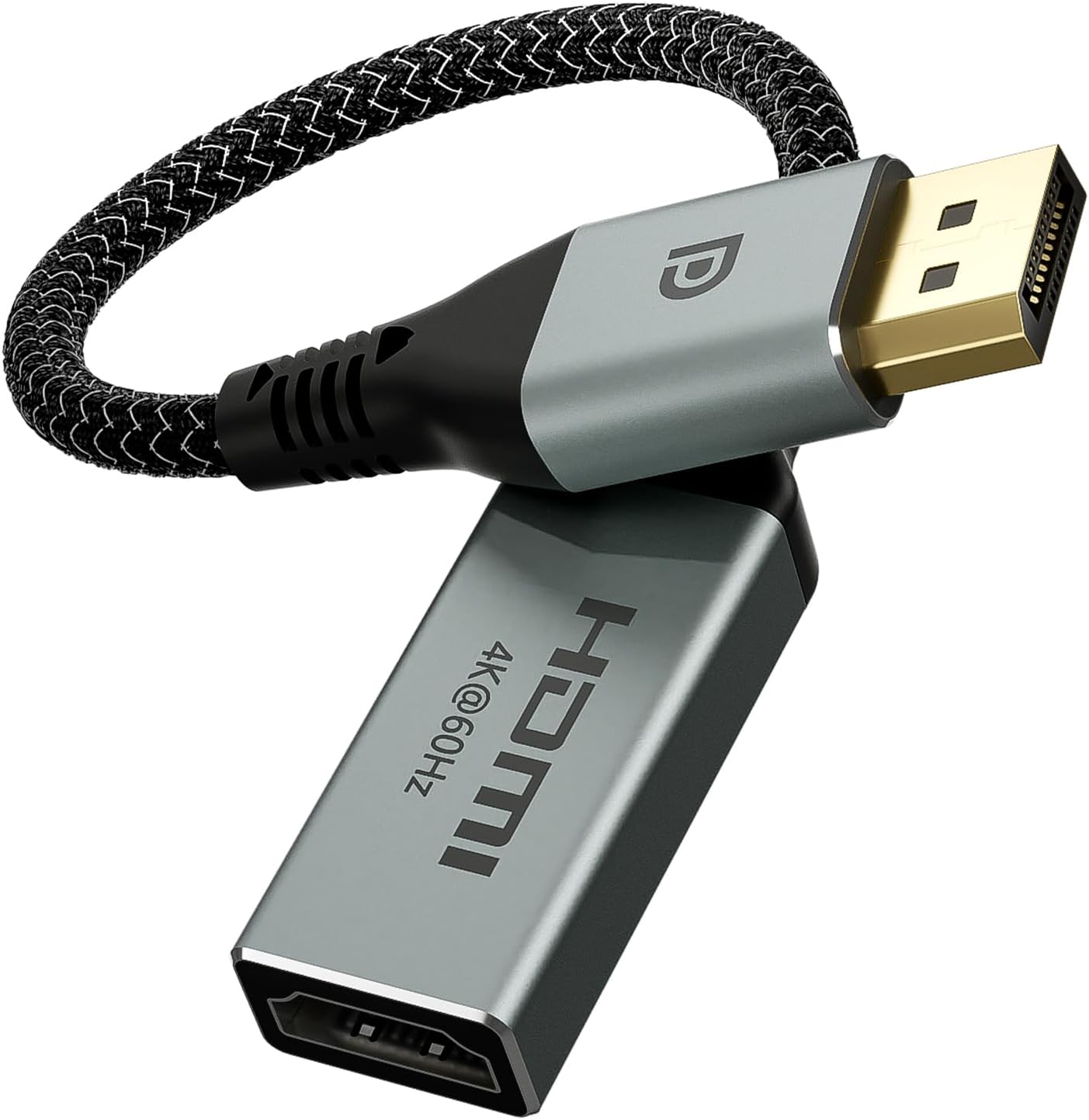
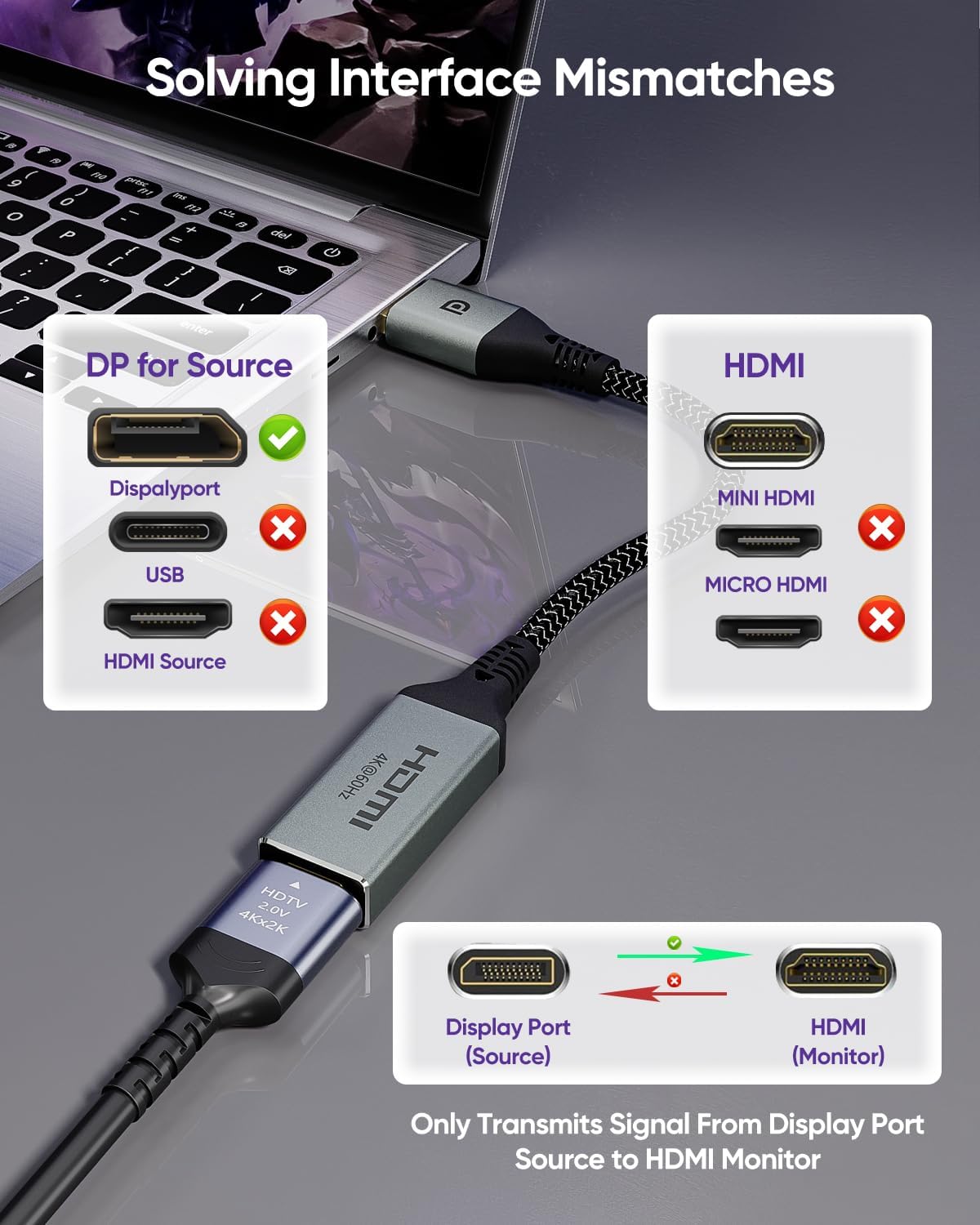
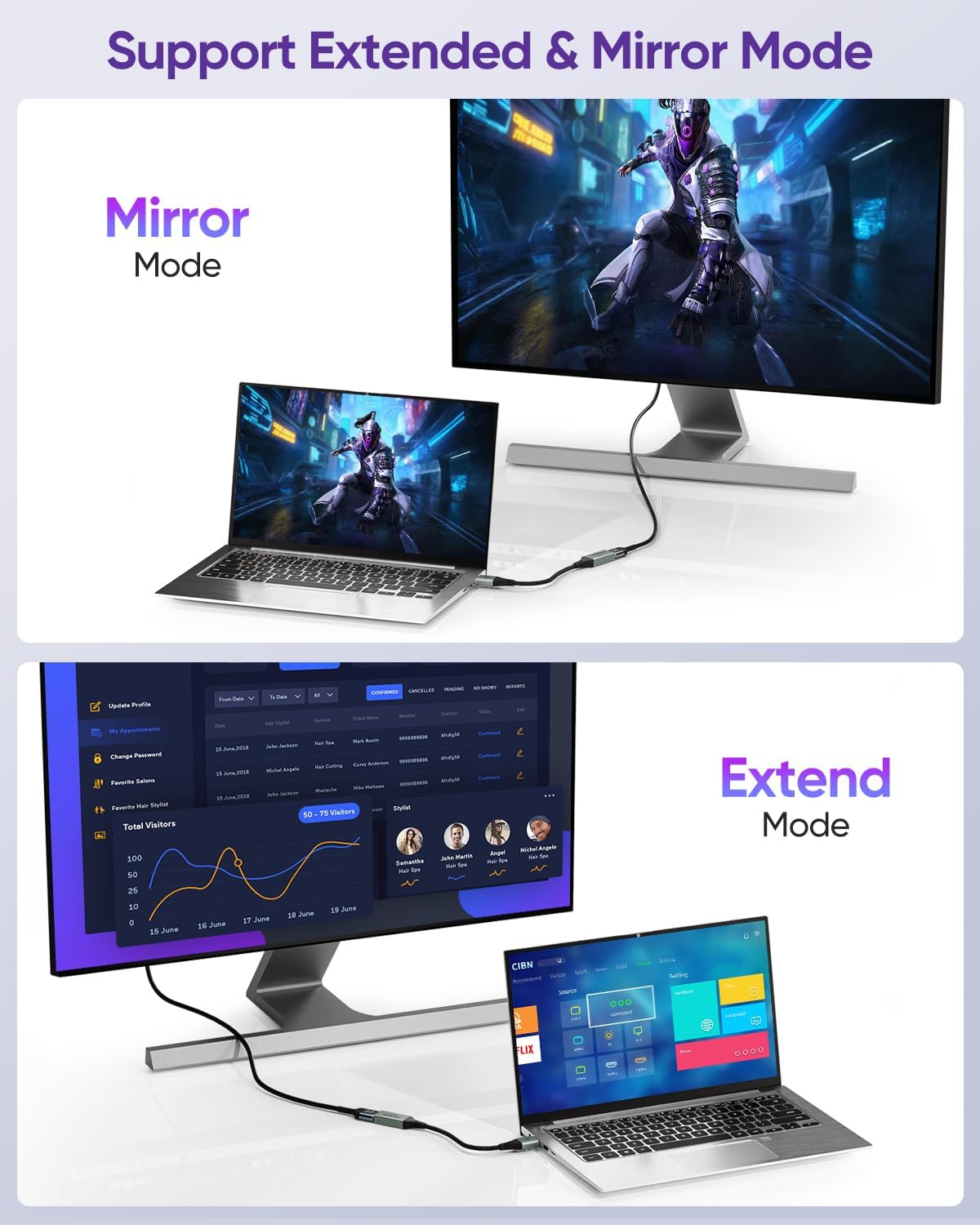
This converter focuses on solving the everyday port mismatch problem, where a source device has DisplayPort but the display only offers HDMI. It supports copy and expansion use cases, which matters if you want to mirror your screen or extend your workspace across another display 🖥️. Before you buy, do check the direction of the connection, because this is not a two way adapter. It is only intended for DisplayPort to HDMI transmission, not HDMI back to DisplayPort, and not for Micro HDMI or Mini HDMI ports ⚠️.
Key features
One of the most useful aspects is the uni directional design. The adapter is set up for one way signal transfer from a DisplayPort source device such as a computer, to an HDMI display such as a monitor or television. That makes it a practical choice when you already know which side will be the source and which side will be the display. It also helps reduce guesswork around compatibility, because the manufacturer clearly notes what it can and cannot connect.
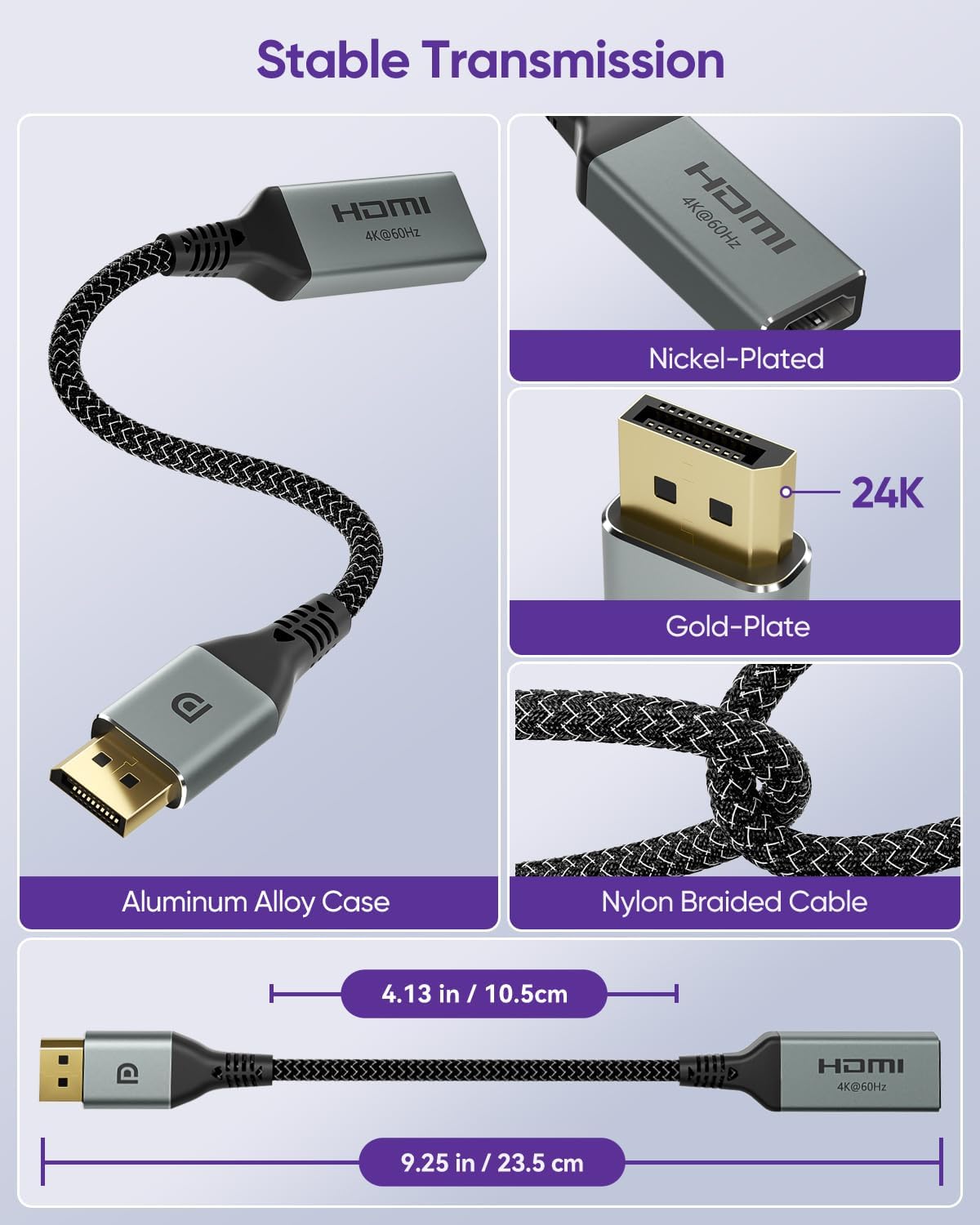
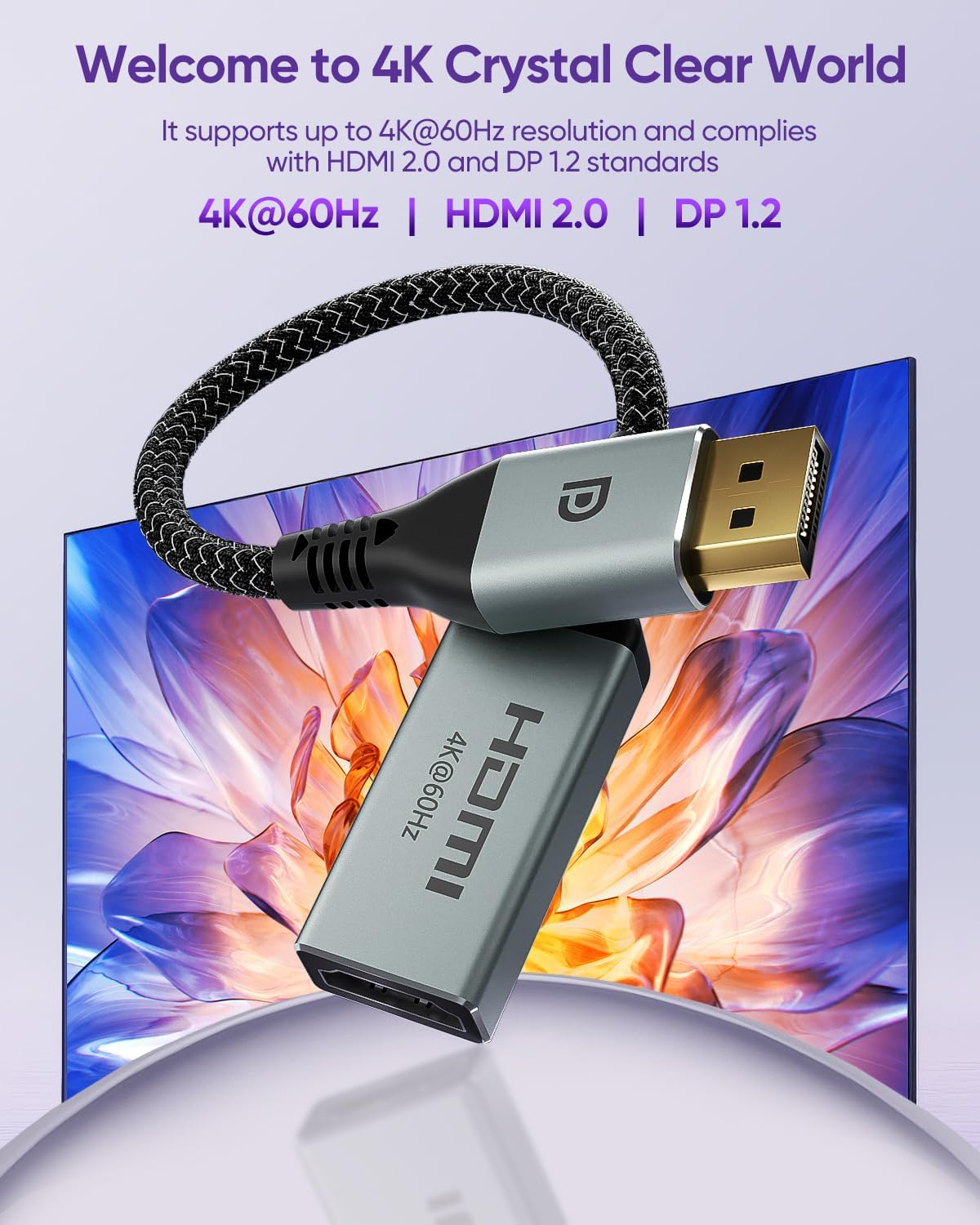
In terms of picture and standards, it is described as supporting resolutions up to 4K at 60Hz and complying with HDMI 2.0 and DisplayPort 1.2. It also references 1080p at 120Hz in the product naming, which will be relevant if you are aiming for smoother high refresh performance on compatible equipment. To keep the connection stable in real world setups, the adapter uses gold plated DisplayPort and nickel plated HDMI interfaces, plus quad layer shielding to help resist interference. The braided nylon exterior is included for durability and flexibility, which is helpful when the cable will be moved around a desk or carried for presentations.
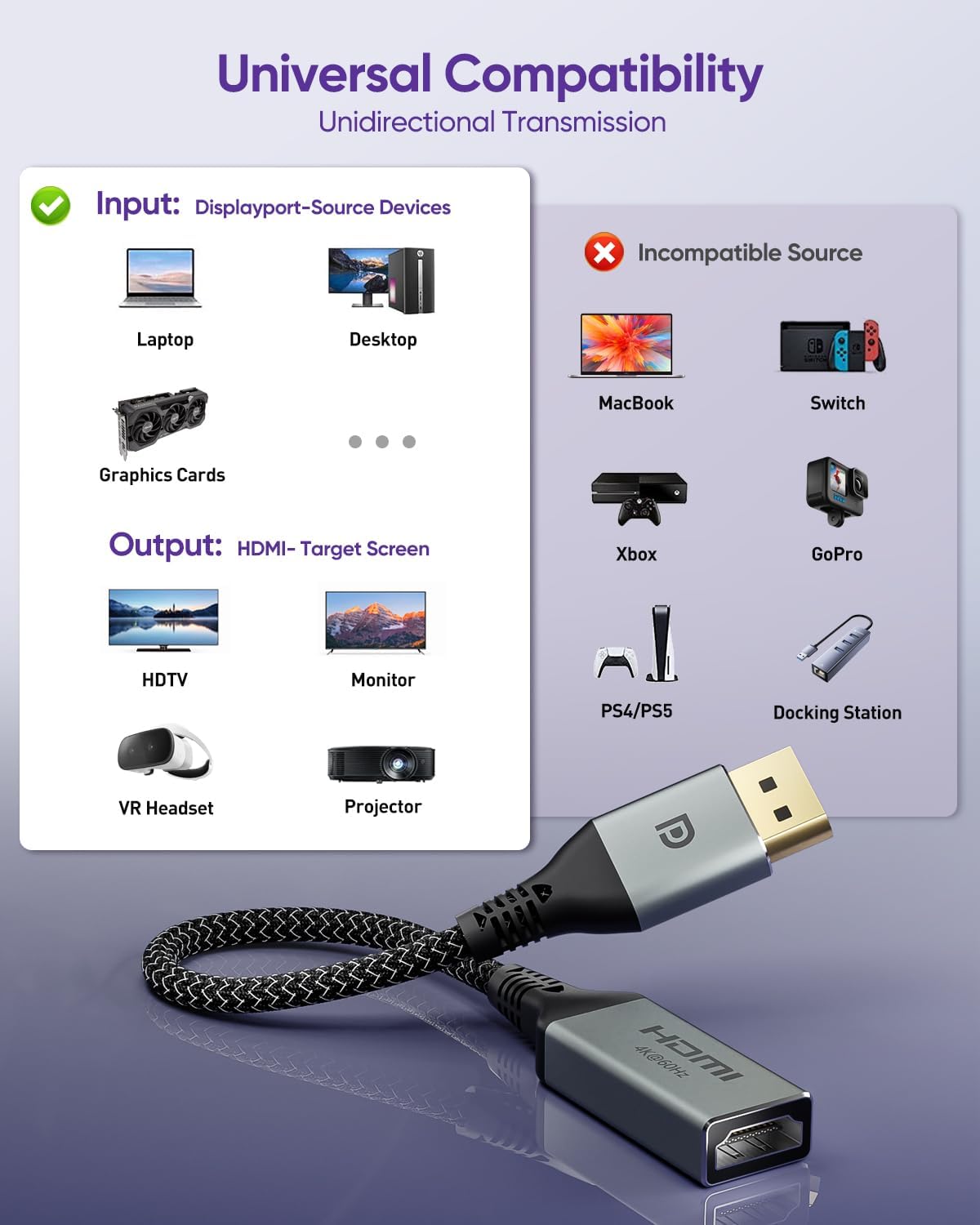
If you care about a neat setup, the converter is compact and lightweight and is described as plug and play. That means you can connect, power on the displays, and test without needing extra software. There is also mention of responsive customer support available 24 hours a day, should you need help with compatibility questions. And because it is compact, it is easier to keep in a bag for work trips 🎒.
Tech specs
- Type: DisplayPort to HDMI adapter
- Format: Uni directional DP male to HDMI female converter
- Supported standards: HDMI 2.0 and DisplayPort 1.2
- Max resolution: Up to 4K at 60Hz
- High refresh support: 1080p at 120Hz
- Transmission direction: DisplayPort source to HDMI display only
- Interfaces: Gold plated DP and nickel plated HDMI, quad layer shielding, braided nylon exterior
Who it’s for
It’s a good fit if you have a computer or other device with a DisplayPort output and you want to connect it to an HDMI monitor, TV, or projector. It makes sense if you want either copy or expansion mode and you prefer a simple, cable based solution that avoids port mismatch issues. You may like it if your current setup is limited by connector types, and you want a reliable adapter that supports common DisplayPort to HDMI use. It might not be a great match if your source device is HDMI only, such as certain consoles or devices that output HDMI rather than DisplayPort, because the manufacturer notes it is not compatible with HDMI source devices.
You’ll also want to think about the physical connection types. This adapter is described as not supporting Micro HDMI or Mini HDMI ports, so it is best suited to standard DisplayPort on the source side and full size HDMI on the display side. It is not designed for reverse transmission either, so you should avoid setups where you need HDMI to DisplayPort conversion. If you are clear on the direction, the supported ports, and the intended display type, this VCELINK adapter can fit neatly into a day to day desk, home cinema, or presentation setup, delivering a practical bridge between DisplayPort and HDMI for compatible equipment.