

UGREEN 4‑in‑1 SD Card Reader 5Gbps
Reviews
Price
Product description
This compact USB 3.0 SD card reader offers simultaneous access to multiple memory cards, speeding up workflows for photographers and content creators who handle large files and multiple media types. As a USB 3.0 SD card reader it supports high transfer rates for moving RAW images and video clips quickly between cards and a PC or laptop.
Technical Specifications
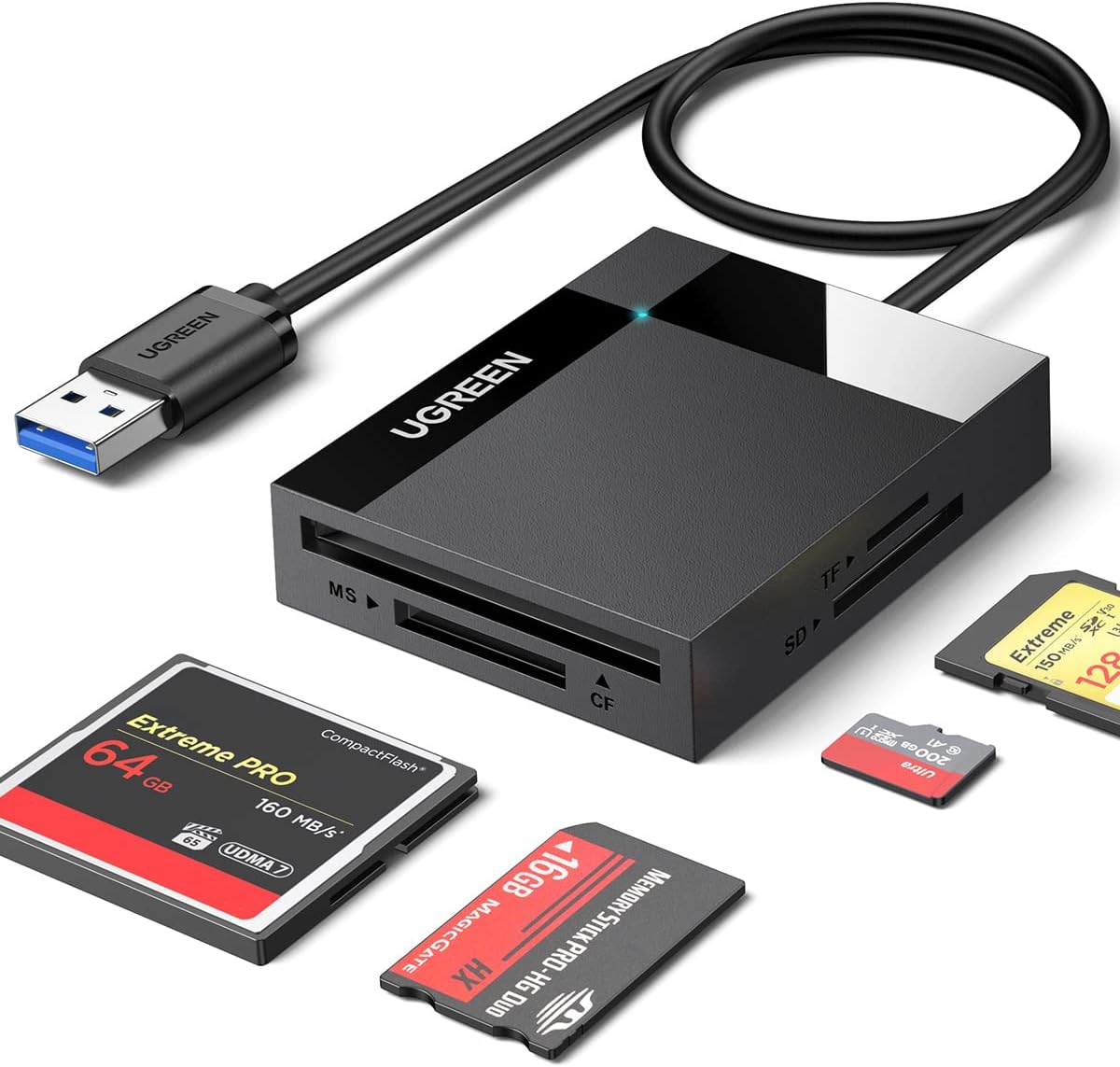
- Name: UGREEN SD Card Reader, 4-IN-1 USB 3.0
- Interface: USB 3.0, backward compatible with USB 2.0 and USB 1.1
- Transfer speed: 5 Gbps (manufacturer stated)
- Supported cards: SD, SDHC, SDXC, Micro SD, Micro SDHC, Micro SDXC, Compact Flash (CFI, CF3.0/4.0), MS, MS PRO, MS PRO-HG, MS XC DUO
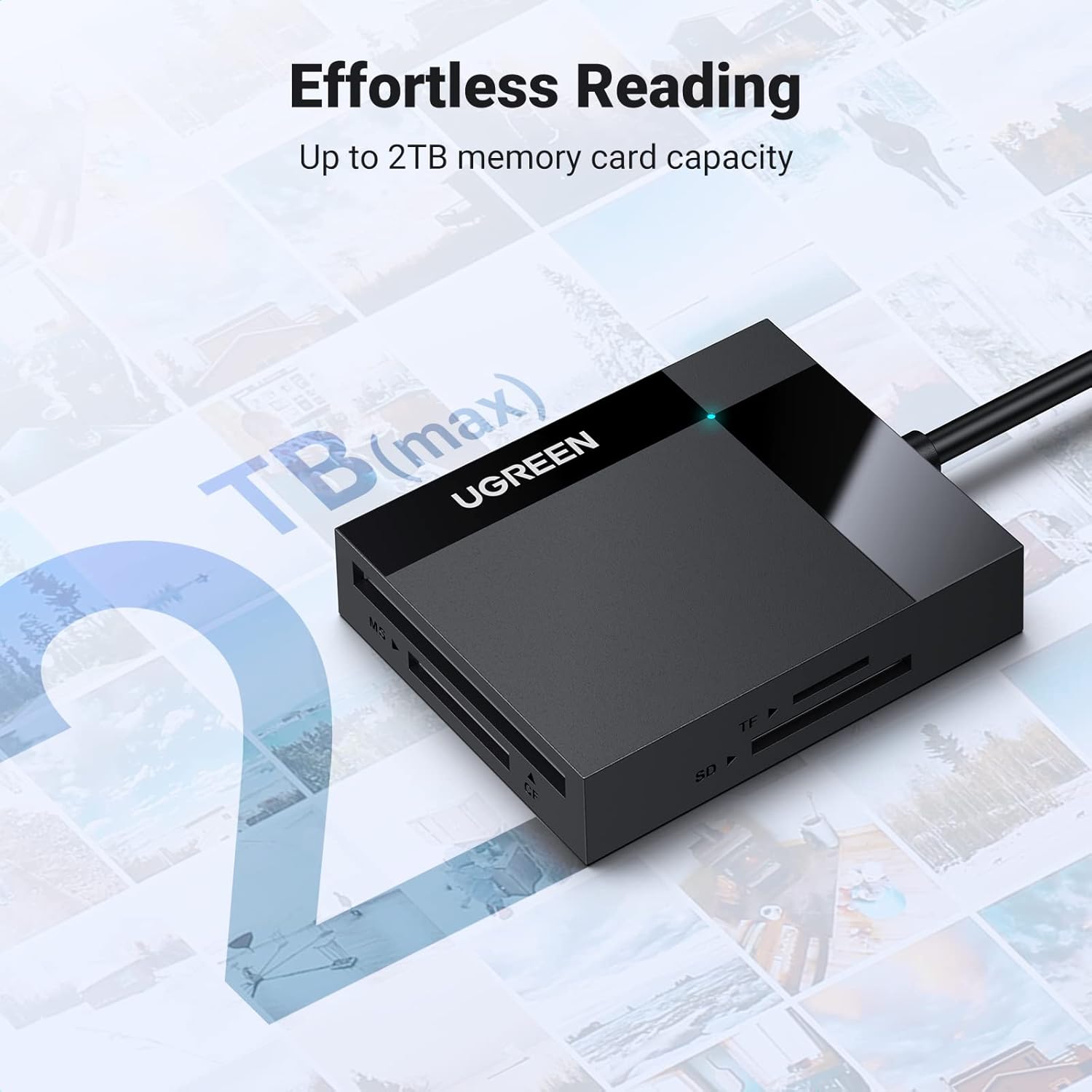
- Maximum card capacity supported: 512 GB per slot (manufacturer stated)
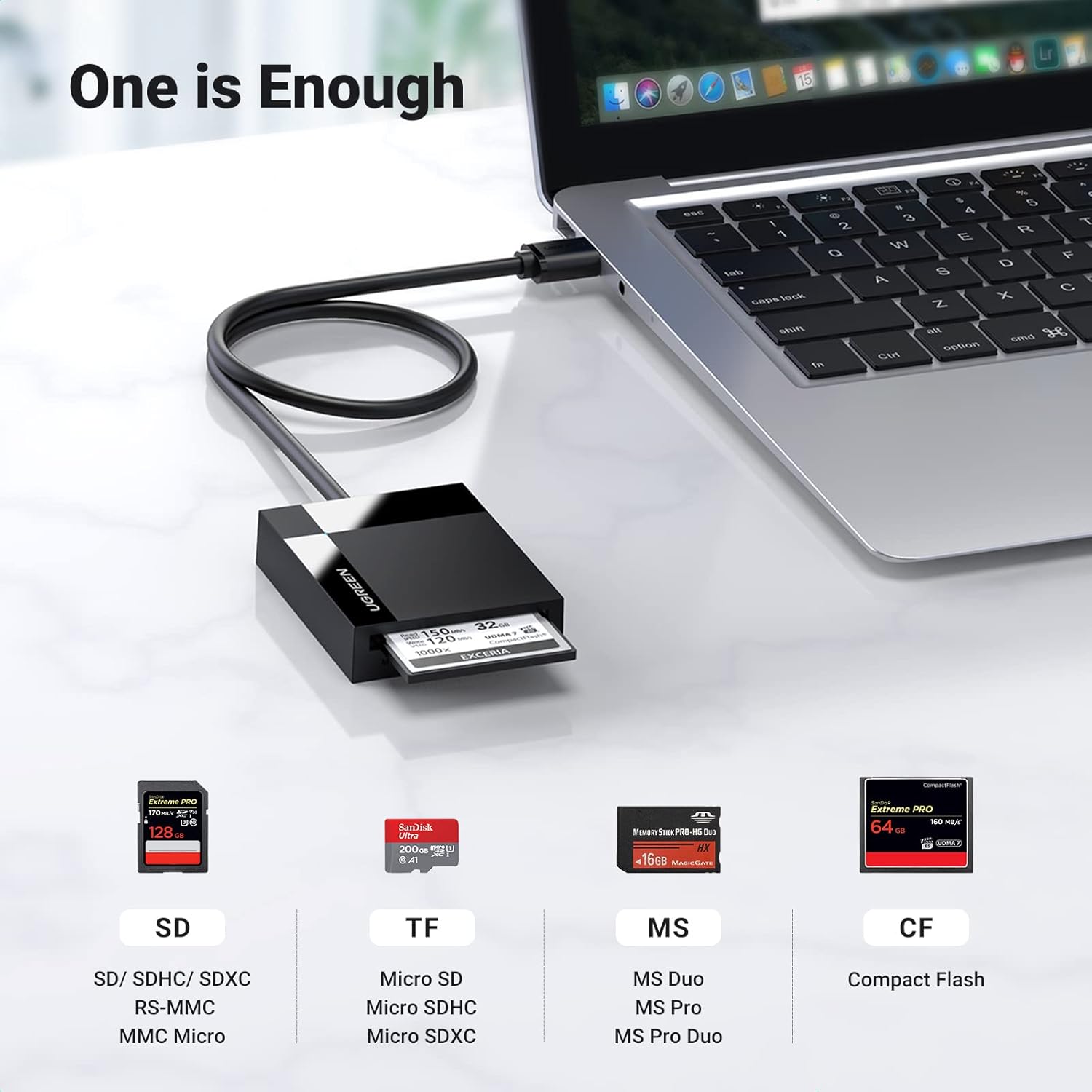
Key Points
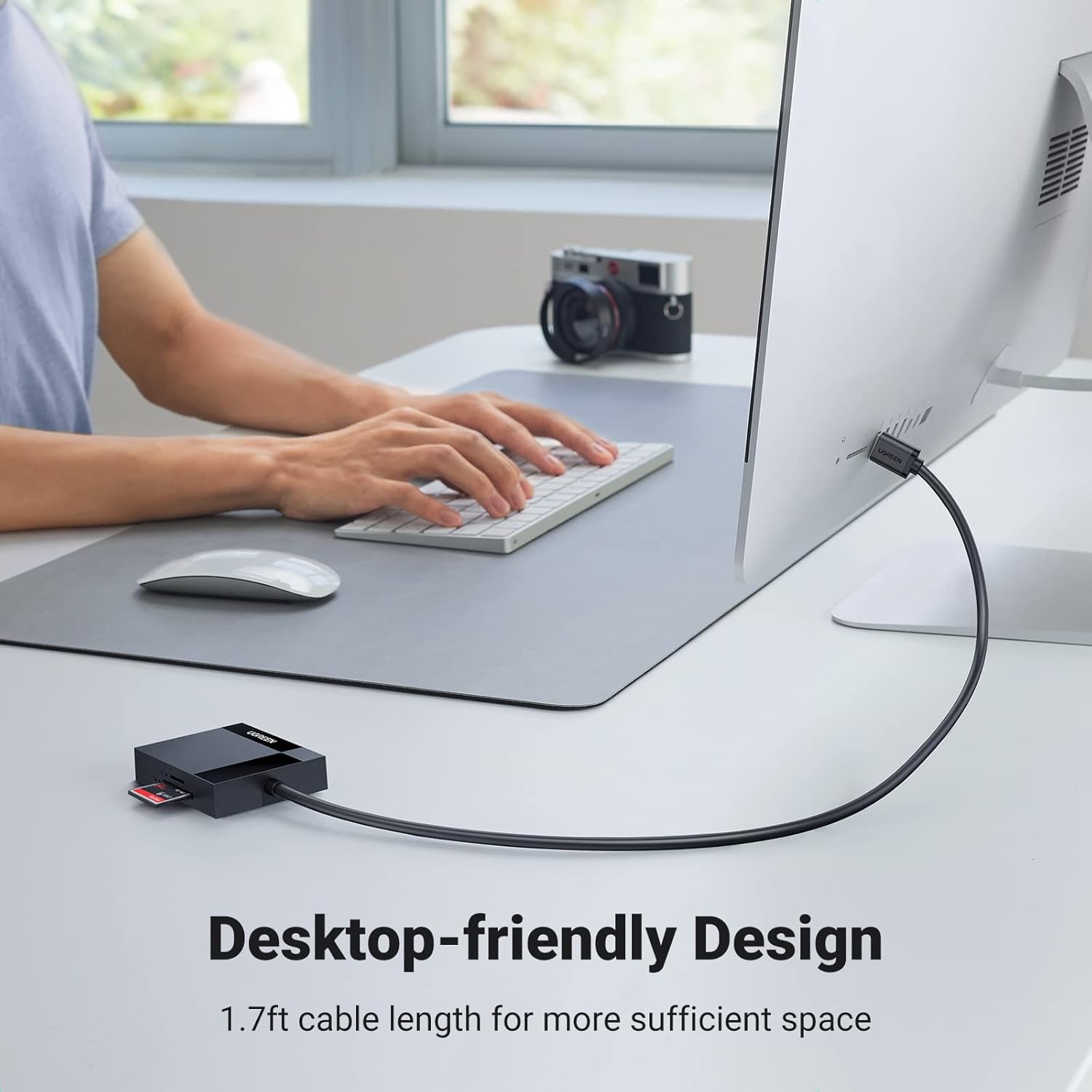
The reader can access up to four cards at once, which avoids the repetitive plugging and unplugging common with single-slot devices. This simultaneous read and write capability makes file management faster and reduces time spent swapping cards during shoots. The compact size is convenient for travel and fits easily into camera bags or laptop cases. There is an LED indicator that shows activity and a triple-shielding design around the Compact Flash slot that helps reduce electromagnetic interference and maintain a more stable signal.
Advantages
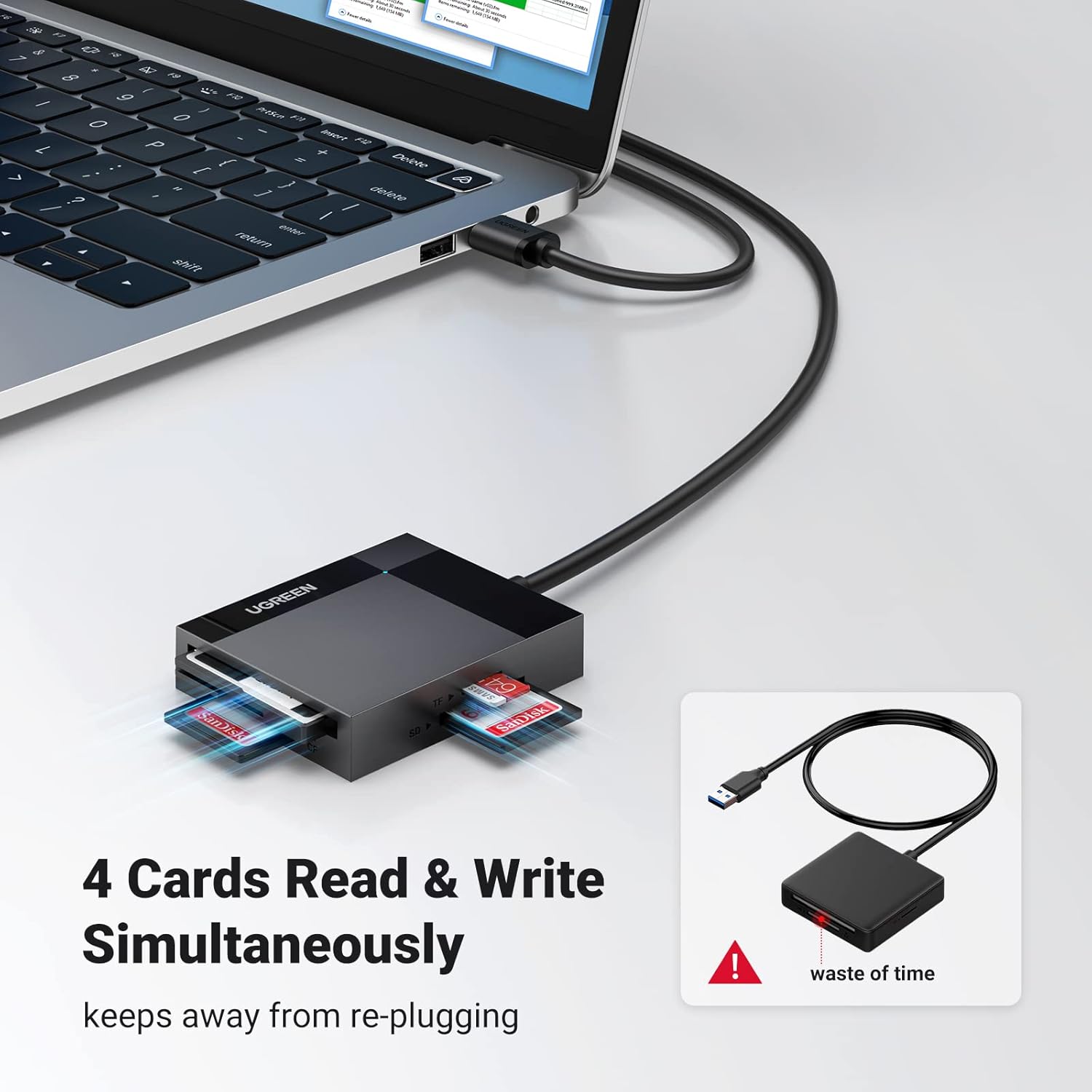
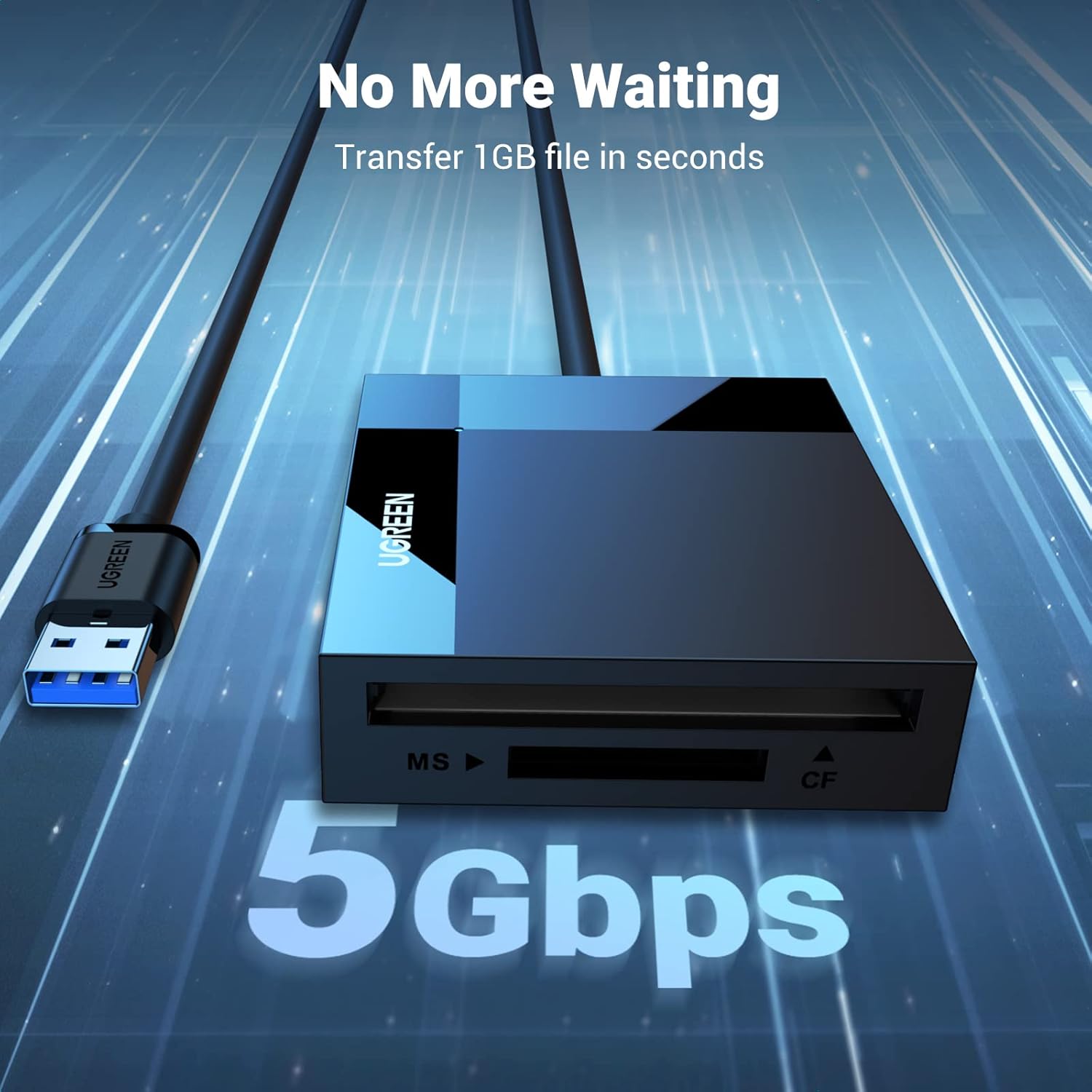
Compatibility is broad and includes legacy and modern formats, so the reader works with a wide range of cameras and memory cards. The USB 3.0 connection offers a substantial speed boost compared with older USB standards, and the device supports data transfers between cards as well as between card and computer. The housing feels solid and the connector engages firmly, which helps during frequent use. One nuance to note is that actual transfer speeds depend on the card performance and the host computer, according to the manufacturer.
Usage Recommendations
For best results use high-performance SDXC and CF cards when transferring large video files, as cheaper cards may limit throughput. Connect the reader directly to a USB port on a laptop or desktop rather than through a hub when maximum speed is required. When handling multiple cards at once, allow the LED to indicate completion before removing cards to prevent data corruption. 😊
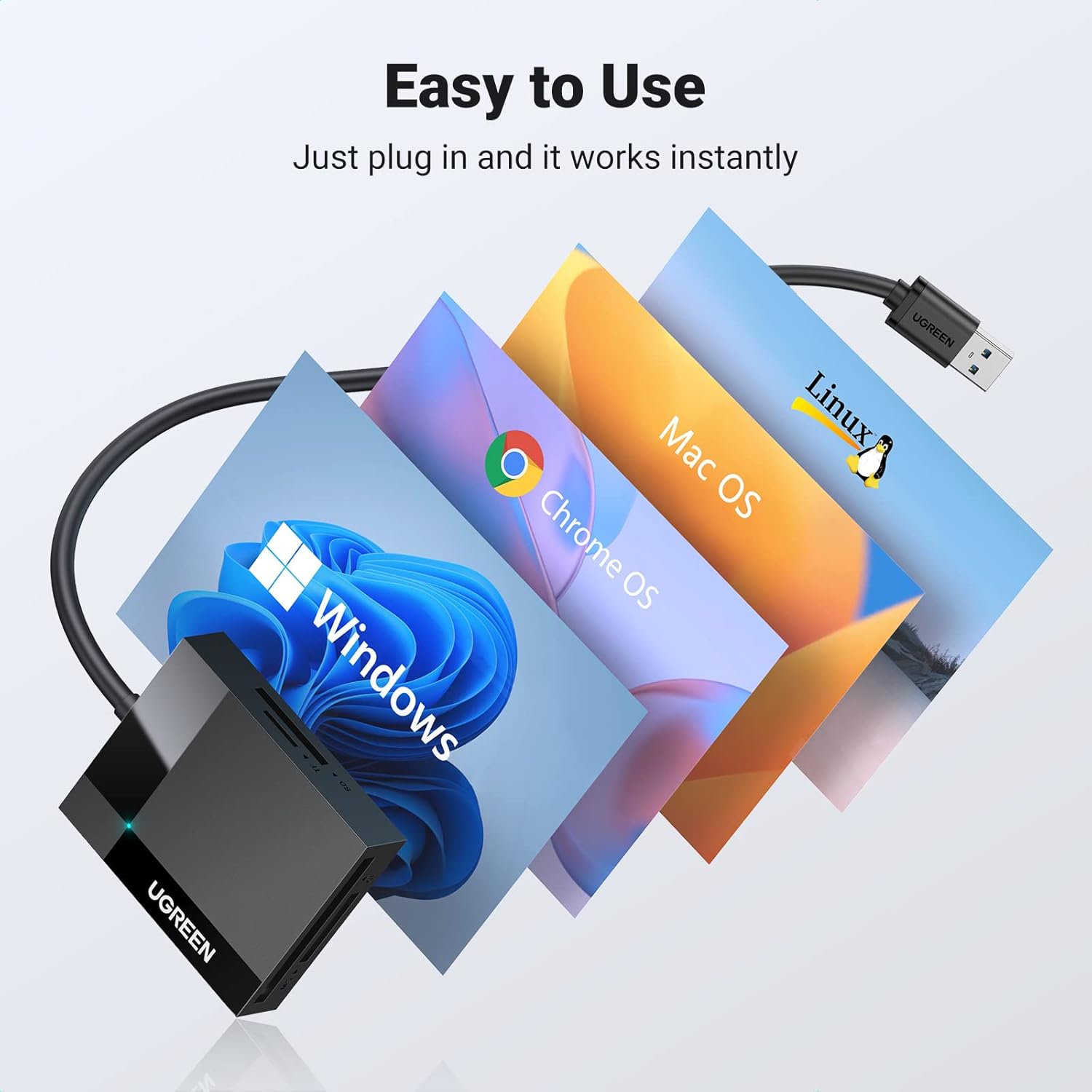
For users working across different operating systems the reader is plug and play with Windows, macOS and many Linux distributions, so no drivers are usually necessary. 🔌📷.