


UGREEN 40Gbps M.2 NVMe SSD Enclosure, 3848MB/s
Product description
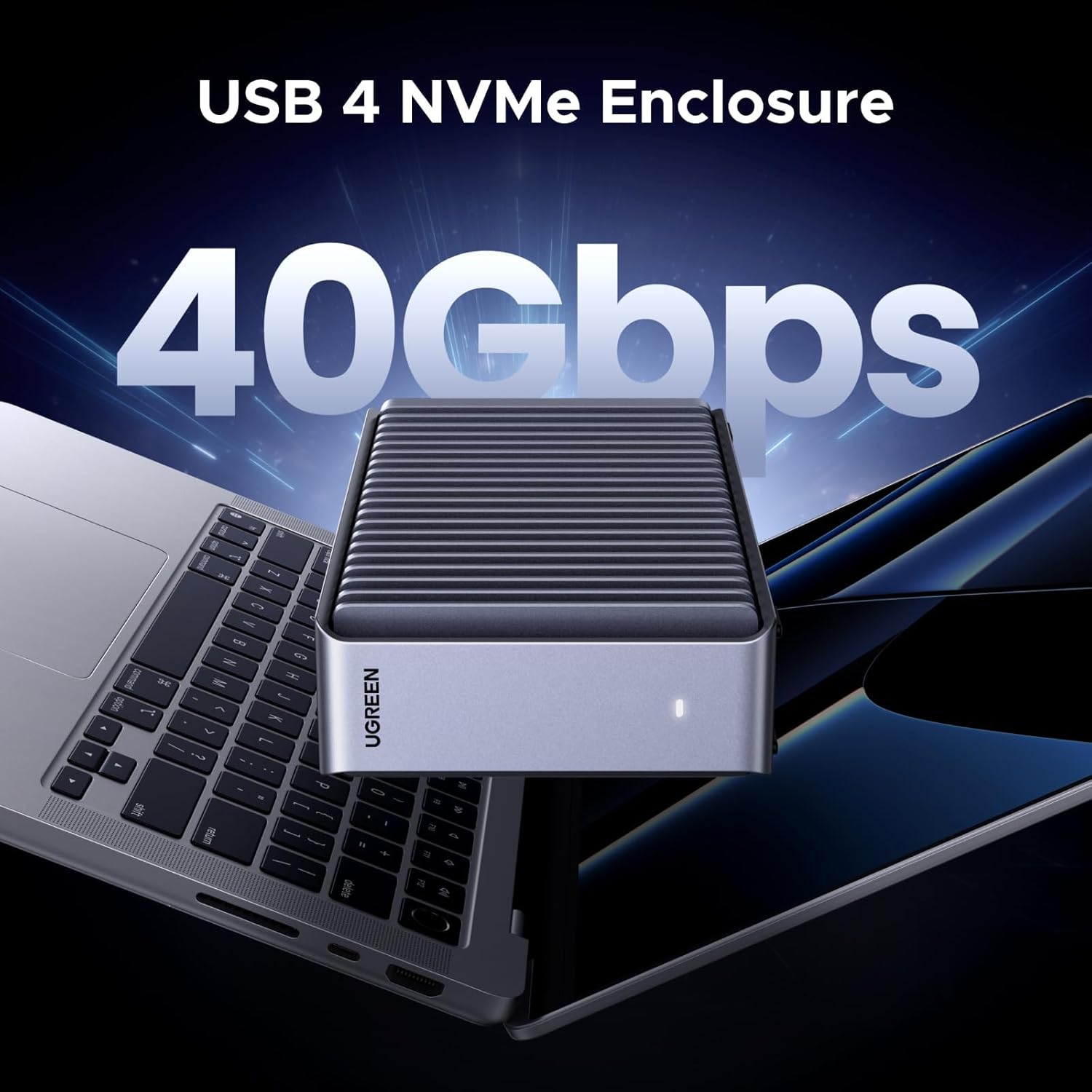
This aluminium NVMe enclosure from UGREEN lets you turn an M.2 SSD into a high-performance external drive for editing, backups and fast file transfers. It supports up to 40 Gbps when connected to Thunderbolt 3, Thunderbolt 4 or USB4 hosts and reaches sequential transfers up to 3848 MB/s according to the manufacturer, making it suitable for large media files and demanding workflows.
Key Points
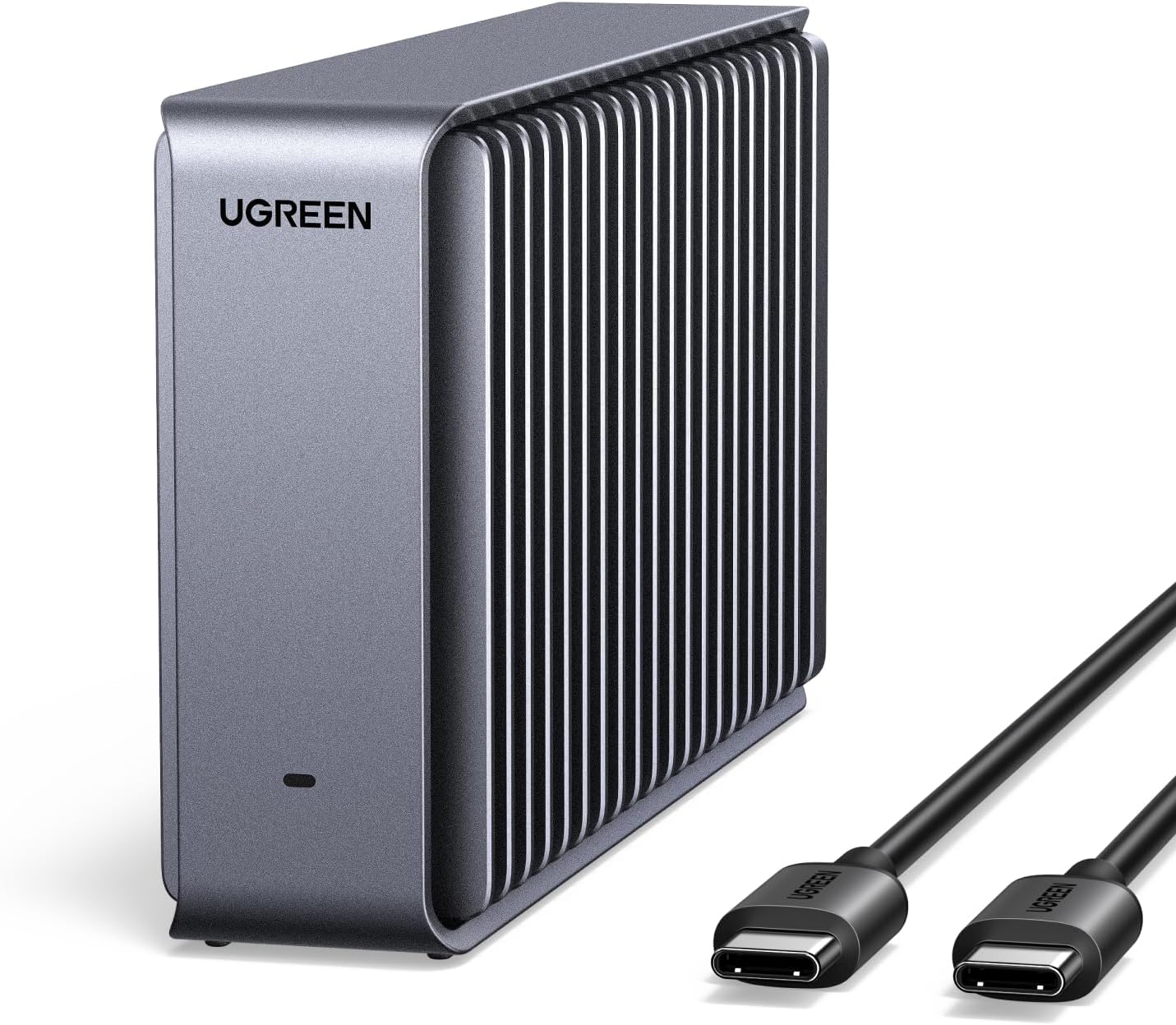
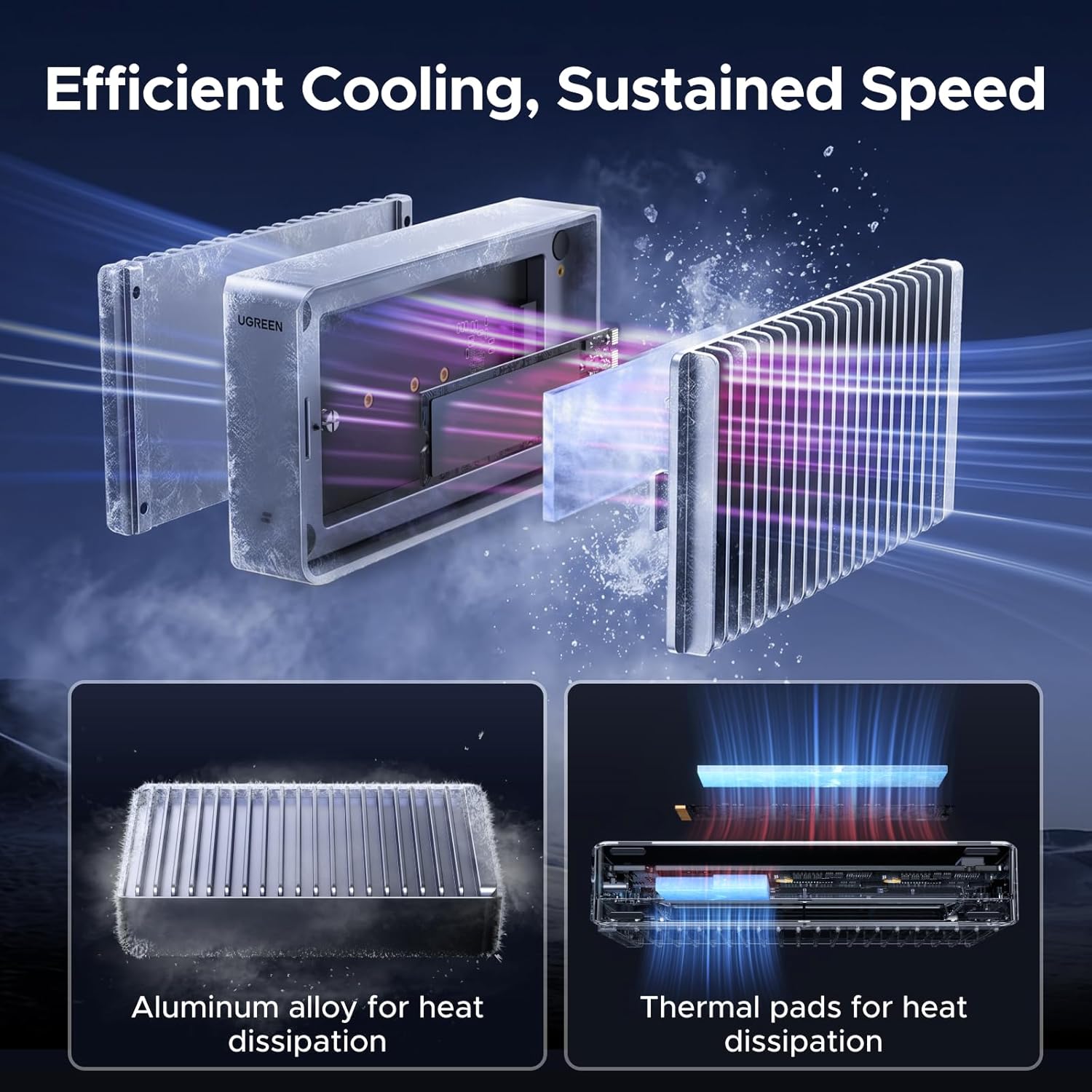
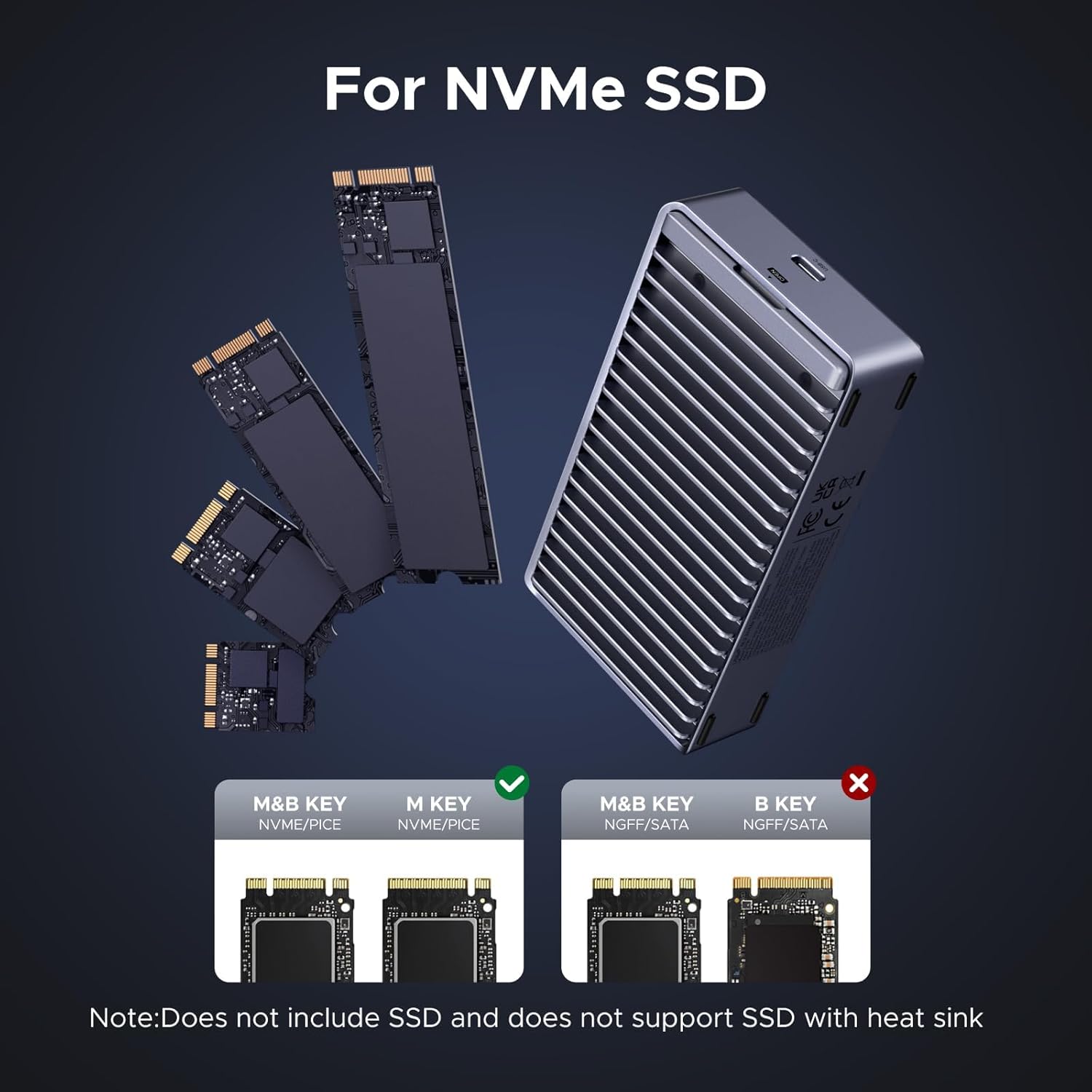
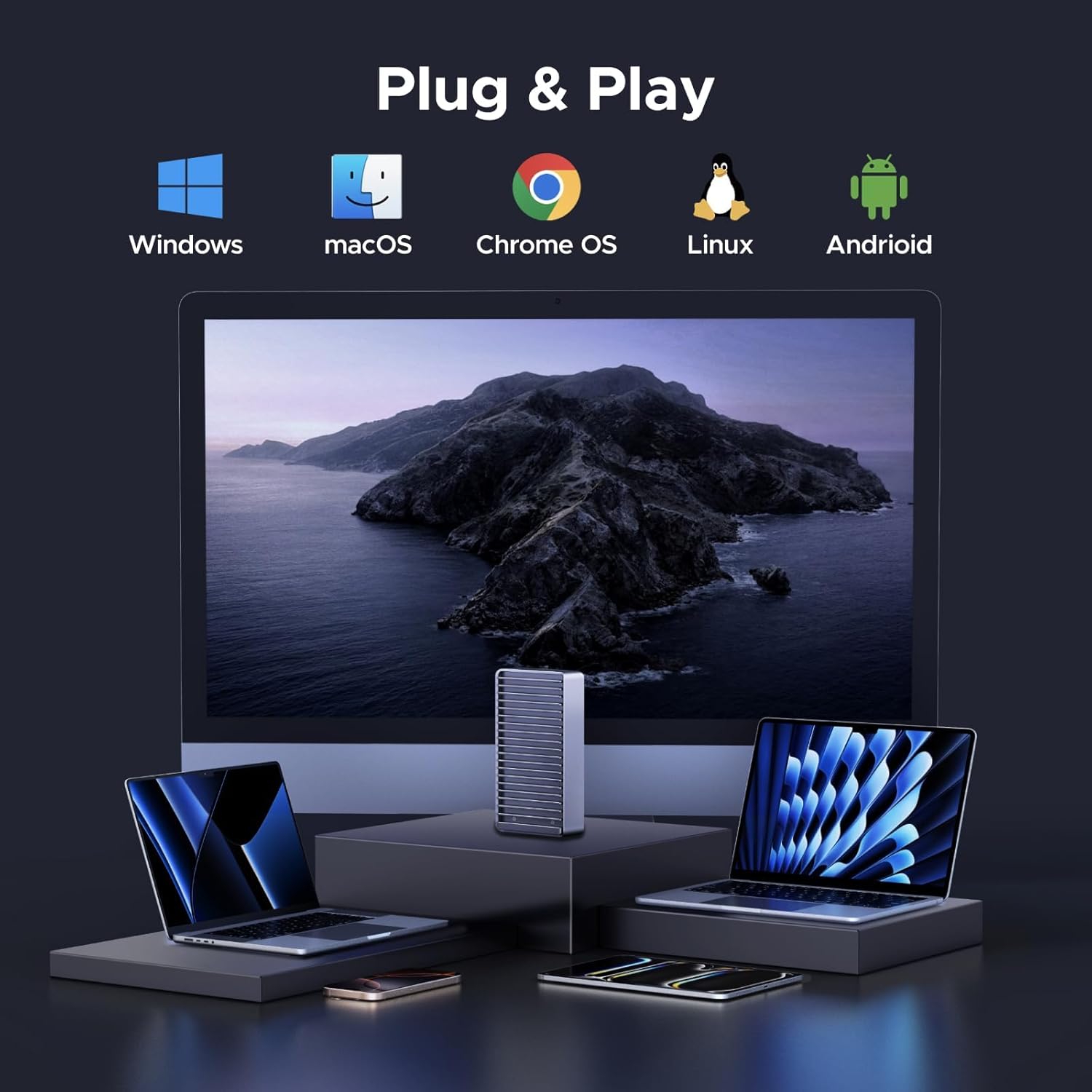
The enclosure is fanless and uses a dual-sided fin heat sink in aluminium to dissipate heat quietly while maintaining sustained performance. It stands vertically on its anti-slip pad to increase air contact, which helps thermal management without introducing fan noise. The caddy accepts M Key and M+B Key NVMe SSDs in sizes 2280, 2260, 2242 and 2230 with capacities up to 8 TB, and is plug-and-play across Windows, macOS, Linux and Android devices. Compatibility extends to modern USB-C platforms such as MacBook Pro M4 and Mac mini M4, with gaming consoles and tablets also supported for general storage use.
Technical Specifications
- Name: UGREEN 40Gbps M.2 NVMe SSD Enclosure
-
- Interface: USB-C with support for Thunderbolt 3 / Thunderbolt 4 / USB4 to achieve 40 Gbps peak transfer rates.
- Maximum sequential speed: 3848 MB/s (manufacturer stated, requires compatible host port).
- Supported SSD types: M Key and M+B Key NVMe M.2 (2230 / 2242 / 2260 / 2280).
- Maximum supported capacity: 8 TB.
- Material: aluminium housing with dual-sided fin heat sink.
Advantages
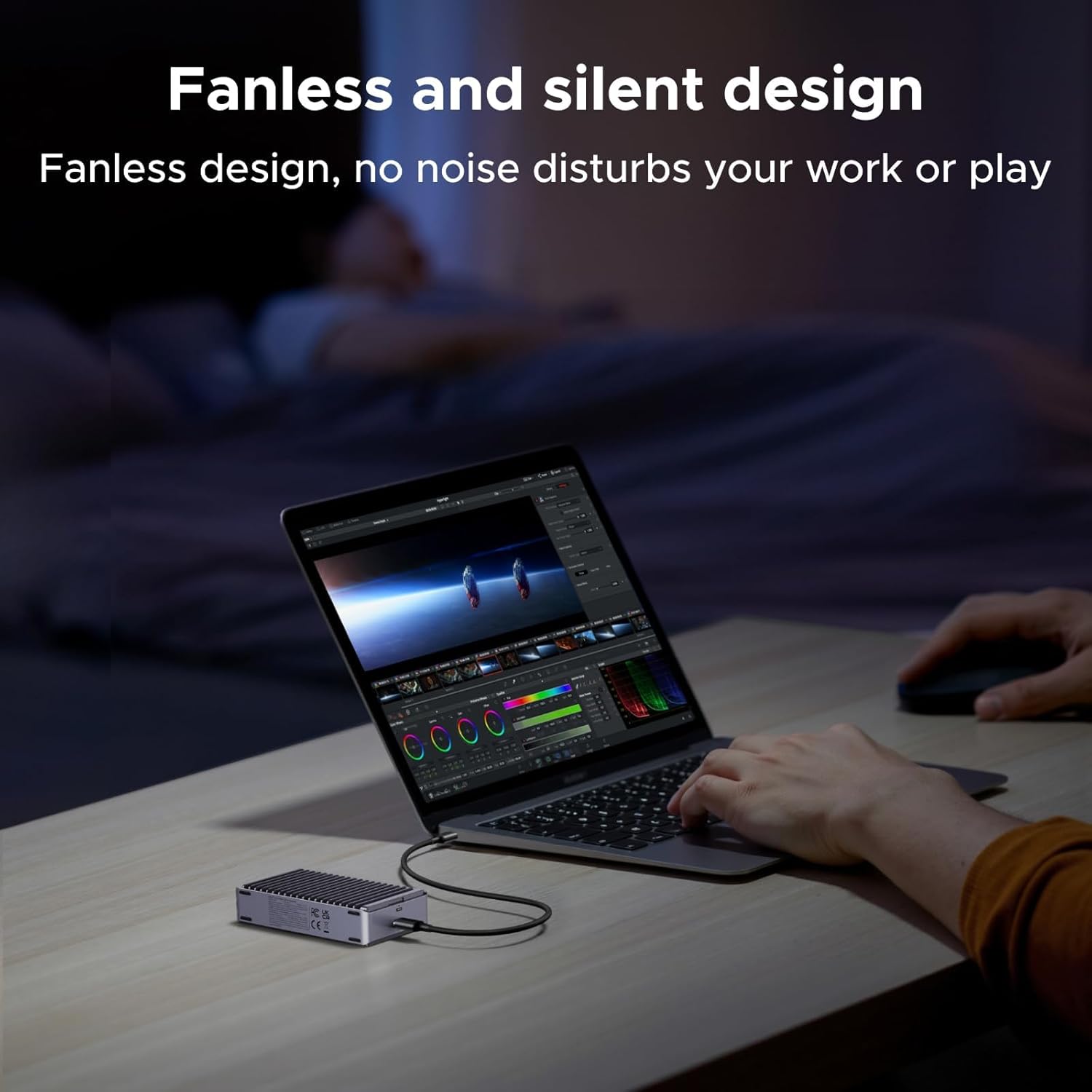
Performance-oriented users will appreciate the potential for near-PCIe speeds in a compact external unit. The absence of a fan eliminates operational noise, which is helpful for audio work or quiet offices. The aluminium body not only looks minimal and professional but also contributes to passive cooling, lowering the chance of thermal throttling during sustained transfers. Note that to reach the quoted 40 Gbps rate you must use a host with Thunderbolt 3, Thunderbolt 4 or USB4 support, otherwise real-world speeds will be limited by the connection.
Usage Recommendations
Install the SSD into the enclosure following the included instructions and connect it to a compatible USB-C or Thunderbolt port for best results. For long export sessions or continuous large file transfers, place the enclosure upright on its pad to increase heat dissipation. Also consider using high-quality NVMe drives rated for sustained performance if you expect prolonged heavy workloads, as cheaper models may reduce speed over time due to thermal limits.