

Gaef AUX Cable for iPhone in Car (3.5mm to Lightning) – Audio lead for car stereo and speakers
Product description
What it is and what it solves
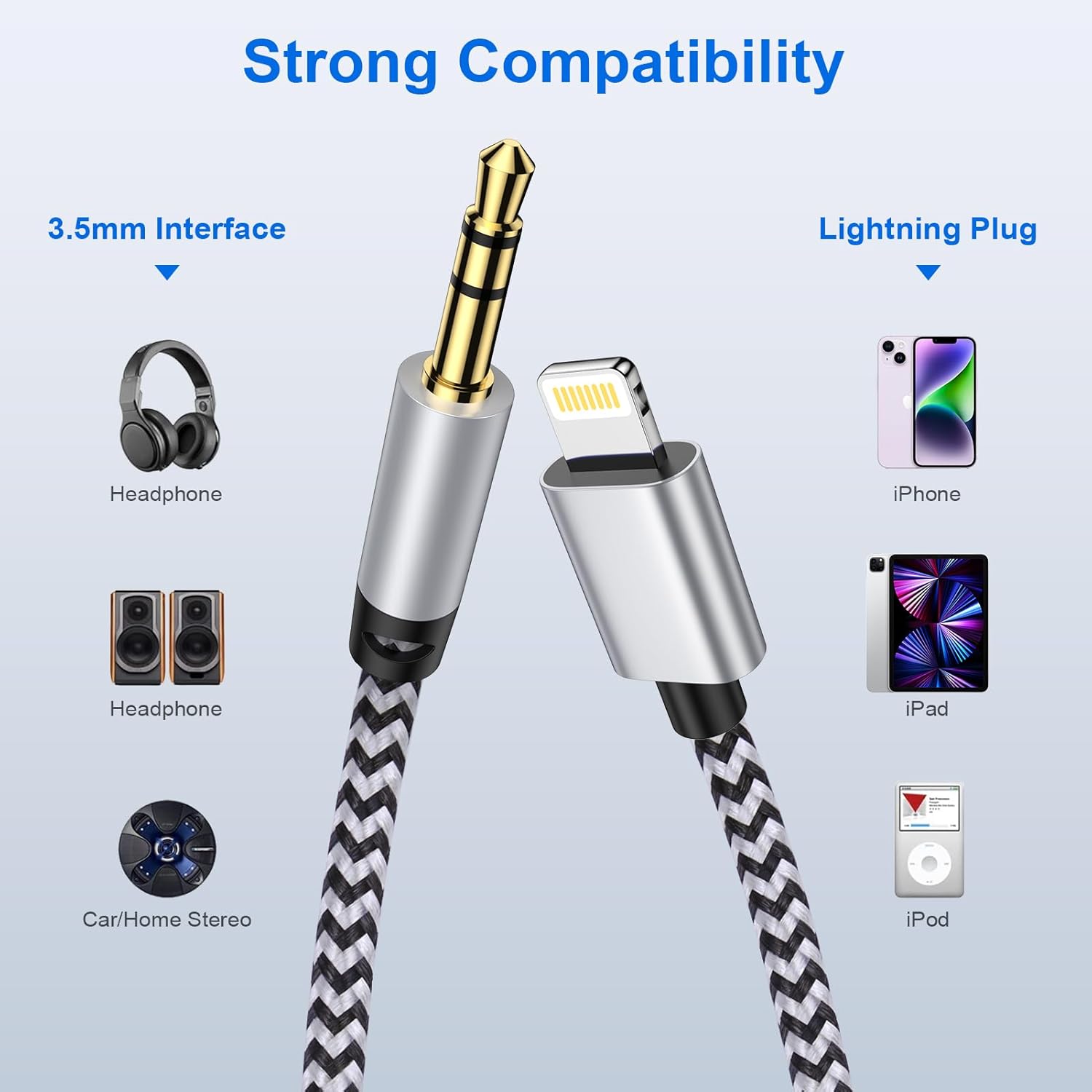
If you’ve got an iPhone and you also rely on older audio gear (a car stereo, a pair of wired headphones, a portable speaker, or home speakers with a 3.5mm jack), a direct plug-in cable can be the simplest way to bridge the gap. This Gaef AUX cable is designed to connect an iPhone (via Lightning) to devices with a standard 3.5mm audio jack, so you can play music or other audio without fiddling with complicated setups.
On paper, the value here is pretty clear: it’s a “Lightning-to-AUX” lead that aims to keep stereo sound clean and stable while you’re listening on the move or at home. It’s also built to be easy to live with—lightweight, foldable, and meant for plug-and-play use.
That said, there are a couple of limits worth knowing. It does not support call functionality, and like any AUX-style solution, you’re only as good as the audio source and the 3.5mm device you’re connecting to.
Key takeaways: where it fits best
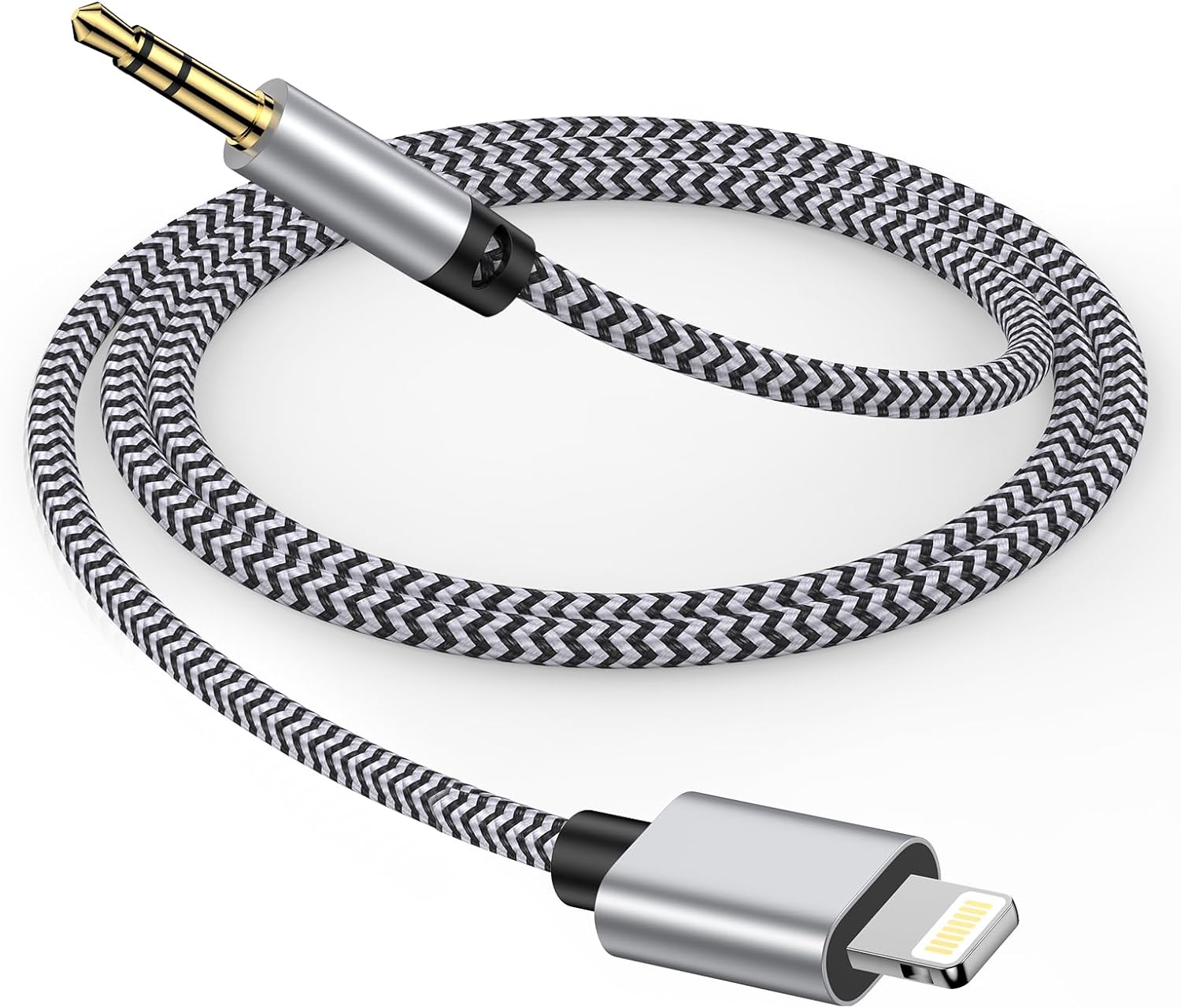
This cable makes the most sense if you want a practical audio link for everyday listening—think commuting, family gatherings, the odd DIY playlist session, or simply turning your iPhone into the audio source for a speaker with a 3.5mm input.
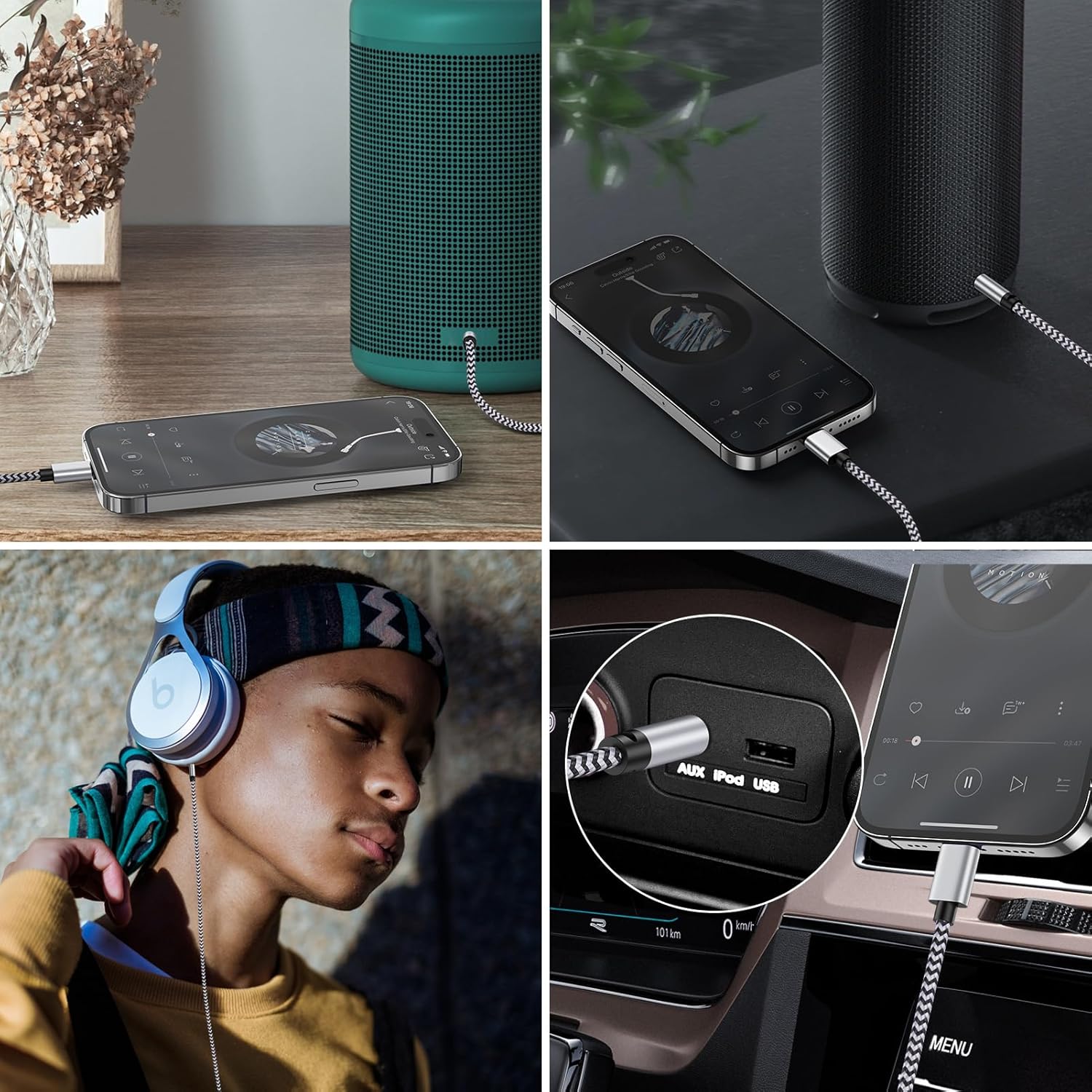
It’s particularly handy for: - Car stereo setups that don’t offer Bluetooth (or where Bluetooth pairing is a hassle) - Home or portable speakers with a 3.5mm headphone input - Wired headphones and speaker systems that accept standard AUX audio
If you’re expecting a cable that controls calls, or you need hands-free features, you may feel short-changed. For pure music playback, it’s a straightforward option.
What you’ll notice in use
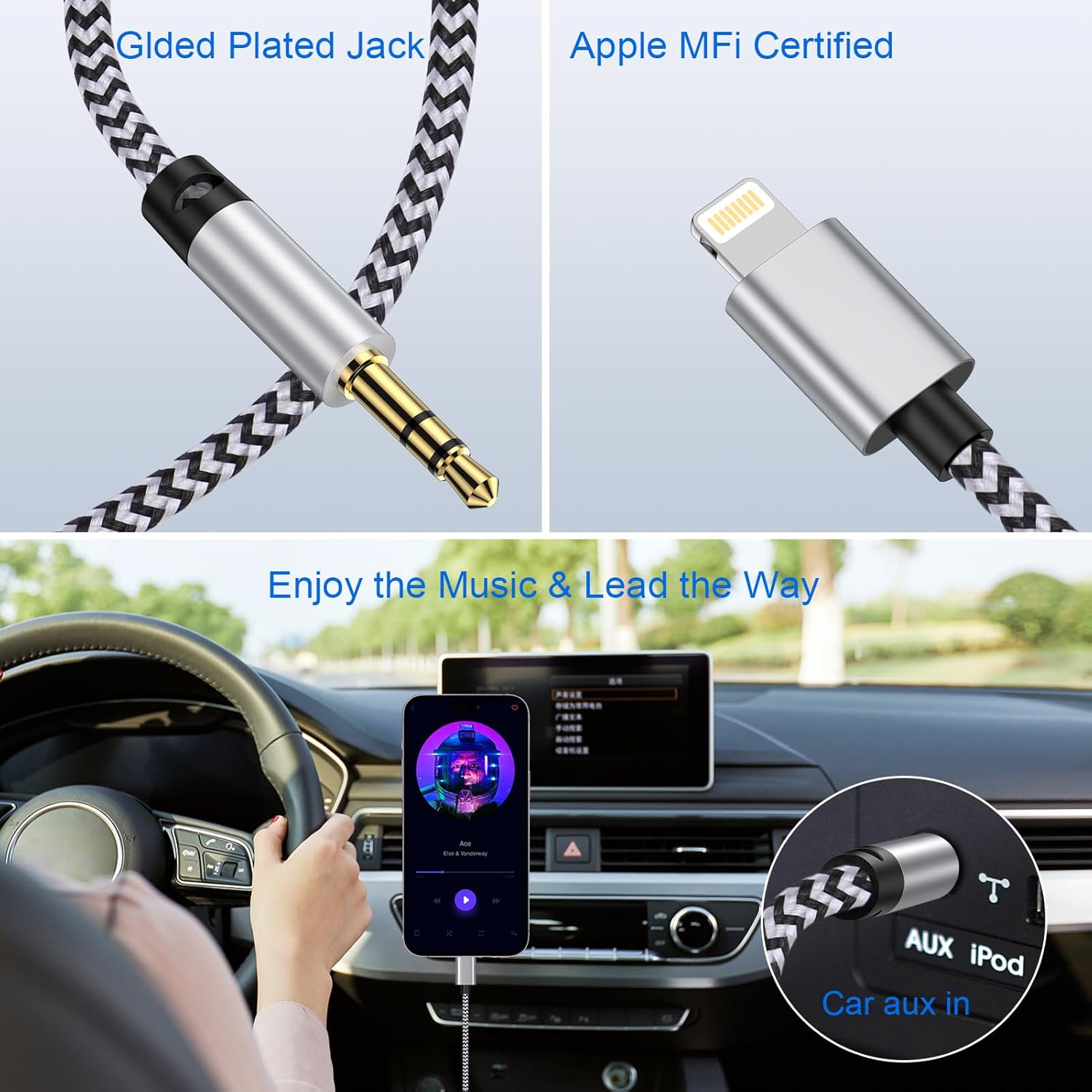
The manufacturer positions the cable around clean stereo audio, with built-in noise-cancelling and anti-interference chips. The goal is “lossless, noise-free, crystal-clear stereo audio” output, and it’s also stated to support high-fidelity audio up to 24-bit/96kHz.
In real-world terms, that translates to fewer annoying moments where background noise or interference becomes obvious—especially useful when you’re driving past radio towers and other electrical noise. You’re still dealing with standard 3.5mm connections, but the cable design is trying to keep the audio signal stable.
For example: on a short drive, you could plug the Lightning end into your iPhone, connect the 3.5mm end to the car’s AUX input, then start a playlist. There’s no mention of needing apps or drivers, so it should behave like a simple “plug in and play” lead.
Compatibility and plug-and-play reality check
This cable is presented as Apple-certified and aimed at iPhone models including iPhone 14, 13, 12 (and 12 mini/Pro), SE, 11 (and Pro/Pro Max), XS/XS Max/XR/X, and iPhone 8/8 Plus. It also lists iPad Pro, iPad mini and iPad models that use the relevant Lightning connection, plus iPod listed in the description.
The practical part is the plug-and-play setup: it’s designed to work without drivers or extra adapters. Still, it’s worth double-checking two things before you buy: - Your iPhone (and any iPad/iPod you plan to use) must have a Lightning port. - Your receiving device must have a 3.5mm audio jack—if it only supports a digital input, this won’t be the right bridge.

Also note the limitation: it doesn’t support call functionality. That may matter if you’re trying to use your car’s mic for hands-free calls.
Durability: the “will this last?” bit
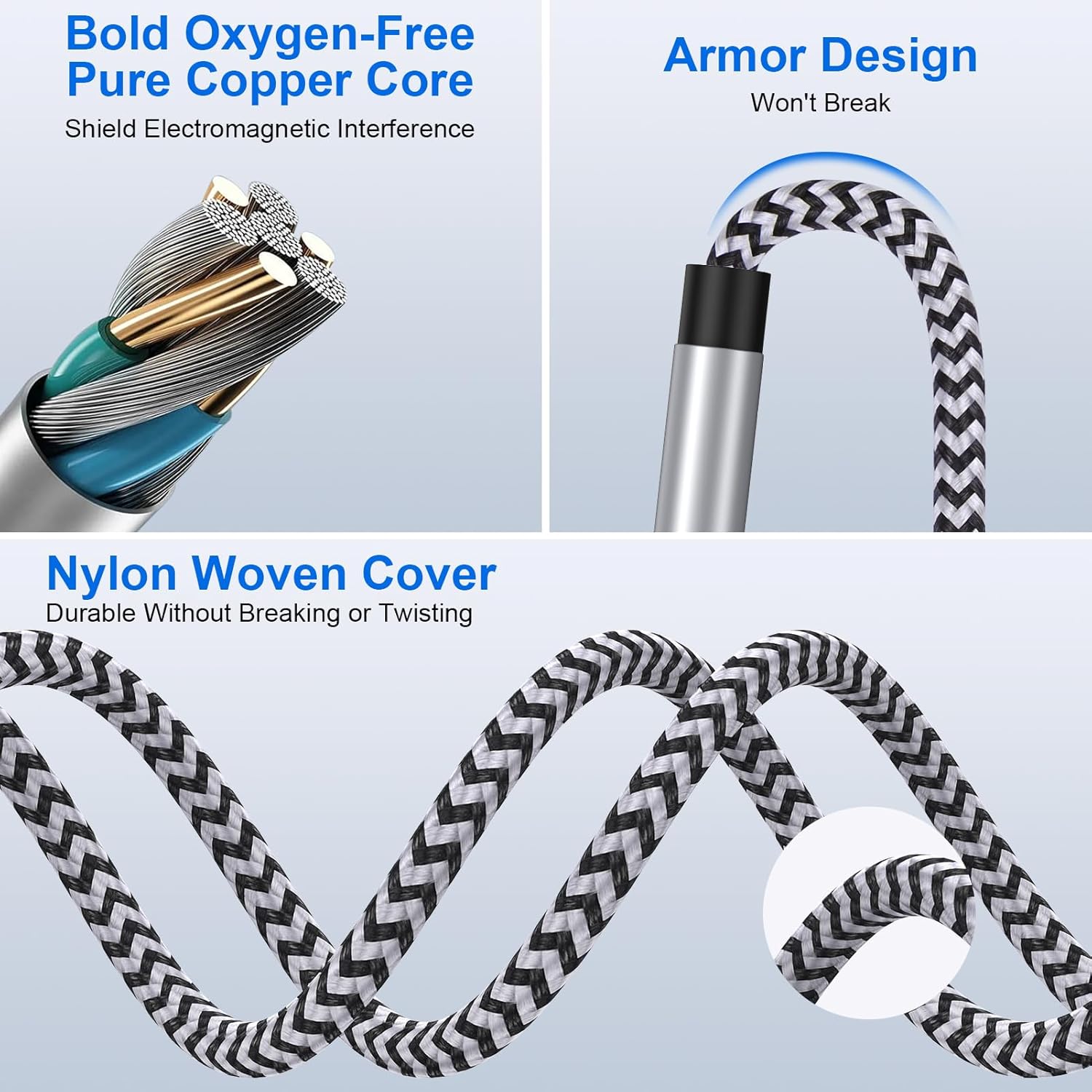
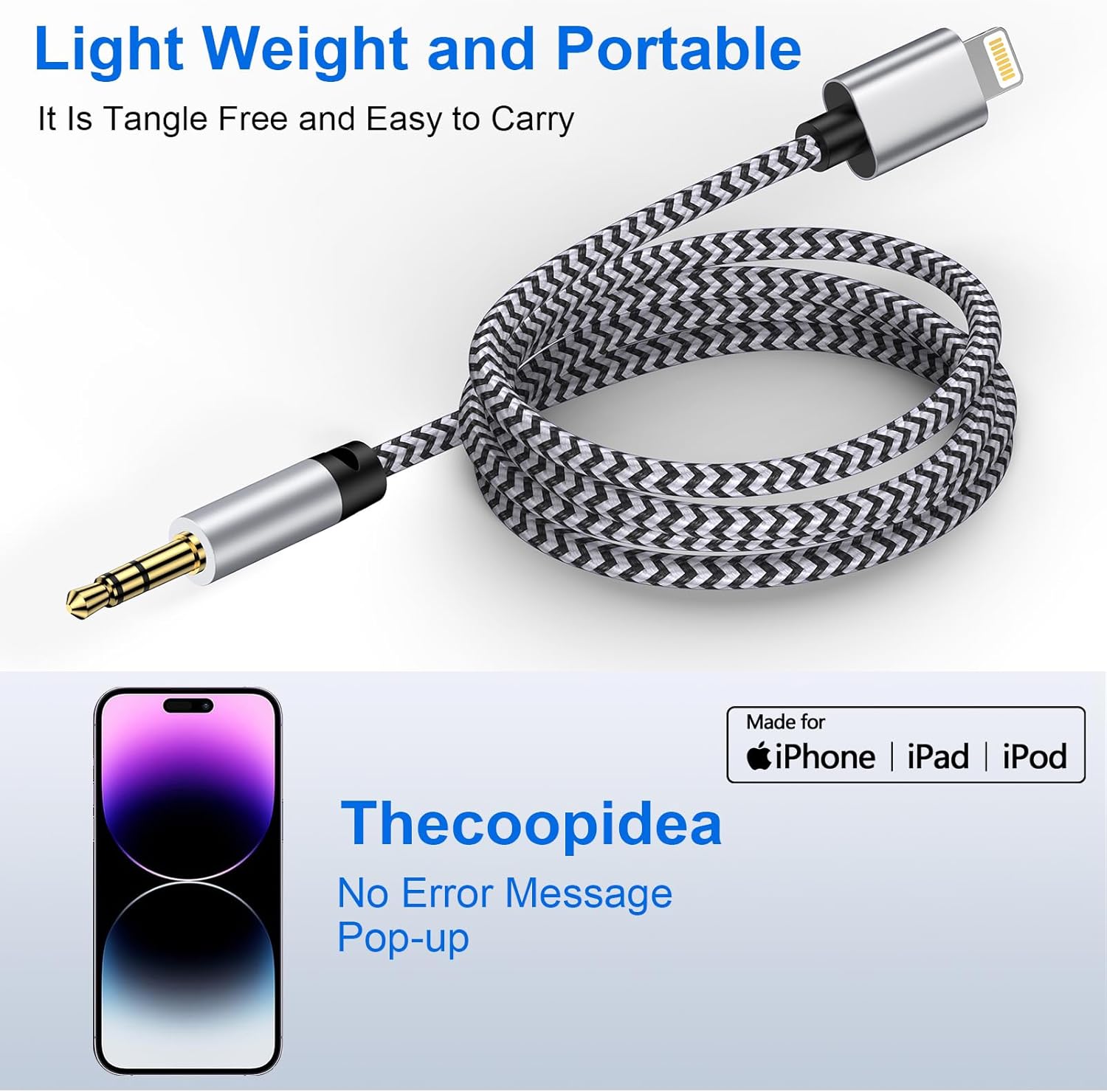
This is one of the more reassuring aspects of the cable. It uses a nylon-braided outer shell with abrasion resistance, and it’s claimed to withstand up to 20,000 bends. The core is described as a thickened copper conductor, intended to provide faster and more stable signal transmission.
Ten-second buyer logic: if you’re going to unplug and replug the lead often—like in a car—durability matters. A braided cable usually handles everyday handling better than flimsy housings, but no cable is unbreakable, so treat it with normal care.
Tech specs (as stated)
- Type: AUX to Lightning audio cable
- Connector ends: 3.5mm audio jack to Lightning
- Compatibility: iPhone and iPad models listed in the description
- Audio support: high-fidelity up to 24-bit/96kHz (as claimed)
- Features: noise-cancelling and anti-interference chips (as stated)
- Call support: not supported
- Build: nylon-braided outer shell, thickened copper core (as stated)
- Length: 1m (as stated)
Is it worth it?
Worth considering if you want a simple Lightning-to-3.5mm audio lead for a car stereo or speakers that accept an AUX input, and you mainly care about music playback with minimal fuss.
You may want to skip it if you need call or hands-free functionality, or if your audio gear doesn’t have a standard 3.5mm headphone/audio jack. It’s also not the best match if you’re looking for wireless convenience, since this is clearly built for wired AUX output.
Mini FAQ
Will this work with iPhone 14 or iPhone 12?
The description lists both iPhone 14 and iPhone 12 series models as compatible, so it should fit those Lightning-based devices.
Does it support calls through the car or headset?
No. The cable does not support call functionality, based on the information provided.
What devices does it connect to?
It’s for connecting your iPhone/iPad to audio systems, speakers, headphones, or any device with a standard or built-in 3.5mm audio jack.
Do I need any drivers or apps?
No drivers or adapters are mentioned. It’s presented as plug-and-play.
How long is the cable?
The lead length is 1m, as stated in the product name.