

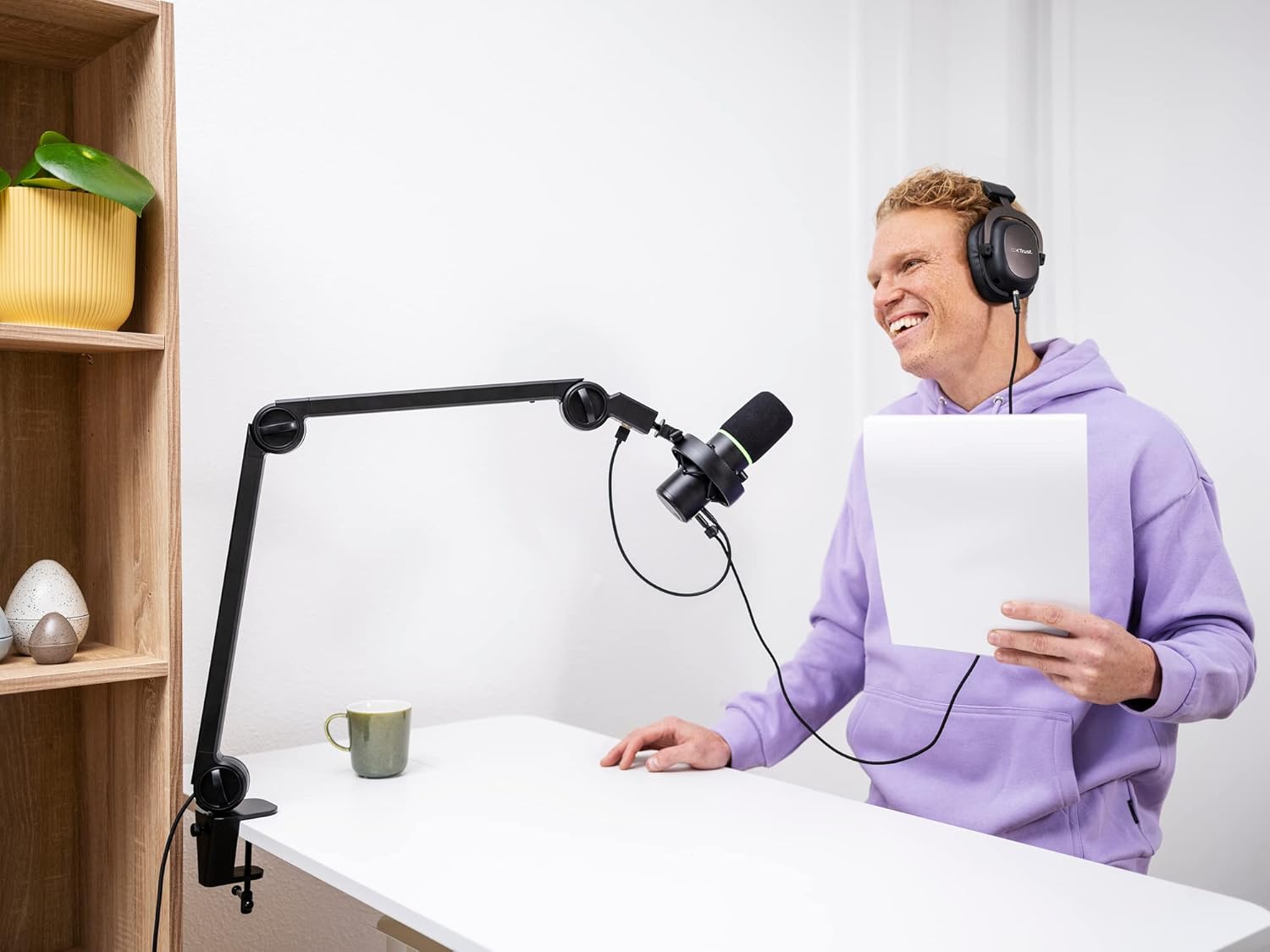
Trust Gaming GXT 255+ Onyx Professional Microphone with Arm
Reviews
Price
Product description
What it is and what it solves
The Trust Gaming GXT 255+ Onyx is a USB microphone kit designed for podcasting, streaming, gaming and home recording. It aims to simplify setup with a single USB connection and an included keyboard of on-mic controls. For creators who want a compact, all-in-one package that reduces clutter, this mic provides a practical starting point without needing external mixers or complex routing.
How it performs on paper
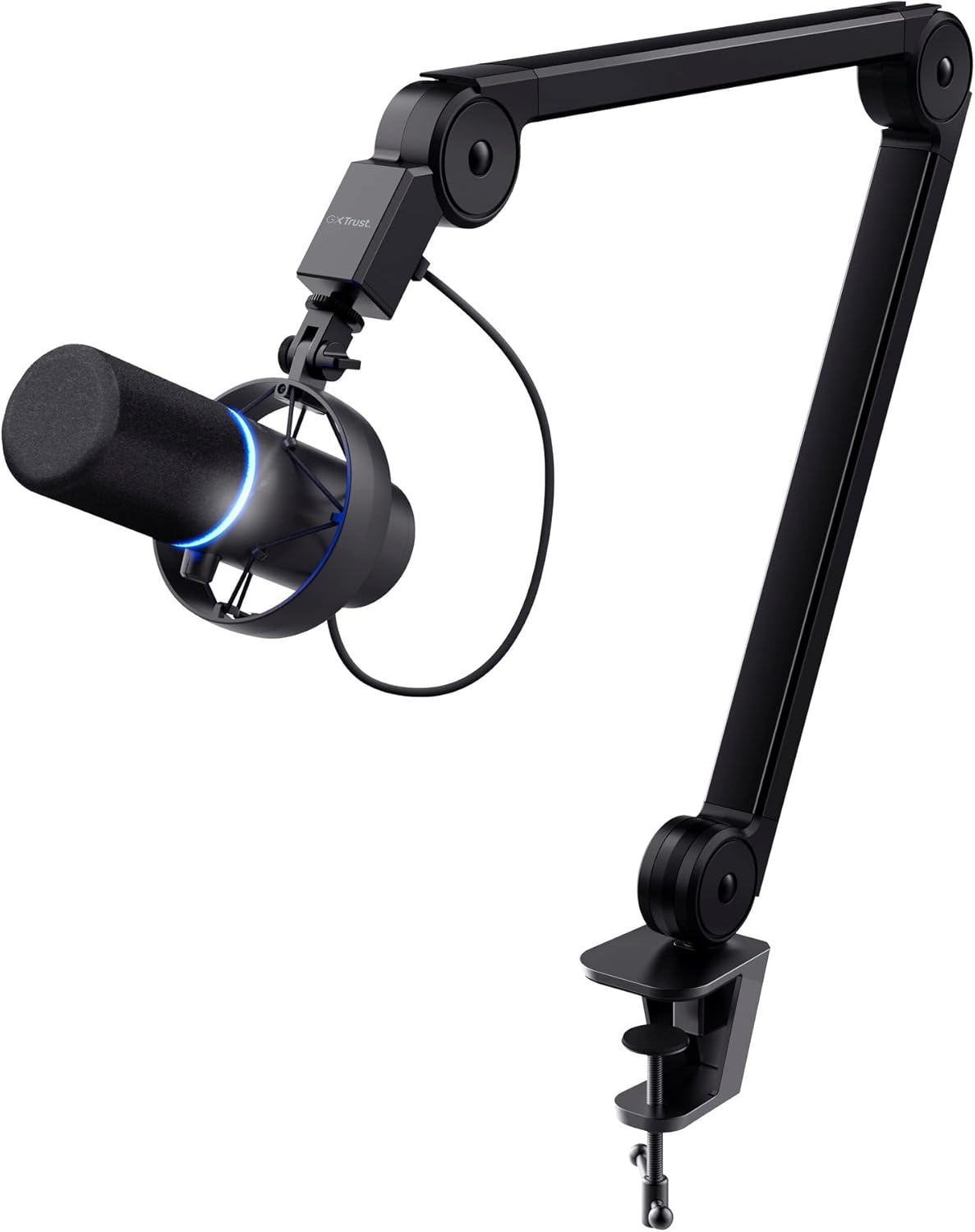
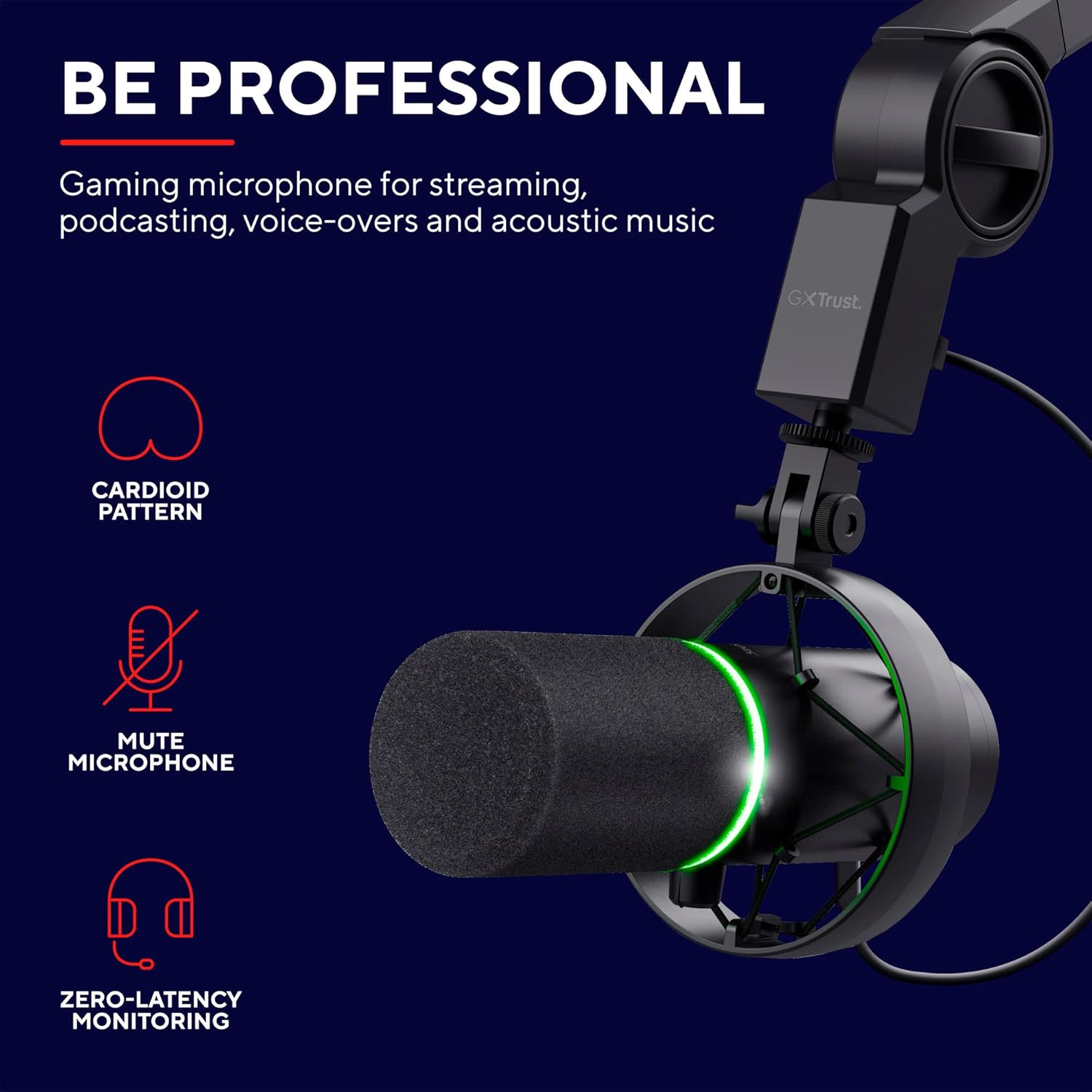
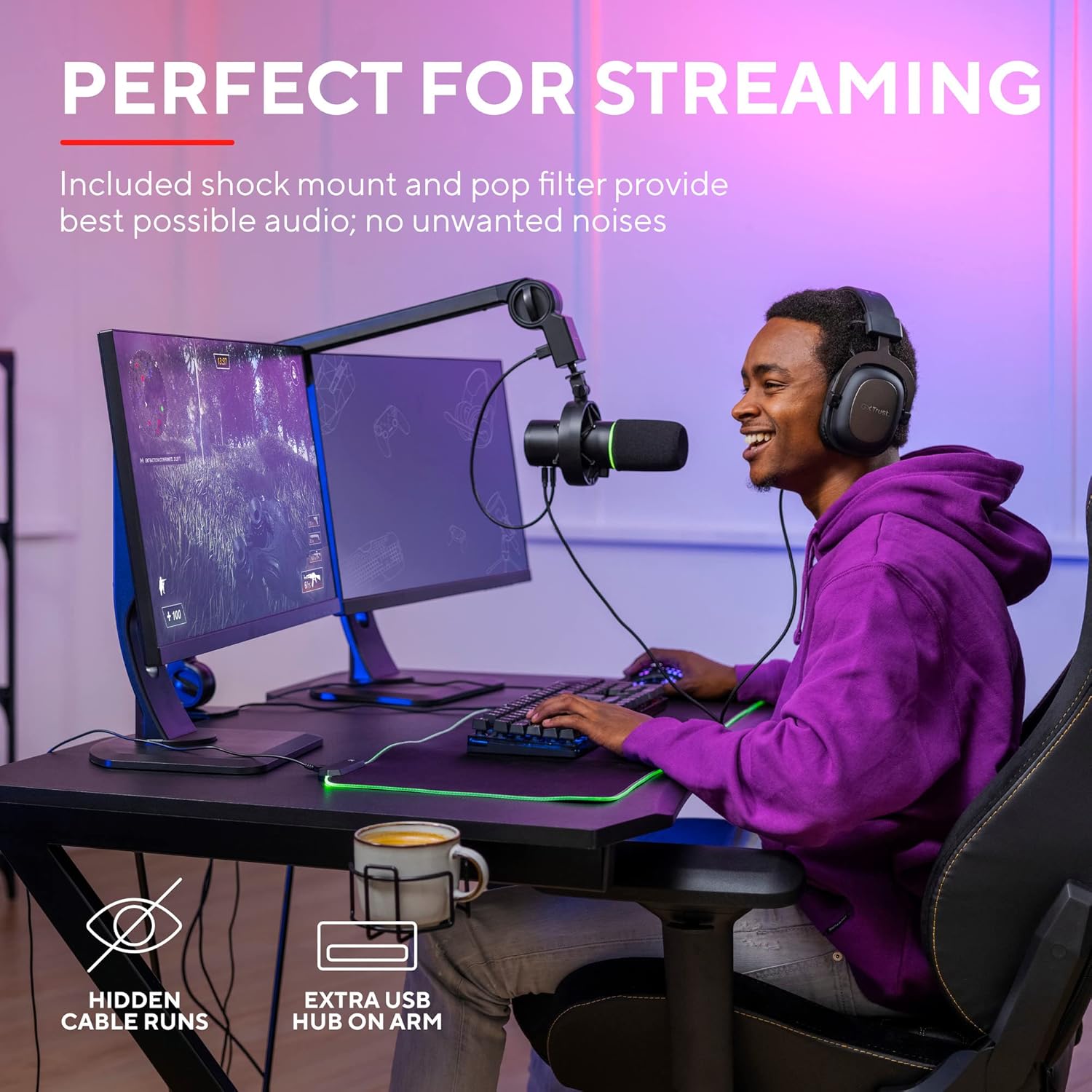
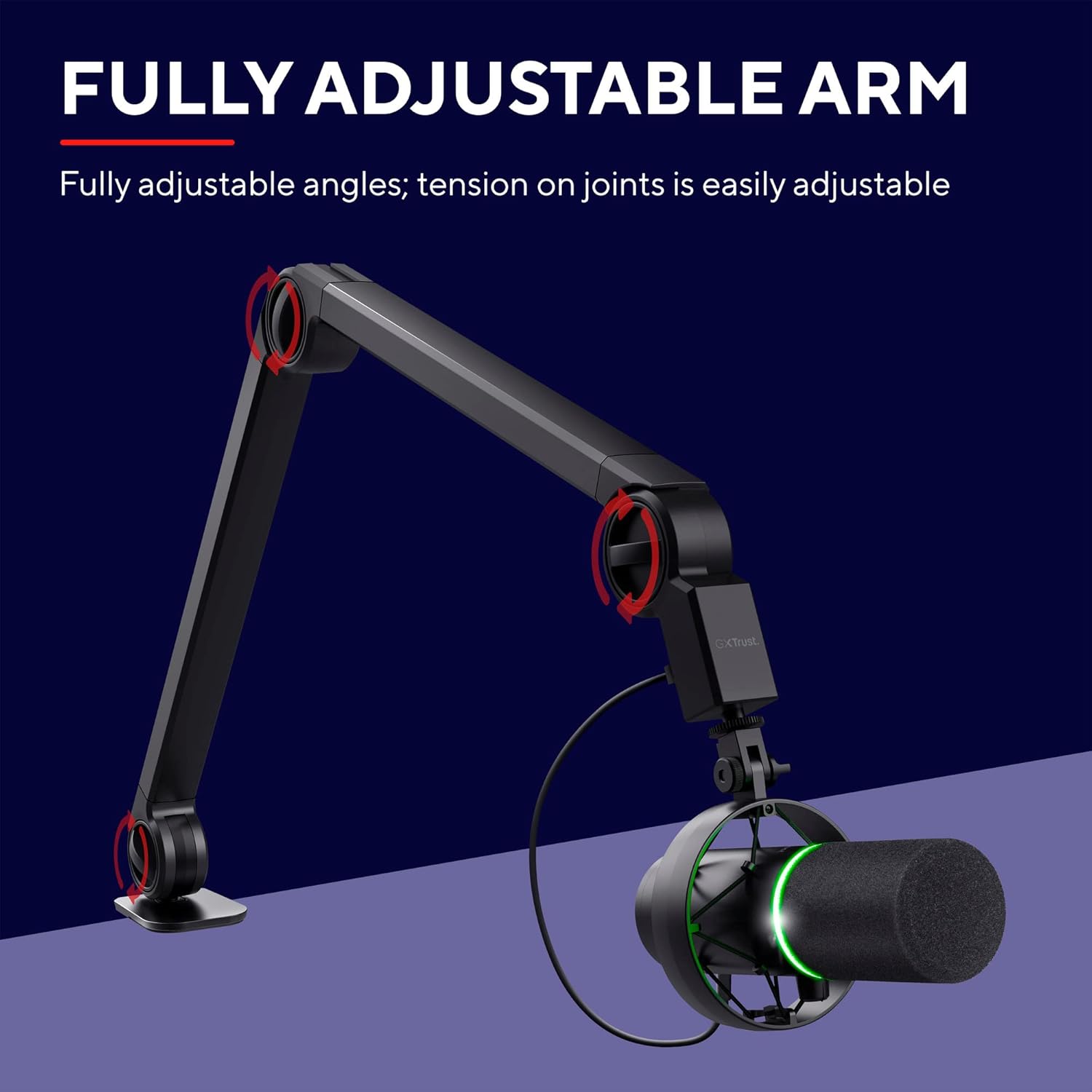
The mic employs a cardioid pickup pattern, which focuses on your voice while minimising ambient noise from behind and around you. The arm stand keeps the microphone stable and cables tucked away, while the arm housing adds a convenient extra USB port for handy device connections. You can monitor in real time by plugging headphones into the 3.5 mm port, which promises zero-latency feedback for adjustments as you record or stream.
What stands out day to day
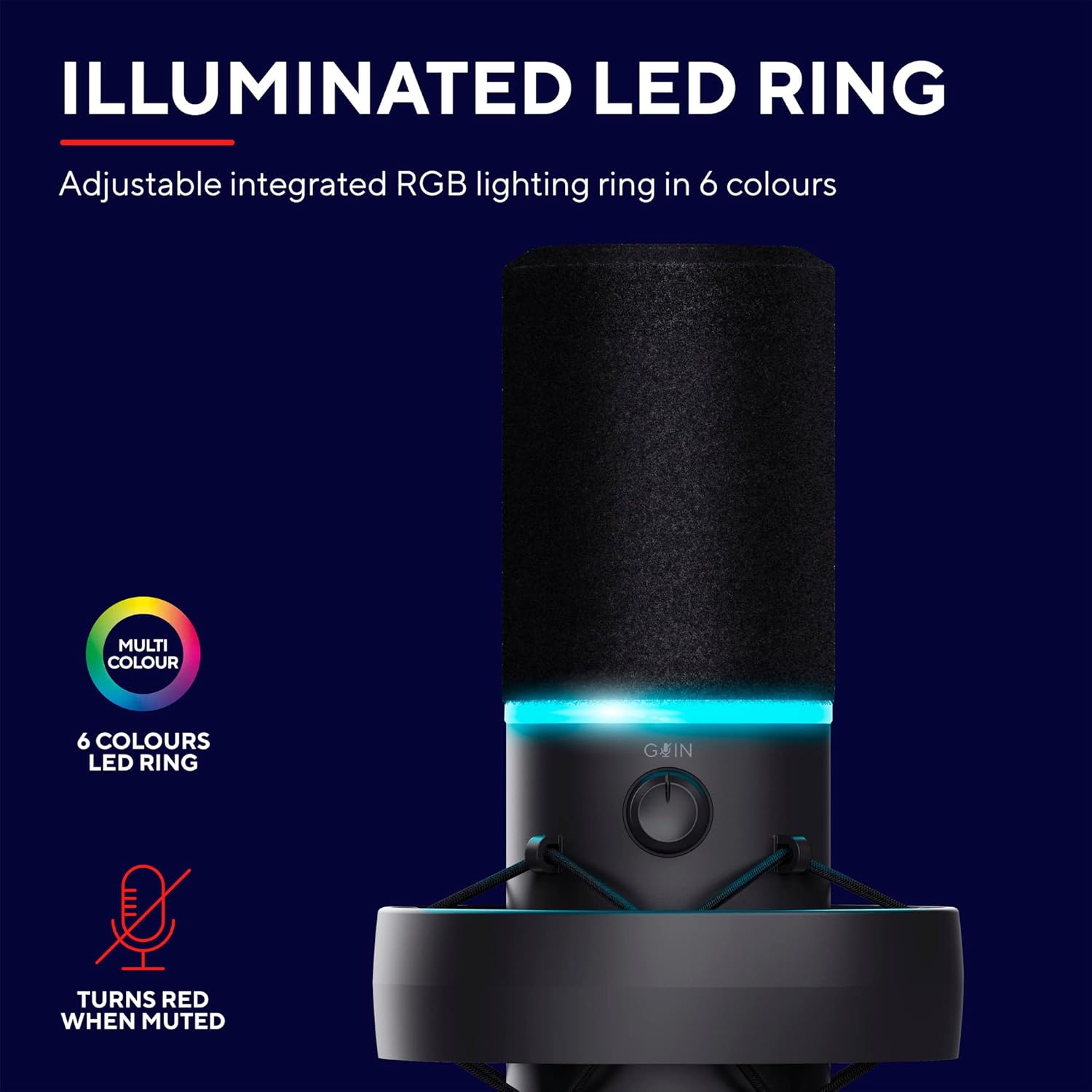
Key controls are within easy reach: a gain knob to tailor input level and a mute button that signals its status with LED lighting. In practice, this makes it straightforward to manage levels during live sessions or recordings without fumbling for software controls.
Limitations and caveats
On the assumption that you’re relying on the built-in cardioid pattern, this mic is best suited to solo voice work and typical home environments. It may not capture multi-person dialogue or very busy rooms with high background noise in the same way a more advanced multi-pattern microphone would. The kit’s effectiveness hinges on a stable mounting surface and a quiet workspace.
Who it suits
If you’re starting a podcast, streaming occasionally, or making voiceovers with a minimal setup, the GXT 255+ Onyx can be a sensible, value-for-money option. It’s practical for hobbyists and creators who want simple plug-and-play use and an integrated mic arm that reduces desk clutter.
Who might want to look elsewhere
For users who need professional-grade sound across multiple patterns (like figure-8 or stereo) or extensive outboard control, this entry may feel limited. If you prioritise ultra-low noise, higher fidelity in demanding environments, or advanced routing features, a more capable microphone setup could be more appropriate.
When does it make sense to buy now
If you value a compact, ready-to-use kit that covers basic recording to streaming tasks, with straightforward controls and a clean desk footprint, this package offers a balance of simplicity and practicality. It’s a sensible choice for those who prefer to avoid extra hardware and software complexity.
What to check before you buy
- Ensure your workspace is reasonably quiet to maximise the cardioid pickup.
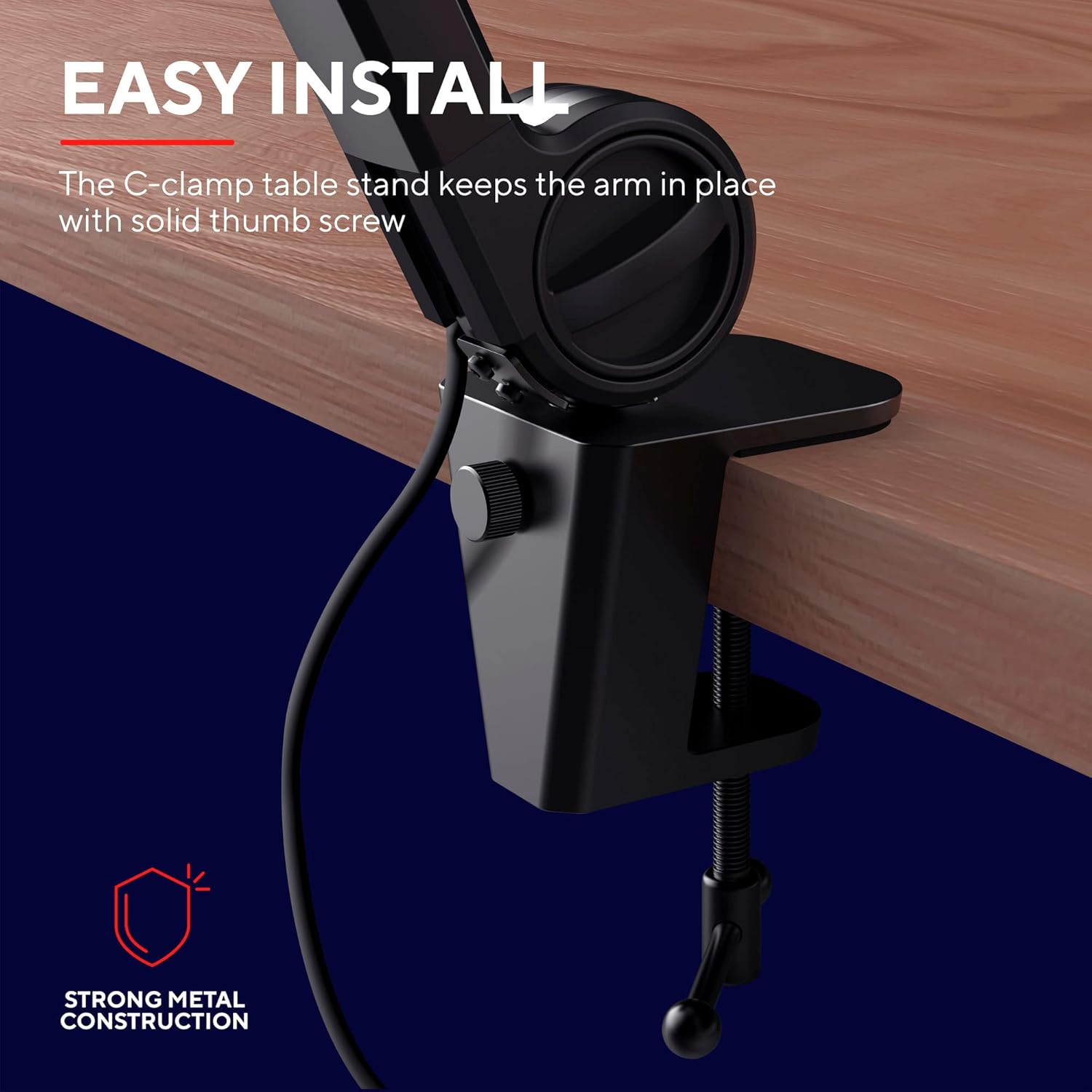
- Consider a sturdy desk or stand to keep the arm stable during use.
- Check that your computer or streaming setup supports USB microphones with minimal driver fuss.
Practical usage example
Imagine you’re starting a weekly live stream. You simply plug the microphone into USB, mount it on the arm, set the gain to a comfortable level, and speak into the mic. If you need to pause the microphone, hit the mute button and the LED clearly shows its status. Real-time monitoring with headphones helps you catch peaking or muddiness as you go, which keeps your stream sounding more consistent without fiddling with software during the session.
Tech specs
- Pattern: Cardioid
- Connection: USB (single cable provides power and data)
- Mount: Studio-grade arm with integrated USB pass-through
- Monitoring: 3.5 mm headphone output for zero-latency listening
- Controls: Gain knob, mute button with LED indicator
- Included: Microphone with arm, pop filter and shock mount (as part of the kit), LED indicators on mute status
Is it worth it?
It makes sense if you want a compact, plug‑and‑play mic with an adjustable arm and straightforward controls for everyday use. Not the best option if your work involves complex sound capture or professional-grade studio requirements.
Frequently asked questions
- Can I use it for multi-person podcasting? It’s primarily designed for solo voice work, backgrounds might still be picked up in some environments.
- Do I need extra software to operate it? Generally no, USB mics are designed for direct use, though some software can help with level monitoring.
- Is the LED mute indicator reliable? The LEDs are included to show mute status, but if you need absolute reliability in a loud environment, test in advance.