


Logitech G Blue Yeti USB microphone with Blue VO!CE effects (Pink) for PC and Mac
Product description
The essentials
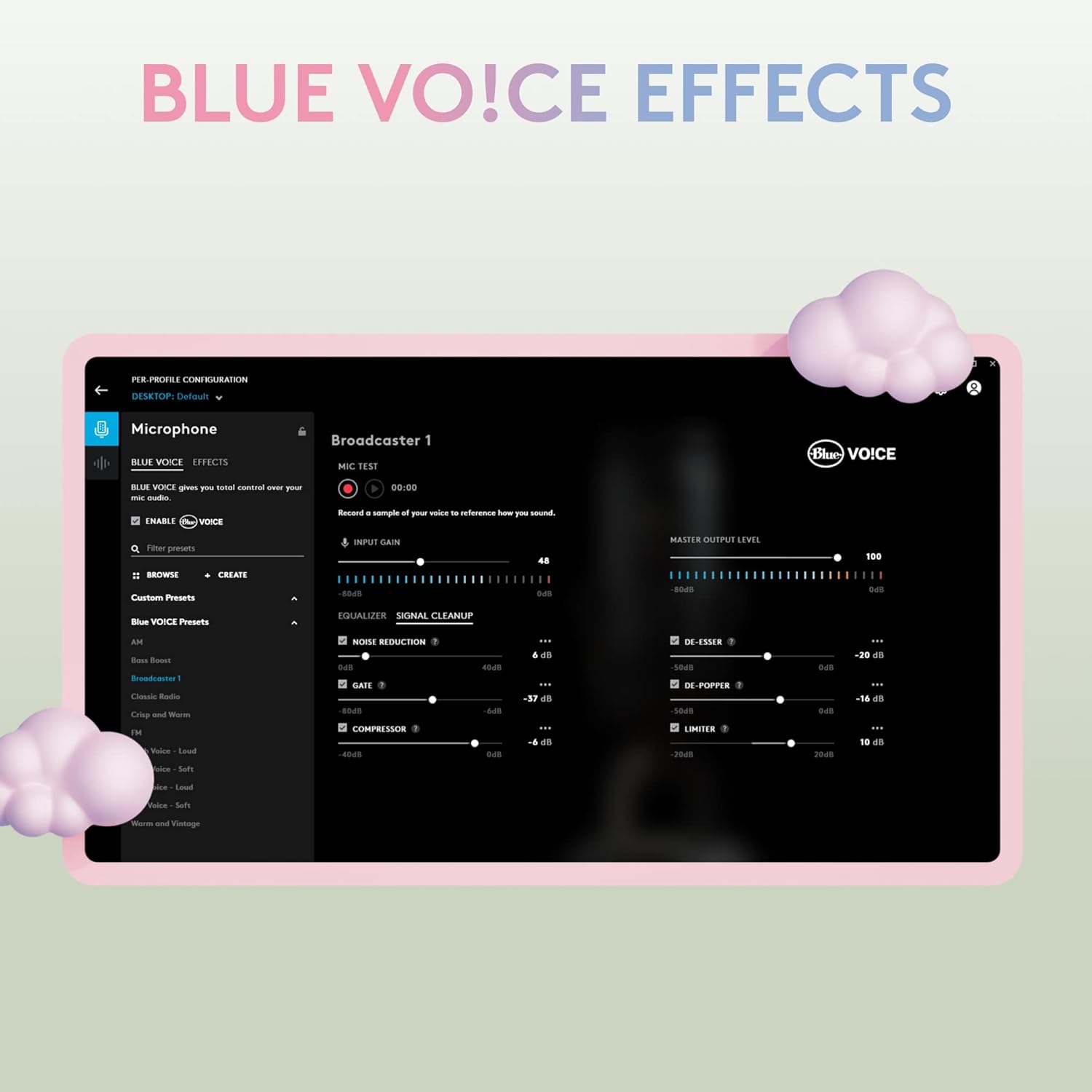
If you want one USB microphone that can cover recording, streaming and everyday calls, the Logitech G Blue Yeti is built for exactly that middle ground: it’s not pretending to be a studio system, but it’s designed to give you clear, broadcast-style vocals for things like YouTube videos, Twitch streams, podcasts and Zoom meetings. The Blue VO!CE software pitch is a key part of the package too, because it’s meant to shape your vocal sound and add effects rather than leaving you with a raw, one-dimensional recording.
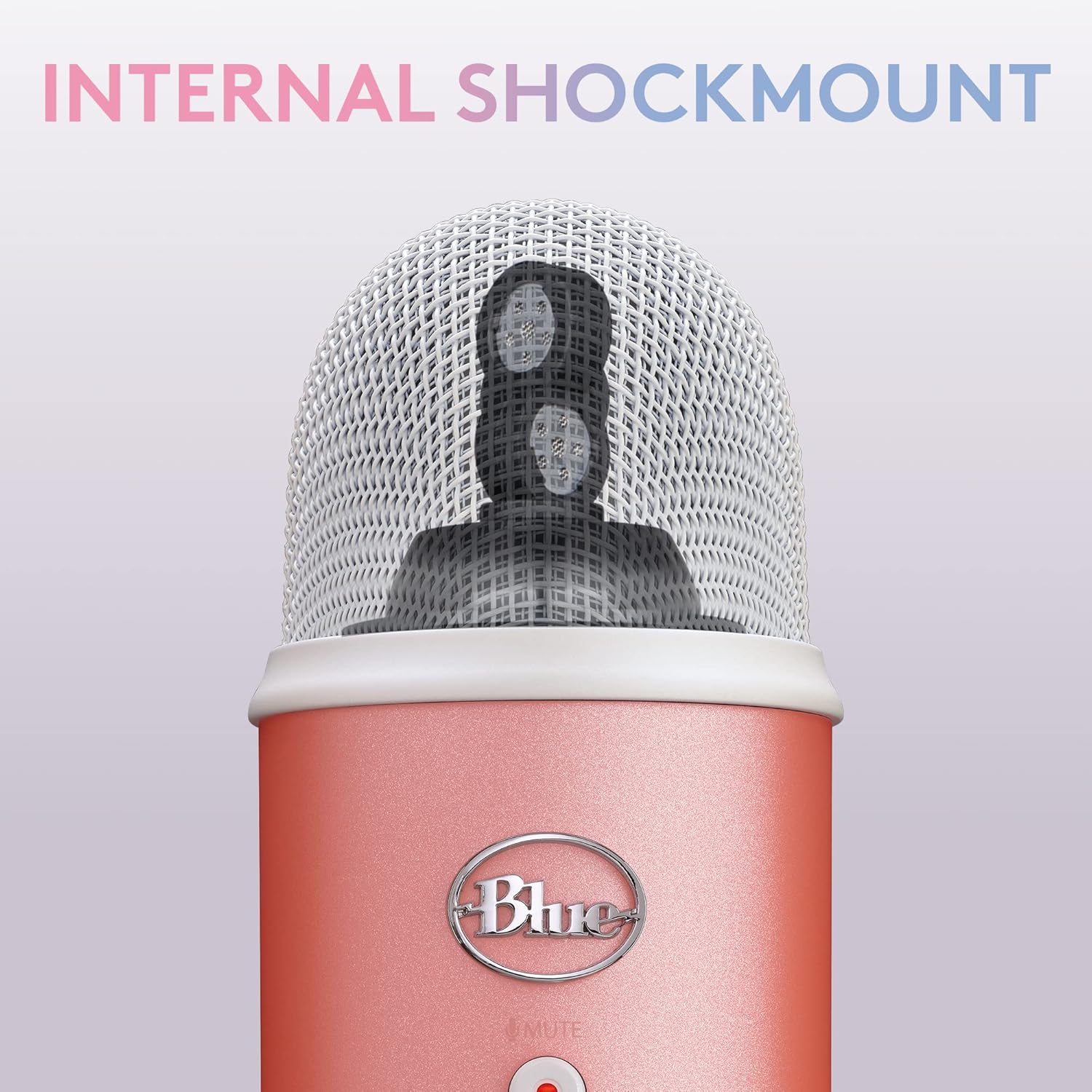
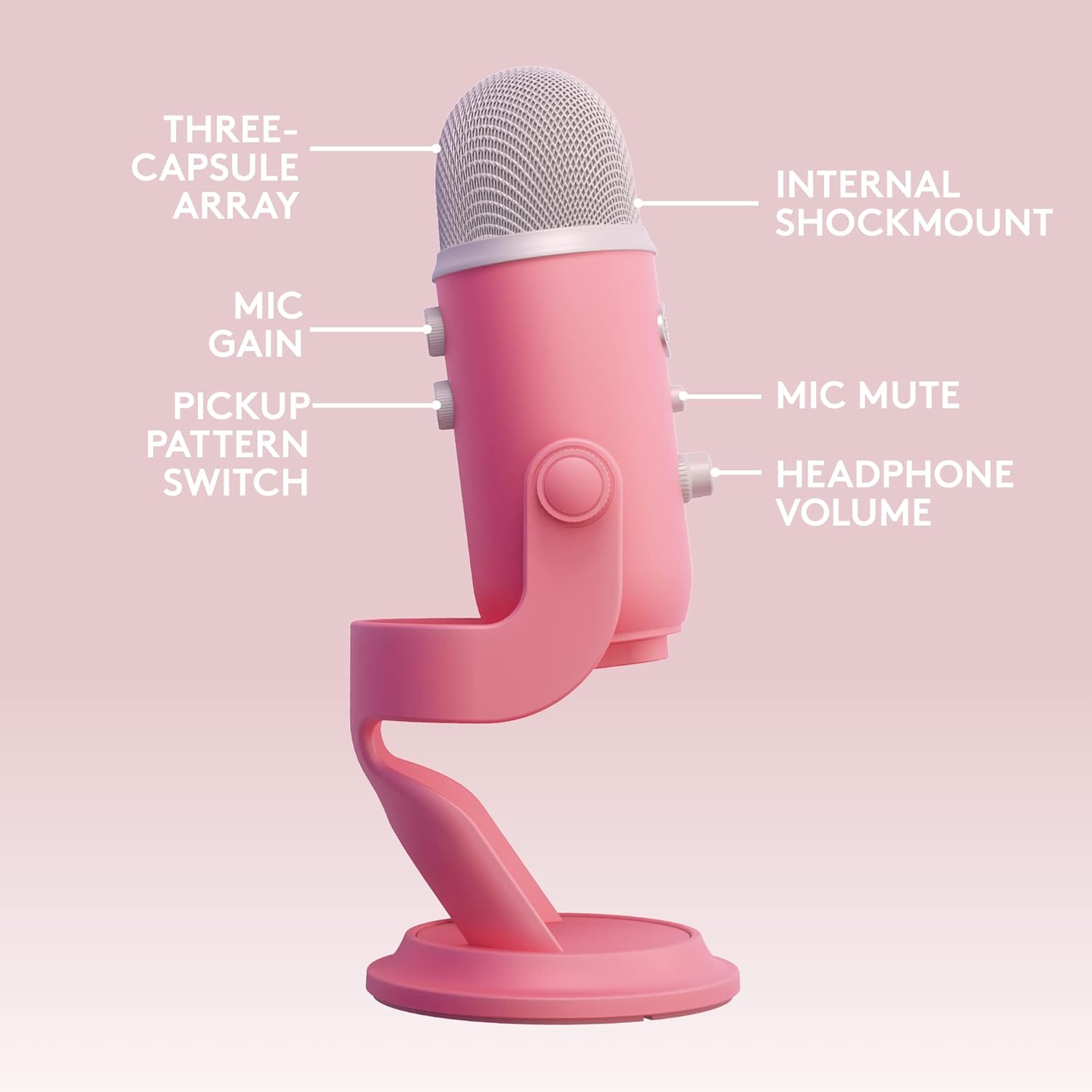
The headline idea here is flexibility. You get a three-capsule style array with multiple pickup options, plus onboard controls so you can adjust things without constantly diving into menus. On paper, it’s the sort of mic you’d buy when you want better audio than a basic headset mic, but you still want a setup that’s realistically quick on a laptop or desktop.
What matters in use
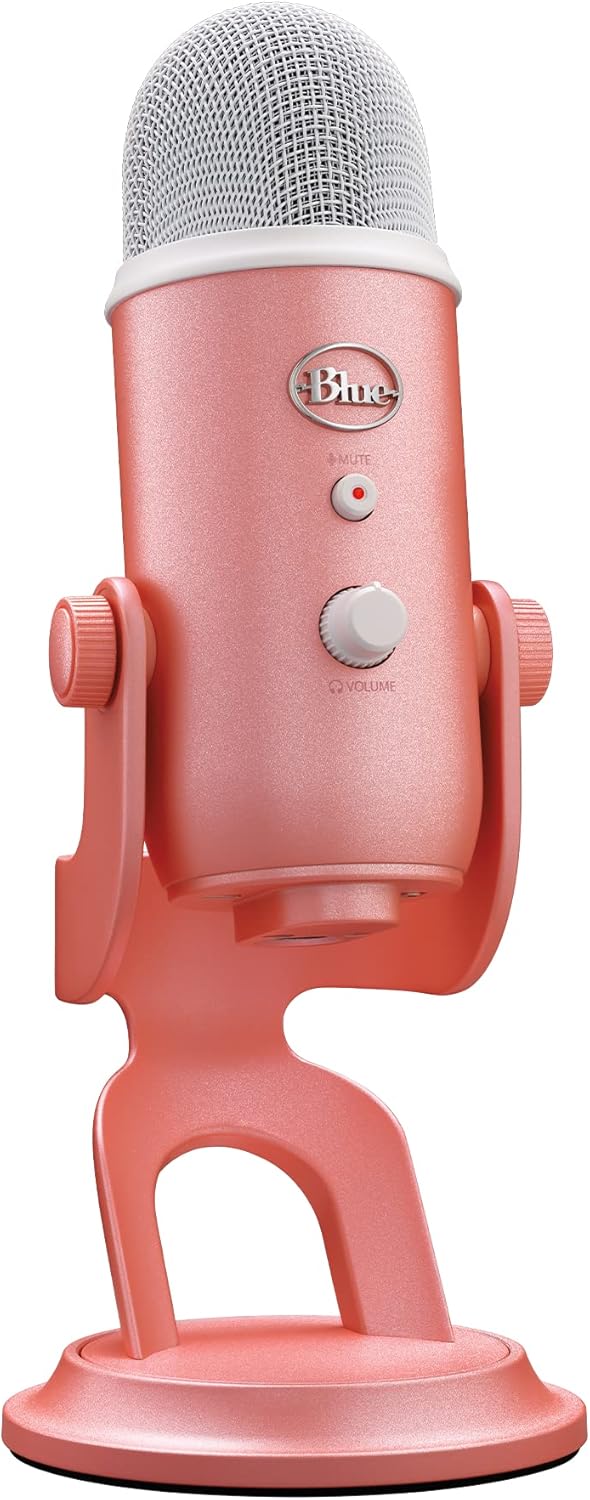
A lot of USB mics sound fine at first, then fall apart when you move your mouth position, get a little closer, or record an instrument alongside your voice. The Blue Yeti’s approach—multiple pickup patterns and a positionable design—helps you respond to the room and the source rather than forcing everything into one capture style.
There’s also “no-latency monitoring” described with the monitoring feature, which is useful if you’re recording vocals and want to track your voice in real time. In practice, that’s the difference between guessing how you sound and being able to adjust your delivery as you go.
A simple scenario: you’re recording a podcast episode at your desk. You pivot the mic towards your mouth using the adjustable stand, pick a pickup pattern that fits your setup, then use the mic gain and headphone volume to dial in what you hear while you talk. That kind of workflow tends to feel less fiddly than software-only adjustments.
Key takeaways
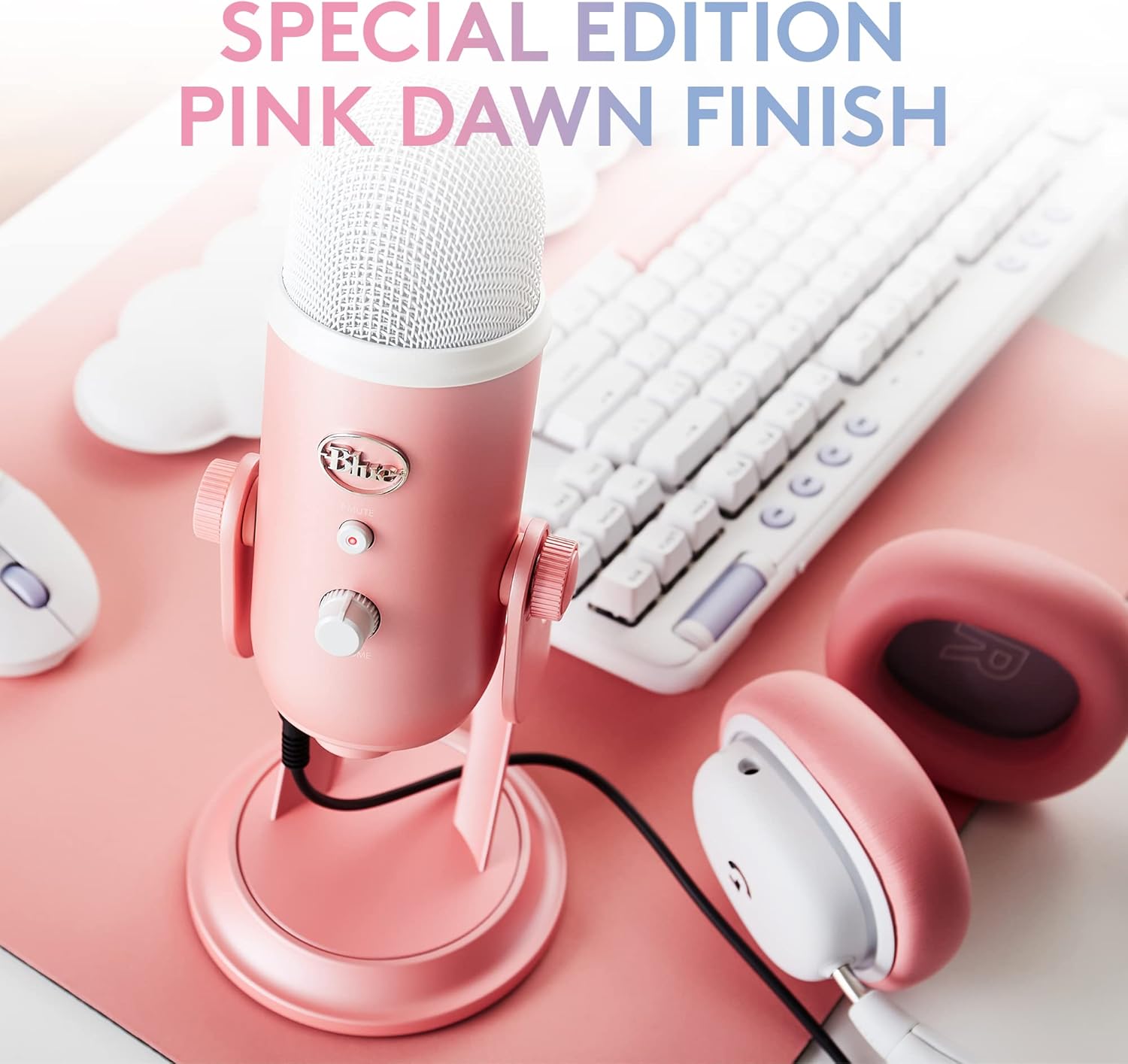
Key features you’ll actually use
- Four pickup patterns for different recording needs (cardioid, omni, bidirectional and stereo). This is handy if you record solo vocals one day and spoken content plus instruments another.
- Onboard audio controls including headphone volume, pattern selection, instant mute and mic gain—useful when you’re mid-session.
- Blue VO!CE software aimed at enhanced vocal sound plus effects and modulation options.
- Plug ’n Play setup on Mac or PC, either with the included desktop stand or by connecting to a mic stand/boom arm.
- Positionable design so you can pivot the mic relative to the sound source.
A realistic limitation to consider
It’s described as producing “broadcast-quality sound” for vocals and general recording use, but it’s still a USB condenser microphone in a consumer-friendly form. If you’re chasing the most exacting studio capture, you may still find you need additional treatment, careful placement, and post-processing—especially in untreated rooms.

Tech specs
- Type: USB condenser microphone with three-capsule array
- Pickup patterns: cardioid, omni, bidirectional, stereo
- Audio controls: headphone volume, pattern selection, instant mute, mic gain
- Monitoring: no-latency monitoring (as stated)
- Connectivity: Plug ’n Play via USB
- Use cases mentioned: recording, streaming, gaming, podcasting, YouTube, Twitch, Zoom meetings, music recording
Who it suits (and who should skip it)
It makes sense if you want one mic to cover a mix of content: streaming sessions, voiceovers, podcasts and meetings, all from a PC or Mac without complex installation. The multi-pattern setup is particularly attractive if your recording situations vary—different desk layouts, different guests, or occasionally wanting stereo-style capture.
It may not be the best match if your priority is absolute simplicity above all else, because the presence of multiple pickup patterns and software effects means you’ll likely spend a little time finding your preferred setup. Also consider whether you truly need the effects/modulation side, if you only plan to record straight vocals with minimal tweaking, a simpler mic could be easier day to day.
Buying verdict
Is it worth it?
Worth considering if you’re after a flexible USB condenser microphone for recording and speaking content, and you like the idea of choosing pickup patterns plus using Blue VO!CE effects to shape your sound. The onboard controls and positionable stand also point to a “set up quickly, then just record” style of workflow.
You may want to skip it if you already have a good interface/mic setup and you’re looking to avoid any extra software-based processing, or if your recording space is hard to manage (in which case you may find the room matters as much as the microphone).
Mini FAQ
What is the Blue VO!CE software used for?
It’s described as software that helps elevate your streamings and recordings with clear broadcast vocal sound, plus effects and advanced modulation.
Does it work with both PC and Mac?
Yes—it's stated as Plug ’n Play on Mac or PC.
Can I mute the microphone quickly?
Yes. There’s an instant mute control onboard.
Can it connect to a stand or boom arm?
It can be set up with the included desktop stand, or connected directly to a mic stand or boom arm (as stated).
Why multiple pickup patterns matter?
Because they let you change how the mic captures sound—useful if you alternate between vocals, instruments, solo recording, and other podcast-style needs.