

TP-Link Deco BE65 Pro 9.3 Gbps WiFi 7 Mesh
Product description
This whole‑home WiFi mesh system brings fast, low‑latency connectivity across a house or flat, pairing high throughput with simple management. It is aimed at families and heavy users who want solid performance for 4K/8K streaming, gaming and multiple concurrent devices.
What matters most
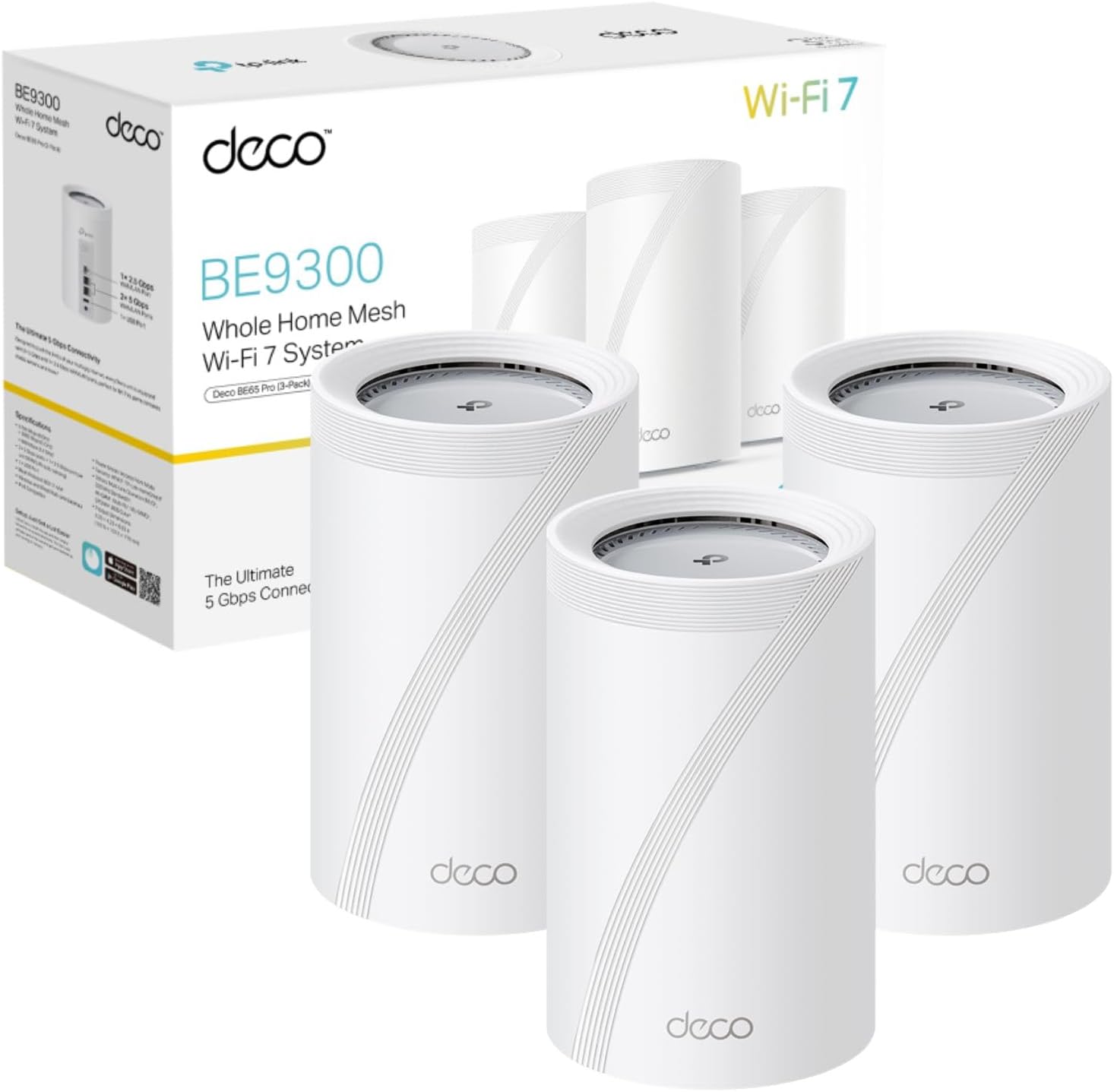
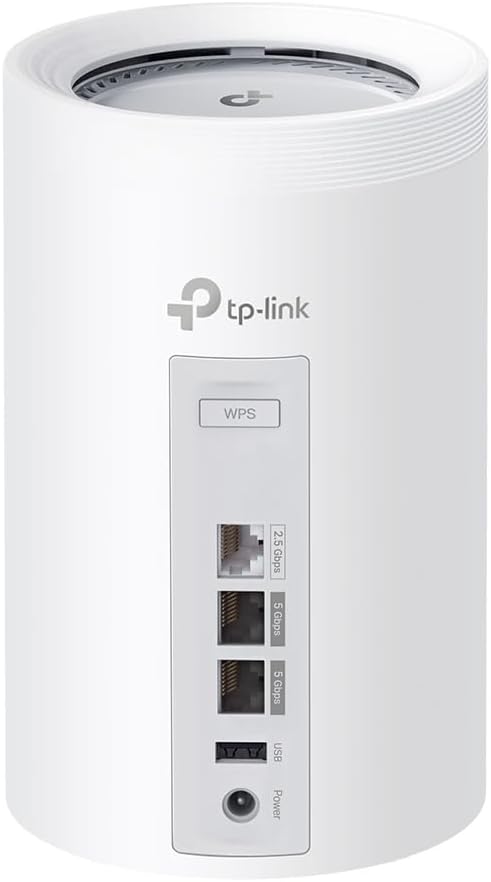
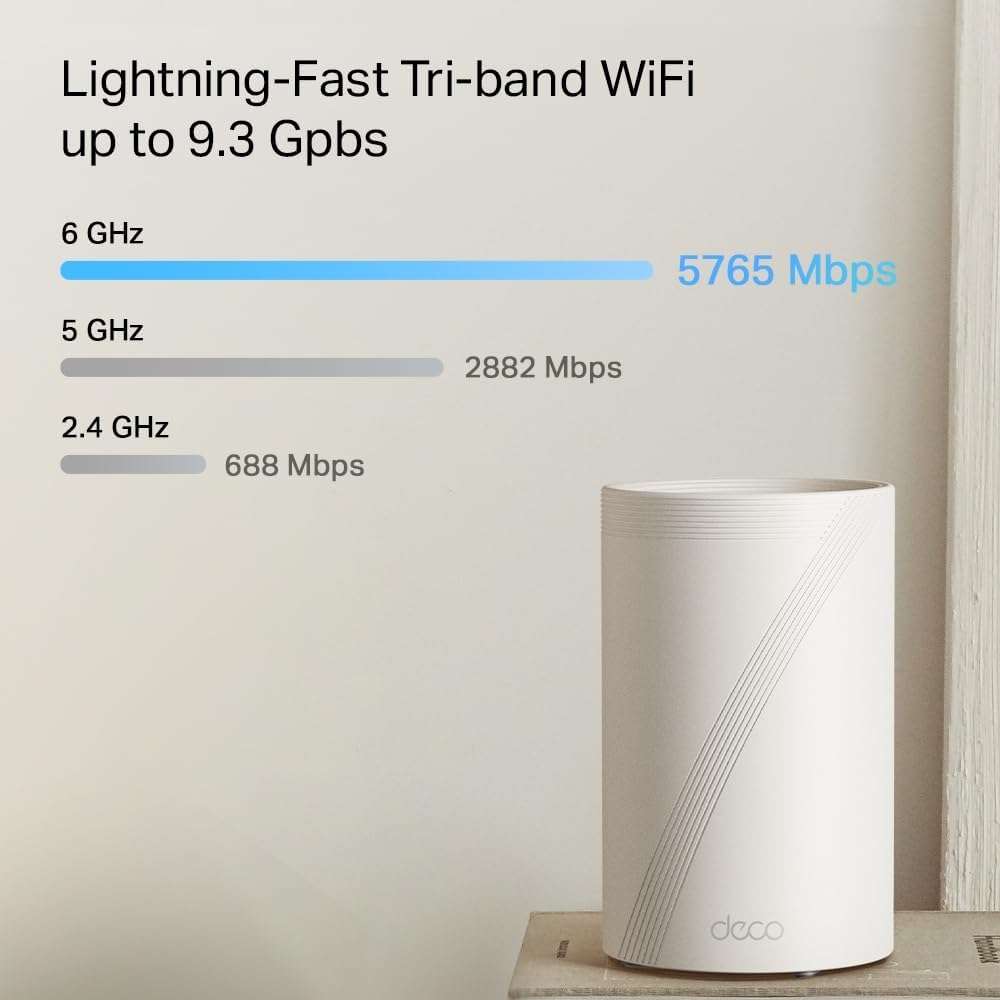
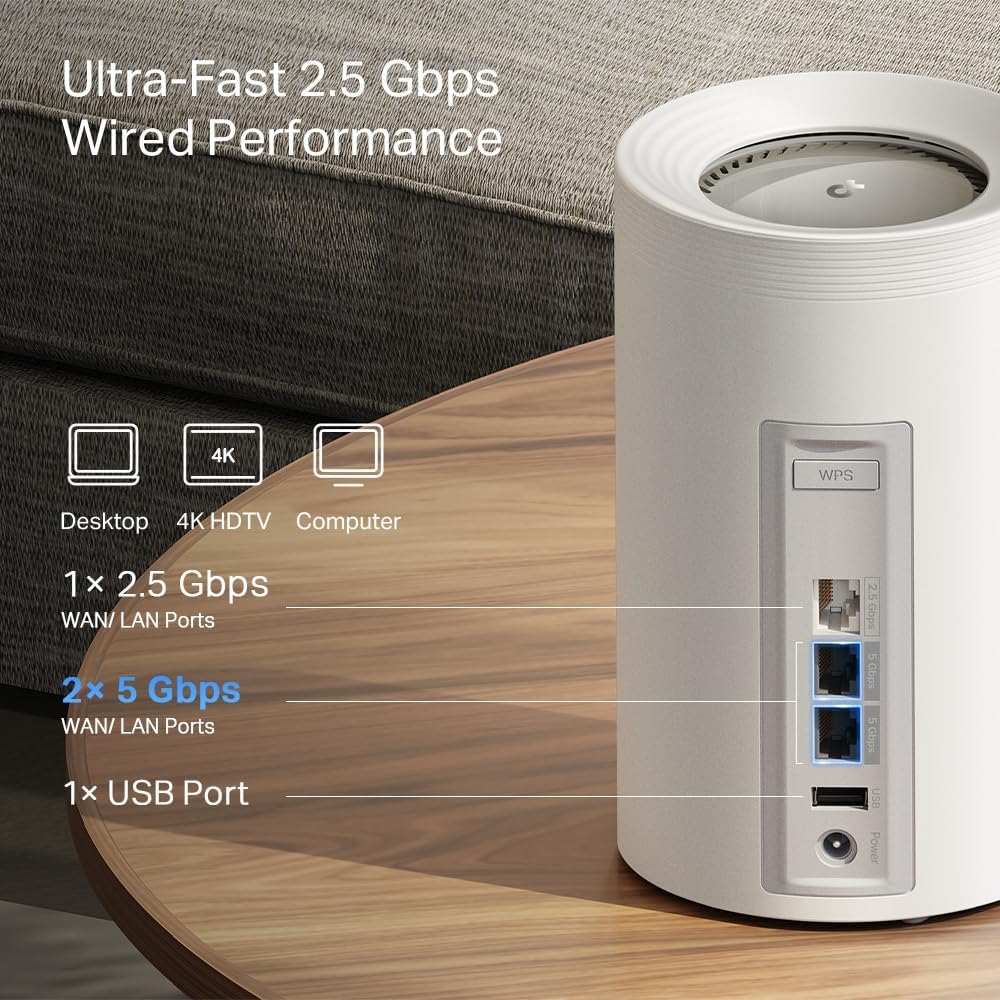
The Deco BE65 Pro (3‑pack) delivers combined wireless speeds up to 9.3 Gbps across tri‑band channels, which helps keep bandwidth‑hungry tasks running smoothly. It supports the 6 GHz band for less congestion and includes 320 MHz channels, so transfers can be faster where devices support them. For wired flexibility there are two 5 Gbps Ethernet ports and one 2.5 Gbps port per unit, useful for consoles, NAS or a wired backhaul.

Technical details
- Name: TP‑Link Deco BE65 Pro (3‑pack)
- Type: Whole Home Mesh WiFi 7 system
- Connectivity: 2× 5 Gbps Ethernet and 1× 2.5 Gbps Ethernet per unit
- Resolution: Tri‑band 9.3 Gbps total (5765 Mbps 6 GHz, 2882 Mbps 5 GHz, 688 Mbps 2.4 GHz)
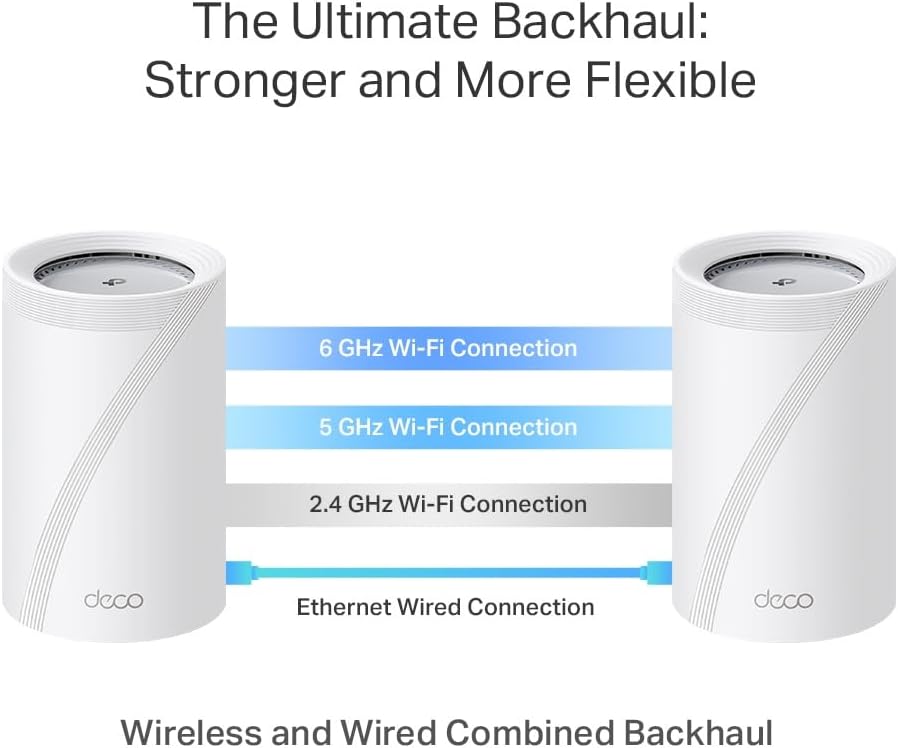
- Features: Multi‑Link Operation, 320 MHz channels, wireless and wired combined backhaul
Why it makes sense
The system balances wireless and wired performance without complex setup. HomeShield provides parental controls and IoT protection, which adds a layer of security for family networks. MLO helps reduce latency by using multiple bands simultaneously, so ping and stability can improve in mixed traffic environments. Keep in mind that peak speeds depend on client support and ISP capacity, according to the manufacturer.
Getting the most from it
Install a unit centrally and consider wired backhaul where possible to maximise throughput. Place one unit near high‑demand devices such as smart TVs or game consoles to take advantage of the 5 Gbps ports. Have you got several devices active at once? Using the 6 GHz band for compatible kit will relieve crowded 2.4 GHz and 5 GHz spectrum and help maintain smoother performance.