

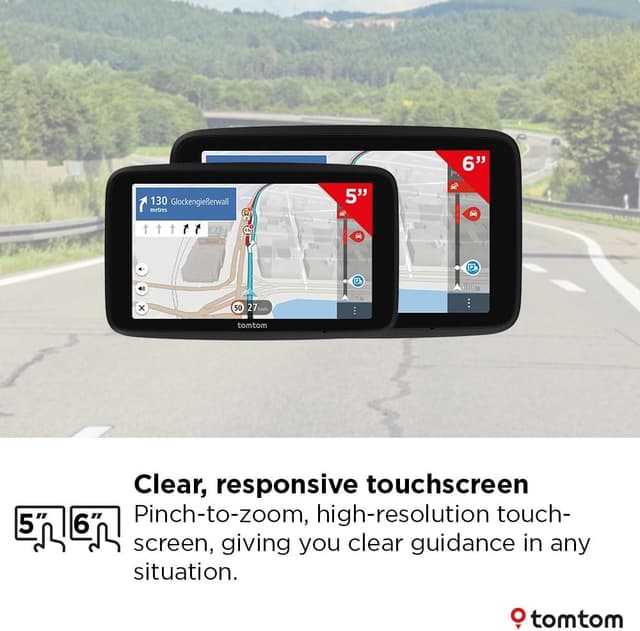
TomTom Truck Navigator GO Professional (2nd gen) 6" with Europe maps & real-time traffic for large vehicles
Product description
What it is and what it’s for
This TomTom truck-focused navigator is built for people who drive bigger vehicles than a standard car and want route guidance that actually reflects that reality. The pitch here is clear: customised routing and safer, more practical navigation for trucks, buses and large vehicles, with live traffic information and warnings designed to help you plan around delays.
On paper, it’s the sort of device you’d buy if you regularly route through busy areas or long highway stretches where traffic can change fast. The inclusion of real-time traffic and stopped-traffic warnings is aimed at reducing the “sit and guess” feeling when you’re trying to keep a schedule.
Key points
If you’re running a large vehicle, the basics matter: you don’t just want the shortest route, you want the route that fits your vehicle and the journey you’re actually trying to complete. This GO Professional second generation is positioned as a truck/bus navigator with features like customised routing where you enter vehicle dimensions, weight, cargo and max speed.

Where it leans into day-to-day usefulness is around live awareness. TomTom Traffic is described as helping you save time by avoiding jams, and the device also flags stopped traffic for safety. It also includes speed camera alerts, with a six-month free period and then a subscription required after that trial.
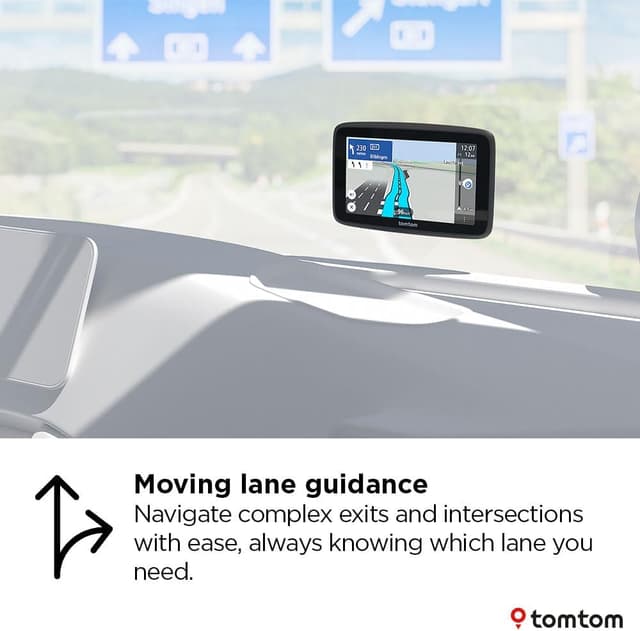
There’s also a practical navigation assist for complex routes: moving lane guidance for highway exits and intricate junctions, which can be a big deal when you’re managing size, lane discipline and approach angles.
Where it stands out in everyday driving
The standout theme is “large vehicle routing and guidance” rather than generic sat-nav. Instead of treating every vehicle the same, the navigator is designed for trucks, buses and large vehicles and lets you provide vehicle details so routing can be customised. That’s exactly the kind of detail that tends to get ignored by more consumer-friendly navigation approaches.
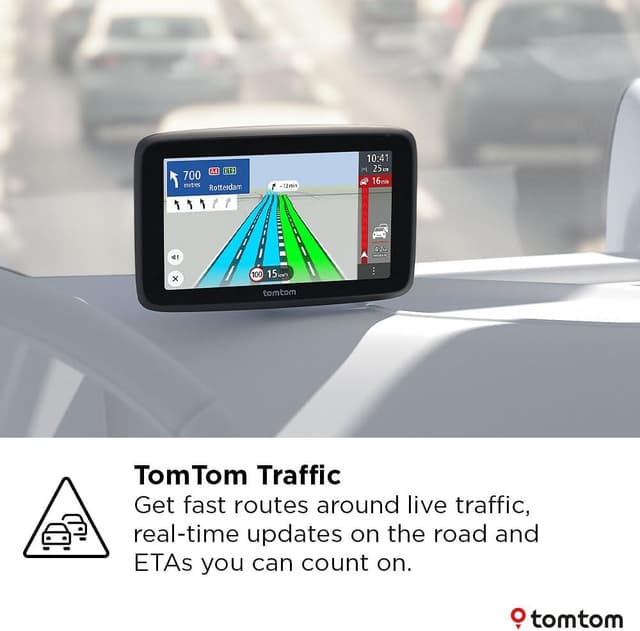
Real-time Traffic Information and TomTom Traffic are presented as the engine behind live updates: you get traffic updates on the road, plus stopped traffic warnings. In practical terms, that usually means you’re less likely to commit to a route that’s about to bog down, because you’re receiving updates while you’re driving.
Moving lane guidance is another feature that reads like it’s aimed at reducing uncertainty. When you’re coming up to an exit or intersection, knowing which lane to be in early can prevent last-second lane changes—particularly relevant for larger vehicles where manoeuvring isn’t as forgiving.
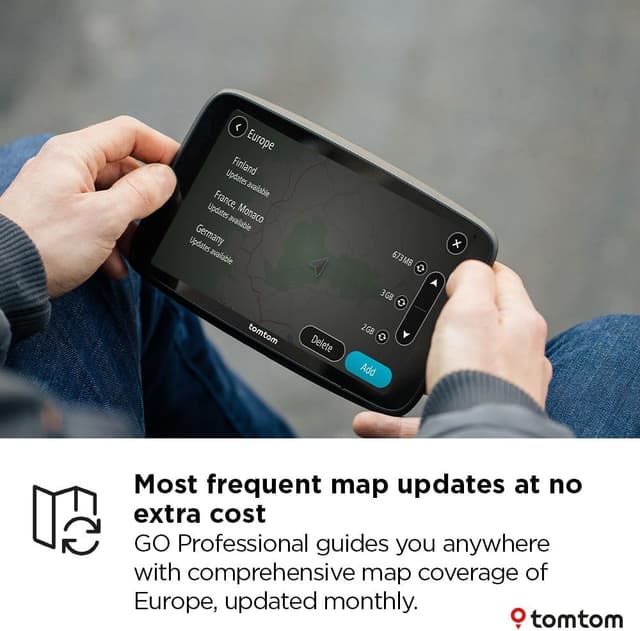
And updates are designed to be simpler than many older setups. The device supports updates via Wi‑Fi, so you can install maps and software updates without a computer, which is handy if you’re the kind of owner who just wants the update process to be straightforward.
Tech specs
- Display: 6" capacitive touchscreen
- Maps: Europe maps
- Traffic: Real-time traffic information (TomTom Traffic)
- Connectivity for updates: built-in Wi‑Fi (updates via Wi‑Fi)
Strengths and what you may want to double-check
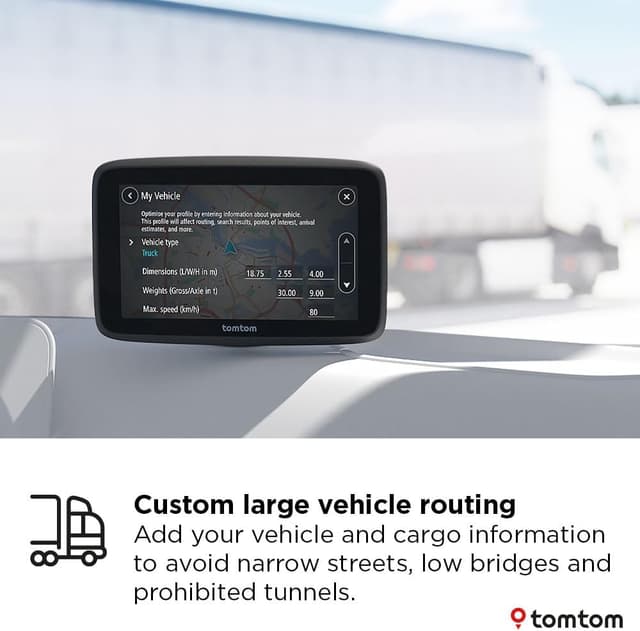
A lot of this is clearly about safety and predictability for large vehicles. The combination of customised routing inputs (dimensions, weight, cargo, max speed), live traffic updates, stopped traffic warnings, and moving lane guidance is a sensible bundle for anyone who needs to arrive on time without unnecessary surprises.
That said, there are a couple of points where you’ll want to be realistic. Speed camera alerts are described as free for six months and then available through a subscription after the trial period. So if camera alerts matter to your day-to-day planning, check that ongoing subscription expectation fits how you operate.
Also, while the device includes Europe maps with monthly map updates, “monthly” can still mean you’re never fully up to the second with the latest road changes. For long-term operations, it’s worth ensuring you’ll actually keep up with the update routine using the built-in Wi‑Fi.
Who it suits (and who should look elsewhere)
It makes sense if you drive a truck, bus or large van often, especially routes where traffic changes quickly or junctions are complex enough that lane guidance becomes valuable. If you regularly deal with schedule pressure and want live ETAs and traffic updates, this is aimed at that mindset.
You may want to skip it if you mostly drive a standard car and don’t need customised routing by vehicle dimensions, weight, cargo and max speed. In that case, the truck/bus focus might be more feature than you need.
It might not be a great match if you strongly prefer a no-subscription approach, because speed camera alerts are trialled first and then require a subscription after the six-month period.
Practical tips for getting the best from it
Start by taking the time to enter your vehicle details accurately. The description specifically mentions entering dimensions, weight, cargo and max speed, and that’s the difference between “it routes” and “it routes sensibly for my vehicle”. If your details are vague or outdated, customised routing may not reflect your real constraints.
For day-to-day use, get into a habit of installing updates via Wi‑Fi when they’re available. Since map and software updates are described as installable without a computer, it’s easier to stay current than with older workflows.
And when you’re using moving lane guidance around exits and complex intersections, treat it as “lane planning early”. Don’t wait until the final moment—you’ll likely get the benefit of reduced uncertainty only if you follow the instructions as you approach.
Buying verdict
If you’re buying a navigator specifically for trucks, buses or large vehicles and you care about customised routing plus live traffic and lane guidance, this TomTom Truck Navigator GO Professional second generation looks like it’s built for that job. The real-time traffic updates, stopped traffic warnings, and moving lane guidance are the pieces that feel genuinely aligned with larger-vehicle driving needs.
However, if you’re mainly after basic sat-nav for car driving, or you want to avoid subscriptions altogether, it may be better to consider a simpler approach. It’s also worth noting the speed camera alerts trial period: you’ll likely need to factor in what happens after six months.
FAQ
Does it include Europe maps?
Yes, it’s described as including Europe maps.
How do map updates work?
Updates are available via built-in Wi‑Fi, so you can install updates without using a computer.
Are traffic updates live?
It’s designed to provide real-time traffic information, using TomTom Traffic.
Do speed camera alerts cost after the trial?
Speed camera alerts are described as free for six months, with subscription availability after the trial period.
Is moving lane guidance included?
Yes, moving lane guidance is mentioned for highway exits and complex intersections.